
Brand
Actina
- 14-day right of return
- 36 h load tests

Why choose Actina?
Actina is made for users who prefer a ready-built gaming desktop but do not want to give up the ability to upgrade. The brand's strength is its controlled assembly logic: production emphasises an antistatic line and testing carried out under load, so the computer runs stably even when games, streaming and background applications all draw on resources at once. This approach is especially valuable if you have neither the time nor the wish to match components yourself and configure the system over a long period.
Compared with many classic OEM towers from large manufacturers, the Actina world is more familiar to a gamer: the focus is on performance, cooling and case options, where a combination of tempered glass and a metal frame is often found. At the same time the idea is simple: you get a ready system that can sensibly be developed further later, for example by adding a drive or increasing memory, without having to start from scratch.
The Actina range in our web shop
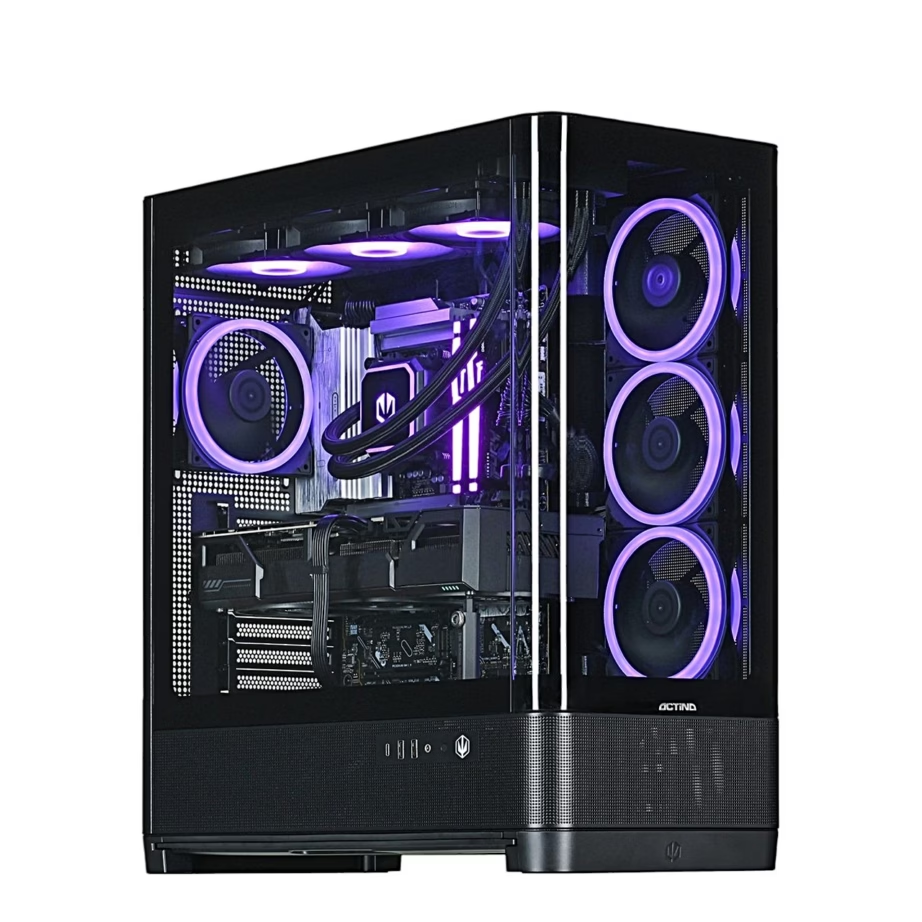
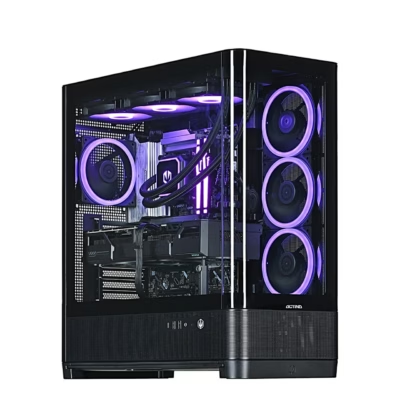
At the Ruumist Ruumi web shop the Actina category focuses on desktop PCs for gamers, and the choice is very wide. The product grid shows specific configurations, but a few clear directions run through the brand. ACTINA EXPOSE and ACTINA VIEW are series names that make it easier to find your way among gaming towers with different emphases, from balanced sets up to the higher-performance end. In addition you will find "ACTINA powered by" collaboration configurations, for example ACTINA powered by MSI or ACTINA powered by Endorfy, intended for a buyer who prefers components and looks from a specific ecosystem.
Among the configurations there are solutions based on both the AMD Ryzen™ and Intel® processor families, so you can choose according to your usage pattern and preferences. Cases often have a metal frame and, depending on the model, either plastic parts or a tempered glass side panel. On the connectivity side, check whether you need Wi‑Fi support and which standard is stated in the product data, for example Wi‑Fi 4 (802.11n) or Wi‑Fi 5 (802.11ac), and what network speed the wired connection supports. Ethernet speeds shown on the product page range from the usual gigabit up to several gigabits depending on the model, which matters if you play over a cable and use a fast home network or NAS.
What to consider when choosing an Actina product?
Start with the usage scenario and the screen. If you aim for a higher frame rate or higher resolution, the graphics card plays a bigger role, but do not underestimate the processor choice. In Actina configurations the AMD Ryzen™ 5, Ryzen™ 7 and Ryzen™ 9 as well as the Intel® Core™ i5 and Intel Core Ultra 7 families are common. Look at the base power figure in the product data too, because it relates to cooling and power consumption and can affect noise levels and the internal temperatures of the case. If you plan to upgrade later, it is sensible to choose a tower where airflow and the cooling solution are not already at their limit at the time of purchase.
The next step is connectivity and the case. If you need a wireless network, check the Wi‑Fi standard and bear in mind that 802.11a/b/g refers to older networks, whereas Wi‑Fi 4 and Wi‑Fi 5 are more common today. For a wired network, look at the Ethernet data rate, because support for 2500 or 5000 Mbit/s may be important with a fast router or network storage. Finally, think about materials and layout: tempered glass looks striking but favours easier dust management and good airflow. If you are sensitive to noise, check whether the case has room for larger fans and whether the heat load of the chosen components is reasonable for your room and use.
Frequently asked
Yes, Actina gaming towers are designed to run stably under load and suit a situation where you play and stream at the same time. Choose a configuration where the processor family and performance headroom suit your streaming platform and games, and also check the connectivity in the product data.
Look first at the types of games and programs you use, and at your budget and upgrade plans. The processor family is always stated on Ruumist Ruumi product pages, so you can quickly filter between Ryzen™ and Intel® options and compare other figures, such as the base power.
It depends on the specific model. The Wi‑Fi standards are listed in the product features, for example Wi‑Fi 4 (802.11n) or Wi‑Fi 5 (802.11ac), and from there you can see whether a wireless connection is included and at what level.
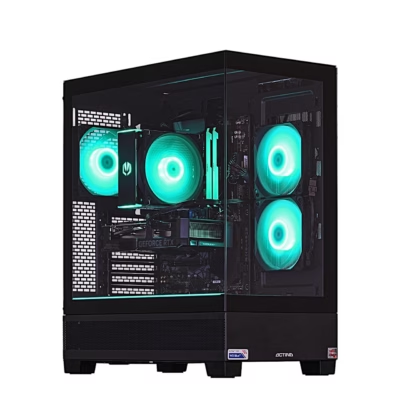
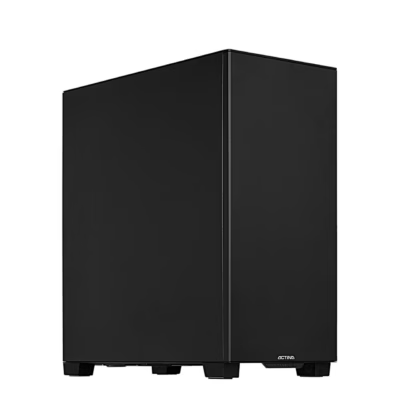
Actina configurations include both metal cases and cases with a tempered glass side panel, often together with plastic parts. If the computer sits on a desk and appearance matters, choose the glass variant; if you prefer practicality and easier dust management, look at the metal case and its air intake design.
If you have a multi-gigabit internet connection or use a fast network storage device at home, it is worth choosing a model with a higher Ethernet data rate (e.g. 2500 or 5000 Mbit/s). If you use a standard gigabit network, 1000 Mbit/s is sufficient for most gaming and everyday use.
-
3588,99 €
- Graphics card
- NVIDIA GeForce RTX 5070 Ti
- Processor
- Intel Core Ultra 7
- SSD capacity
- 1 TB
- Operating system
- Windows 11 Pro
-
1412,99 €
- Graphics card
- NVIDIA GeForce RTX 5060
- Processor
- AMD Ryzen 5
- SSD capacity
- 1 TB
- Operating system
- Without operating system
-
2555,99 €
- Graphics card
- AMD Radeon RX 9070
- Processor
- AMD Ryzen 7
- SSD capacity
- 2 TB
- Operating system
- Without operating system
-
2836,99 €
- Graphics card
- AMD Radeon RX 9070 XT
- Processor
- AMD Ryzen 7
- SSD capacity
- 2 TB
- Operating system
- Without operating system
-
4050,99 €
- Graphics card
- NVIDIA GeForce RTX 5080
- Processor
- Intel Core Ultra 7
- SSD capacity
- 2 TB
- Operating system
- Without operating system
-
3676,99 €
- Graphics card
- NVIDIA GeForce RTX 5080
- Processor
- AMD Ryzen 7
- SSD capacity
- 1 TB
- Operating system
- Without operating system
-
11501,99 €
- Graphics card
- NVIDIA GeForce RTX 5090
- Processor
- AMD Ryzen 9
- SSD capacity
- 2 TB
- Operating system
- Without operating system
-
2000,99 €
- Graphics card
- NVIDIA GeForce RTX 5060
- Processor
- AMD Ryzen 5
- SSD capacity
- 1 TB
- Operating system
- Windows 11 Home
-
1763,99 €
- Graphics card
- NVIDIA GeForce RTX 5060
- Processor
- AMD Ryzen 7
- SSD capacity
- 1 TB
- Operating system
- Without operating system
-
2574,99 €
- Graphics card
- NVIDIA GeForce RTX 5070
- Processor
- AMD Ryzen 7
- SSD capacity
- 1 TB
- Operating system
- Windows 11 Home
-
3378,99 €
- Graphics card
- NVIDIA GeForce RTX 5070 Ti
- Processor
- AMD Ryzen 7
- SSD capacity
- 1 TB
- Operating system
- Windows 11 Home
-
2017,99 €
- Graphics card
- NVIDIA GeForce RTX 5050
- Processor
- AMD Ryzen 5
- SSD capacity
- 1 TB
- Operating system
- Without operating system
-
1704,99 €
- Graphics card
- AMD Radeon RX 7600
- Processor
- AMD Ryzen 5
- SSD capacity
- 1 TB
- Operating system
- Without operating system
-
2323,99 €
- Graphics card
- AMD Radeon RX 9060 XT
- Processor
- Intel Core Ultra 5
- SSD capacity
- 1 TB
- Operating system
- Without operating system
-
2377,99 €
- Graphics card
- NVIDIA GeForce RTX 5060 Ti
- Processor
- Intel Core Ultra 5
- SSD capacity
- 1 TB
- Operating system
- Without operating system
-
2476,99 €
- Graphics card
- NVIDIA GeForce RTX 5070
- Processor
- Intel Core Ultra 5
- SSD capacity
- 1 TB
- Operating system
- Without operating system
-
2278,99 €
- Graphics card
- NVIDIA GeForce RTX 5070
- Processor
- AMD Ryzen 5
- SSD capacity
- 1 TB
- Operating system
- Without operating system
-
2362,99 €
- Graphics card
- NVIDIA GeForce RTX 5070
- Processor
- AMD Ryzen 7
- SSD capacity
- 1 TB
- Operating system
- Without operating system
-
3147,99 €
- Graphics card
- NVIDIA GeForce RTX 5070 Ti
- Processor
- AMD Ryzen 7
- SSD capacity
- 1 TB
- Operating system
- Without operating system
-
3242,99 €
- Graphics card
- NVIDIA GeForce RTX 5070 Ti
- Processor
- AMD Ryzen 9
- SSD capacity
- 1 TB
- Operating system
- Without operating system
-
3335,99 €
- Graphics card
- NVIDIA GeForce RTX 5070 Ti
- Processor
- AMD Ryzen 7
- SSD capacity
- 1 TB
- Operating system
- Without operating system
-
3391,99 €
- Graphics card
- NVIDIA GeForce RTX 5080
- Processor
- AMD Ryzen 7
- SSD capacity
- 1 TB
- Operating system
- Without operating system
-
3750,99 €
- Graphics card
- NVIDIA GeForce RTX 5080
- Processor
- AMD Ryzen 9
- SSD capacity
- 1 TB
- Operating system
- Without operating system
-
12605,99 €
- Graphics card
- NVIDIA GeForce RTX 5090
- Processor
- AMD Ryzen 7
- SSD capacity
- 2 TB
- Operating system
- Without operating system




All products shown.




































