
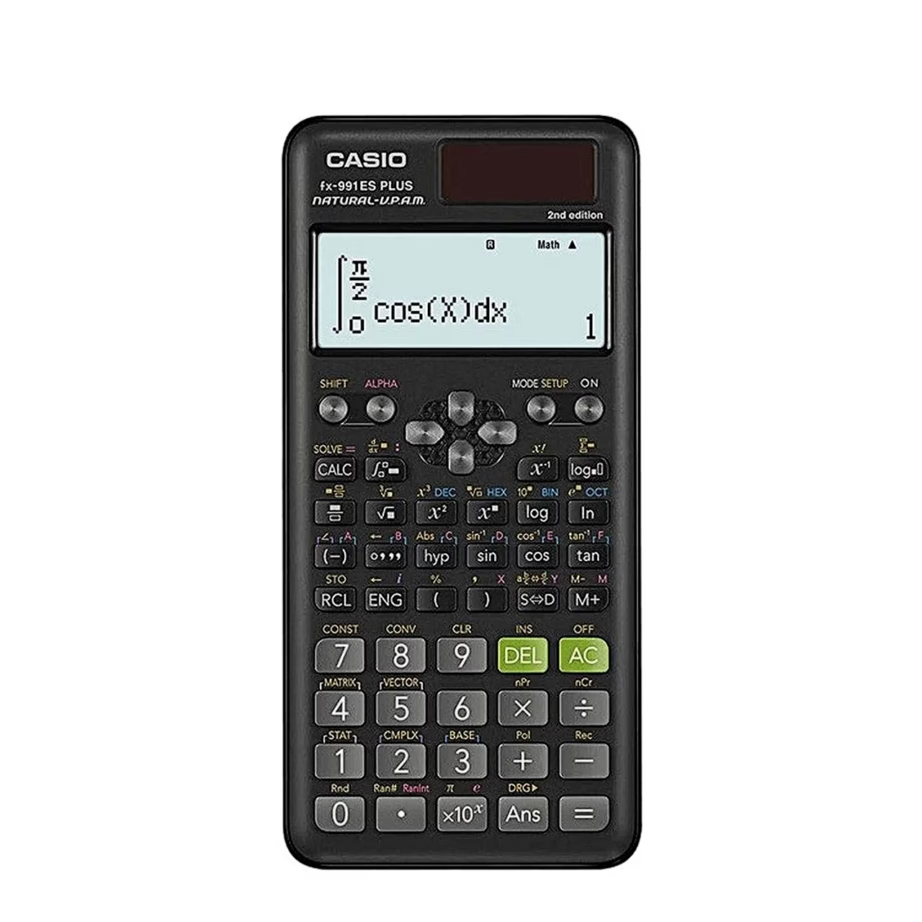
Brand
Casio
- 14-day right of return
- Two-Way Power System

Why choose Casio?
Casio calculators are chosen mainly when the entry and the result of a calculation must be clearly readable. Textbook-style input and display (Natural Textbook Display) make a big difference for many learners compared with a simple single-line display, because fractions, roots and powers appear on screen in the same logic as on paper. This reduces mistakes in homework, in class tests and in quick checking calculations.
Beyond school use, Casio is also strong in everyday and office calculators: a compact pocket format, a desktop model that is easy to read, and in some cases a more durable construction (for example models with IP54 protection), which suits workplaces where dust or splashes are present. Compared with other well-known school calculator solutions, Casio stands out with the Natural Textbook Display approach and the ClassWiz operating logic, designed to speed up learning and revision.
The Casio range in our online shop
At the Ruumist Ruumi online shop, Casio calculators are gathered into one range so you can choose exactly according to your use. In the product grid you see the specific models, their pictures and main specifications; on this page we give context on which needs each type usually suits.
Among scientific calculators you will often find the ClassWiz series logic and the Natural Textbook Display screen standard. This means you can enter expressions more "as on paper" and check both the entry and the result at the same time. Some models have extra features that support learning and teaching, for example a QR code function, with which a calculation or expression can be sent to the Casio web environment for visualisation. For the office and everyday accounts, the range includes desktop calculators with convenient percentage and tax calculation keys and a larger display. If you need a calculator on the move, there are pocket-format variants, often with the Two-Way Power System combining solar power and a battery, so the device is ready even when the battery starts to run low.
The range may also include calculators with IP54 protection, intended for use in environments where a standard office device would get dirty more quickly. These focus on practical maintenance, for example a removable keyboard that can be cleaned.
What to keep in mind when choosing a Casio product?
Start by deciding what type of calculator you actually need. A scientific calculator suits mathematics, physics and technical subjects, where you use fraction, power, trigonometry and other functions. A basic or pocket calculator is good for everyday expenses, simple percentages and quick calculations. A desktop calculator is sensible if you work a lot with spreadsheets, enter long rows of numbers and want a stable device that stays on the desk.
Second, look at the display and conversion features. Our range includes common functions that help convert between percentages, decimals, fractions and decimal numbers, but these may not appear in the same form on every model. If you have a specific need, check on the product page whether fractions are displayed clearly and whether the required conversions are available.
Third, choose the power source and form factor. Battery power is simple and universal, while the combination of solar power and battery gives extra reliability in the classroom and the office. A pocket format is convenient to carry, while a desktop model offers a larger display and keys. If the calculator has to withstand dust or splashes, prefer a model with a protection rating and remember the maintenance instructions: in some cases it is the removable keyboard that can be washed, not the whole device.
If the purchase is linked to the rules of an exam or test, always check your school's or examination centre's requirements for the specific calculator type. And if you want to verify that a device is genuine, follow Casio's instructions on the QR code-based authentication check. If you have questions before buying, you can compare the filters (type, power, colour, form factor) and view the exact features of each product in the Ruumist Ruumi online shop.
Frequently asked
For school, choose a scientific calculator, usually one with the functions needed for fraction and formula work and a clear textbook-style display (Natural Textbook Display). For the office, a desktop calculator is more suitable, with a larger display and convenient percentage and tax calculation keys. You can confirm the exact suitability from the product description and filters (type, form factor).
This depends on the specific exam and the rules of the organiser. We recommend checking your school's or examination centre's guidelines before buying (for example, whether only non-programmable and non-CAS models are allowed). The features listed on the product page will help you compare whether the chosen calculator meets the requirements.
Natural Textbook Display means that expressions (for example fractions, roots and powers) can be entered and seen on the screen in a form similar to a textbook. This makes checking easier, because the entry and the result are visually clearer, and there is less risk of mixing up brackets or fractions.
If you use the calculator often at school or in the office, the dual power source (solar plus battery) gives practical extra reliability, because light powers the device and the battery acts as a backup. A battery-only model, however, is a simple and universal choice, especially if the device is used less often.
Casio has described a QR code-based authentication check: the QR code shown on the calculator or read from the hologram sticker on the packaging takes you to a verification page that displays the result. Always follow Casio's official instructions, and if the QR code cannot be read or the result is not displayed as expected, clarify the matter before using the device.
IP54-rated models are designed to withstand dust and splashes better, but maintenance varies by model. In some cases the removable keyboard can be cleaned, while the whole device may not be allowed to be washed with water. Check the instructions for the specific product and its product page so that maintenance is done correctly.
-
38,99 €
- Product type
- Scientific calculator
- Form factor
- Pocket model
- Digits
- 12 digits
-
26,49 €
- Product type
- Scientific calculator
- Form factor
- Pocket model
- Digits
- 12 digits
-
37,99 €
- Product type
- Scientific calculator
- Form factor
- Desktop model
- Digits
- 12 digits
-
8,19 €
- Product type
- Basic calculator
- Form factor
- Pocket model
- Digits
- 8 digits
-
18,49 €
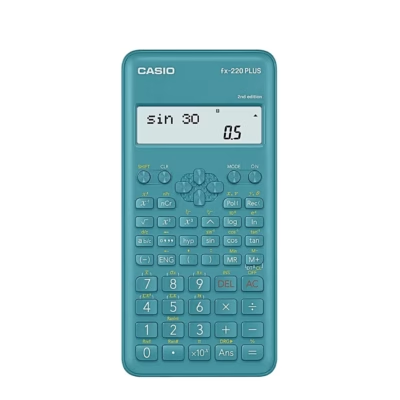
Casio FX-220PLUS-2 12-digit scientific calculator, blue, pocket model, plastic body, battery powered
- Product type
- Scientific calculator
- Form factor
- Pocket model
- Digits
- 12 digits
-
30,99 €
- Product type
- Scientific calculator
- Form factor
- Pocket model
- Digits
- 12 digits
-
33,99 €
- Product type
- Scientific calculator
- Form factor
- Pocket model
- Digits
- 12 digits
-
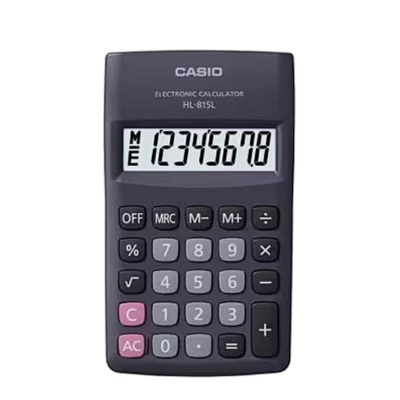
5,79 €
- Product type
- Basic calculator
- Form factor
- Pocket model
- Digits
- 8 digits


All products shown.







































