
Brand
Darkflash: Computer cases
- 2% back as bonus points
- 14-day right of return

Why choose Darkflash?
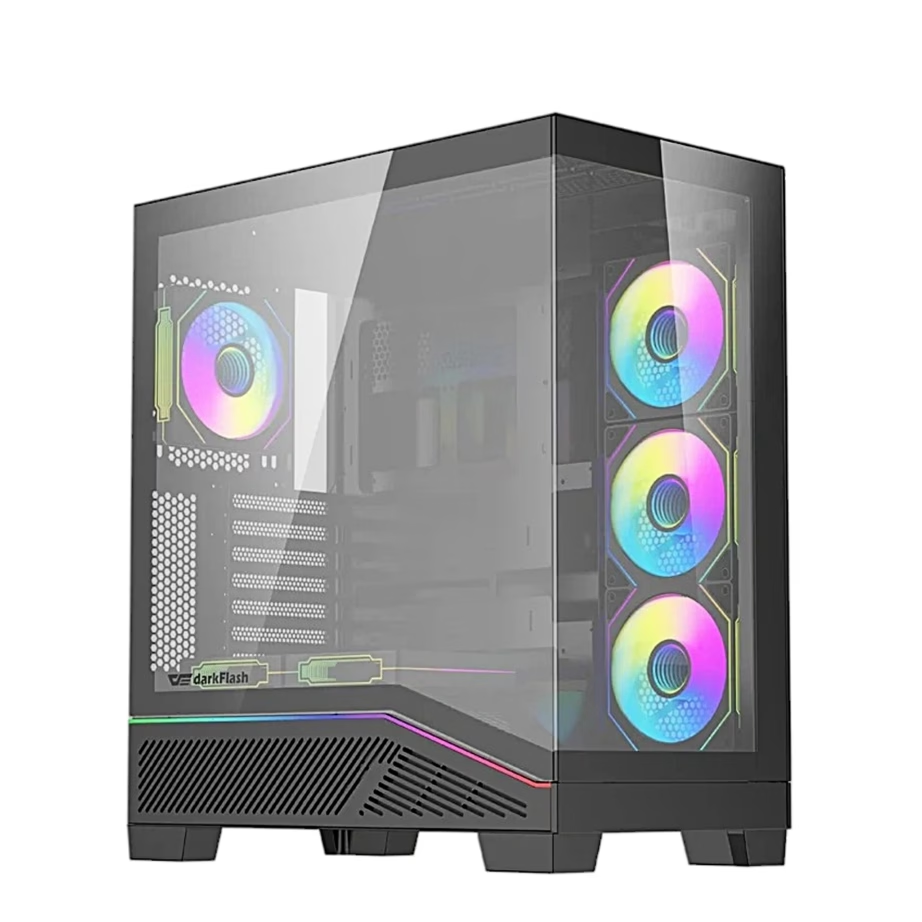
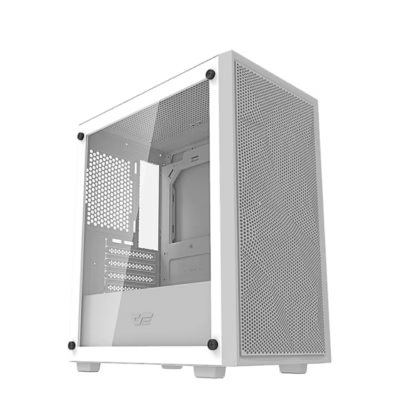
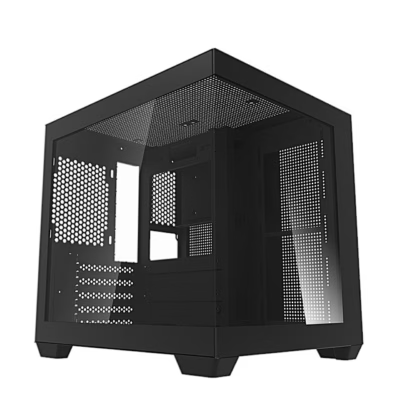
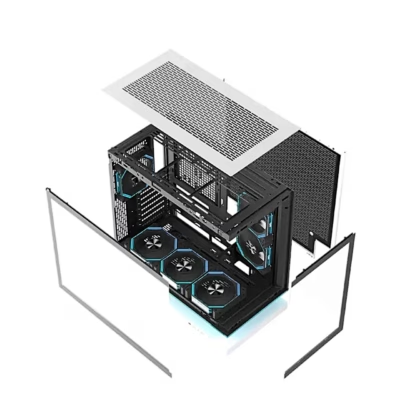
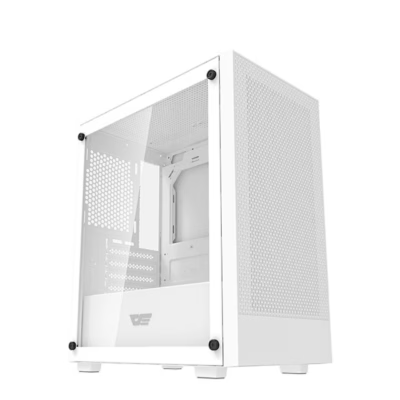
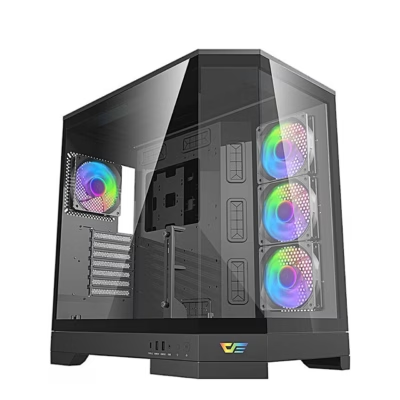
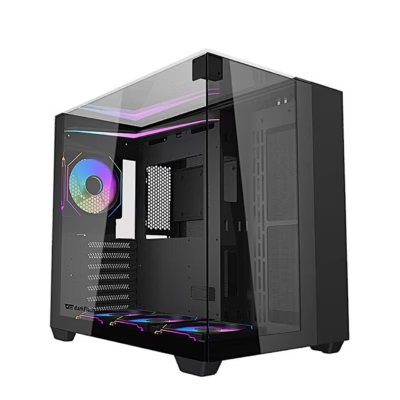
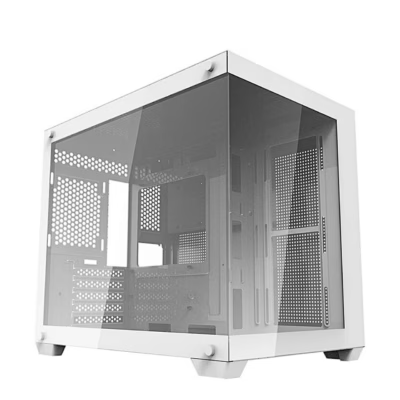
Darkflash is aimed at the computer builder for whom the case and cooling are not just a technical detail but part of the whole. The brand's strength is its "showcase" approach: tempered glass side panels, ARGB lighting and an overall look that suits a prominent spot on the desk. Alongside this comes the practical side. Many cases have plenty of fan and radiator mounting points, so you can actually control airflow and temperatures during the build.
Compared with higher-priced cases, the Darkflash choice is worth making deliberately: the balance between design and cooling options is often strong, but details such as the dust filter solution, panel rigidity and overall finish can vary between models. It is therefore sensible to start from the airflow and installation space your build needs, and how important the glass and lighting effect is to you.
The Darkflash selection in our e-shop
In the Ruumist Ruumi e-shop, Darkflash is mainly centred on computer cases and cooling. Among the cases you will find both kits that come with fans and variants where you choose the fans yourself. This matters if you want a ready-to-run ARGB look and proper airflow at no extra cost, or, conversely, if you plan a specific fan configuration (for example a quiet air-cooled system or a higher-airflow gaming build).
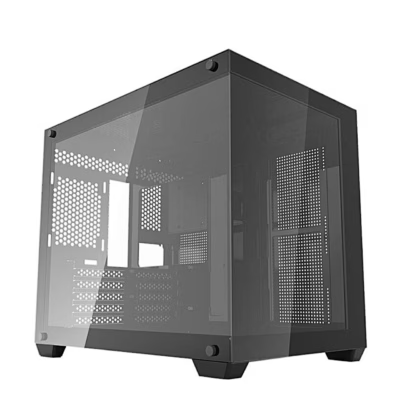
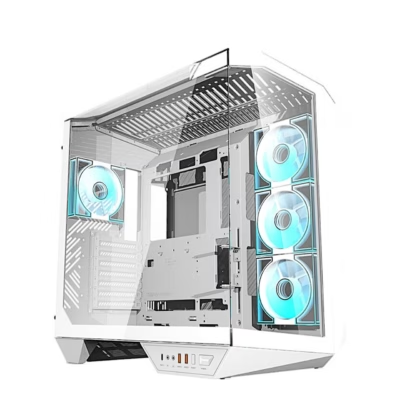
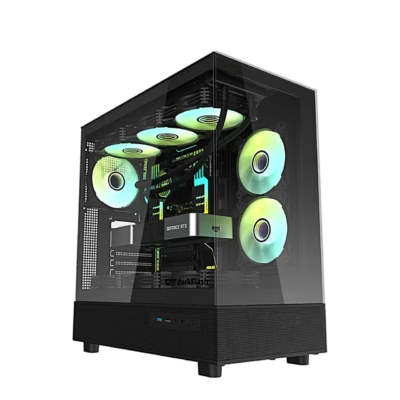
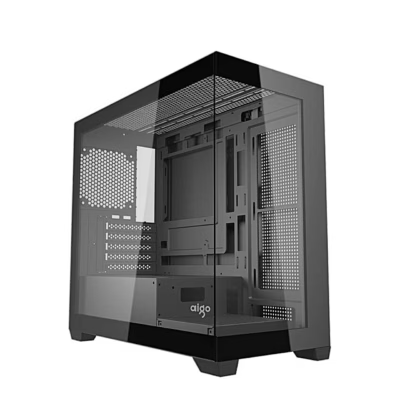
On the cooling side you will find case fans and kits, as well as liquid cooling and active cooling components. For Darkflash fans the focus is on ARGB compatibility with motherboards and on being able to control the lighting effects conveniently. The liquid cooling range also includes solutions where the pump block has an LCD screen. This suits a user who wants to add character to the look of the computer and keep processor temperatures under control. Because the products are visible on the page straight away, you can compare whether you prefer a case that emphasises maximum visibility through glass, or one built mainly with airflow and dust protection in mind.
What to keep in mind when choosing a Darkflash product?
When choosing a case, start with compatibility and space requirements. Check the motherboard format (ATX, Micro-ATX, Mini-ITX), the maximum graphics card length and the height limit for the CPU cooler. If you plan liquid cooling, check radiator compatibility (the most common are 240 mm and 360 mm), whether the mounting is at the front, top or rear, and whether there is room for taller memory modules and the top I/O cables. If you want a quieter computer, prefer a solution that allows larger, lower-speed fan arrangements (120 mm or 140 mm, depending on the case).
For fans and lighting, make the connections clear before you buy. ARGB is usually a 5 V 3-pin connection and does not match a 12 V 4-pin RGB header. If you choose a multi-fan kit, check whether it includes a hub or daisy-chain cables and whether control runs through the motherboard or the case button. For an AIO with an LCD screen, check which power and data connections it needs so the screen gets a signal reliably and is easy to install. Finally, think about airflow: with a glass-panelled case it is especially important that air intake is adequate and that the dust filters suit your operating environment.
Frequently asked
A case with fans gives you immediate airflow and often a unified ARGB look. A case without fans suits you if you want to choose the fan type, quantity and control yourself, for example for a quieter system or a specific colour theme. The product page usually states whether fans are included and how many.
Check that the motherboard has a 5 V 3-pin ARGB header (not a 12 V 4-pin RGB one). If you use a hub or daisy-chain, also make sure the control works with the motherboard software or with the kit's or case's control button. If in doubt, compare the connector type of the fan and the motherboard in the product details.
This depends on the specific radiator mounting support of the case (front, top, rear) and the space around the components. Before buying, check the radiator sizes supported in the case's technical specifications, and also allow for the space taken up by the fans, the top panel cables and taller memory.
The glass panel itself does not make the case hot. What matters is the air intake solution (mesh, side vents, filters) and the fan layout. If your goal is lower temperatures, prefer a case with a wider air intake and enough fan positions, and plan the balance between intake and exhaust.
Besides radiator size and socket compatibility (Intel/AMD), check what additional power and data connection the LCD screen needs. In practice, problems usually come from the screen's power or connection rather than the cooling itself, so review the installation guide and connections before buying.
Yes, the Ruumist Ruumi e-shop offers a 14-day right of return. For a smooth return, keep the packaging and accessories, and avoid installation that makes the product more used than necessary to check its fit.
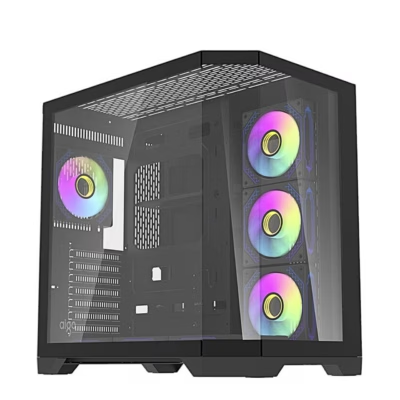
-
80,95 €
- Motherboard support
- ATX, Micro-ATX, Mini-ITX
- Colour
- Black
- Maximum graphics card length
- 410 mm
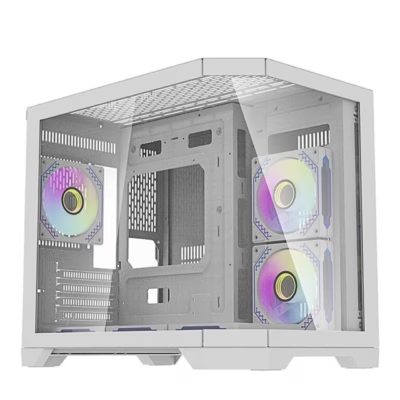
-
80,95 €
- Motherboard support
- ATX, Micro-ATX, Mini-ITX
- Colour
- White
- Maximum graphics card length
- 410 mm
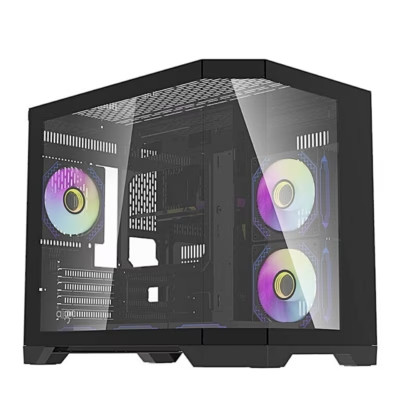
-
26,95 €
- Motherboard support
- Micro-ATX, Mini-ITX
- Case type
- Mini Tower
- Colour
- Black
- Maximum graphics card length
- 300 mm
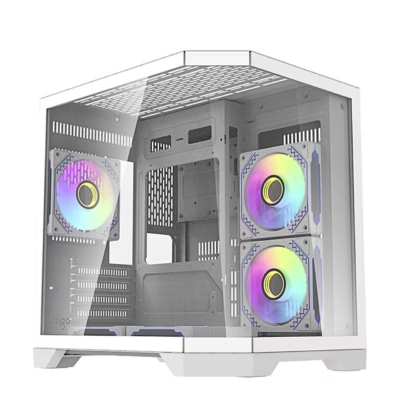
-
26,95 €
- Motherboard support
- Micro-ATX, Mini-ITX
- Case type
- Mini Tower
- Colour
- White
- Maximum graphics card length
- 300 mm
-
33,95 €
- Motherboard support
- Micro-ATX, Mini-ITX
- Case type
- Mini Tower
- Colour
- Black
- Maximum graphics card length
- 325 mm
-
24,95 €
- Motherboard support
- ATX, Micro-ATX, Mini-ITX
- Case type
- Midi Tower
- Colour
- Black
- Maximum graphics card length
- 345 mm
-
121,95 €
- Motherboard support
- ATX, Micro-ATX, Mini-ITX
- Case type
- Midi Tower
- Colour
- White
- Maximum graphics card length
- 415 mm
-
-
-
-
-
-
133,95 €
- Motherboard support
- ATX, Micro-ATX, Mini-ITX
- Case type
- Big Tower
- Colour
- Black
- Maximum graphics card length
- 470 mm
-
77,95 €
- Motherboard support
- ATX, Micro-ATX, Mini-ITX
- Case type
- Midi Tower
- Colour
- Black
- Maximum graphics card length
- 415 mm
-
55,95 €
- Motherboard support
- Micro-ATX, Mini-ITX
- Case type
- Midi Tower
- Colour
- White
- Maximum graphics card length
- 410 mm
-
55,95 €
- Motherboard support
- Micro-ATX, Mini-ITX
- Case type
- Midi Tower
- Colour
- Black
- Maximum graphics card length
- 410 mm
-
121,95 €
- Motherboard support
- ATX, Micro-ATX, Mini-ITX
- Case type
- Midi Tower
- Colour
- White
- Maximum graphics card length
- 410 mm
-
60,95 €
- Motherboard support
- ATX, Micro-ATX, Mini-ITX
- Case type
- Midi Tower
- Colour
- Black
- Maximum graphics card length
- 425 mm
-
53,95 €
- Motherboard support
- Micro-ATX, Mini-ITX
- Case type
- Mini Tower
- Colour
- Black
- Maximum graphics card length
- 425 mm
-
65,95 €
- Motherboard support
- ATX, Micro-ATX, Mini-ITX
- Case type
- Midi Tower
- Colour
- White
- Maximum graphics card length
- 415 mm
-
84,95 €
- Motherboard support
- ATX, Micro-ATX, Mini-ITX
- Case type
- Midi Tower
- Colour
- Black
- Maximum graphics card length
- 400 mm
-
67,95 €
- Motherboard support
- Micro-ATX, Mini-ITX
- Case type
- Mini Tower
- Colour
- White
- Maximum graphics card length
- 400 mm
-
65,95 €
- Motherboard support
- Micro-ATX, Mini-ITX
- Case type
- Mini Tower
- Colour
- Black
- Maximum graphics card length
- 400 mm
-
65,95 €
- Motherboard support
- Micro-ATX, Mini-ITX
- Case type
- Mini Tower
- Colour
- White
- Maximum graphics card length
- 330 mm

All products shown.





































