
Brand
SwitchBot: Smart buttons and remotes
- 14-day right of return
- Matter support with the SwitchBot Hub

Why choose SwitchBot?
The strength of SwitchBot is its retrofit approach: smart functions are added to existing switches, curtains, blinds and household devices, so you do not need to open a wall or rebuild the electrical system. It suits a finished home as well as a rented flat where you do not want permanent changes. The ecosystem is built from small, combinable parts: sensors provide input, controllers do the movement, and the smart hub links everything into scenes and schedules.
Compared with solutions that require replacing the whole blind or curtain system, SwitchBot is often the easier route if you want to start with one window or one room. If your goal is to connect your smart home to platforms, Matter support is also important: through the Hub you can bring selected devices into a common language and use them with Apple Home, Google Home or other systems.
The SwitchBot range in our e-shop
The Ruumist Ruumi range brings together SwitchBot's two most practical directions: home automation with sensors and control devices, and connecting different systems through a smart hub. For example, you will find sensors that help monitor temperature, air humidity and, if needed, CO2 levels, so that automations can be triggered by the real indoor climate. Heating and climate control devices let you set schedules and keep a room comfortably stable, especially if you want a separate rhythm for different rooms.
On the blind and curtain controller side the focus is on comfort: morning and evening scenes, light control, and quieter movement with the QuietDrift™ mode if you want curtains to move less disruptively. Smart hubs (such as Hub-type devices) are the heart of the system: they connect Bluetooth devices via Wi-Fi for remote control and support Matter to integrate selected devices into smart home platforms. The range also includes smart switch and relay type solutions and smart home accessories, with which you can automate existing devices without rebuilding the whole home at once.
If you also want to control infrared-remote household appliances, the SwitchBot hub can act as a learning IR control device. This is useful, for example, where you want to control both smart devices and IR-remote devices from one app or scene.
What to consider when choosing a SwitchBot product?
Before buying, think through which connection method suits the way your home is set up. Many SwitchBot devices use Bluetooth and need a smart hub for remote control and for pairing with a voice assistant, which connects them to your Wi-Fi network. If your aim is cross-platform integration, check whether your chosen device has Matter support and whether it works through the Hub the way you need. Also check whether your home Wi-Fi is on a 2.4 GHz network, as this is a common requirement for smart home devices.
When automating curtains and blinds, the key question is compatibility with your existing setup: whether you have a curtain track or rail, how large and heavy the moving part is, and whether you need a quieter mode. With QuietDrift™, bear in mind that not every control method may support this mode, so check whether you plan to control the curtains mainly from the app, by schedule, or by voice commands. For IR control, reliability depends on whether the device is really operated by an infrared remote and whether the hub has sufficient line of sight to it.
For smart lock and access solutions, it is worth settling the unlocking methods you want (for example PIN code, NFC or fingerprint) at the start and checking whether a particular method requires an accessory, such as a keypad. If you are building a larger system from these devices, also keep app and platform compatibility in mind: Apple Home, Google Home, Amazon Alexa, SmartThings and IFTTT are common choices, but the most precise options depend on the specific product and on whether you use the Hub and Matter connection.
Frequently asked
Many SwitchBot devices work locally over Bluetooth, but a smart hub (Hub) is usually needed for remote control, pairing with a voice assistant and using Matter. The product page states whether a particular device needs a Hub and which platforms it works with.
SwitchBot supports Matter through the Hub, which helps bring selected devices into the Apple Home environment. In practice, not all functions may be visible through Matter: for example, setup, calibration or adding IR codes may remain in the SwitchBot app. The exact behaviour depends on the product and the way the integration is made.
The SwitchBot Hub can act as a learning IR control device, which means it can copy certain infrared remotes and control the device from the app and automations. It is important that your device uses an actual infrared remote (not, for example, a radio remote) and that the Hub has line of sight to the device. If you wish, compare the IR capability and placement recommendations described on the product page.
Check whether you have a curtain track or rail, what the permitted load is, and whether you want a quieter operating mode. Some features (for example very quiet movement) may be tied to a specific control method, so review whether you plan to use the app, schedules, buttons or voice control.
SwitchBot access solutions may support several unlocking methods, but some of them may depend on an accessory, such as a keypad. Check the product page of the specific smart lock and keypad to see which unlocking methods are supported and how they suit your door and way of use.
-
28,95 €
- Product type
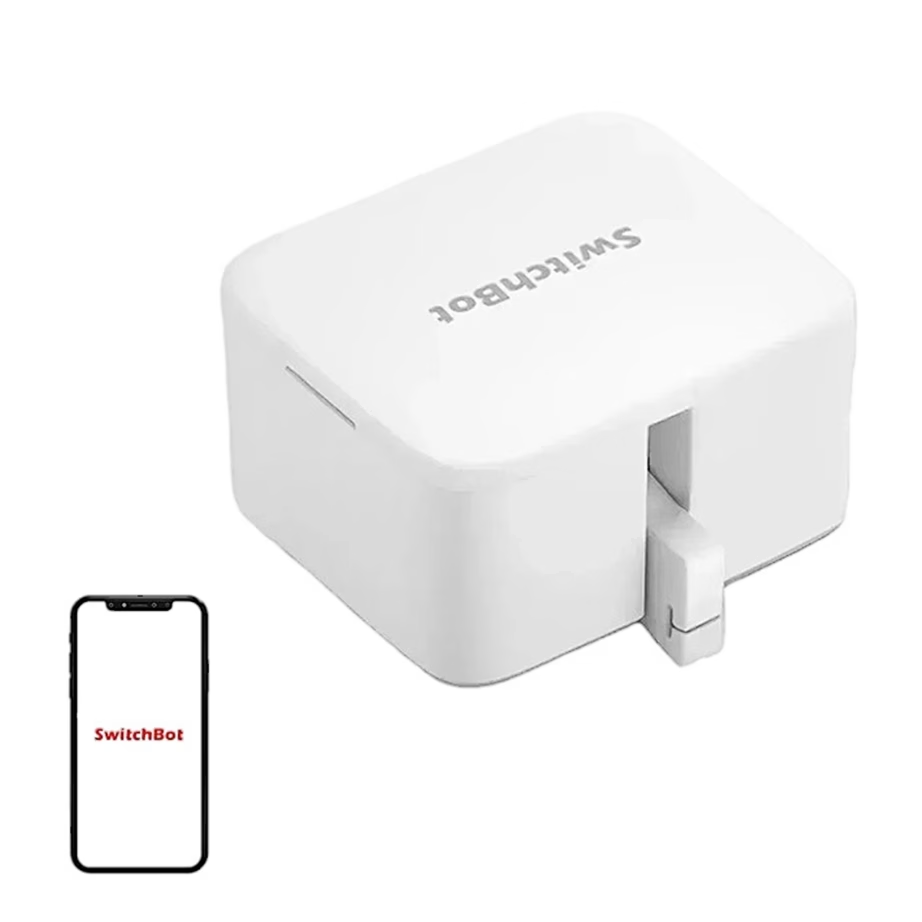
- Button pusher
- Connectivity
- Bluetooth, Wi-Fi
- Smart home platform
- Amazon Alexa, Apple Home (HomeKit), Google Home, Home Assistant, Samsung SmartThings
-
4,95 €
-
14,95 €
- Product type
- Remote control
- Connectivity
- Bluetooth


All products shown.





































