

Description
3-axis gimbal that holds your smartphone magnetically
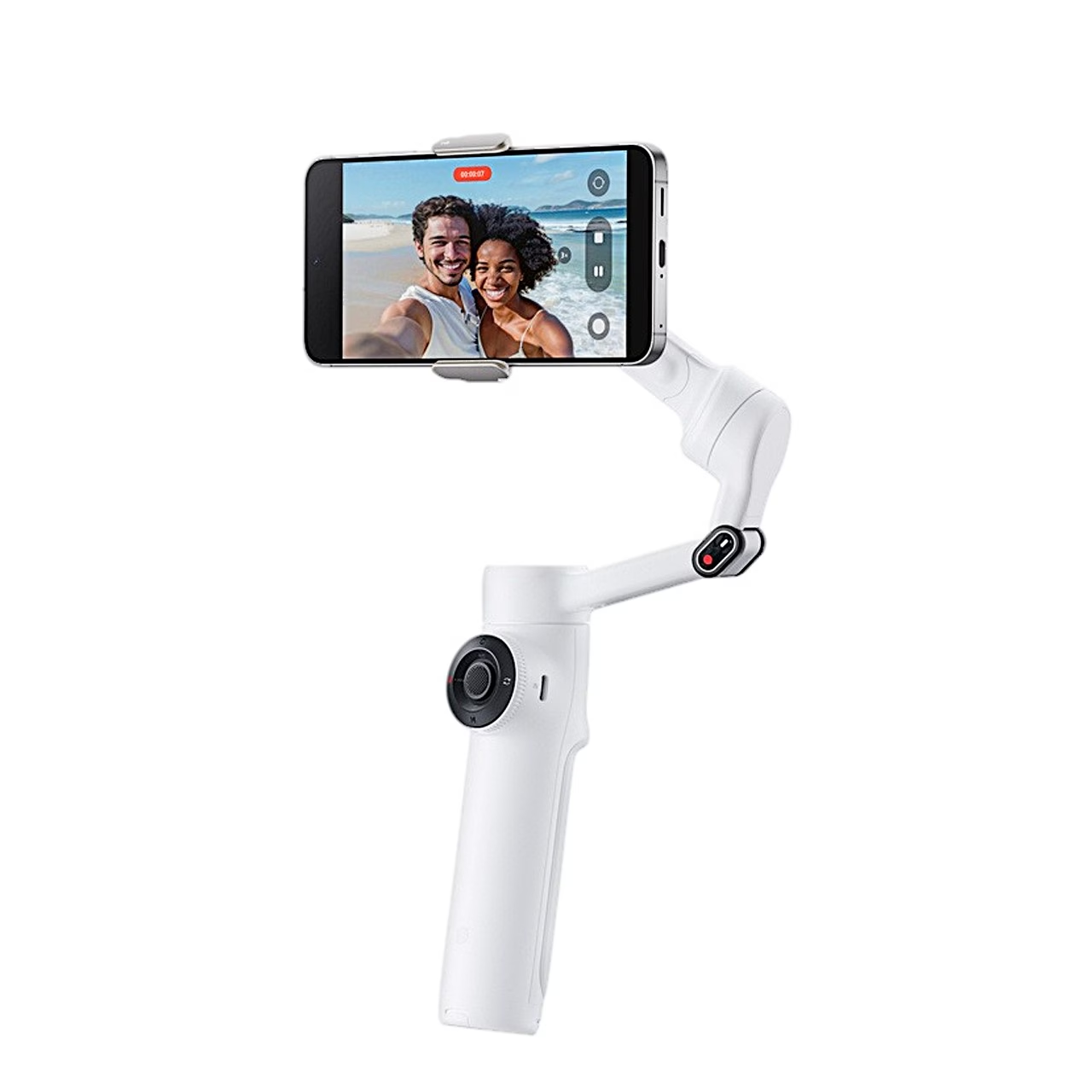
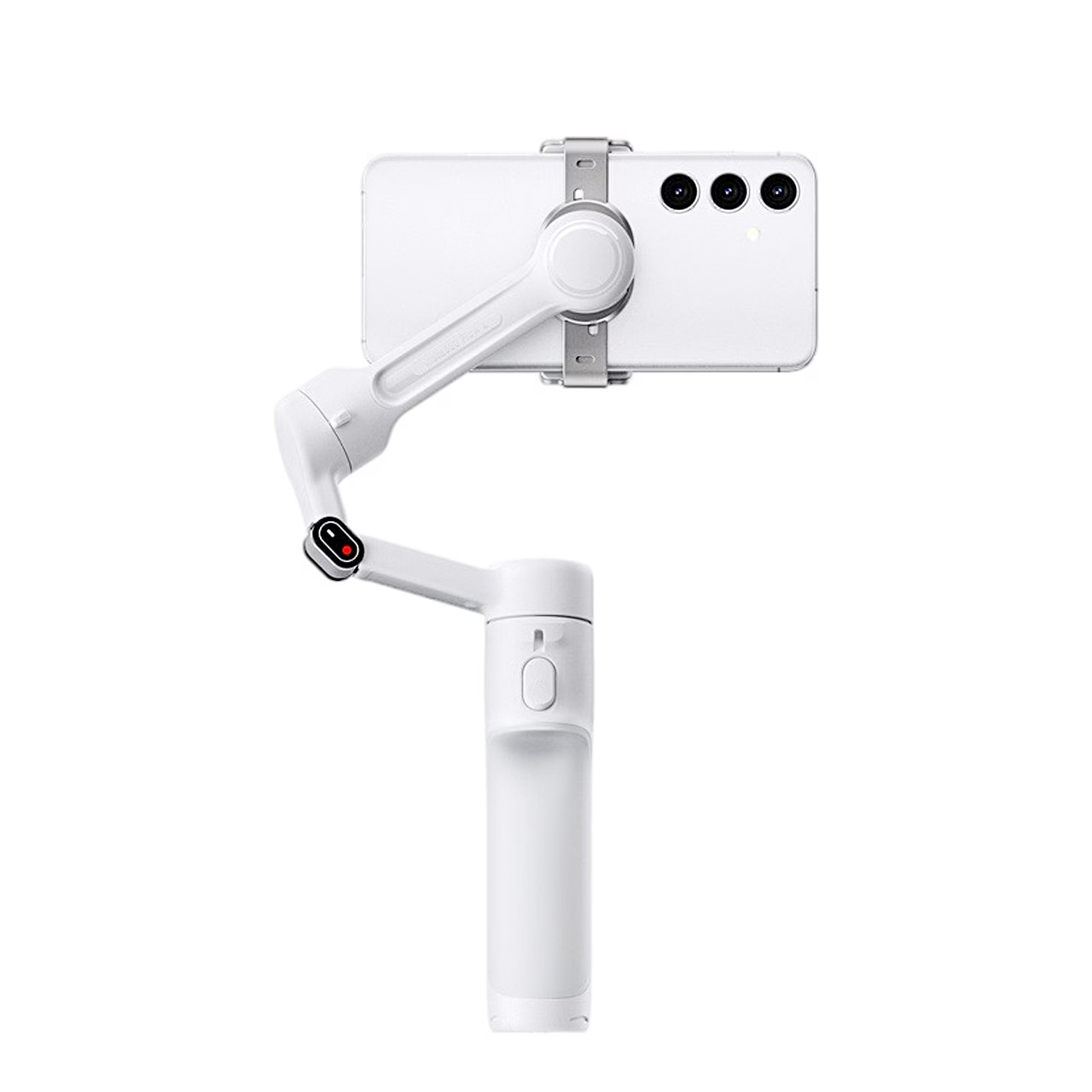
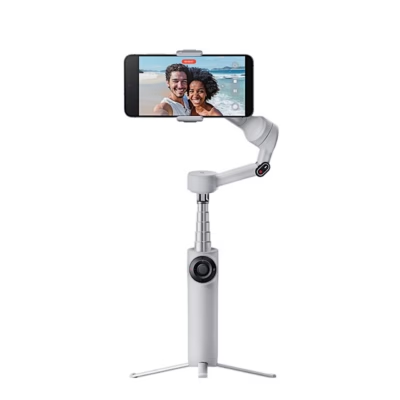
The Insta360 Flow 2 is a 3-axis gimbal for smartphones that stabilises the phone on three motorised axes and holds it in a magnetic clamp with a magnetic force of 40 N. It fits phones with a width of 64–84 mm, 6.9–10 mm thick and weighing 130–300 g.
Five modes for different movements
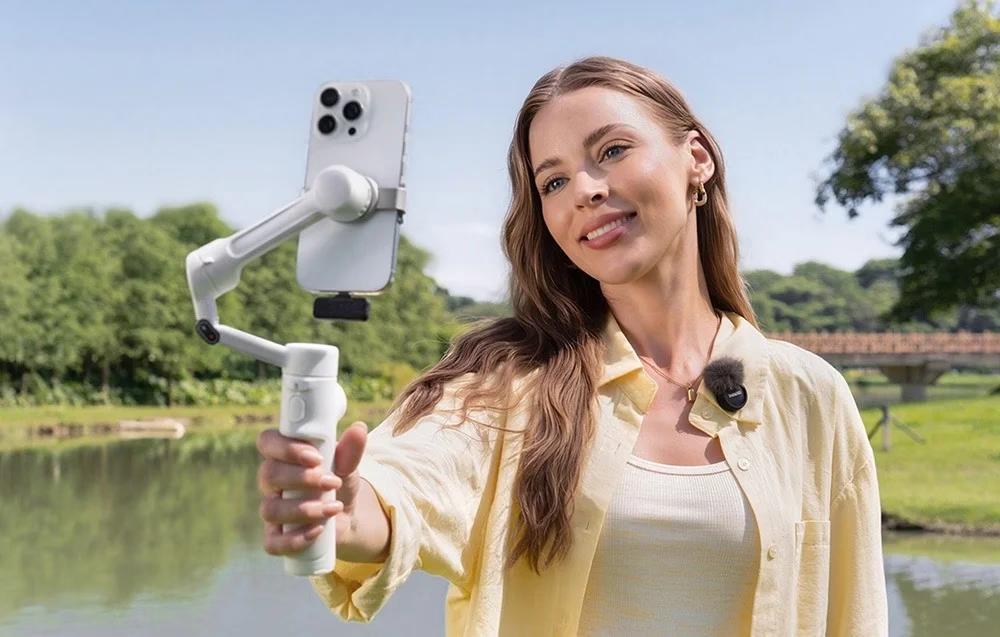
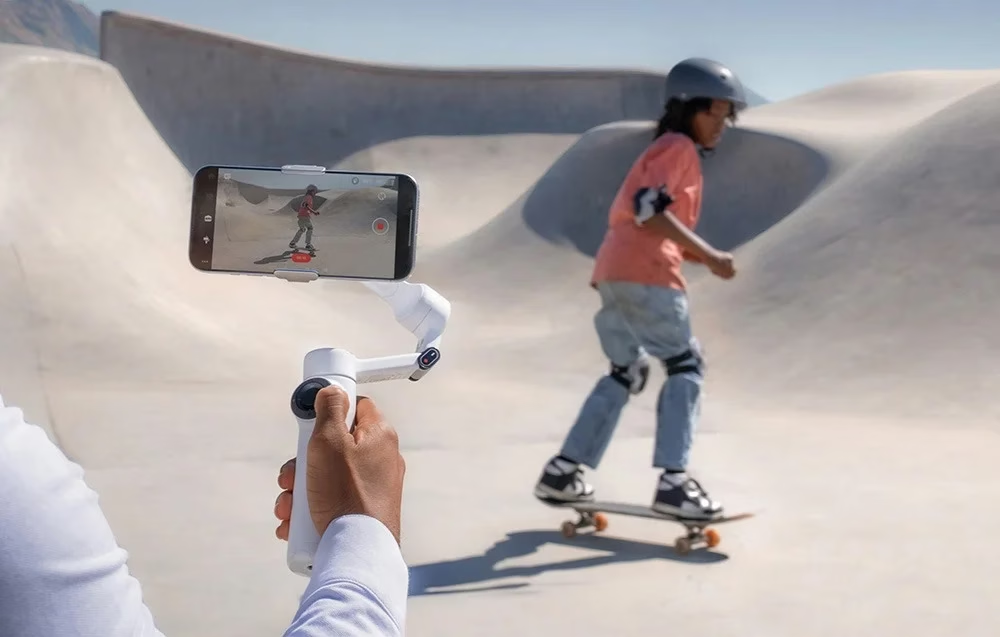
Auto mode adjusts the tilt and pan axes to your movement, Follow follows the handle more sensitively, Pan Follow keeps the horizon locked and FPV lets the phone rotate freely. Holding the trigger, Lock mode locks all three axes, and for fast scenes Active+ adds a quicker response to every mode. Tilting the handle beyond 30° turns the phone between portrait and landscape.
Deep Track 4.0 AI tracking
In the Insta360 app, Deep Track 4.0 keeps selected people, animals or objects in frame, with a separate setting for horses. Gesture control works from up to 4 m away: a gesture starts a shot or tracking of one person or a group of up to 8. The Pro Framing Grid with nine composition points keeps the tracked subject at the spot you choose in the frame. In Live Mode, people tracking also works in live-streaming and video-call apps.
Power bank function and 1100 mAh battery
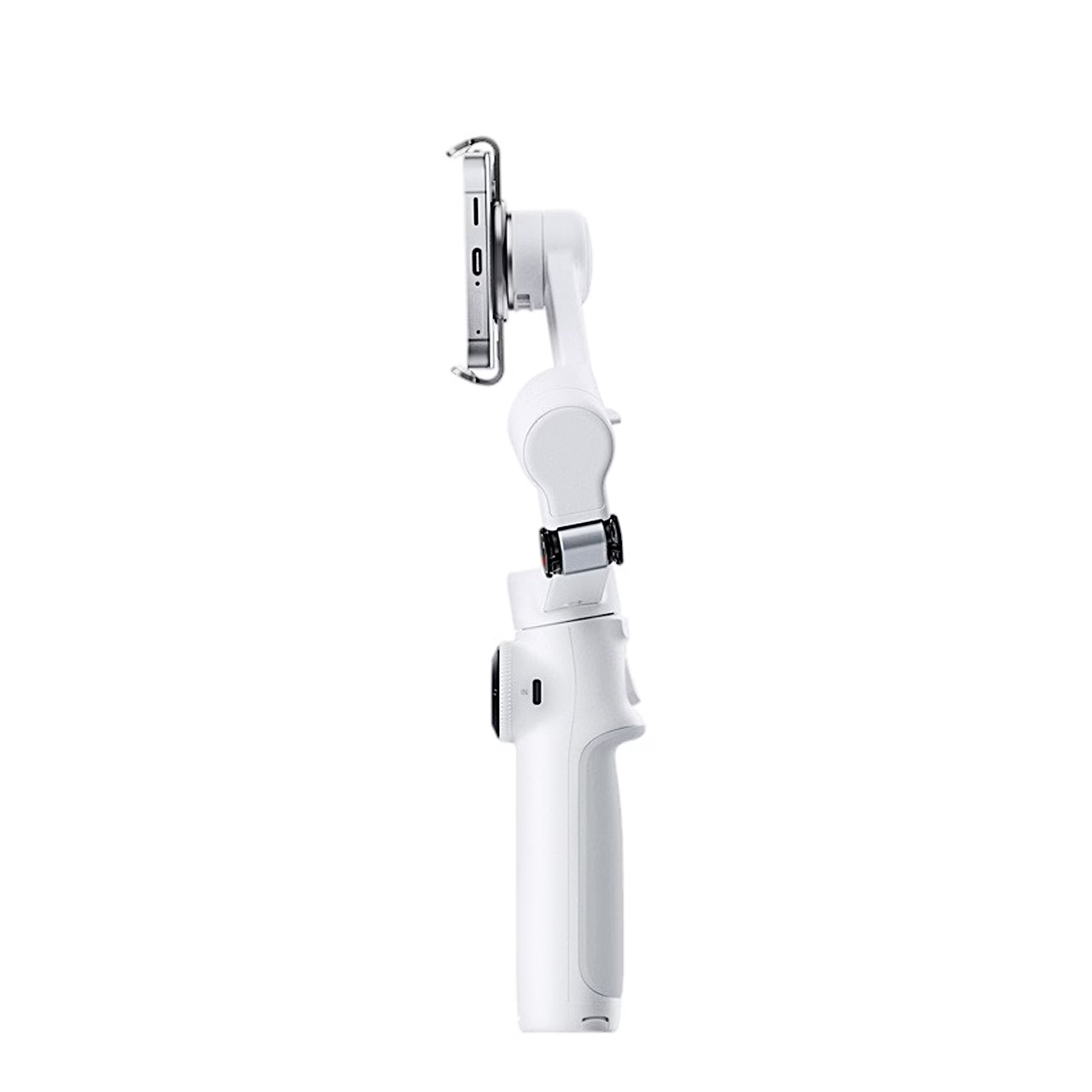
According to the manufacturer, working time is up to 10 hours at room temperature with the gimbal balanced. The USB-C output on the arm lets you charge your phone, using the gimbal as a power bank. Through the USB-C input on the handle, a 10 W charger takes the battery to 80% in 55 minutes and to full in 120 minutes, and the gimbal can be used while charging.
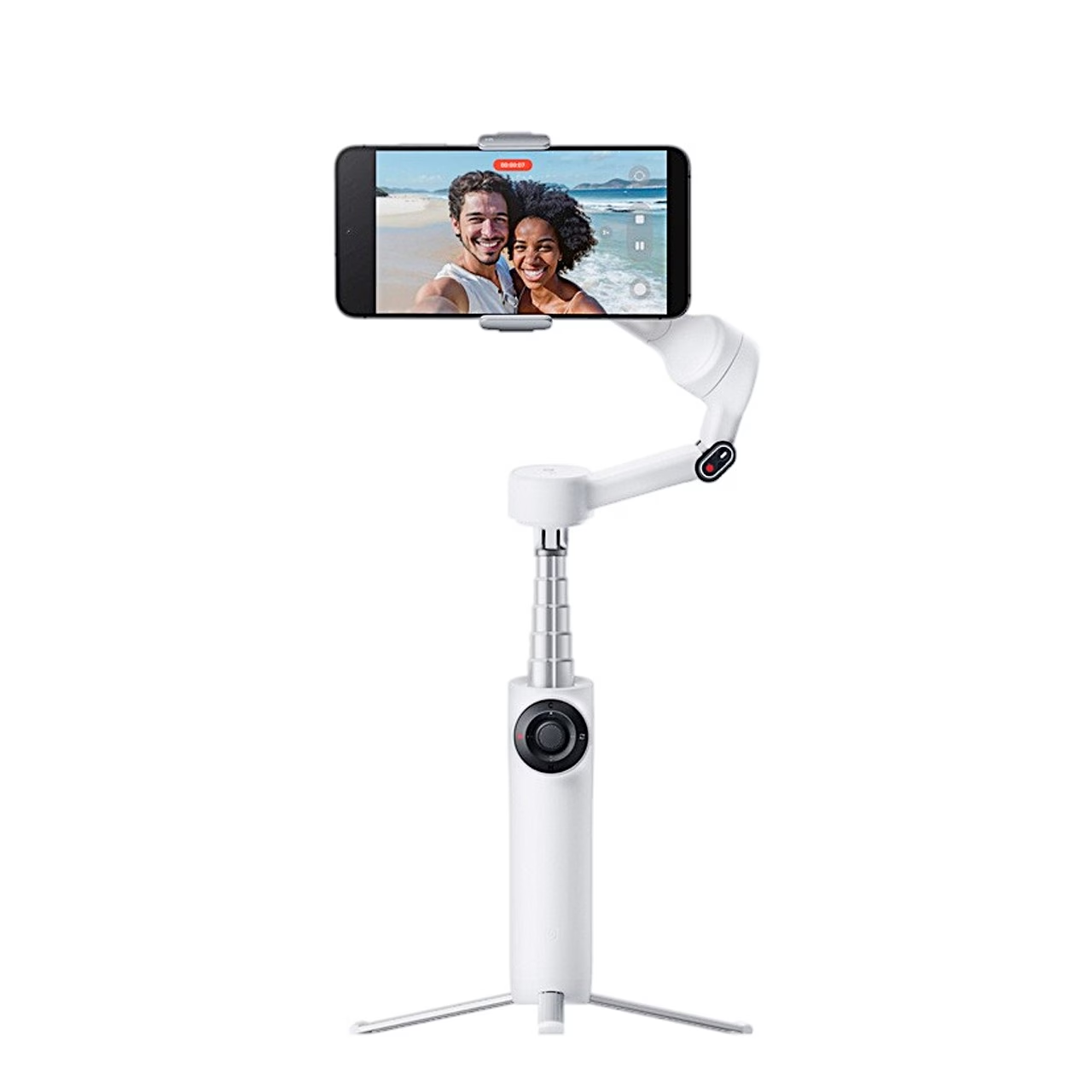
Five-section selfie stick
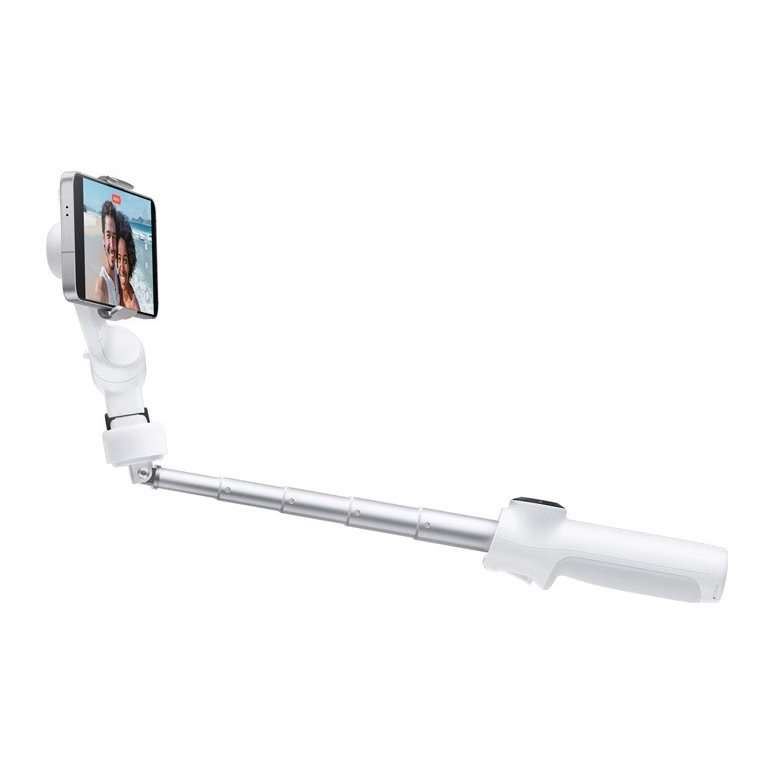
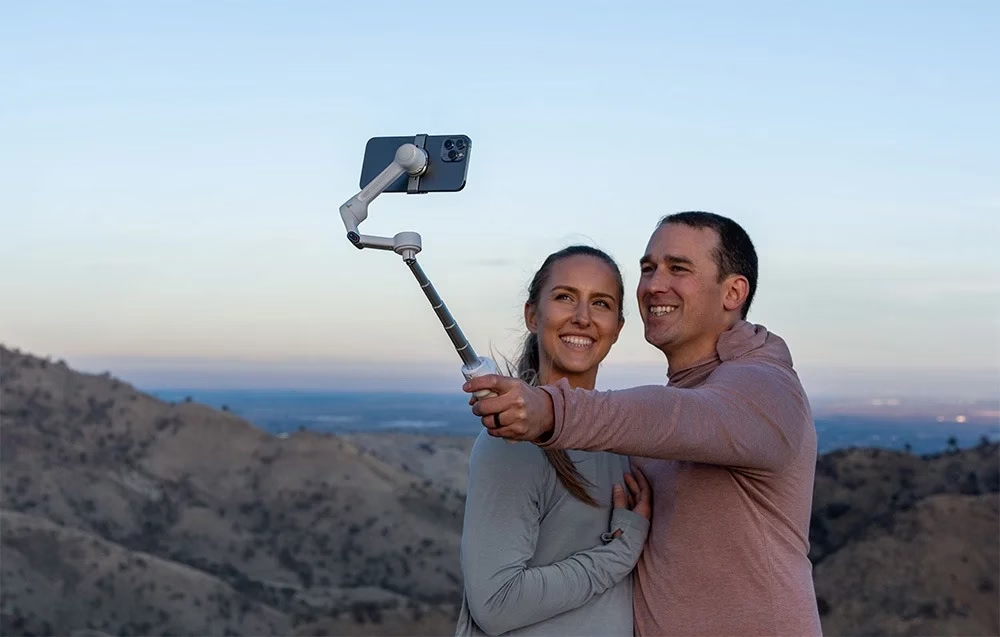
The selfie stick pulls out of the handle, extends to 200 mm and its hinge bends through 0–90°.

Built-in tripod
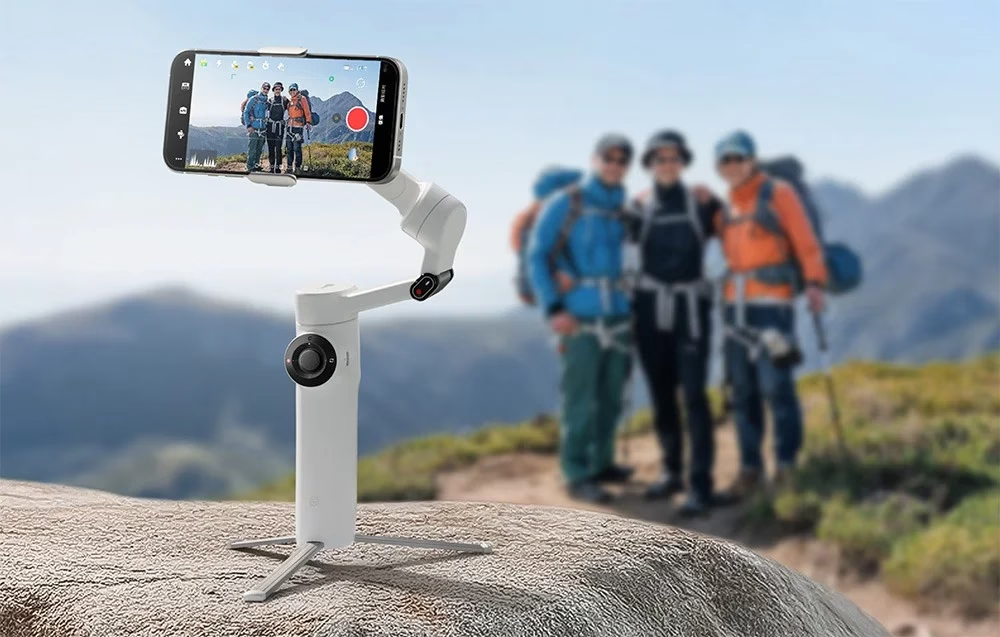
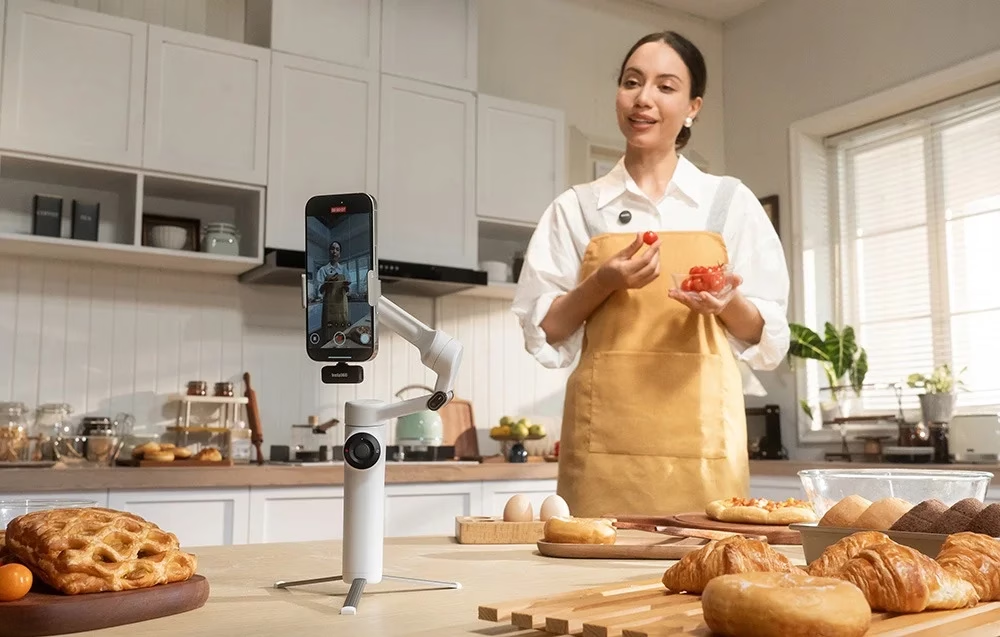
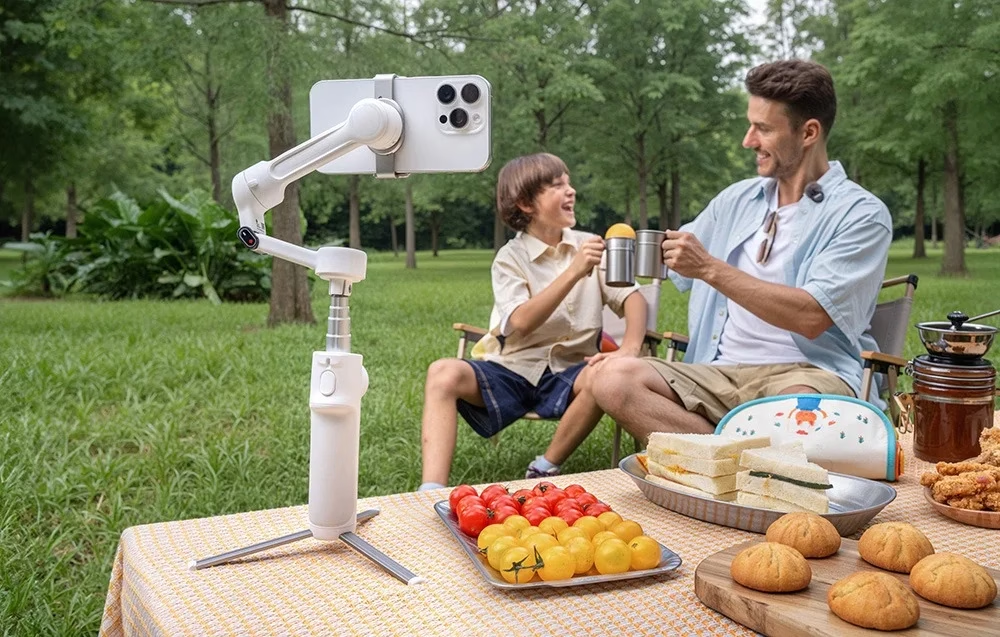
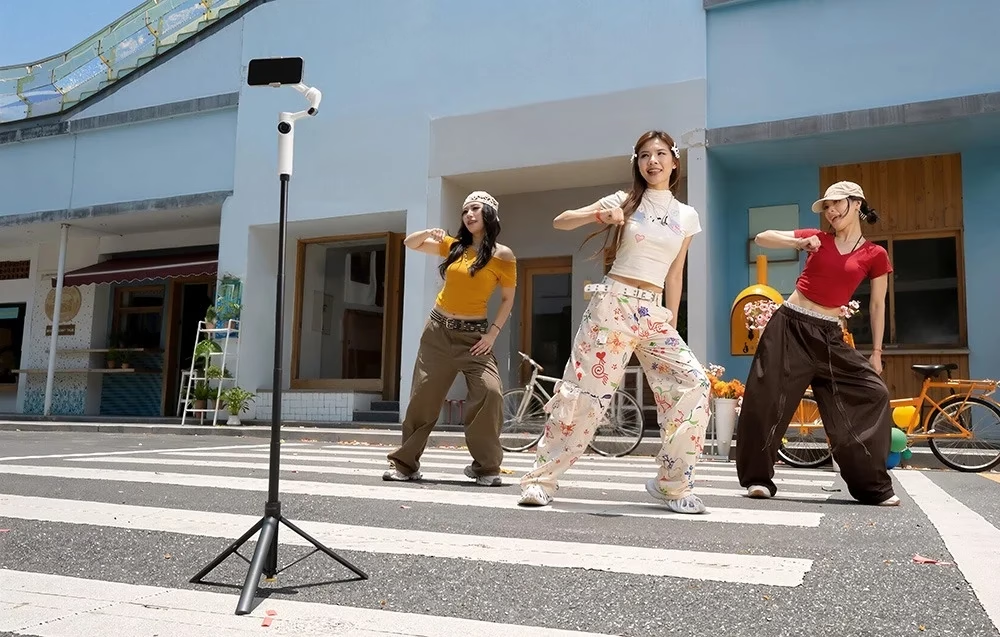
The tripod legs pull out together from the base of the handle and hold the gimbal still for static shots and Deep Track 4.0 tracking. The base of the handle has a 1/4-inch thread for an external tripod.
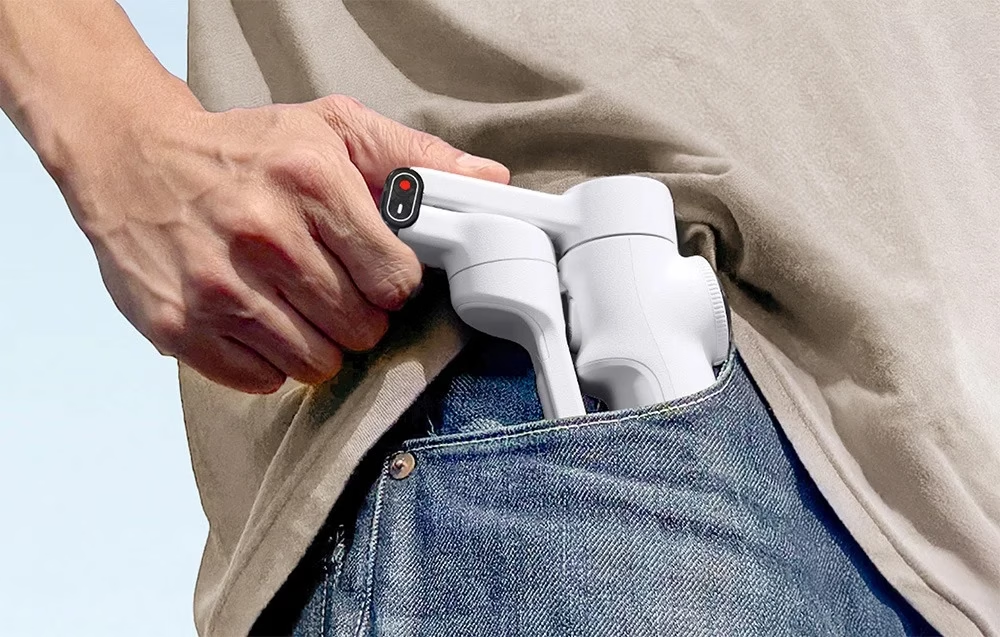
Folded, the gimbal fits in a pocket
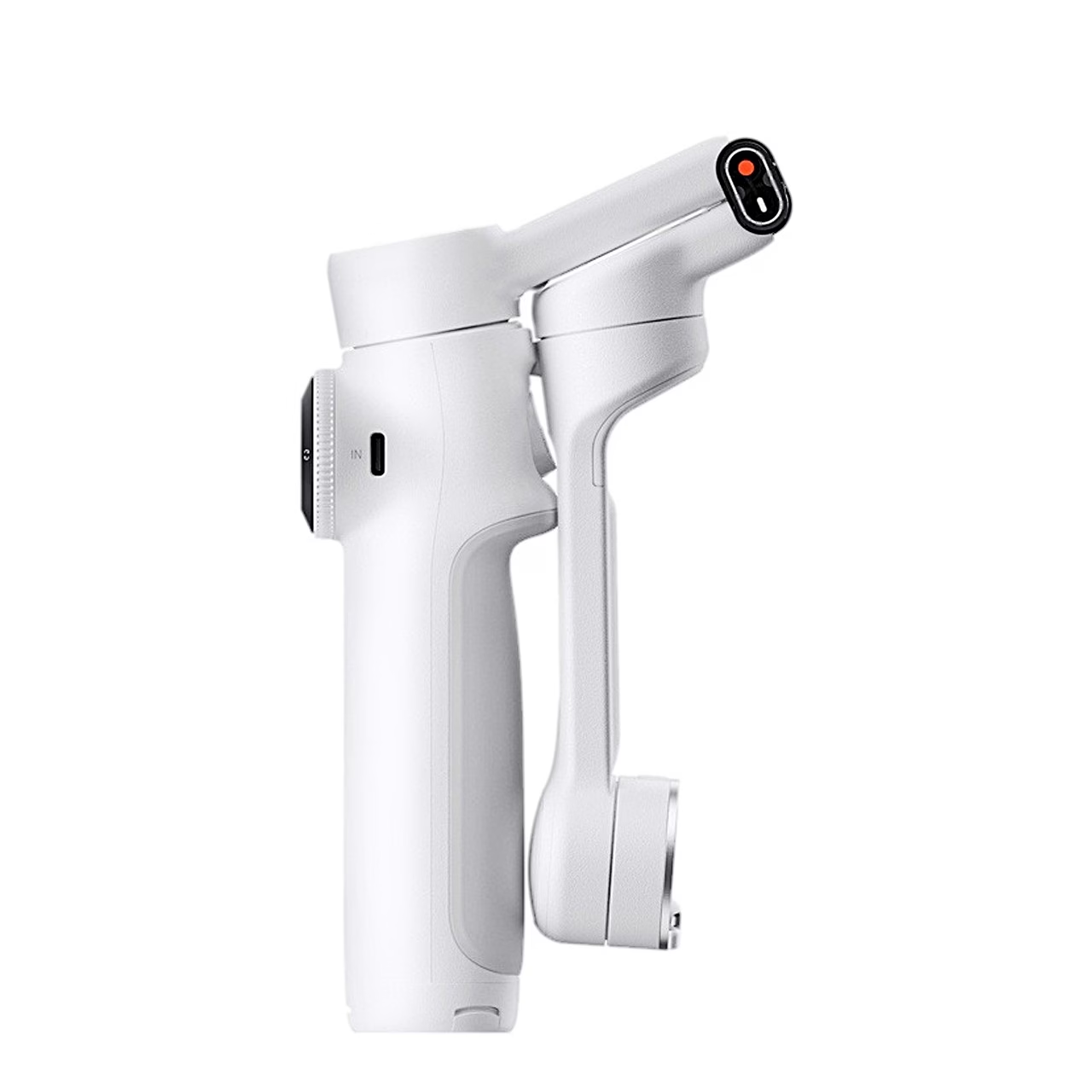
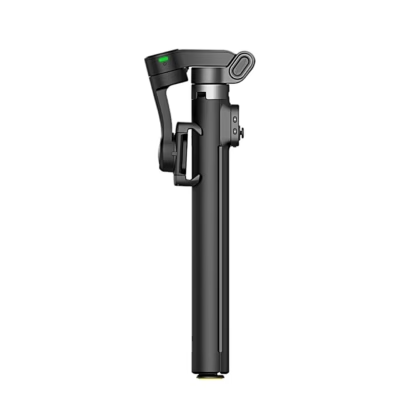
Folded, the gimbal measures 178.4 × 97.9 × 36.7 mm, so it fits in a larger pocket.
Remote control from a second phone and Apple Watch
Scanning a QR code with a second phone gives you a live preview and remote control of the shot without an extra app, and Android and iOS devices work with each other. From an Apple Watch you can view the preview, start shooting, recentre the gimbal and change the camera angle. NFC pairs the gimbal with a phone in one tap, for iPhone 12 or later with iOS 17 or later.
Use
Before first use, activate the gimbal in the Insta360 app with Wi-Fi and Bluetooth switched on on your phone. Fit the magnetic clamp to the middle of the phone so that the camera faces the direction marked on the clamp, then place the clamp on the gimbal with its groove aligned to the red dot. Hold the handle in one hand and pull the arm open with the other, and the gimbal switches on by itself. To switch off, press and hold the power button, fold the arm down while holding the phone and remove the phone with the clamp.
In the box
- Insta360 Flow 2 gimbal
- Magnetic phone clamp
- USB-C to USB-A charging cable
- Protective pouch
- Quick start guide
- Charger not included









































Reviews
There are no reviews yet.