

Description
Multimedia screen with dash cam for your phone’s apps
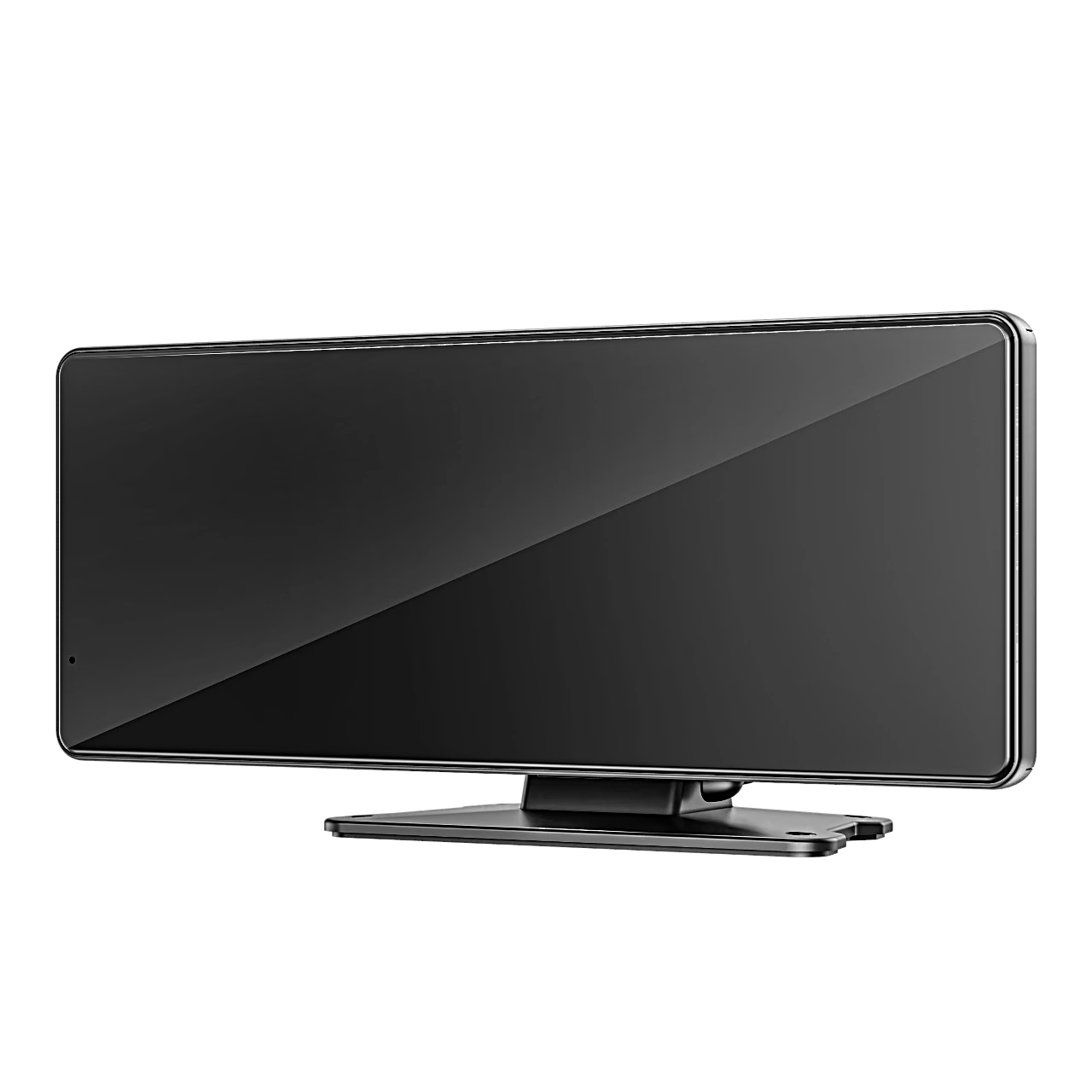
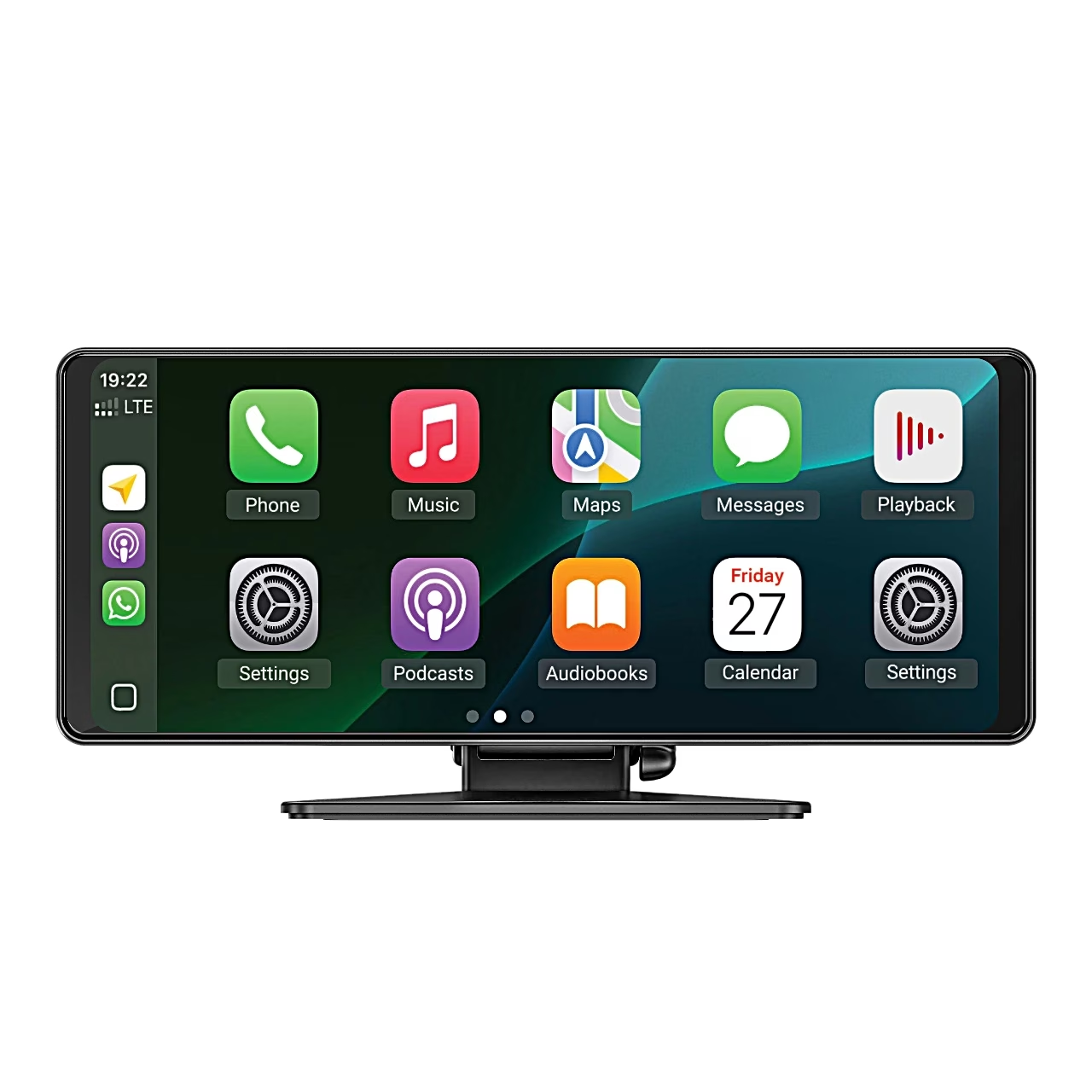
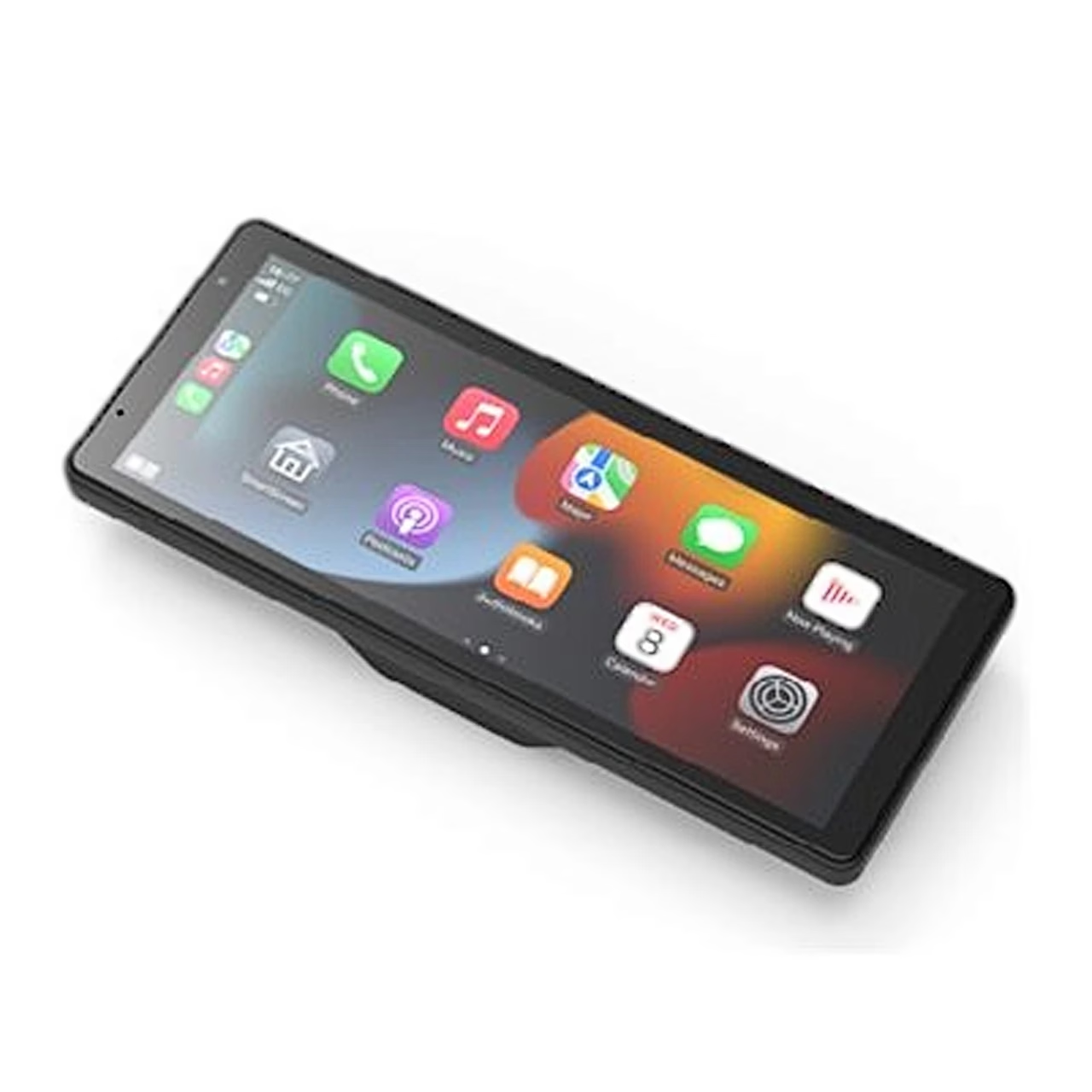
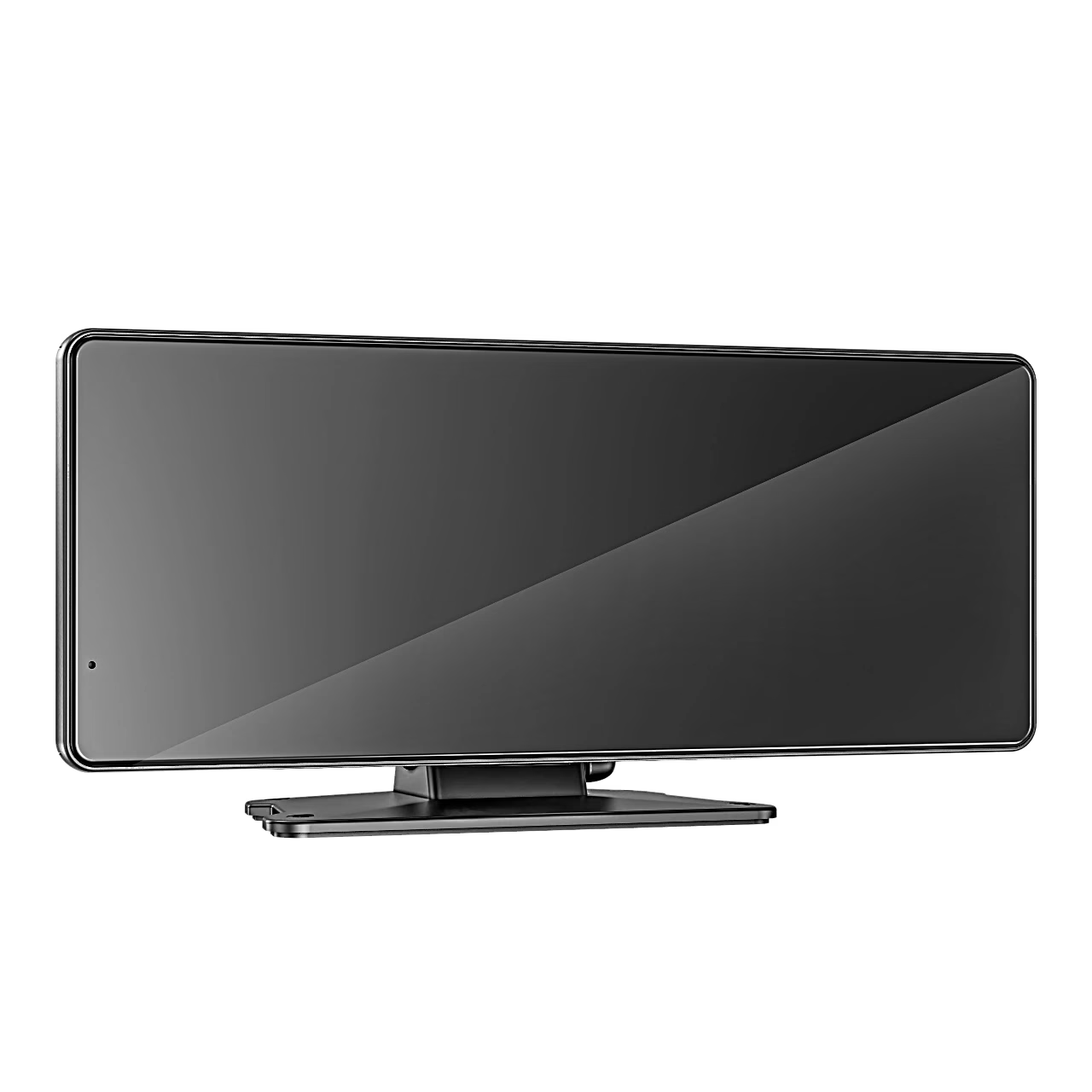
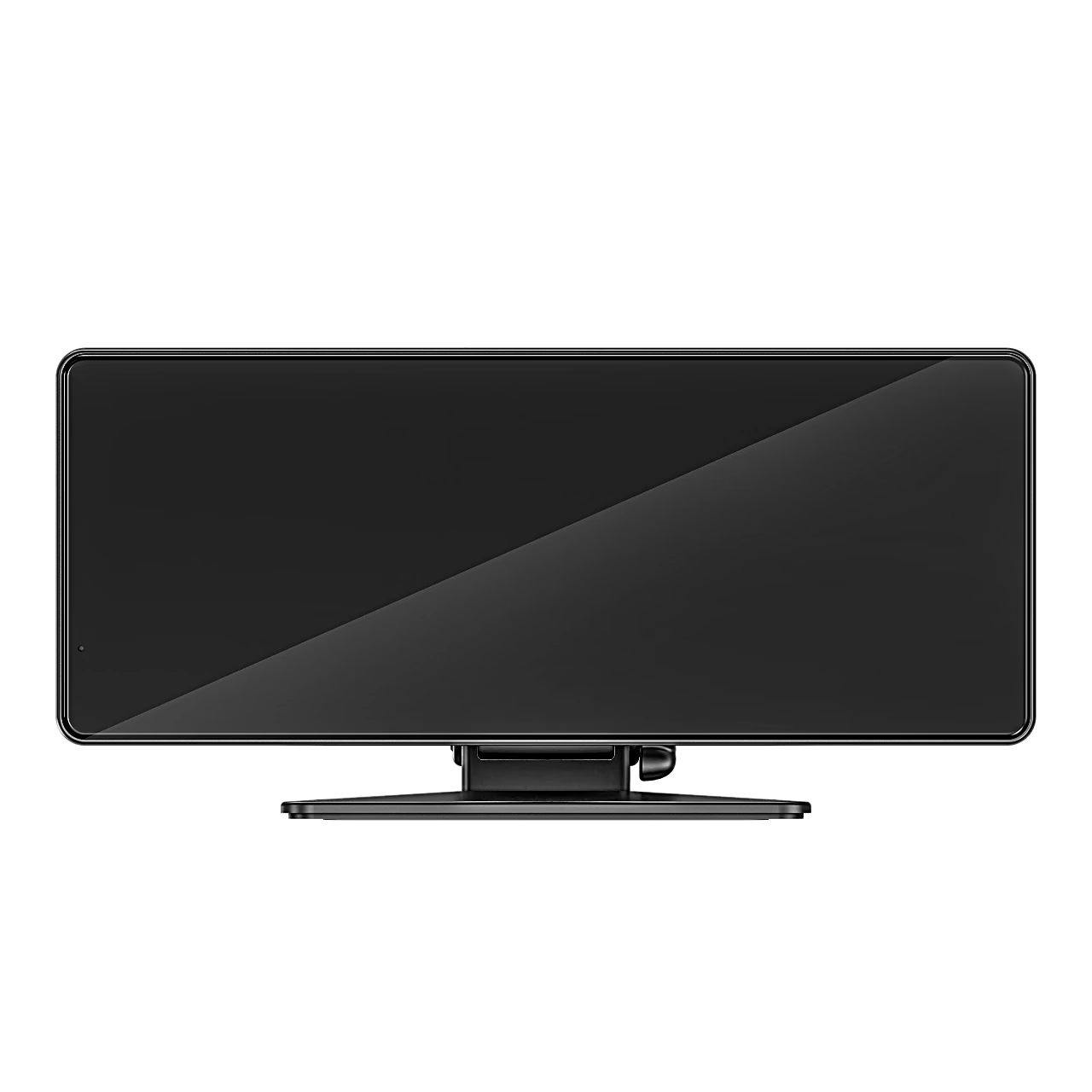
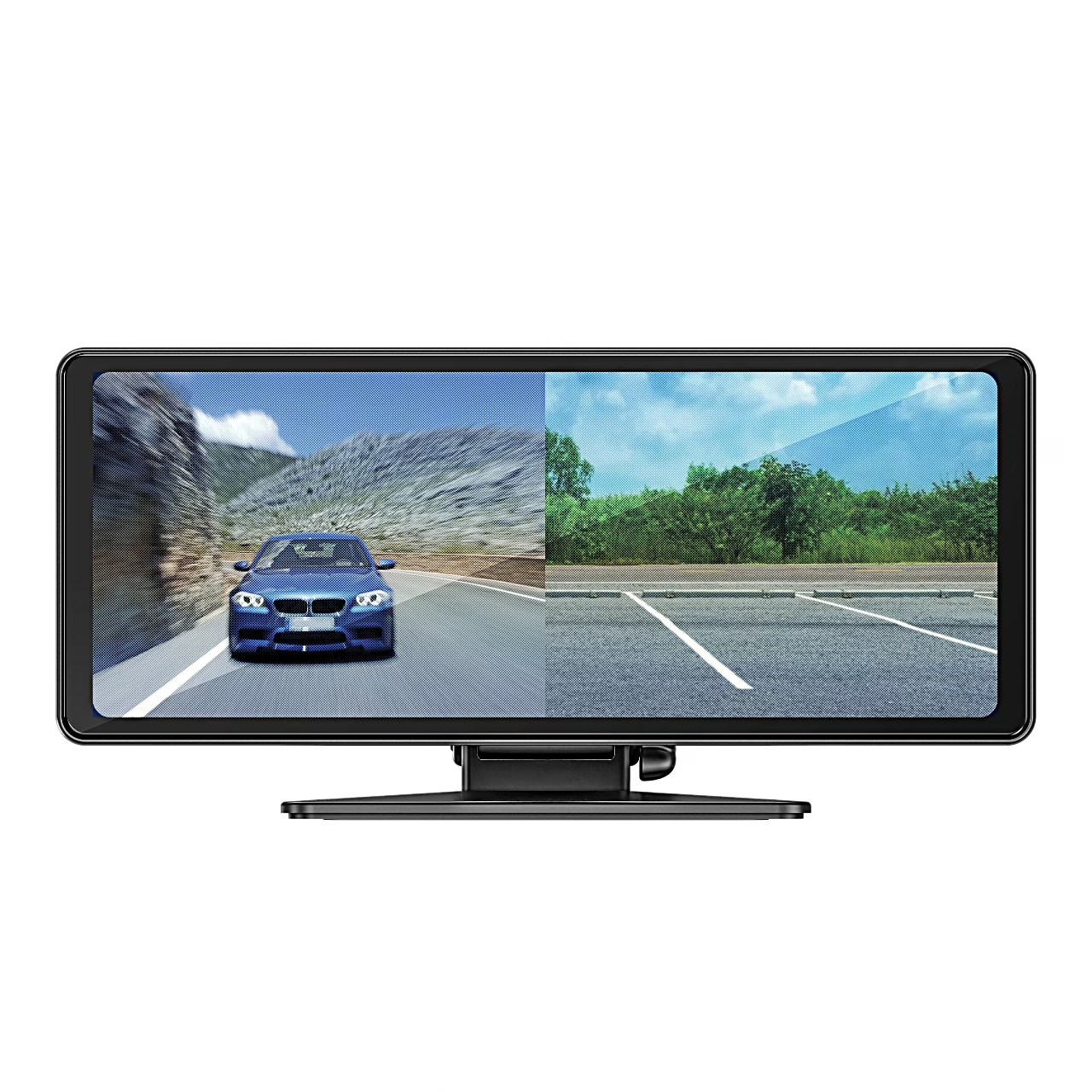
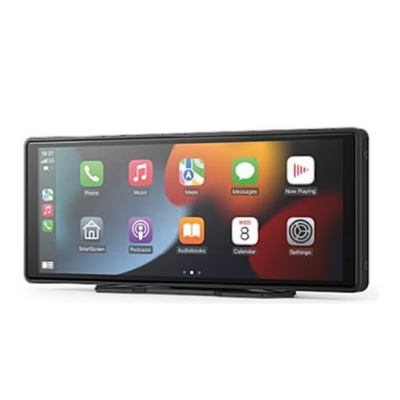
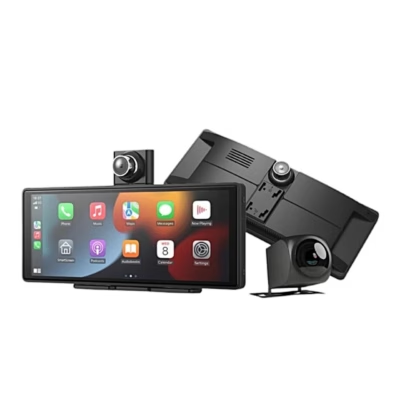
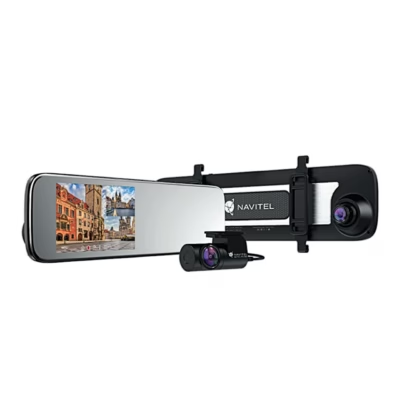
Mounted on the dashboard, the Navitel DS810 multimedia screen shows your phone’s apps on an 8.1-inch IPS touchscreen (1600 × 600) and records Full HD 1920 × 1080 video at 30 frames per second with its rear camera.
CarPlay, Android Auto and screen mirroring
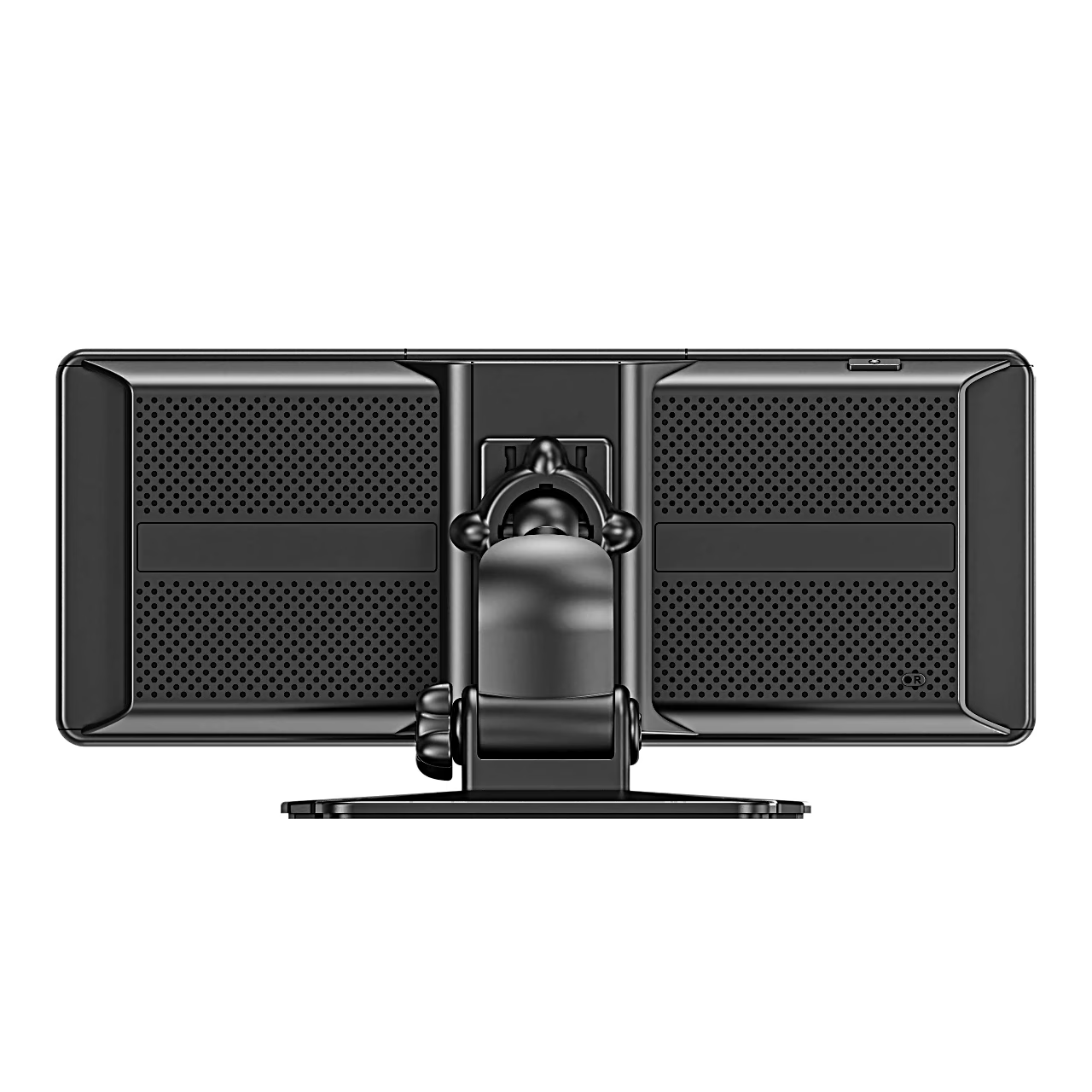
An iPhone connects over Bluetooth to wireless Apple CarPlay and an Android phone to wireless Android Auto, for calls, navigation and music. AirPlay and Mirror Cast mirror the phone screen over the device’s Wi-Fi network. Sound comes from the device’s speakers or through the car’s audio system via AUX cable, the FM transmitter (88–108 MHz) or Bluetooth, and a built-in microphone handles calls.
Rear camera and recording
The rear camera has a GC2083 Night Vision sensor, a 140° viewing angle and IP67 protection, meaning it is dust-tight and protected against temporary immersion in water. With the red wire connected to the 12 V positive terminal of the reversing light, the screen shows the rear view when reversing. G-sensor sensitivity is adjustable and the file protection button keeps the current segment from being overwritten. Recording needs a U3 or faster microSD card of up to 256 GB. The Navitel DVR Center app sets up the device, updates the firmware and saves videos to your phone.
Installation
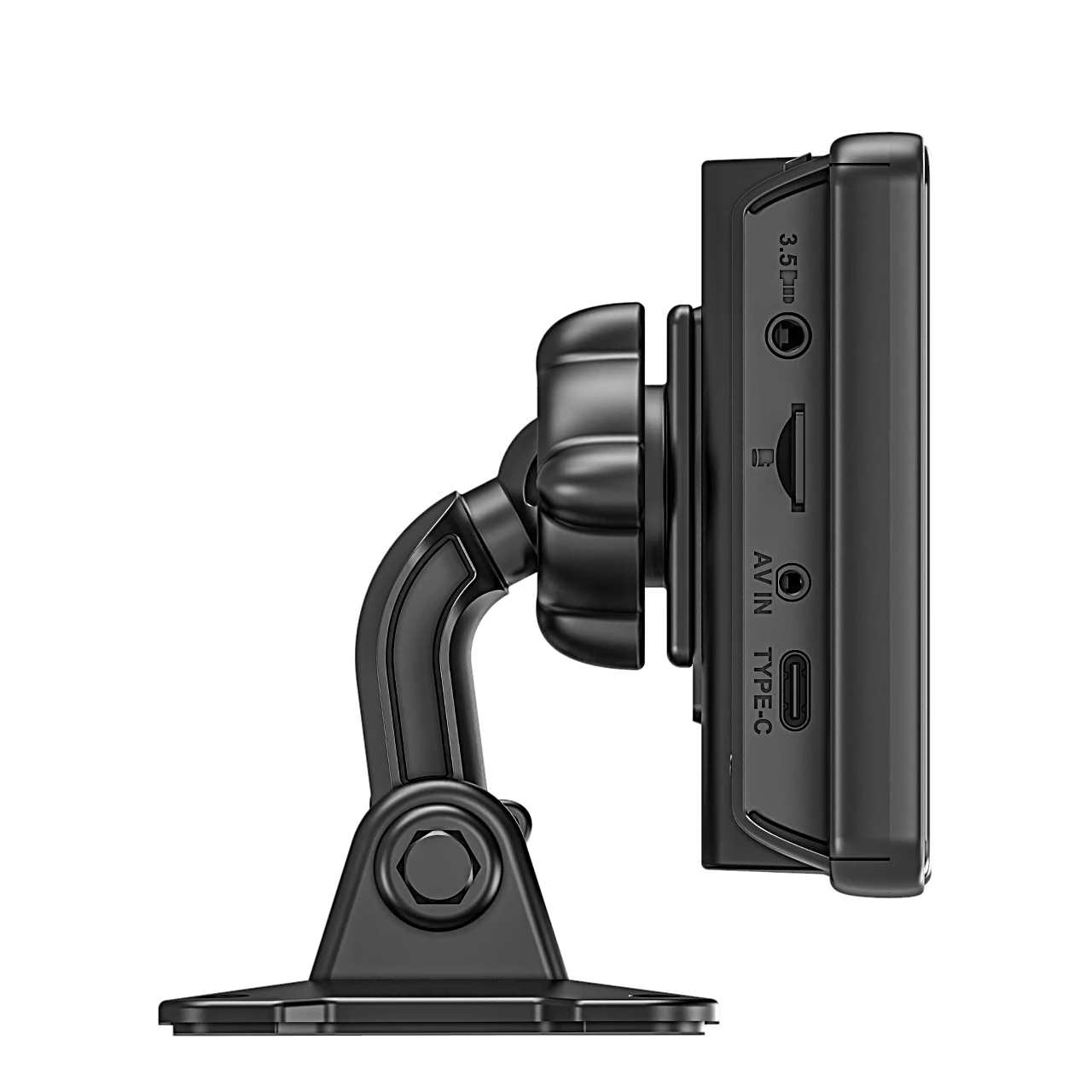
- Insert the microSD card and format it in the device settings.
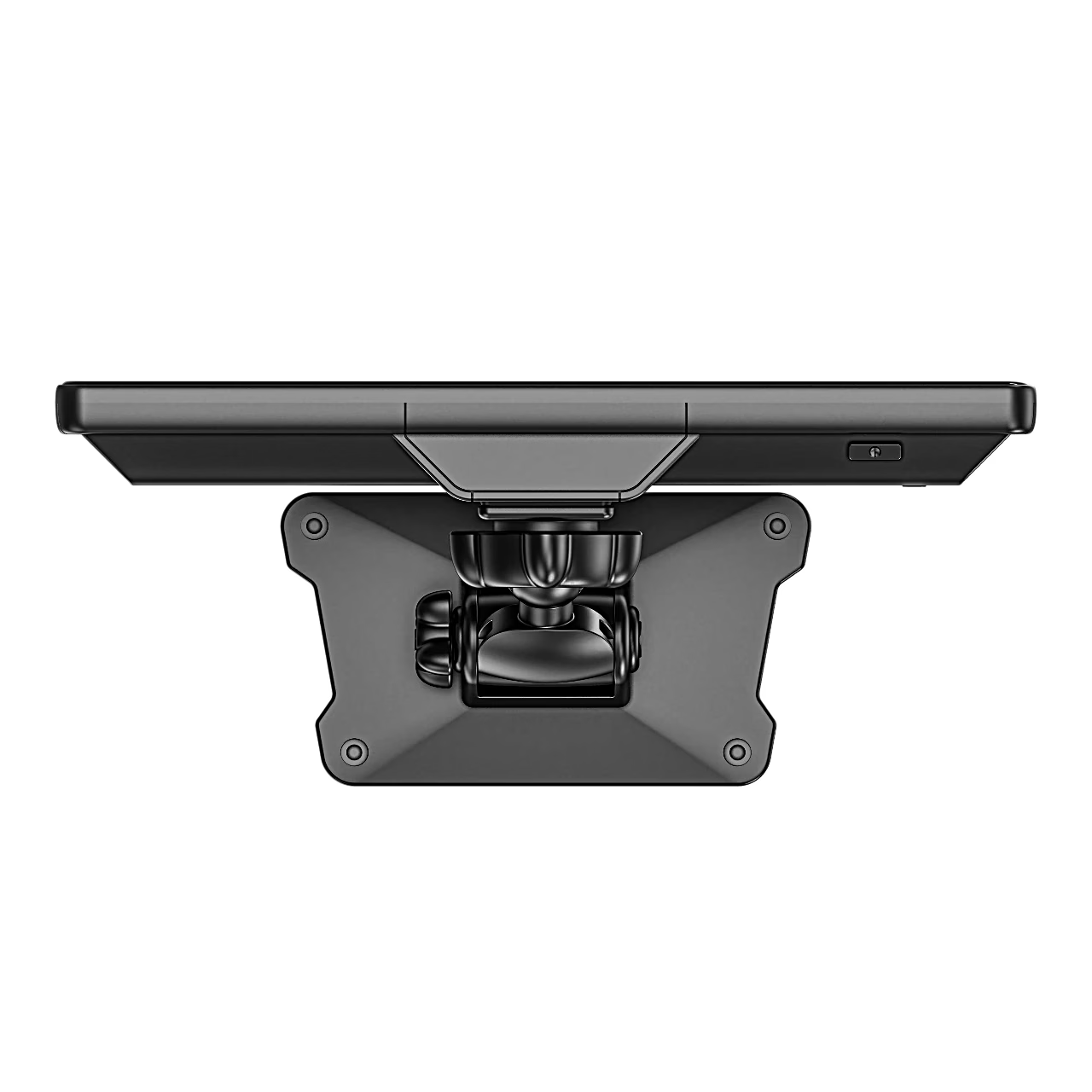
- Fix the stand to the dashboard and place the device on it; the holder rotates 360°.
- Run the car charger cable under the floor mat to the cigarette lighter socket.
- Route the rear camera cable through the interior gaps to the number plate in the boot.
- Fix the rear camera above the number plate and pass the cable through the plate light opening.
Cleaning and care
Keep the rear camera lens clean, switch the device off before cleaning and clean it without chemicals or detergents.
In the box
- Navitel DS810 multimedia screen
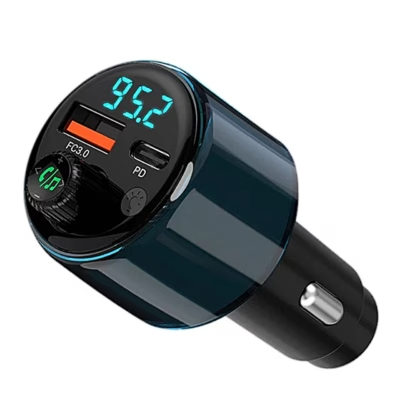
- 12/24 V car charger
- USB-A to USB-C charging cable
- Rear camera with video cable
- Mounting stand
- Spare mount sticker, 2 pcs
- User manual







































Reviews
There are no reviews yet.