


Description
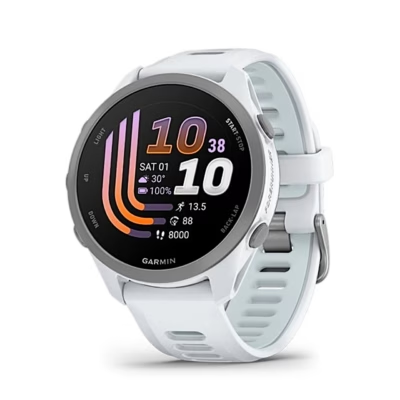
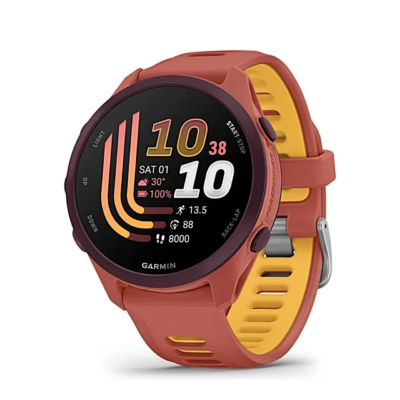
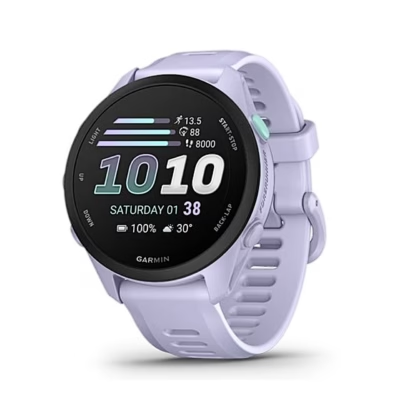
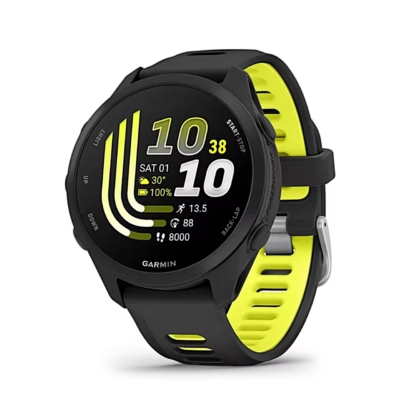
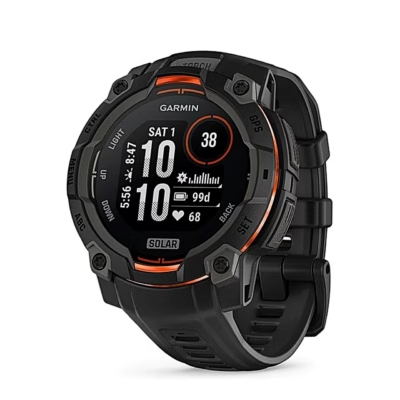
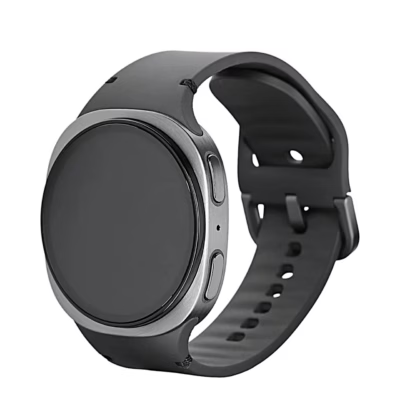
Garmin Venu 4 with AMOLED display for training and activity tracking
The Garmin Venu 4 is a smartwatch that tracks activity and workouts and shows smart notifications directly on your wrist. The 1.2-inch AMOLED touchscreen makes it quick to read information and comfortable to control the watch. With GPS you can record movement and distance more accurately. Heart rate measurement and workout features support both everyday movement and planned training.
Main features
- 1.2″ AMOLED touchscreen (390 × 390), clear view of training data and notifications.
- GPS (satellite), suitable for tracking distance and movement routes.
- Wi‑Fi support, an additional connectivity option when using the watch’s functions.
- Heart rate measurement, both automatic and manual; you can choose continuous monitoring or measurement when needed.
- Workout tracking, including interval training and more detailed workouts, helps you log and analyse training in a varied way.
- Training suggestions and training effect measurement give a better overview of load and the effect of training.
- Sensors (e.g. gyroscope, accelerometer, thermometer, ambient light sensor, barometric altimeter, electronic compass) support activity tracking and display of environmental data.
- Smart notifications, including call and calendar notifications, and the “Find my phone” function, so important information stays visible on your wrist.
Connectivity and everyday use
The Garmin Venu 4 displays smart notifications, including call and calendar notifications, and offers a “Find my phone” function. Wi‑Fi support adds connectivity options, and music features let you play and control music directly from the watch.
During workouts, GPS and distance tracking are helpful. Heart rate can be measured automatically or manually, and activity tracking brings together data such as burned calories and distance covered. Sleep quality tracking helps you see how recovery changes over time.
For everyday care, wipe the watch with a soft dry cloth to keep the screen and case clean.
Setup and use
Switch the watch on and follow the instructions shown on the touchscreen. To record a workout, select a suitable training mode and start tracking, with GPS if needed. To use smart notifications, allow notifications on the connected phone and adjust which alerts you want to see on the watch screen. For heart rate measurement you can choose automatic tracking or take measurements manually.
Why choose the Garmin Venu 4?
The Garmin Venu 4 combines an AMOLED touchscreen, GPS, Wi‑Fi support and a wide range of training and activity features in one wrist device. If you want a watch that helps you track workouts consistently and keeps notifications conveniently within reach, the Venu 4 is a clear and practical choice.













































Reviews
There are no reviews yet.