

Description
5G smartphone for everyday communication and data use
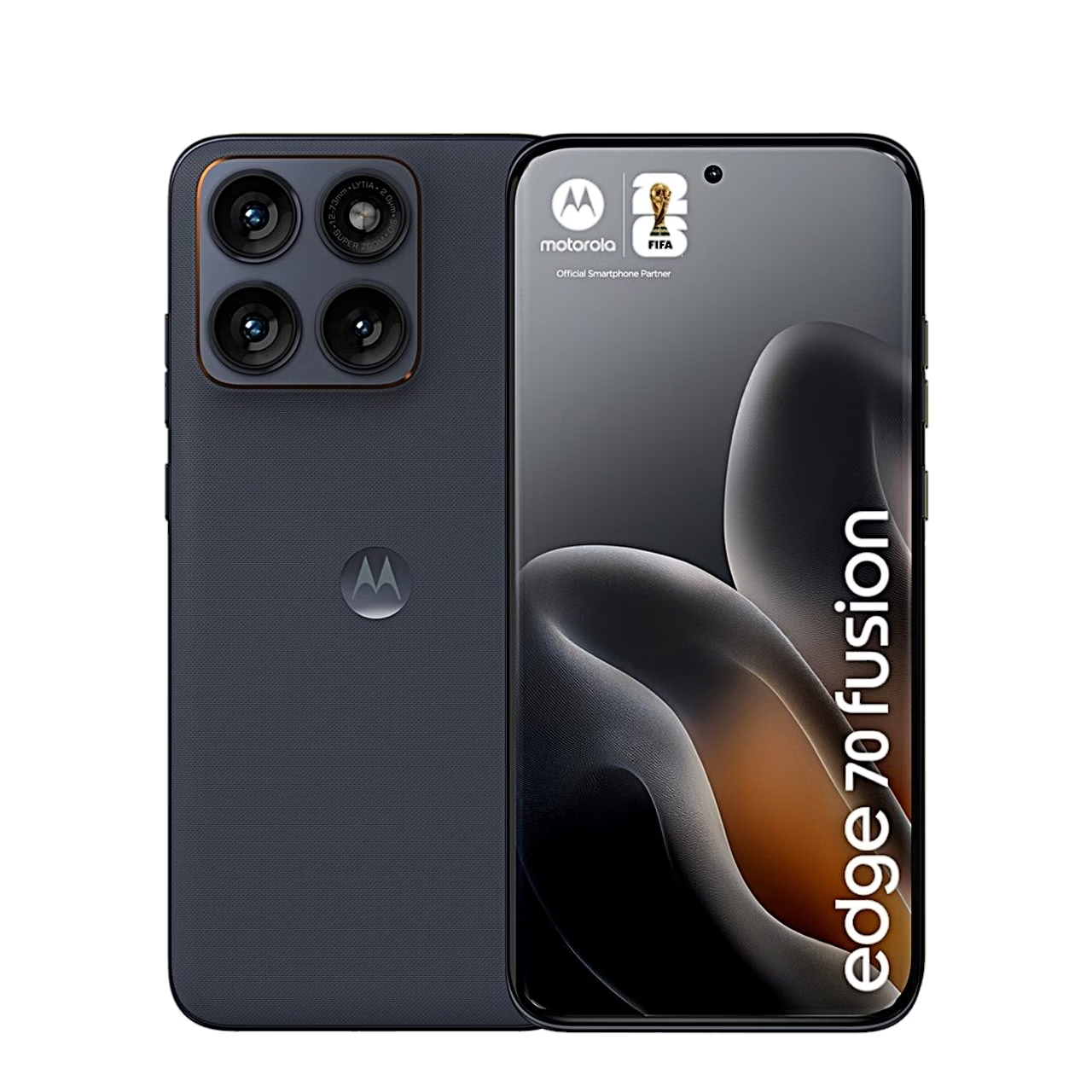
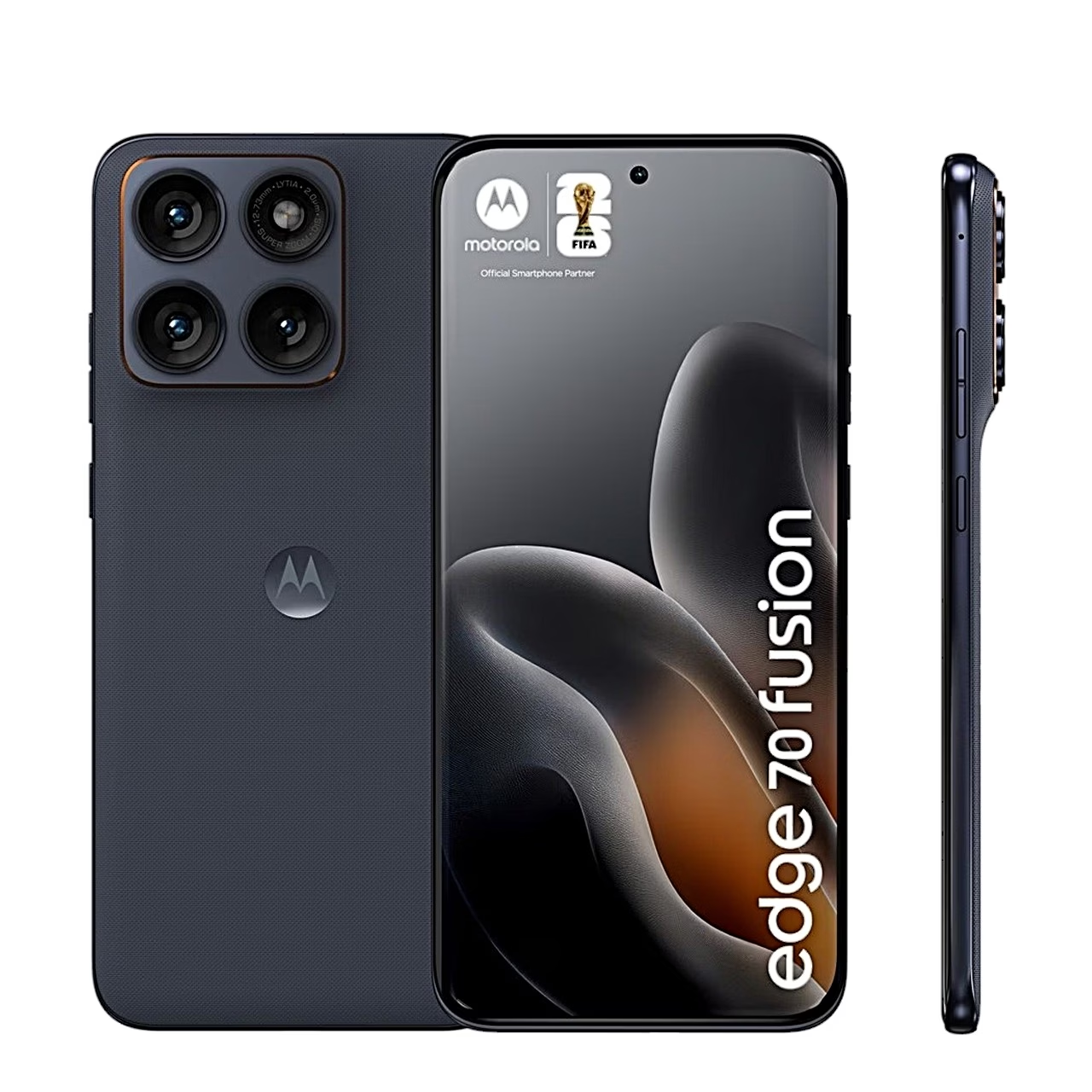
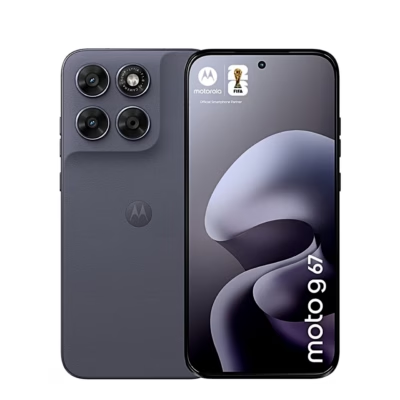
Motorola Moto Edge 70 Fusion 5G 8/256 GB, PANTONE Silhouette is a 5G smartphone designed for everyday communication and data use. The device has a Snapdragon 7s Gen 3 octa-core processor up to 2.5 GHz and is suited to smooth use of apps. For connectivity, it offers Wi‑Fi 6E, Bluetooth 6.0 and NFC. USB‑C charging with USB PD support helps you use a suitable charger in the range of 5–68 W.
Main features
- 5G mobile network support (Sub6, NR) together with 2G, 3G and 4G (LTE) standards, flexible use across different networks.
- Snapdragon 7s Gen 3 octa-core processor up to 2.5 GHz, smooth everyday performance and running several apps in parallel.
- Qualcomm Hexagon NPU, a platform with dedicated artificial intelligence computing capability.
- 8 GB RAM, more comfortable multitasking and switching between apps.
- 256 GB of storage, more room for files and apps.
- Wi‑Fi 6E support, compatibility with newer Wi‑Fi networks.
- Dual SIM (NanoSIM + eSIM), the option to use two numbers on one device.
- USB‑C charging with USB Power Delivery support at 5–68 W, suitable for USB‑C chargers of different power levels.
Connectivity and compatibility in everyday use
The phone supports Wi‑Fi connections to standards up to Wi‑Fi 6E (802.11ax), as well as Bluetooth 6.0 and NFC. This allows you to use a wireless network, connect devices via Bluetooth and use NFC functions.
The SIM solution is Dual SIM, combining NanoSIM + eSIM. In terms of mobile standards, it supports 2G (GSM), 3G (WCDMA), 4G (LTE) and 5G, including Sub6 and NR.
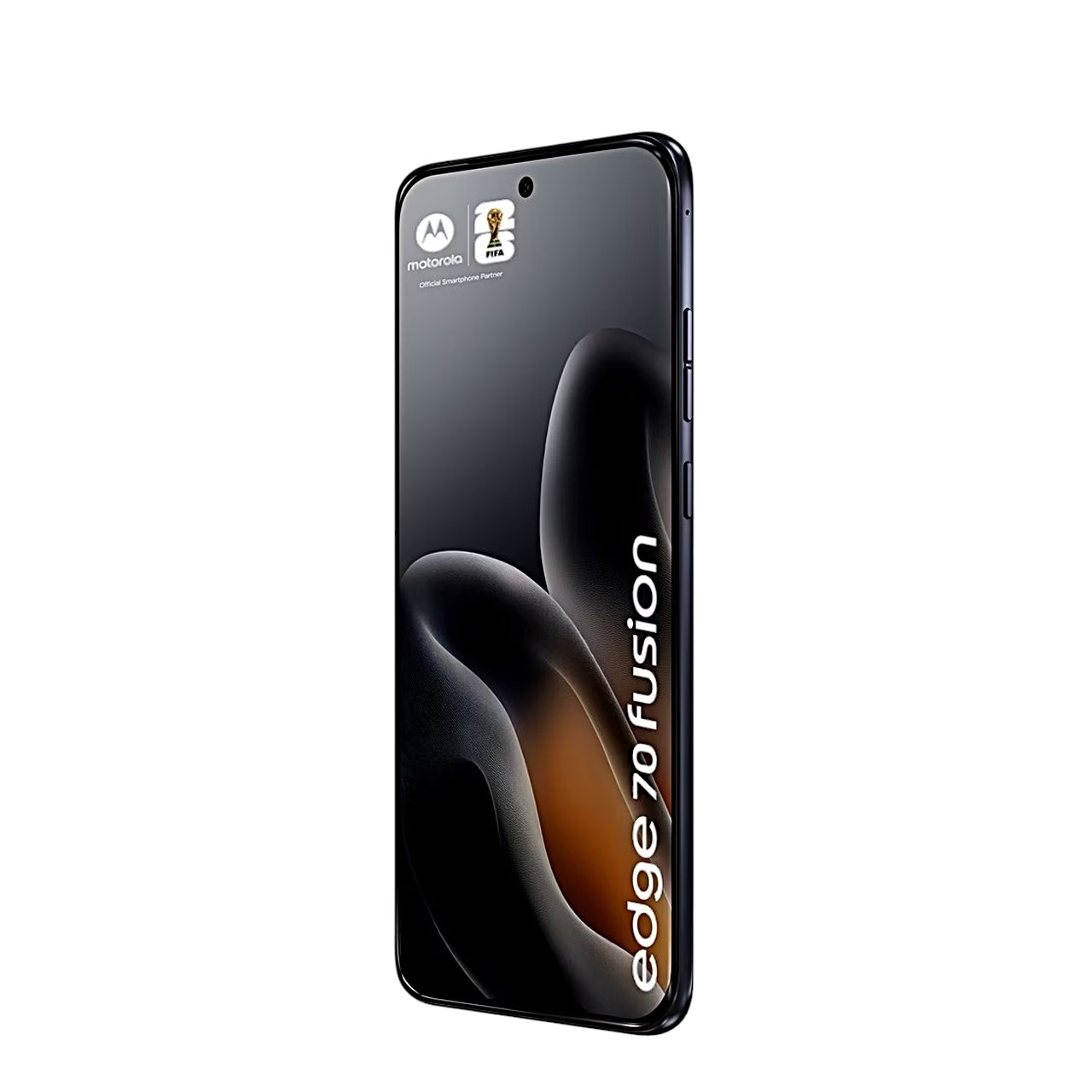
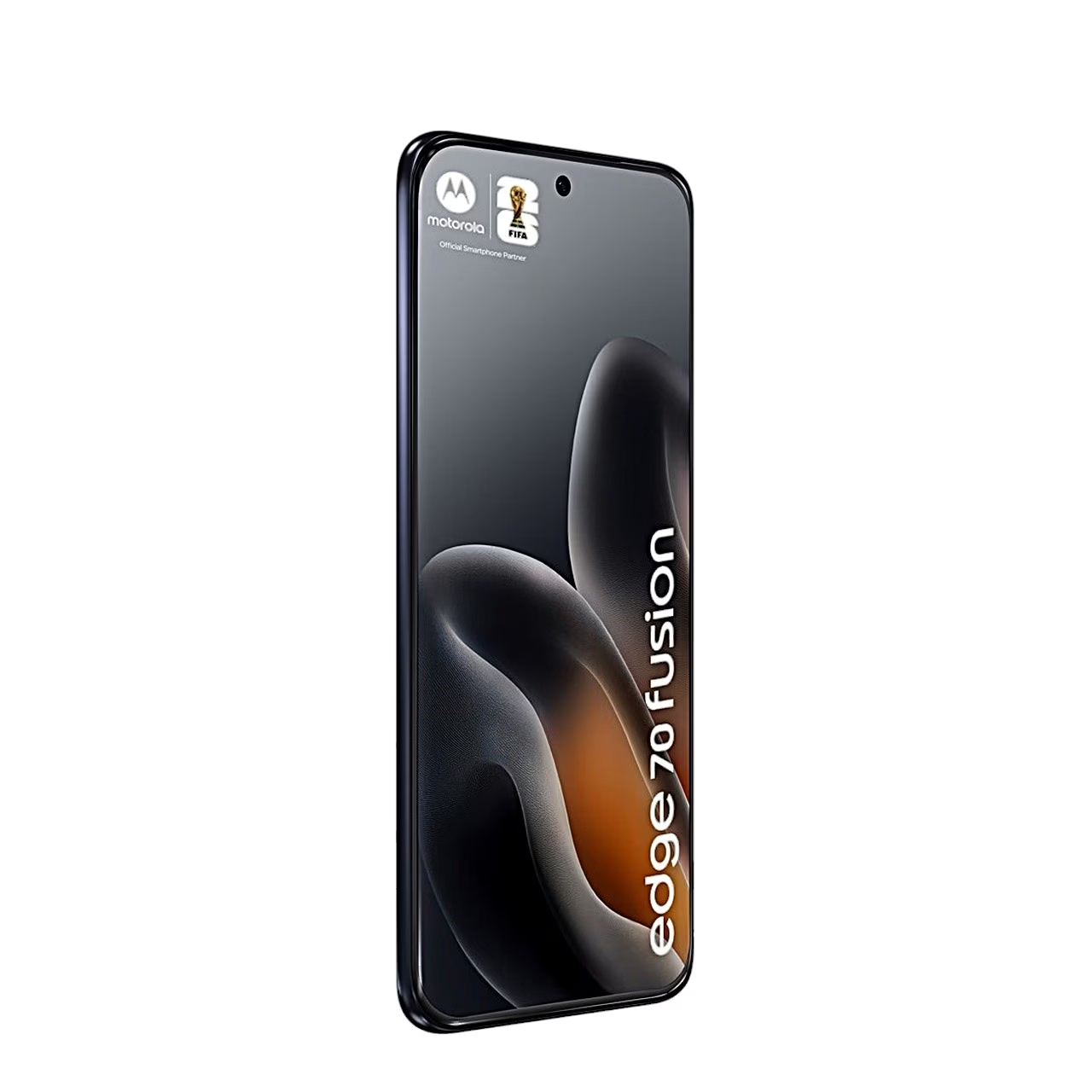
The body is made of plastic and the colour is black, with the colour name PANTONE Silhouette. Protection against dust, water and dirt is also stated.
Setup and use
- Insert the NanoSIM card and activate the eSIM following your mobile operator’s instructions.
- To connect to a Wi‑Fi network, select Wi‑Fi in the settings and connect to a suitable network, including a Wi‑Fi 6E router.
- To add a Bluetooth device, turn on Bluetooth and put the device you want to connect into pairing mode.
- To use NFC, turn it on in the NFC settings if you want to use near-field communication.
- To charge, use a USB‑C cable and a suitable USB PD charger in the range of 5–68 W.
Why choose the Motorola Moto Edge 70 Fusion 5G?
The Motorola Moto Edge 70 Fusion 5G combines 5G data, Wi‑Fi 6E, NFC and Dual SIM (NanoSIM + eSIM) in one phone. 8 GB RAM and 256 GB of storage give you a comfortable margin for everyday apps and files, and USB‑C USB PD charging lets you use chargers of different power levels up to 68 W.










































Reviews
There are no reviews yet.