
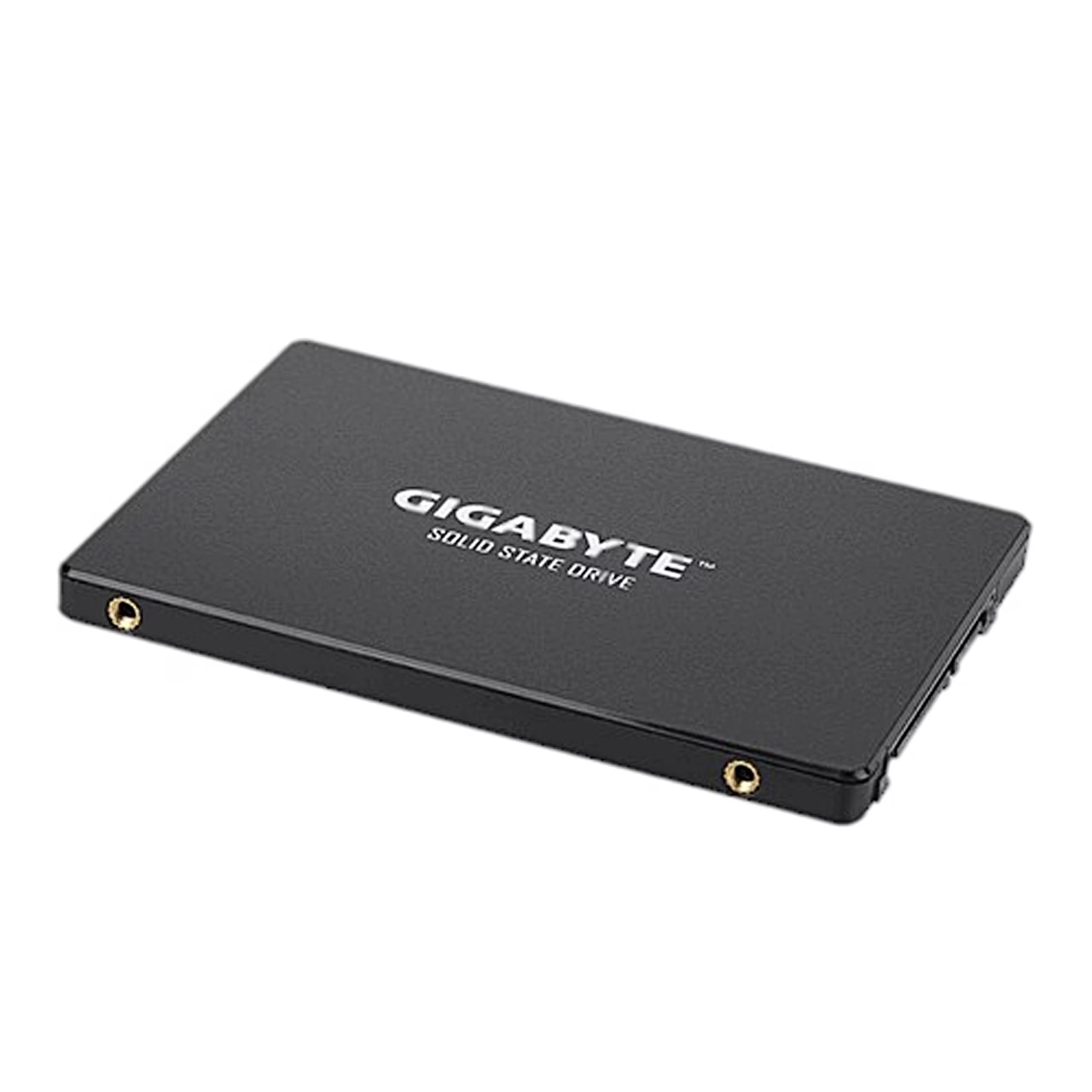
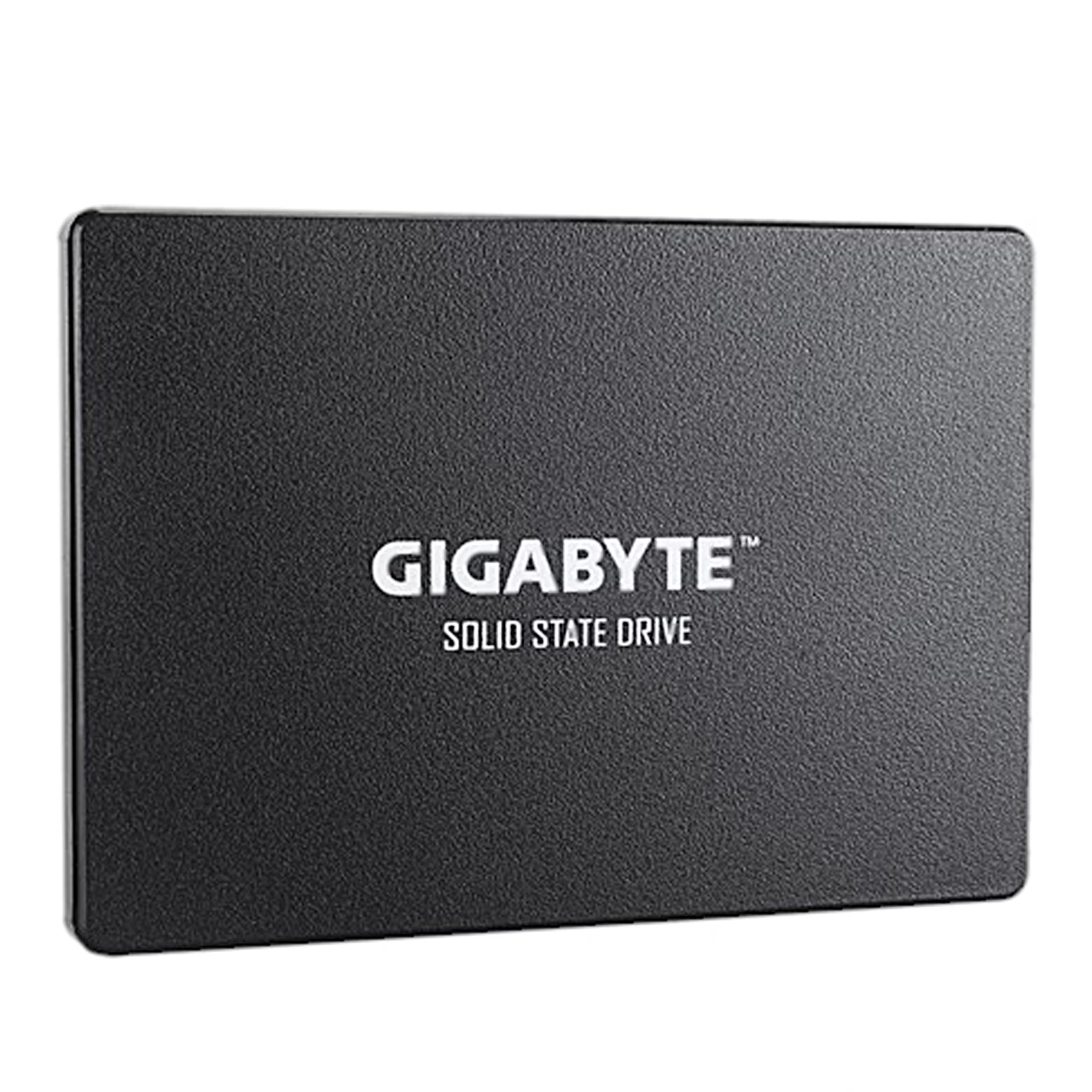

Description
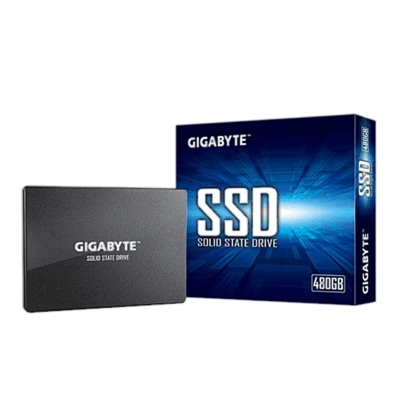
Internal SSD for a desktop PC drive bay and SATA port
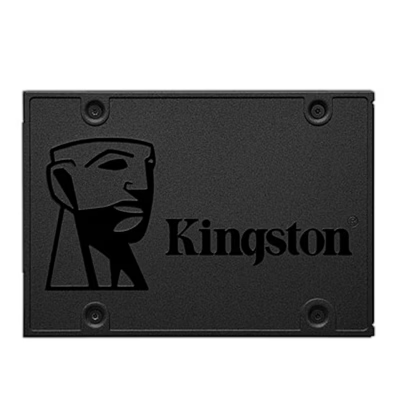
The 2.5-inch Gigabyte GP-GSTFS31240GNTD internal SSD has a capacity of 240 GB and connects to the motherboard over SATA. The drive is intended for a desktop PC, where it is mounted in a free drive bay of the case.
Installing in a desktop PC
- Unplug the computer from the mains socket.
- Remove the case cover as the case manual shows.
- Mount the SSD in a free drive bay.
- Connect a SATA data cable between the drive and a SATA port on the motherboard, and a SATA power cable from the power supply to the drive.
- Close the case, plug the computer in and switch it on.
Cloning the system from an old hard drive
To clone an old hard drive onto the new drive, the SSD’s capacity must be larger than that of the old drive, otherwise cloning stops.








































Reviews
There are no reviews yet.