

Description
USB microphone with two pickup patterns for podcasting and streaming
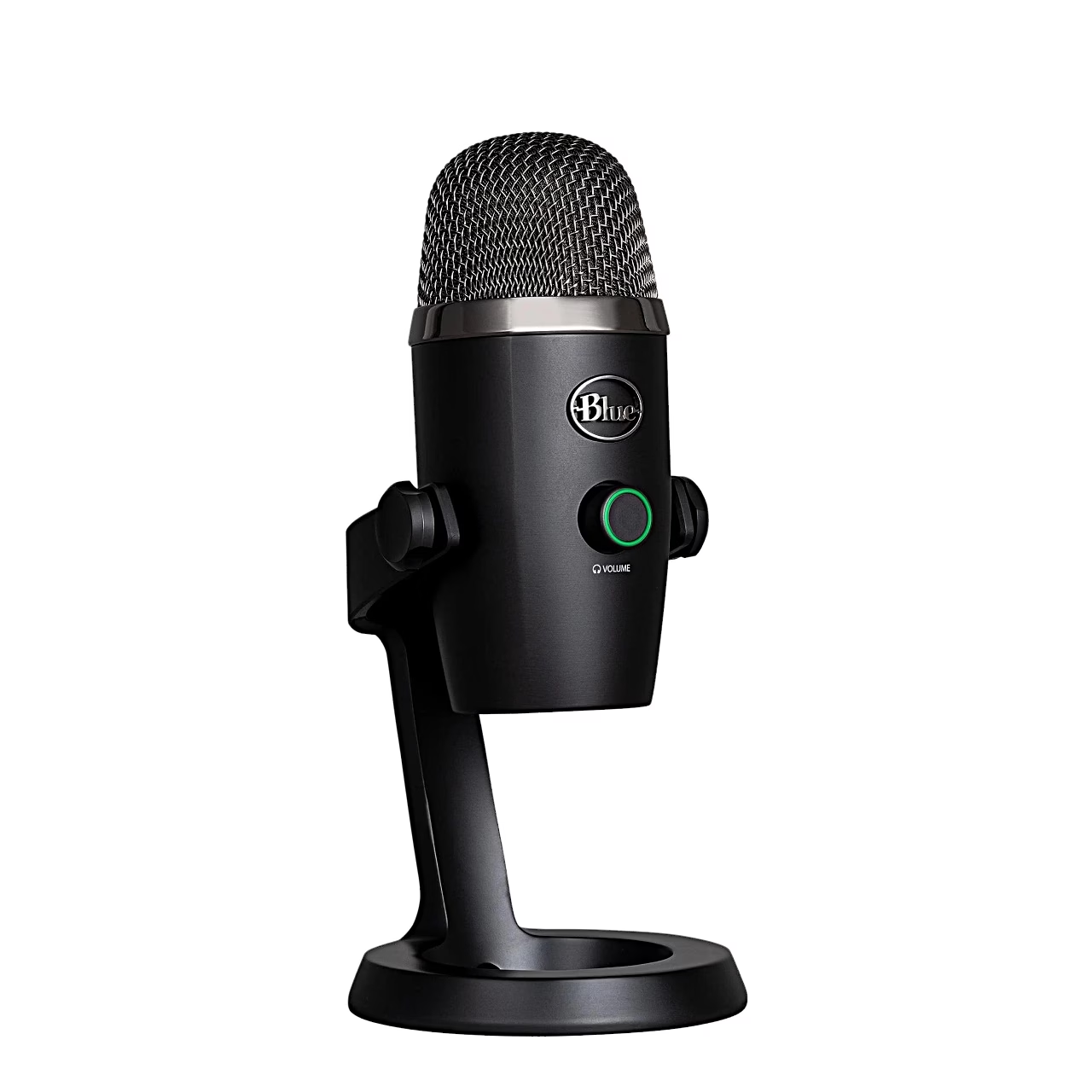
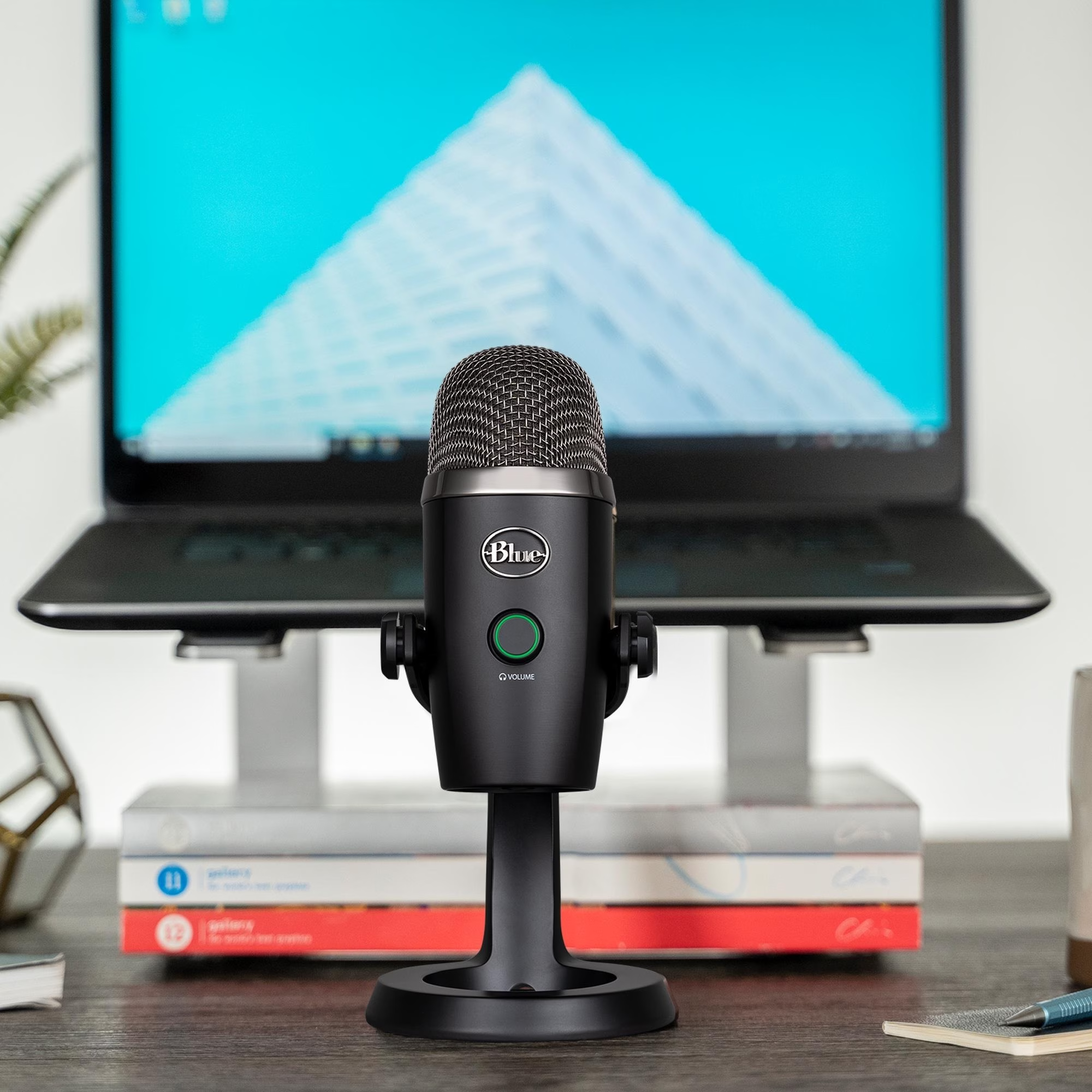
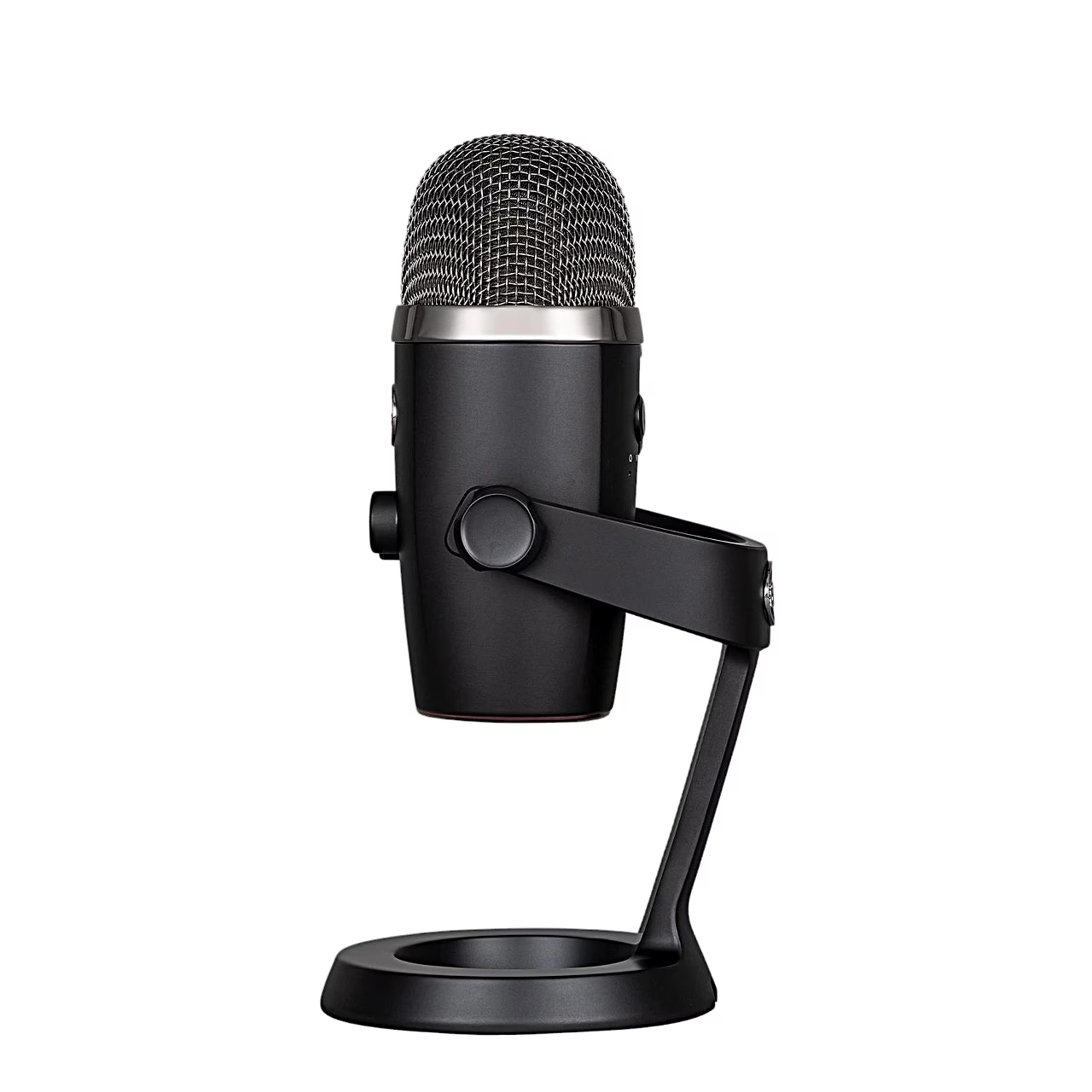
The Logitech Blue Yeti Nano is a USB microphone with two condenser capsules for podcasts, streams, video calls and voice recording. It records at 24-bit depth and a 48 kHz sample rate, with a frequency range of 20–20,000 Hz. The microphone is powered from the computer’s USB port and works with Windows and macOS without drivers.
Podcast microphone with two modes
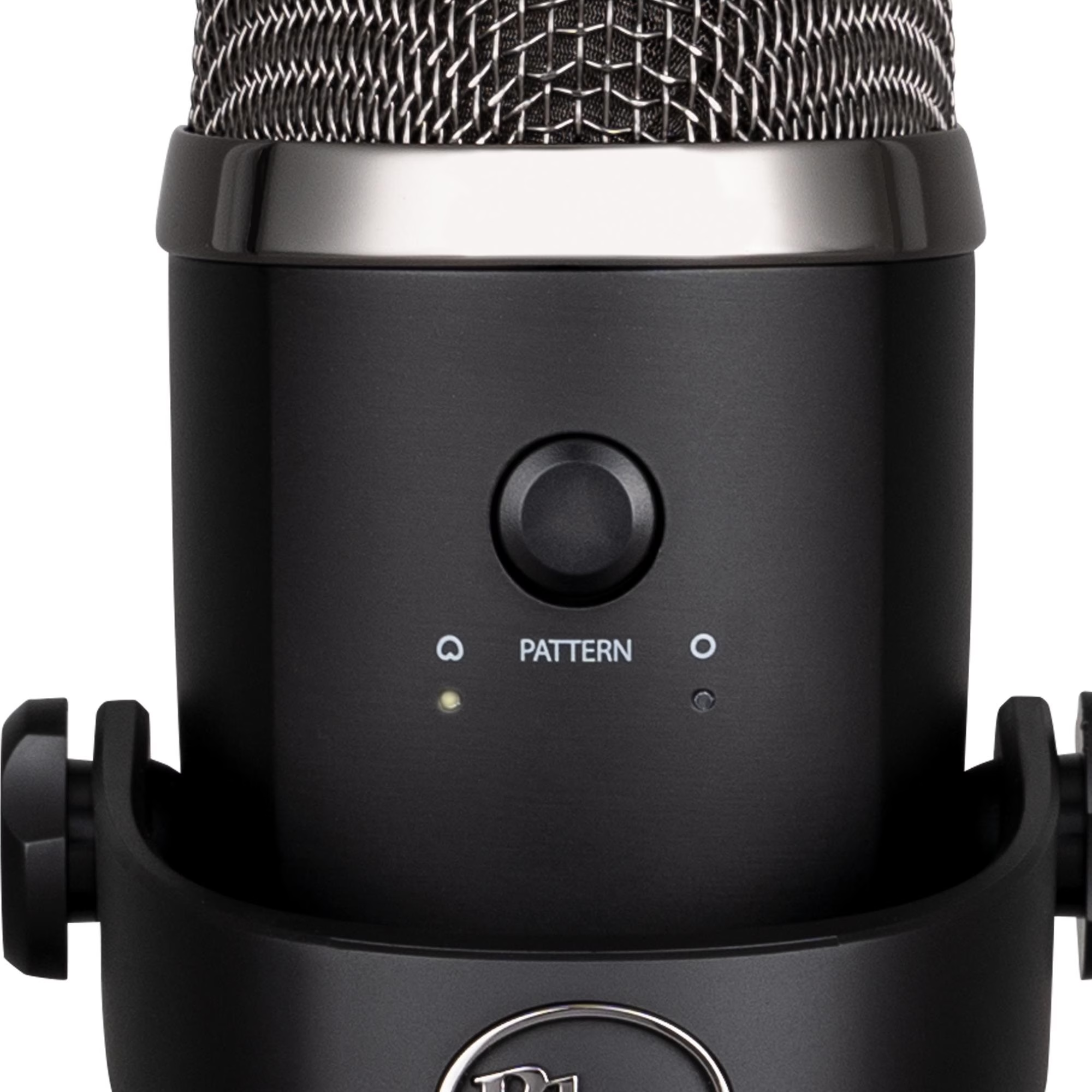
A button on the back switches between cardioid and omnidirectional pickup. Cardioid mode picks up sound in front of the microphone and suits solo speech, vocals and instruments. Omnidirectional mode picks up sound evenly from all directions, for example in a podcast with several guests or a conference call.
Headphone output and mute
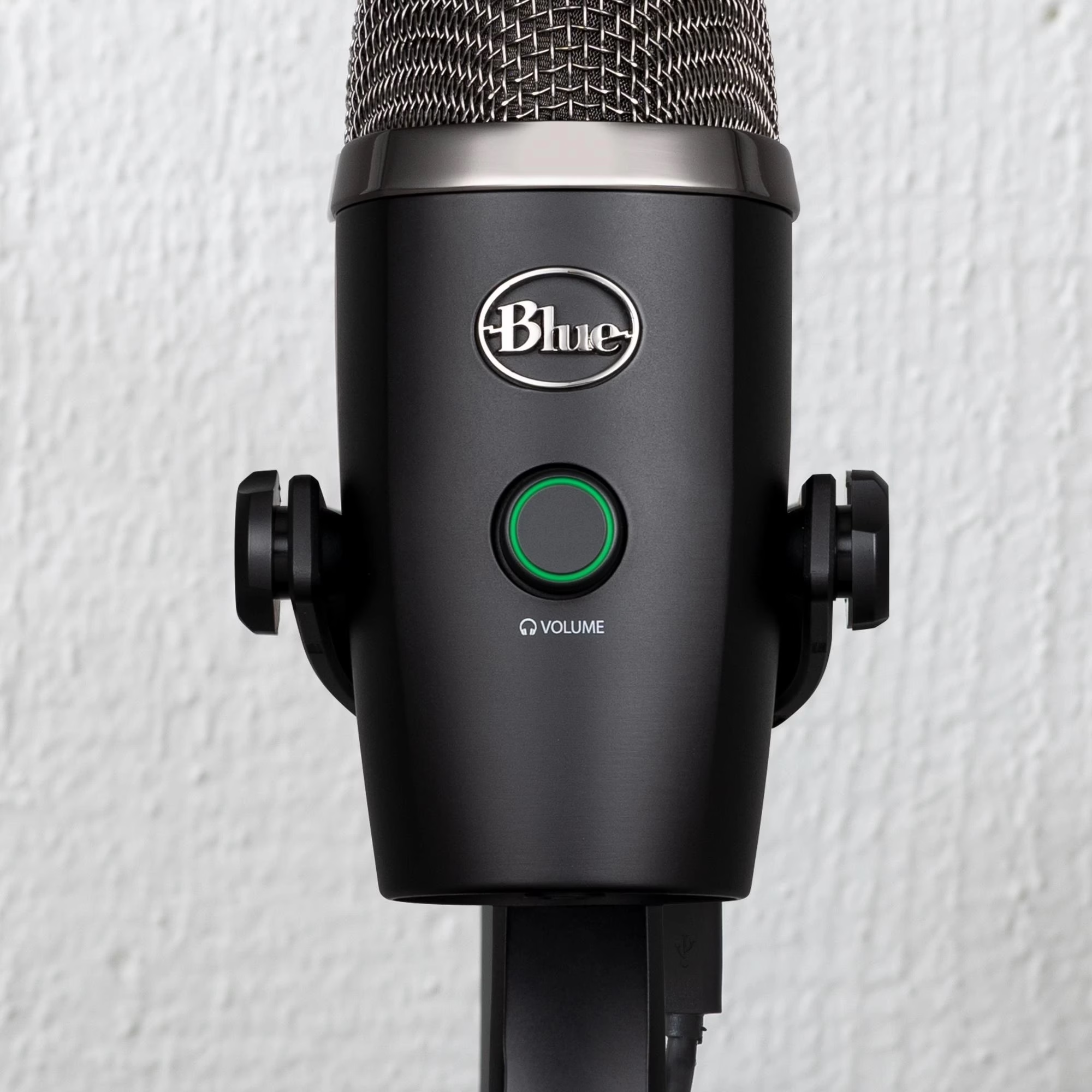
The 3.5 mm headphone output lets you hear your voice in real time without latency. Turning the front knob sets the headphone volume and pressing it mutes the microphone; the light is red when muted and green when live. With Logitech G HUB software you can use Blue VO!CE equaliser, noise reduction, de-essing and voice modulation.
Using the microphone
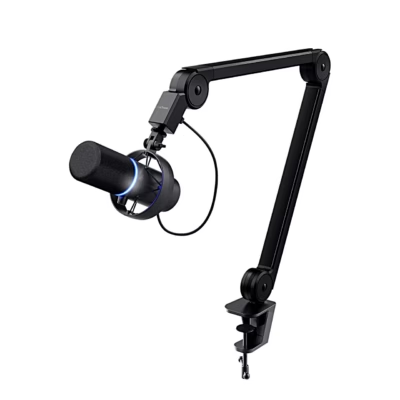
After unpacking, rotate the microphone 180 degrees so the Blue logo and volume knob face you, set the angle and tighten the screws on both sides of the base. The Yeti Nano picks up sound from the side, so speak or sing into the front, towards the Blue logo. Connect it with the supplied USB cable directly to a USB port on the computer and select it as input and output device in the sound settings. To fit a boom arm, remove the microphone from the desk stand and screw it onto a standard threaded mount with the supplied adapter.
In the box
- USB microphone Logitech Blue Yeti Nano, 1 pc
- Desk stand with cable management
- USB cable
- Thread adapter from 1/4-inch to 5/8-inch
- Quick start guide











































Reviews
There are no reviews yet.