

Description
Graphics card with GeForce RTX 3050 processor
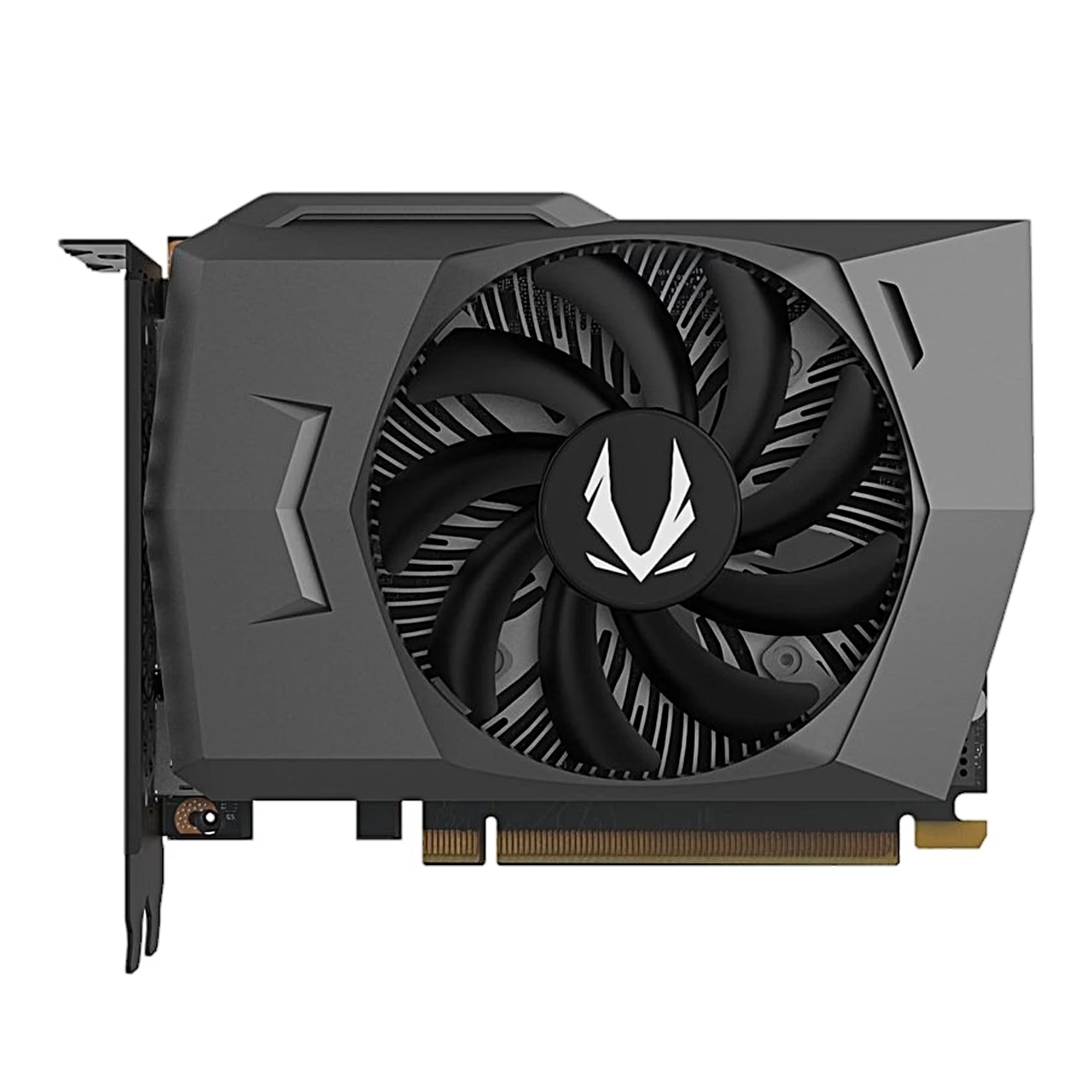
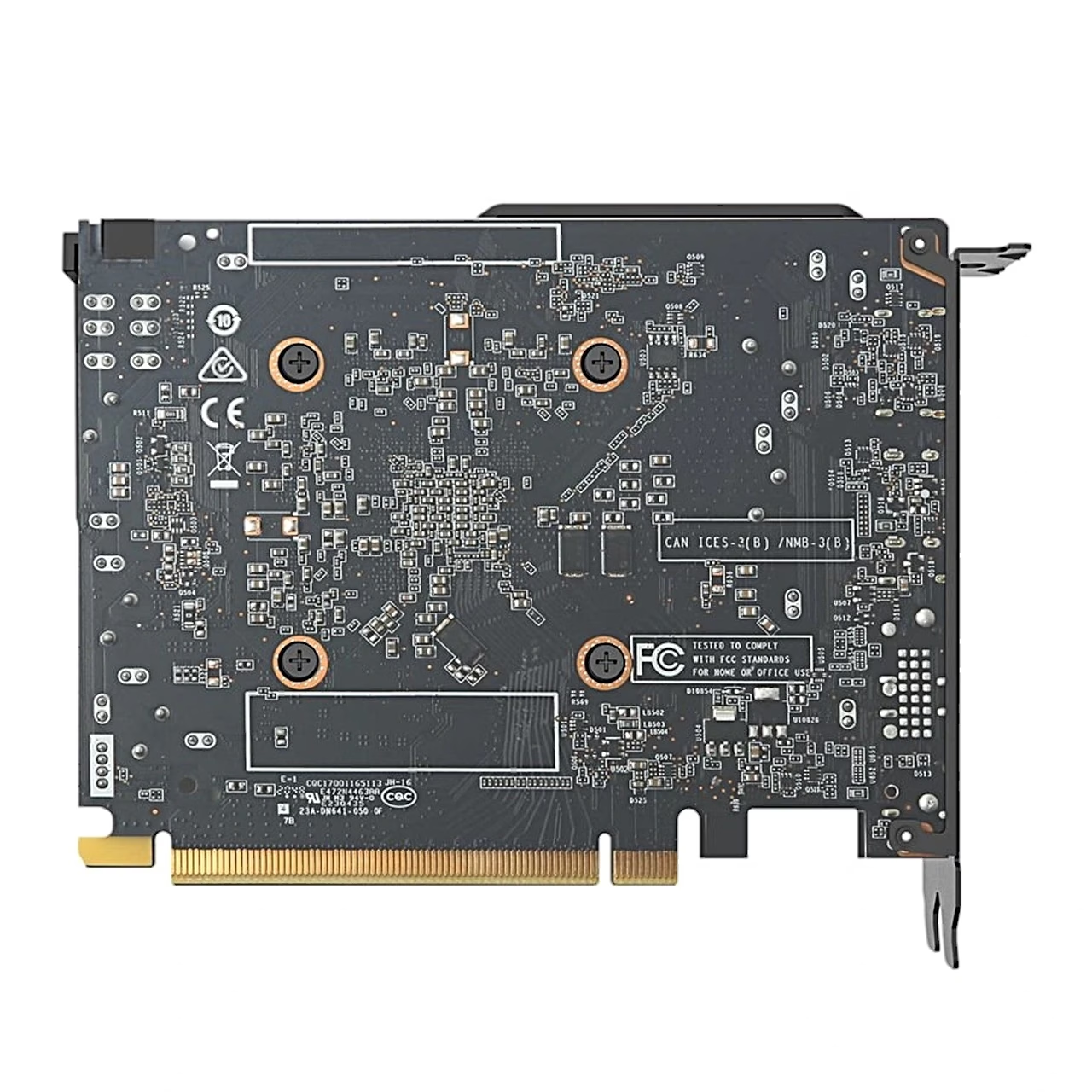
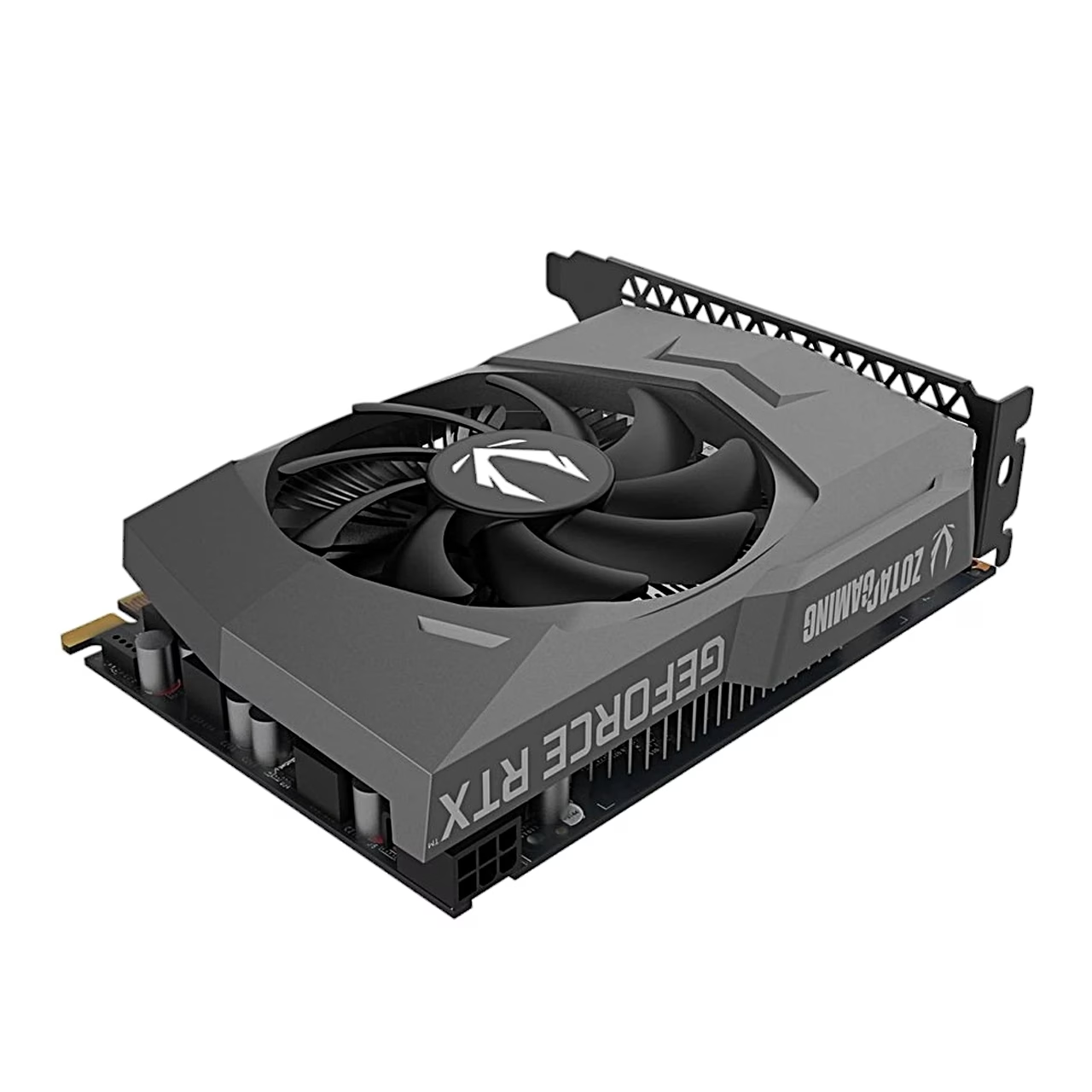
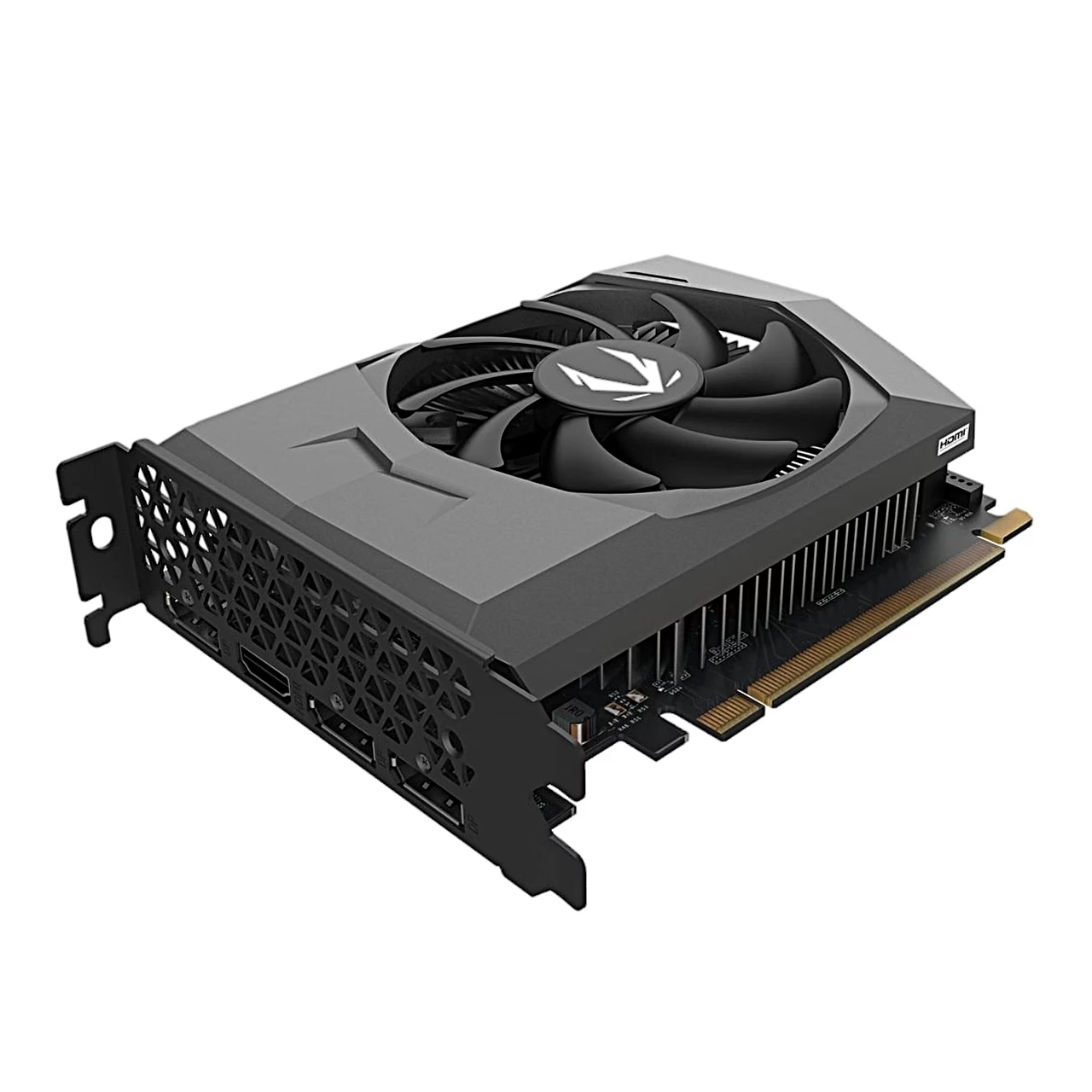
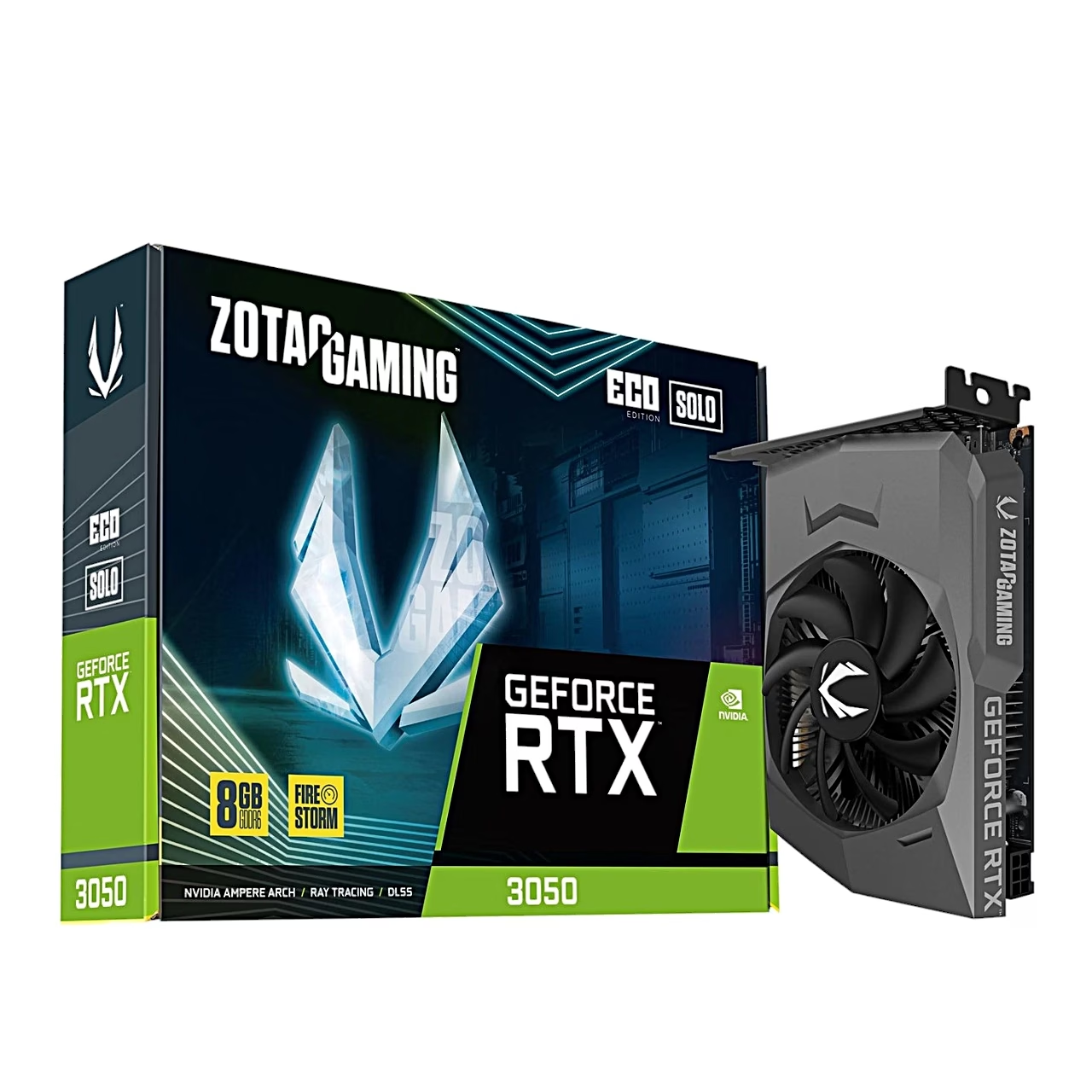
The ZOTAC Eco Solo graphics card uses the NVIDIA GeForce RTX 3050 graphics processor with 2560 CUDA cores and a boost clock of 1777 MHz. Its 8 GB of GDDR6 memory sits on a 128-bit bus with a data rate of 14 Gbit/s. The card connects to the motherboard over eight PCIe 4.0 lanes.
Size and power requirements
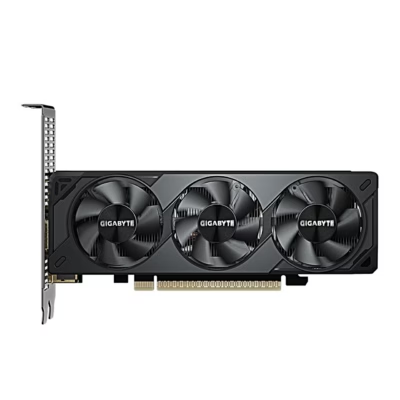
The card is 11.5 cm tall, 3.9 cm thick and occupies two expansion slots. A single 90 mm fan cools it. Auxiliary power comes through one 6-pin connector, maximum power draw is 115 W and the maker recommends a power supply of at least 450 W.
Outputs for up to four displays
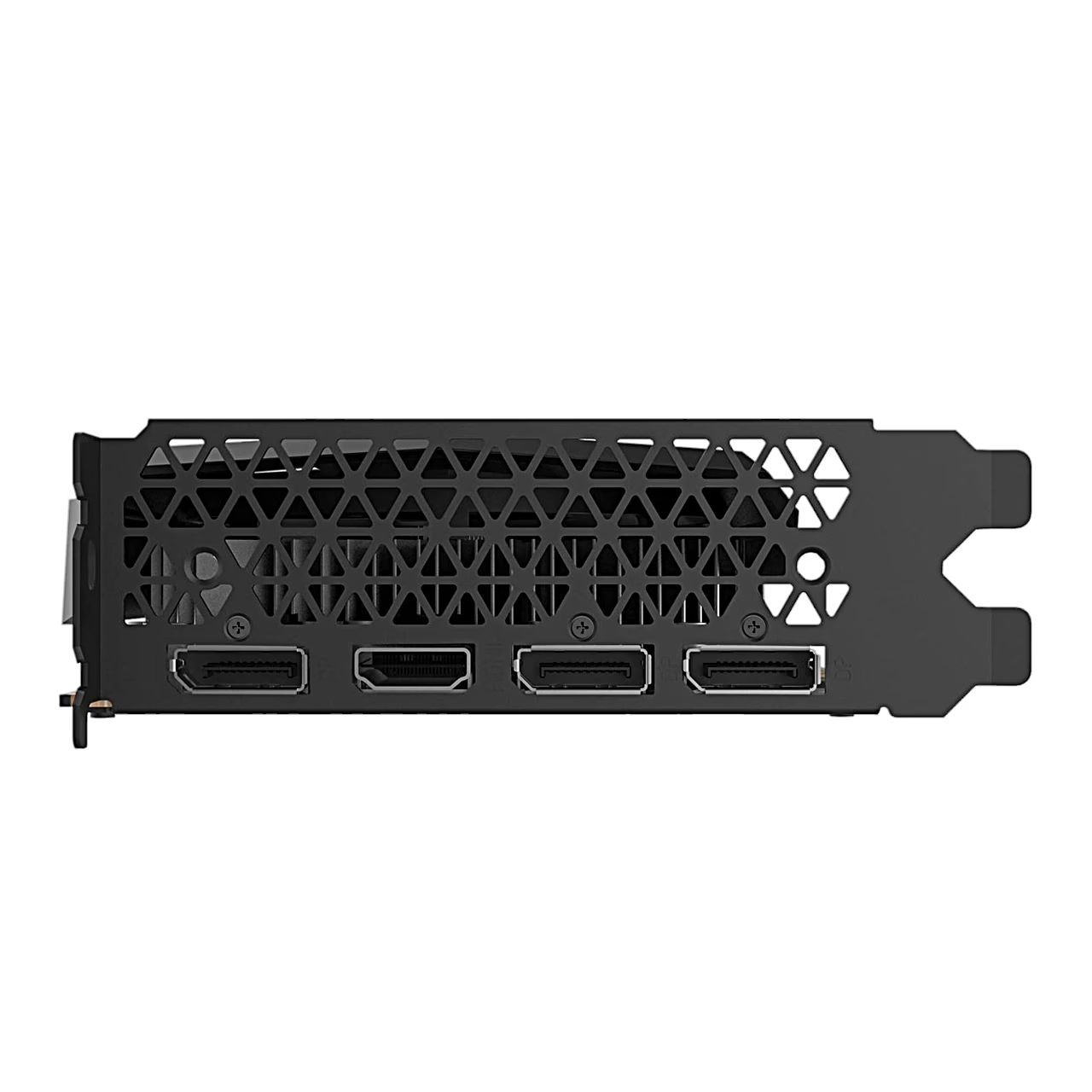
The bracket carries three DisplayPort 1.4a outputs and one HDMI 2.1 output, with a maximum resolution of 7680 × 4320 pixels. The card supports NVIDIA G-SYNC, HDCP 2.3 copy protection and DirectX 12 Ultimate.
Installation
Switch the computer off, unplug the cables and remove any existing graphics card. Take off the case cover, locate the PCI Express x16 slot on the motherboard and remove the expansion slot cover in front of it. Push the card firmly into the slot, secure it with the case screws and connect the PCIe power cable from the power supply. Refit the cover and reconnect the computer’s power cord.
Drivers and FireStorm
The GeForce driver can be downloaded from geforce.com/drivers; installation needs an internet connection. ZOTAC’s FireStorm software lets you monitor the card’s performance, adjust the graphics processor and memory clocks and the fan speed, and set a fan profile. The card works with 64-bit Windows 11, Windows 10 and Windows 7.
In the box
- ZOTAC GAMING GeForce RTX 3050 Eco Solo graphics card
- User manual








































Reviews
There are no reviews yet.