

Description
Network player for streaming music in a home audio system
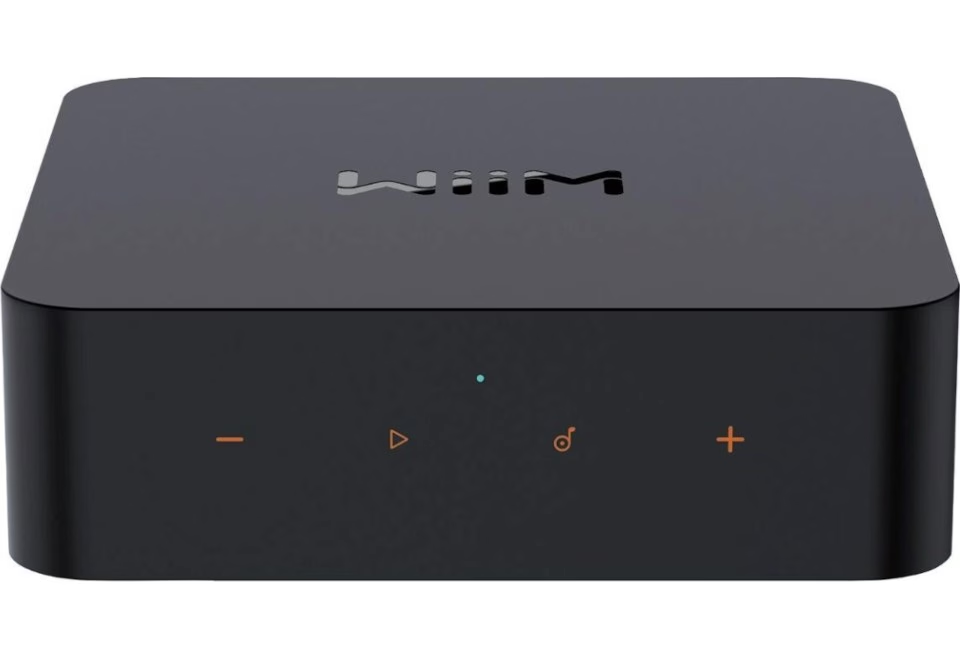
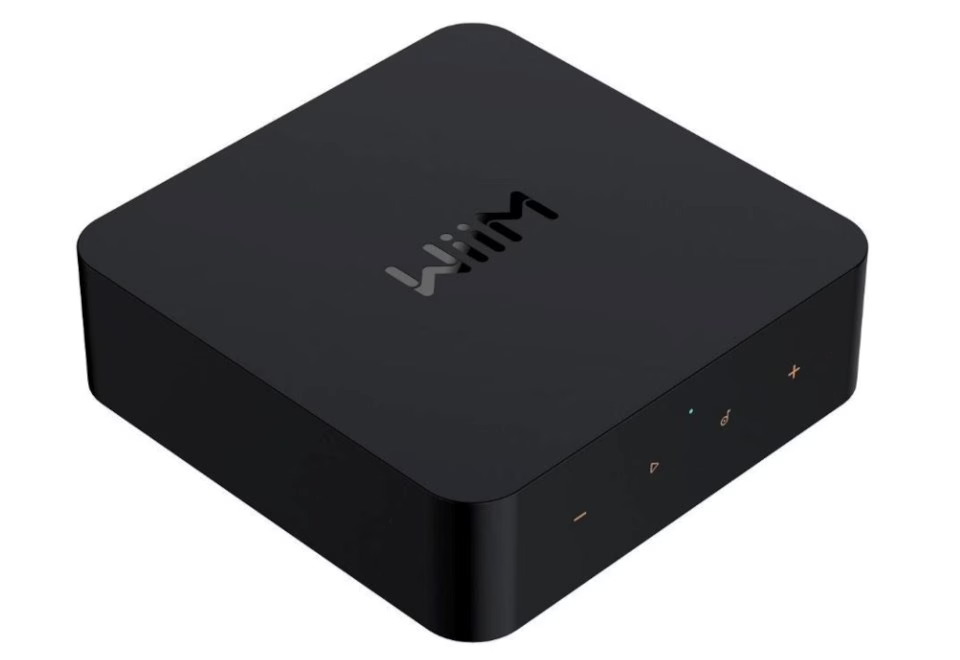
WiiM Pro Plus is a network player that lets you stream music and send audio to a home audio system. The device has Wi‑Fi, Ethernet and Bluetooth 5.3, and supports Spotify Connect and Tidal Connect. Thanks to its analogue and digital inputs and outputs, it can be connected to both an amplifier and other audio devices. The compact housing, measuring 140 × 140 × 42 mm, fits on a shelf or beside a TV.
Main features
- Wi‑Fi and Ethernet support, choose the connection method that suits your home network.
- Bluetooth 5.3, convenient wireless connection with compatible devices.
- Spotify Connect and Tidal Connect, you can start playback directly from the service app by selecting WiiM Pro Plus as the playback device.
- Support for multiple audio formats (WAV, MP3, FLAC, ALAC and others), suitable for both common and lossless file formats.
- Audio bit depth of 16-bit / 24-bit / 32-bit, supports audio sources of different quality.
- Signal-to-noise ratio of 121 dB, a cleaner signal with less background noise in a compatible system.
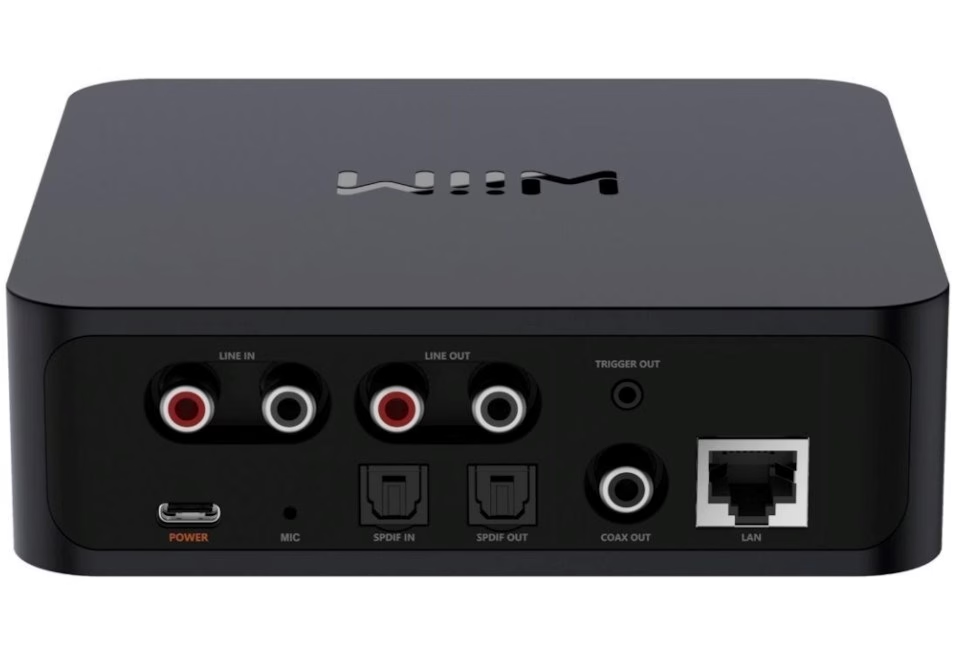
- RCA and SPDIF connections (optical in/out, coaxial output), easy to match with different audio devices.
- USB‑C and USB PD support, a convenient USB‑C solution for power and connection.
Connections and streaming in one device
WiiM Pro Plus connects to your home network via both Wi‑Fi and Ethernet, and also supports Bluetooth connection. For audio connections there are analogue connections (RCA inputs and RCA outputs) as well as digital connections, including SPDIF optical input and output and coaxial output. The device also has a Trigger output and an LED indicator that helps you check its status quickly.
Compatibility, accessories and everyday use
The network player can be connected to your audio system either via analogue connections (RCA) or digitally via SPDIF optical connection, depending on the inputs of your equipment and your preferences. When streaming, you can use Spotify Connect, Tidal Connect and the Qplay function to select WiiM Pro Plus as the playback device.
The necessary cables and a power adapter are included, so you can make the connections straight away. If needed, the outer surface of the device can be cleaned with a soft, dry cloth.
Installation and use
Connect WiiM Pro Plus to the power adapter and choose a network connection method: Wi‑Fi or Ethernet. Then connect it to your audio system with a suitable cable, for example RCA or SPDIF optical. To play music, open Spotify or Tidal and select WiiM Pro Plus as the playback device in the service app. If you use Bluetooth, create a connection with a compatible device and start playback.
In the box
- Network player × 1
- Power adapter
- USB‑C cable × 1
- RCA cable
- Optical Toslink cable × 1
- User manual
Why choose WiiM Pro Plus?
WiiM Pro Plus brings network connectivity, Bluetooth and a wide range of audio inputs and outputs together in one compact device, adding streaming to an existing audio system. Support for Spotify Connect and Tidal Connect makes choosing the playback device simple, and RCA and SPDIF connections help it match different audio equipment.









































Reviews
There are no reviews yet.