

Description
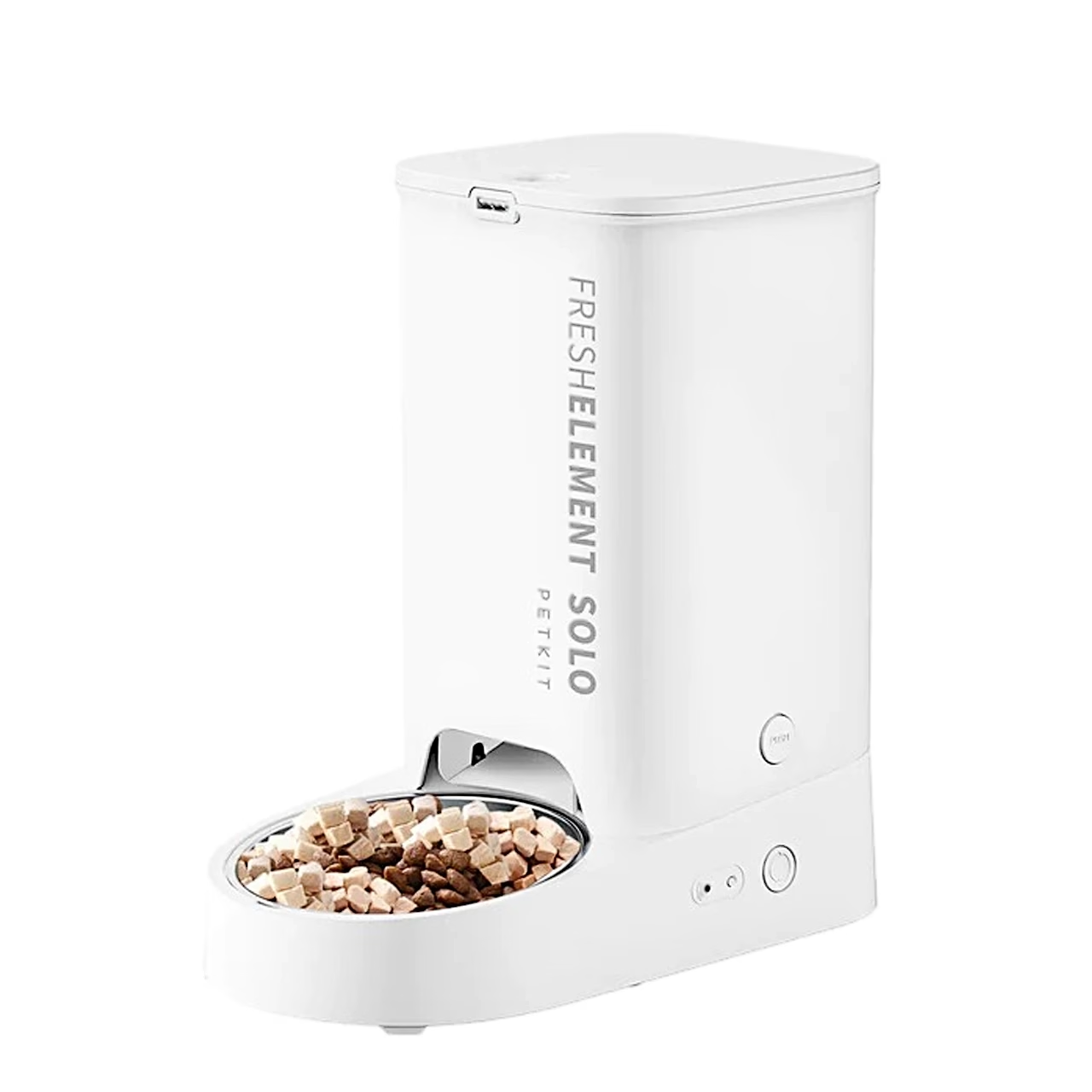
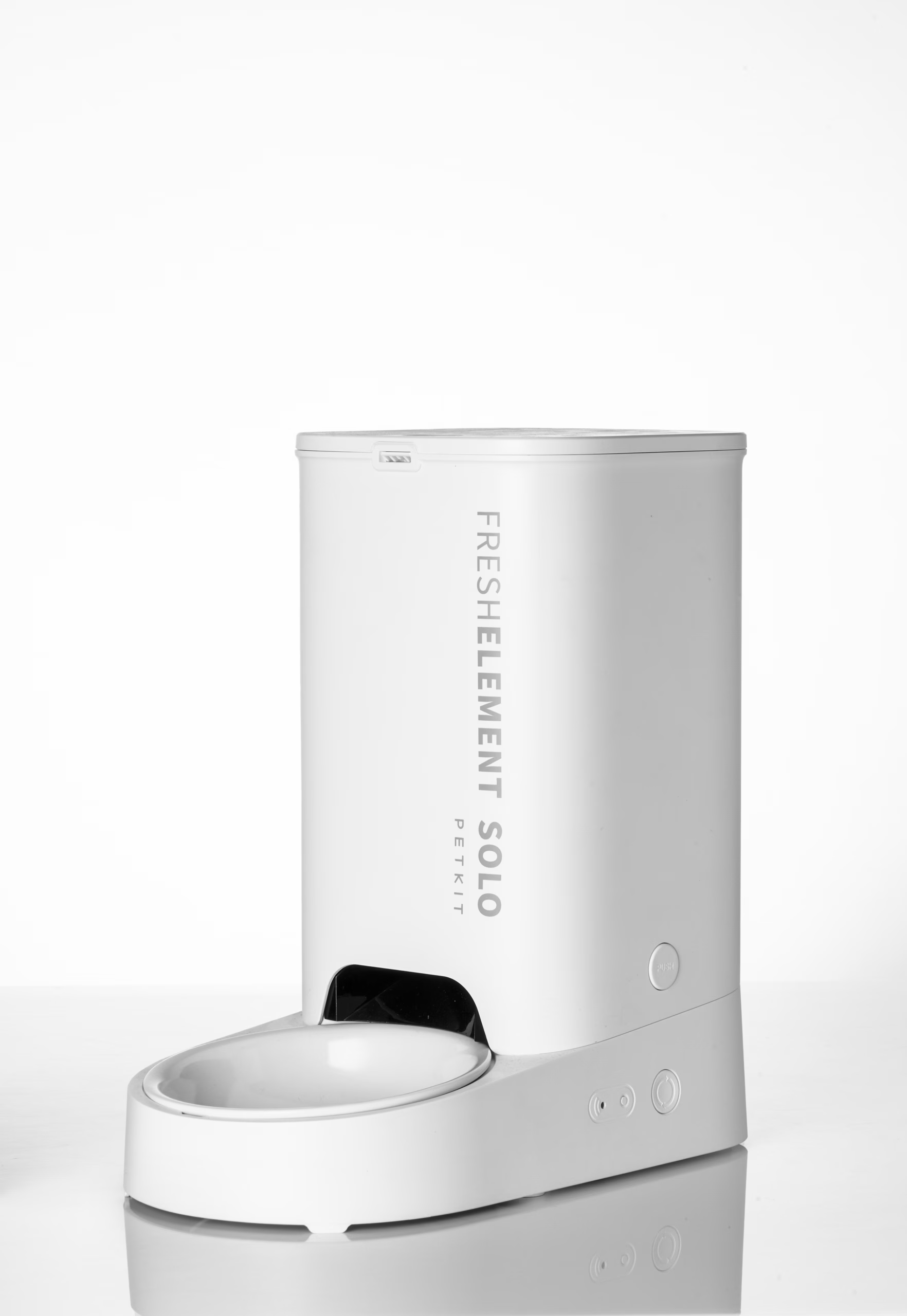
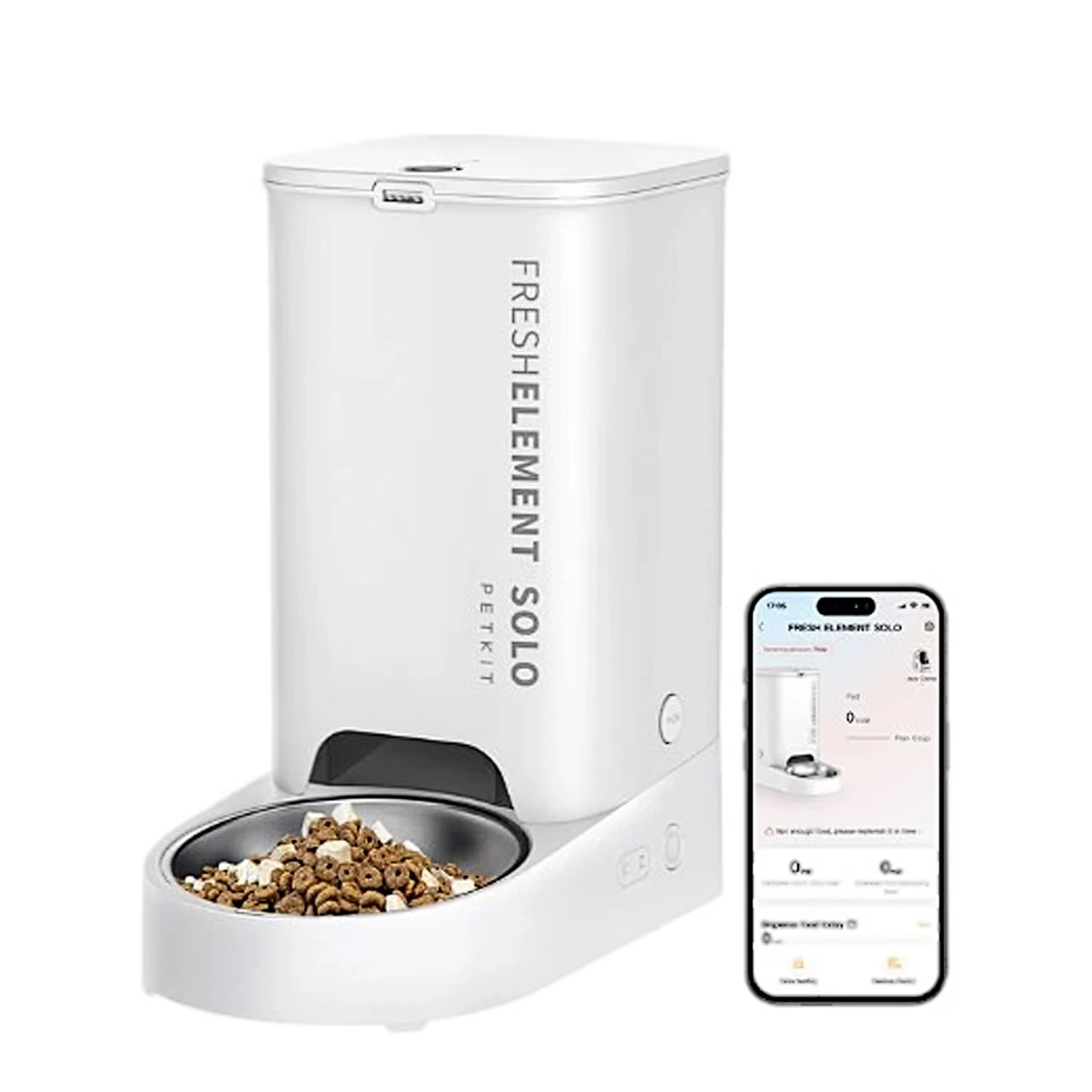
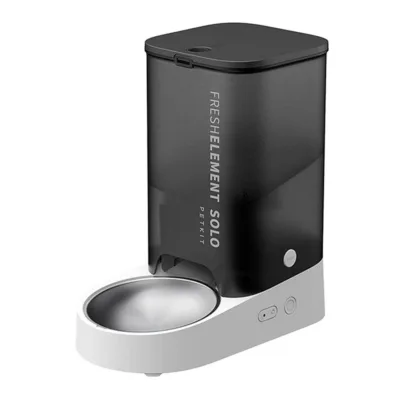
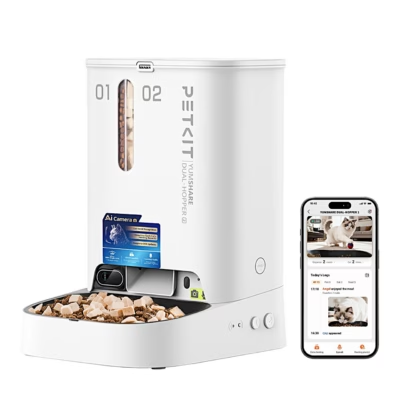
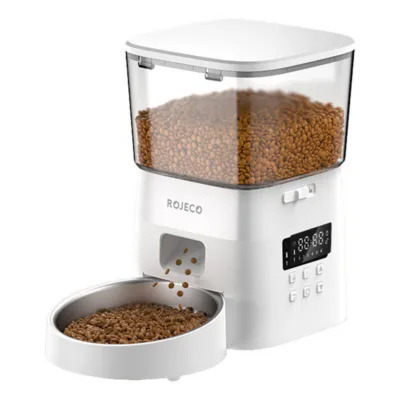
Automatic feeder with app control and a manual feed button
In the PETKIT app you set the feeding schedule the automatic feeder follows every day. The app notifies you when your pet has eaten, and also alerts you to a low food level and when to replace the desiccant. The feeder connects to 2.4 GHz Wi-Fi only. If the internet connection drops, the feeder keeps dispensing on schedule, and once reconnected the app can restore up to 10 feeding records. Food can also be dispensed manually by holding down the button on the side of the unit.
Food container and suitable food
The 3 l container holds about 1.33 kg of dry food. Kibble under 12 mm in diameter applies to both dry and freeze-dried food. A drawer under the lid holds the desiccant pack, and the lid is held by a lock your pet cannot open. The food bowl is stainless steel.
Power and backup batteries
The feeder runs on the supplied 6 V power adapter. The battery compartment takes five AAA alkaline batteries. On battery power the feeder dispenses on schedule.
Installation
The food container must be empty during assembly. Plug the power adapter cable into the socket under the base and place the base on a flat surface. Hold the push buttons and align the round recesses on both sides of the container with them until the buttons sit fully in the recesses. Then place the stainless steel bowl on the bowl base and fill the container with food up to the MAX mark.
Cleaning and care
For cleaning, remove the desiccant pack, the food container and the food bowl. To remove the container, press the push button on one side, tilt the container to the other side and slide it out. Wash the container with its dispensing blade, the lid and the bowl separately, then rinse and dry the parts. The base must not get wet. Reassemble the dry parts in this order: food container, lid, food bowl.
In the box
- Main unit
- Stainless steel food bowl
- Food container
- Power adapter
- Desiccant pack
- User manual












































Reviews
There are no reviews yet.