
Description
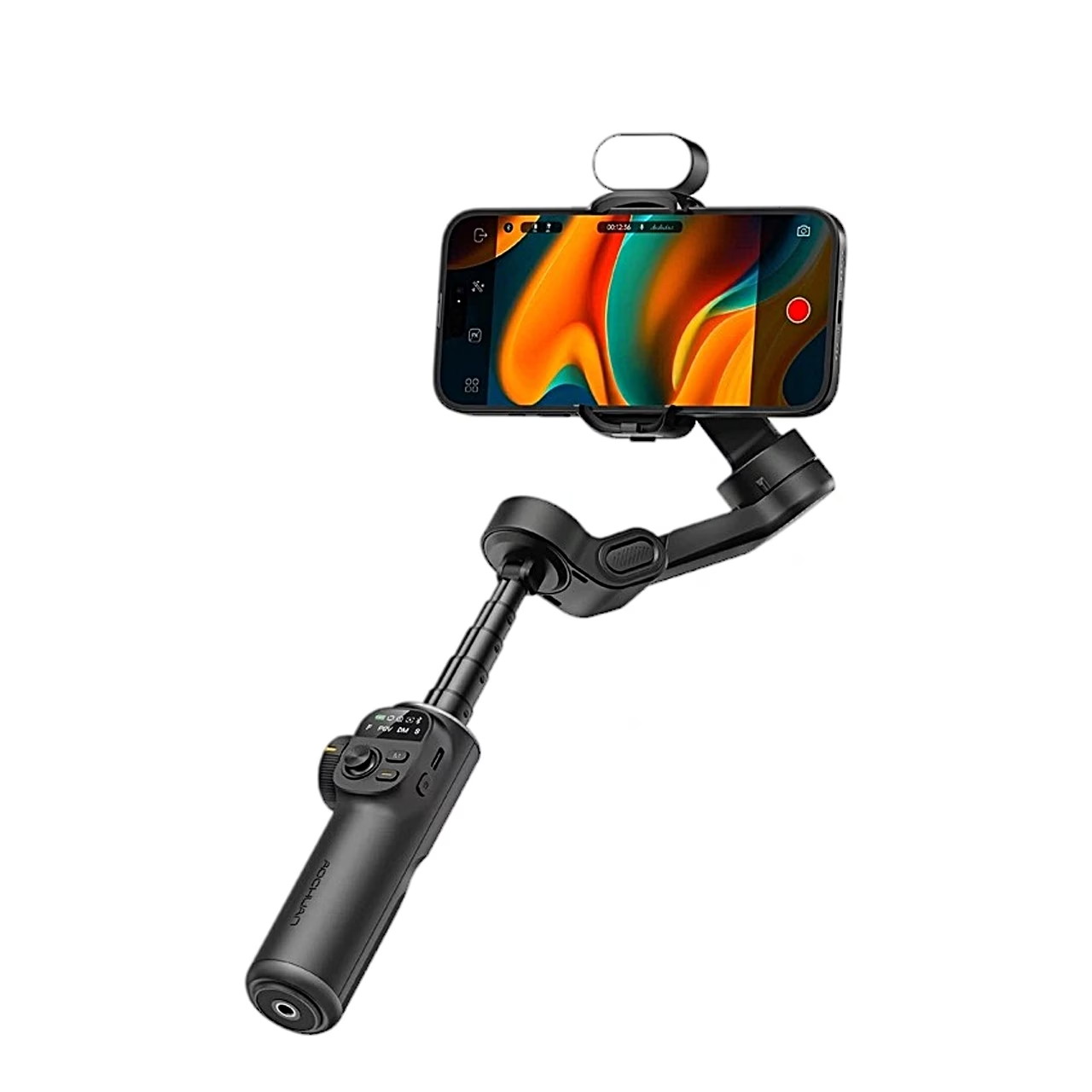
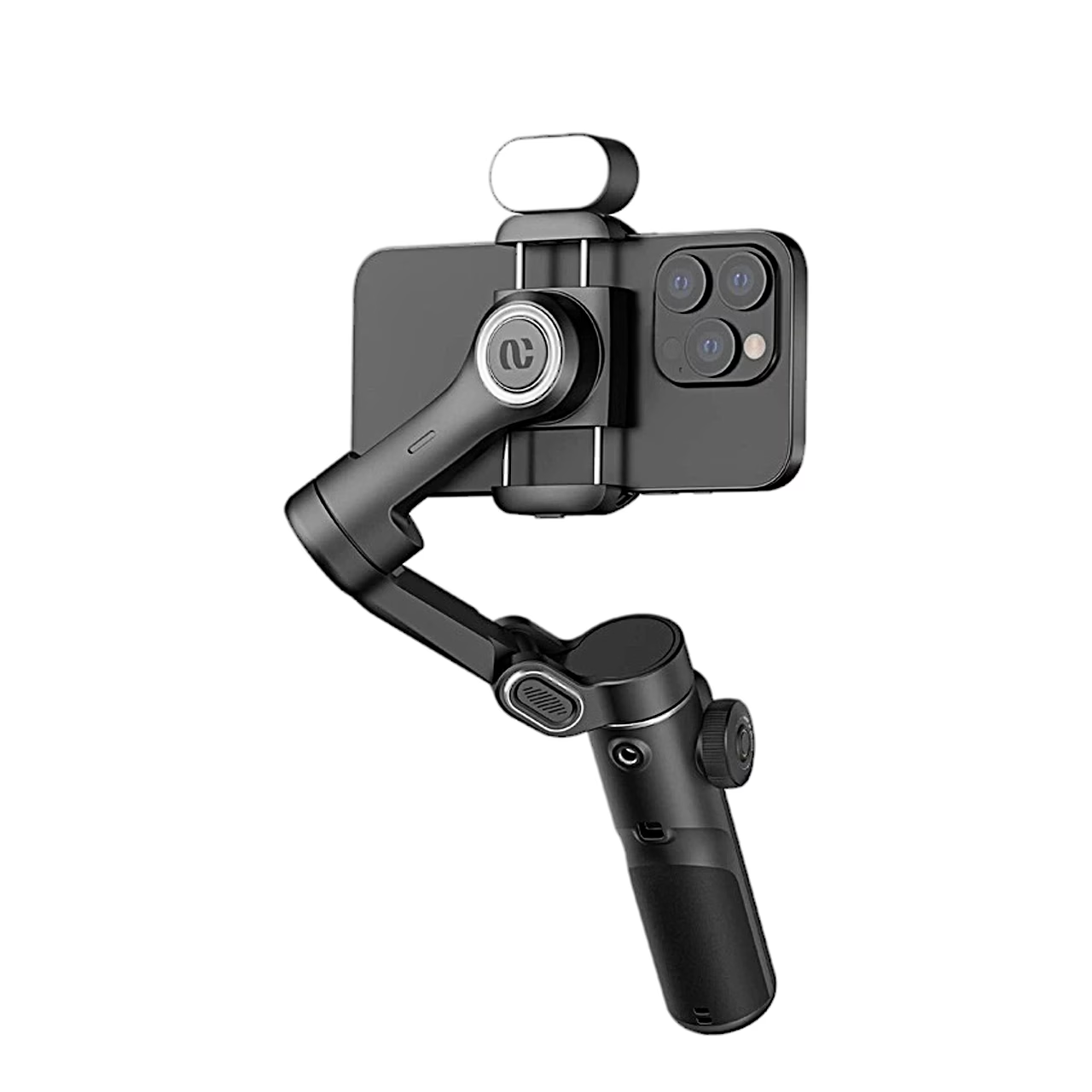
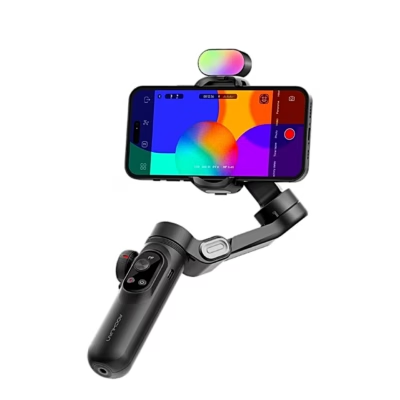
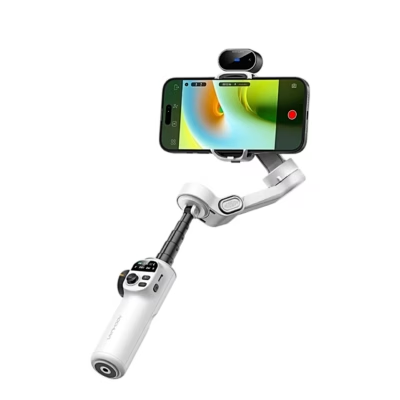
Smartphone gimbal with an extension rod and RGB light
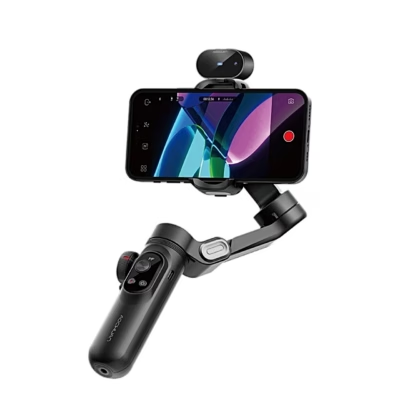
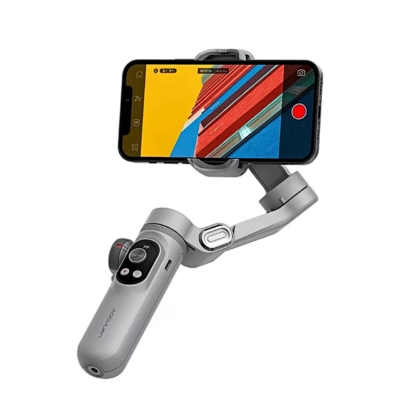
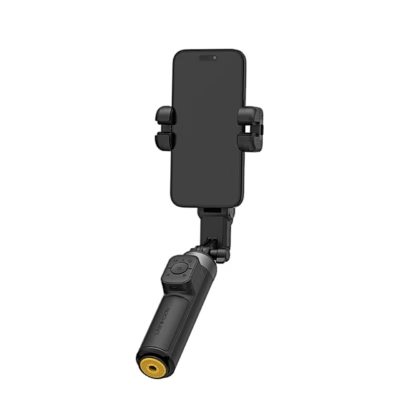
The 3-axis gimbal AOCHUAN Smart X2 holds a smartphone 55–90 mm wide and up to 330 g. It works with the phone’s own camera, and the AOCHUAN app adds face and object tracking, gesture control and panoramas.
Three-axis stabilisation and four modes
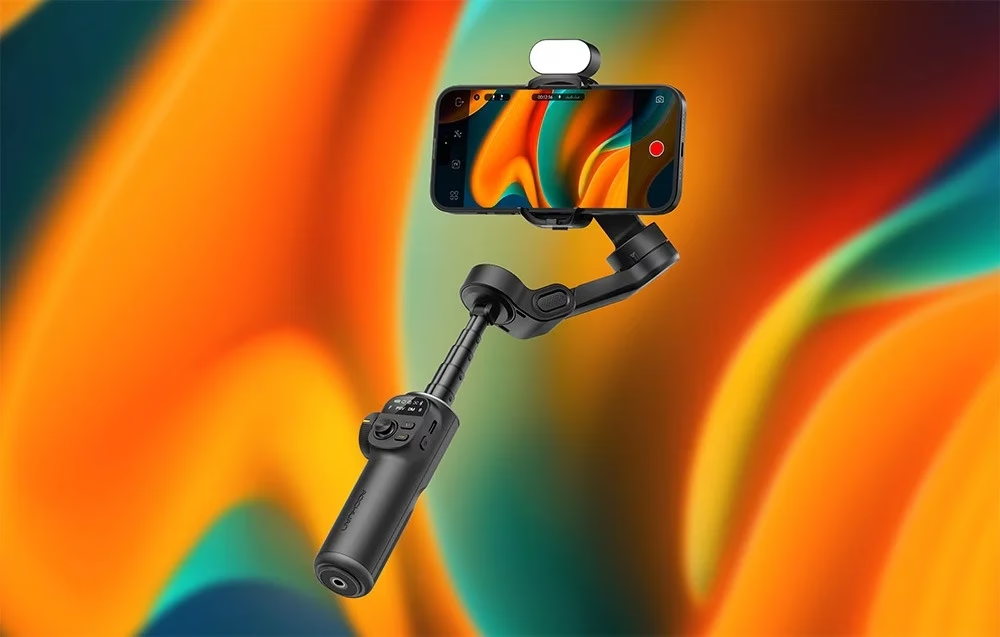
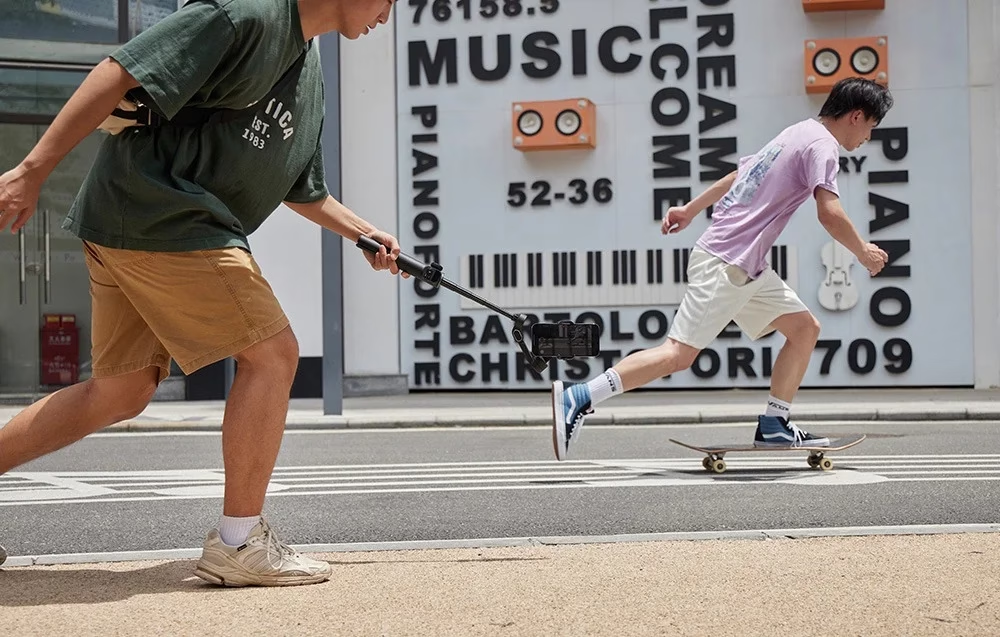
Three motors damp shake when walking and running. In F mode the phone follows the handle left, right, up and down; in POV mode it follows in every direction through 360°. In DM mode the phone turns itself 180° and back, and S mode moves like F but with more motor force for fast transitions.
Buttons and control wheel
A click on the M button switches between F and POV, a double click recentres the phone, a triple click starts DM mode and holding it engages S mode. The shutter button takes a photo or video, a double click switches portrait and landscape, and the joystick points the phone. Connected to the app, the wheel adjusts zoom and focus, and a double click on it starts an automatic 280° rotation shot.
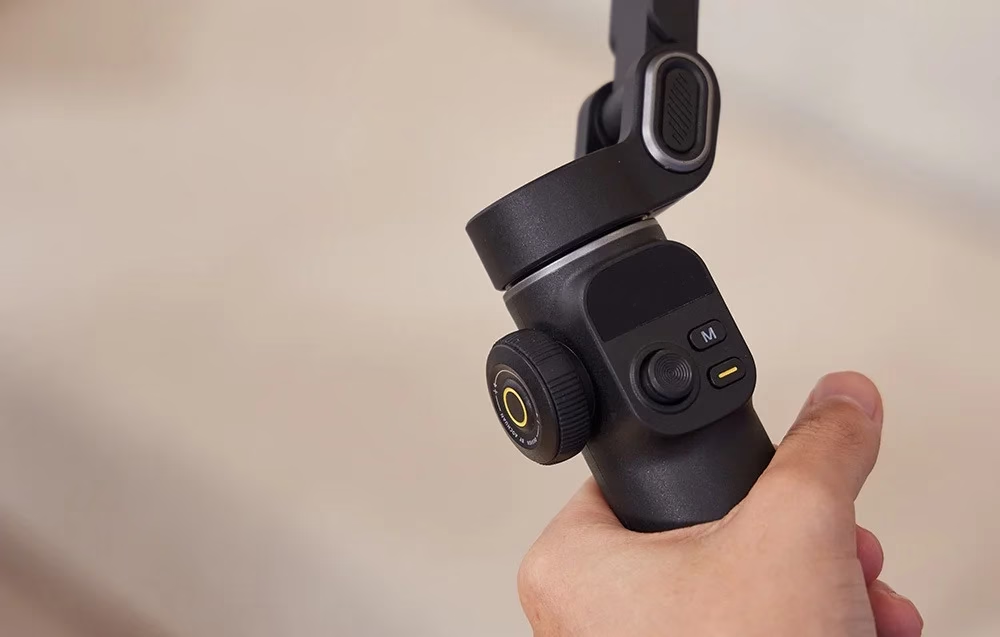
Extension rod and desktop tripod
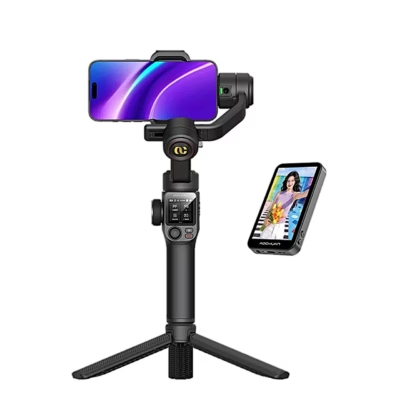
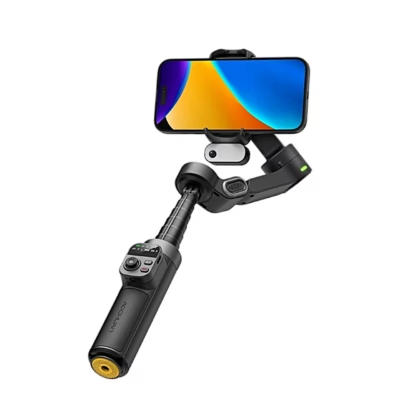
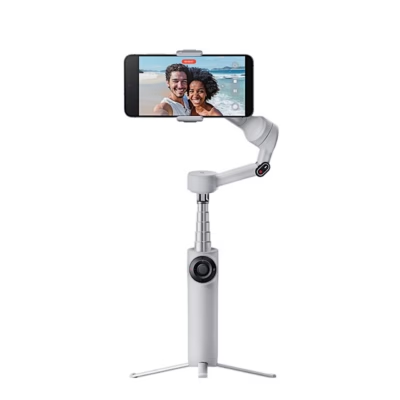
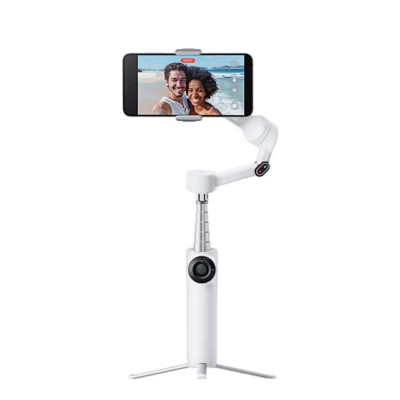
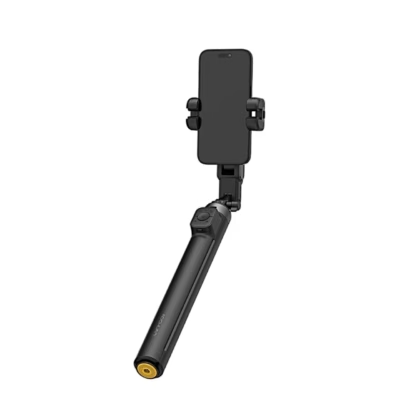
Pull the built-in extension rod up and bend it to the angle you need for high-angle selfies or low shots. The included desktop tripod fits the 1/4-inch thread in the base of the handle.
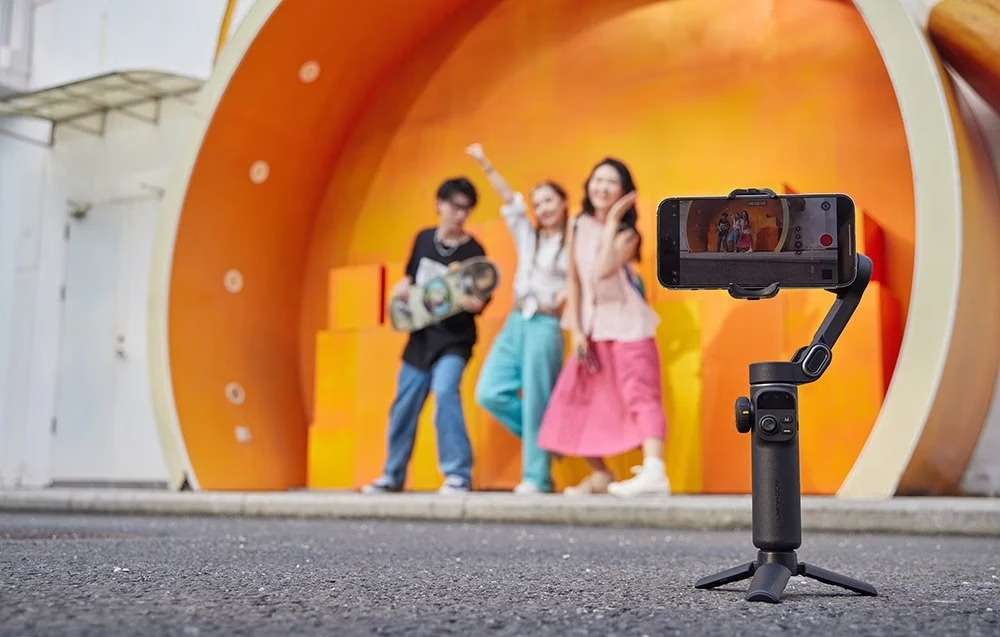
RGB light module
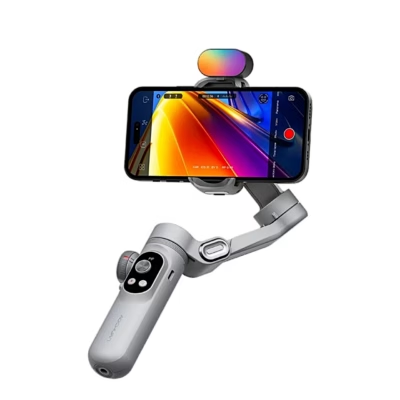
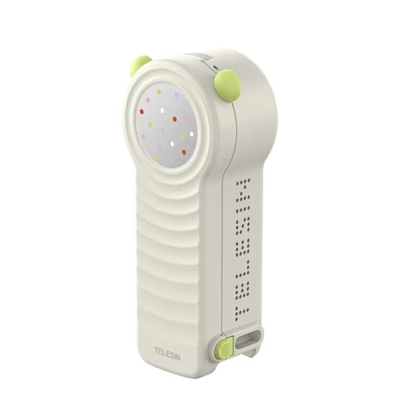
The seven colours of the included RGB light module match the light to the mood of the scene in vlogs, short clips and live streams.
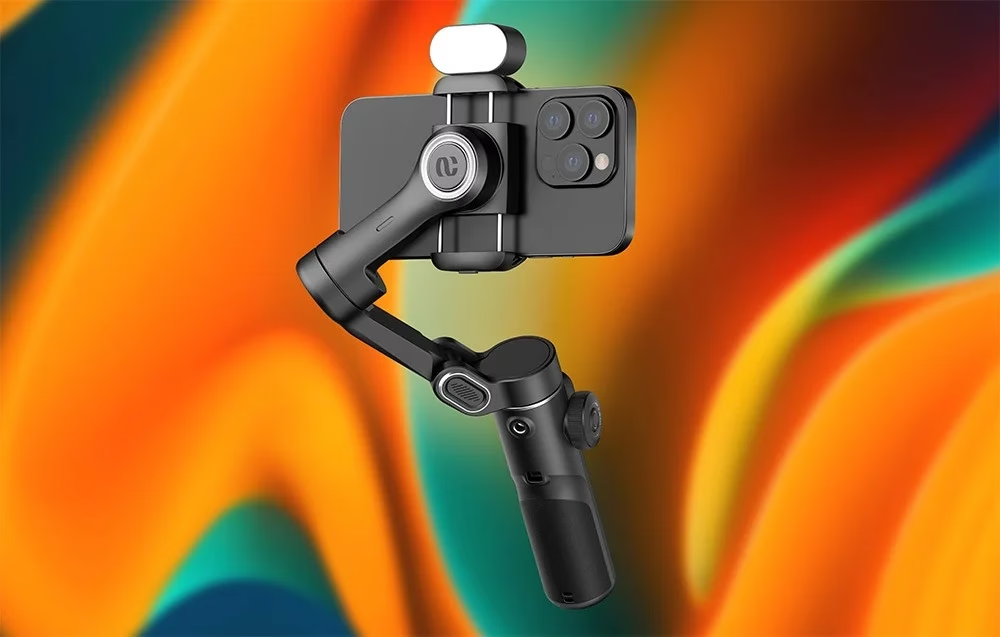

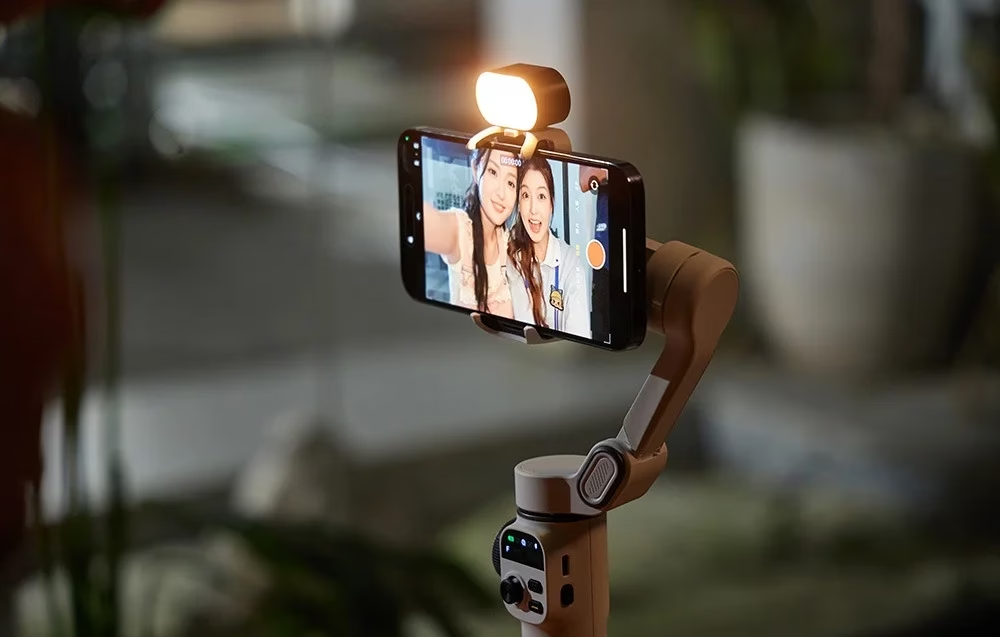
Getting started
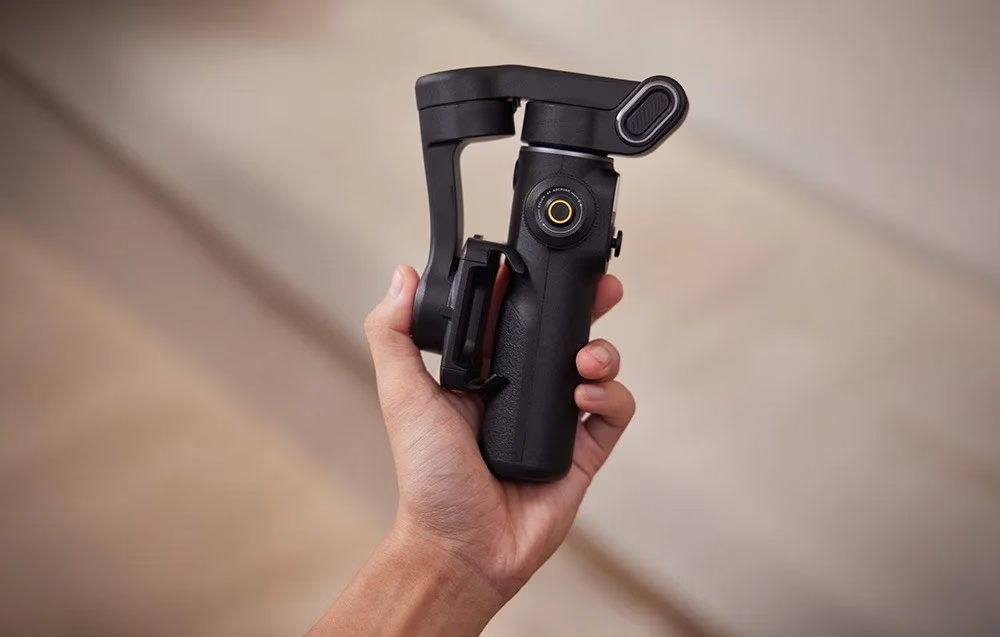
Charge the battery fully before first use with the included or any other USB-C cable. Open the arm until the gimbal forms a 7, clamp the phone and slide it roughly to the centre. Switch the gimbal on with a long press of the power button and pair the phone over Bluetooth with SMART_X2. The high-torque motors mean rough balance is enough.
Folding and storage
Before folding, switch the gimbal off and push the extension rod fully in, then fold the holder down until both latches engage. Folded, it measures 165 × 110 × 53 mm and fits in a bag or backpack. If the gimbal is folded while switched on, it turns itself off after 5 minutes.
Battery and charging
Two 800 mAh, 7.4 V lithium-ion batteries give 8–10 hours of standby. Charging at 5 V / 1.5 A takes about 2 hours. A green light shows 20–100% charge and a red light under 20%; the red light flashes while charging. The gimbal works from −10 °C to 55 °C.
In the box
- Gimbal AOCHUAN Smart X2, 1 pc
- RGB light module, 1 pc
- Desktop tripod, 1 pc
- USB-C charging cable, 1 pc
- Gimbal user manual, 1 pc
- RGB module user manual, 1 pc








































Reviews
There are no reviews yet.