

Description
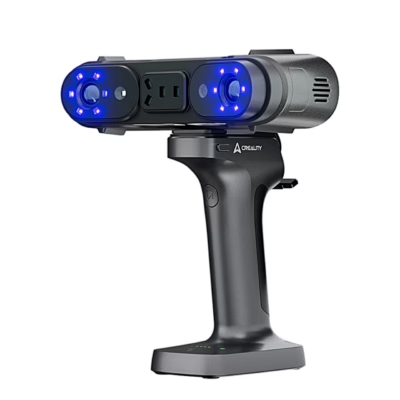
3D scanner with blue laser and infrared light
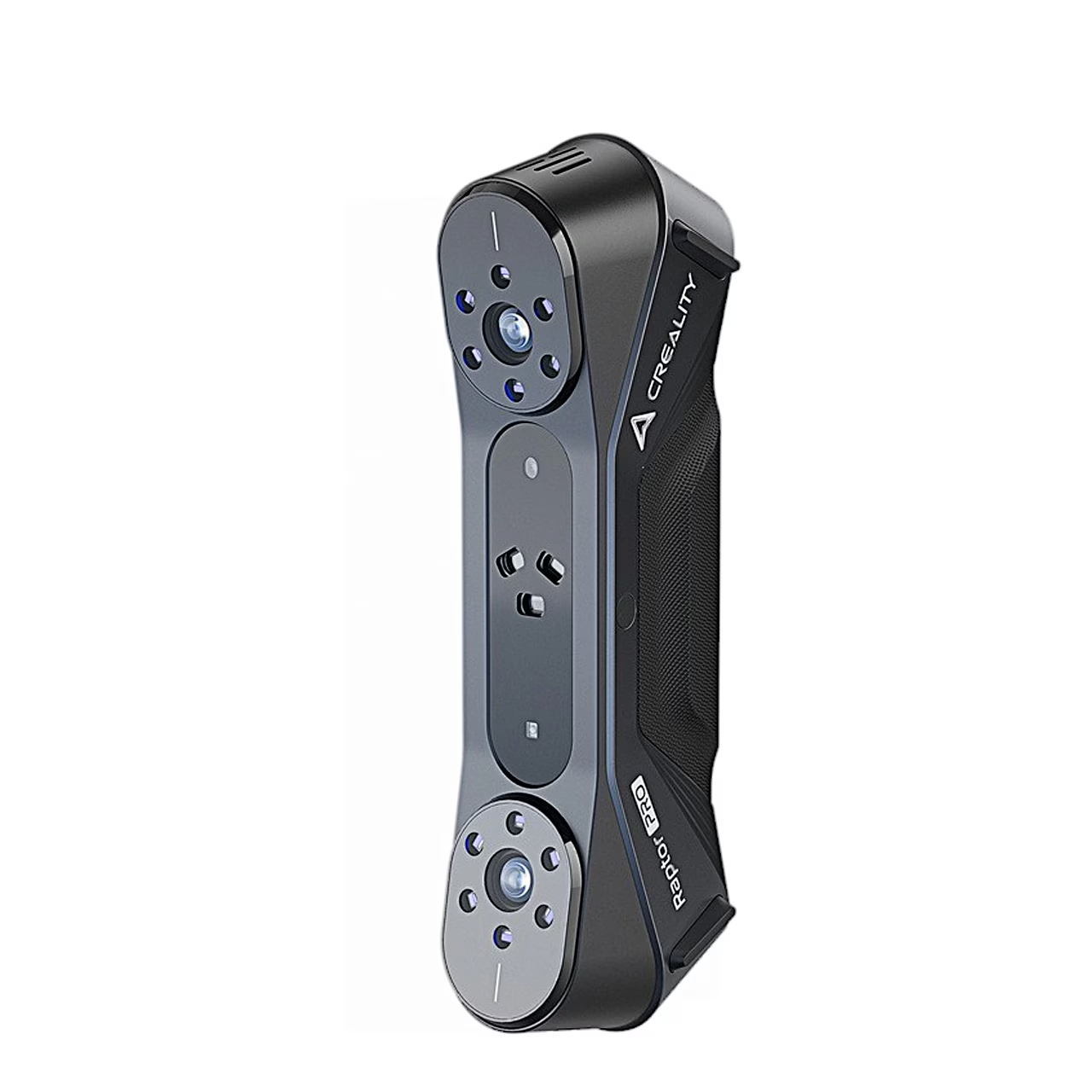
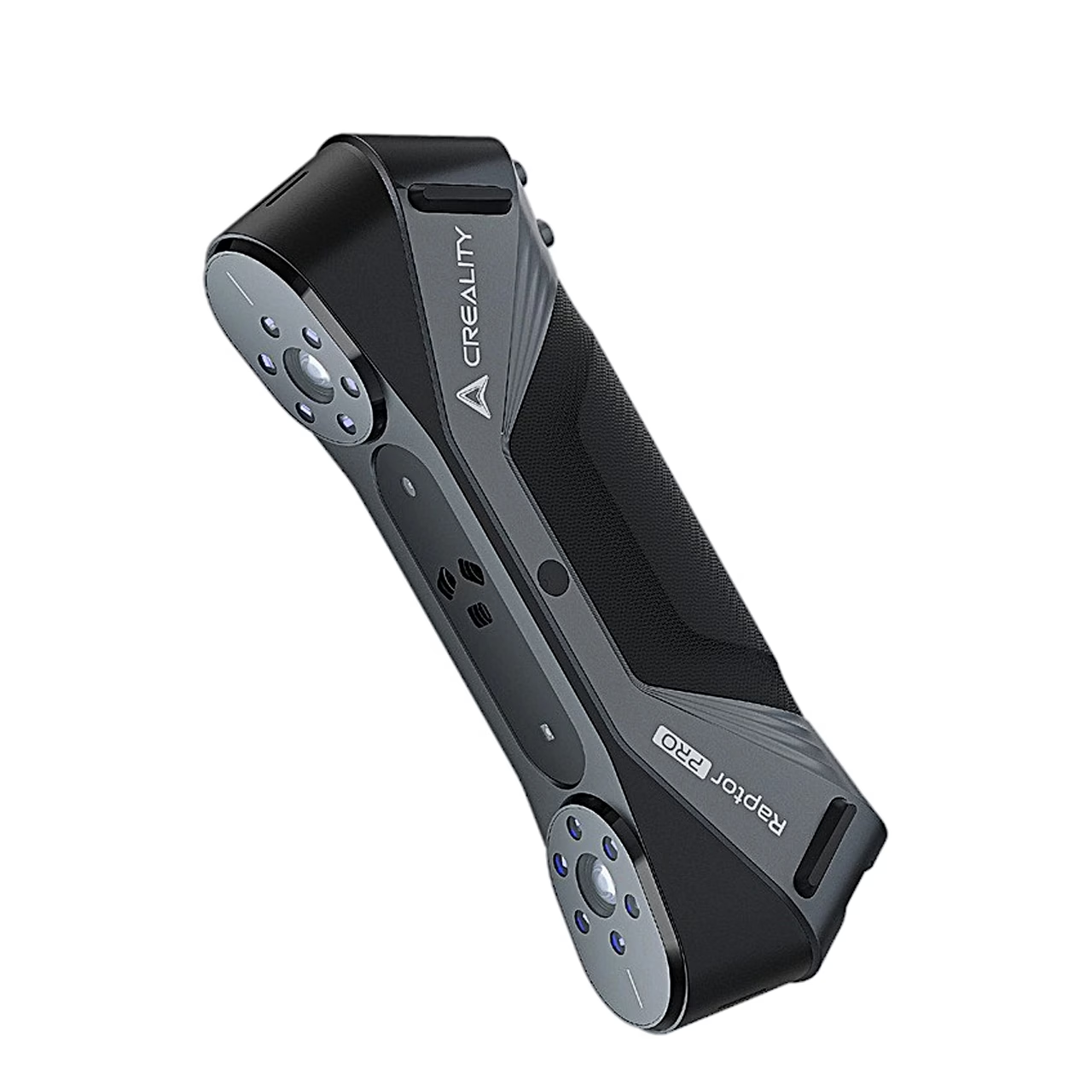
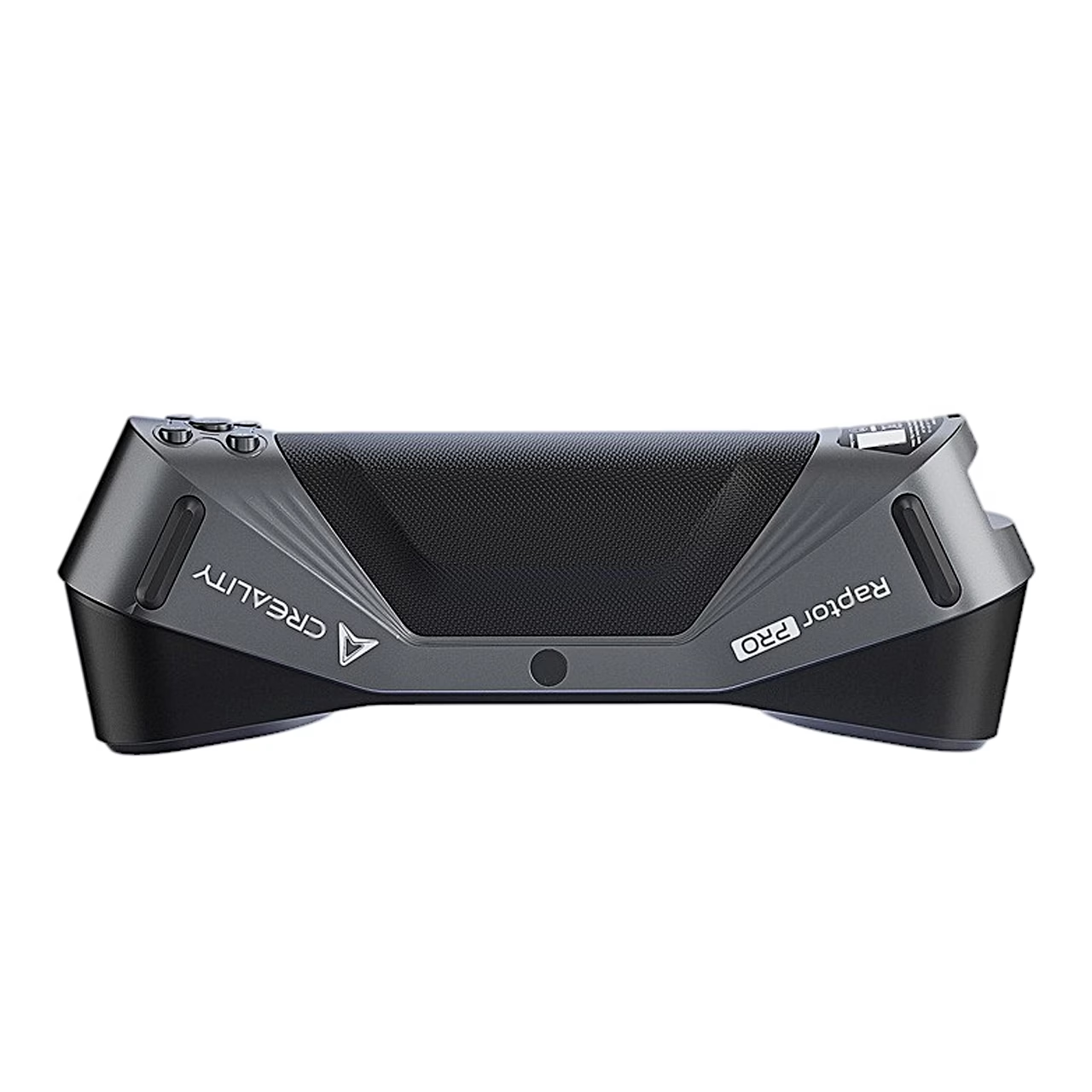
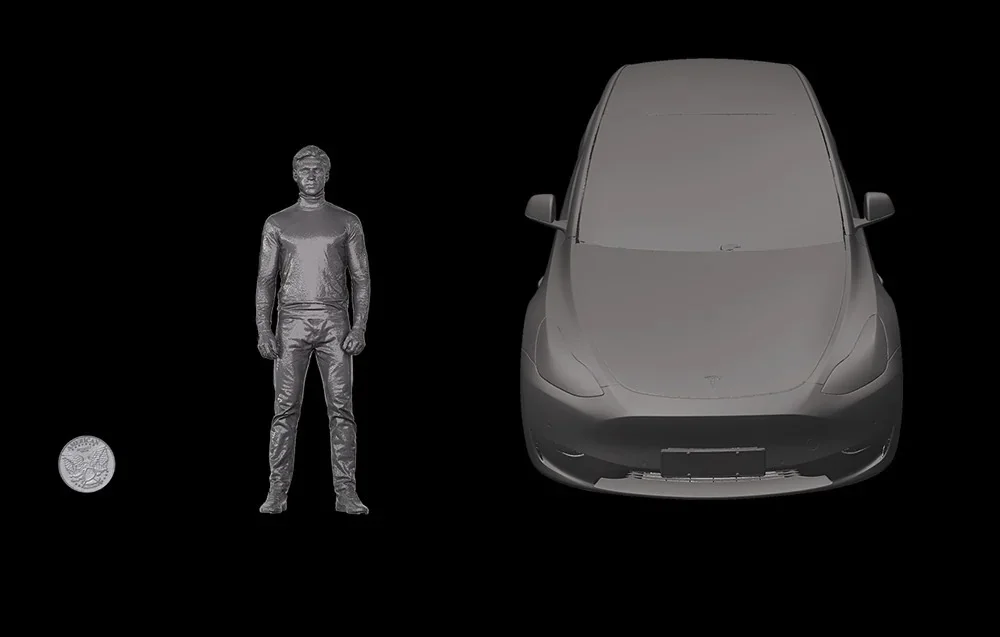
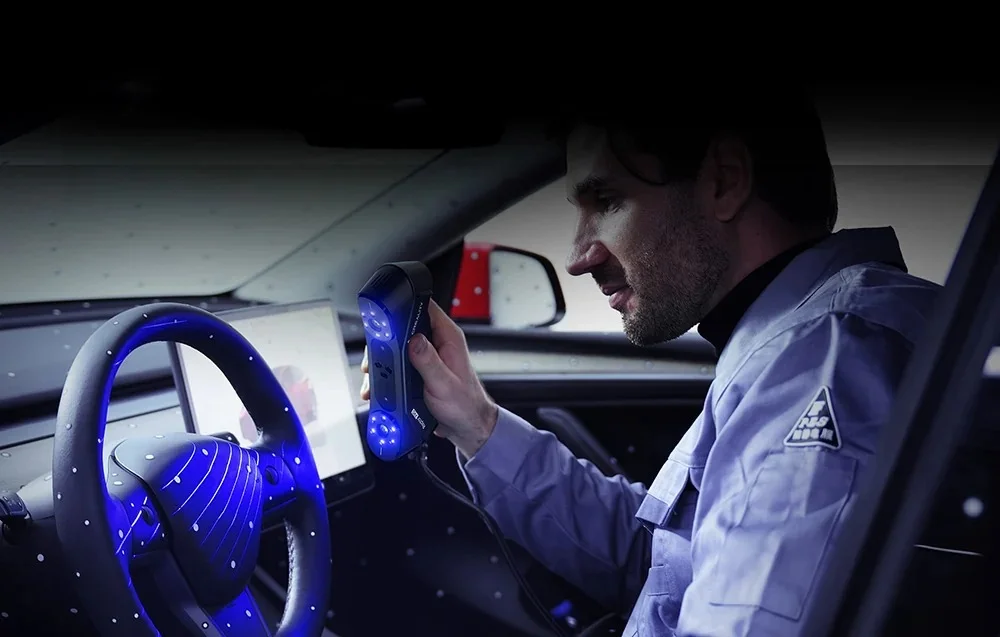
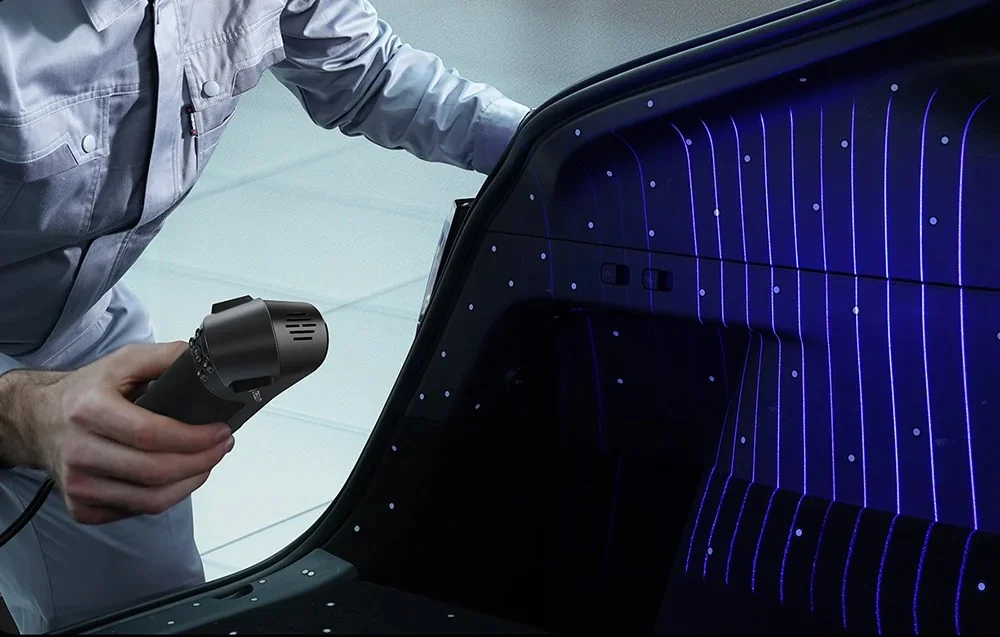
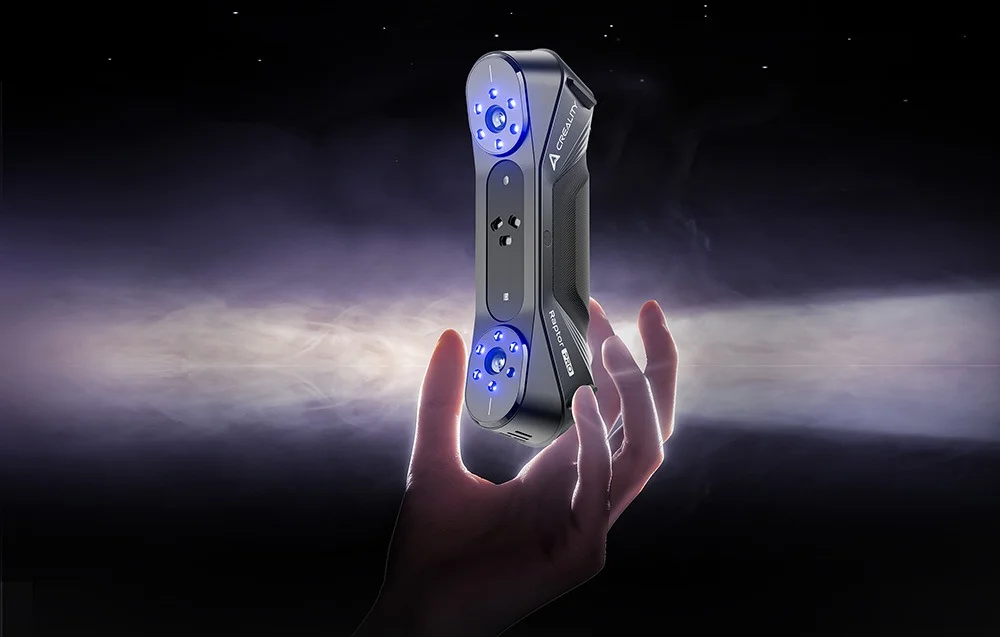
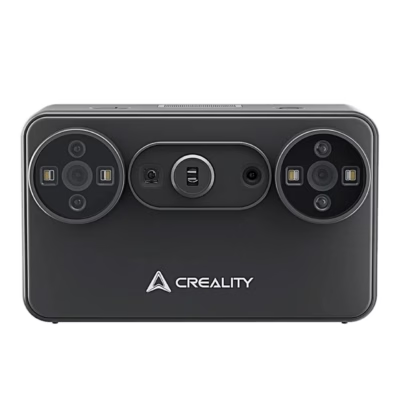
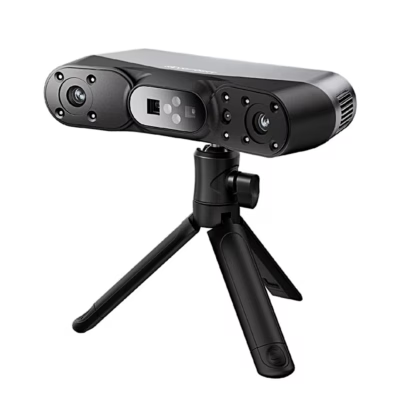
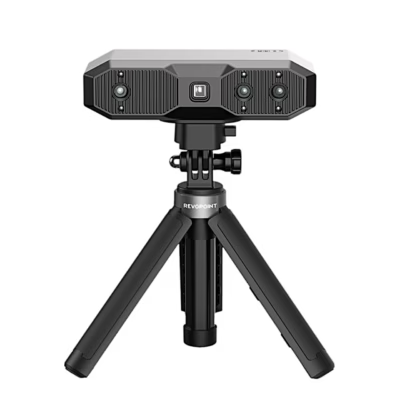
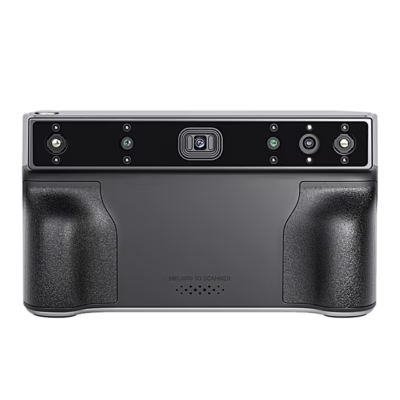
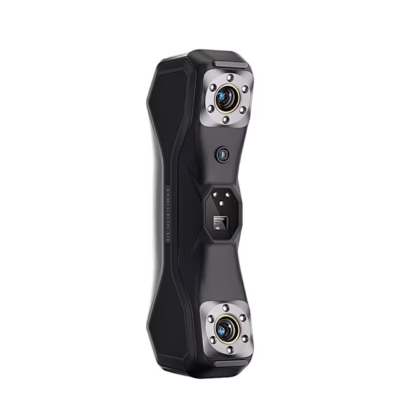
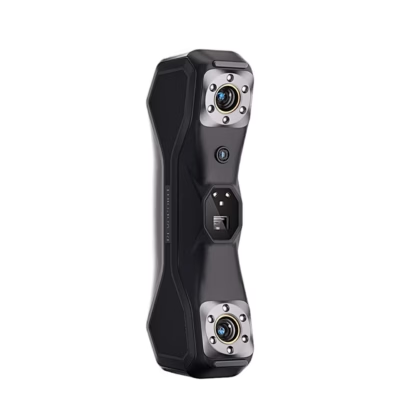
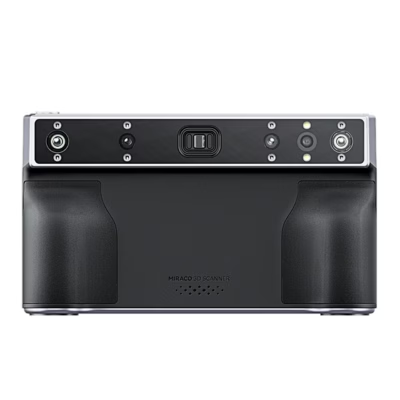
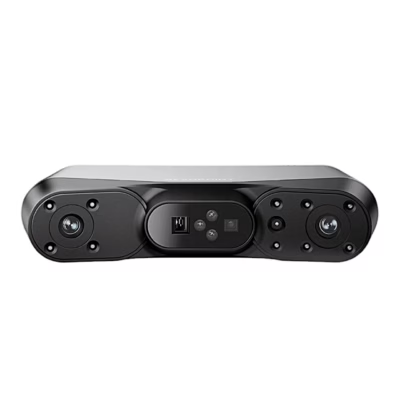
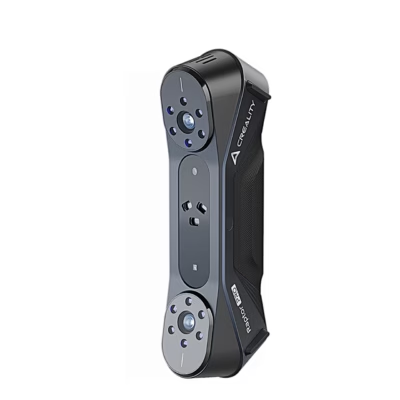
The Creality CR-Scan Raptor Pro 3D scanner has three scanning modes, using blue laser lines and infrared structured light, and measures with an accuracy of up to 0.02 mm under laboratory conditions. It is designed for automotive part inspection, reverse engineering, product design and 3D print preparation, and also scans the human body and face.
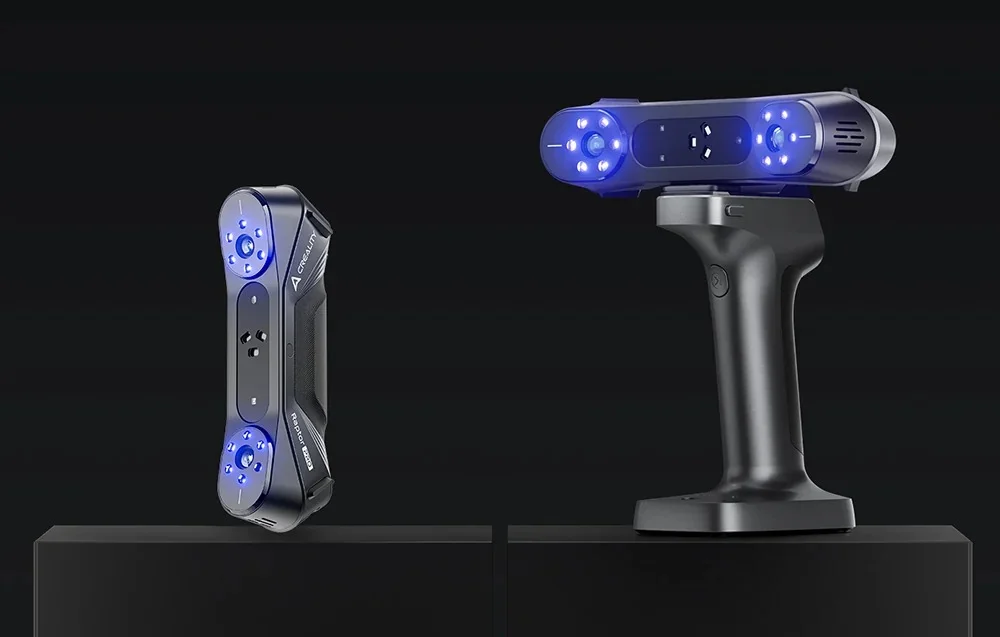
Three modes for objects of different sizes
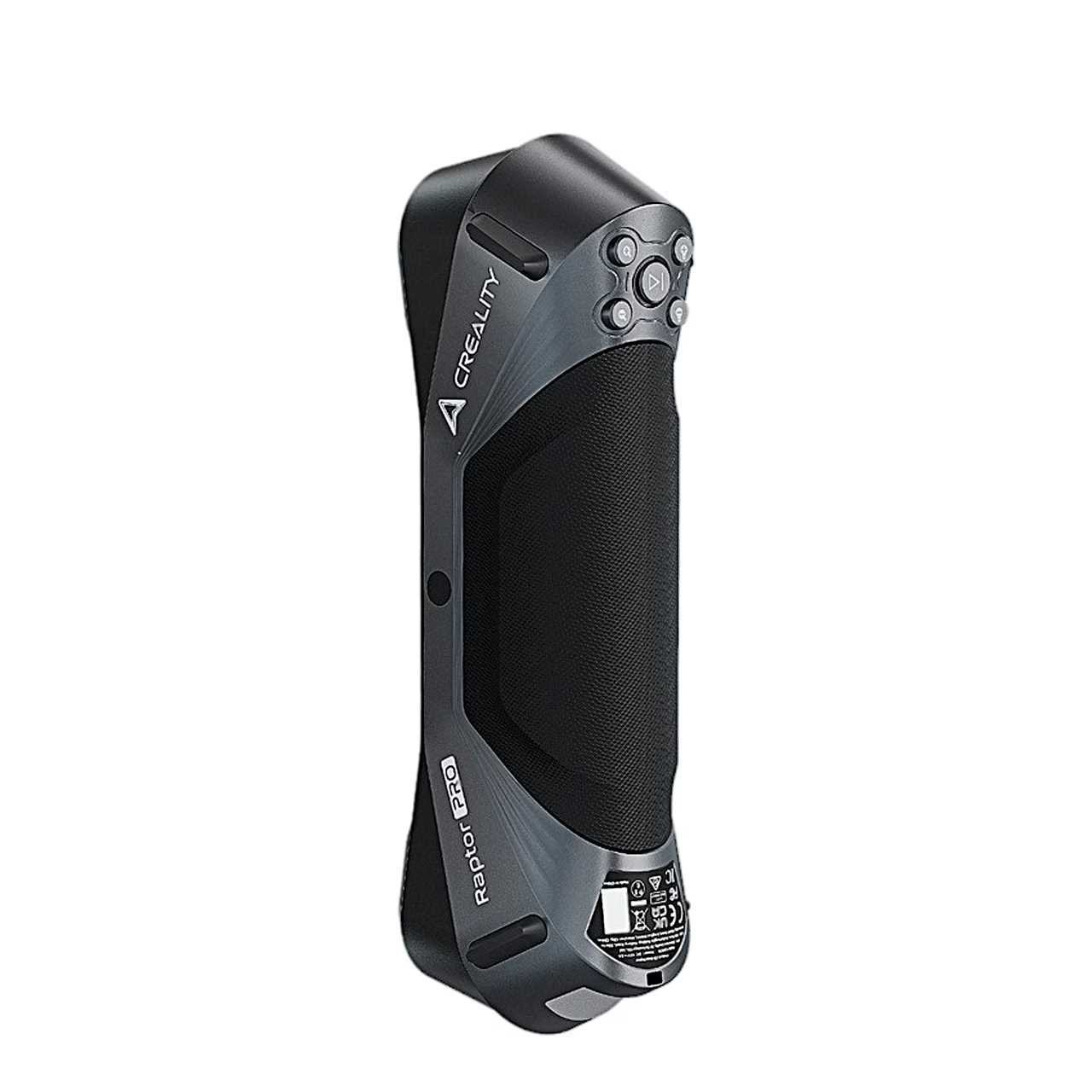
You switch laser mode by double-pressing the scanner button. Each mode suits a different object size and level of detail:
- 7 parallel blue laser lines: fine details, 420,000 points per second, working distance 160–400 mm.
- 22 crossed blue laser lines: larger objects, 660,000 points per second, single capture area up to 397 × 290 mm.
- Infrared structured light: 3,580,000 points per second, working distance 170–1000 mm, faces and bodies can be scanned without markers.
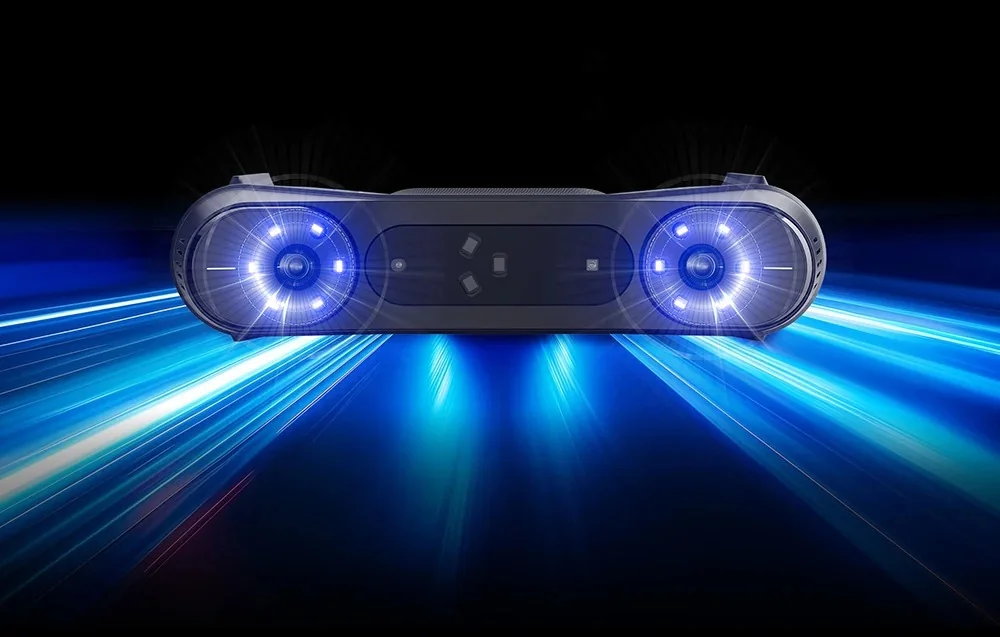
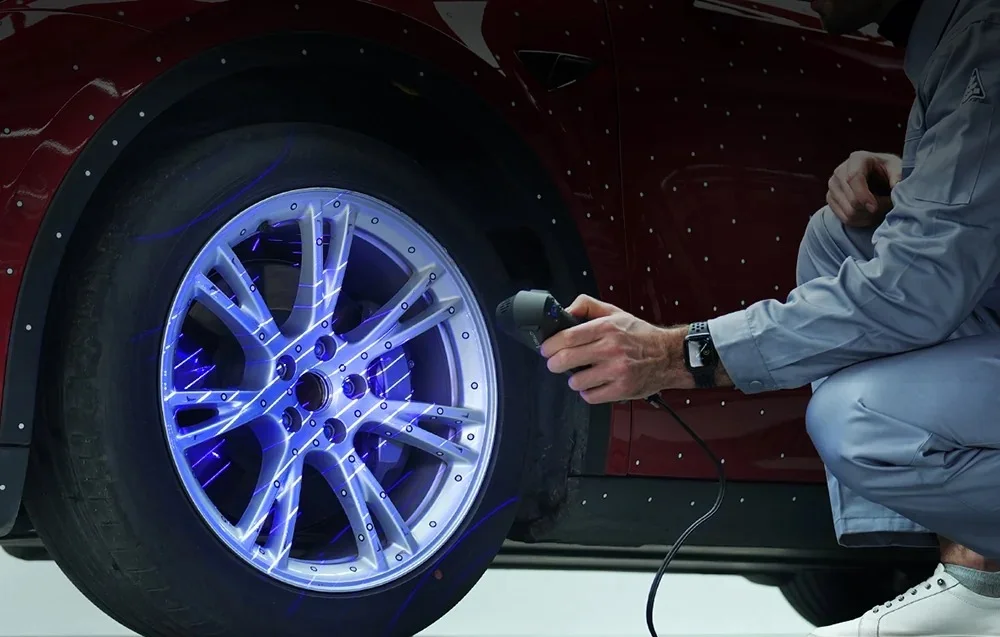
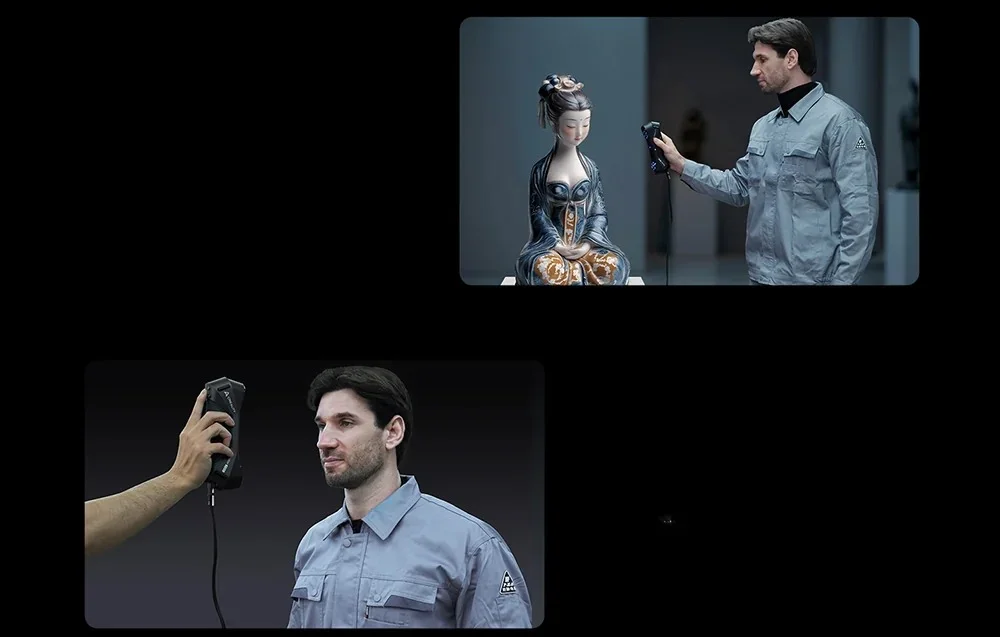
Accuracy and outdoor scanning
In laser modes the volumetric accuracy is 0.02 mm + 0.08 mm/m, resolution 0.05–2 mm and frame rate up to 60 fps. The smallest object is 5 × 5 × 5 mm in laser mode and 150 × 150 × 150 mm in infrared mode. Outdoors the laser works at up to 50,000 lux with 7 lines and up to 100,000 lux with 22 lines, infrared mode up to 30,000 lux.
Cameras and colour scanning
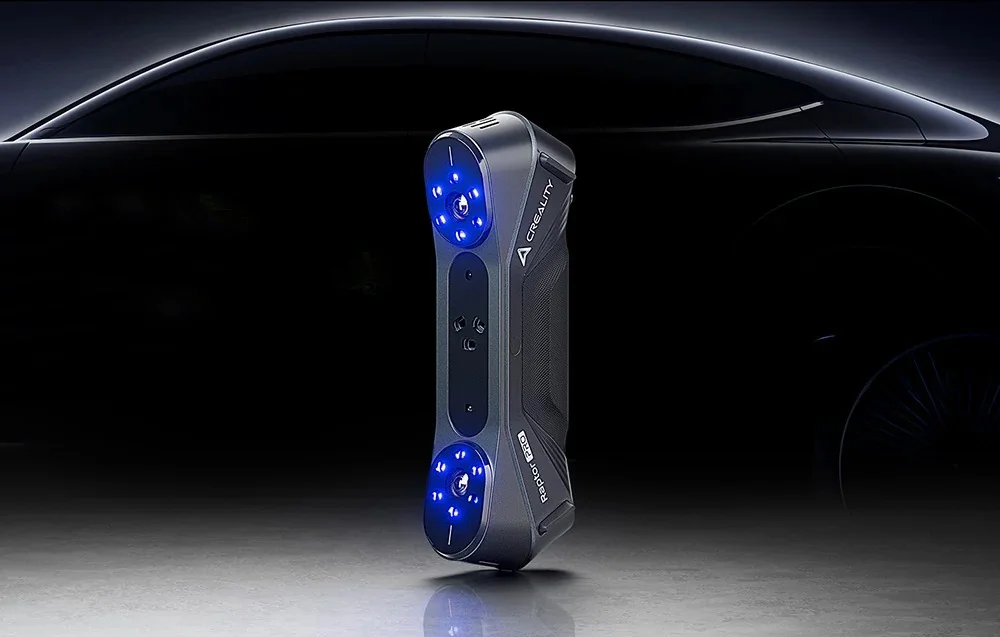
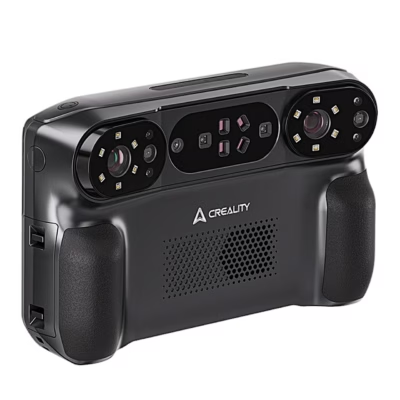
The 3D camera has a resolution of 1920 × 1200 pixels and a separate colour camera records surface colours under 12 white LEDs. Twelve blue LEDs support marker recognition. The finished model can be saved as OBJ, STL or PLY.
Connection and use
The Type-C plug of the supplied USB 3.0 cable is screwed to the scanner, the Type-A end goes into the computer’s USB 3.0 port, and power comes from the 12 V 2 A adapter. On the computer you open Creality Scan, create a new project, choose the mode and start scanning with the scanner button. The scanner’s green indicator shows the right distance, orange too close and blue too far. To prevent drops, the wrist strap goes around your wrist while scanning.
Computer requirements
For Windows 10 or 11 (64-bit) Creality recommends an Intel Core i7 10th generation processor, an Nvidia graphics card with 8 GB video memory and 32 GB RAM; the minimum is i7 7th generation, a 6 GB Nvidia card and 16 GB. On a Mac, an M1, M2 or M3 processor and 16 GB RAM are suitable.
Calibration and storage
After about a week out of use or before high-precision scanning, calibrate the scanner with the supplied glass plate following the Creality Scan instructions. Before each calibration the QR code on the back of the plate is scanned. After use, put the plate back in its bag and keep it safe from scratches and pressure.
In the box
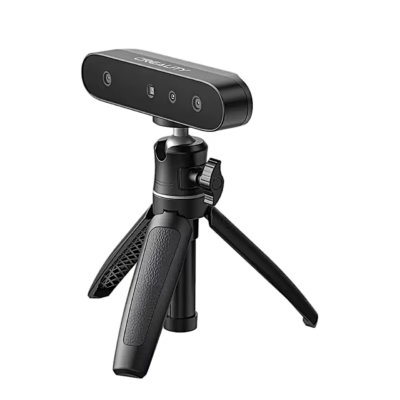
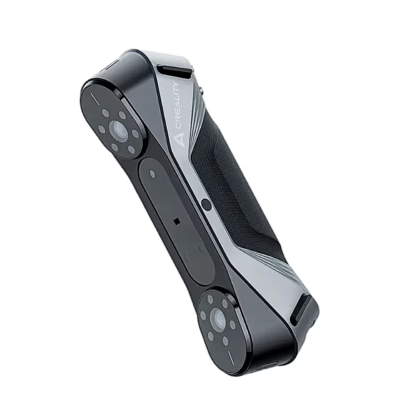
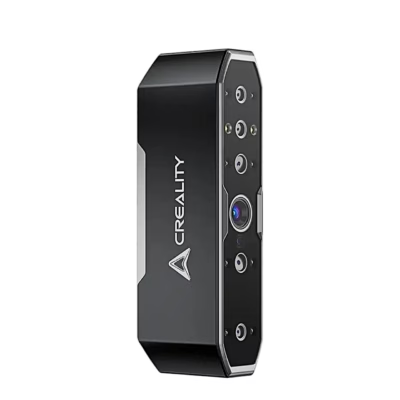
- 3D scanner Creality CR-Scan Raptor Pro, 1 pc
- USB 3.0 data cable (Type-C/Type-A)
- Power adapter with interchangeable plug heads
- Glass calibration plate
- Reflective markers (Ø 6 mm and Ø 3 mm)
- Wrist strap
- Type-C adapter
- Cleaning cloth
- User manual
- Waterproof case







































Reviews
There are no reviews yet.