

Description
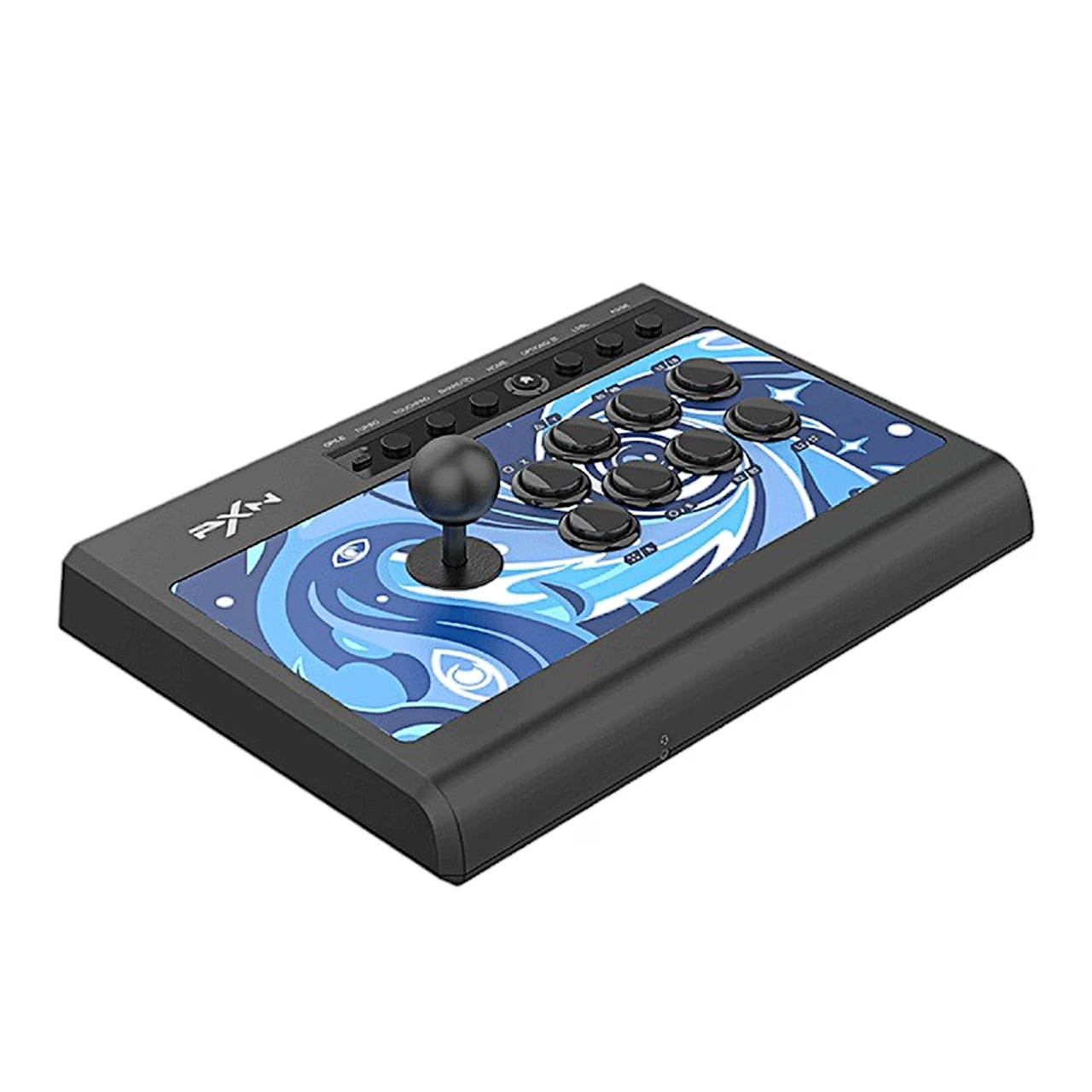
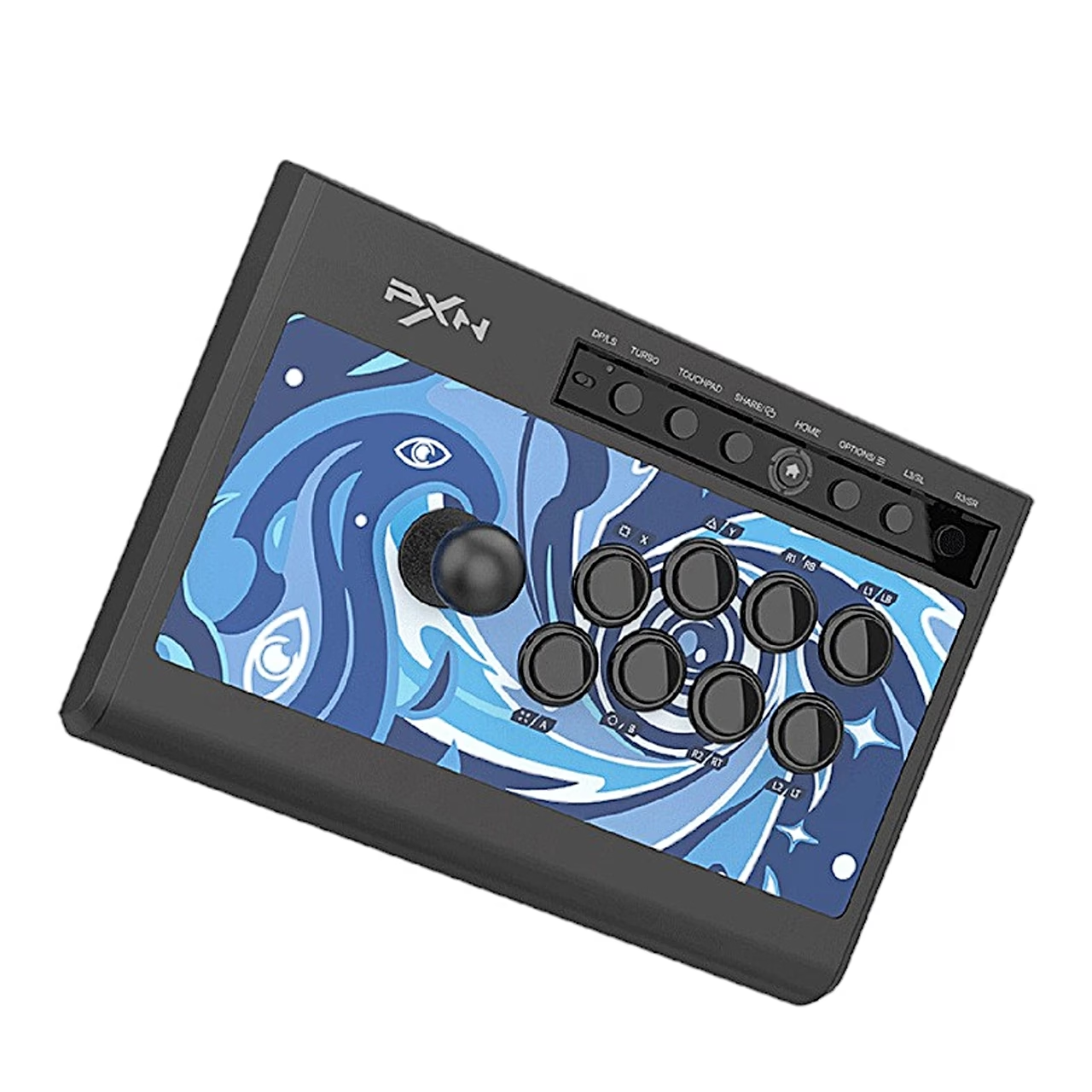
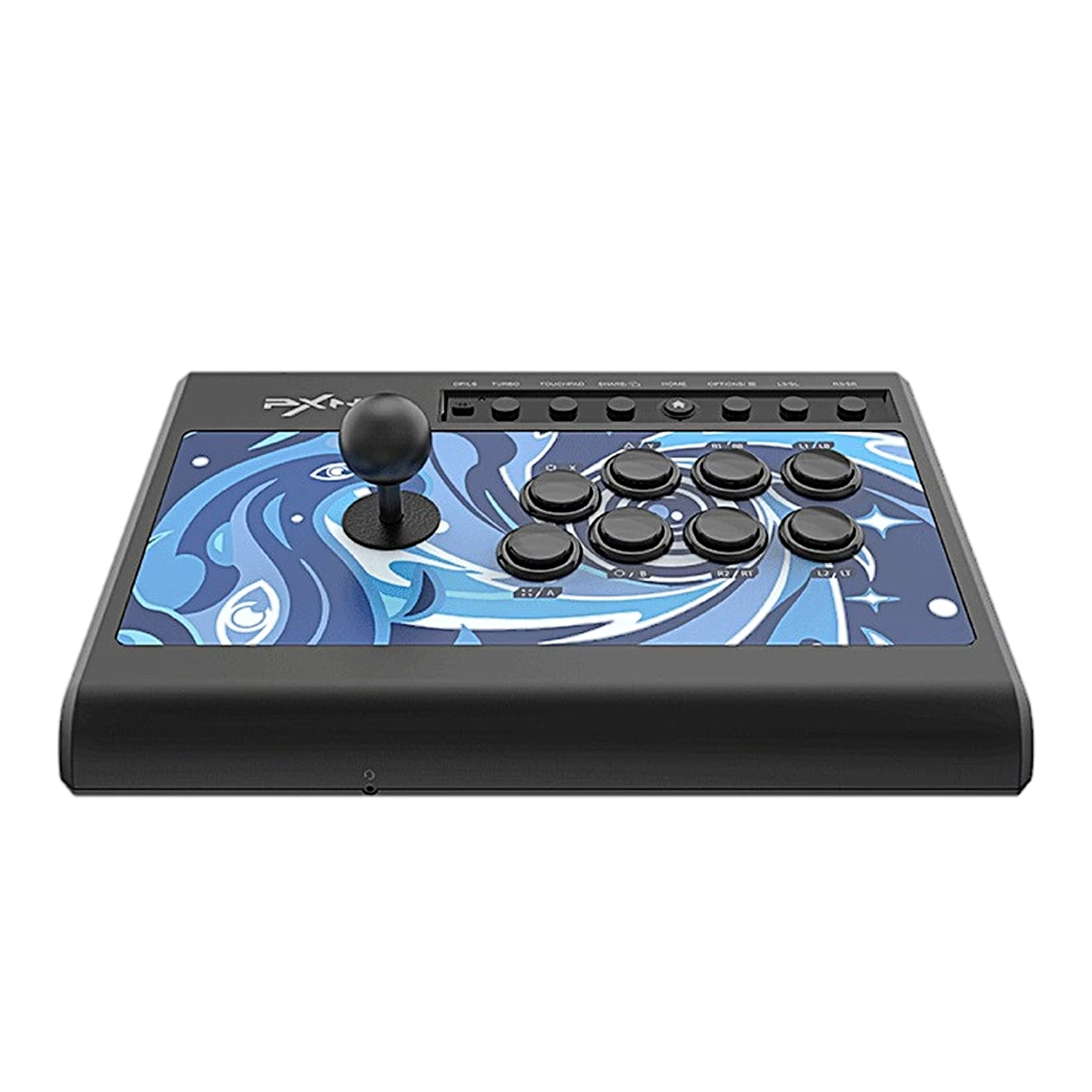
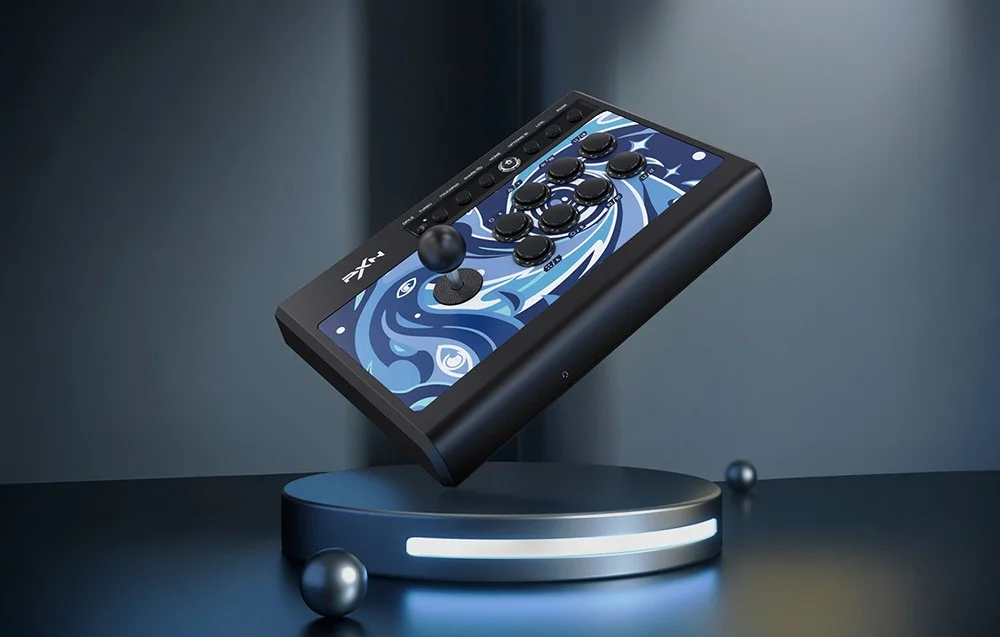
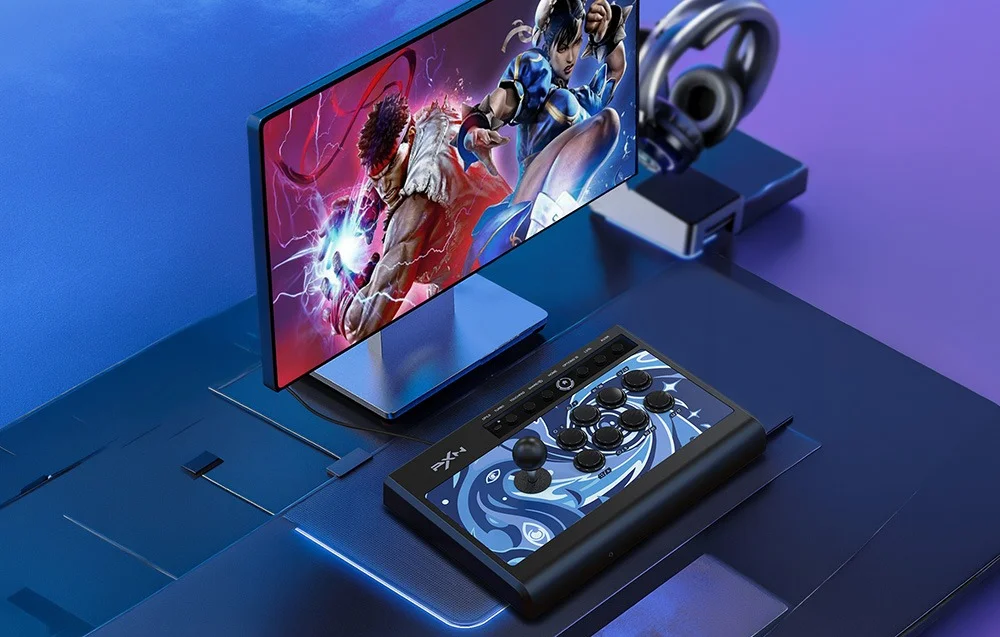
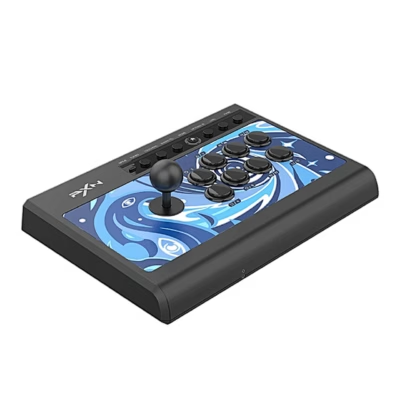
Arcade stick with mechanical buttons for fighting games
The PXN-008 arcade stick connects by USB cable to seven platforms: PC, PlayStation 3, PlayStation 4, Xbox One, Xbox Series, Nintendo Switch and Android. The cable is 2 m long and power comes from the USB port.
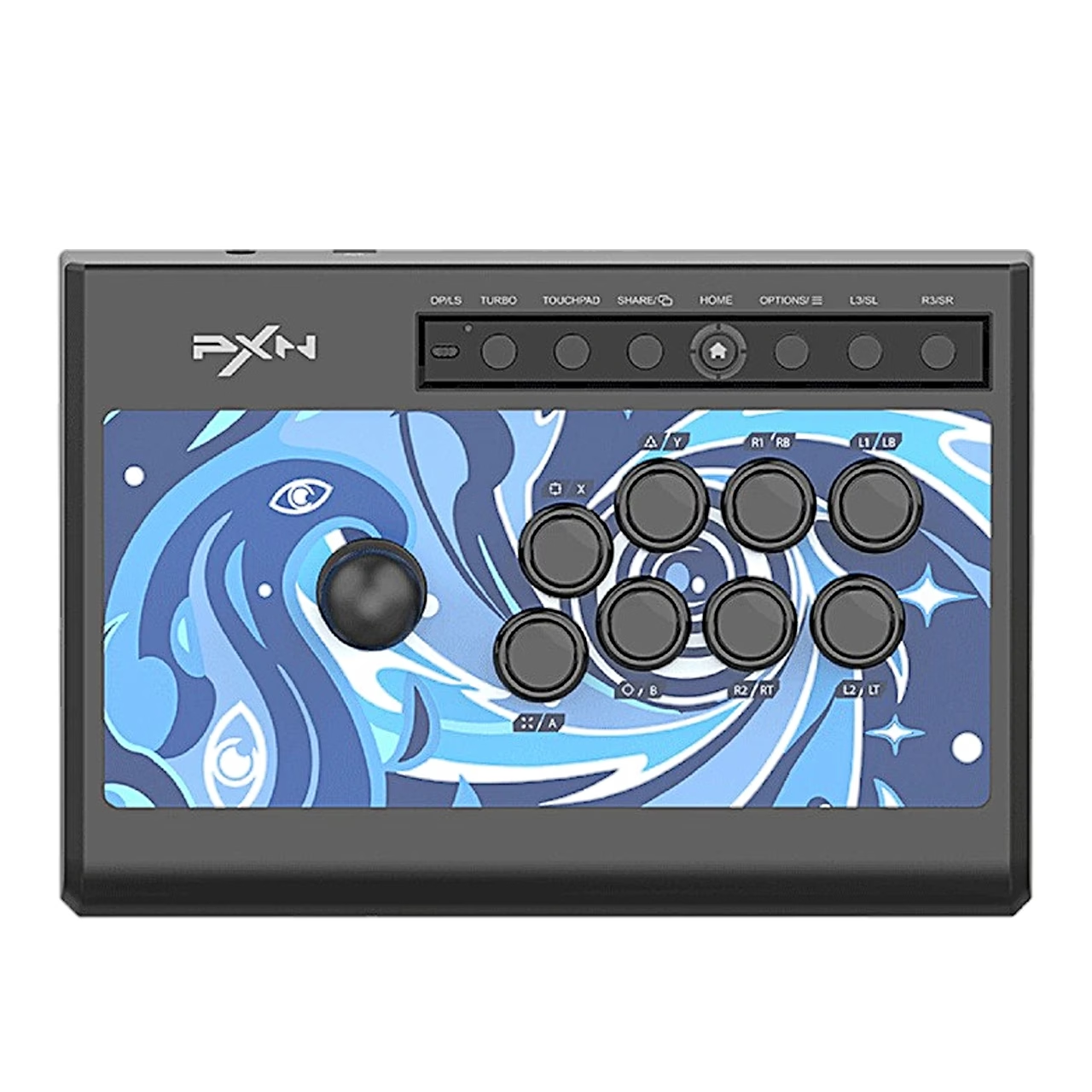
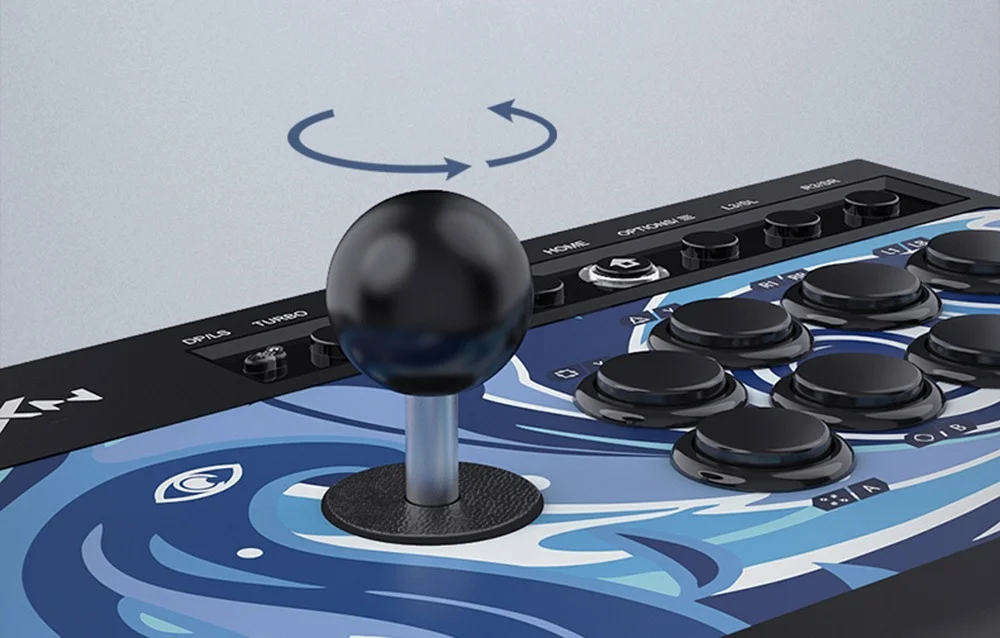
360° lever switches between D-pad and thumbstick
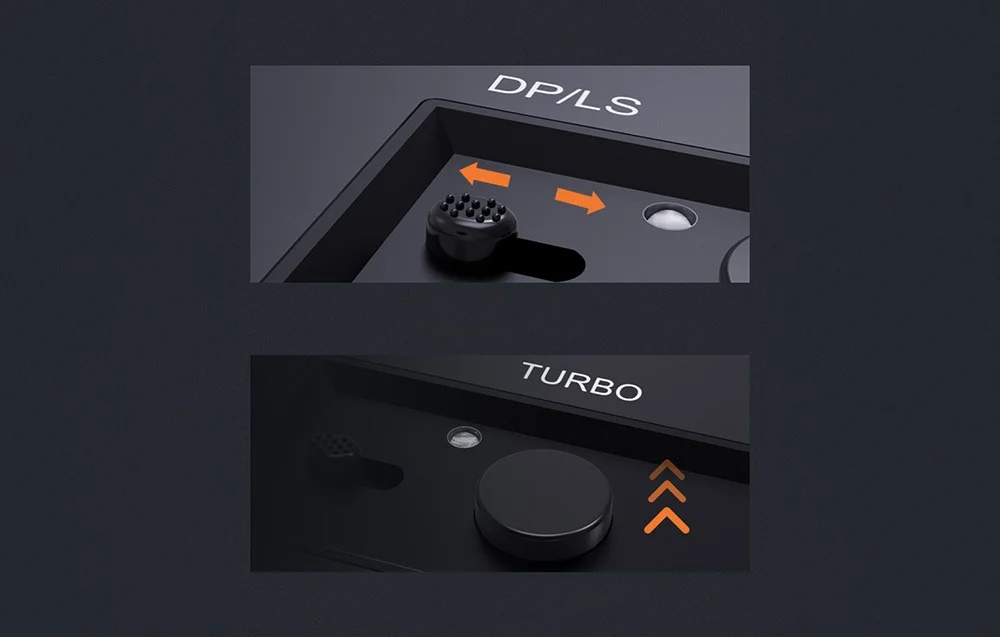
The DP/LS switch on the top edge of the panel sets the 360° lever to act as the D-pad (DP) or the left stick (LS).
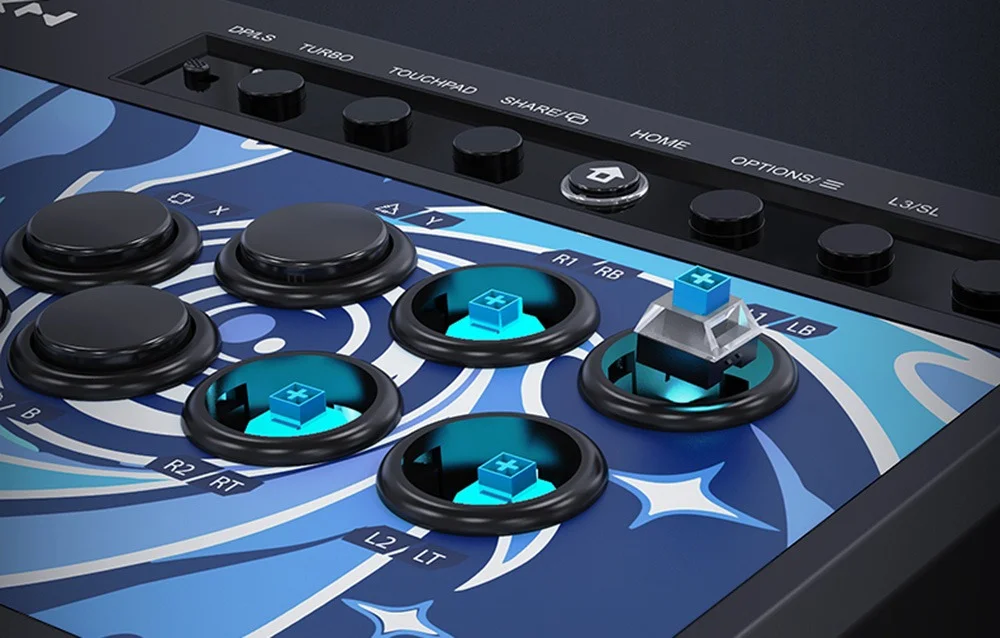
Blue Switch switches in the action buttons
The eight action buttons sit on Blue Switch mechanical switches with 2 mm actuation travel and about 70 g actuation force.
TURBO repeats a press
TURBO can be set on buttons A, B, X, Y, LB, RB, LT and RT. To set it, hold TURBO and the chosen button together until the indicator flashes. The same combination clears it and the indicator goes off.
Use with PC and consoles
On a Windows 7, 8, 10 or 11 PC the driver installs automatically on first connection. On PS3 and the Switch dock, plug the stick’s USB cable into the console and the console assigns a channel. On PS4 and Xbox One or Series, connect the switched-off original controller to the stick’s controller port with a USB data cable and plug the stick into the console. An Android phone or the Switch console on its own needs a separate USB-C OTG adapter.
Headphone jack for voice chat
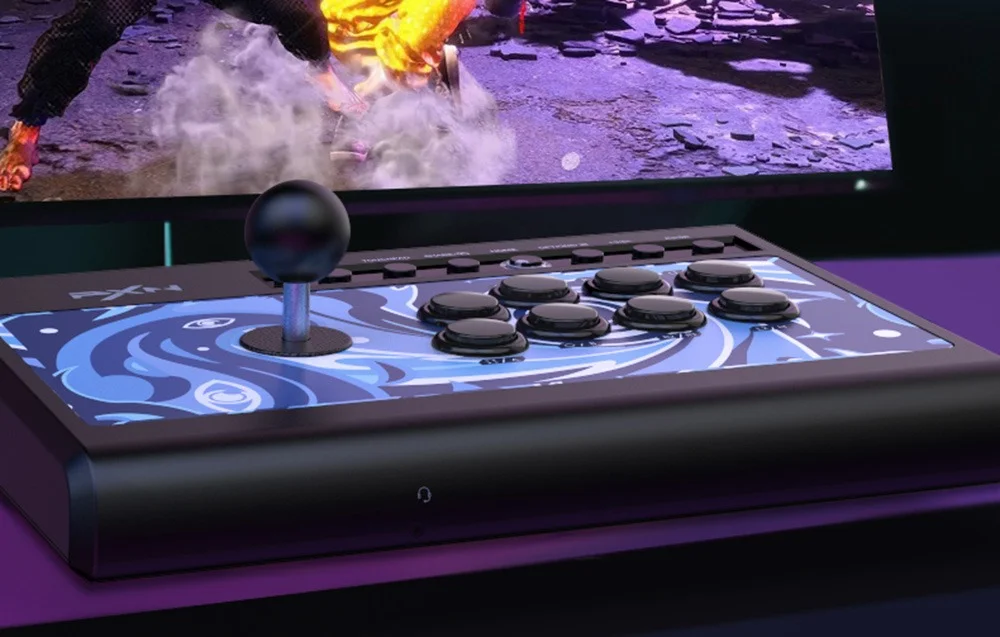
The 3.5 mm headphone jack on the front gives voice chat on PS4 and Xbox. The panel is ABS plastic.
In the box
- Arcade stick PXN-008, 1 pc






































Reviews
There are no reviews yet.