

Description
Laser engraver whose two lasers work metal, plastic and decorative materials
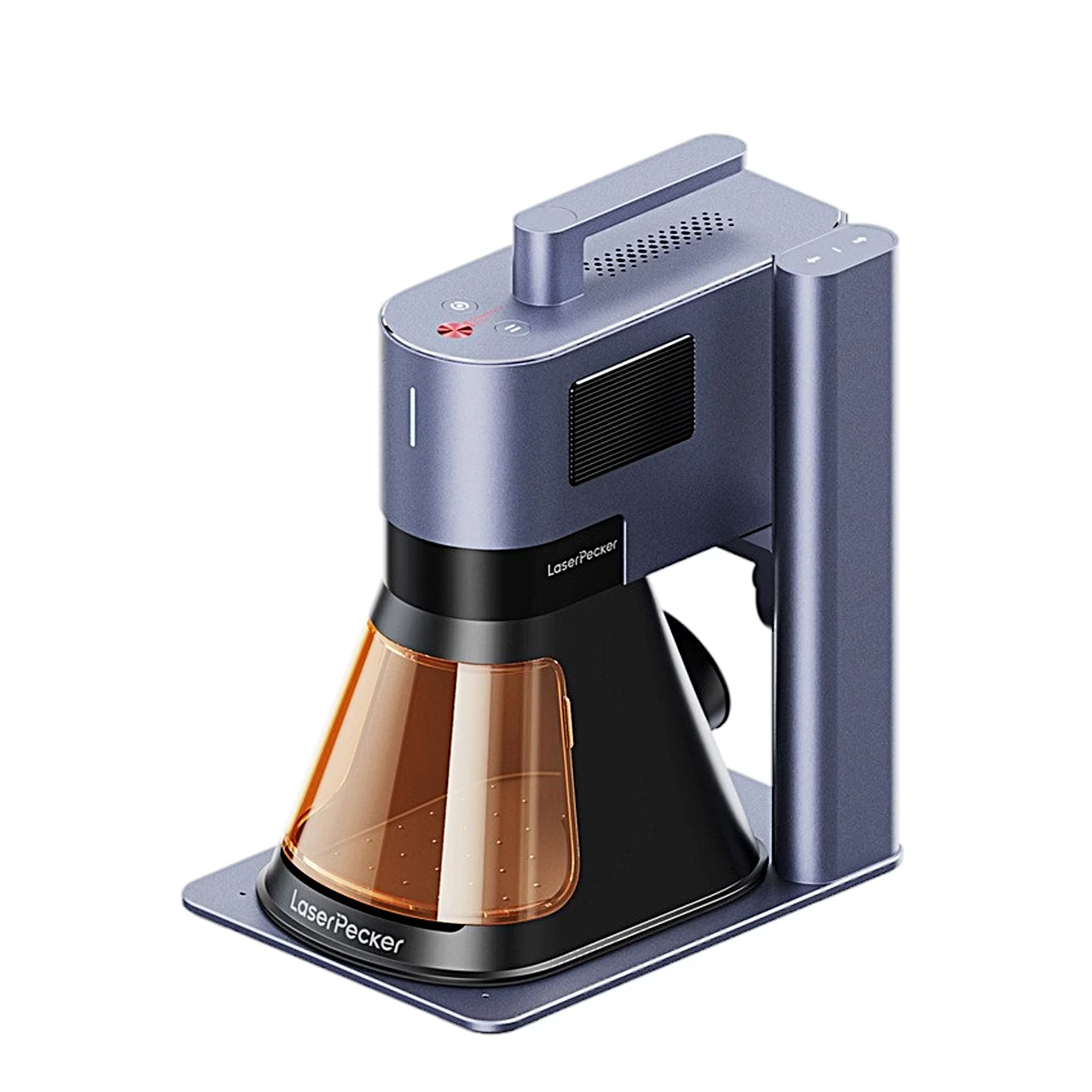
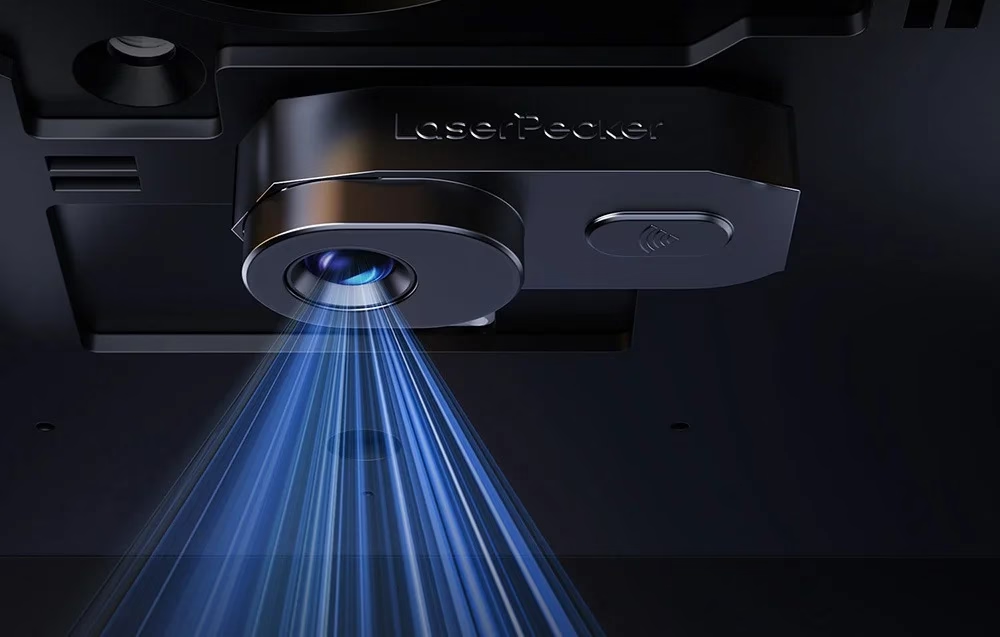
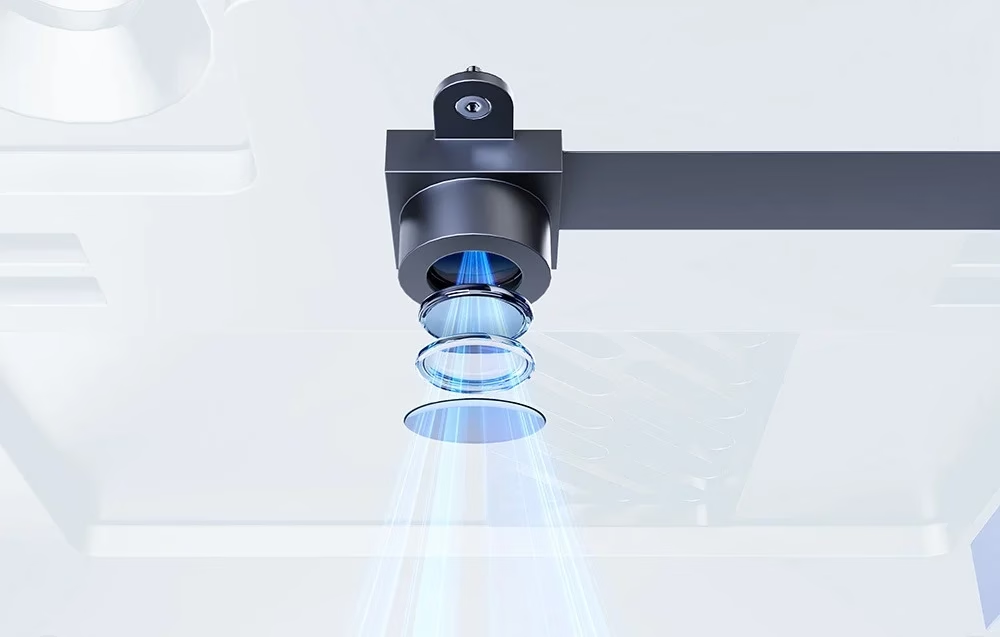
The LaserPecker LP5 laser engraver combines a 450 nm blue diode laser and a 1064 nm fibre laser for engraving and cutting metal, plastic and decorative materials. The high power gives a deep, high-contrast engraving in a single pass.


Speed and precision for batch work
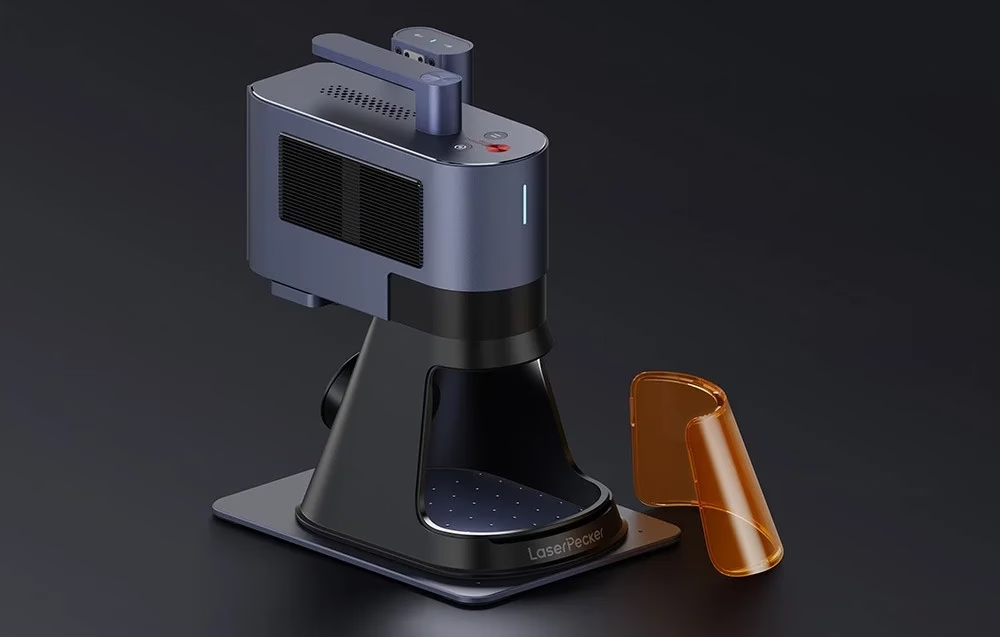
The diode laser spot is 0.08 × 0.1 mm and the fibre laser spot 0.06 × 0.06 mm, with an engraving precision of 0.0027 mm. Variable text and smart fill let you personalise several items at once, and the L-shaped positioners hold the material in the same place every time.

Colour engraving and 3D relief
The LP5 produces colour engraving and greyscale 3D relief and cuts thin metal.
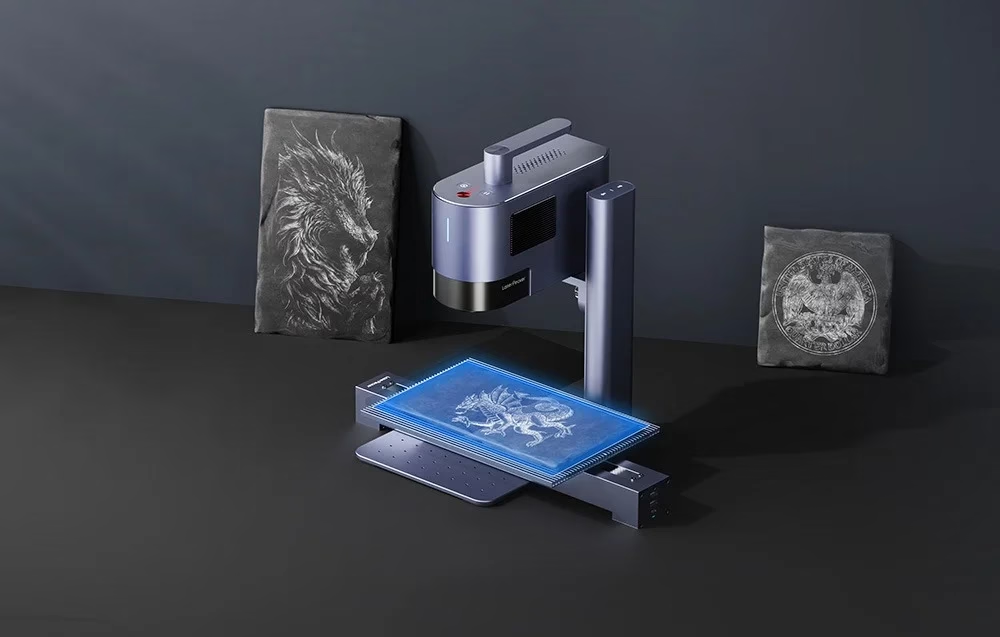
Focusing and bevel engraving with the electric stand
You set the focus with two red dots: raise or lower the electric stand until the dots meet. The side knob on the stand tilts the laser unit for engraving on angled surfaces. Before engraving you check the design in rectangle, outline or centre point preview.

Protective cover, extraction and safety key
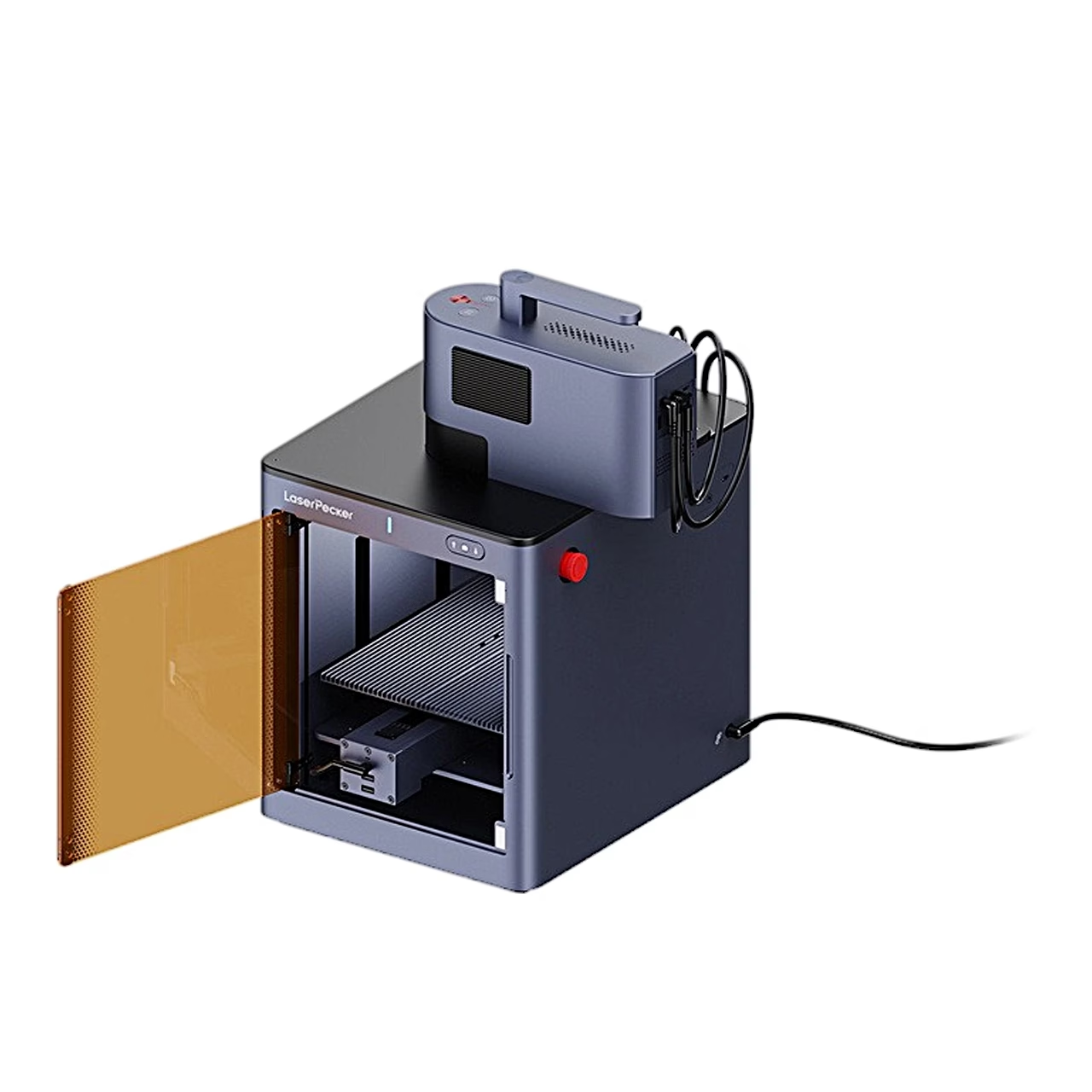
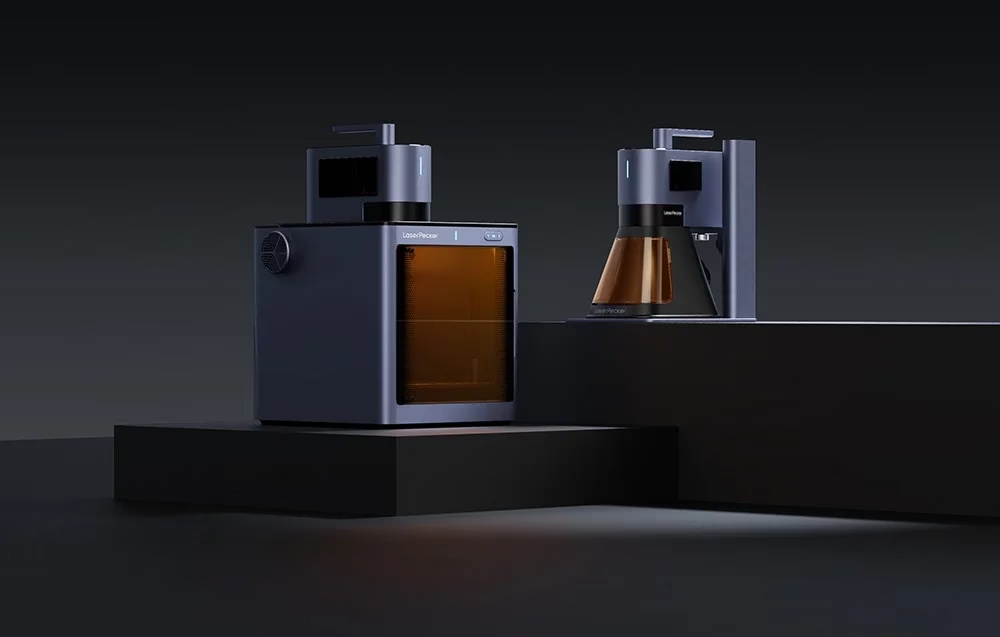
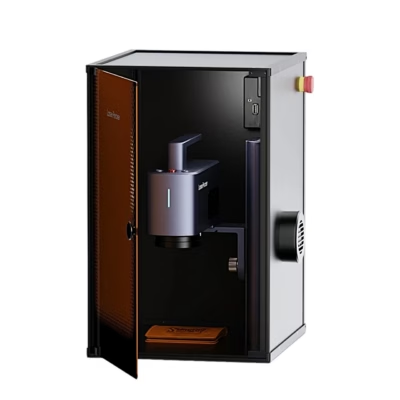
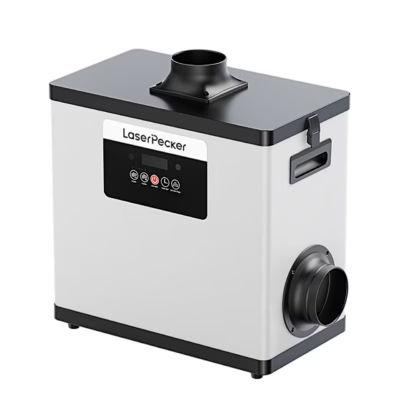
The conical protective cover has an exhaust fan to which you can connect a pipe or a separately sold air purifier with the adapter. Removing the safety key locks engraving against others, and the emergency stop button halts processing at once.
App, PC software and USB stick
The LaserPecker Design Space app connects to the machine over 2.4 GHz Wi-Fi and the PC software over USB cable or Wi-Fi, and the machine also works with LightBurn. You can engrave from a USB stick, choosing .lpb project files in the app or PC software.
Assembly
Fit four M4 × 10 screws under the base plate with the H2.5 hex key to assemble the electric stand, then attach the laser unit to the stand by turning the knob anticlockwise. Place the protective cover below the laser unit, secure it with two screws and fit the front light filter. Connect the power cable and adapter, the 0.6 m cable from the laser unit to the stand power port and the protective cover to the laser unit USB port.
Cleaning and maintenance
If engraving becomes shallow or uneven, clean the field lens with a lint-free cloth moistened with alcohol. Remove the cover on the left of the laser unit to clean the dust filter. If smoke escapes from the protective cover, unscrew the fan and clean the fan and smoke outlet.
In the box
- Laser engraver LaserPecker LP5 laser unit, 1 pc
- Electric stand and base plate
- Conical protective cover
- Power cable and power adapter
- Cables 0.6 m and 1.5 m
- Pipe and pipe adapter
- L-shaped positioners, 2 pcs
- Safety goggles
- Security keys, 2 pcs
- USB flash drive
- Tool box, hex keys H1.5, H2 and H2.5, M4 × 10 screws 4 pcs
- Material pack
- User manual








































Reviews
There are no reviews yet.