

Description
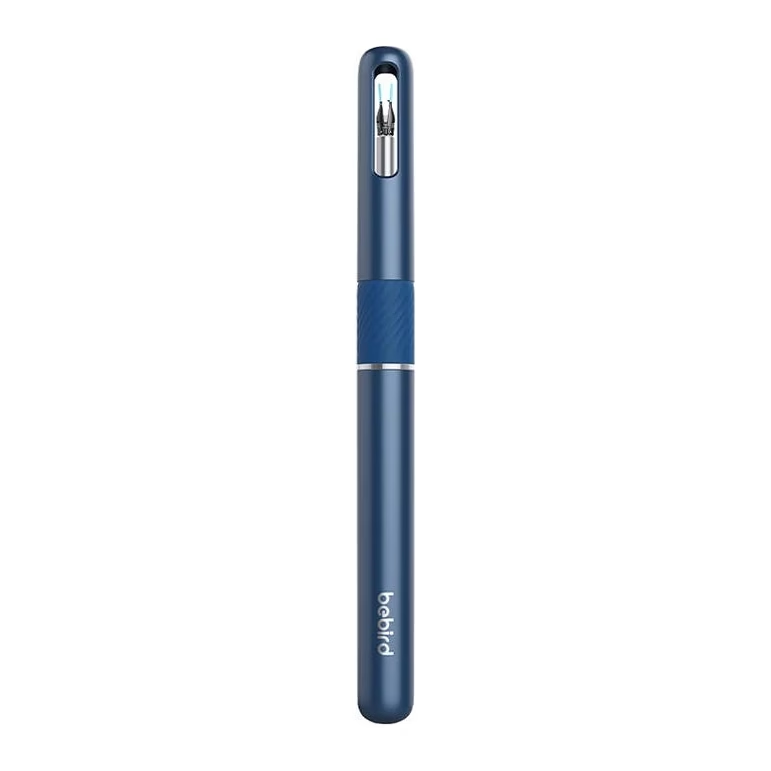
Ear cleaner for viewing the ear canal and removing earwax
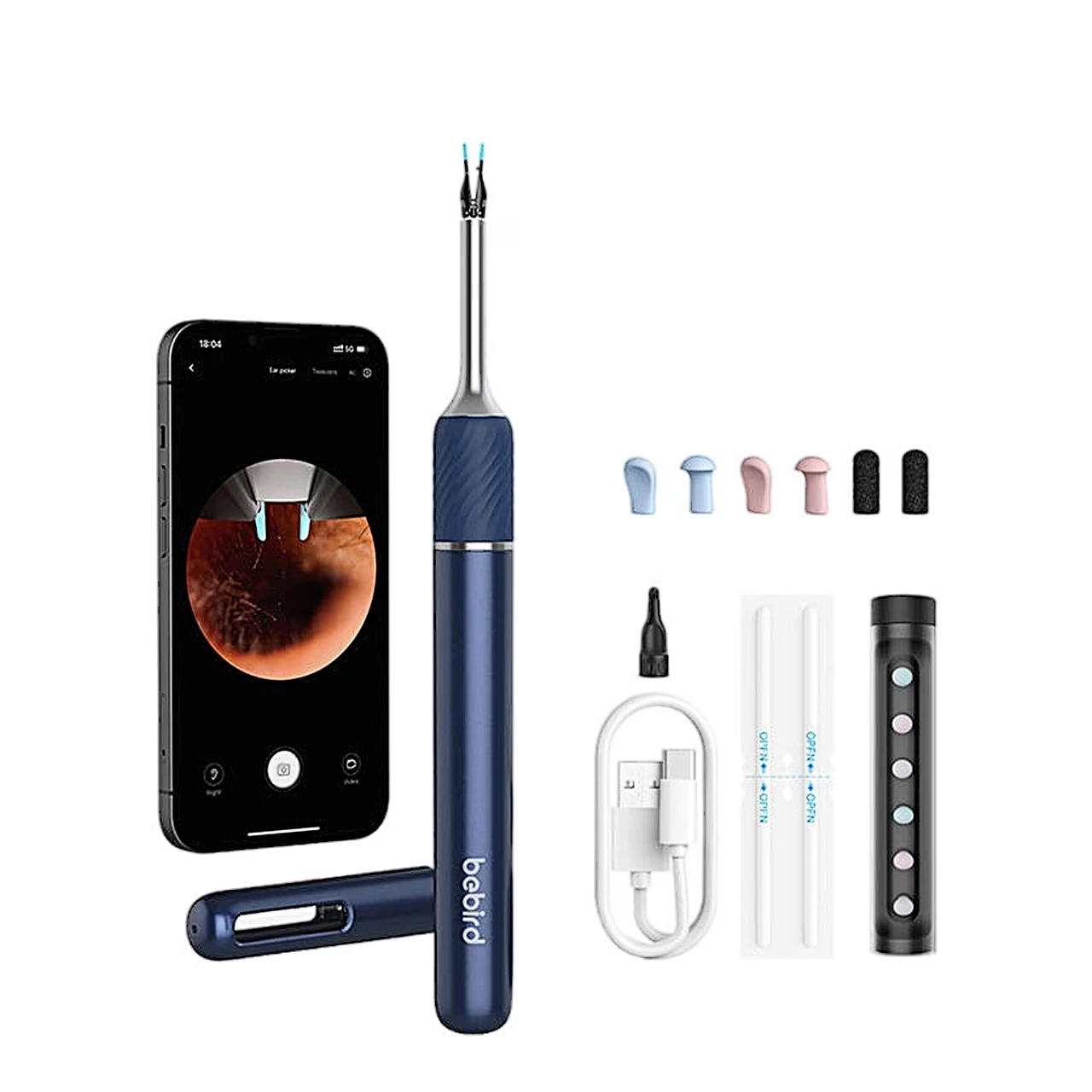
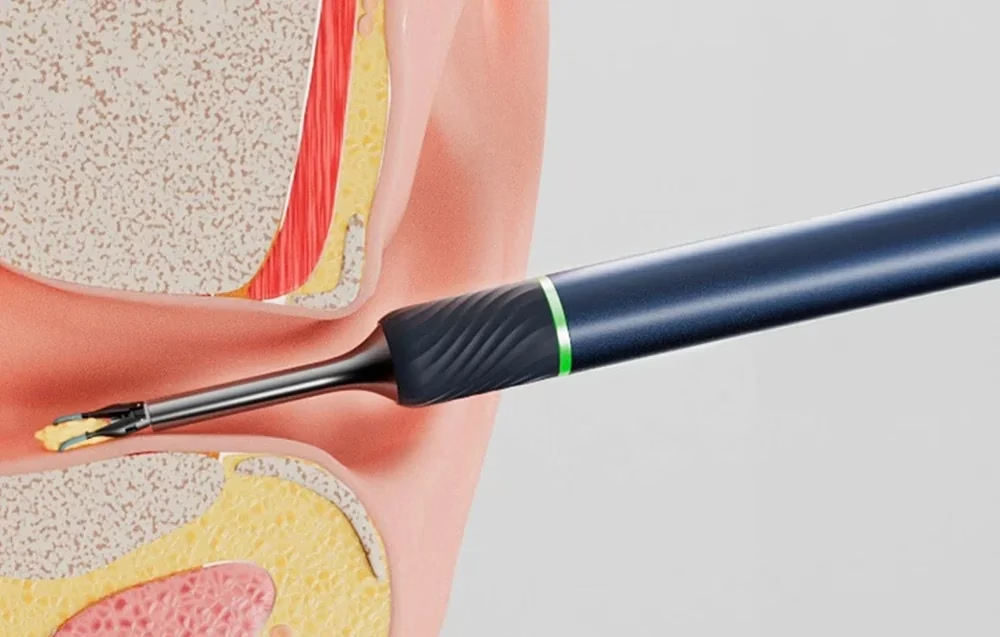
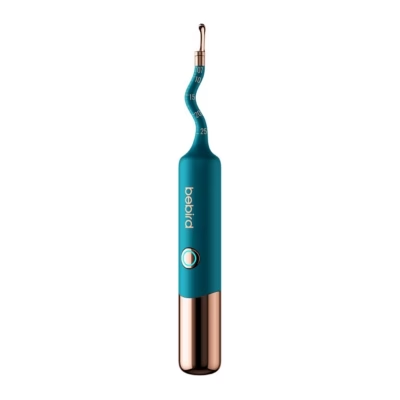
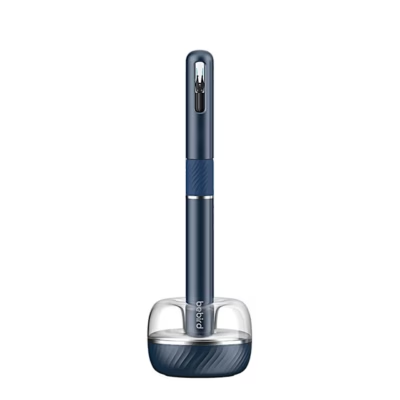
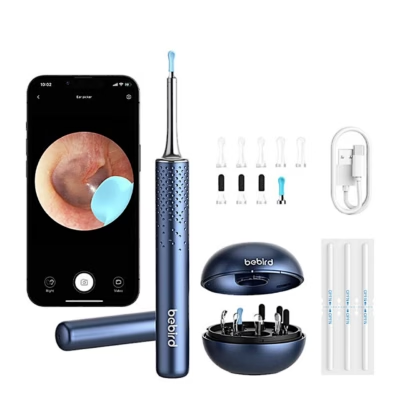
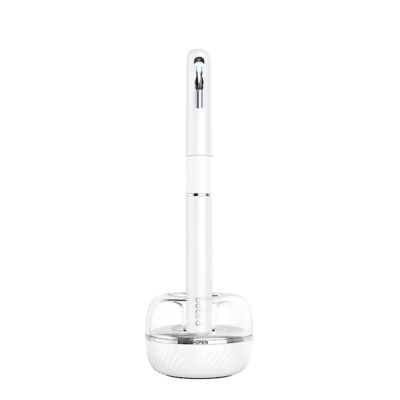
The Bebird Note 5 ear cleaner with camera shows the 10 MP camera image on your smartphone over Wi-Fi. For removing earwax and foreign bodies from the ear canal, the camera head carries button-controlled tweezers.
Camera and phone connection
The camera’s CMOS sensor transmits the image at 20 frames per second and the lens diameter is 3.2 mm. A gyroscope stabilises the camera image while your hand moves. The device creates its own 2.4 GHz Wi-Fi network, which the phone connects to directly.

Tweezers and replaceable tips
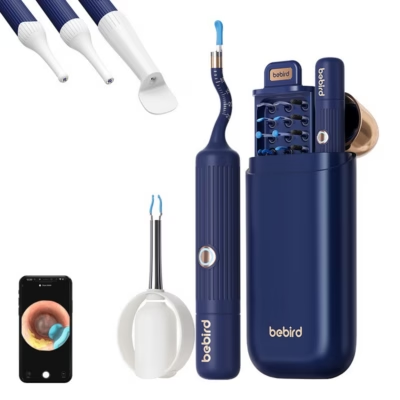
The tweezers close while you hold the switch and open when you release it. The tweezers take silicone spatula and dome tips and sponge covers, which the maker’s manual says to replace with new ones every 2 months.
Battery and charging
The 230 mAh battery gives up to 60 minutes of use and charges via USB-C fully in about an hour. Use a charger with 5 V output. The indicator light is red while charging and goes out when the battery is full.

Use
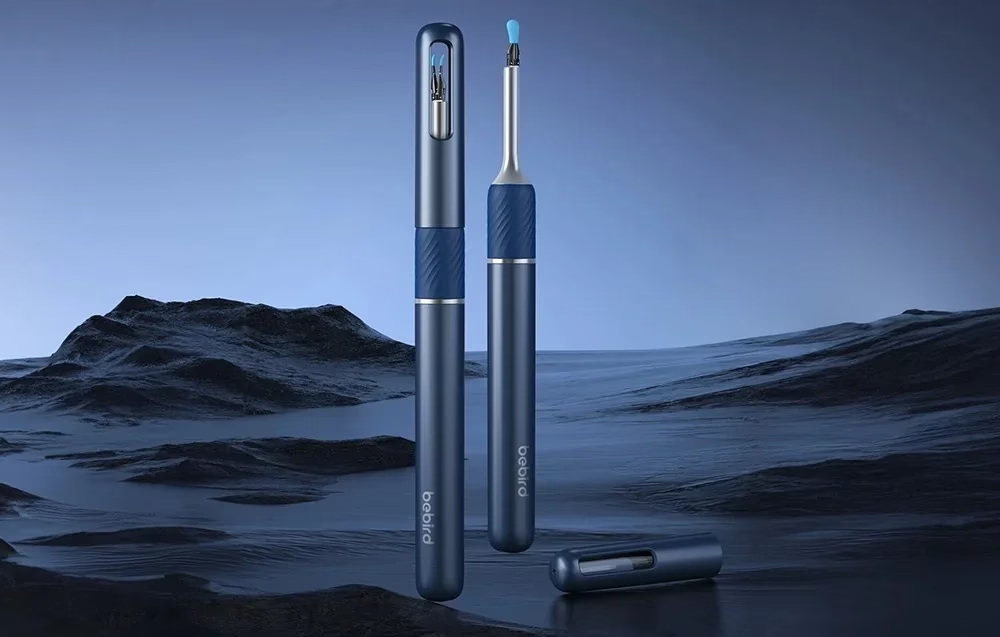
Download the bebird app from the App Store or Google Play. When you open the camera head cover, the device switches on by itself and the green light flashes. Connect your phone to the device’s Wi-Fi network bebird-Note5, return to the app and tap GO. Once connected, the green light stays on.

Cleaning and care
Wipe the lens carefully with the cleaning stick in the box, which is also suitable for cleaning the tweezers and tips. When the device is not in use, charge the battery once a month.
In the box
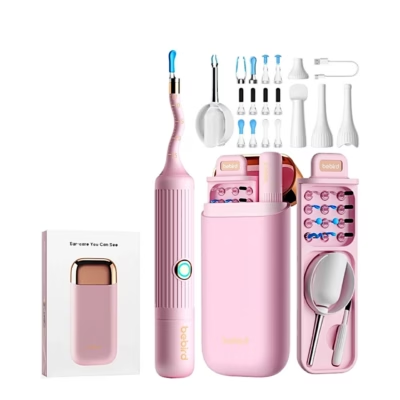
- Bebird Note 5 ear cleaner, 1 pc
- Silicone spatula and dome tips and sponge covers, 6 pcs in total
- Observation hood
- Cleaning sticks, 2 pcs
- Tip storage container
- USB-C charging cable








































Reviews
There are no reviews yet.