

Description
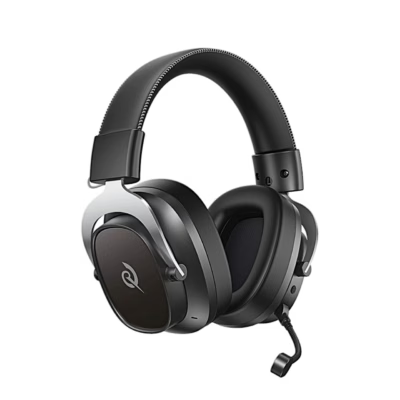
Gaming headset with Dolby Atmos spatial sound for PC
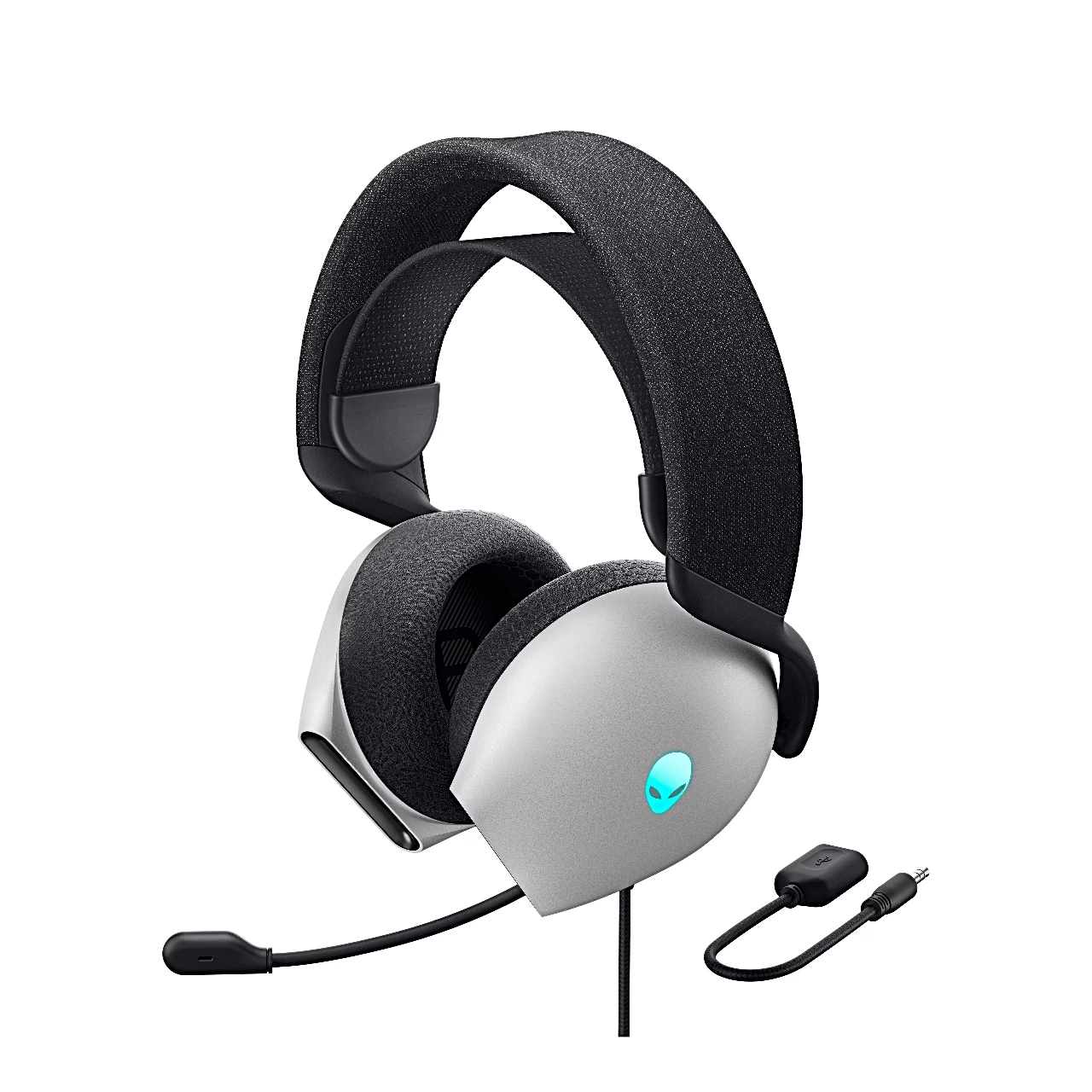
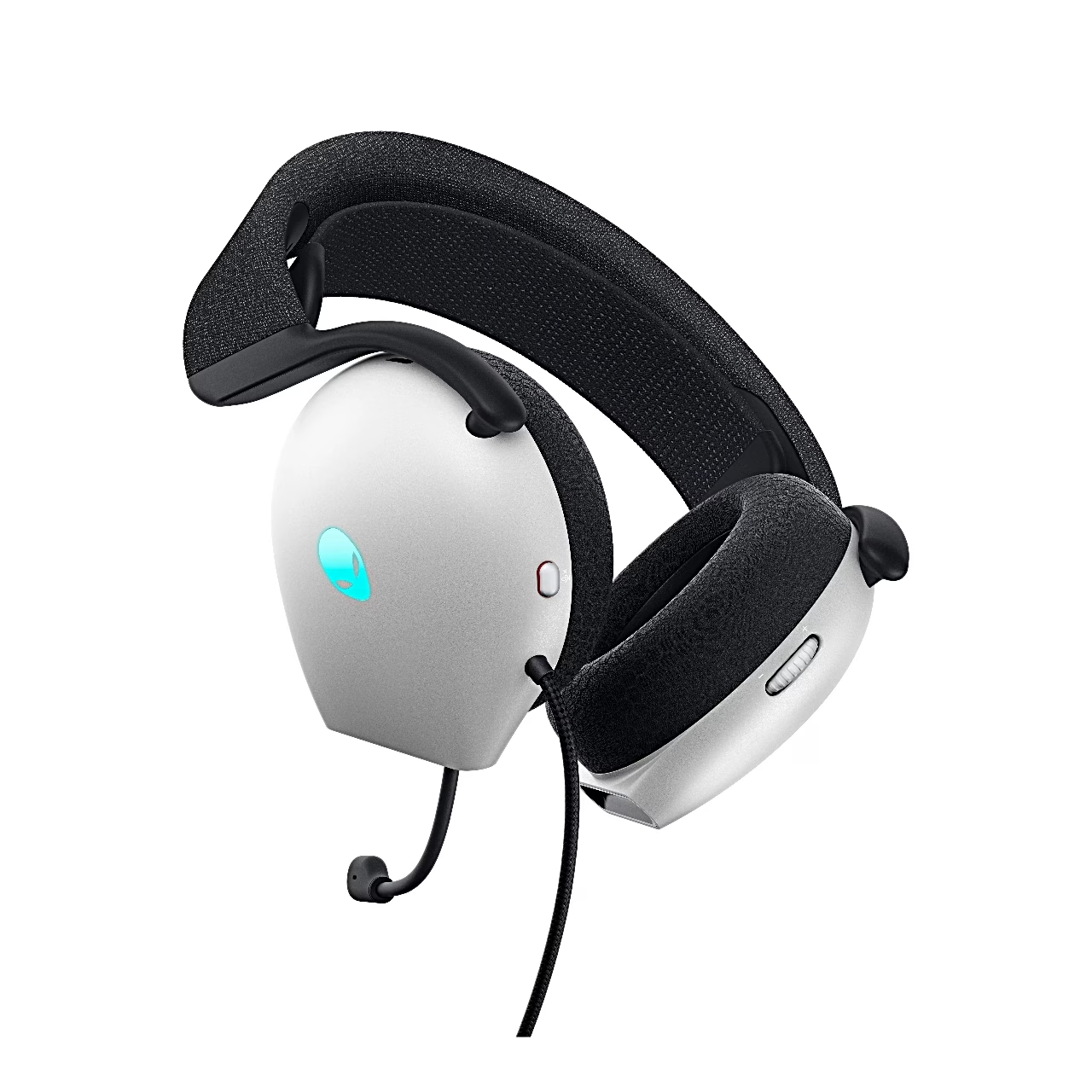
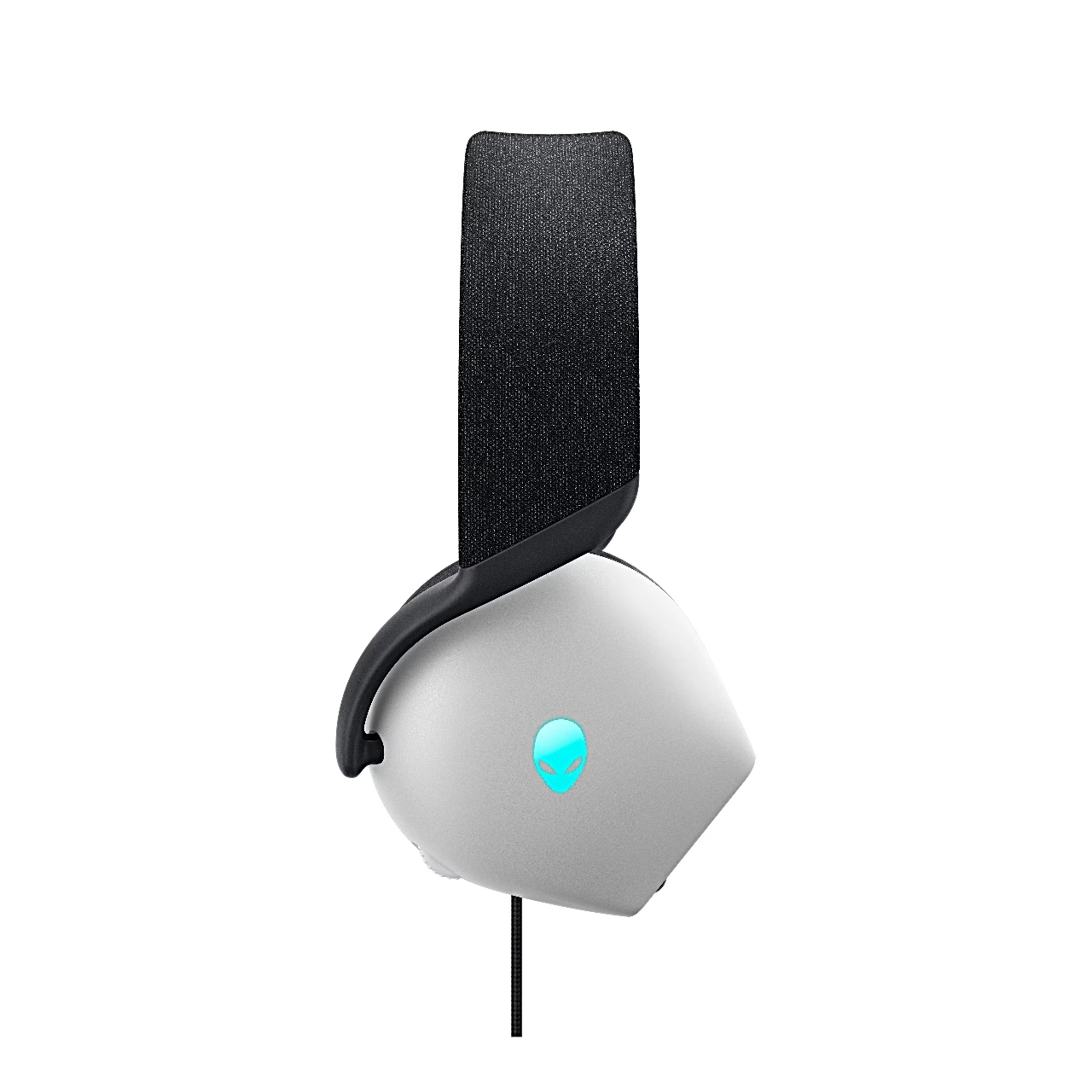
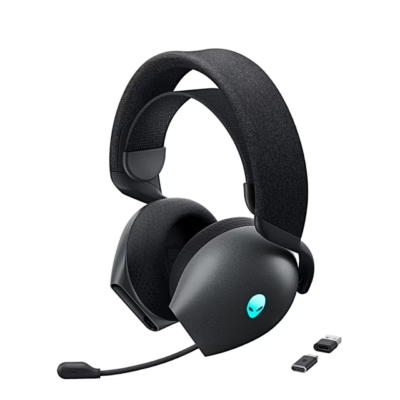
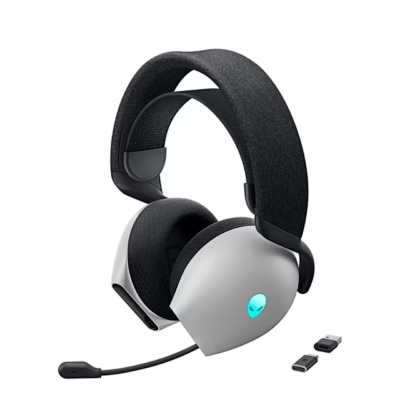
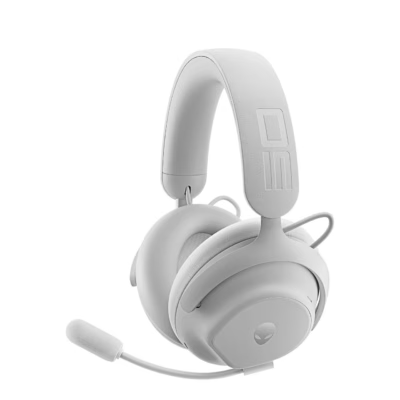
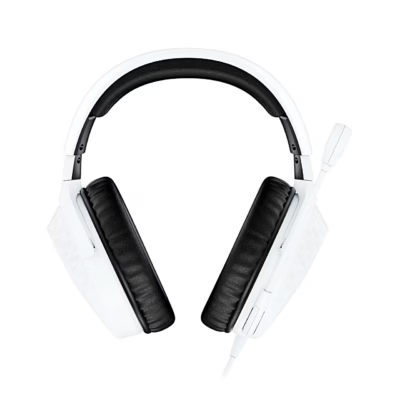
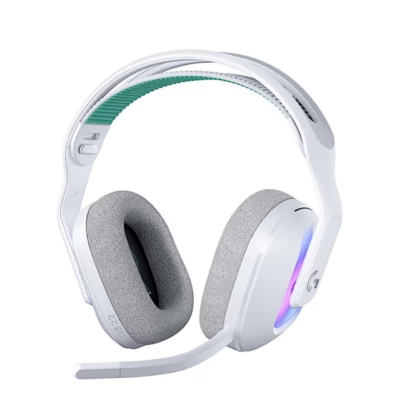
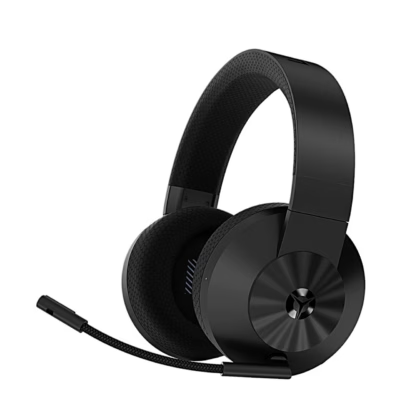
The Dell Alienware AW520H gaming headset connects to a PC with a USB-A plug, and its 40 mm dynamic drivers cover 20–40,000 Hz. When connected to a Windows 10 or Windows 11 PC, Dolby Atmos for Headphones spatial sound activates automatically.
Retractable unidirectional microphone and mute button
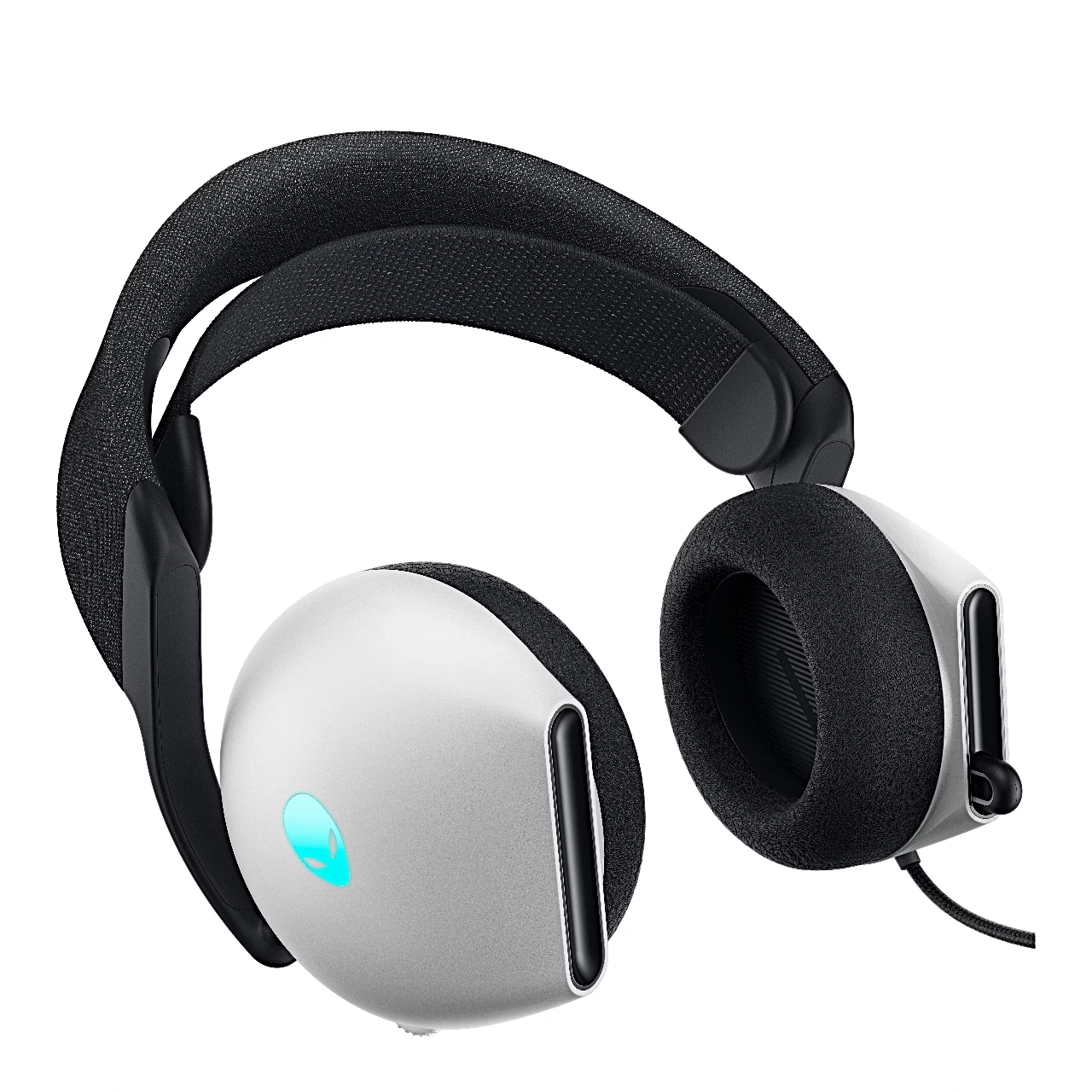
The unidirectional microphone pulls out of the left earcup and its AI-based noise reduction suppresses background sound. With the microphone pulled out, the button on the left earcup mutes and unmutes it, and a red light on the microphone shows when it is muted. The wheel on the right earcup changes the volume. For clear speech, keep the microphone about 2 cm from your mouth.
AlienFX RGB lighting in Alienware Command Center
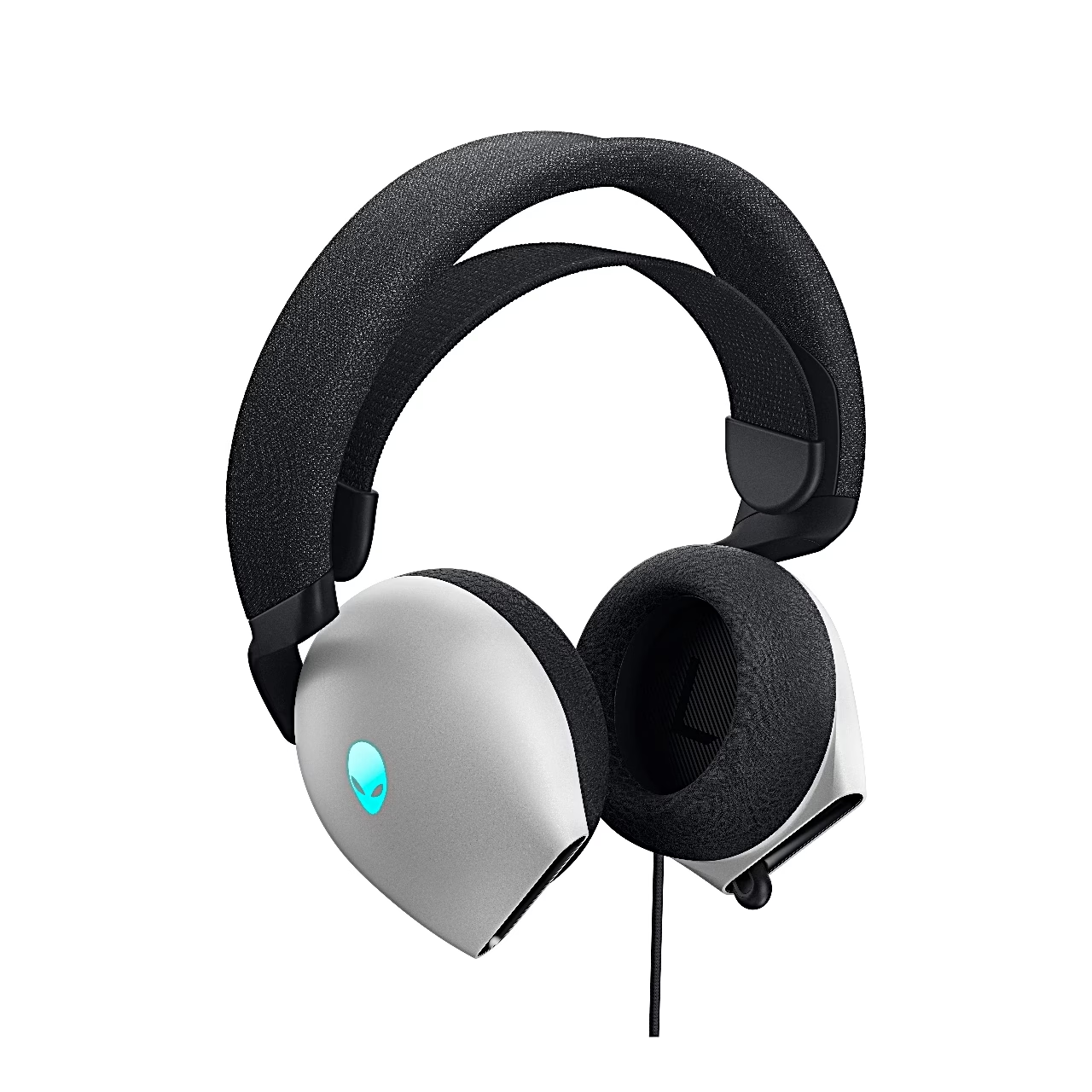
The earcup logos have AlienFX RGB lighting with 16.8 million colours, whose colour and animation can be changed in Alienware Command Center. The same app updates the headset firmware and restores factory settings. Lighting and the app work over the USB connection.
Compatibility
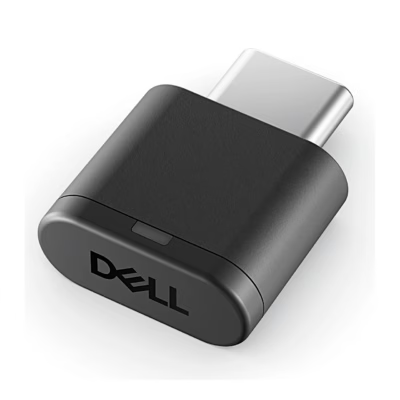
Over USB the headset works with a 64-bit Windows 10 or Windows 11 PC with a free USB port. It connects to PlayStation, Xbox, Switch and phones with the included audio adapter, which fits on the headset’s USB-A plug and into the device’s 3.5 mm audio jack.
Replaceable memory foam ear cushions
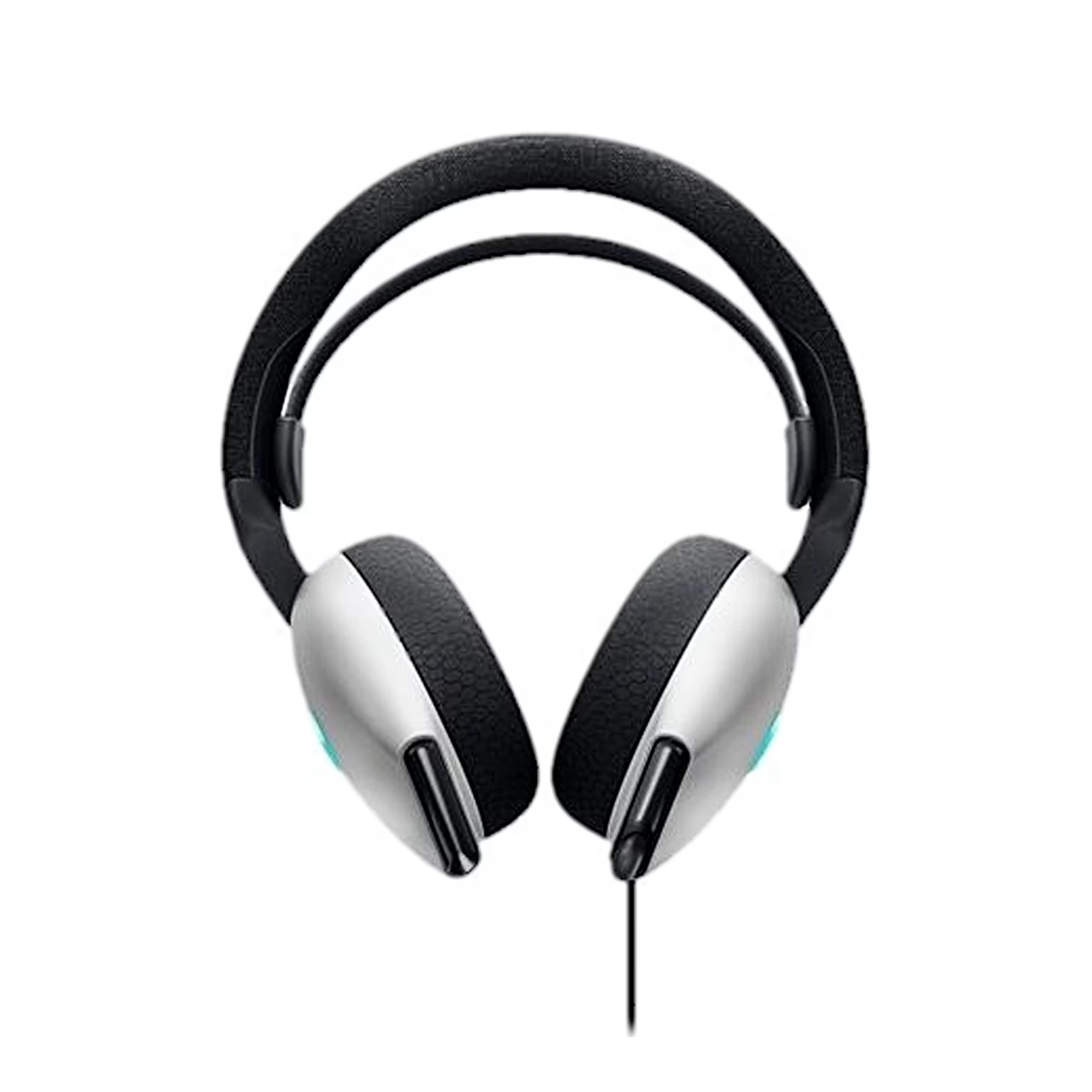
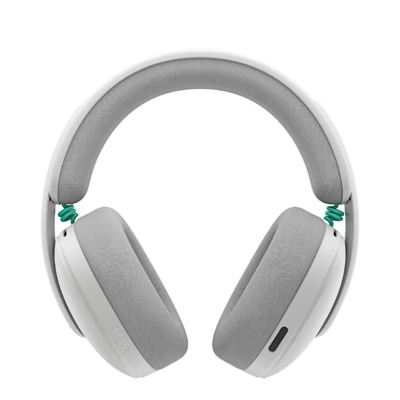
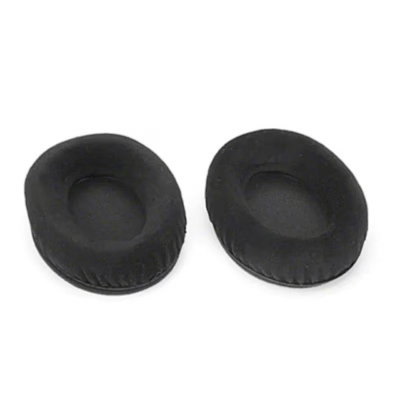
The over-ear cushions are memory foam covered in fabric, and the elastic band under the headband slides up or down for fit. To remove a cushion, hold it firmly, twist it towards the back of the headset and pull it off gently. When refitting, align the arrow marks on the cushion with those on the earcup; left and right cushions differ. The headset weighs 337 g with its cable and the cable is 2 m long.
In the box
- Gaming headset Dell Alienware AW520H, 1 pc
- 3.5 mm audio adapter
- Documents





































Reviews
There are no reviews yet.