

Description
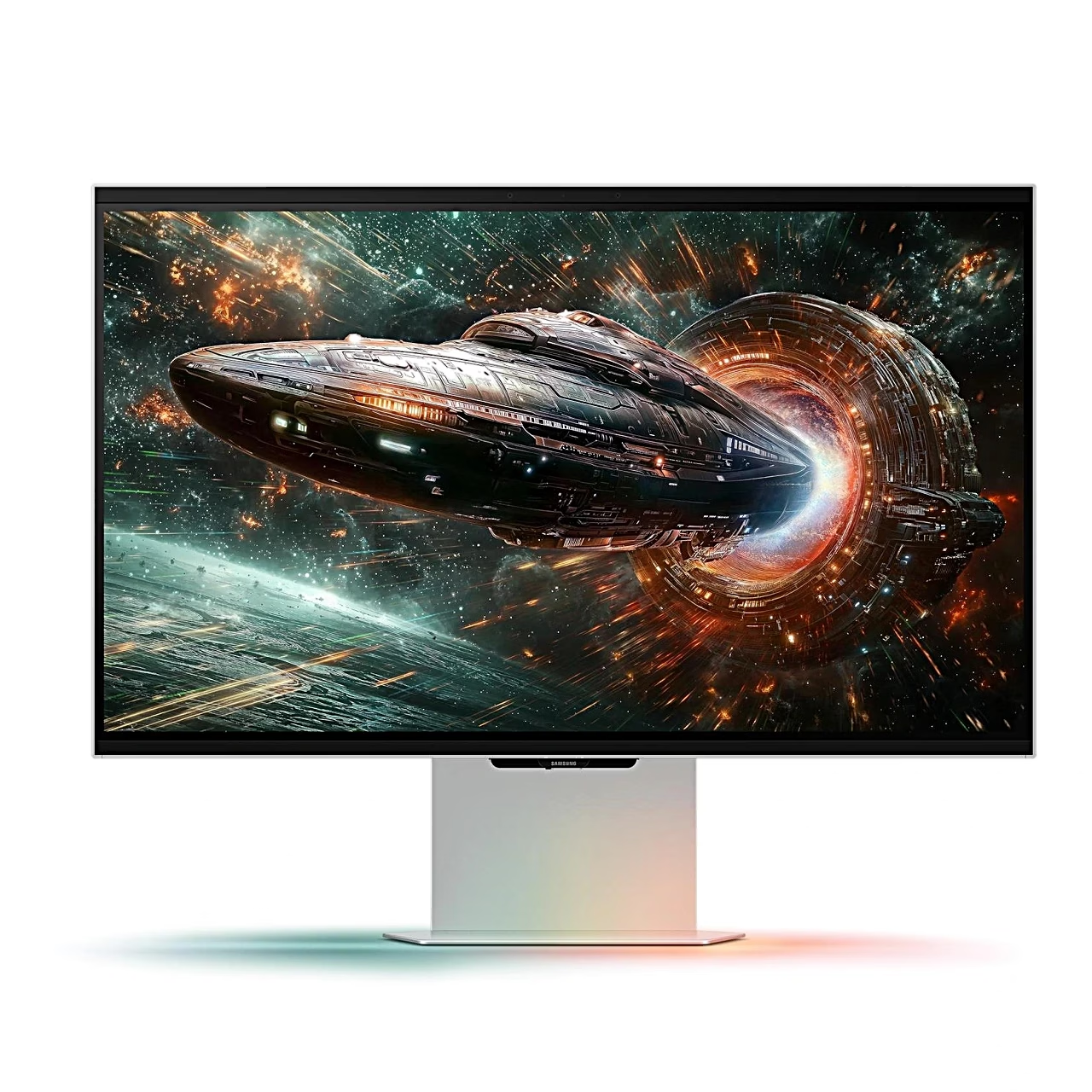
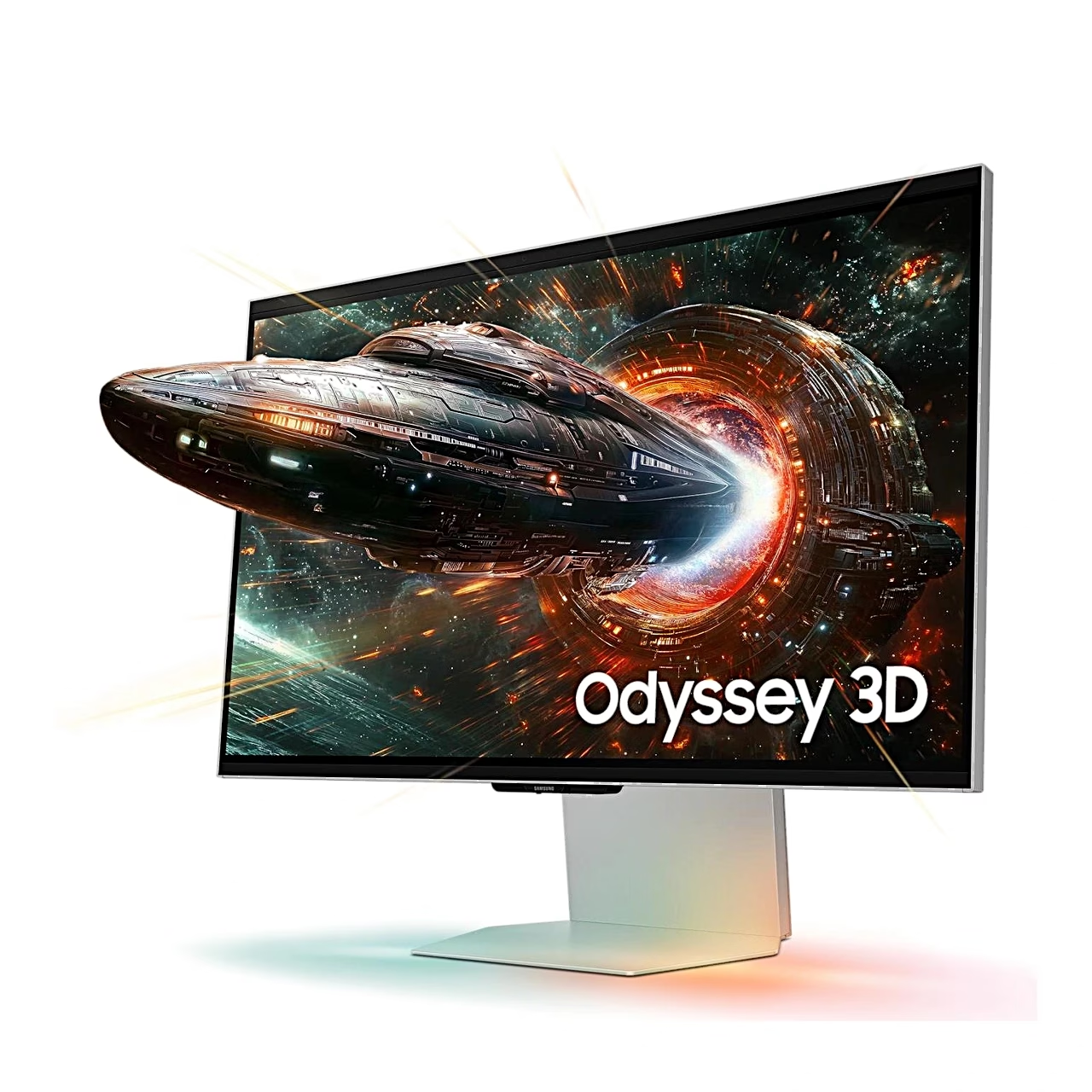
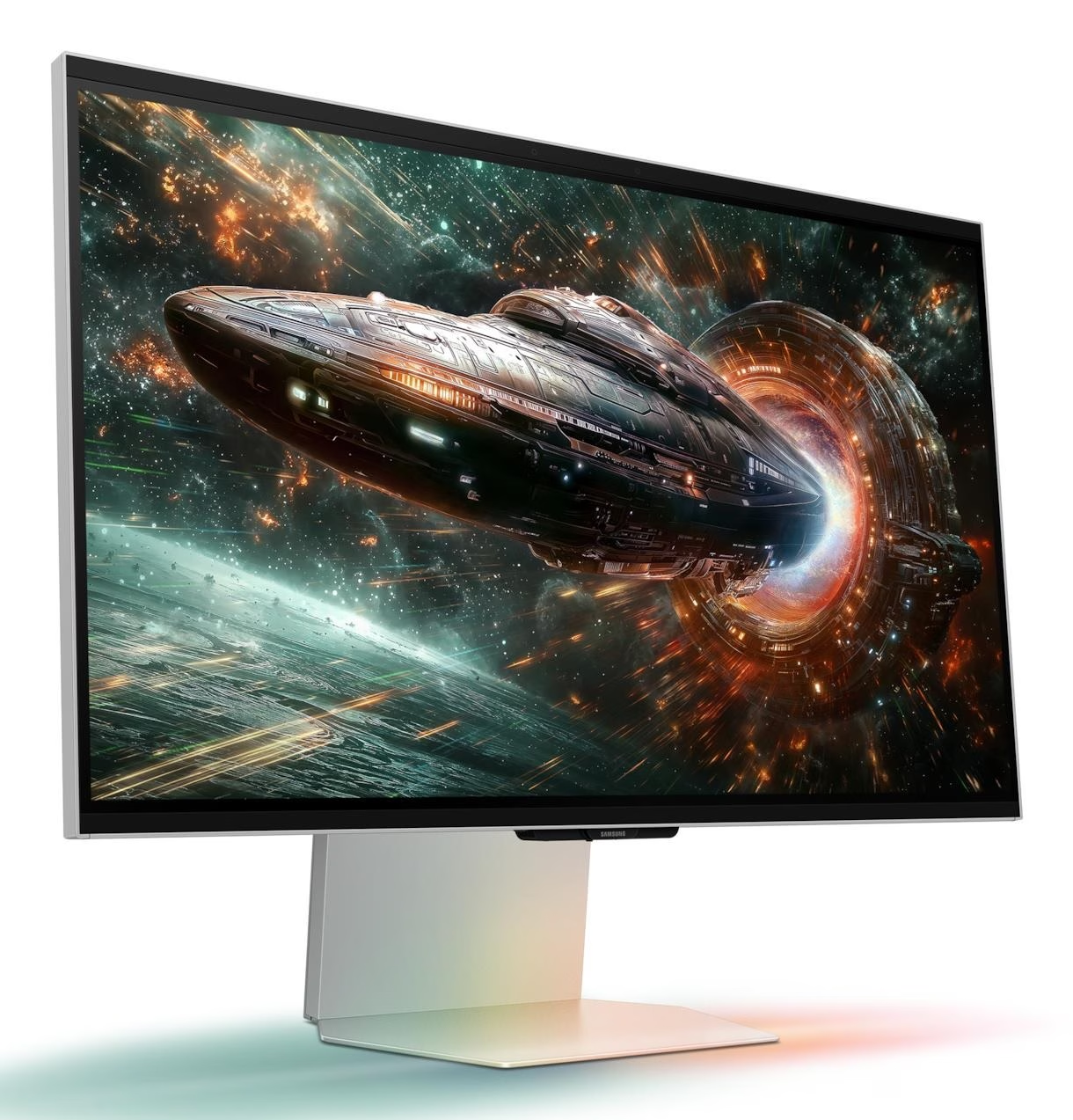
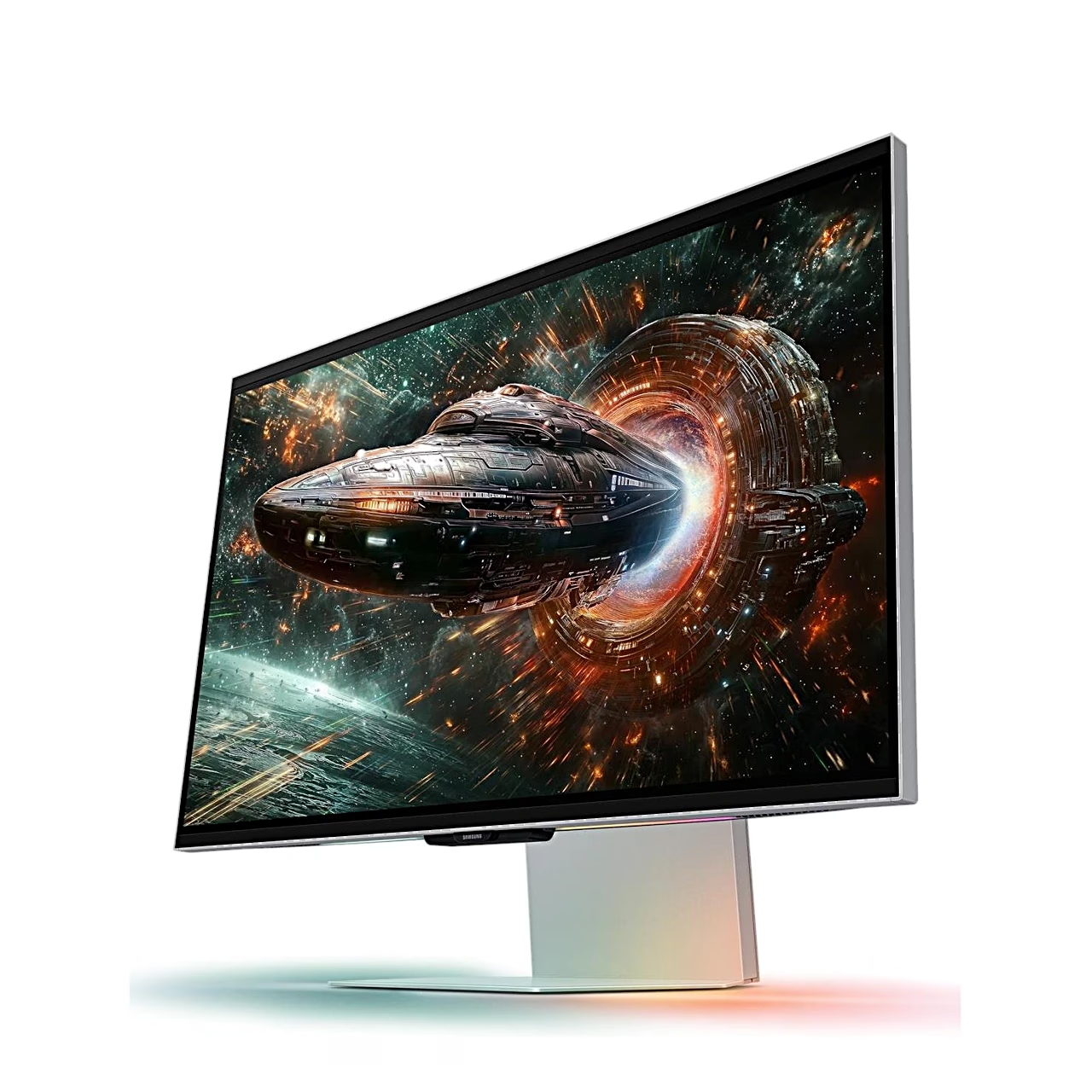
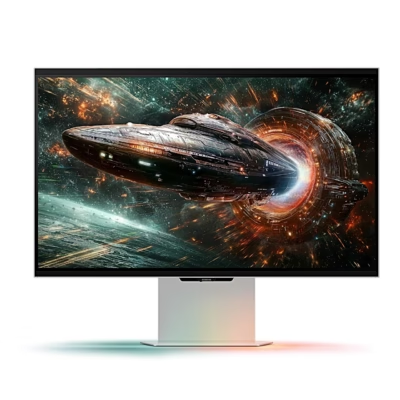
Gaming monitor with glasses-free 3D
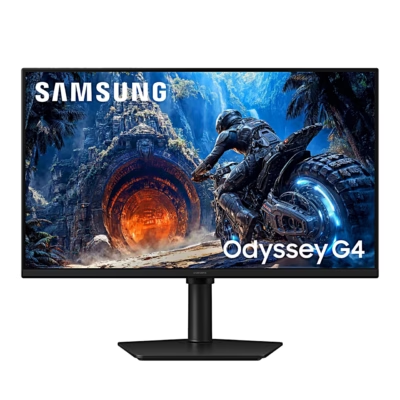
The gaming monitor Samsung Odyssey 3D G90XF is a 27-inch 4K UHD (3840 × 2160) IPS monitor with a refresh rate of up to 165 Hz and a 1 ms (GTG) response time in Extreme mode. Using eye tracking and view mapping, it shows 3D images without 3D glasses. In the Odyssey 3D Hub software you can play 3D games and, with an NVIDIA graphics card, convert 2D videos to 3D.
AMD FreeSync and NVIDIA G-SYNC keep gameplay smooth
AMD FreeSync and NVIDIA G-SYNC are adaptive sync technologies in which the monitor changes its refresh rate to follow the frames sent by the graphics card, so the picture neither tears nor stutters. The Odyssey 3D G90XF supports FreeSync Premium and G-Sync Compatible up to 165 Hz. It therefore suits both AMD and GeForce 10 series or newer NVIDIA graphics cards.
Display with HDR10+ Gaming and factory calibration
Typical brightness is 350 cd/m², static contrast 1000:1 and sRGB coverage 99%. The monitor supports HDR10+ Gaming and is factory calibrated. The viewing angle is 178° in both directions.
Ports, USB hub and speakers
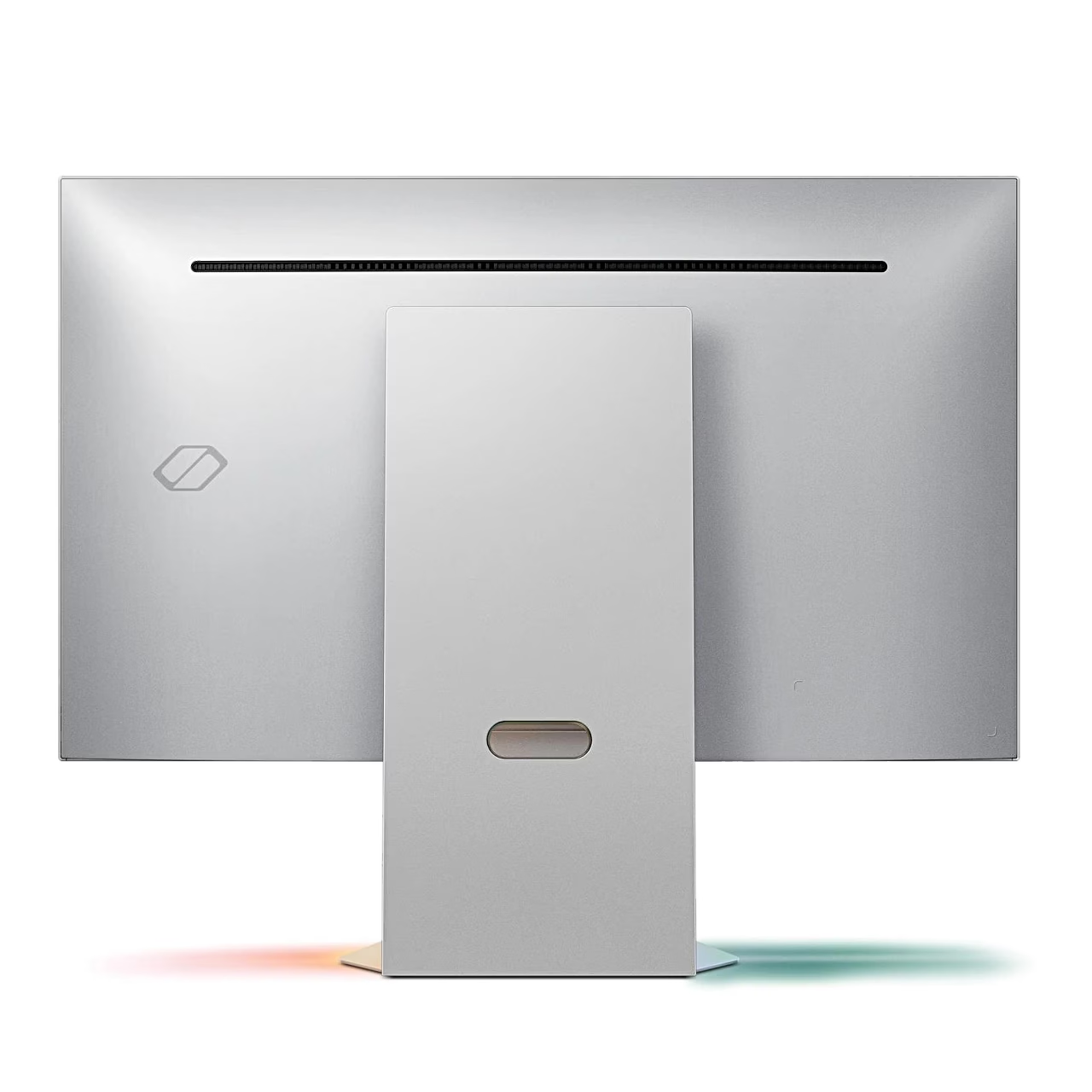
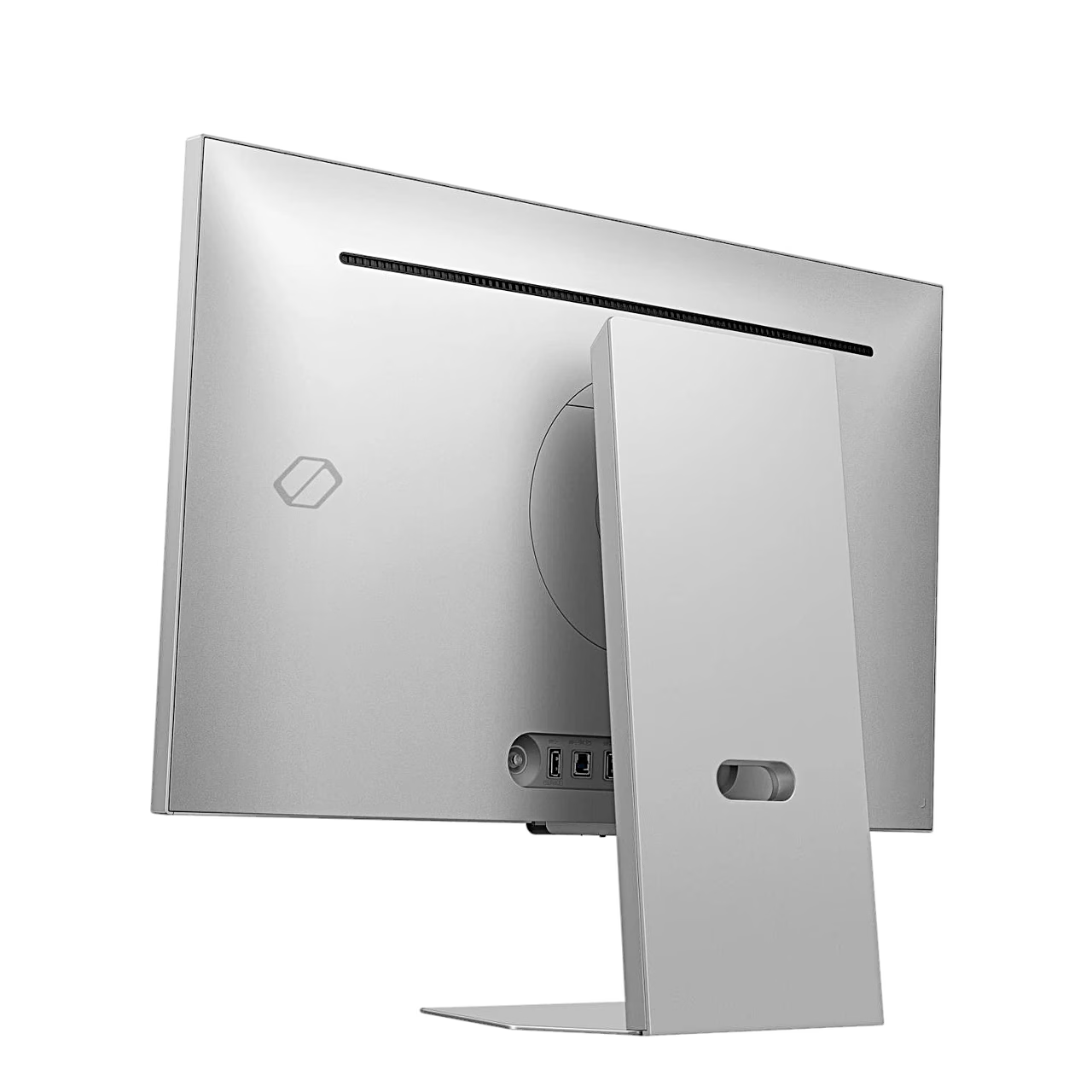
The monitor takes a picture signal from two HDMI ports and one DisplayPort, all with HDCP 2.2. Connected to a computer through its USB-B port, it works as a USB hub with two USB-A ports. Sound comes from two built-in 5 W speakers.
Height-adjustable stand and VESA mount
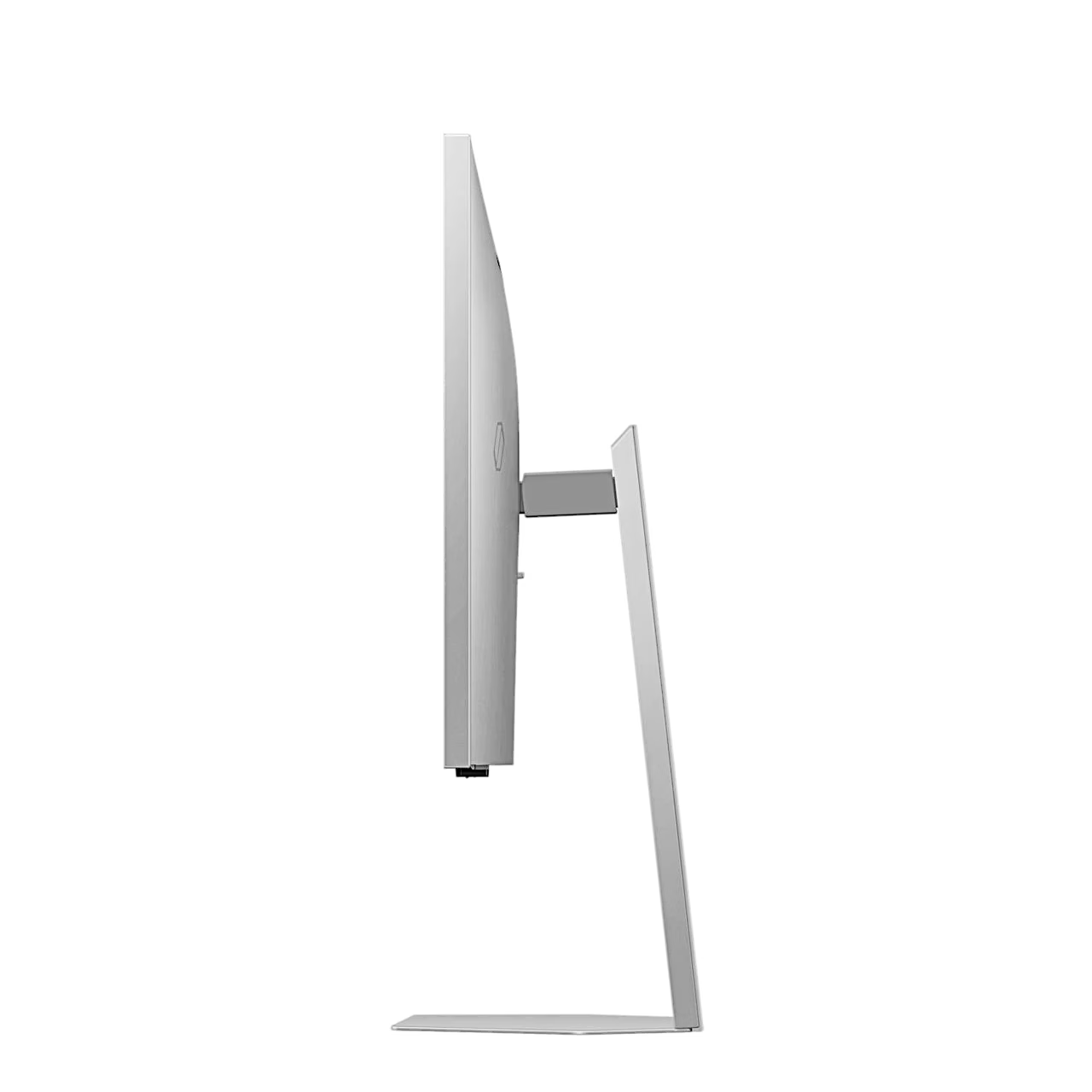
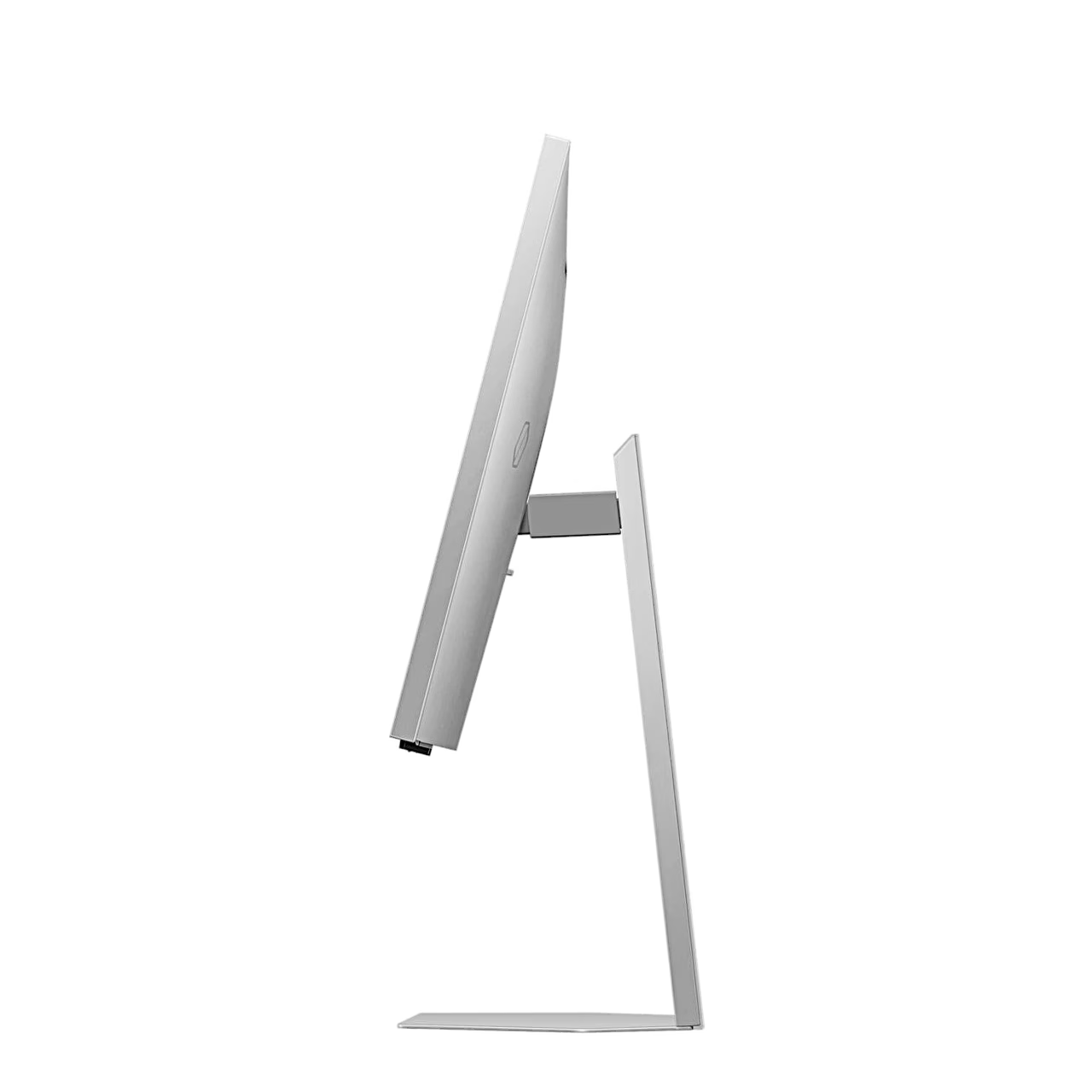
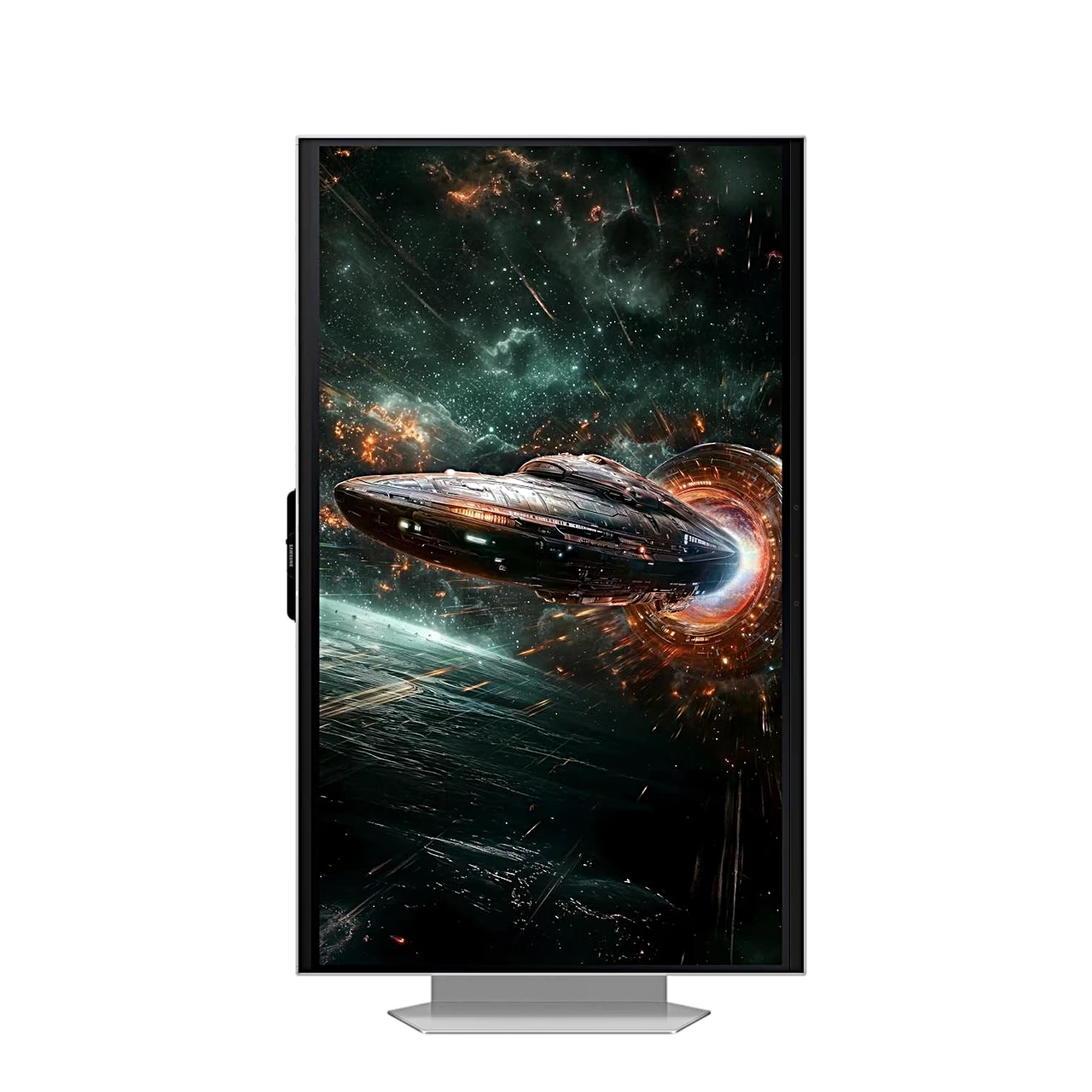
The stand lets you raise and lower the screen by 120 mm, tilt it from −3° to 15° and pivot it to portrait up to 92° either way. For a monitor arm or wall mount there are VESA 100 × 100 mm holes on the back.
Installation and use
Place the stand base on the neck, tighten the screw under the base and push the stand onto the back of the monitor until it locks. Connect an HDMI or DisplayPort cable, then the power adapter to the DC port of the monitor and the power cord to the wall socket. For the 3D function also connect the monitor to the computer with the supplied USB cable, install the Odyssey 3D Hub software from the Samsung website or the Microsoft Store and restart the computer.
Cleaning and care
Switch off the monitor and computer and unplug the power cord before cleaning. Wipe the screen with a clean, soft, dry cloth; the casing can be wiped with a well wrung-out damp cloth. Use plain water without alcohol, solvent or surfactant.
In the box
- Gaming monitor Samsung Odyssey 3D G90XF, 1 pc
- Stand: base, neck and fixing screw
- Power adapter
- Power cord, 1.5 m
- DisplayPort cable
- USB cable







































Reviews
There are no reviews yet.