


Description
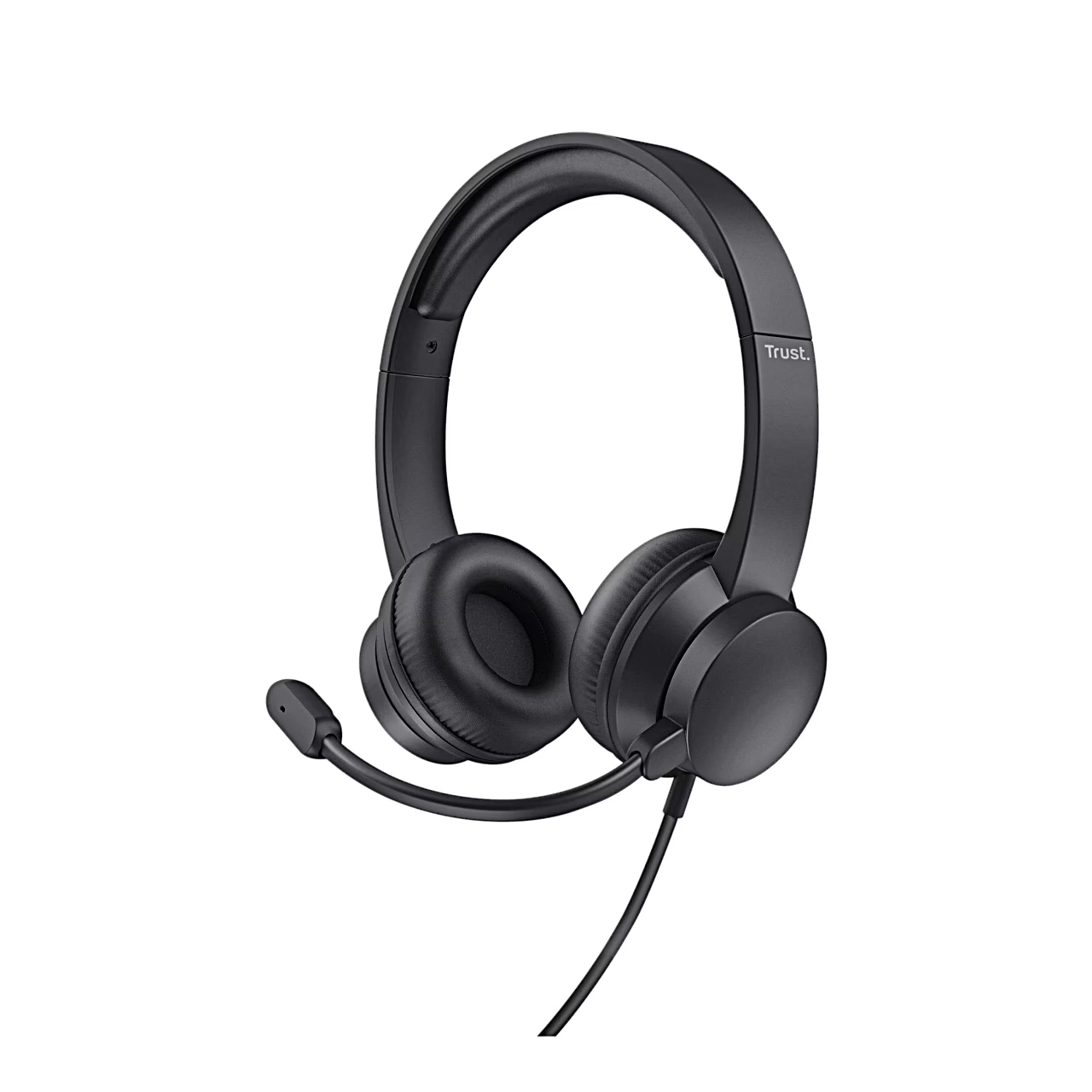
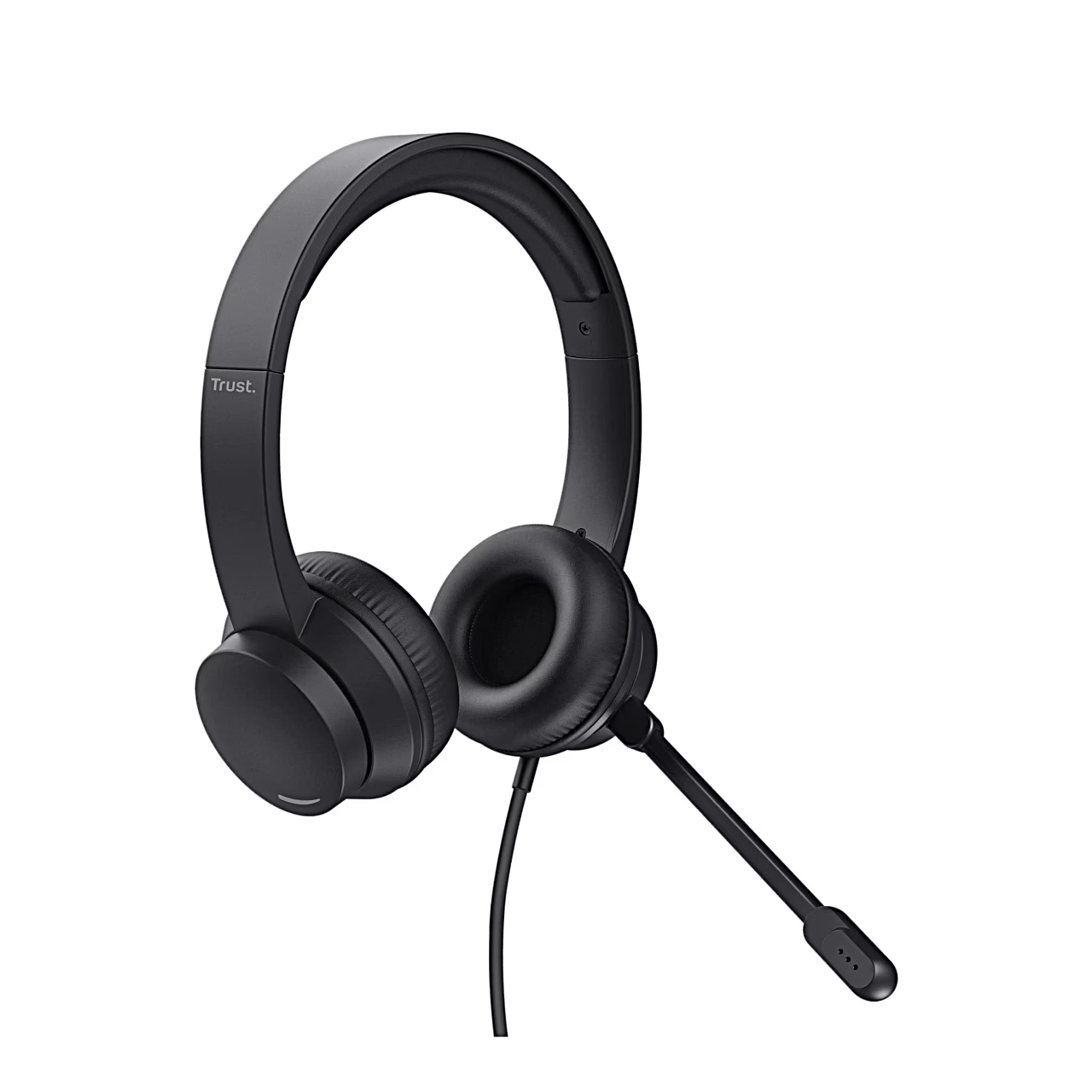
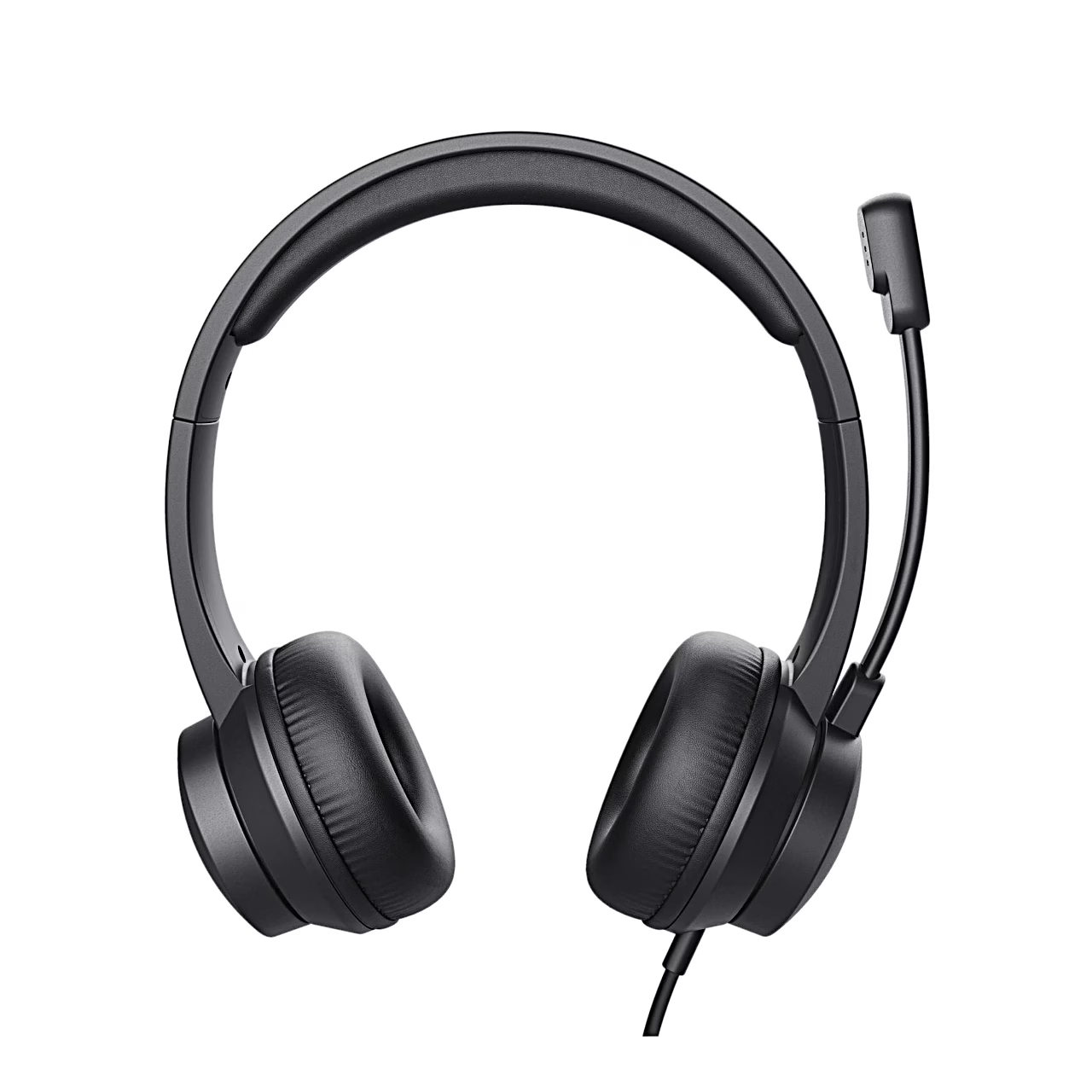
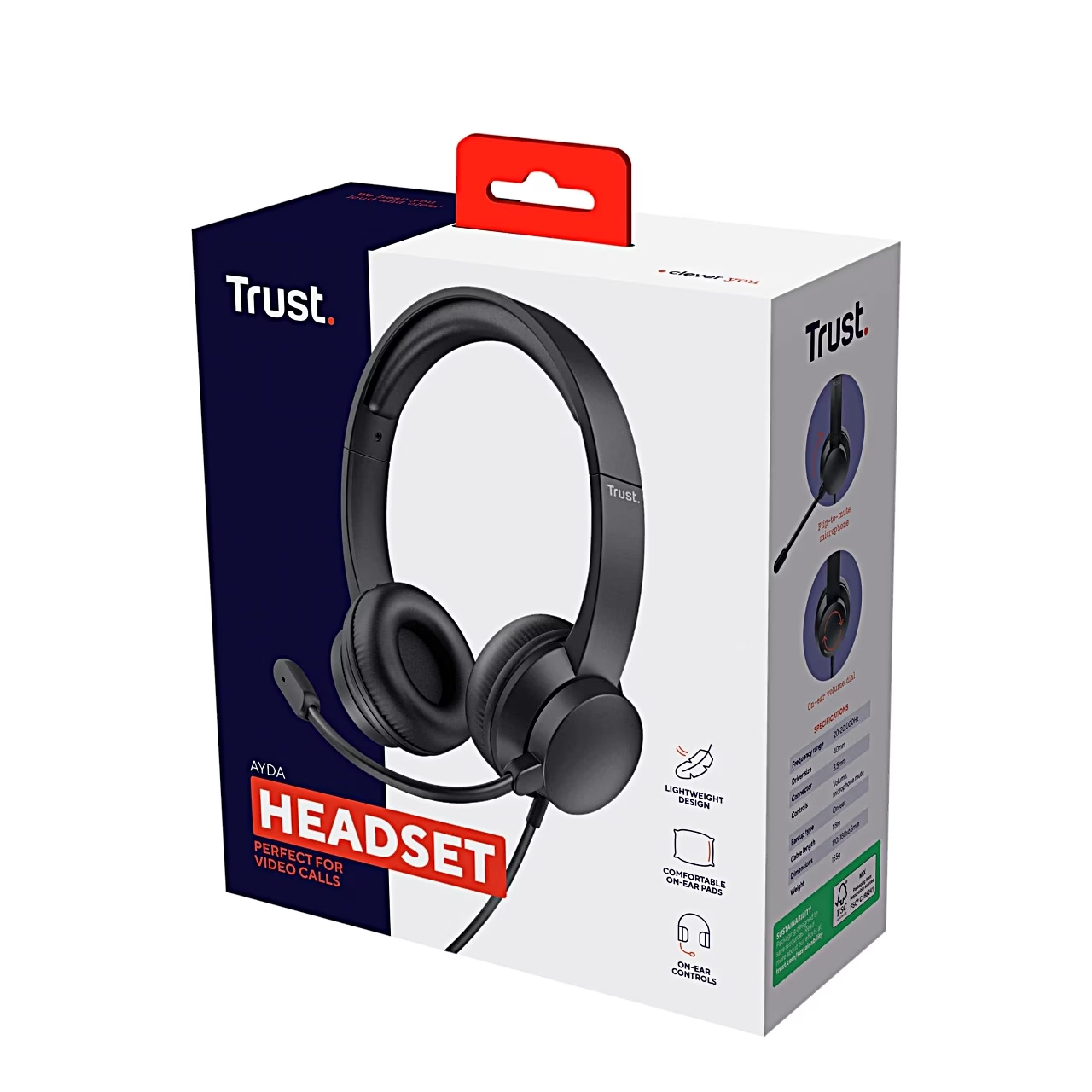
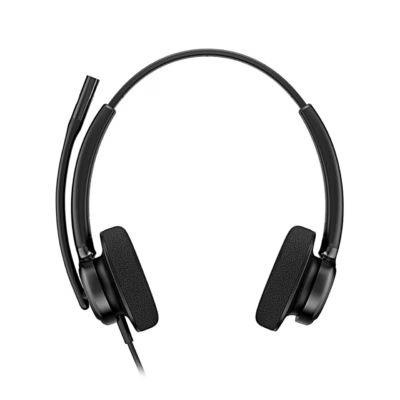
Headset with an on-ear volume dial for video calls
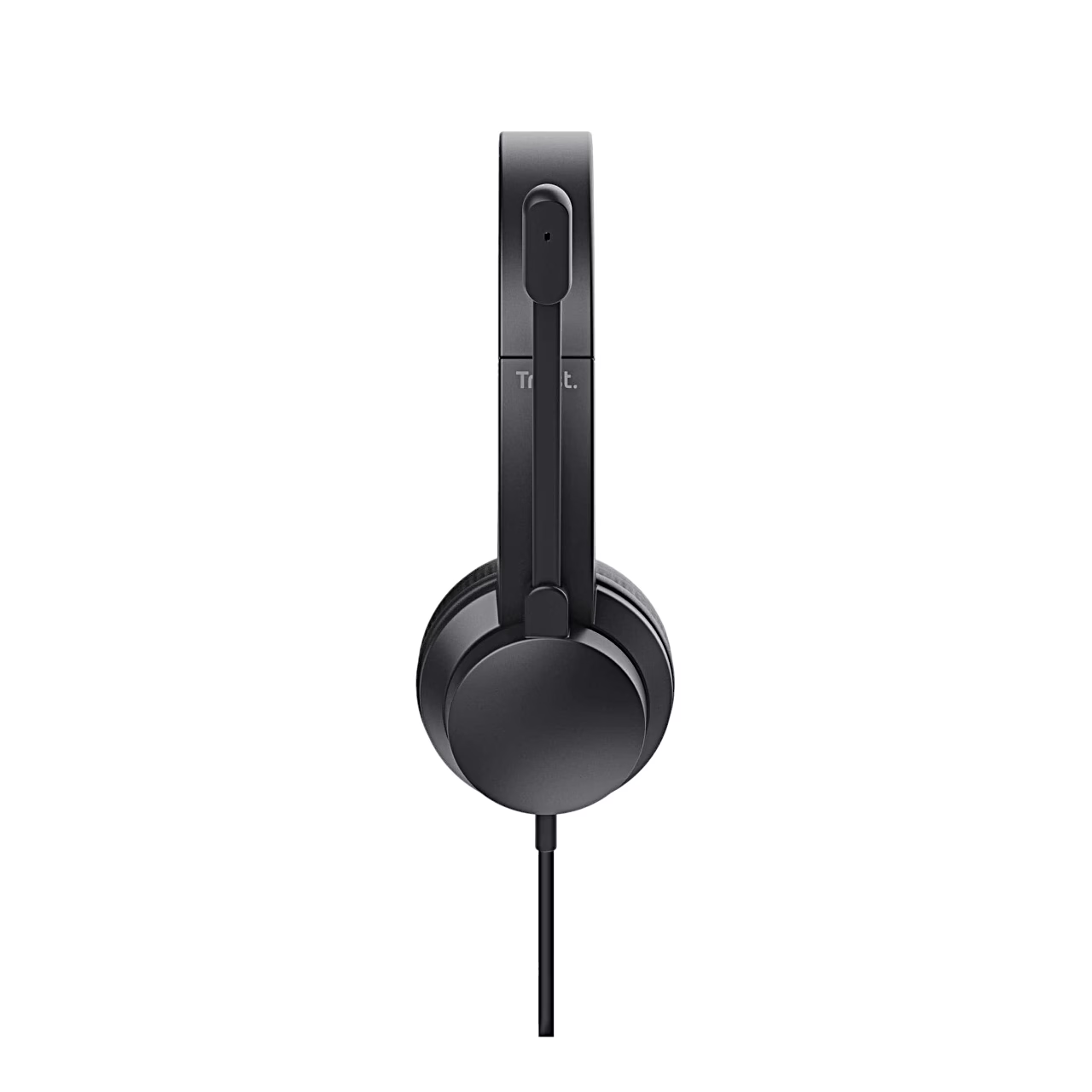
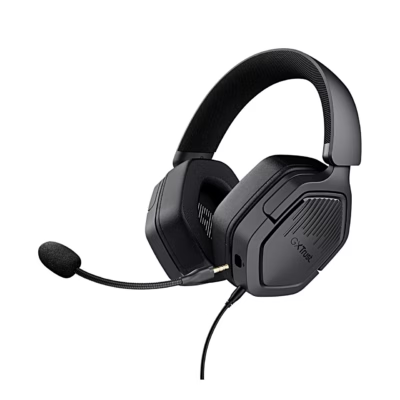
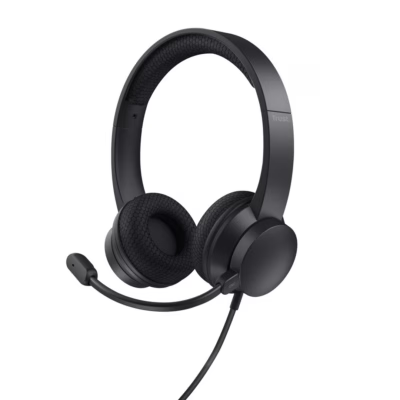
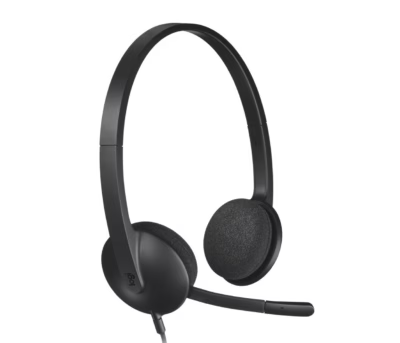
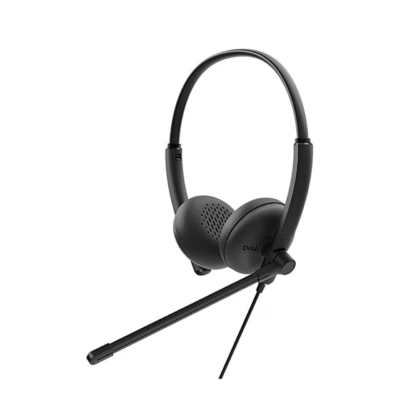
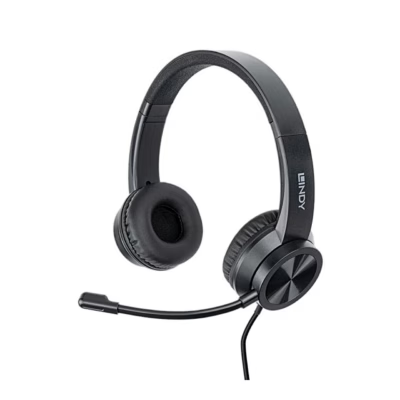
The Trust Ayda headset connects to a laptop or desktop computer through a 3.5 mm plug and works with Windows and macOS. For calls at the office or in a home office, the closed on-ear cups have soft synthetic leather cushions and 40 mm drivers with a frequency range of 20–20,000 Hz. The headband is adjustable and the headset weighs 137 g. The directional microphone sits on a flexible boom and the attached cable is 1.8 m long.
Use
Plug the headset’s 3.5 mm jack into the computer’s audio socket (AUX). Turn the dial on the outside of the microphone-side ear cup to raise or lower the volume. Flipping the boom up mutes the microphone at once, and flipping it down turns it back on. The supplied pop filter fits on the end of the microphone.
In the box
- Headset Trust Ayda, 1 pc
- Pop filter for the microphone
- User guide








































Reviews
There are no reviews yet.