

Description
Gaming monitor with KVM switch and two resolution modes
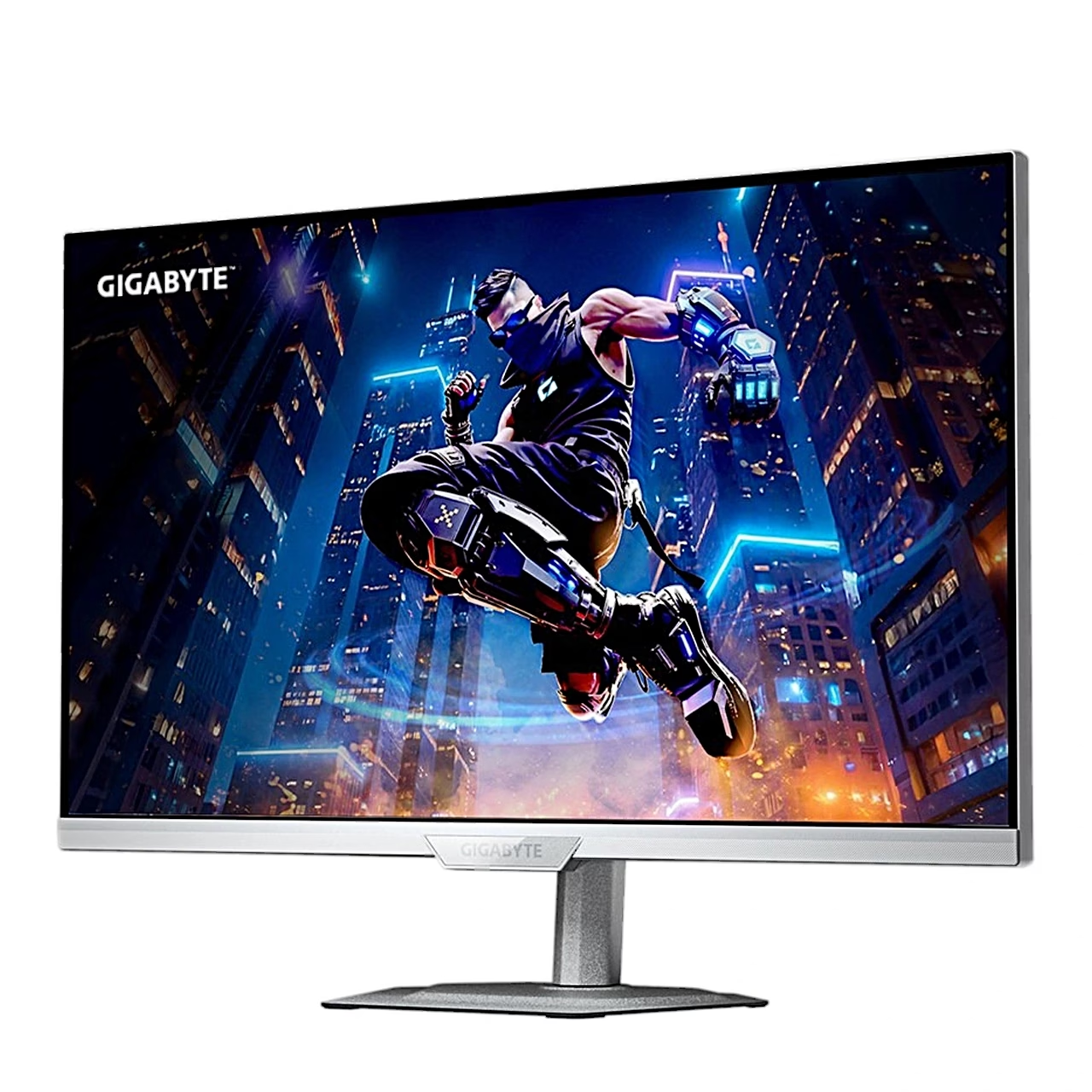
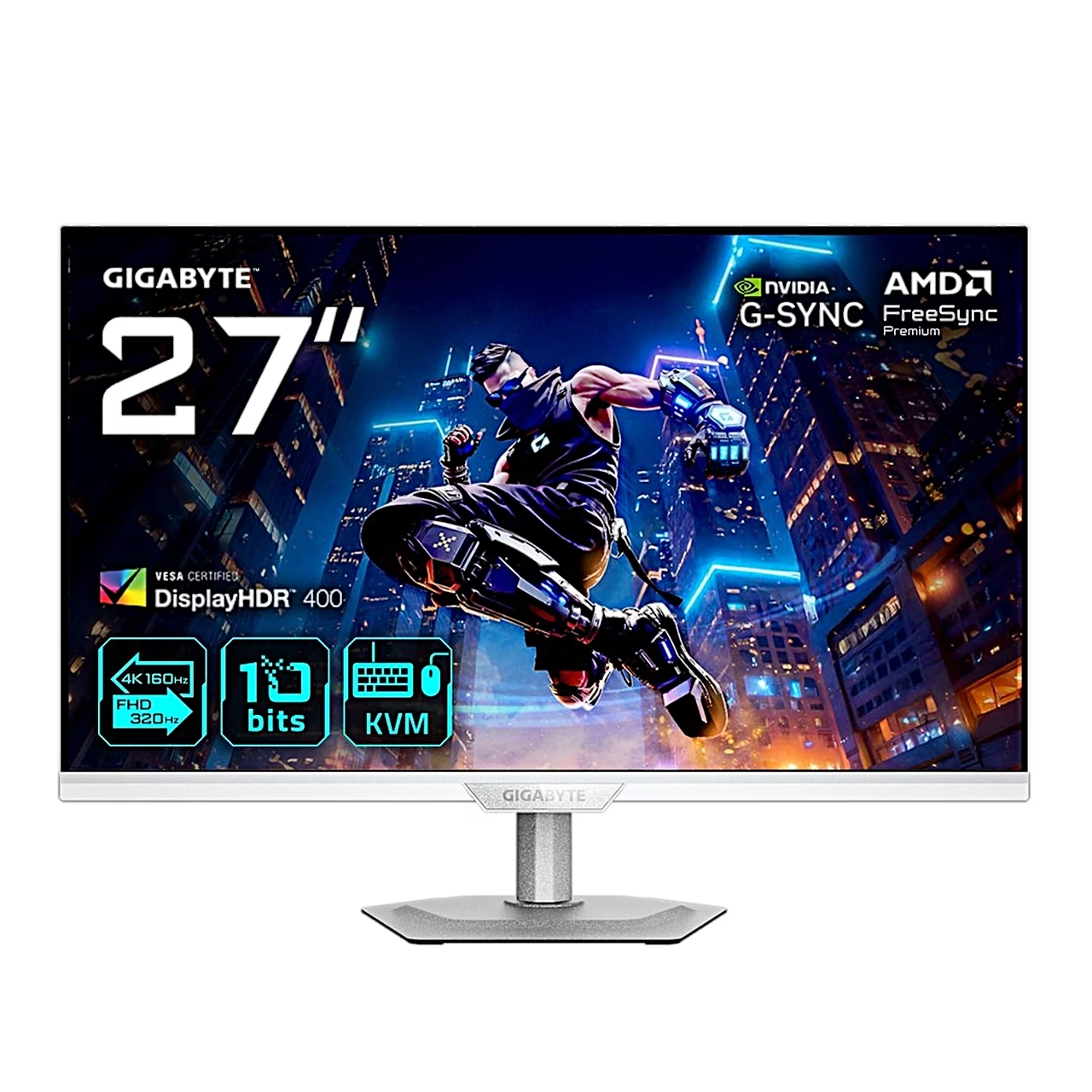
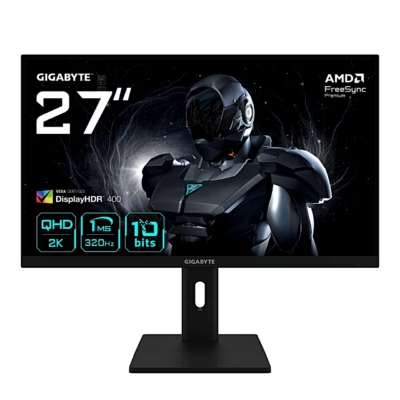
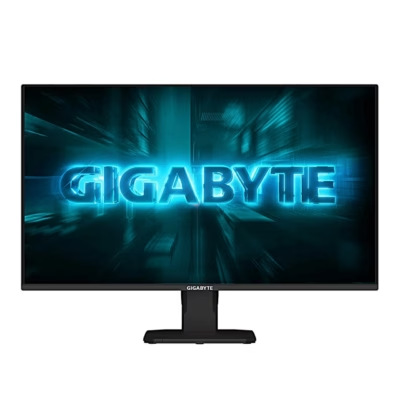
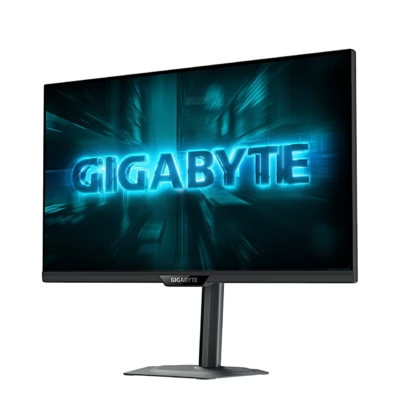
The white gaming monitor with KVM switch GIGABYTE M27UP ICE shows a 4K UHD picture (3840 × 2160) on its 27-inch IPS screen at a refresh rate of up to 160 Hz. With the Tactical Switch 3.0 button on the front panel, the screen switches to Full HD mode, where the refresh rate is up to 320 Hz.
AMD FreeSync and NVIDIA G-SYNC synchronise the game picture with the graphics card
AMD FreeSync and NVIDIA G-SYNC are adaptive sync technologies that set the monitor’s refresh rate according to the graphics card’s frame rate, so the game picture stays consistent and smooth. The M27UP ICE supports AMD FreeSync Premium and is an NVIDIA G-SYNC Compatible monitor. FreeSync works with AMD graphics cards and Xbox, and G-SYNC Compatible mode works with NVIDIA GeForce 10 series and newer cards.
Control two computers with one keyboard and mouse
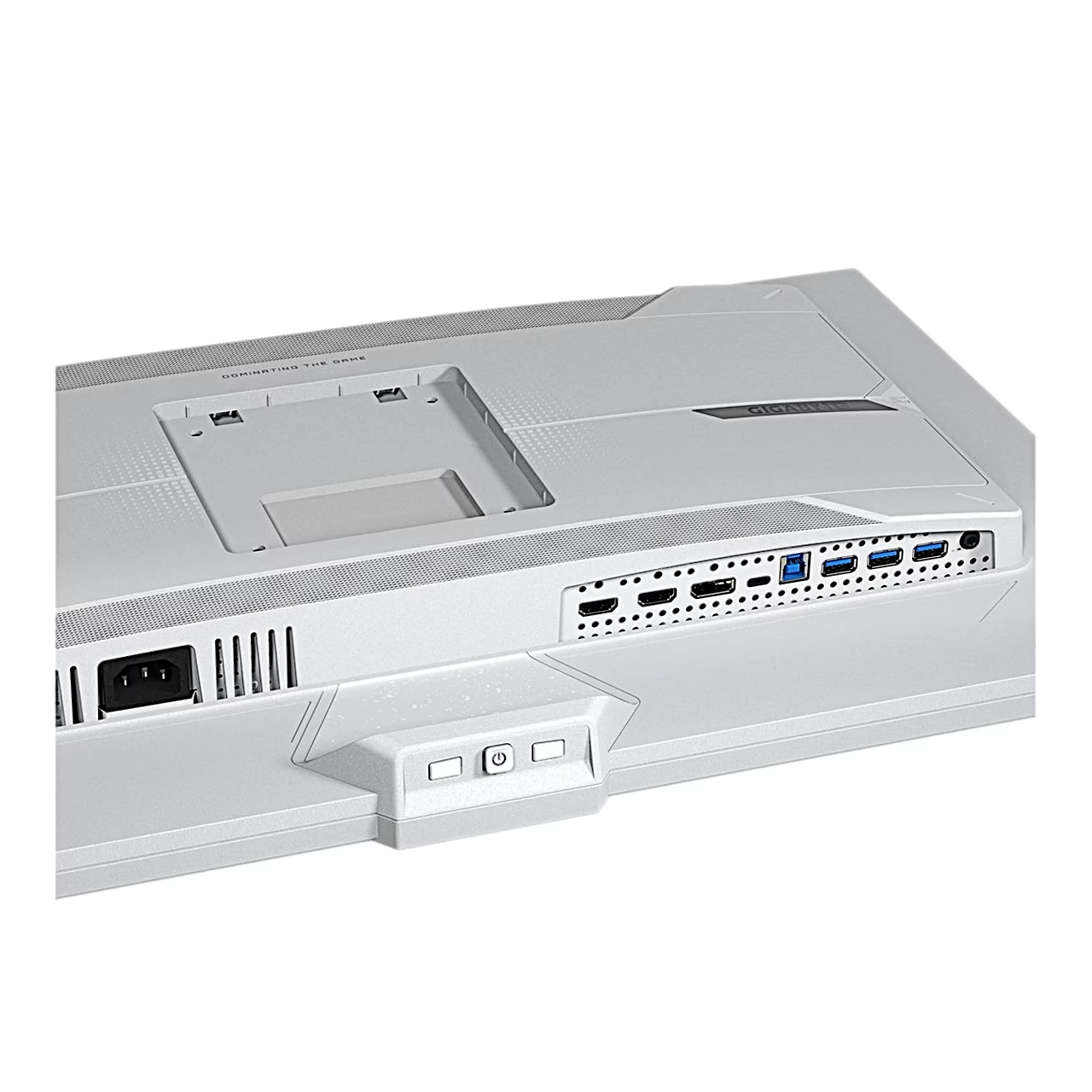
A keyboard and mouse connected to the monitor’s USB hub switch together with the picture, because the KVM switch, that is the keyboard, video and mouse switch, links each video input to a USB connection. By default, HDMI 1 works together with the USB-B connection and the USB-C input together with the USB-C connection, and you switch between them with a single press of the KVM button. The USB-C port transmits video in DisplayPort Alternate Mode and charges a connected device with up to 18 W of power. Other video sources connect through the two HDMI 2.1 ports and the DisplayPort 1.4 port.
Picture and colours
The SS-IPS panel shows HDR images at the VESA DisplayHDR 400 level, with a typical brightness of 350 cd/m². The screen covers 95% of the DCI-P3 and 125% of the sRGB colour space, and the colour depth of 8 bit + FRC gives 1.07 billion colours.
Using the joystick
The monitor switches on when you press the joystick and the power LED lights up white. To switch it off, hold the button down for 2 seconds. In the quick menu, moving the joystick to the right opens the input selection, up opens Black Equalizer 2.0 for setting the brightness of dark areas, down opens the picture modes and left opens the volume. From the Game Assist menu you can add a crosshair, a timer, a counter and a refresh rate display to the screen, and Eagle Eye magnifies a selected part of the screen.
Stand with adjustable height and position
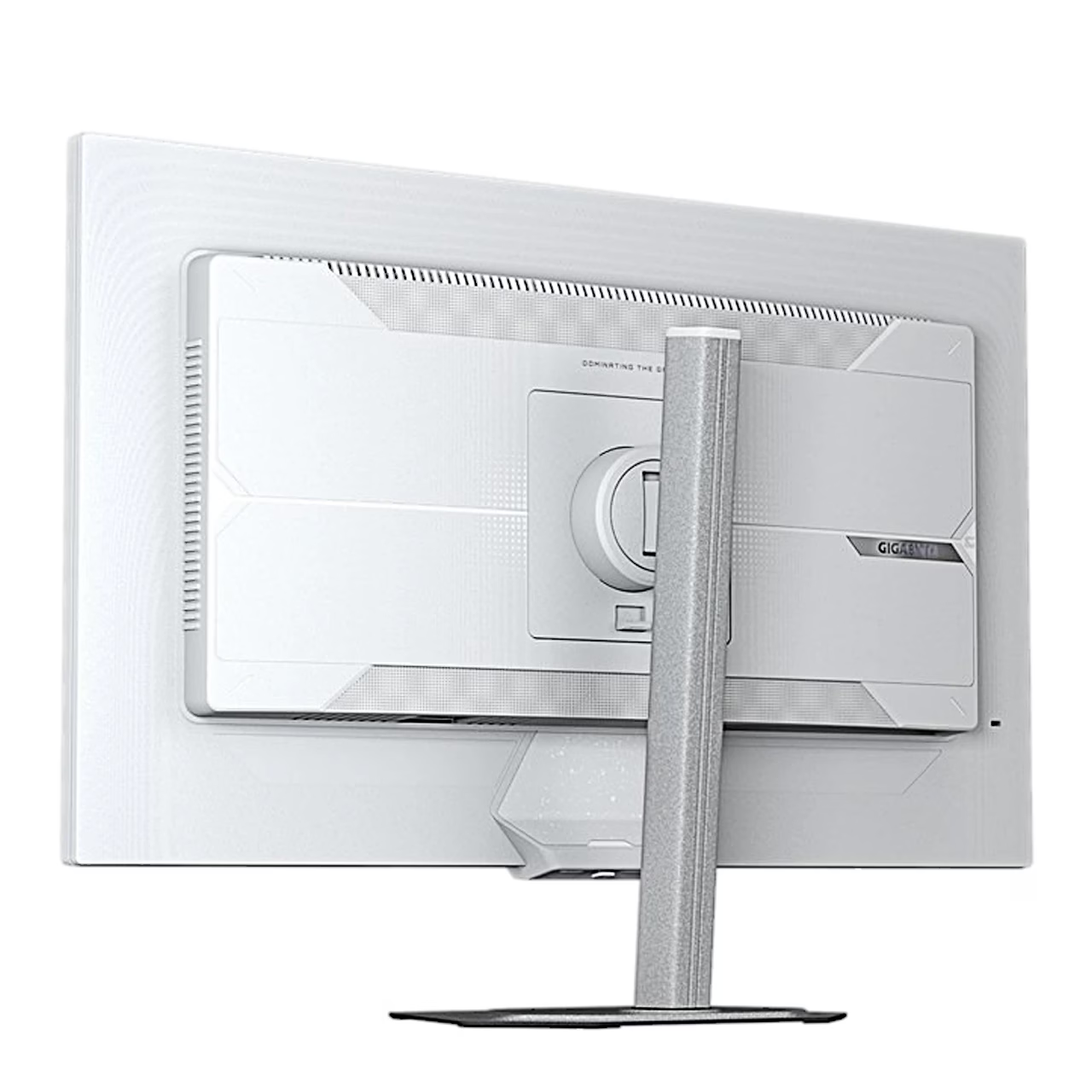
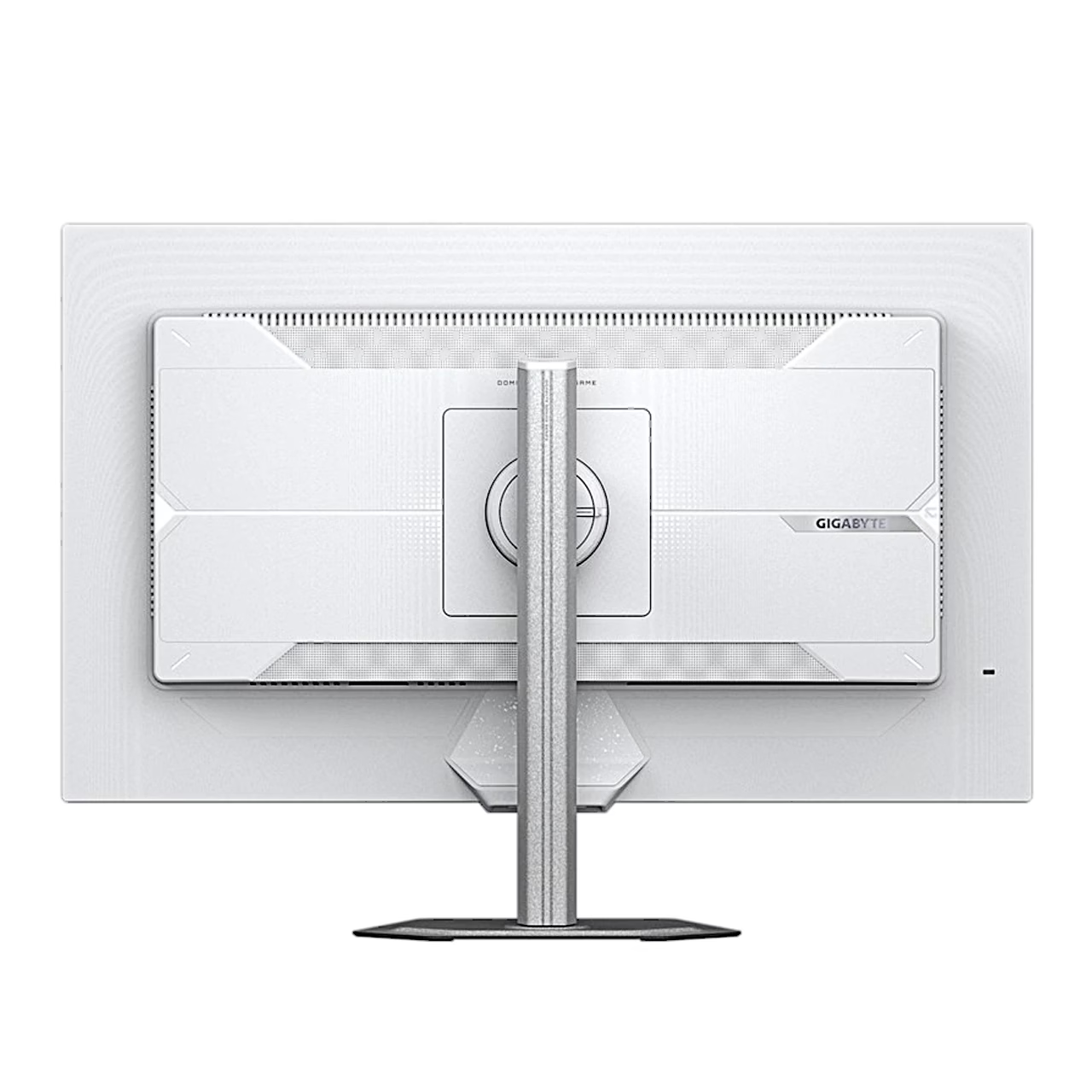
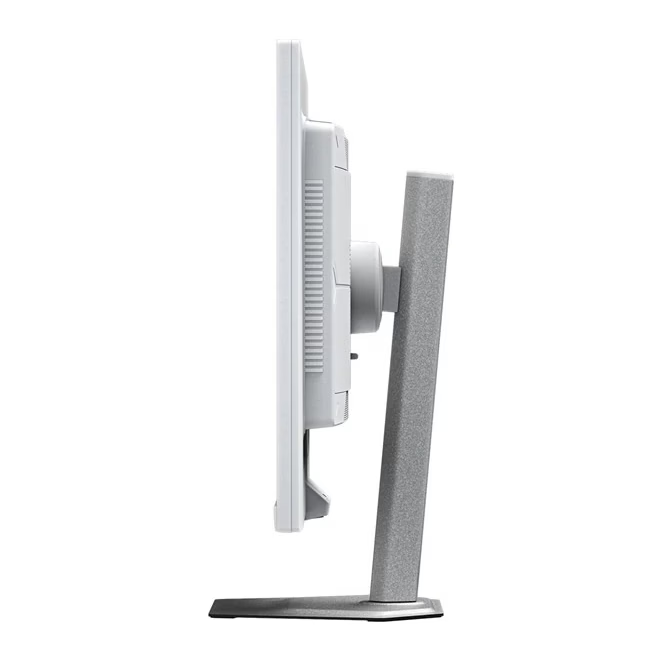
With the stand you can raise the screen by 130 mm, tilt it from −5° to 20°, swivel it up to 15° and rotate it 90° into portrait position.
Cleaning and maintenance
Before cleaning, remove the power cable from the socket. Wipe dust from the screen with a clean lint-free cloth. Spray the cleaning product onto a soft cloth and wipe the screen gently with it; the cloth must be damp but not wet.
In the box
- GIGABYTE M27UP ICE gaming monitor, 1 pcs
- Stand base and stand
- Power cable
- HDMI cable
- DisplayPort cable
- USB cable
- Cable holder
- Quick start guide







































Reviews
There are no reviews yet.