

Description
Gaming keyboard with analogue switches and an 8 kHz report rate
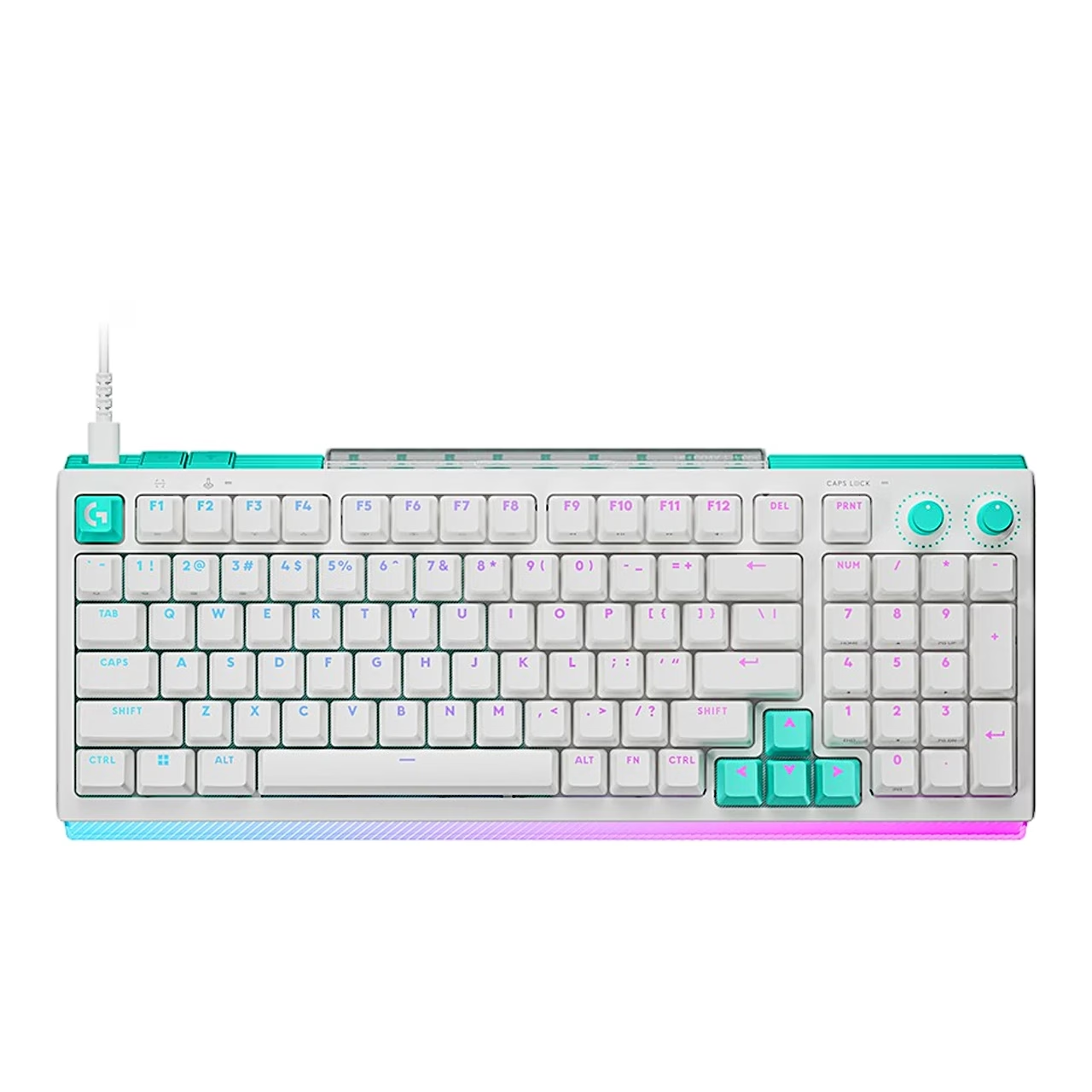
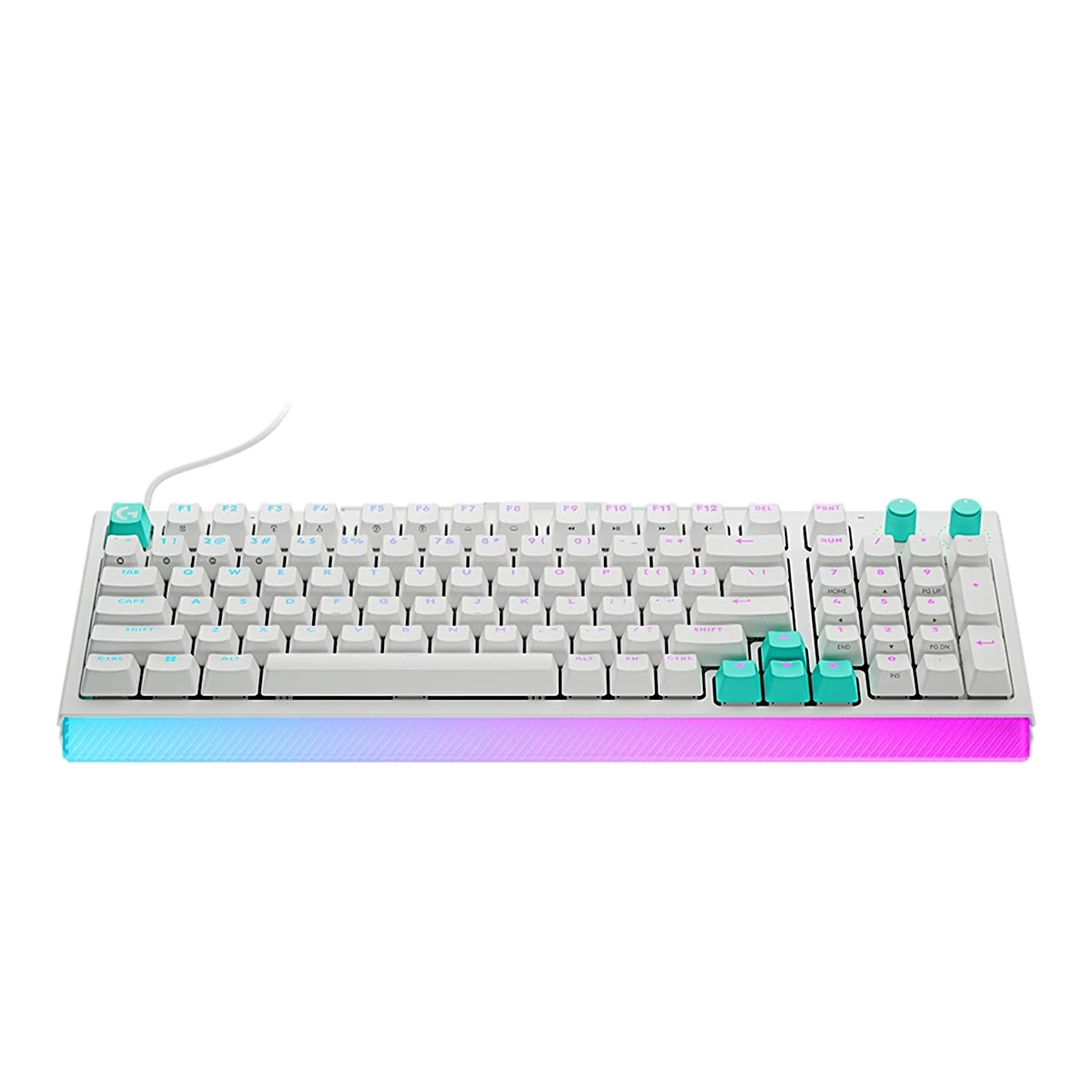
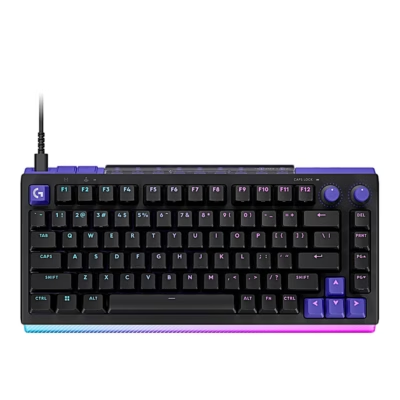
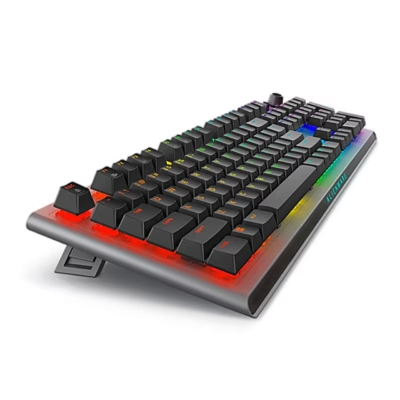
The Logitech G512 X 98 mechanical gaming keyboard connects to the computer with the supplied USB-C to USB-A cable. Its 39 dual slots take magnetic analogue switches in place of the galvanic switches.
Analogue switches and a second actuation point
Nine Gateron KS20 analogue switches sit under the translucent cover at the back and can replace the switches on the left side of the keyboard and the arrow keys. Coloured stripes on the key plate mark the compatible slots, and with switches bought separately you can have up to 39 analogue keys. In G HUB you can set the actuation point and a second actuation point for analogue switches. The five supplied SAPP O-rings add a physical second pressure point to the keycap stem.
Report rate, lighting and tilt
In the G HUB performance settings the report rate can be set to 1 kHz or 8 kHz. Effects for the keys and the light bar can be set as separate lighting zones. On the keyboard itself, Fn + F5 changes the effect, Fn + F6 the parameters, and Fn + F7, Fn + F8 and the left rotary knob the brightness. Without feet the keyboard tilts at 4° and at 8° with the two supplied feet, which also serve as keycap and switch pullers.
Getting started and swapping switches
When connected to the computer, the keyboard shows a welcome effect at start-up and scans its switches. Once installed, Logitech G HUB checks for software and firmware updates. To swap a switch, remove the keycap and switch with the marked foot and fit the analogue switch with its light guide towards the top edge of the keyboard. The keyboard detects new switches itself at the next start-up or when you press the SCAN button underneath.
In the box
- Keyboard Logitech G512 X 98, 1 pc
- USB-C to USB-A cable
- 2 feet that double as keycap and switch pullers
- 9 Gateron KS20 analogue switches
- 5 SAPP O-rings
- 5 extra keycaps: Esc and four arrow keys
- User guide











































Reviews
There are no reviews yet.