

Description
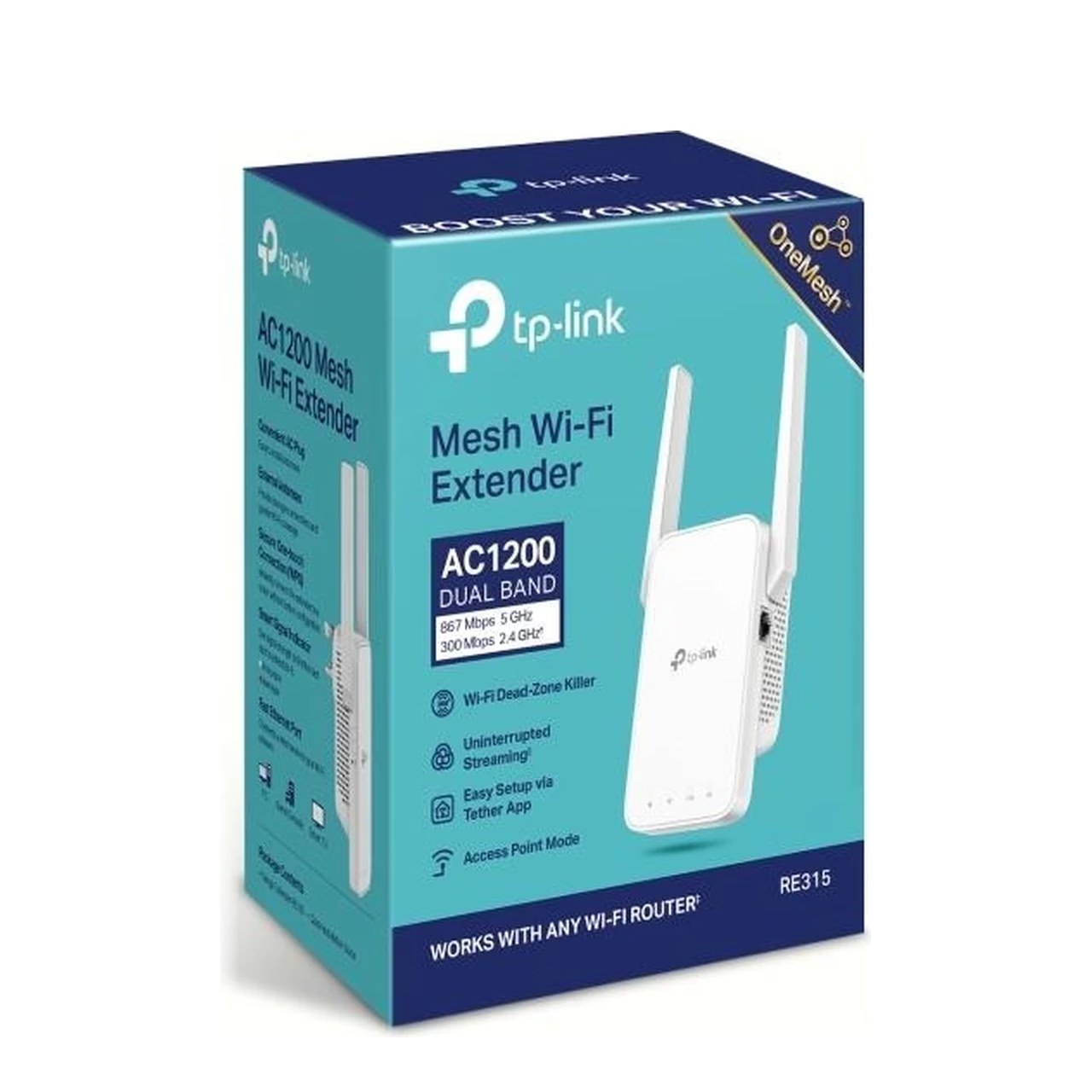
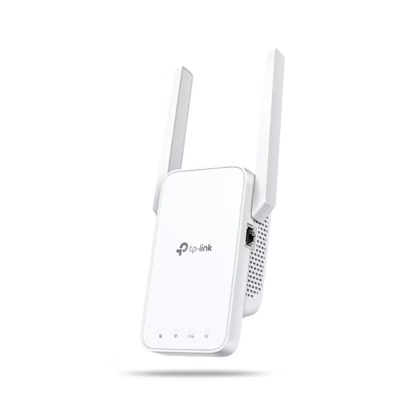
Mesh Wi-Fi range extender for wider home coverage
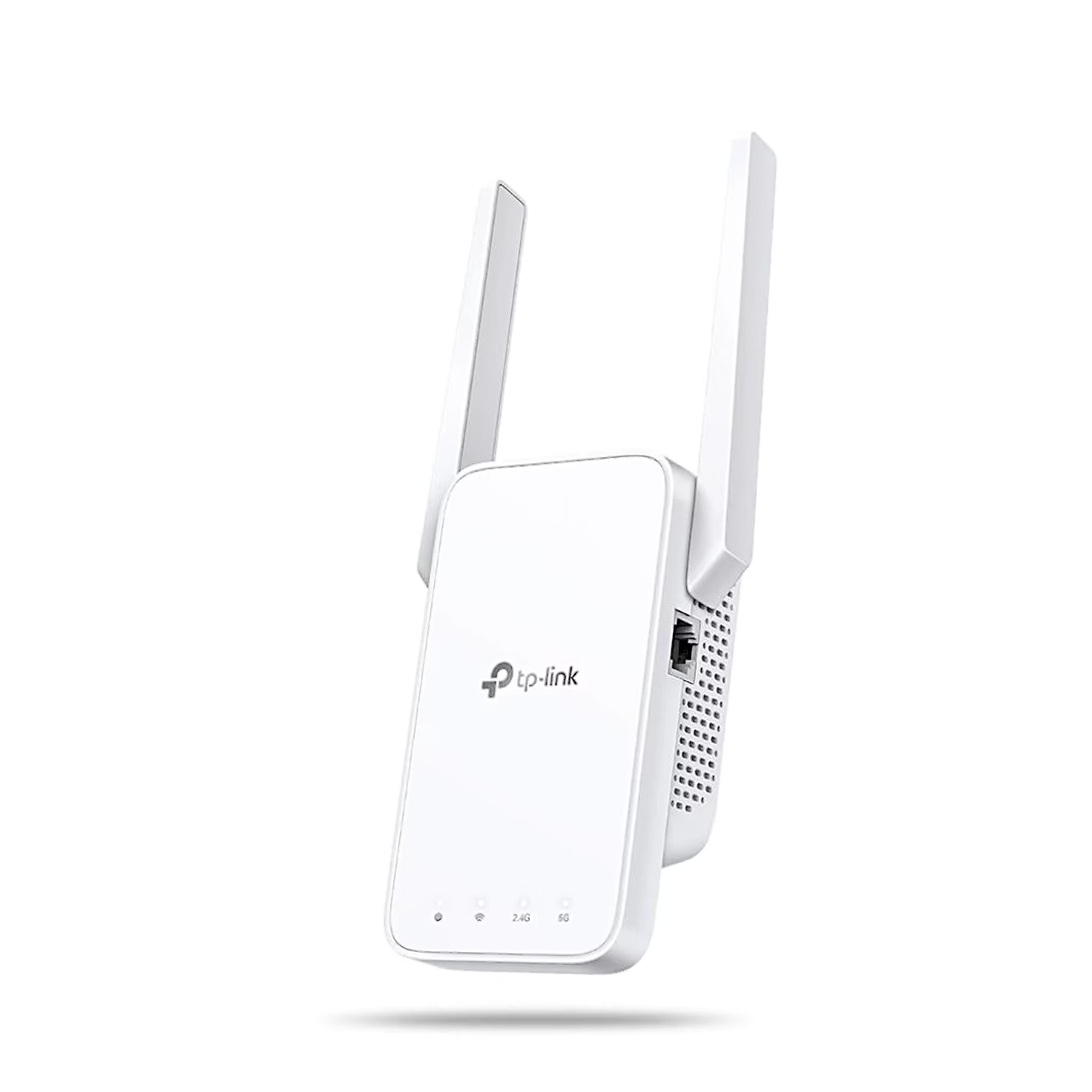
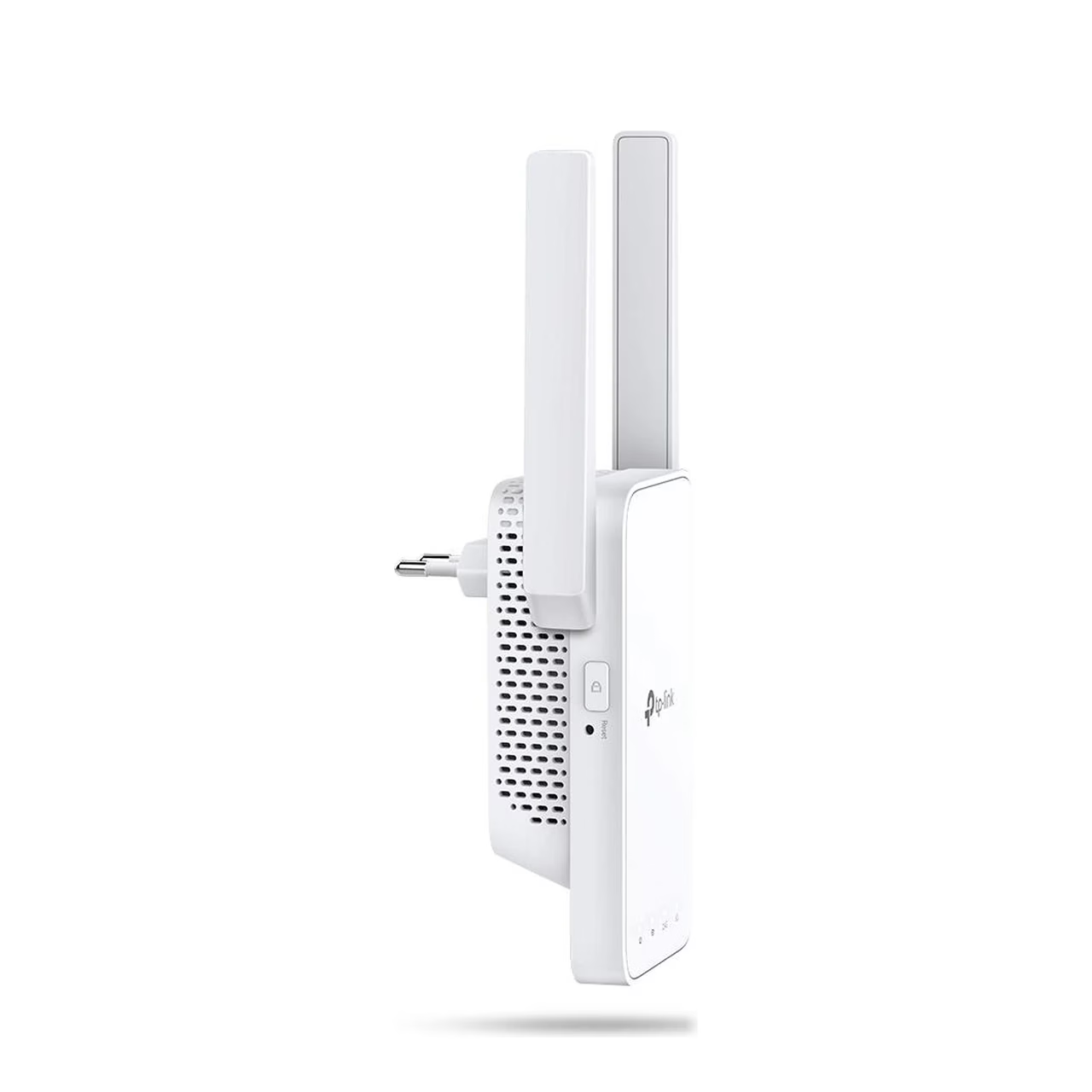
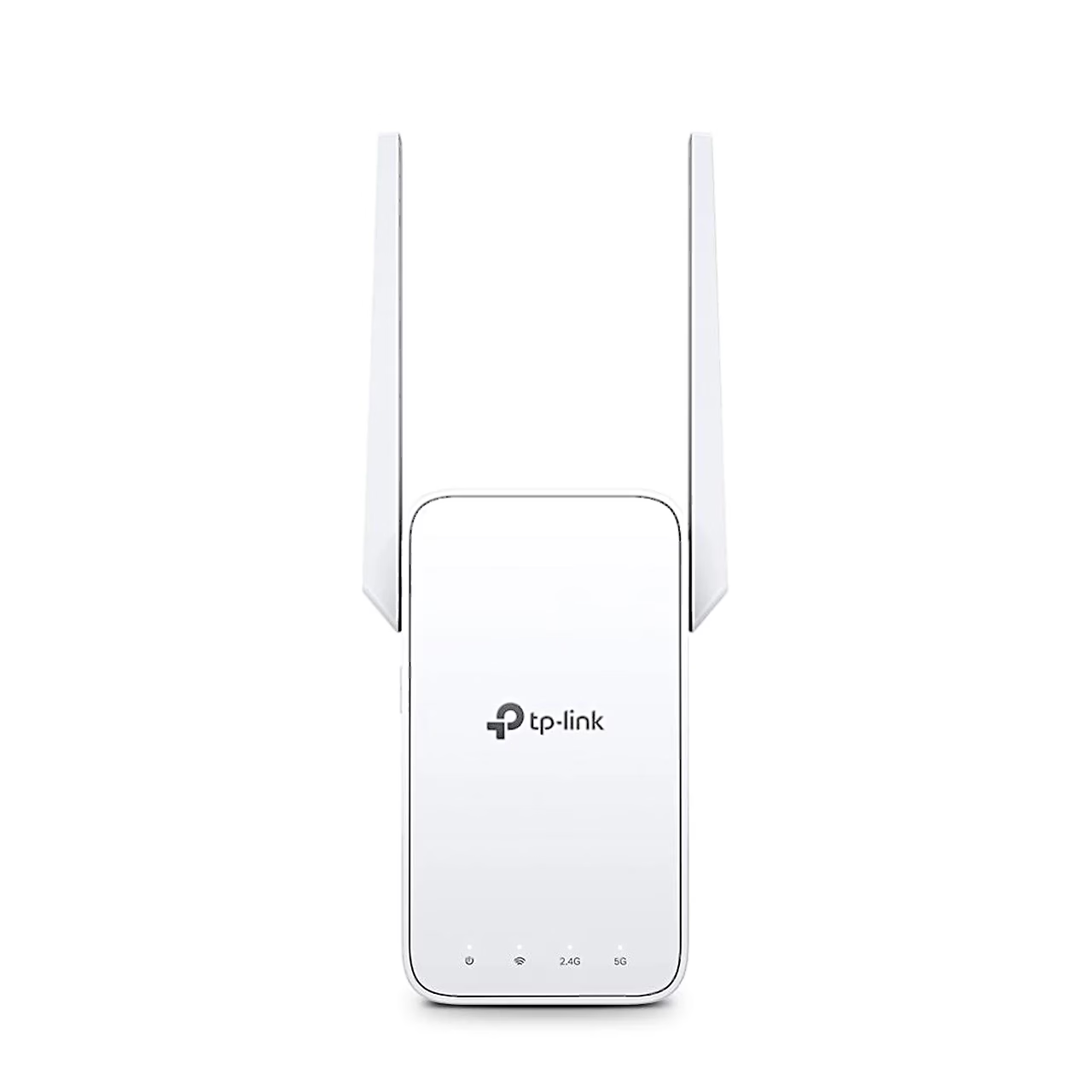
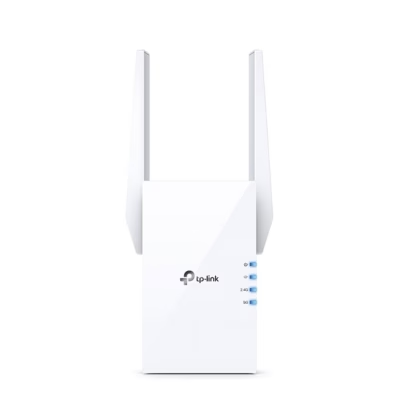
The TP-Link RE315 mesh Wi-Fi range extender carries the router’s signal further, delivering up to 300 Mbit/s on the 2.4 GHz band and up to 867 Mbit/s on the 5 GHz band. It connects to the router wirelessly and works with any standard Wi-Fi router. Adaptive Path Selection picks the fastest connection path to the router, and High Speed Mode uses both bands for one fast connection.
OneMesh network with one network name throughout the home
With a OneMesh TP-Link router the RE315 forms a mesh network with one network name, managed from the Tether app or the web interface. Devices supporting 802.11k/v move between the router’s and the extender’s coverage without dropping the connection.
Ethernet port and access point mode
The Ethernet port takes a wired device such as a computer, games console or smart TV. In access point mode the RE315 turns a wired network into a new Wi-Fi network. Access Control allows or restricts internet access for selected devices for set periods.
Setup and placement
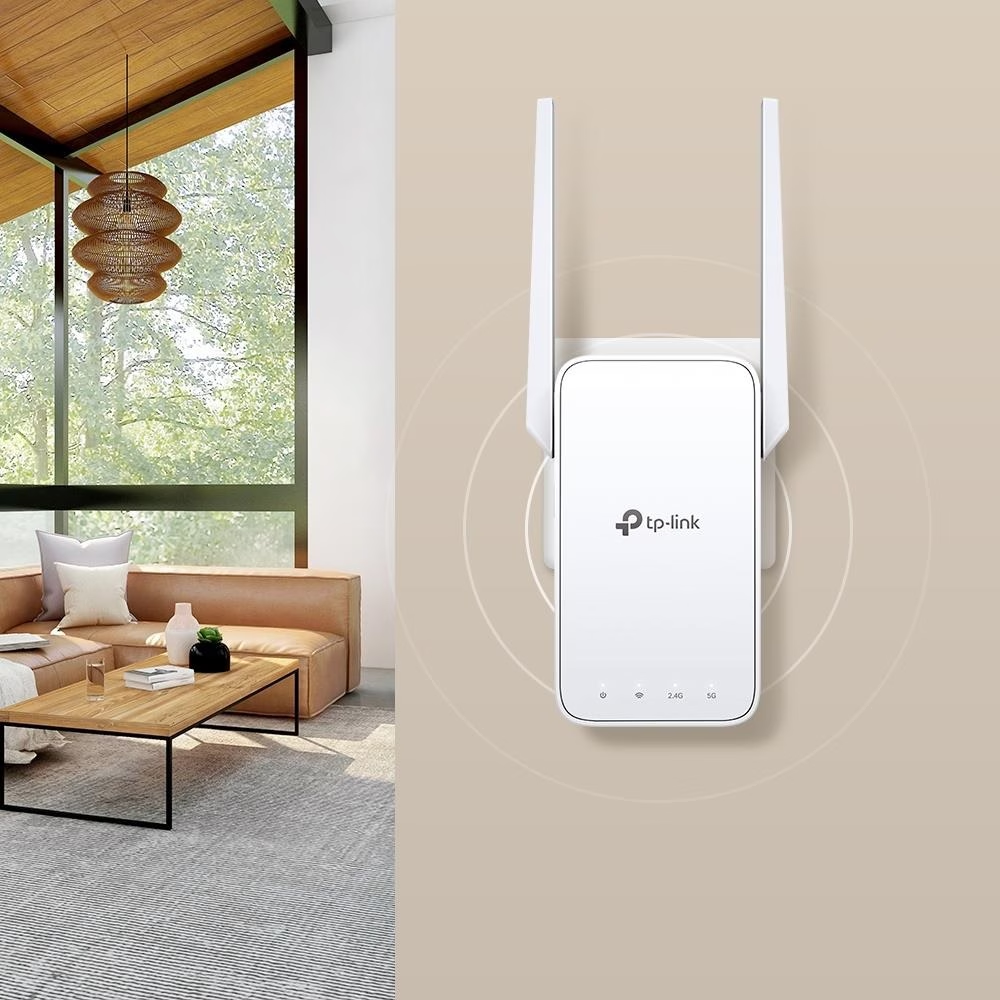
To set it up, plug the extender in near the router, press the router’s WPS button and then the extender’s WPS button; alternatively use the TP-Link Tether app or a web browser. Then plug the extender in about halfway between the router and the weak-coverage spot and wait about 2 minutes. A white signal light shows a suitable spot; if it is red, move the extender closer to the router.
In the box
- Wi-Fi range extender TP-Link RE315, 1 pc
- Quick installation guide







































Reviews
There are no reviews yet.