

Description
Mini PC with AMD Ryzen 9 for home and office work
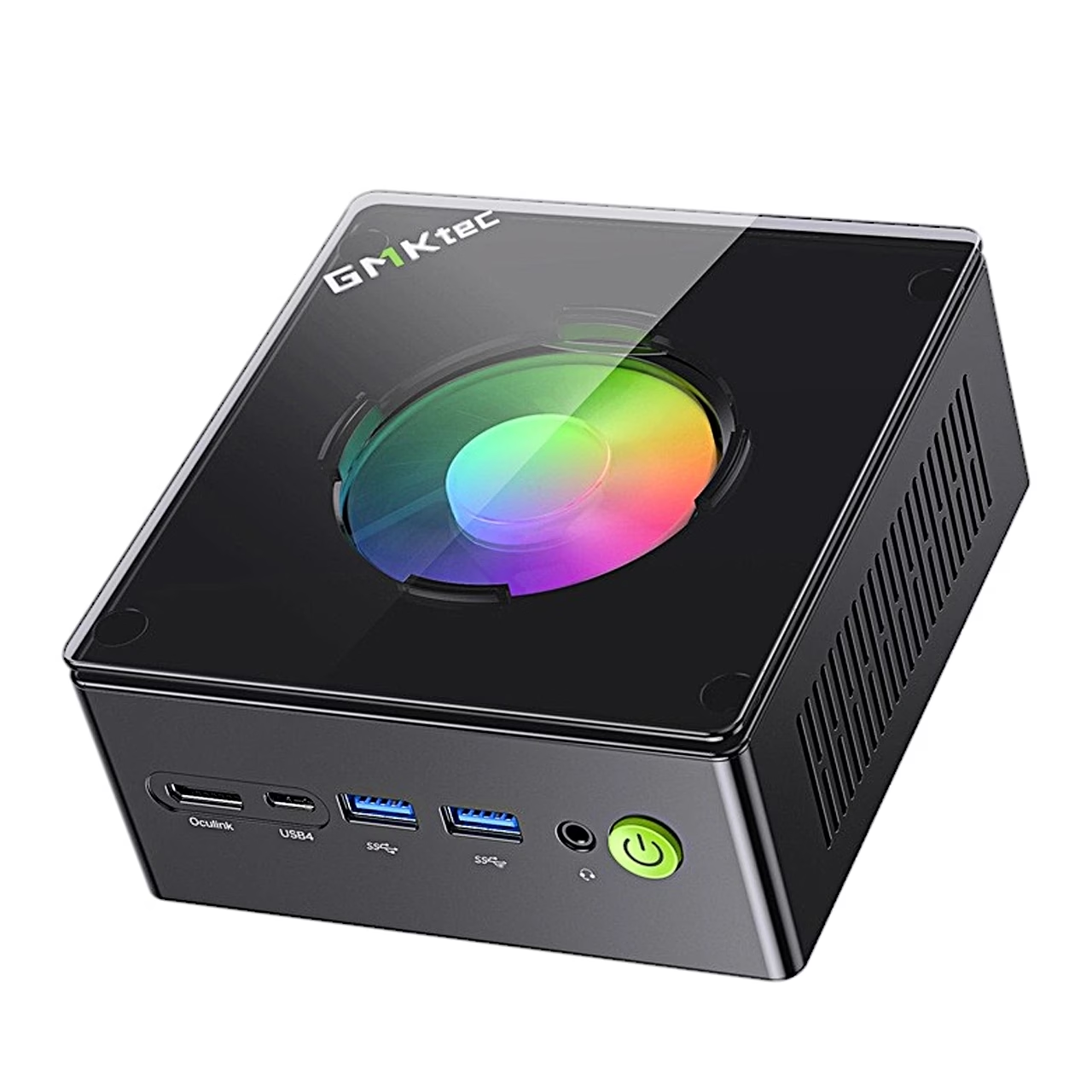
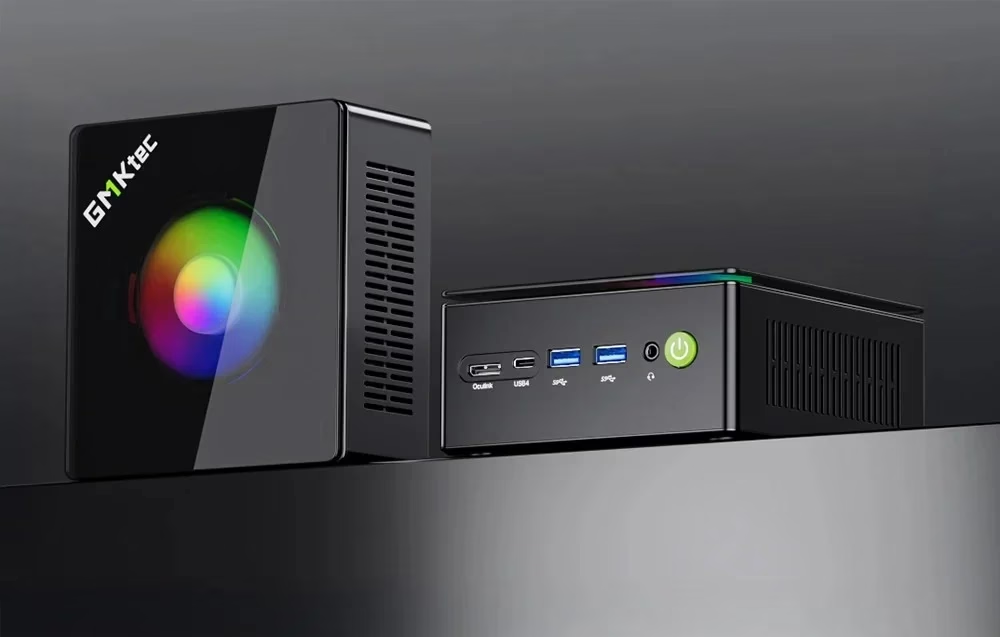
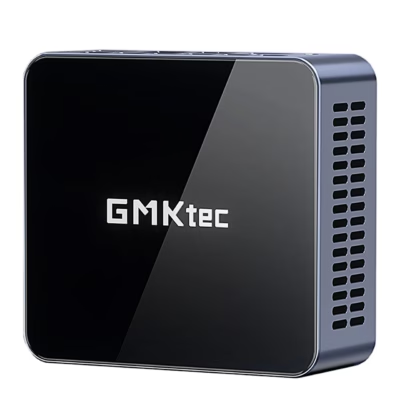
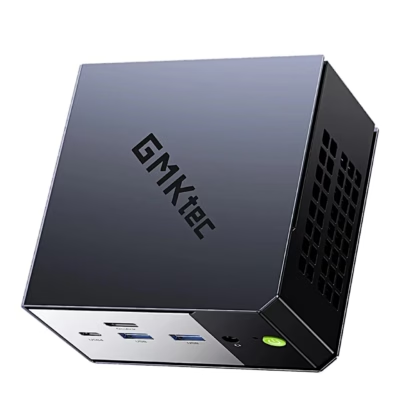
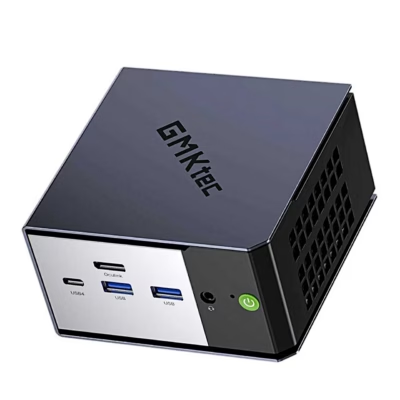
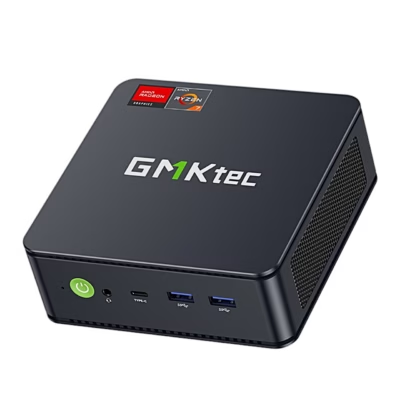
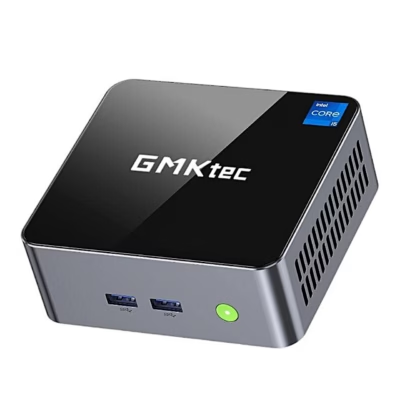
The GMKtec K11 mini PC is designed for home and office work and fits in a 132 × 125 × 58 mm case. Windows 11 Pro comes pre-installed, and the computer also supports Linux.
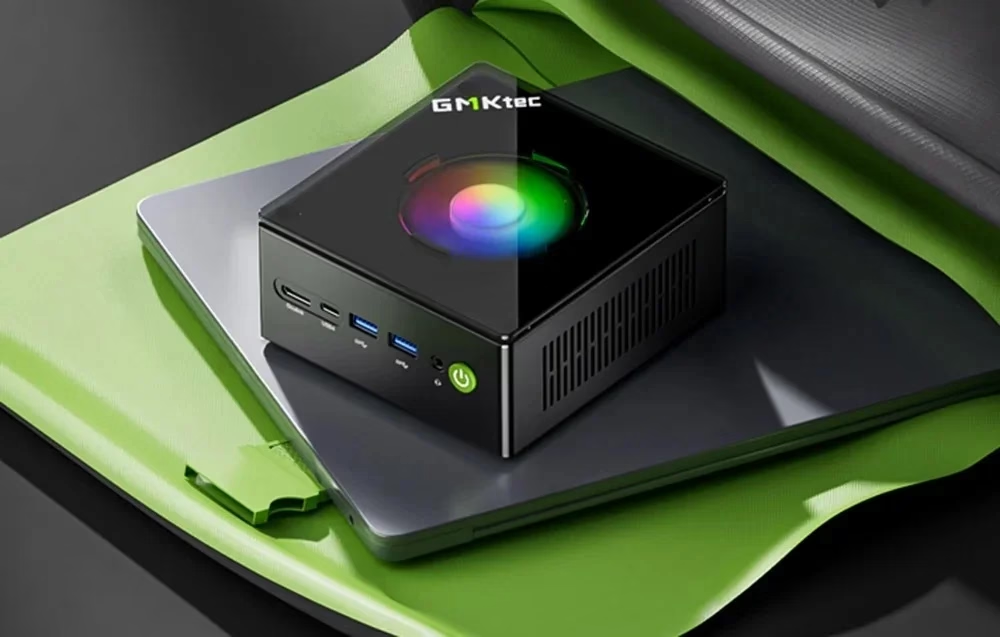
Eight-core processor and Radeon 780M graphics
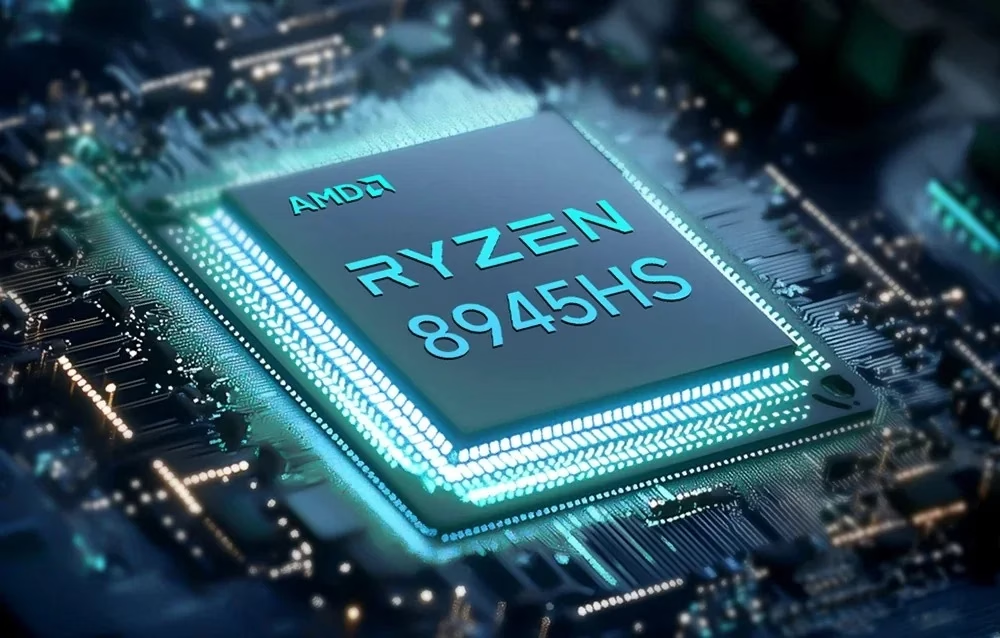
The AMD Ryzen 9 8945HS has eight cores and 16 threads running at up to 5.2 GHz, with 16 MB of L3 cache. Graphics are handled by the integrated AMD Radeon 780M, which can be allocated up to 16 GB of graphics memory.
Room for more memory and a second SSD
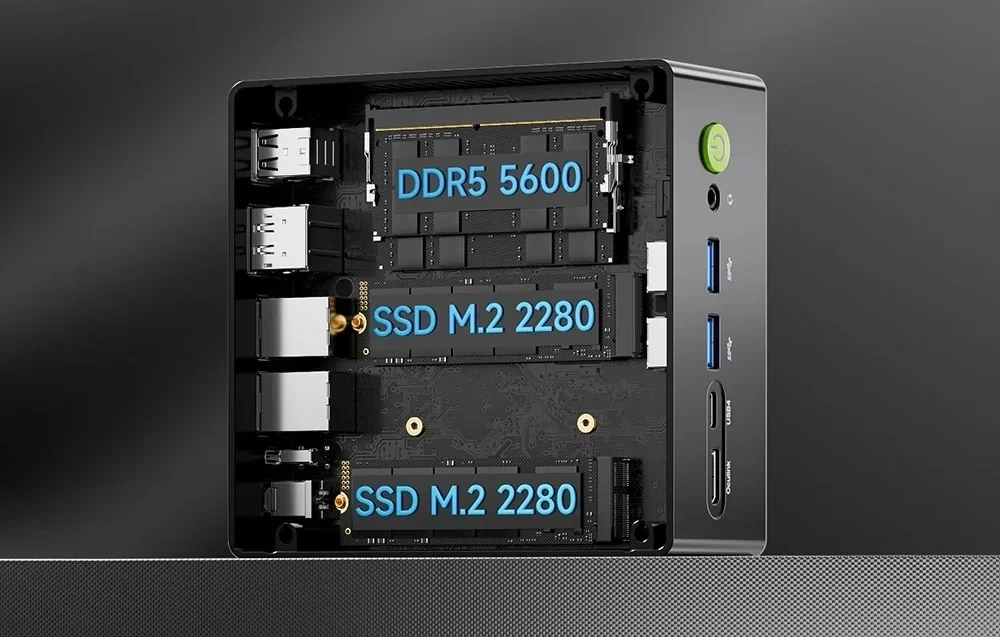
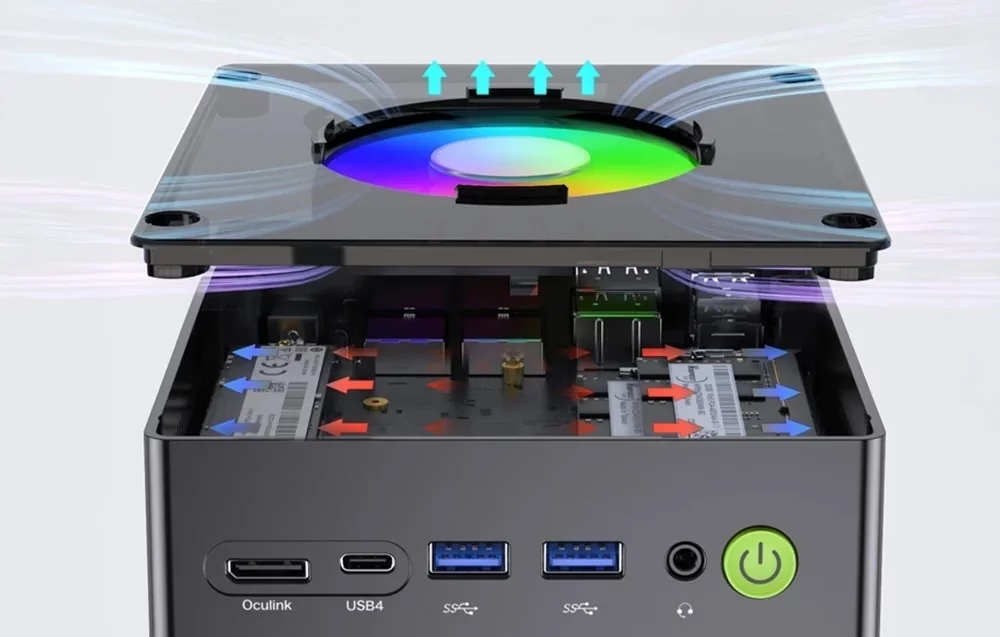
The 32 GB of DDR5 memory runs at 5600 MT/s in two SO-DIMM slots, which take up to 96 GB in total. Next to the factory-fitted 1 TB PCIe 4.0 SSD there is a second M.2 2280 slot, and each slot takes a drive of up to 4 TB. To add memory or an SSD, lift the top cover from its edge: it is held by screwless clips.
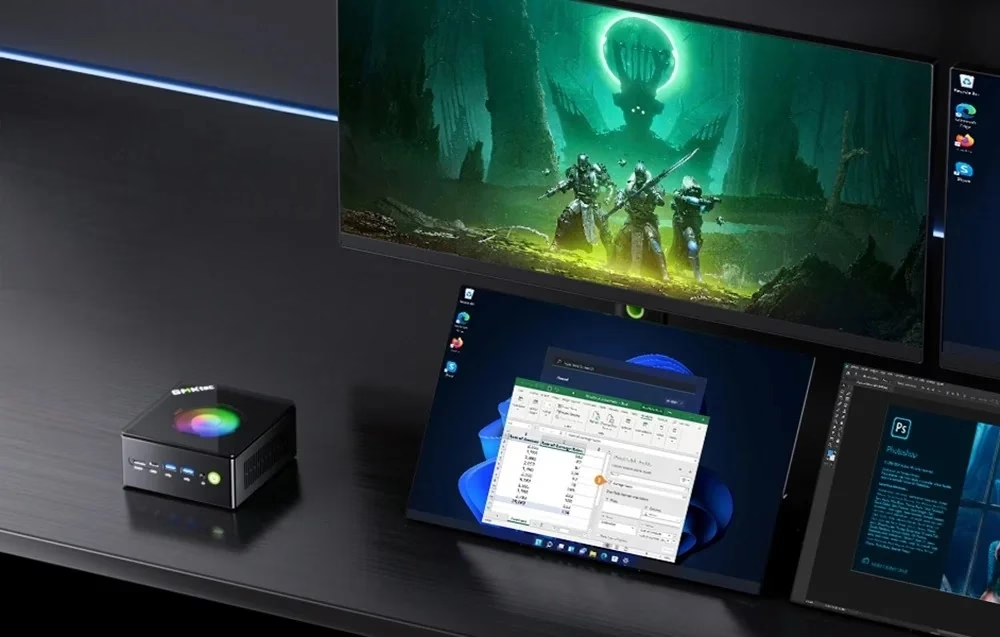
Small desktop computer for multi-monitor work
You can use up to four monitors at the same time. HDMI 2.1 and DisplayPort 2.1 carry video at up to 8K at 60 Hz, the two USB4 ports at up to 4K at 60 Hz.
Ports for an external graphics card, network and accessories
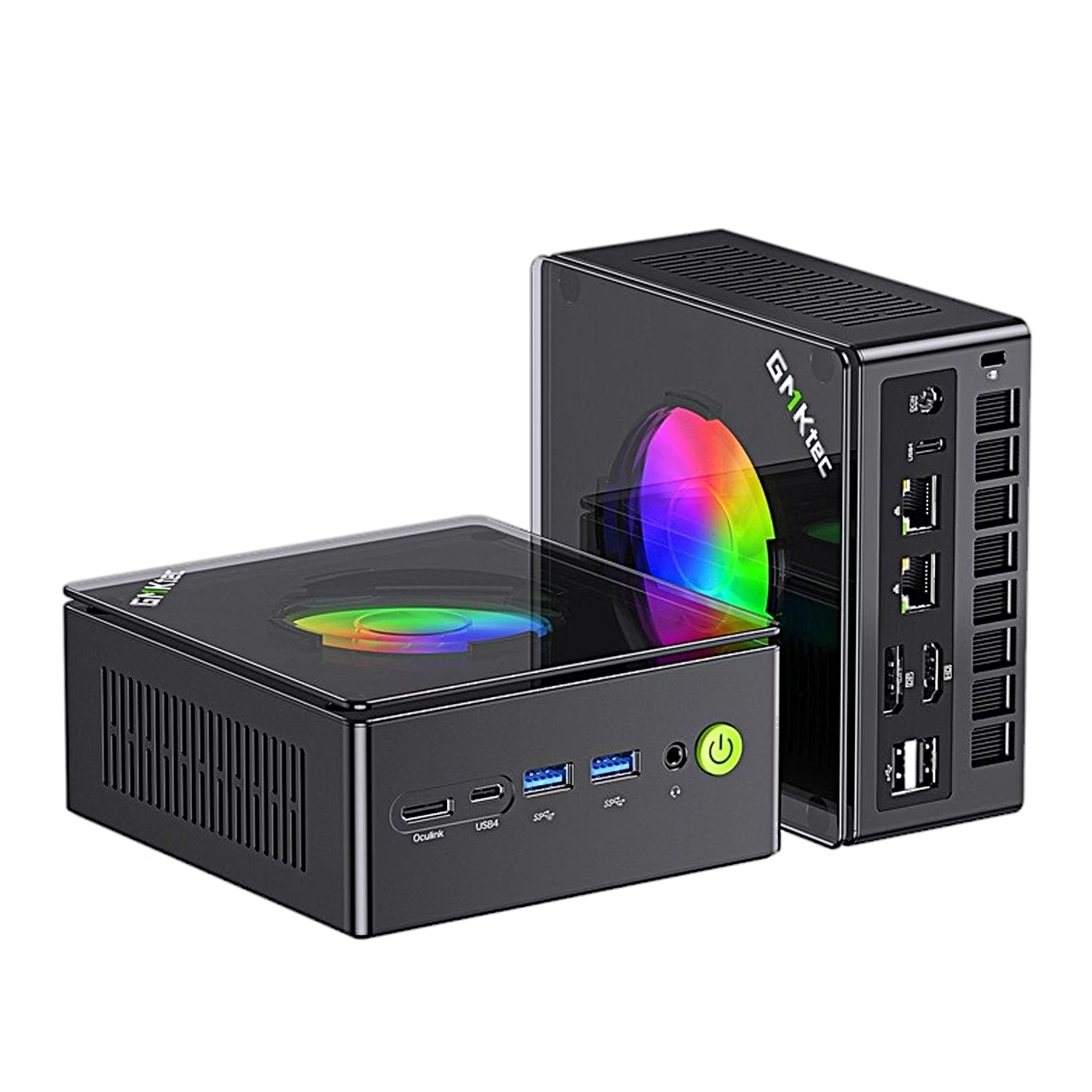
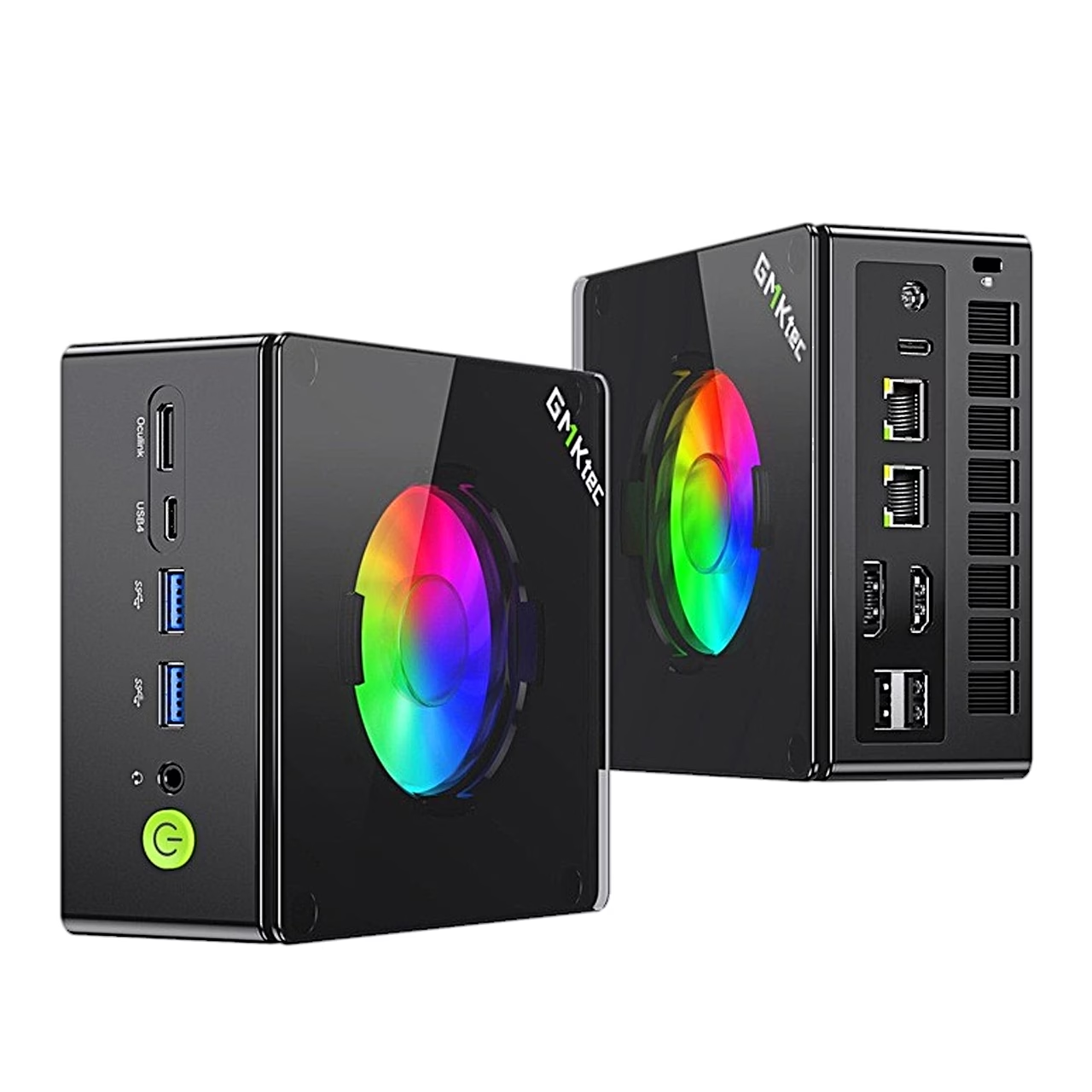
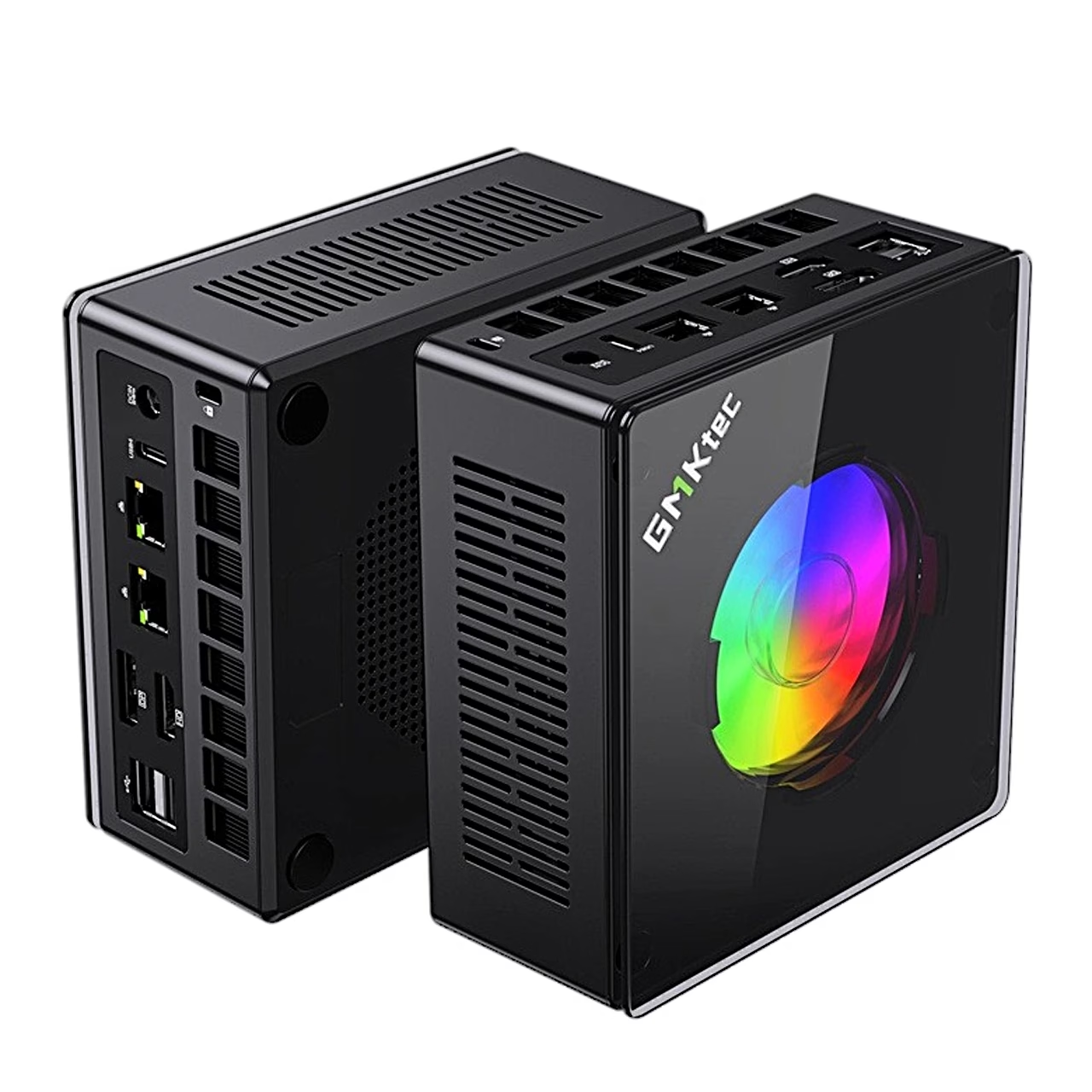
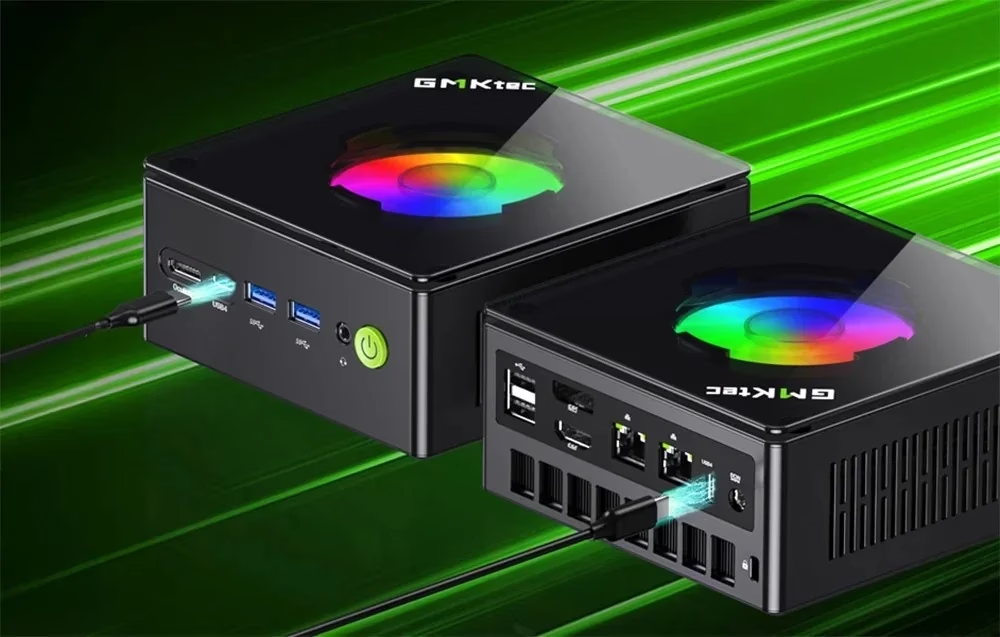
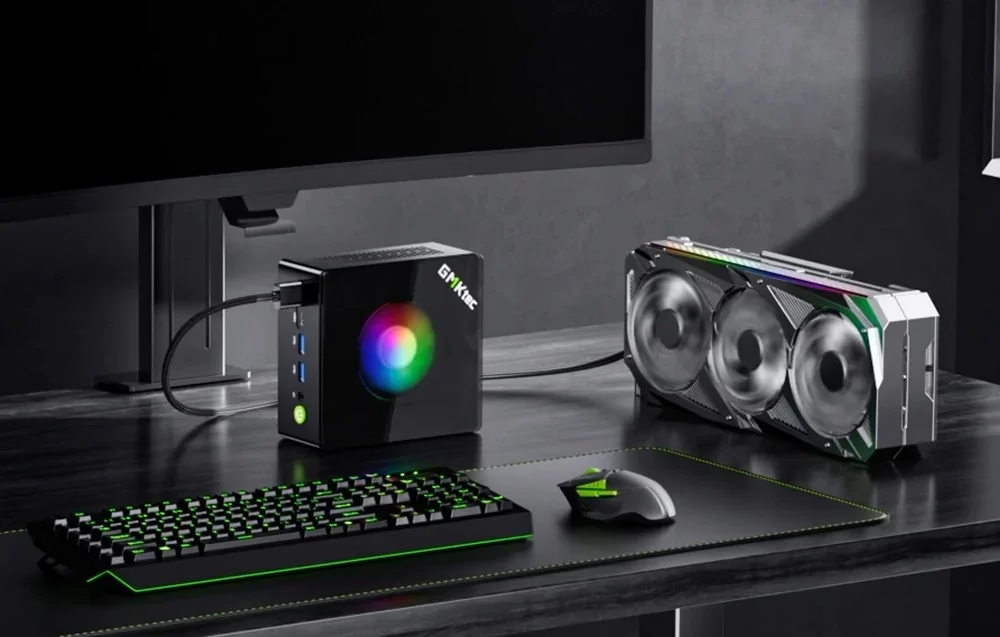
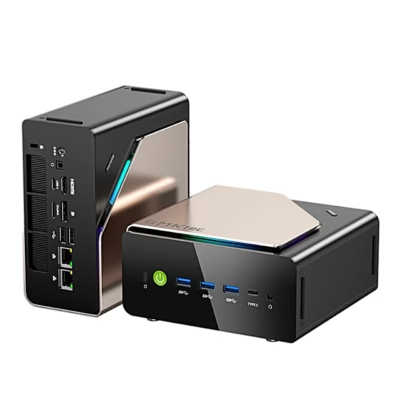
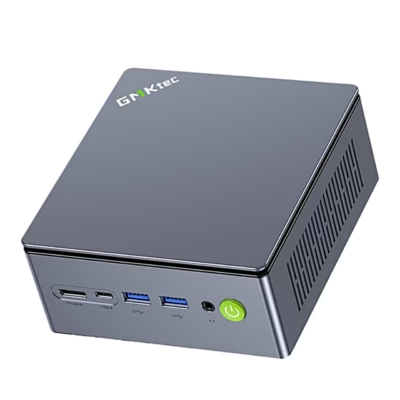
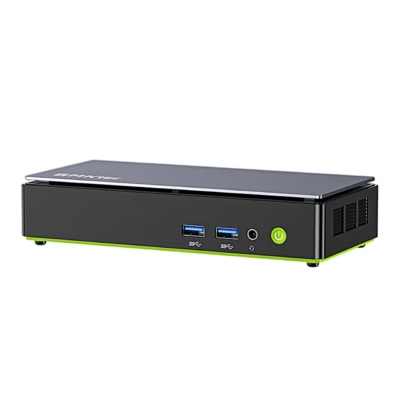
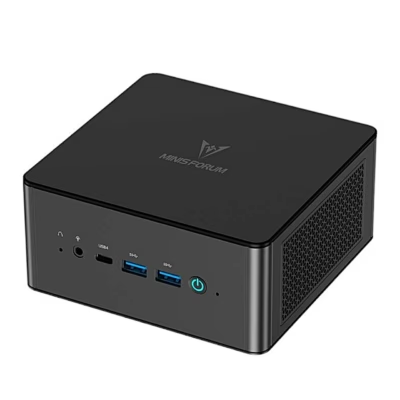
The front panel has an OCuLink port, a USB4 port, two 10 Gbit/s USB-A 3.2 Gen2 ports and a 3.5 mm audio jack for headphones or a microphone. The rear panel has two USB-A 2.0 ports, HDMI 2.1, DisplayPort 2.1, two 2.5 GbE (2.5 Gbit/s Ethernet) ports, a second USB4 port and a security lock slot. The USB4 ports transfer data at up to 40 Gbit/s and accept up to 100 W of power input. The OCuLink PCIe 4.0 ×4 port connects an external graphics card; connect and remove it only while the computer is switched off.
Performance modes, cooling and BIOS settings
In the BIOS you can choose between three performance modes: Quiet, Balance and Performance, with Balance as the factory setting. The fan speed follows the temperature automatically or can be set manually in the BIOS. The Hyper Ice Chamber 2.0 cooler has two fans and a copper base. The BIOS also lets you switch on automatic start after a power cut and Wake-on-LAN.
Setting up and VESA mounting
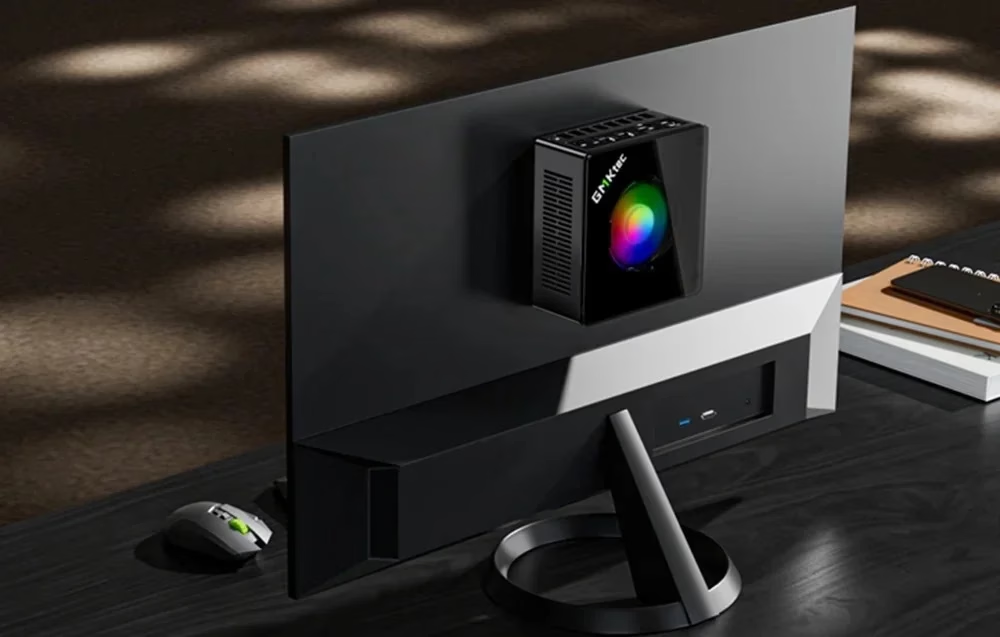
Connect the computer to the supplied power adapter, the monitor with the HDMI cable and then the keyboard and mouse. On first start, the Windows setup guides you through and takes about ten minutes; keep the power connected meanwhile. To mount it behind a monitor, screw the VESA bracket to the VESA holes of the computer and the monitor with the supplied screws.
Cleaning and care
Unplug all power cables from the socket before cleaning or moving the computer. Keep the vents clear and the computer dry.
In the box
- Mini PC GMKtec K11, 1 pc
- Power adapter 19 V, 120 W with power cable
- HDMI cable
- VESA mount with screws
- User manual







































Reviews
There are no reviews yet.