

Description
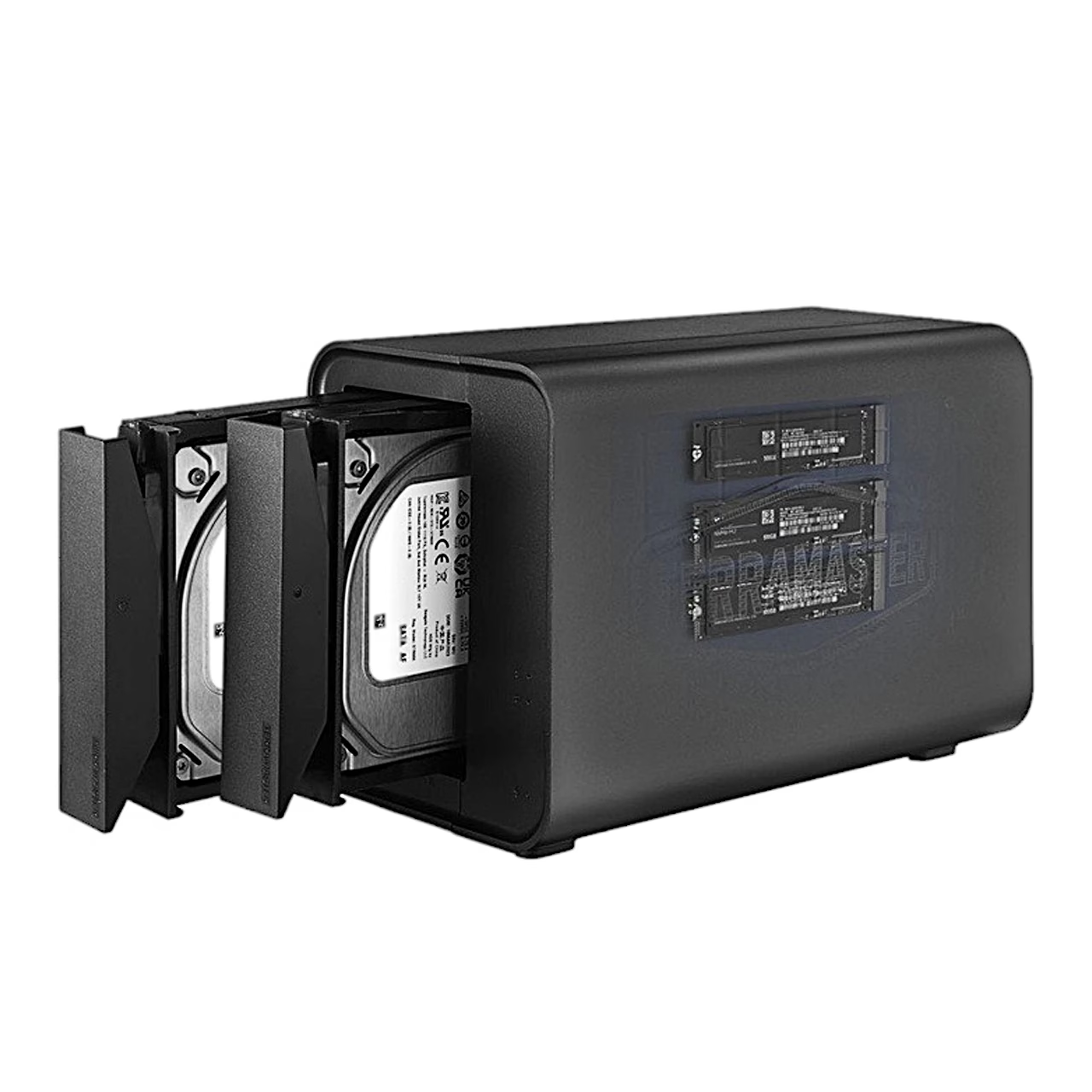
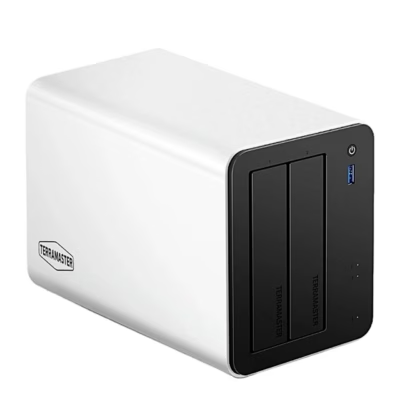
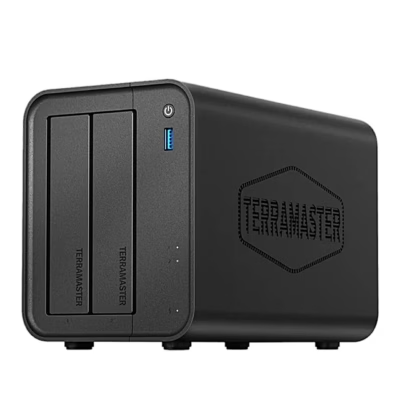
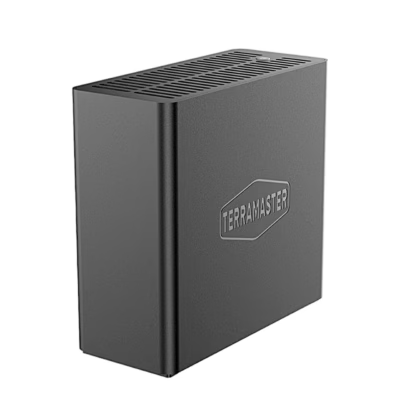
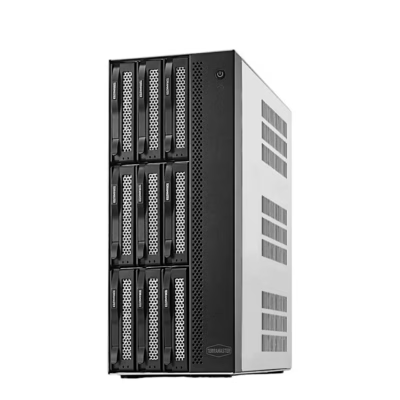
Multi-bay drive enclosure for two hard drives and three NVMe SSDs
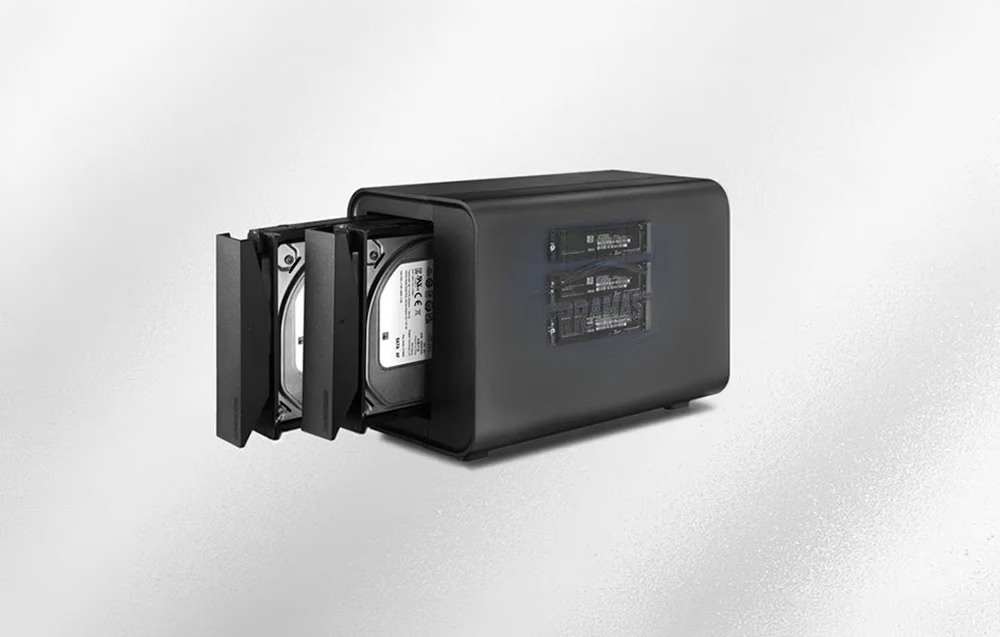
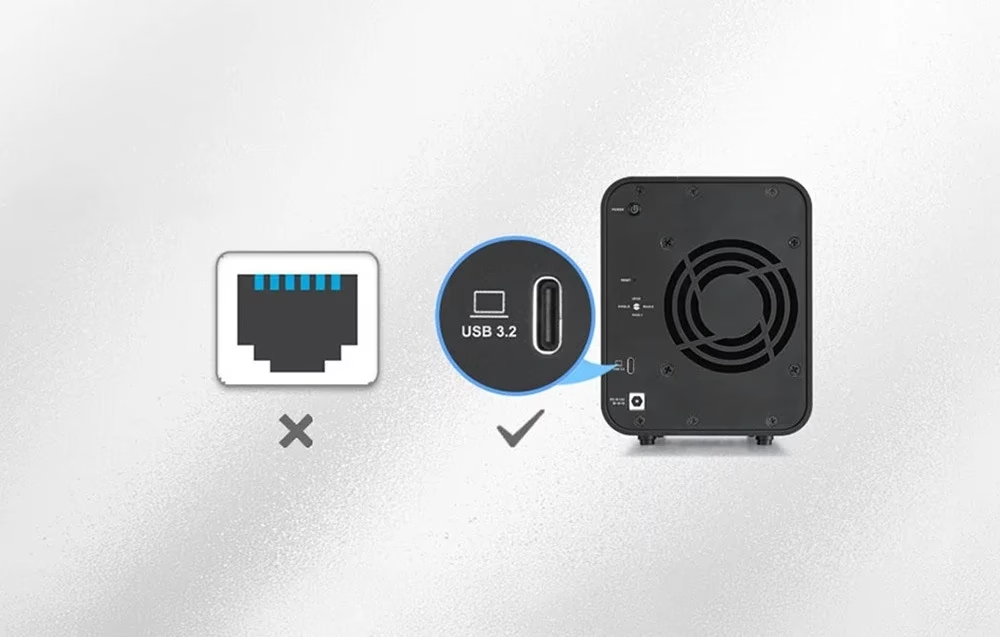
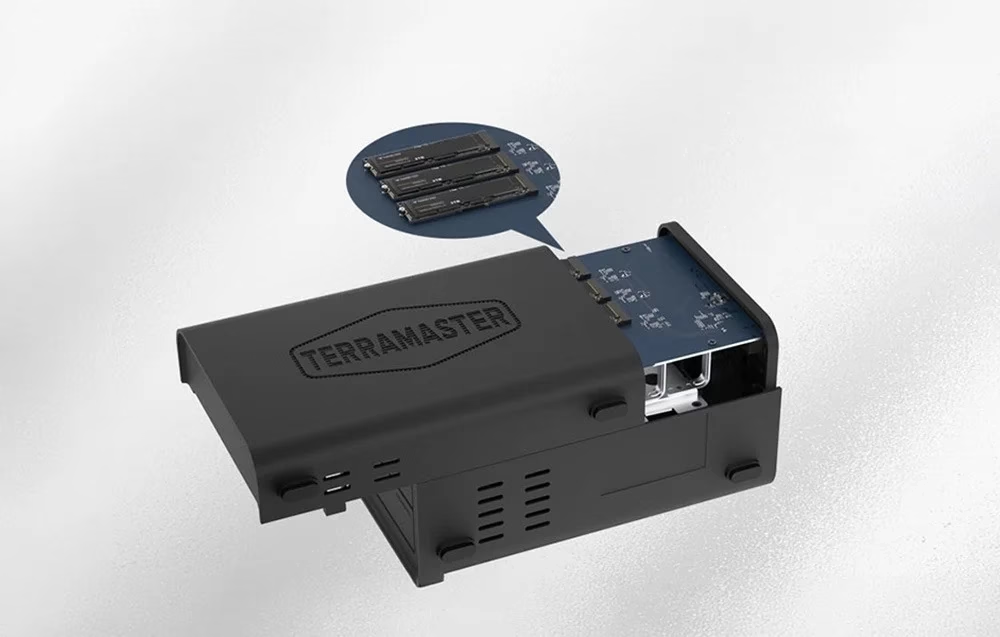
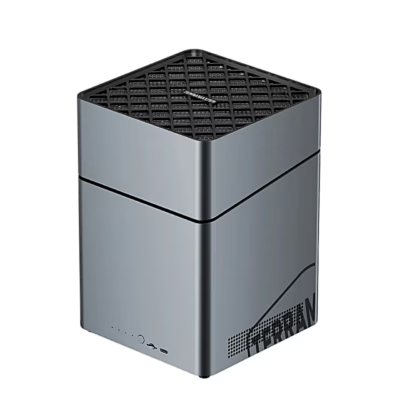
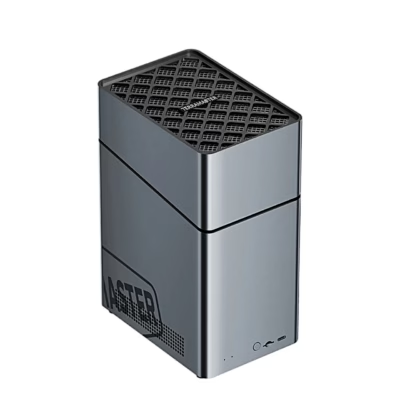
Two kinds of drive fit in one unit: the multi-bay drive enclosure TerraMaster D5 Hybrid takes two SATA drives and three M.2 2280 NVMe SSDs. A SATA bay takes a 3.5″ or 2.5″ hard drive or a 2.5″ SSD, and the M.2 slots support PCIe 3.0, 4.0 and 5.0 NVMe SSDs. The enclosure connects to the computer through a USB-C port with a USB 3.2 Gen 2 interface of up to 10 Gbit/s. The largest raw capacity is 88 TB with two 32 TB hard drives and three 8 TB M.2 SSDs.
Hardware RAID for the two SATA drives
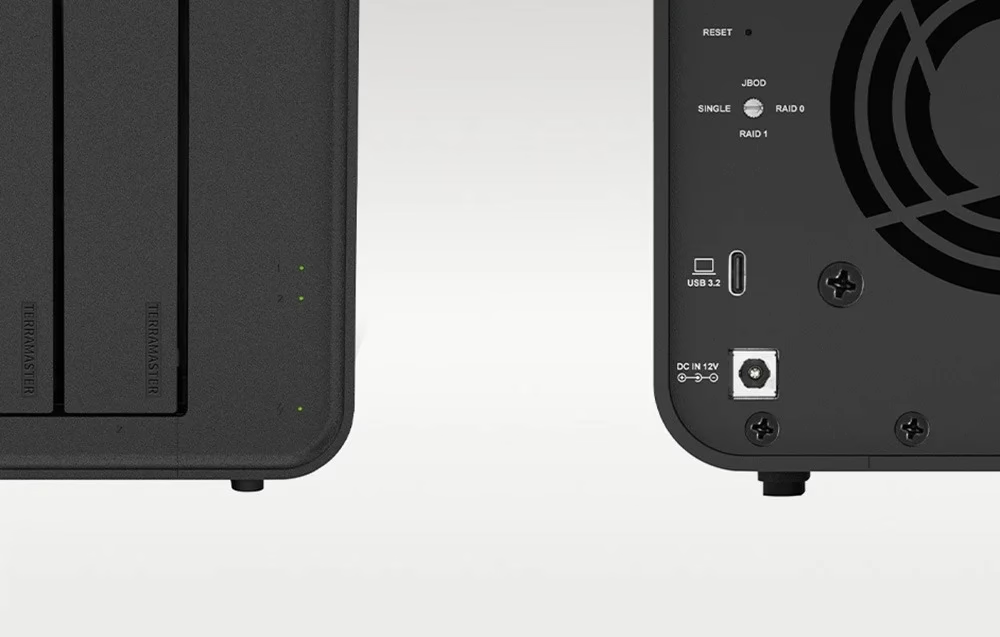
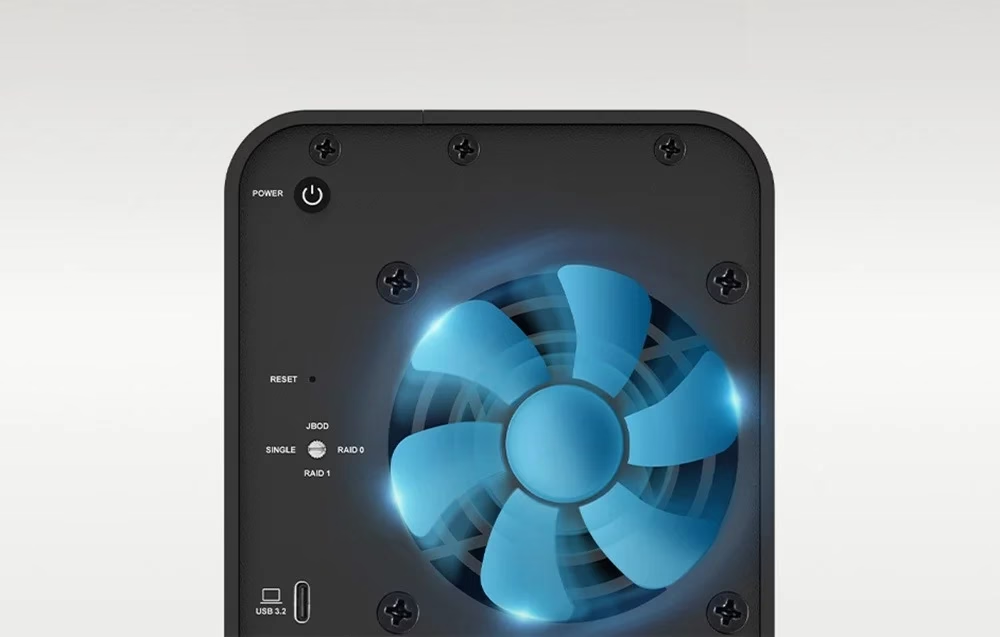
A switch on the rear panel sets the SATA drives to Single Disk, JBOD, RAID 0 or RAID 1; the NVMe drives run separately. RAID 0 joins two drives into one faster drive, RAID 1 writes the same data to both. After a drive is replaced, the enclosure rebuilds the RAID array automatically.
Speed with NVMe drives and in RAID 0
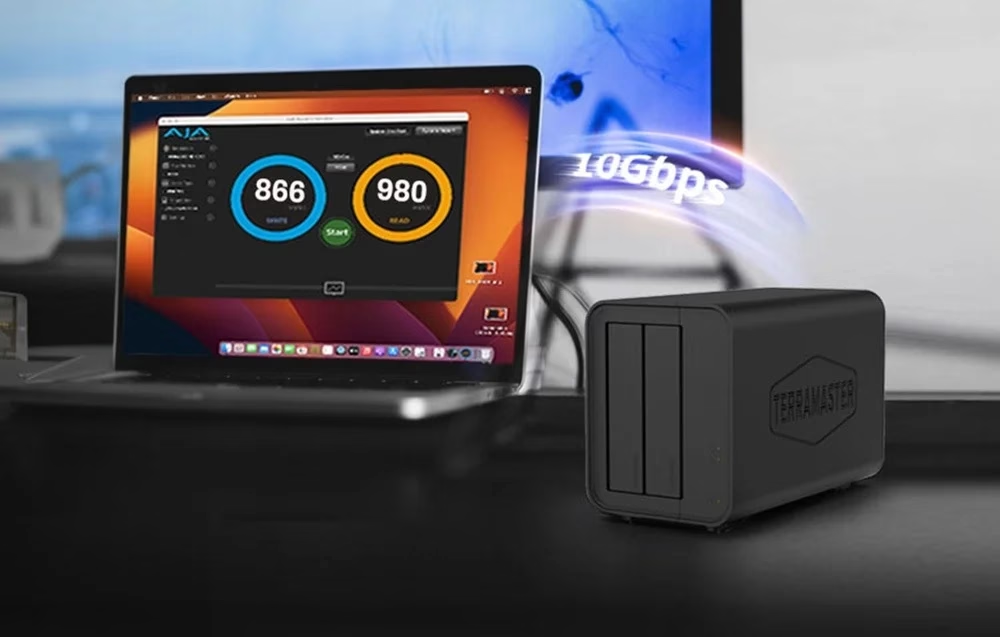
From a single M.2 NVMe SSD the enclosure reads at up to 980 MB/s and writes at up to 880 MB/s. Two SATA SSDs in RAID 0 read at up to 960 MB/s and write at up to 956 MB/s, two hard drives at up to 565 MB/s and 524 MB/s. Frequently used projects suit the NVMe drives, less used files the hard drives. The enclosure connects to USB 3.0, USB 3.1, USB4, Thunderbolt 3 or Thunderbolt 4 ports.
Drive installation and backup
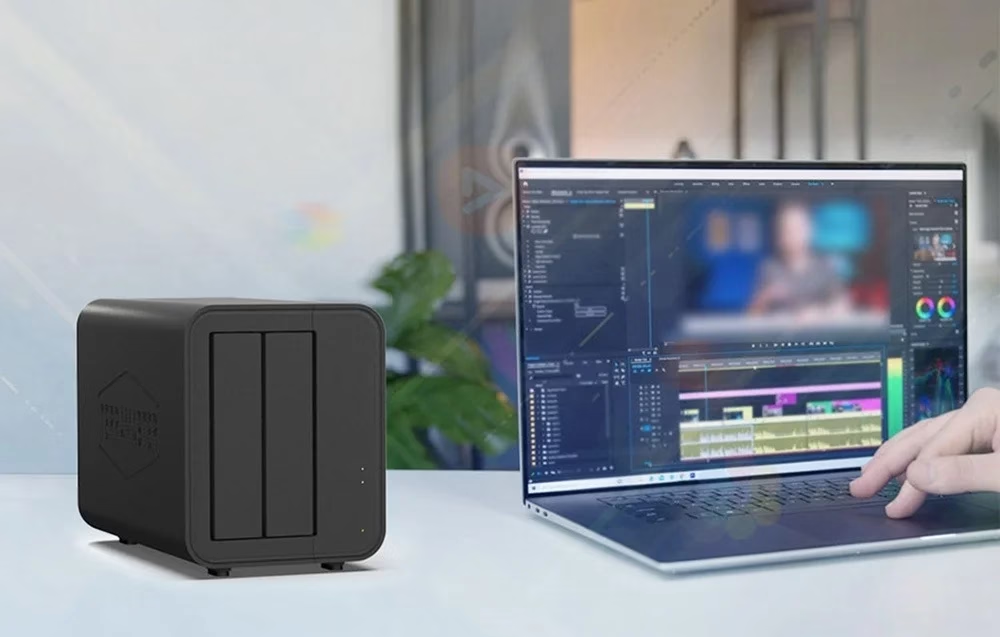
SATA drives go in without tools, and the M.2 slots sit under a sliding cover. On Windows, TPC Backupper makes scheduled incremental and differential backups of folders and partitions. Supported file systems are NTFS, APFS, Mac OS, FAT32, EXT4 and exFAT.
Smart fan and low power use
An 80 × 80 × 25 mm fan adjusts its speed to the load. With two SATA drives in standby the noise level is 19 dB(A), measured at one metre. In sleep the enclosure draws 8.1 W, 30 W when reading and writing.
In the box
- Multi-bay drive enclosure TerraMaster D5 Hybrid, 1 pc
- Power adapter
- USB-C to USB-C cable 10 Gbit/s, 0.8 m
- Mounting screws
- Quick installation guide







































Reviews
There are no reviews yet.