
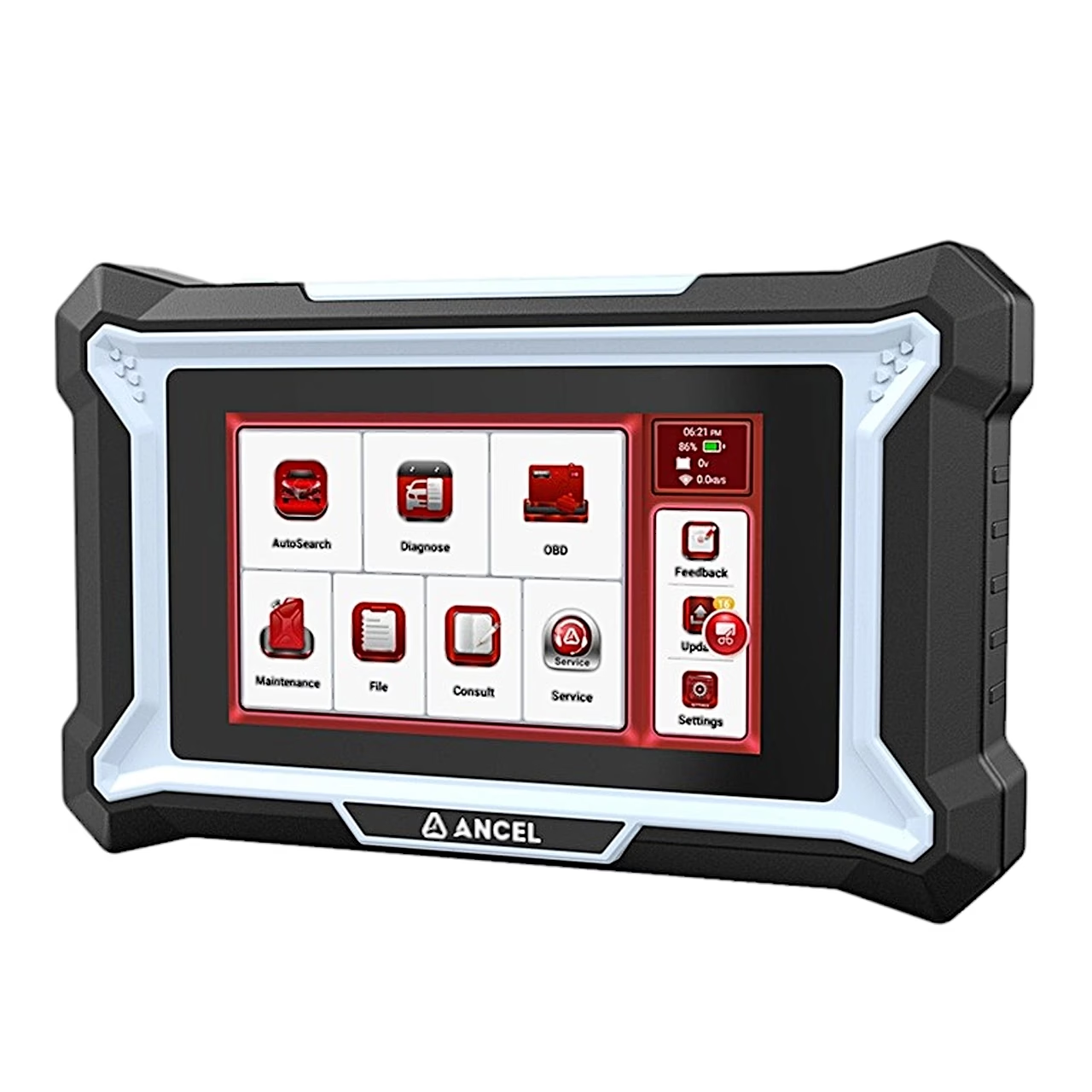

Description
OBD2 diagnostic scanner for diagnosing all car systems
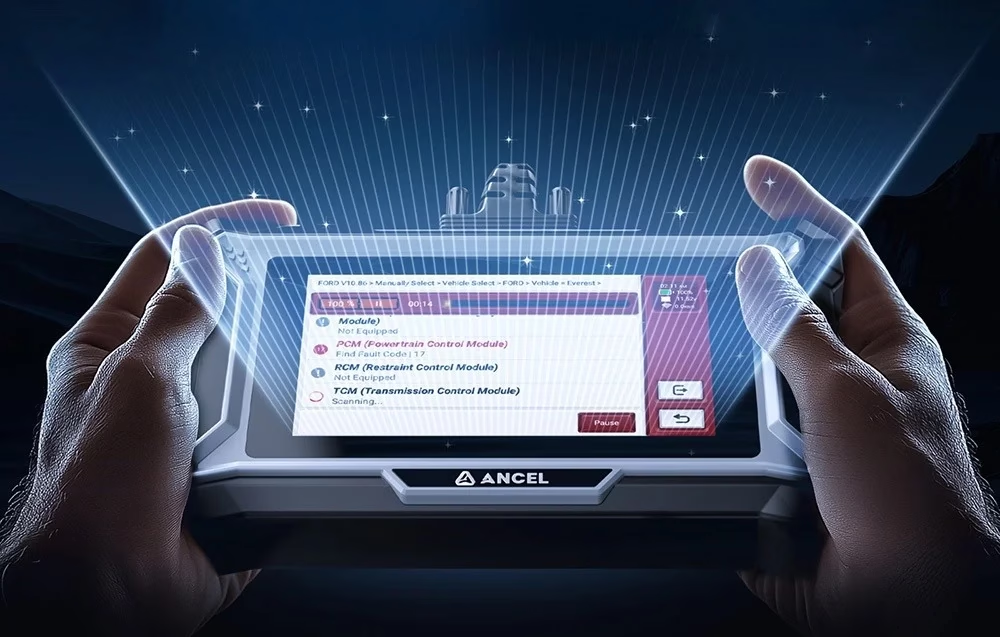
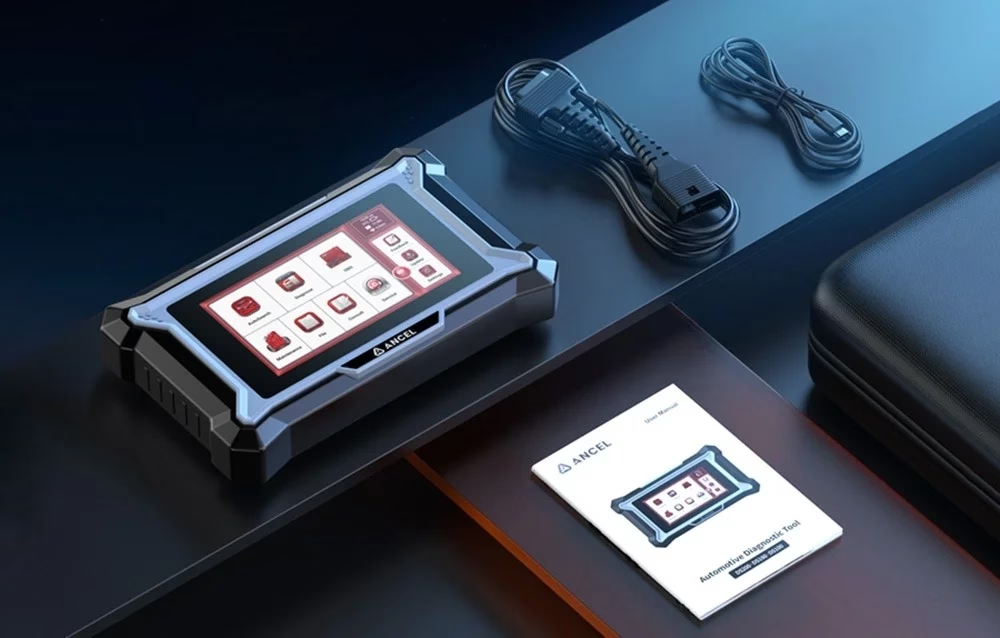
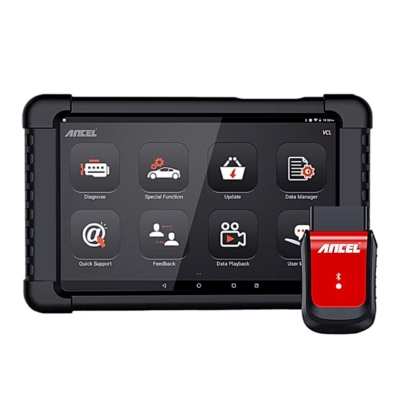
The Android based Ancel DS200 OBD2 diagnostic scanner connects to the car’s OBD port with its diagnostic cable and communicates with the car’s electronic control units. In the Diagnose menu you choose make, year and model, and the device runs a full vehicle scan, reads fault codes from all control units and shows live data.
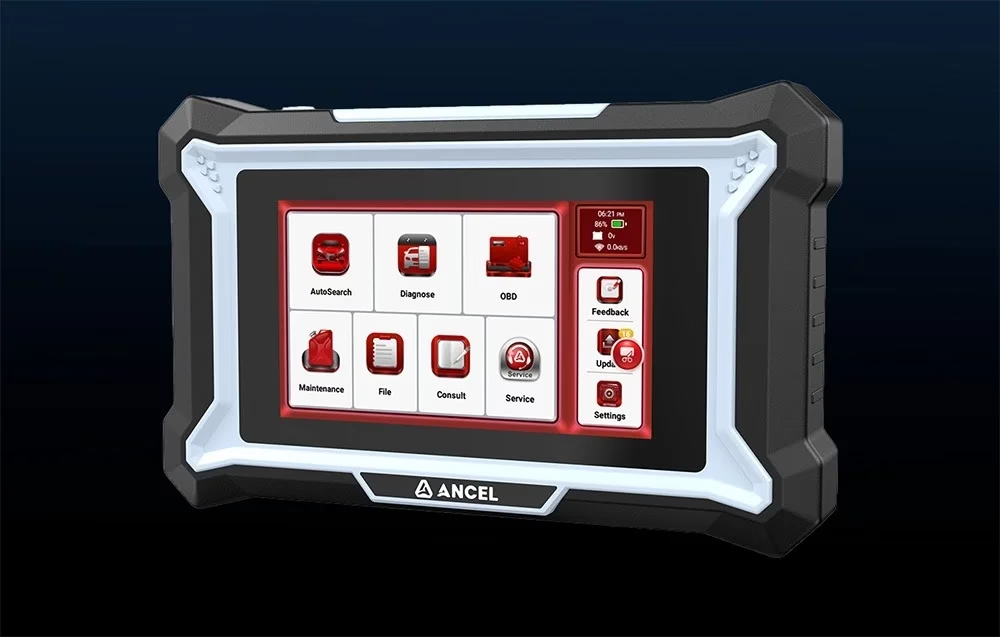
OBD functions and automatic model detection
The OBD function checks engine and emission sensors on any car with OBDII from 1996 onwards. The device also shows I/M readiness, O2 sensor tests, freeze frame data and vehicle information. With Wi-Fi, AutoSearch reads the car’s VIN and identifies the model automatically.
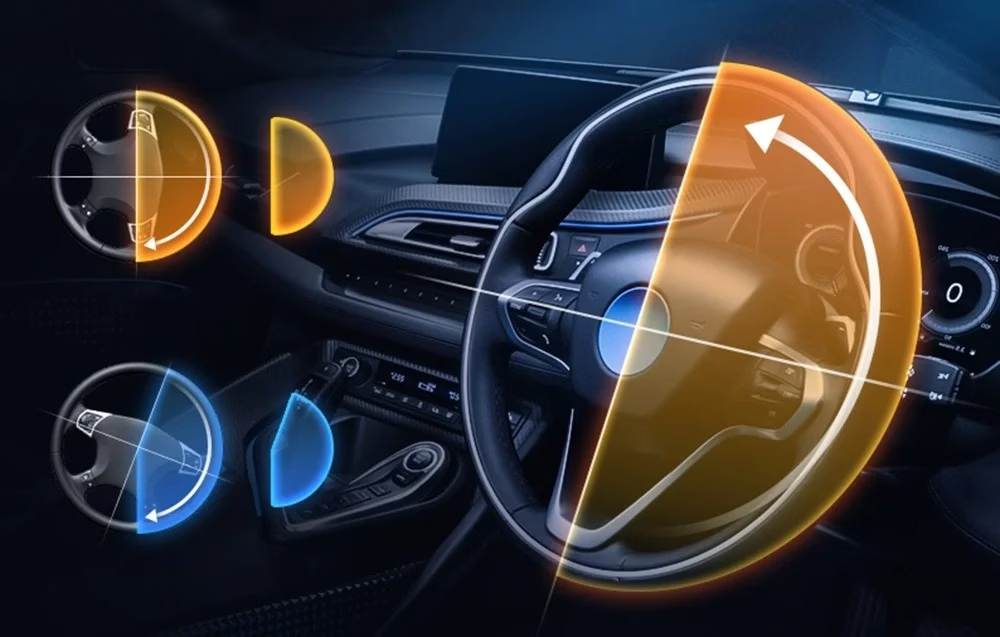
15 maintenance functions in one menu
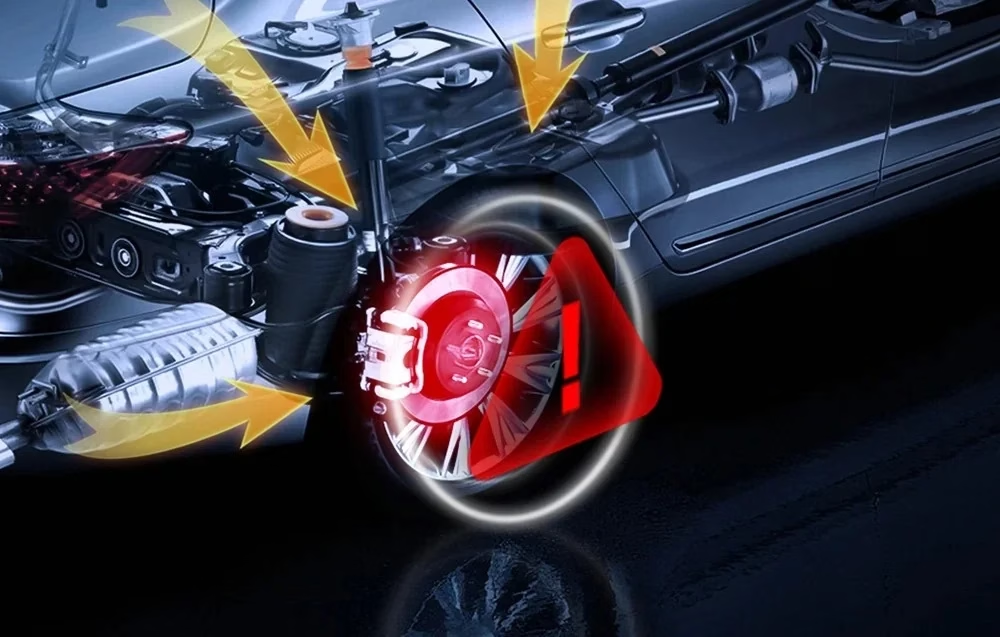
The Maintenance menu holds 15 maintenance functions: AdBlue reset, airbag reset, A/F reset, ABS bleeding, battery matching, gearbox relearn, brake reset, DPF regeneration, electric throttle relearn, gear learn, injector coding, NOx sensor reset, oil service reset, steering angle reset and TPMS reset.
Screen, memory and Wi-Fi updates
The device has a 5-inch 854 × 480 touchscreen, a quad-core 1.3 GHz processor, 2 GB of RAM and 32 GB of storage. It downloads diagnostic software updates over 2.4 GHz Wi-Fi and the interface is available in 20 languages. Diagnostic reports are kept in the File menu, where you can view, share and delete them.
Using the device
Connect the device to the car’s diagnostic socket, usually under the steering wheel, with the diagnostic cable and it switches on by itself. The first time, choose a language, connect to Wi-Fi, accept the privacy policy and select the function you need from the home menu. Charge the battery through the USB-C port with a 5 V power adapter.
In the box
- Diagnostic scanner Ancel DS200, 1 pc
- OBD2 diagnostic cable
- USB-C cable
- User manual








































Reviews
There are no reviews yet.