

Description
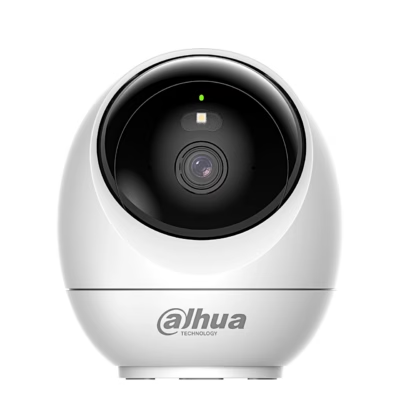
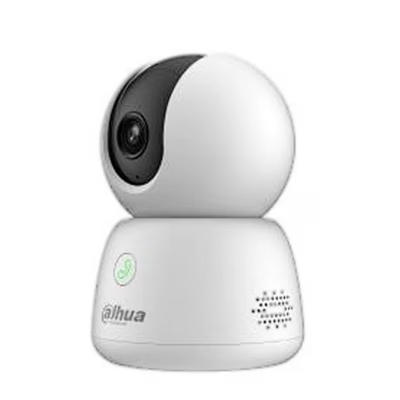
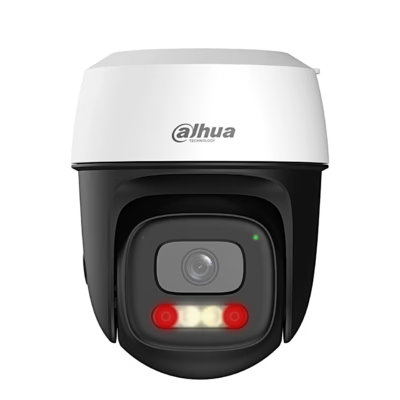
Pan-tilt indoor security camera with auto tracking
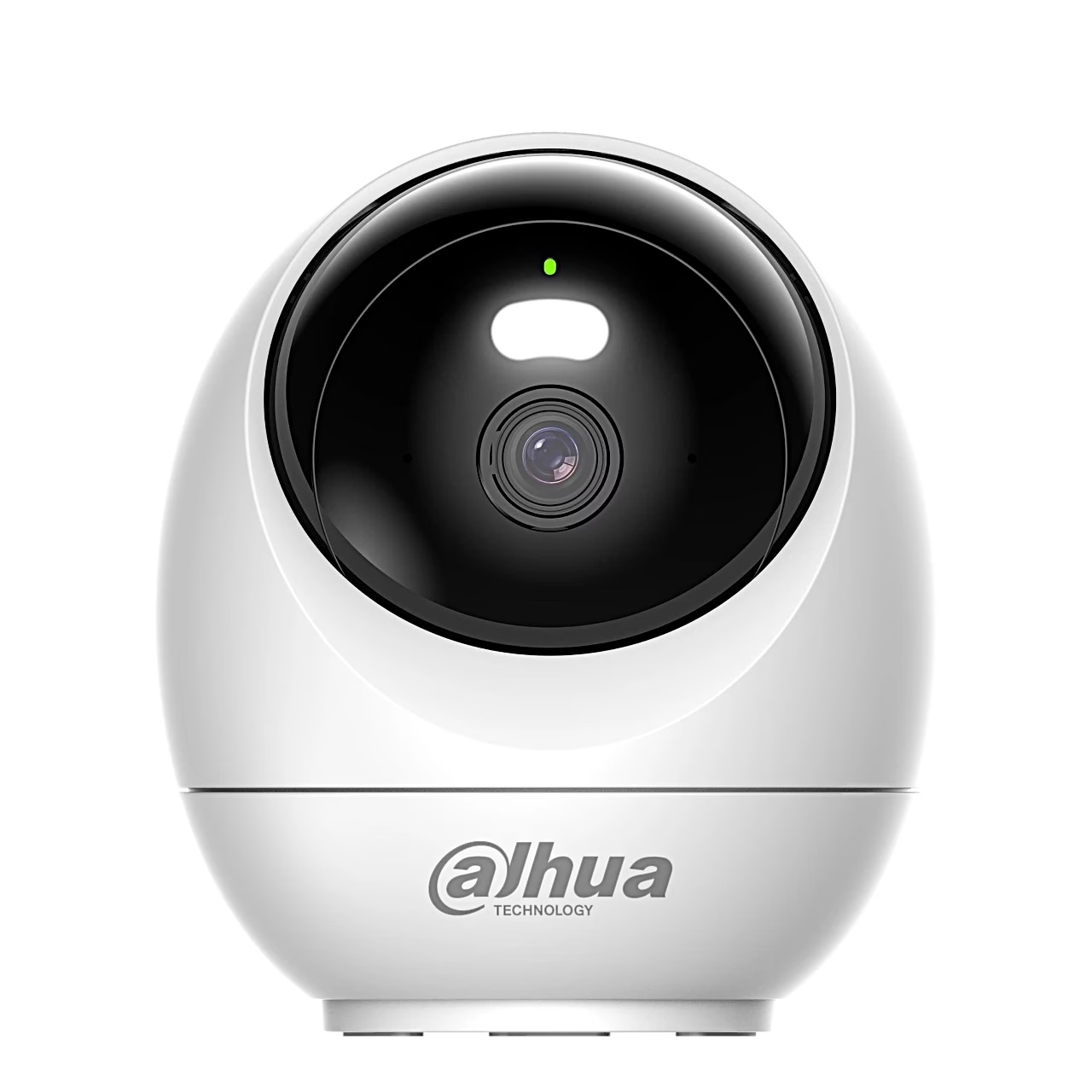
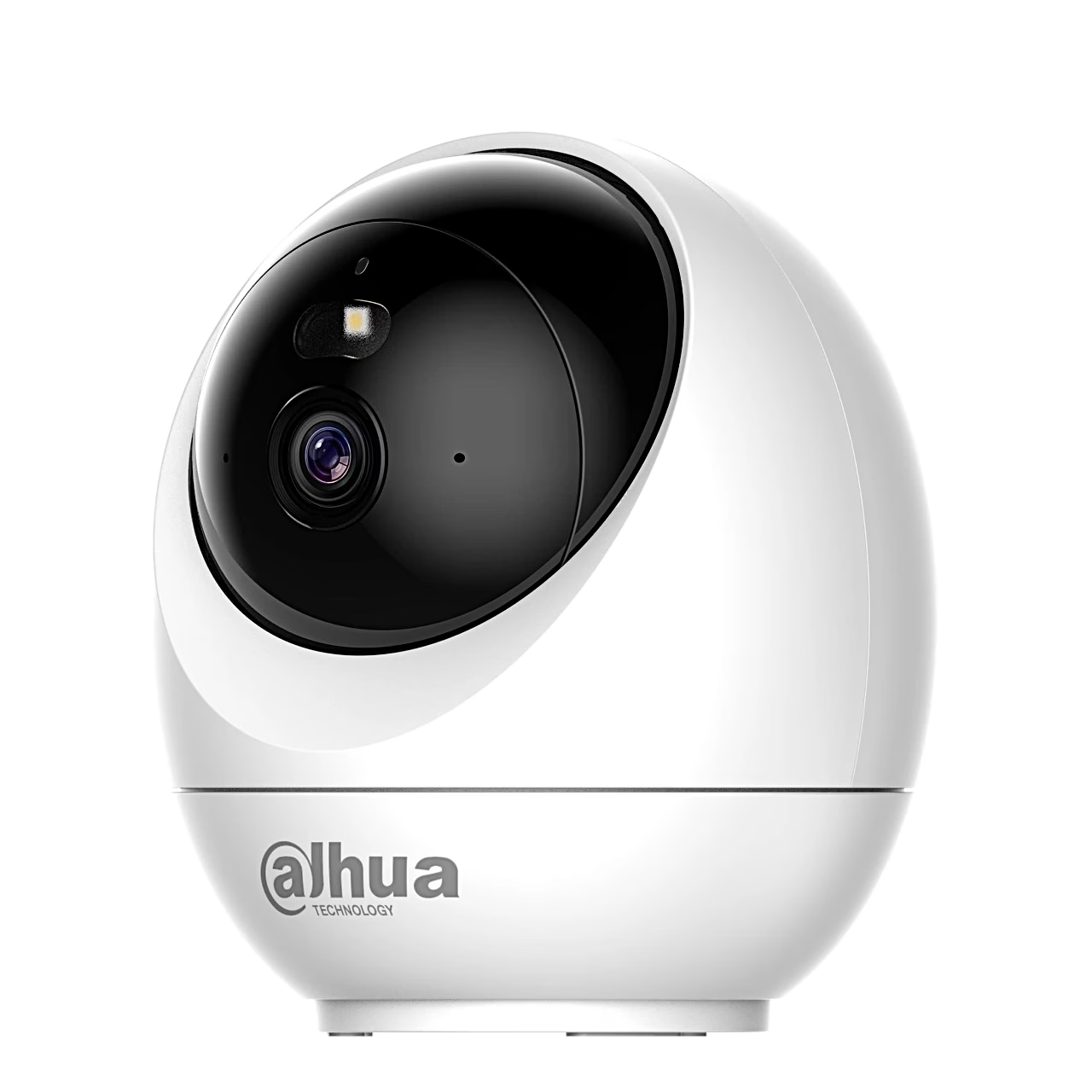
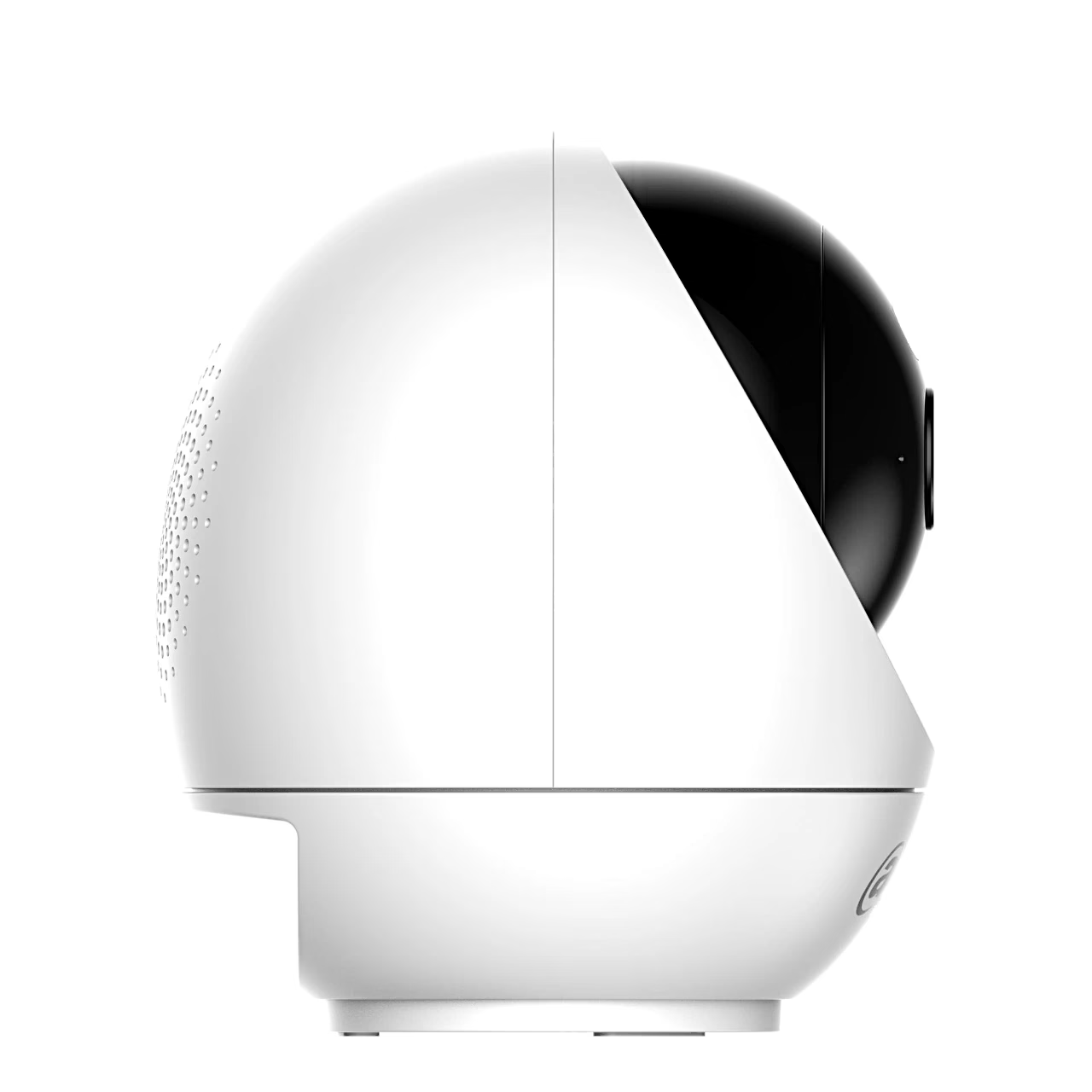
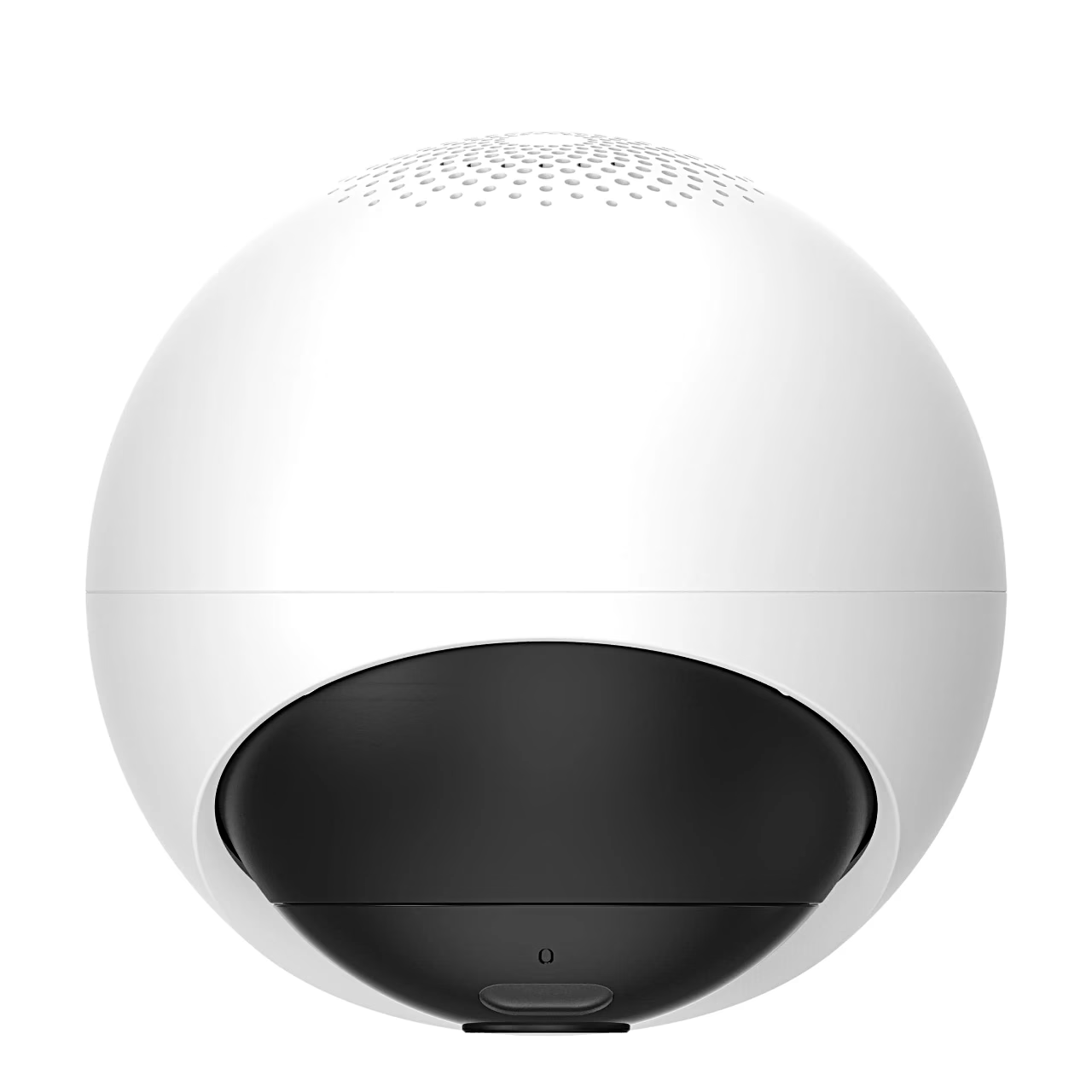
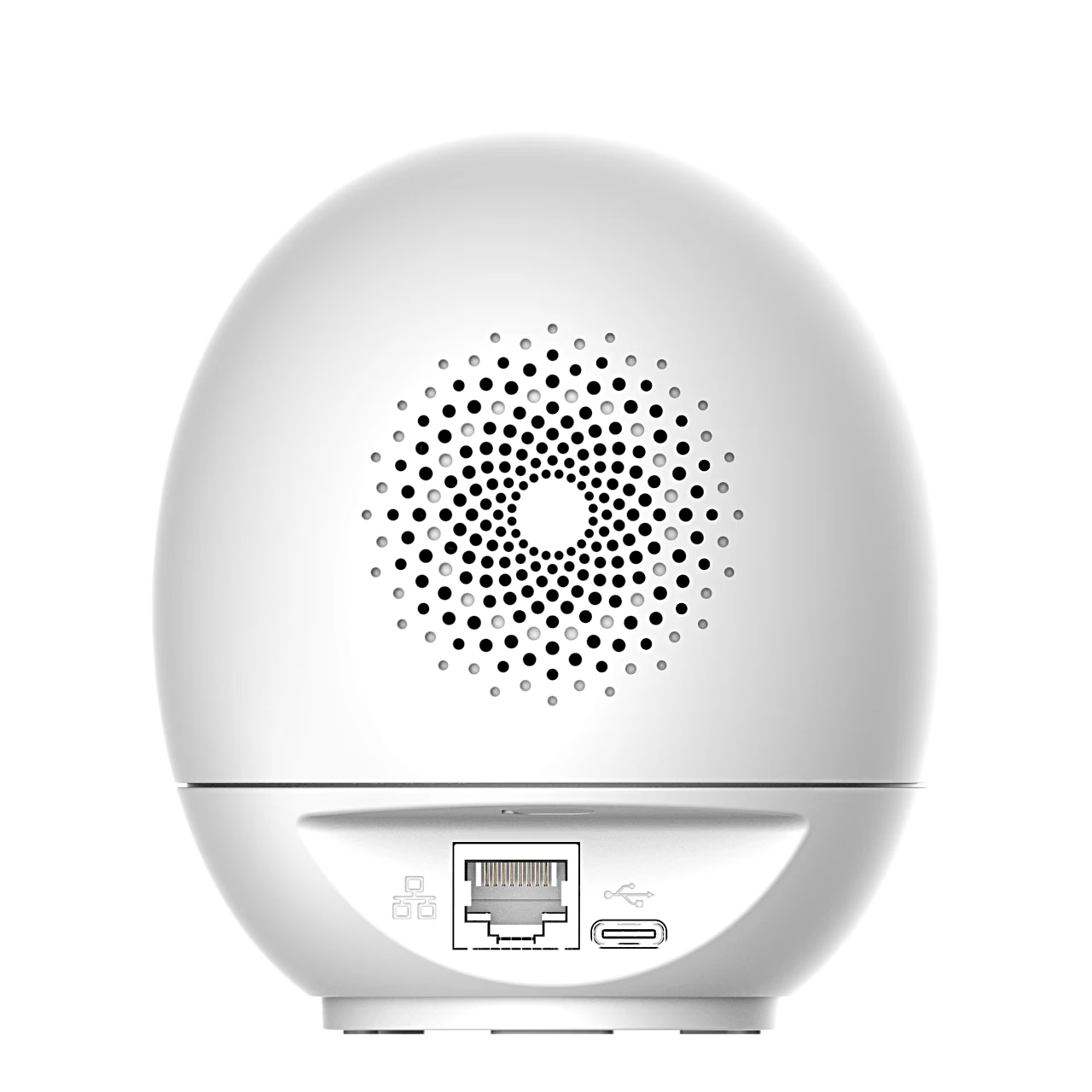
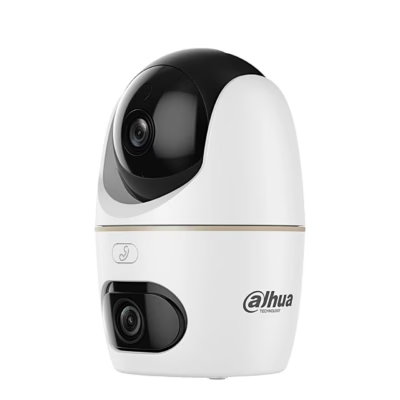
The pan-tilt security camera Dahua Hero H5JS is made for indoor use and is powered by a 5 V adapter through its USB-C port. It connects over dual-band Wi-Fi 6 (2.4 and 5 GHz) or by cable through its RJ-45 port. The camera head pans 0–355° and tilts −55° to 60°, so one camera covers the room without blind spots.
Detection, tracking and privacy
The camera tells people from pets, so alerts follow the type of target. With auto tracking it turns to follow a moving target, and on a preset patrol it visits the chosen positions at regular intervals. It also recognises faces, a V-sign gesture, a crying baby and abnormal sounds and sends an alert for each. Privacy mode switches on with one tap in the app.
Day and night image
The 1/3.2″ CMOS sensor delivers 2880 × 1620 pixels at up to 25 frames per second, and the 2.8 mm lens has a 95° horizontal angle of view. In smart dual-light mode the camera lights the scene up to 10 m with infrared or warm light; with warm light the night image is in colour. H.265 compression and the AOR smart recording mode, which adjusts the frame rate, save memory card space.
Two-way audio and recording
With two microphones and a 2 W speaker you can talk through the camera to a person next to it. The speaker reaches up to 110 dB at 10 cm in the maker’s laboratory test, and a sound and light alarm can be switched on as a warning. Live view and recordings are in the DMSS app for Android or iOS, with encrypted data and sharing with family and friends.
Installation and setup
The camera stands on a desk or mounts on a wall or ceiling: drill 5 mm holes, fix the bracket with screws and twist the camera onto it. The mounting surface must hold at least three times the camera’s weight. To set it up, download the DMSS app, scan the camera’s QR code and enter the Wi-Fi password while the phone is on Wi-Fi with Bluetooth on. To restore factory settings, hold the reset button for 5 seconds.
Cleaning and care
Clean the housing with a soft dry cloth, use a cloth dampened with neutral detergent for stubborn stains and then wipe the surface dry. Blow dust off the lens with an air blower or wipe it gently with a soft cloth slightly moistened with alcohol.
In the box
- Security camera Dahua Hero H5JS, 1 pc
- Mounting bracket, 1 pc
- Screw pack, 1 pc
- Drilling template, 1 pc
- Power adapter, 1 pc
- Power cord, 1 pc
- Quick start guide and legal information









































Reviews
There are no reviews yet.