
Description
Pen display for drawing and retouching
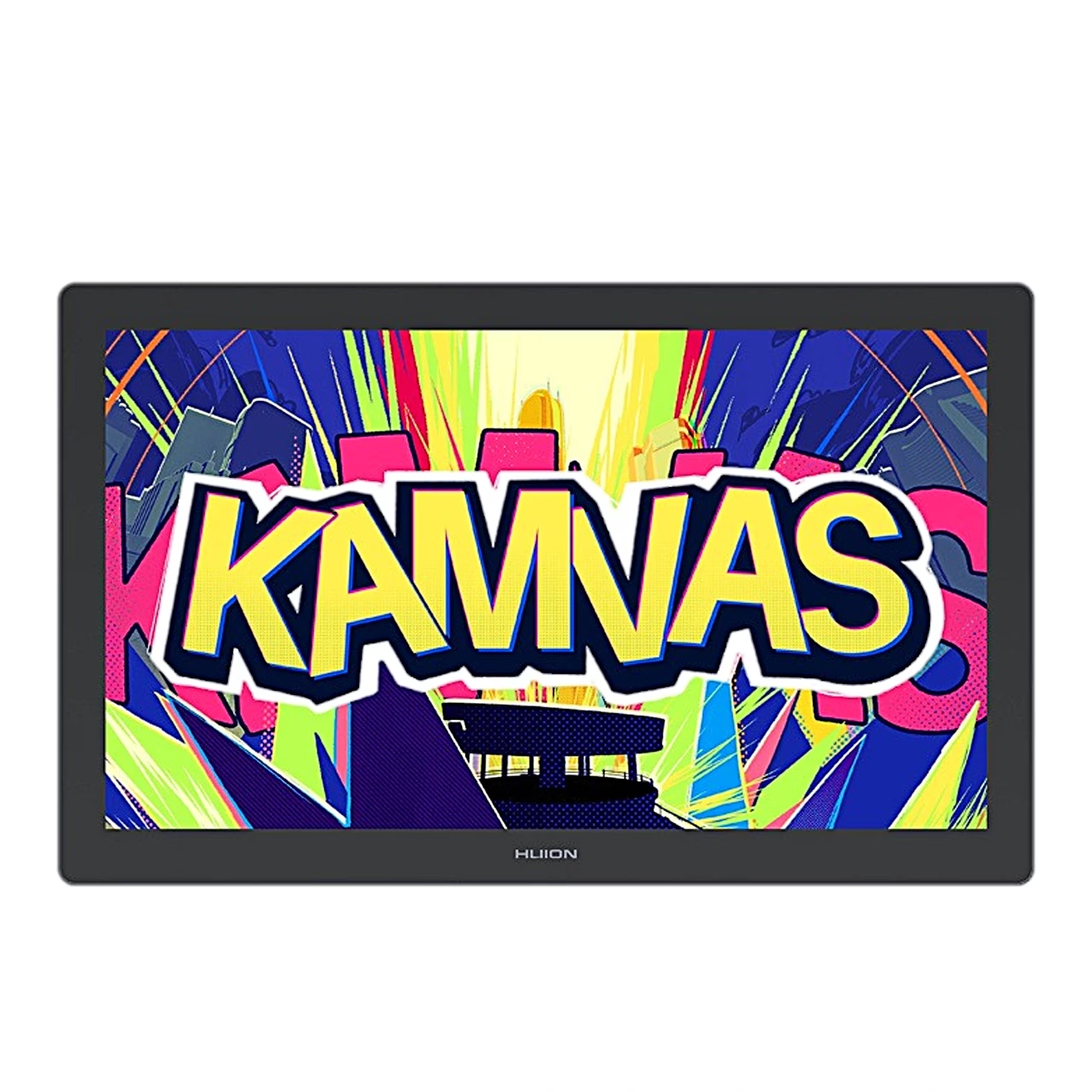
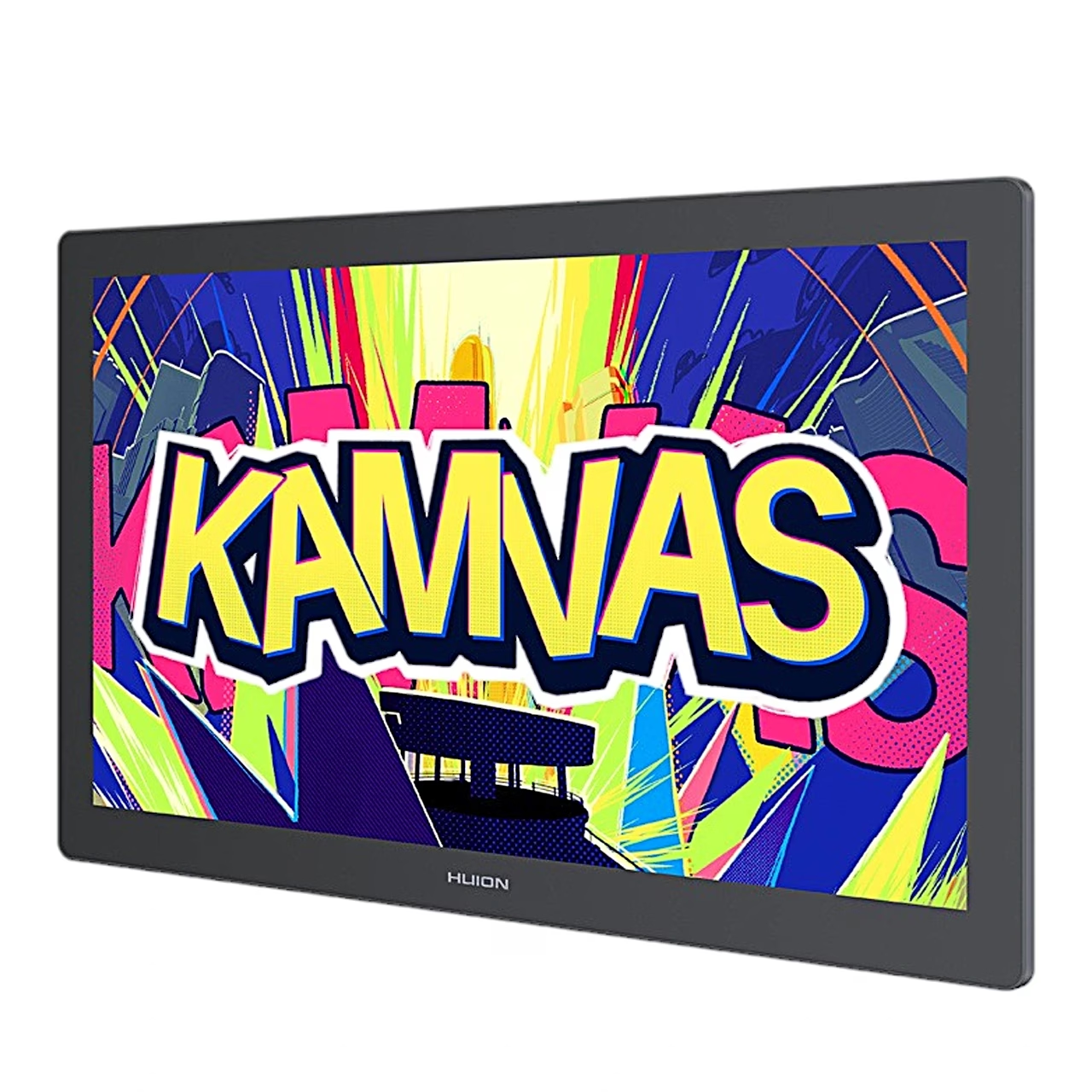
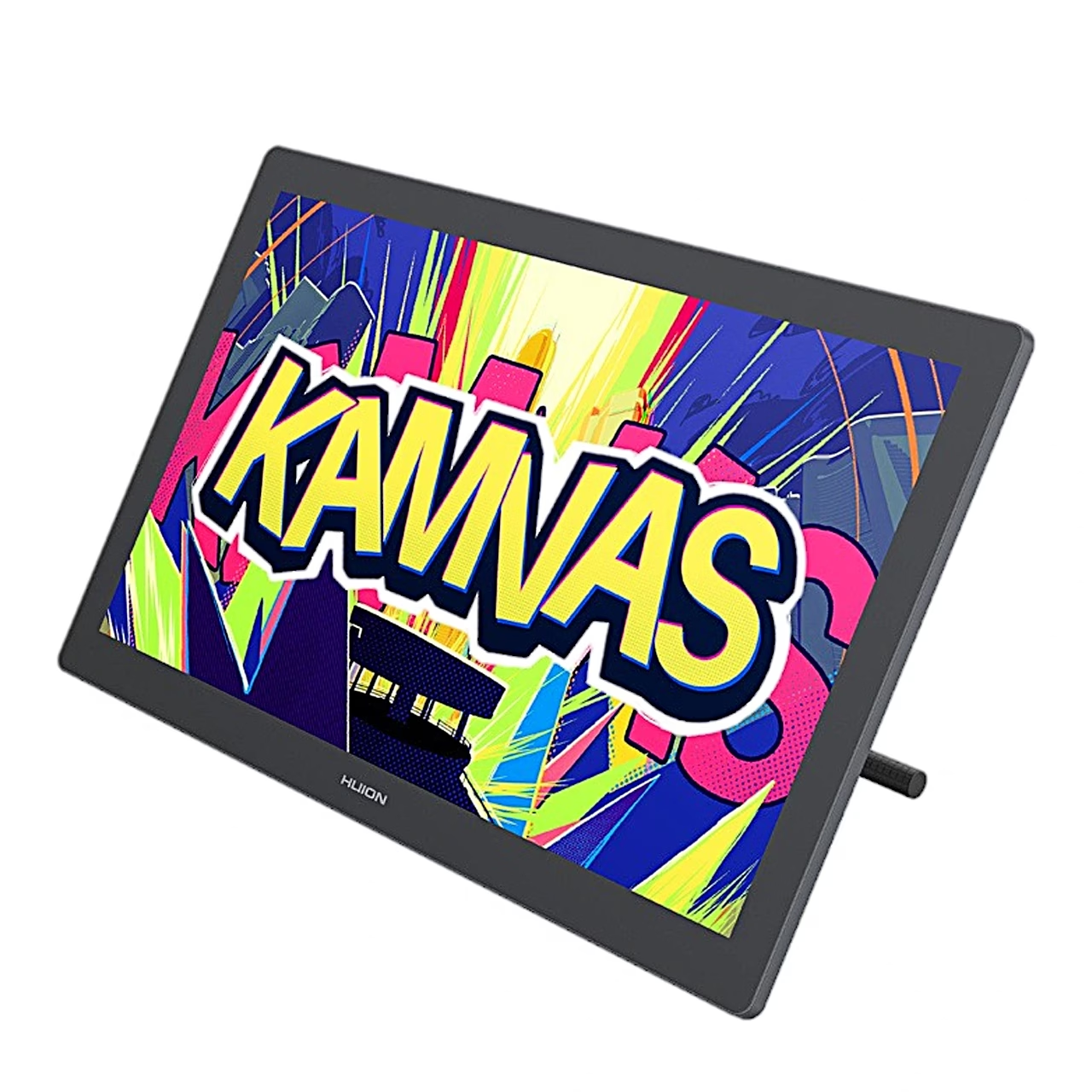
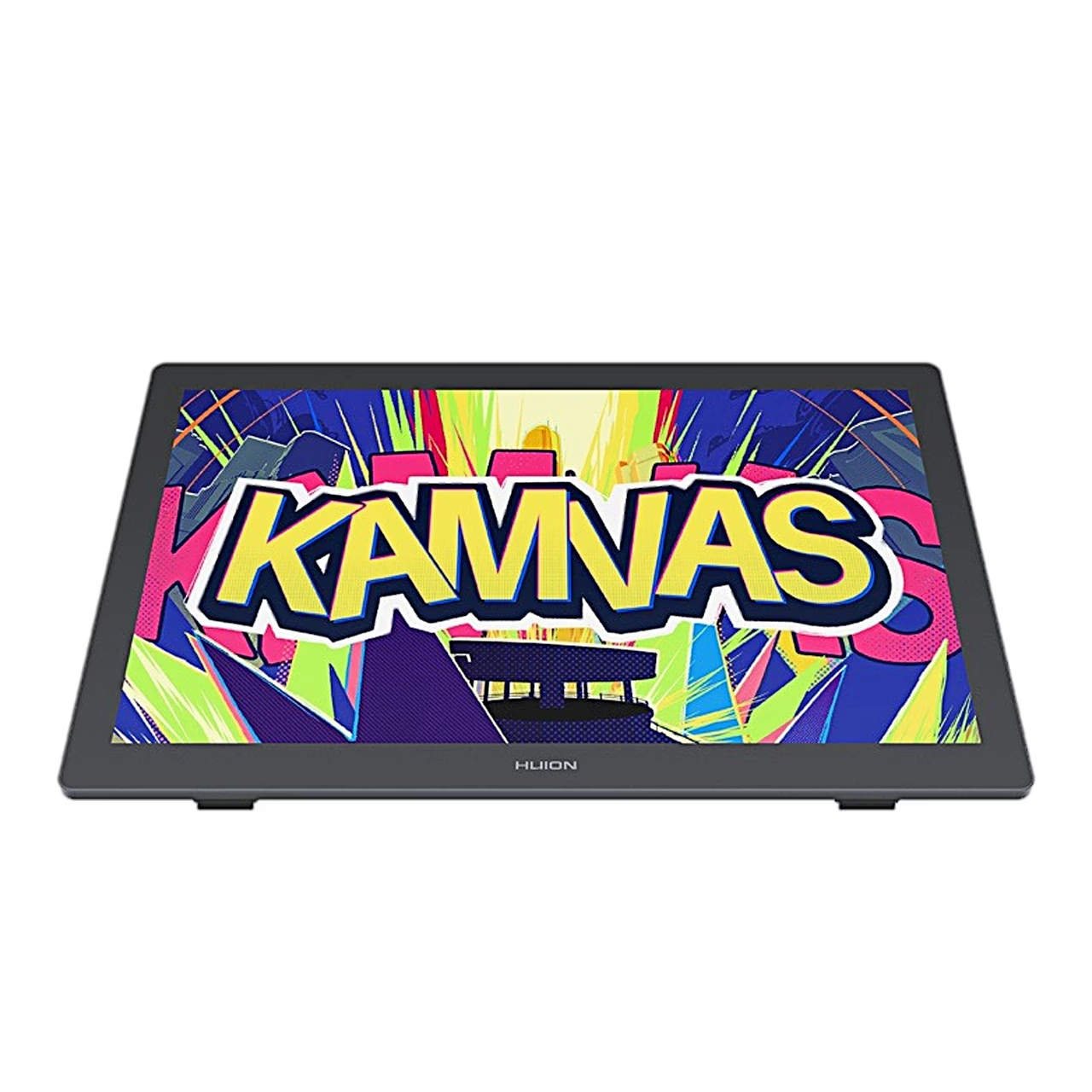
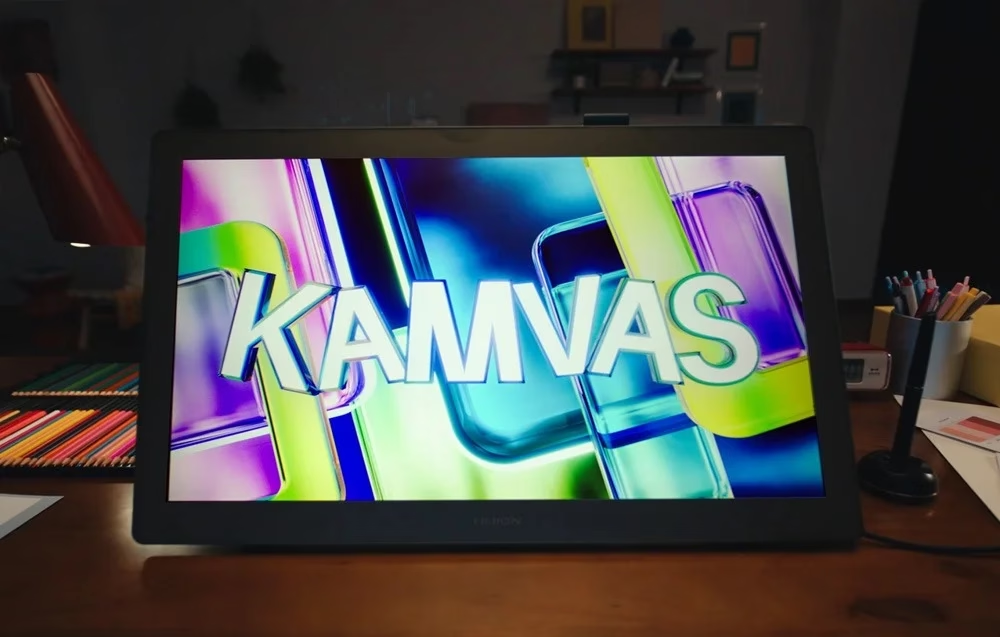
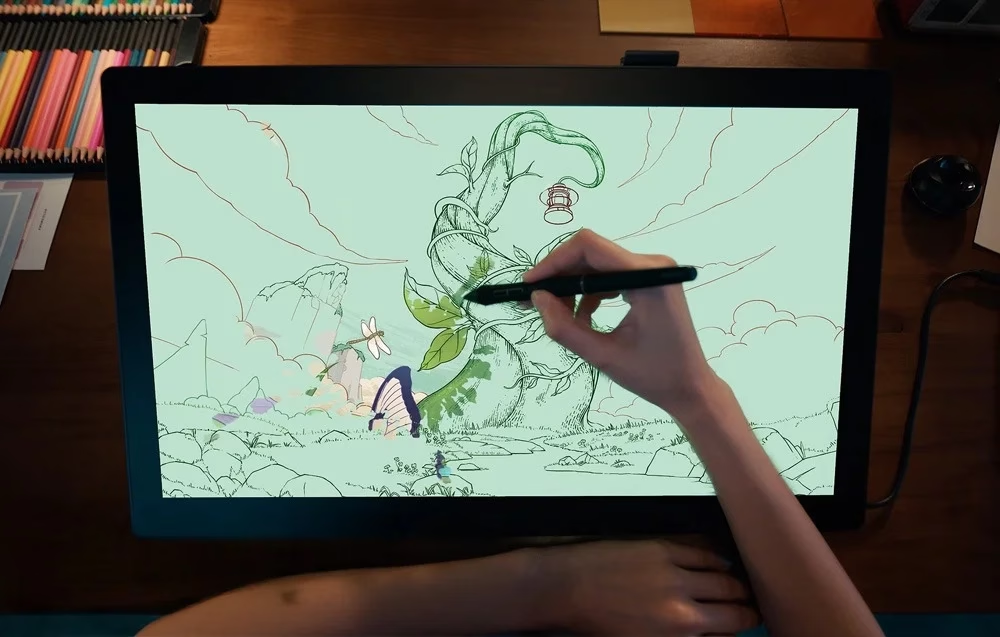
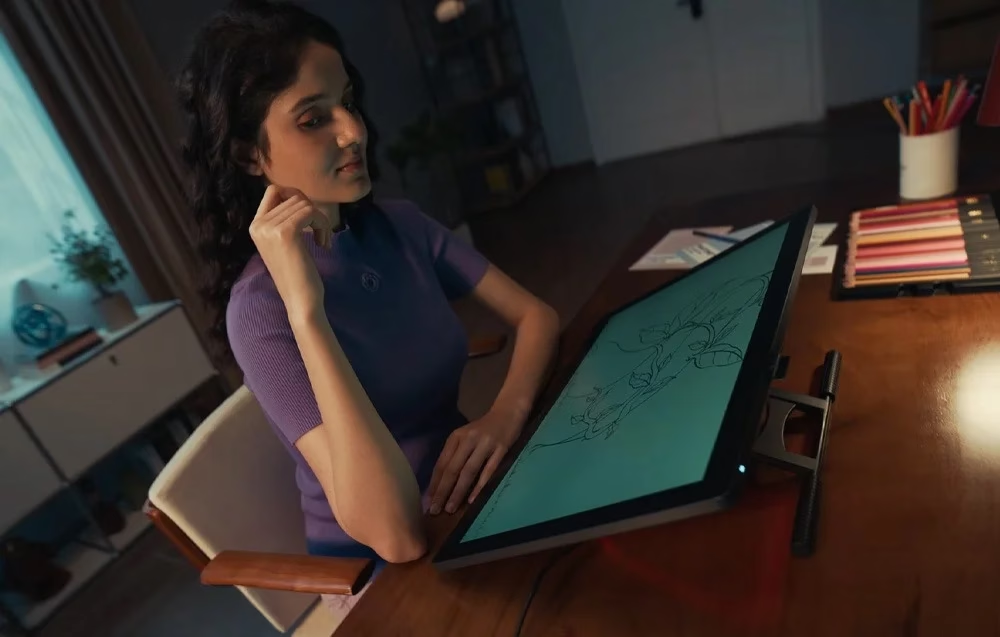
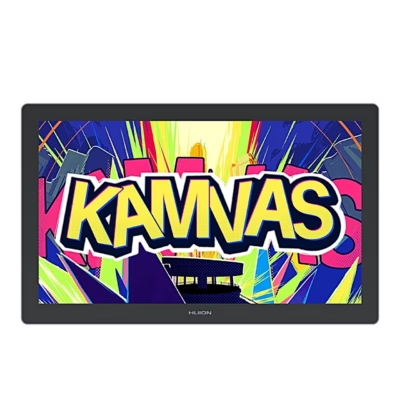
For drawing straight onto the image, the Huion Kamvas 22 Gen 3 pen display has a 21.5-inch IPS screen with a resolution of 2560 × 1440 and a refresh rate of 90 Hz. With its stand it weighs 3.6 kg.
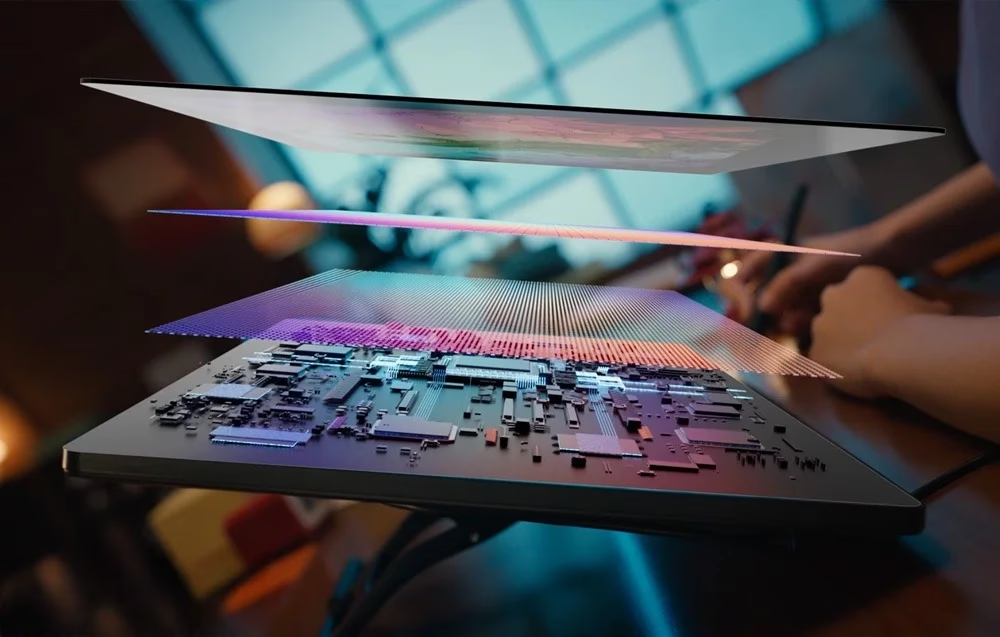
Fully laminated Canvas Glass 2.0
The anti-glare etched Canvas Glass 2.0 has a paper-like surface. On the fully laminated screen the glass is bonded to the panel, so the line appears right under the pen tip.
Colour space selection in the on-screen menu
The screen covers 99% of sRGB and Rec.709, 94% of Display P3 and 90% of Adobe RGB, with a colour accuracy of ΔE < 1.2. Holding the power button for 3 seconds opens the pen-operated on-screen menu, where you choose sRGB, Rec.709, Adobe RGB, Display P3, black and white or the native colour space, and a colour temperature of 6500 K, 7500 K, 9300 K or your own setting.
Battery-free PW600L pen
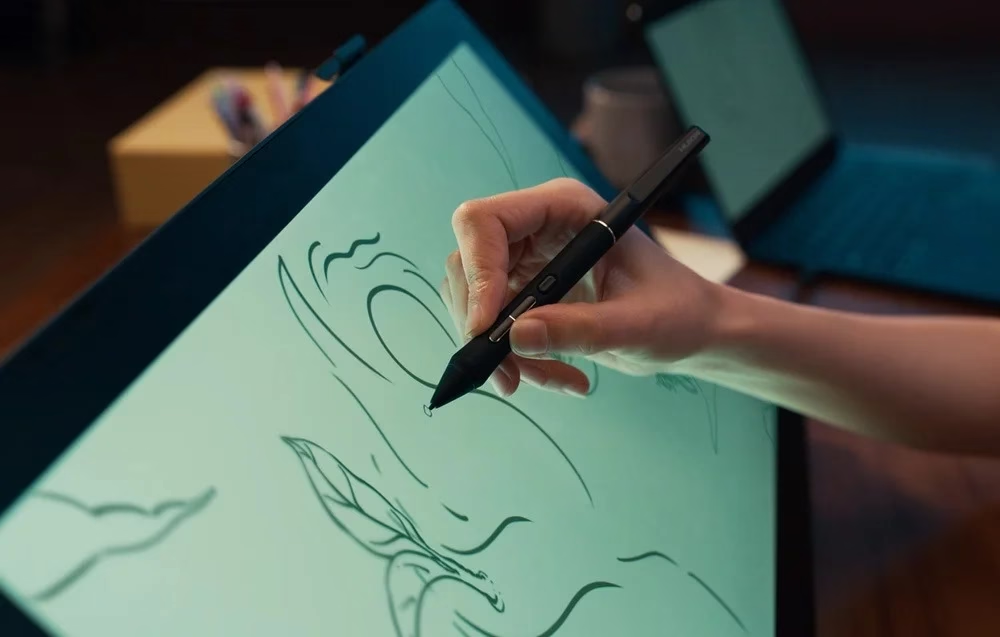
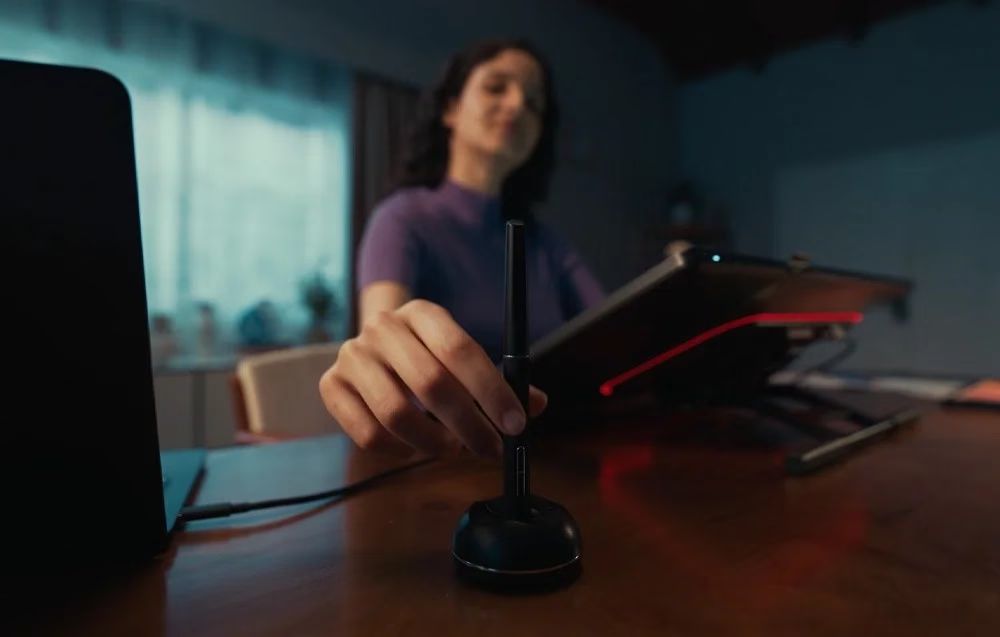
The PW600L pen senses 16,384 pressure levels and ±60° tilt and works without a battery. You set the functions of its three side buttons and the pressure curve in the driver, and the buttons work while the pen tip is within 10 mm of the screen.
Connection over HDMI or USB-C
Connect the tablet to a computer either with the HDMI cable and the USB-A to USB-C cable, or with one full-featured USB-C cable that carries both the picture and the pen data; in both cases power comes from the power adapter. Then install the Huion driver, which supports Windows 10 and later and macOS 10.12 and later; an Android device needs a USB-C port with USB 3.1 and DisplayPort 1.2 support. In the driver the working area rotates by 0°, 90°, 180° or 270° for left- or right-handed use.
Adjustable stand and ambient light
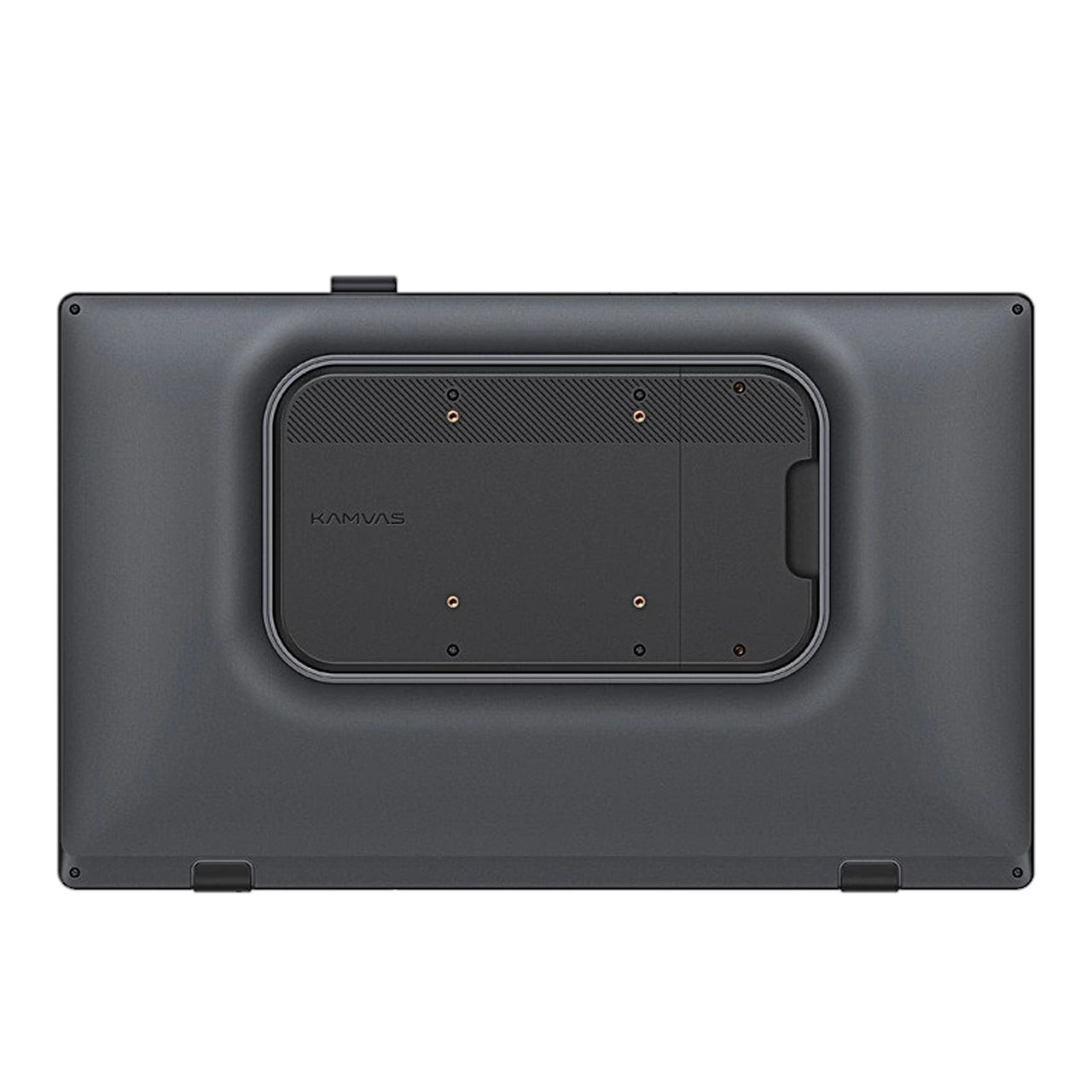
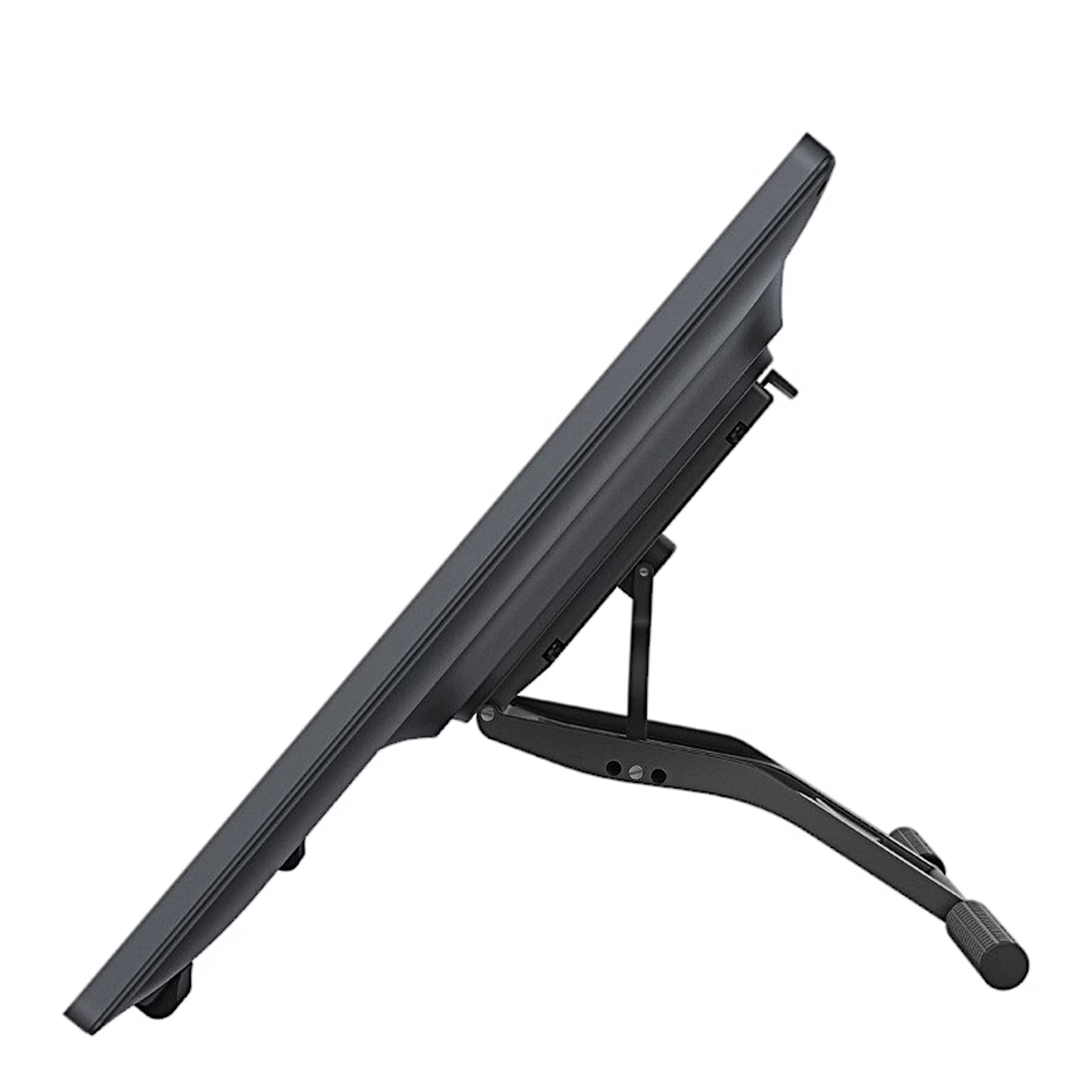
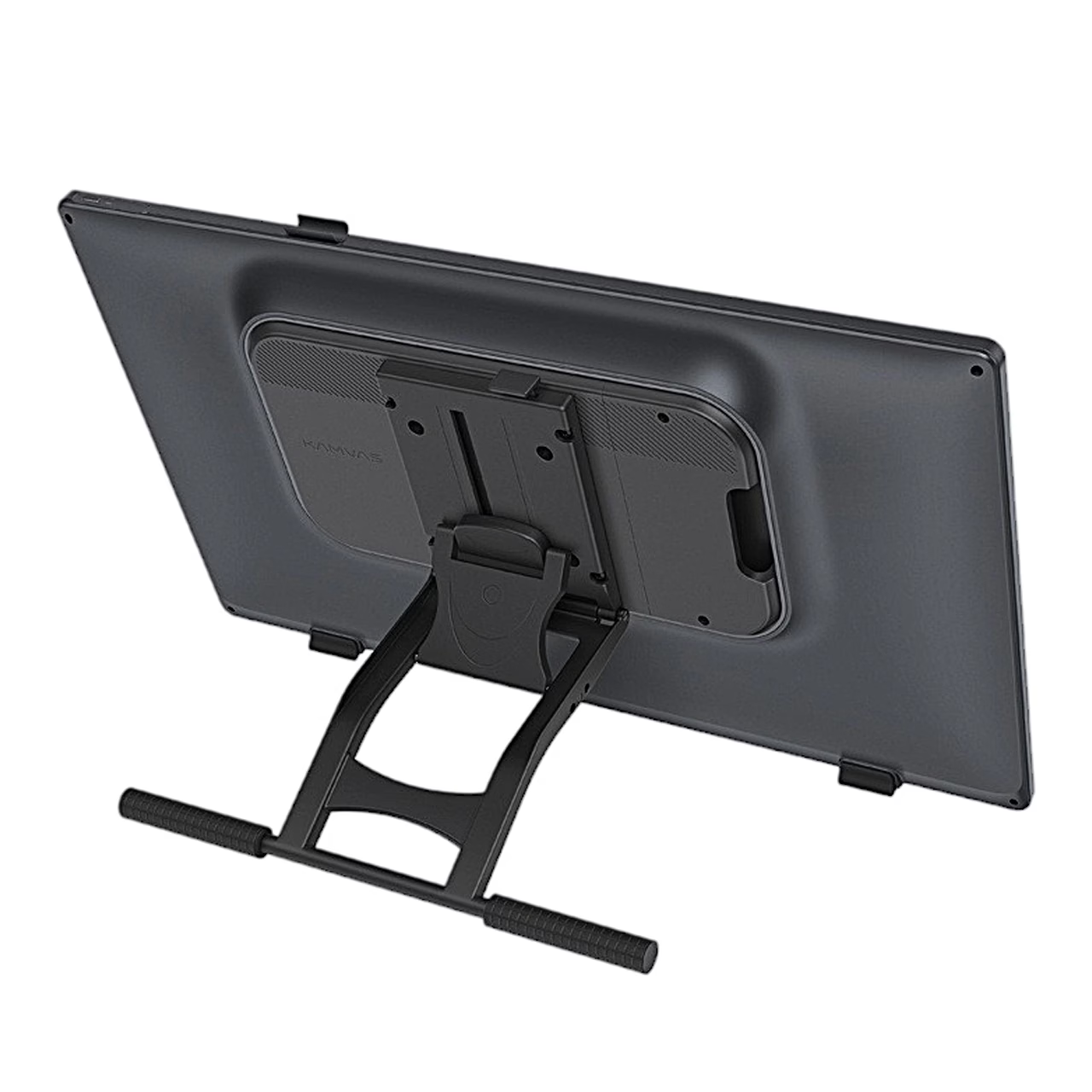
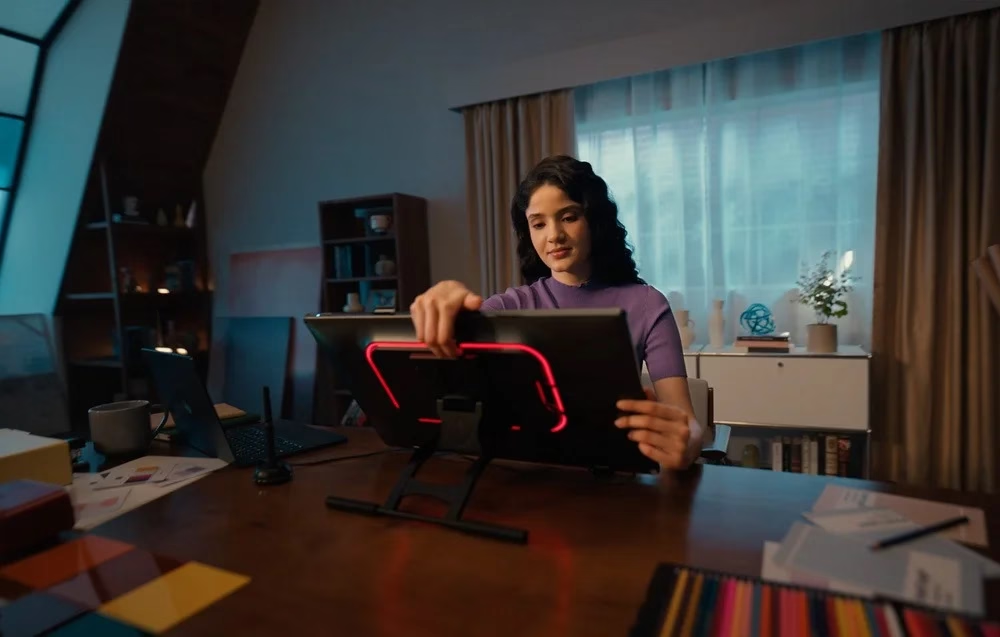
The included adjustable stand tilts from 20° to 80°, and the back has a VESA 100 × 100 mm mount for a monitor arm. You set the colour, brightness and breathing mode of the rear light strip in the driver.
Replacing the pen nib
Pull the worn nib out with the nib clip on the back of the pen holder and push the new nib into the pen until it stops.
In the box
- Pen display Huion Kamvas 22 Gen 3, 1 pc
- Adjustable stand ST100D, 1 pc
- PW600L pen, 1 pc
- PH06 pen holder with 10 PN06 spare nibs
- Pen storage slot, 1 pc
- HDMI cable (1.8 m), 1 pc
- Full-featured USB-C to USB-C cable (1.8 m), 1 pc
- USB-A to USB-C cable (1.8 m), 1 pc
- Power adapter and power cord (1.5 m)
- Screwdriver
- Drawing glove
- Cleaning cloth
- Quick start guide











































Reviews
There are no reviews yet.