

Description
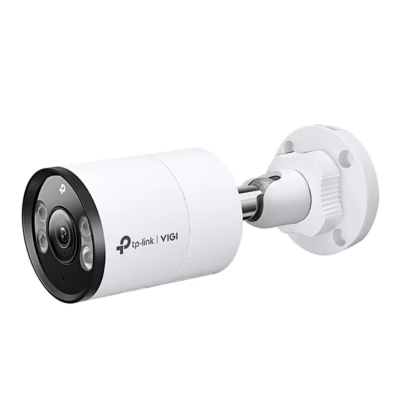
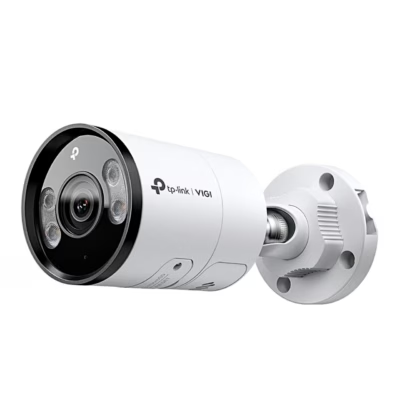
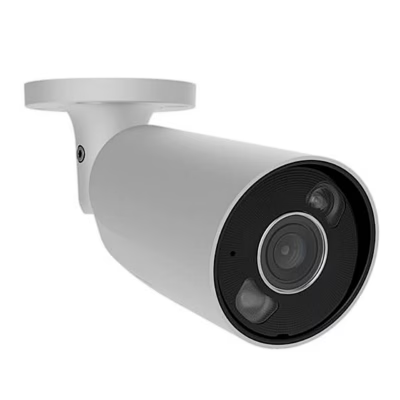
Security camera with round-the-clock colour and smart detection
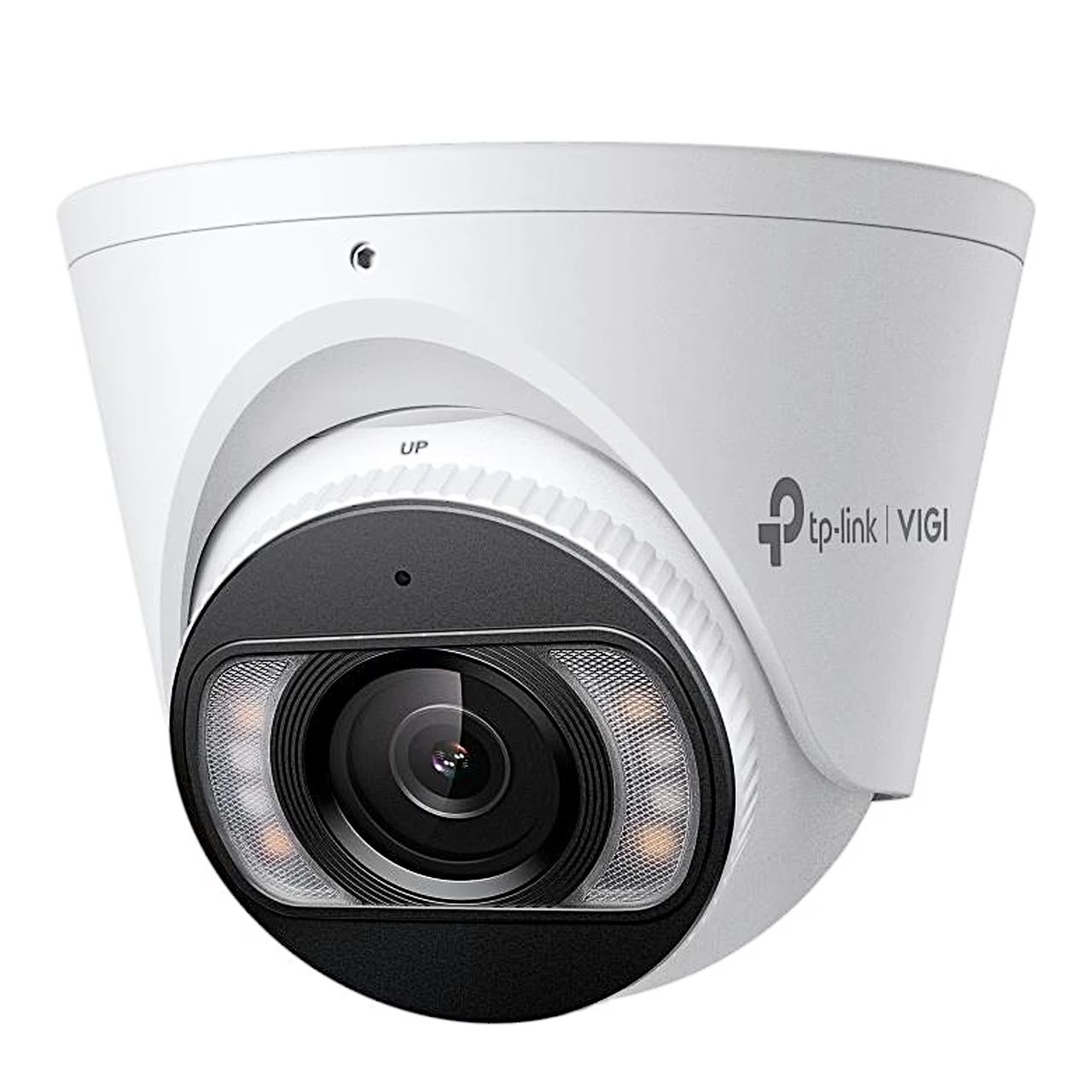
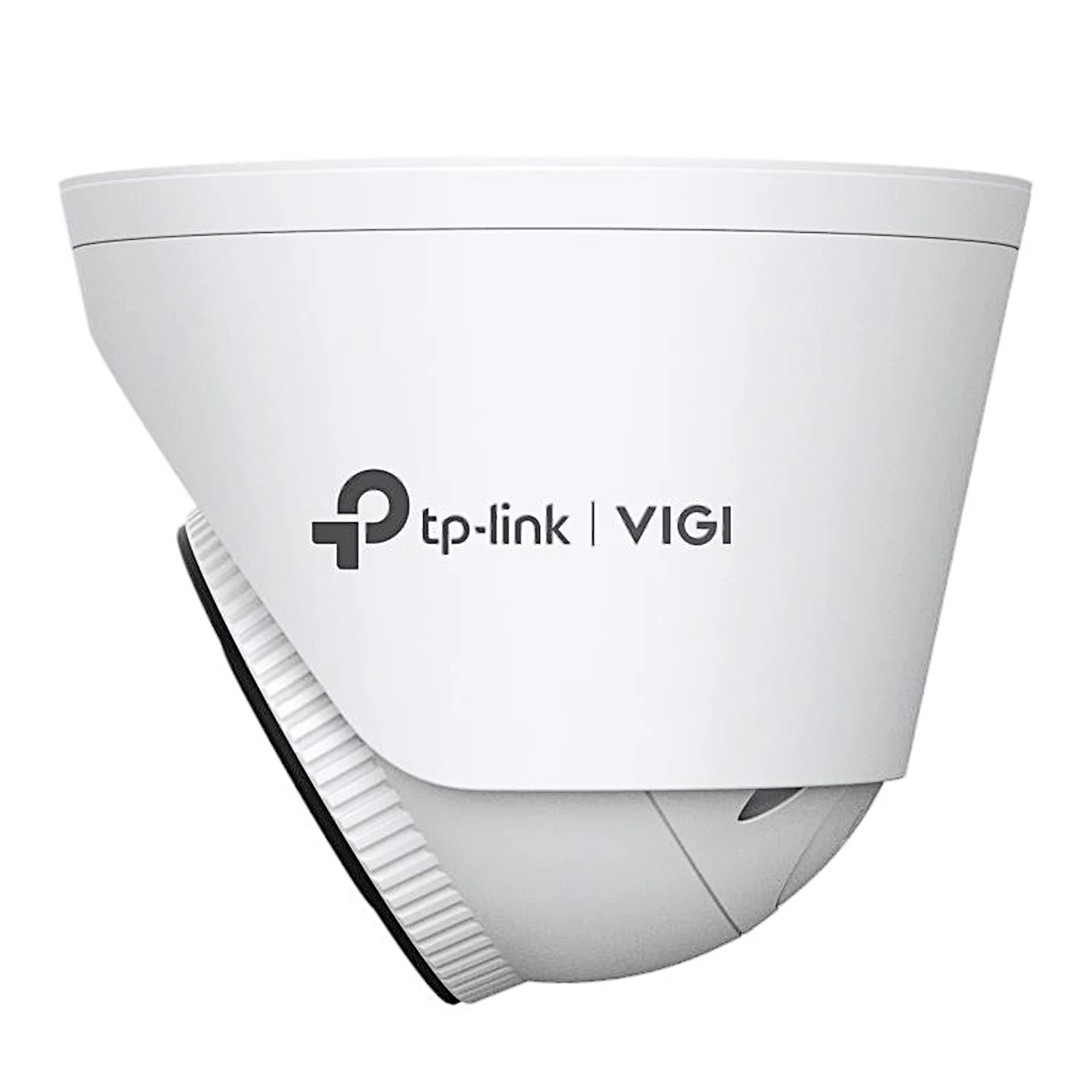
The colour night vision security camera TP-Link VIGI InSight S455 is an IP67-rated outdoor camera in a metal housing, powered and networked over an Ethernet cable (PoE) or from a 12 V adapter. It records 5 MP video at 2880 × 1620 at up to 30 frames per second through a 2.8 mm, F1.6 lens. The identification distance is 6 m and the motion detection distance 64 m. With wide dynamic range (WDR, 120 dB), objects stay distinguishable even against the light.
A PoE-powered security camera takes power and picture over one cable
A PoE-powered security camera is a camera whose power and video run in one Ethernet cable between a PoE switch or injector and the camera. The InSight S455 supports IEEE 802.3af and 802.3at and draws up to 12 W on PoE, supplied by a PoE switch (a network switch that powers connected devices over the cable). A single-cable PoE camera suits a fixed installation, a Wi-Fi camera a spot with Wi-Fi coverage and a socket.
Colour night view, detection and deterrence
Four white and four infrared LEDs light the view up to 30 m, so the camera gives a colour picture around the clock. It tells people from vehicles and detects intrusion, line crossing, region entering and exiting, abandoned or removed objects and abnormal sound. On an alarm it triggers a sound and light alarm, sends a push notification and records video to the memory card or an FTP server. For two-way talk it has a microphone and speaker, and the microphone picks up sound within a 5 m radius.
Recording, NVR and the VIGI app
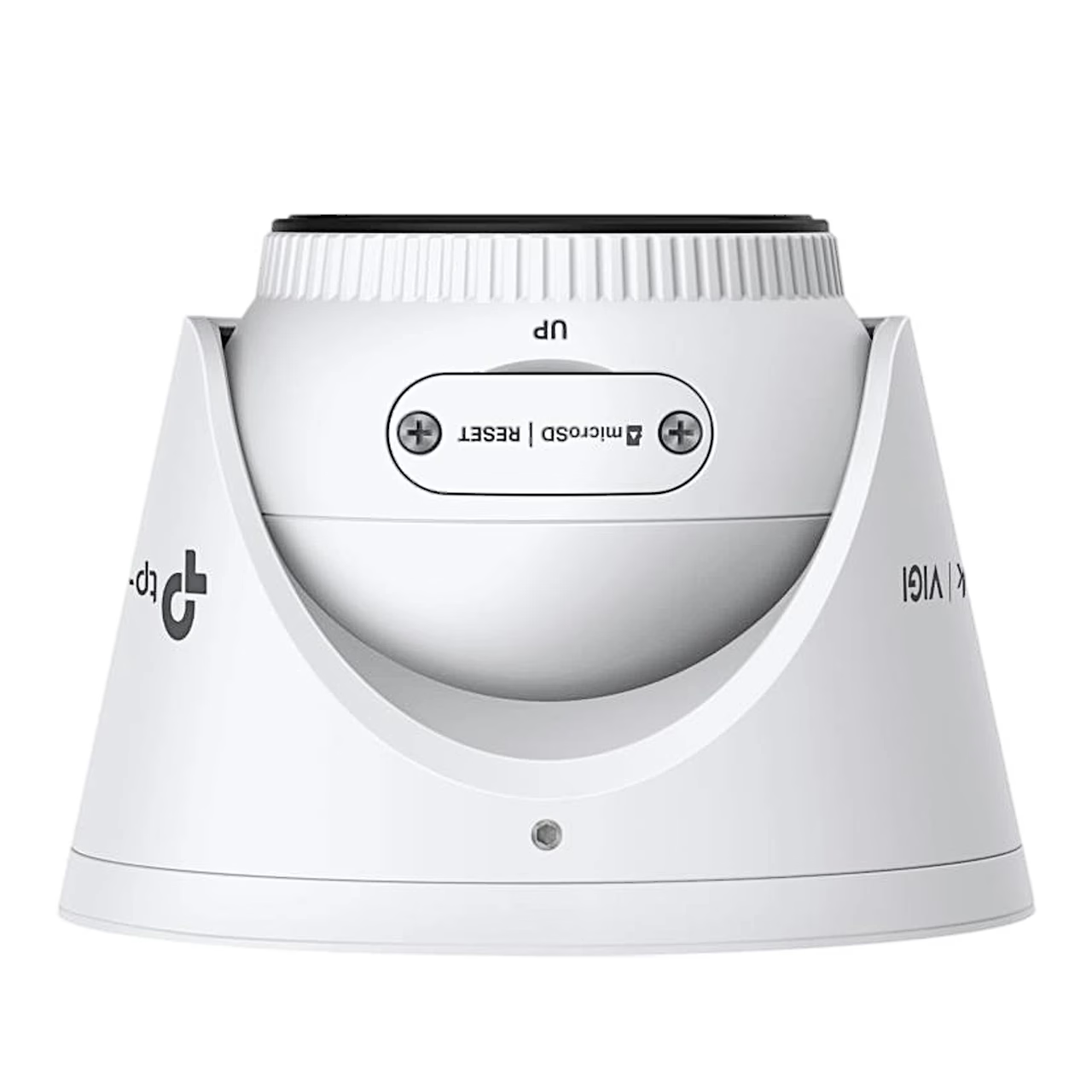
Video is stored on a microSD card of up to 512 GB, which is formatted in the VIGI app or other management software before recording. With ONVIF Profile S, T and G support the camera works with VIGI NVRs and other makers’ NVRs (network video recorders that store several cameras); for another maker’s recorder it is first activated in the VIGI app or the web interface. Remote viewing and notifications need the VIGI app and a TP-Link ID, and on the local network the camera can also be set up in a web browser.
Wall or ceiling installation
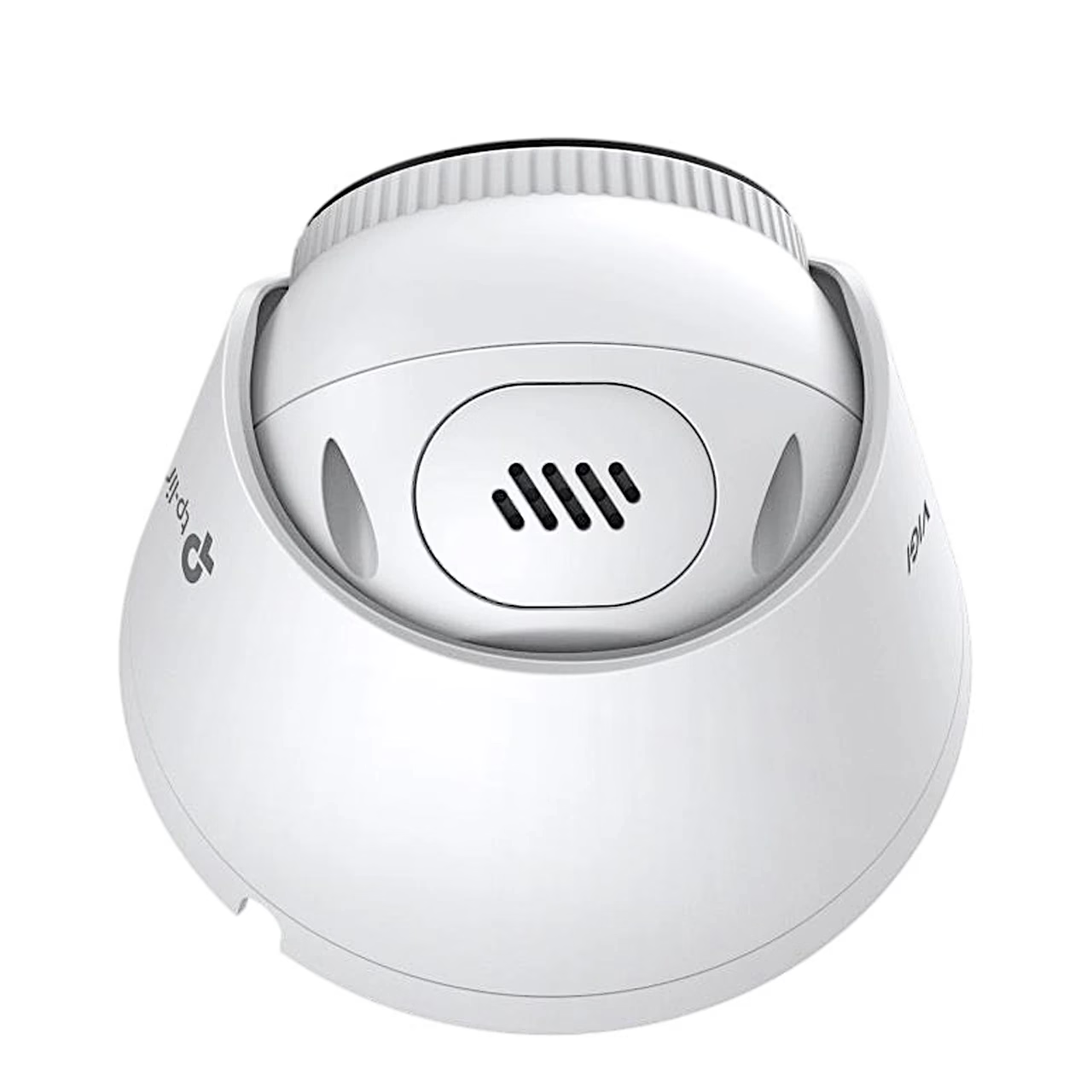
The cable can go into a dropped ceiling or out through the side outlet of the base, so no hole has to be drilled for it. The base is fixed to a wall or ceiling with anchors and screws, and the camera is pushed onto the base and turned to lock. Keep the power disconnected while mounting; the surface must hold at least four times the weight of the camera and base. The direction can be set: pan 0–360°, tilt 0–75° and image rotation 0–360°.
In the box
- Security camera TP-Link VIGI InSight S455, 1 pc
- Mounting accessories
- Waterproof cable attachments
- Quick start guide






































Reviews
There are no reviews yet.