
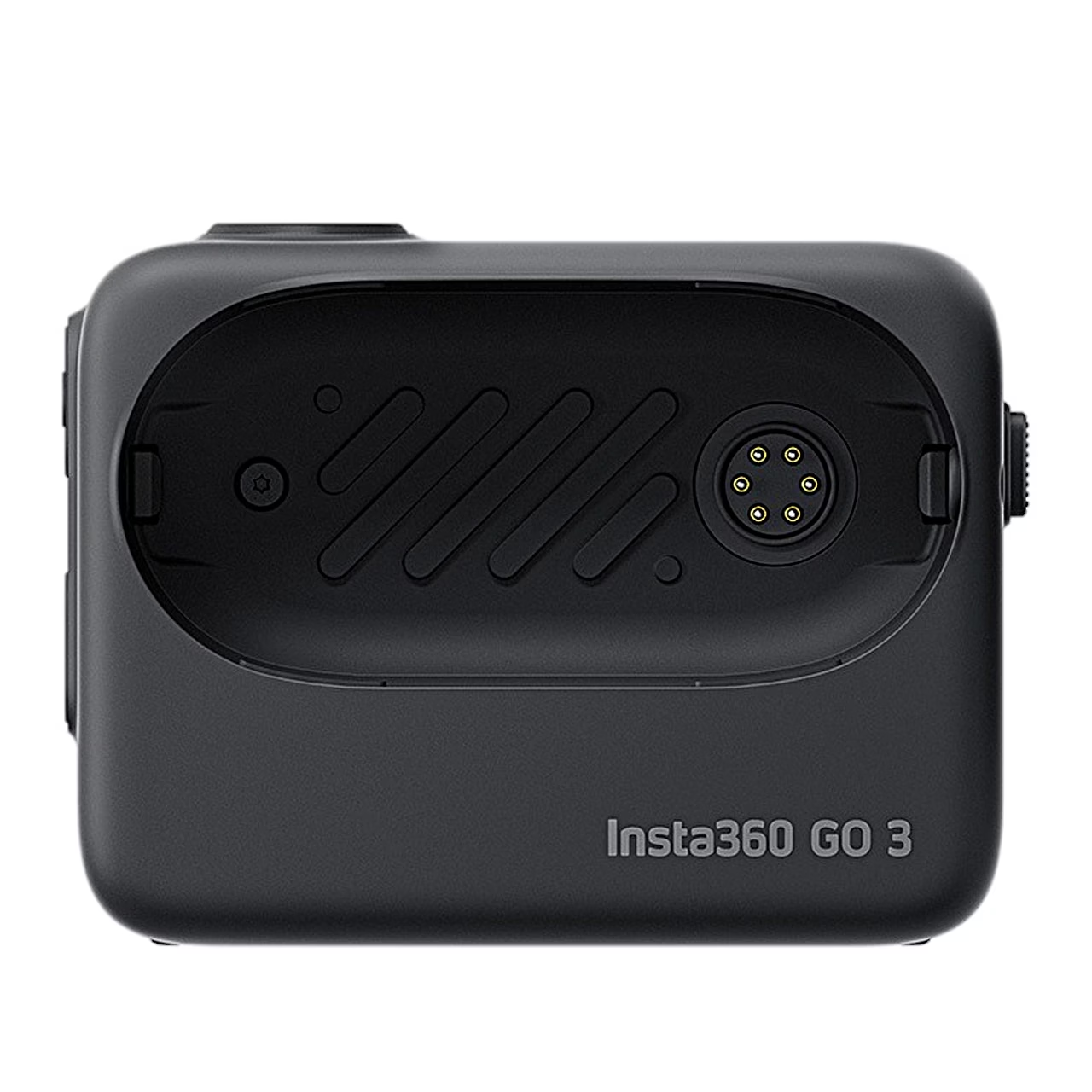

Description
Waterproof action camera that attaches magnetically to clothing and gear
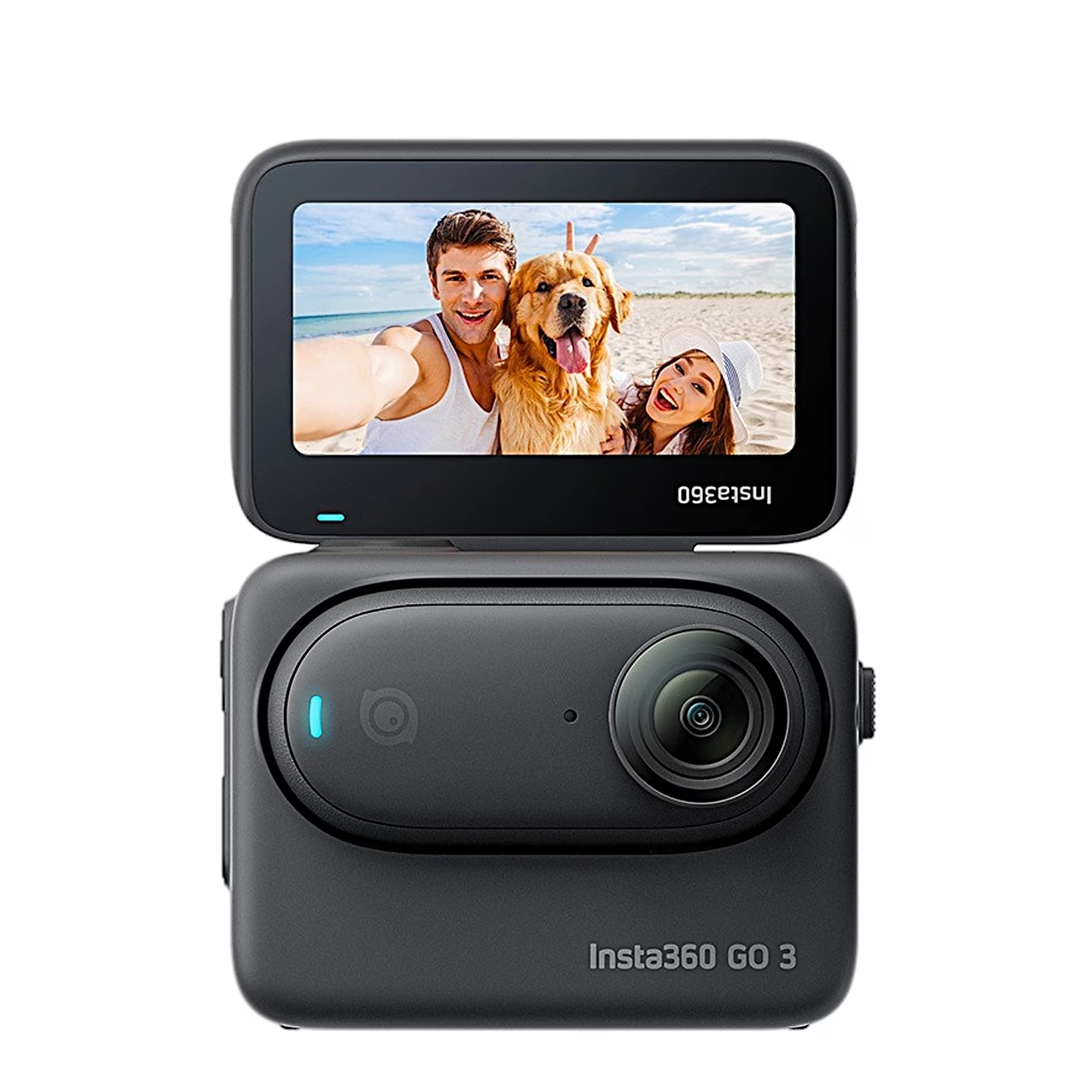
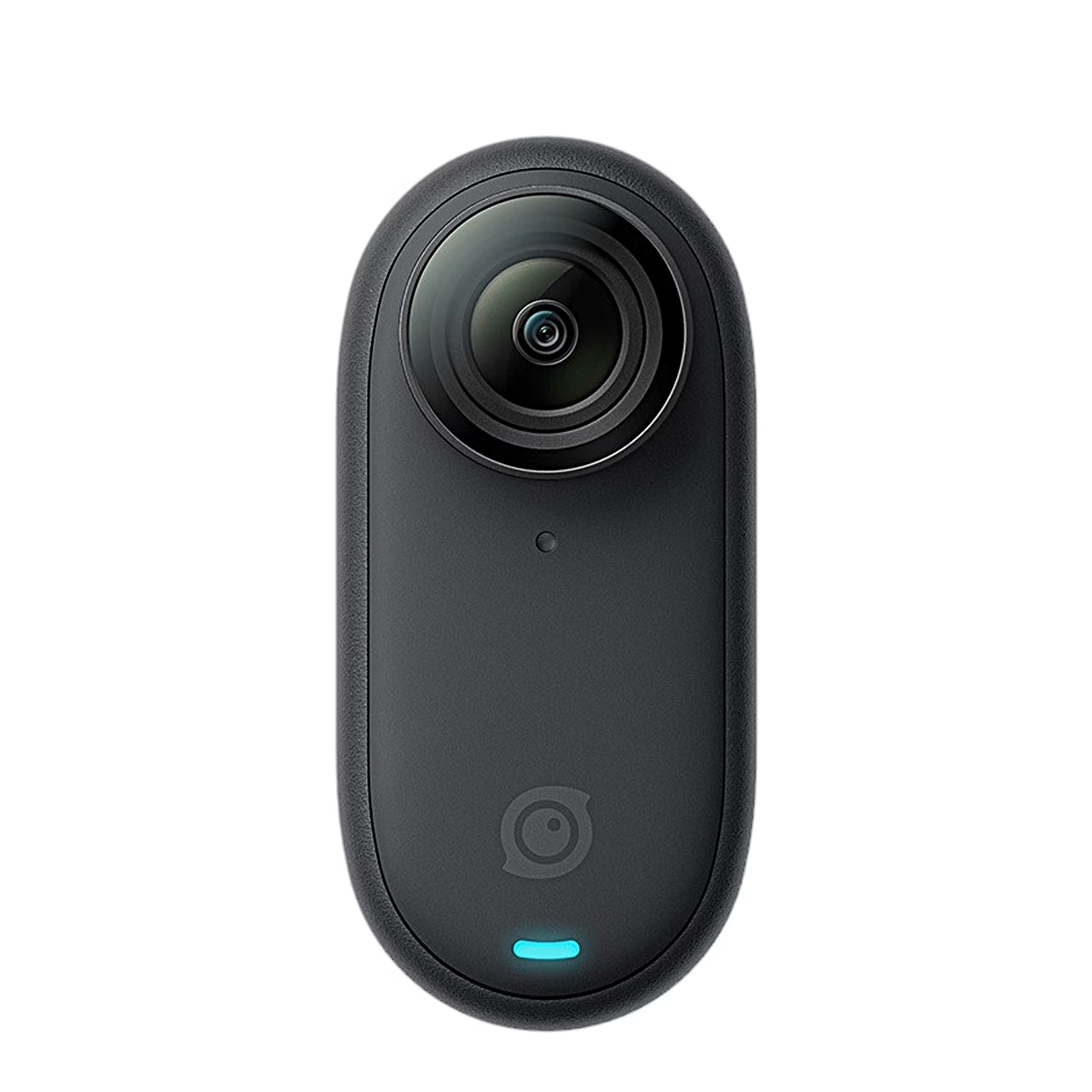
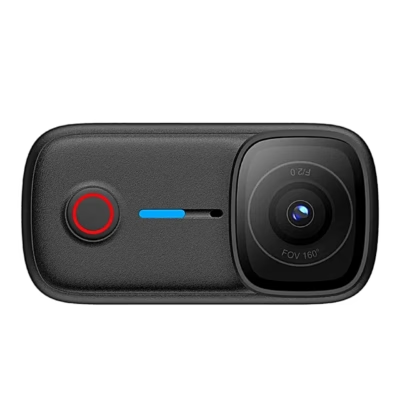
The Insta360 GO 3 is a thumb-sized waterproof action camera that records video at up to 2.7K (2720 × 1536) and 30 frames per second. The camera has 128 GB of built-in storage.
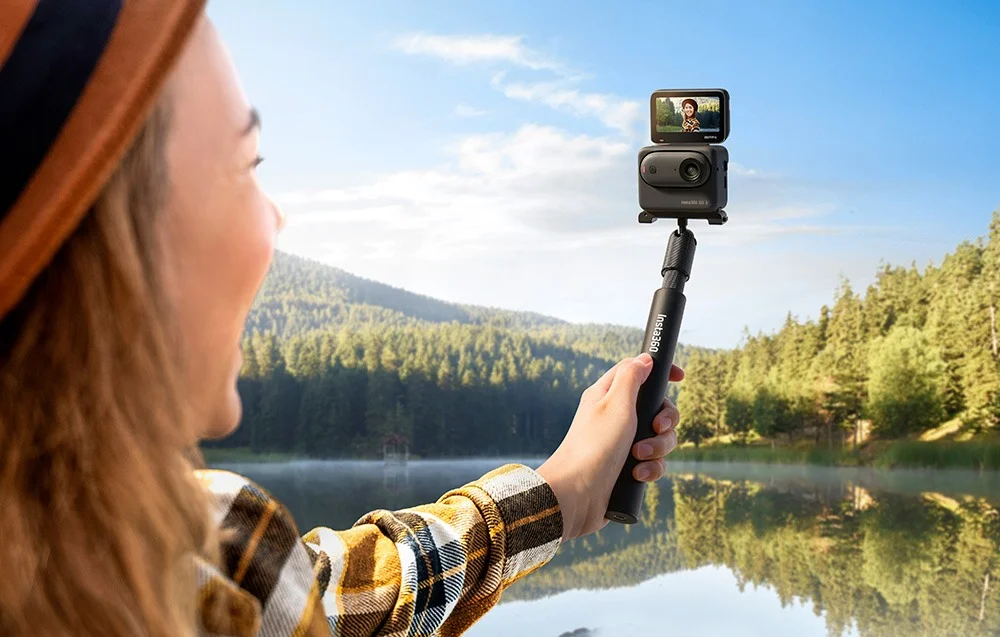
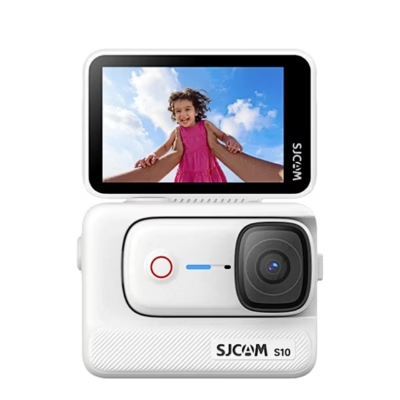
Action Pod with a flip touchscreen
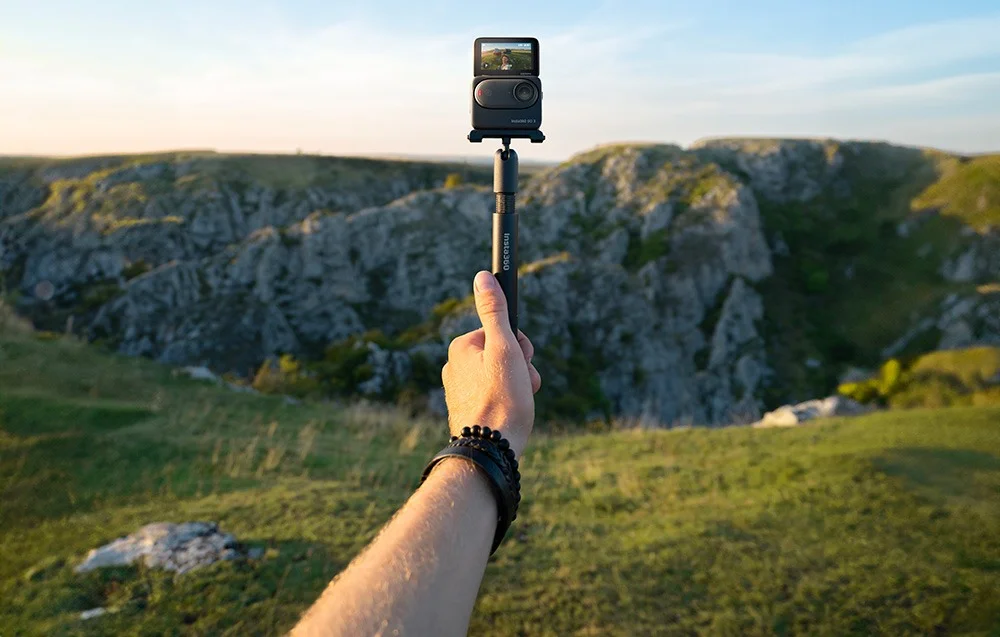
The supplied Action Pod has a forward-flipping 2.2-inch touchscreen. With the camera docked, both work as one action camera, controlled with the Action Pod buttons or the app. With the camera taken out, the Action Pod lets you control and preview from up to 5 m; the preview runs over Bluetooth and the recording keeps the selected resolution.
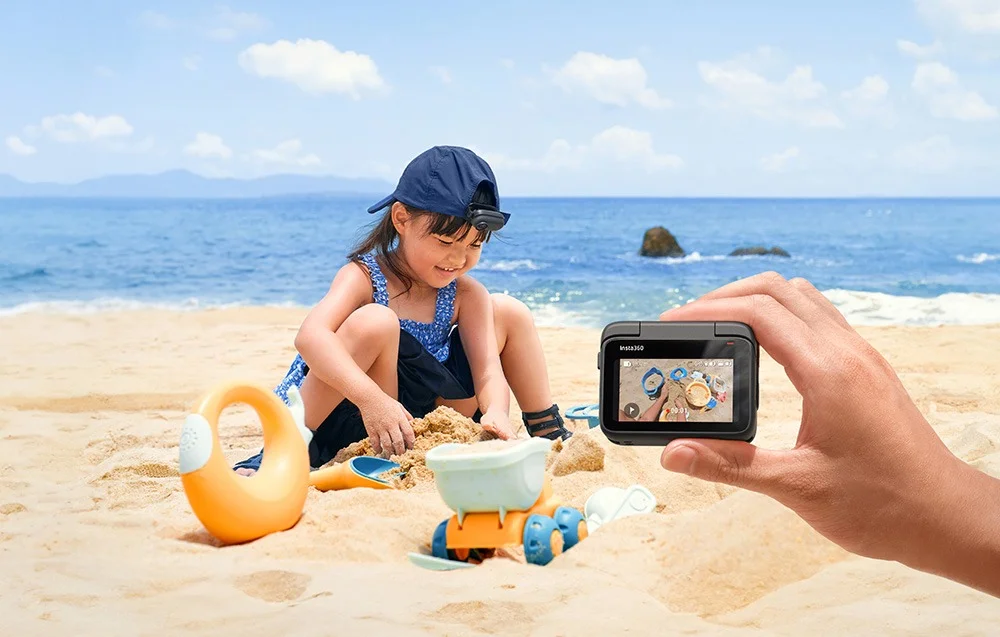
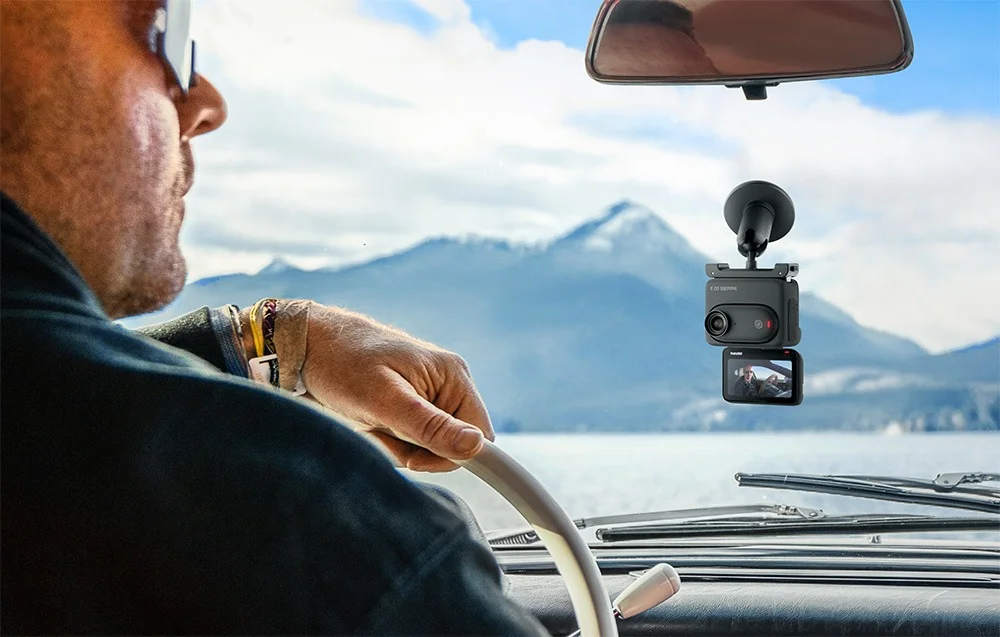
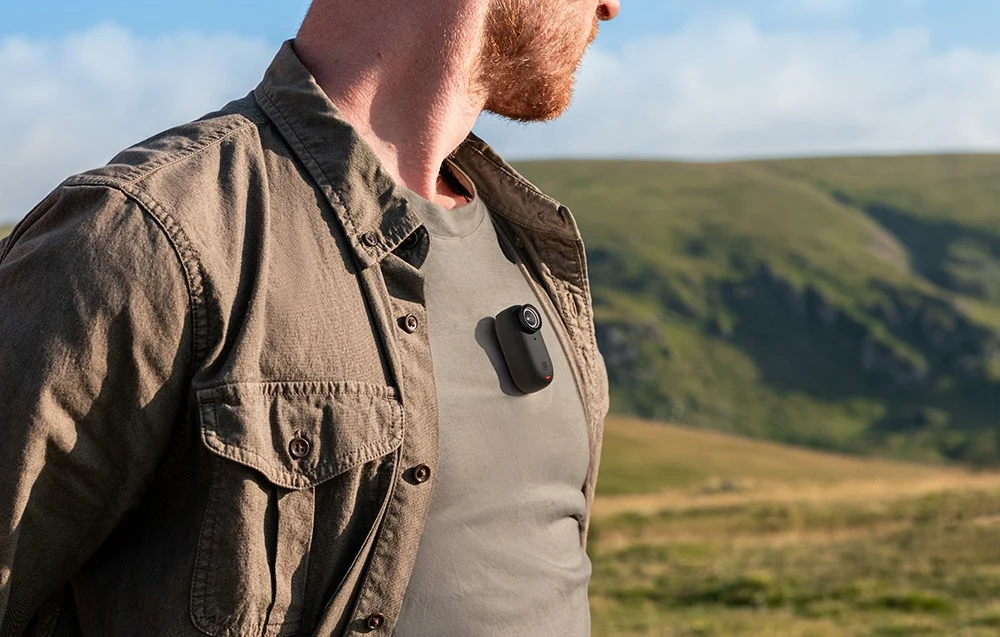
Mounts for chest, cap and smooth surfaces
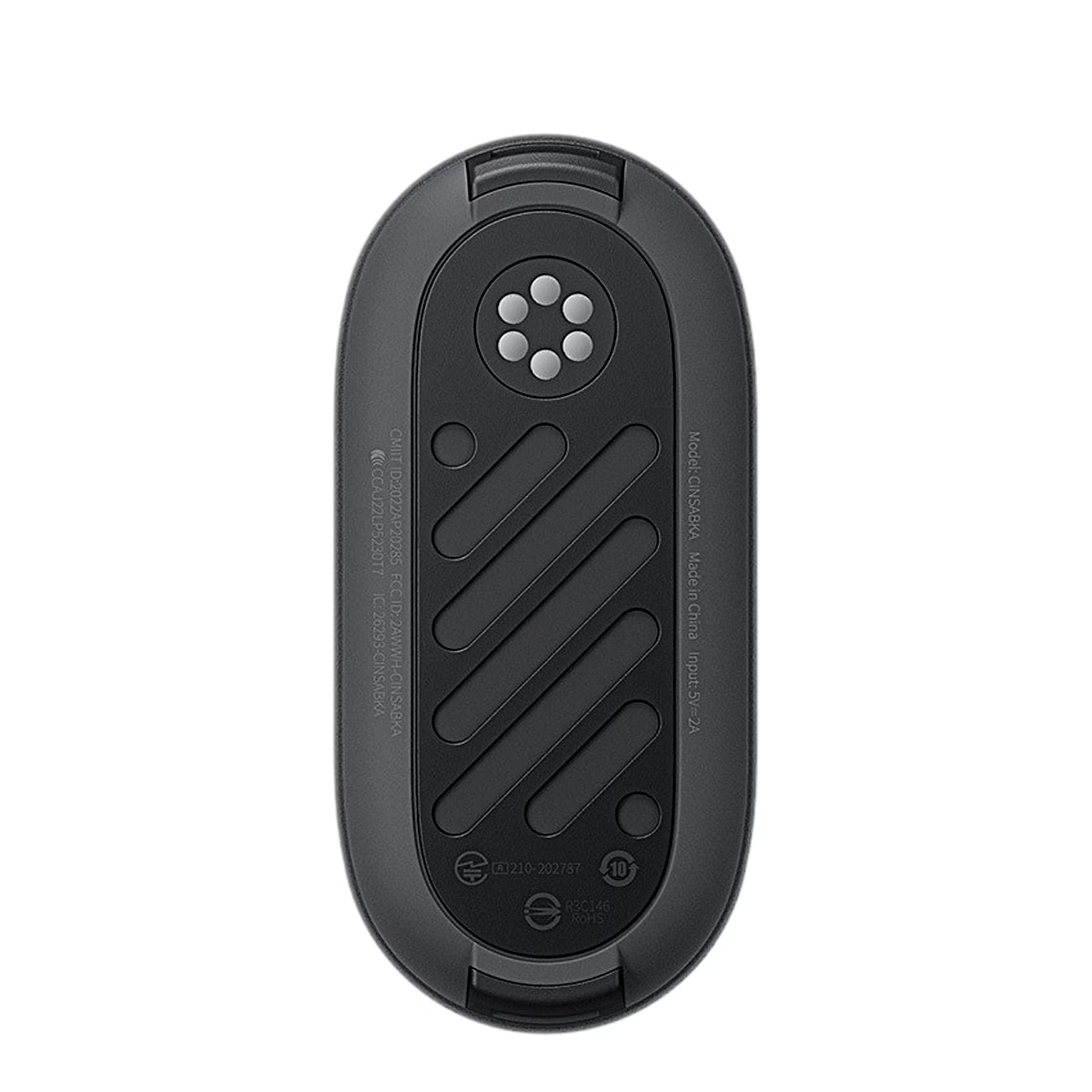
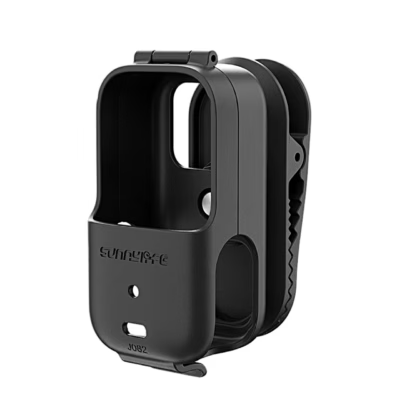
The magnetic pendant is worn under clothing and the camera attaches to it over the fabric, so you film hands-free from your own point of view. The pivot stand sticks to a clean smooth surface: press it for 10 seconds and wait 30 minutes before use. Under the removable base is a 1/4-inch thread for other accessories. The easy clip fixes the camera to a cap brim.


Shooting modes, stabilisation and sound
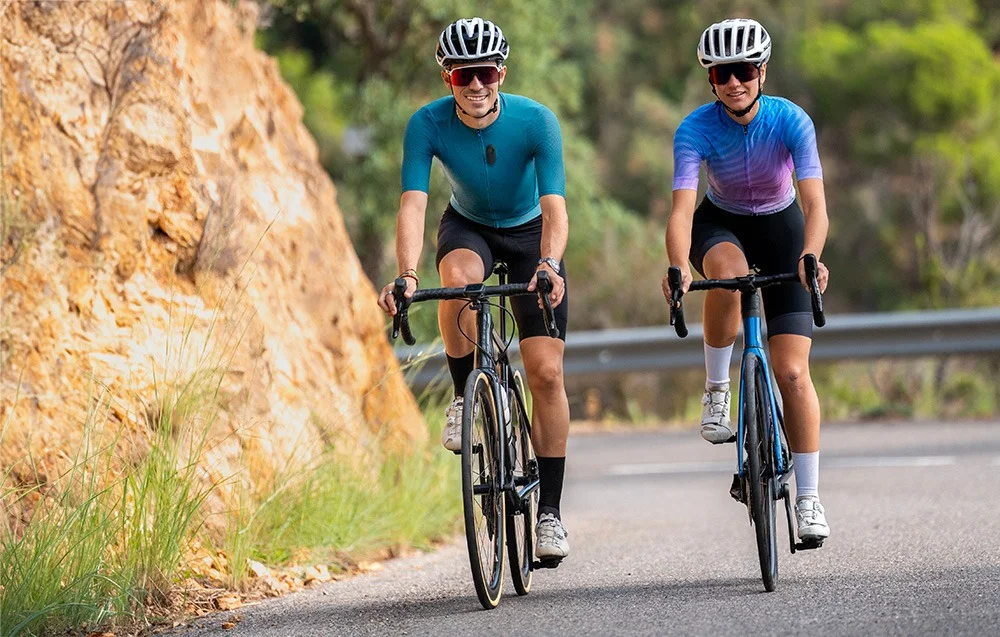
Video modes are standard video, FreeFrame, timelapse, TimeShift, slow motion at 120 frames per second, loop recording and pre-recording; photo modes are photo, HDR photo, interval and Starlapse. With FreeFrame video you choose the aspect ratio after shooting and the horizon is corrected through 360°. FlowState stabilisation has three levels, and the field of view can be ultra-wide, Action View or linear. Two microphones record sound, with wind reduction, stereo or directional audio modes.

Battery life and charging
The camera’s 310 mAh battery records for up to 45 minutes at 1080p and 30 frames per second, and together with the Action Pod’s 1270 mAh battery you get up to 173 minutes of recording. To charge, dock the camera in the Action Pod and connect the cable to the Action Pod’s USB-C port. The camera charges fully in 35 minutes and the Action Pod in 65 minutes.

Getting started
Before first use, remove the red sticker from the back of the camera and activate the camera in the Insta360 app: switch the camera on, enable Wi-Fi and Bluetooth on your phone and select the camera in the app. With quick capture, one button press starts recording even when the camera is off. The camera can also be controlled by voice commands.
Cleaning and care
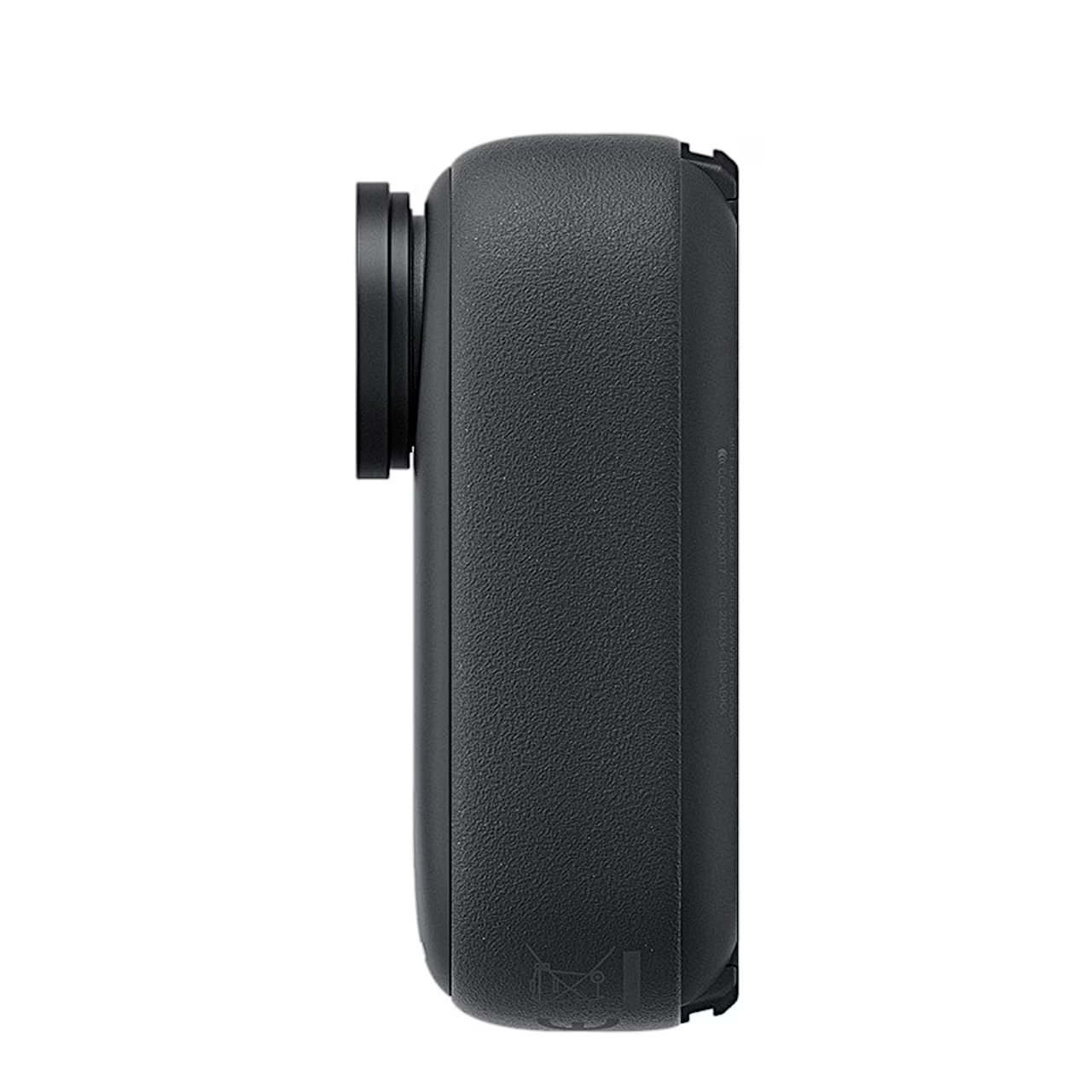
After use in water, dry the camera with a soft cloth and dock it in the Action Pod only when the magnetic charging contacts are dry. After sea water, soak the camera in fresh water for 15 minutes, rinse with a gentle stream and dry. For filming underwater the lens guard must be fitted. For firmware updates the camera and Action Pod batteries must be at least 25% charged.
In the box
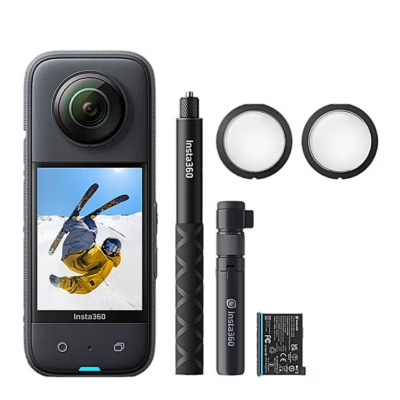
- Action camera Insta360 GO 3, 1 pc
- Action Pod with flip touchscreen
- Magnetic pendant
- Pivot stand
- Easy clip
- USB-C to USB-A fast charging cable
- Lens guard
- Charger not included








































Reviews
There are no reviews yet.