

Description
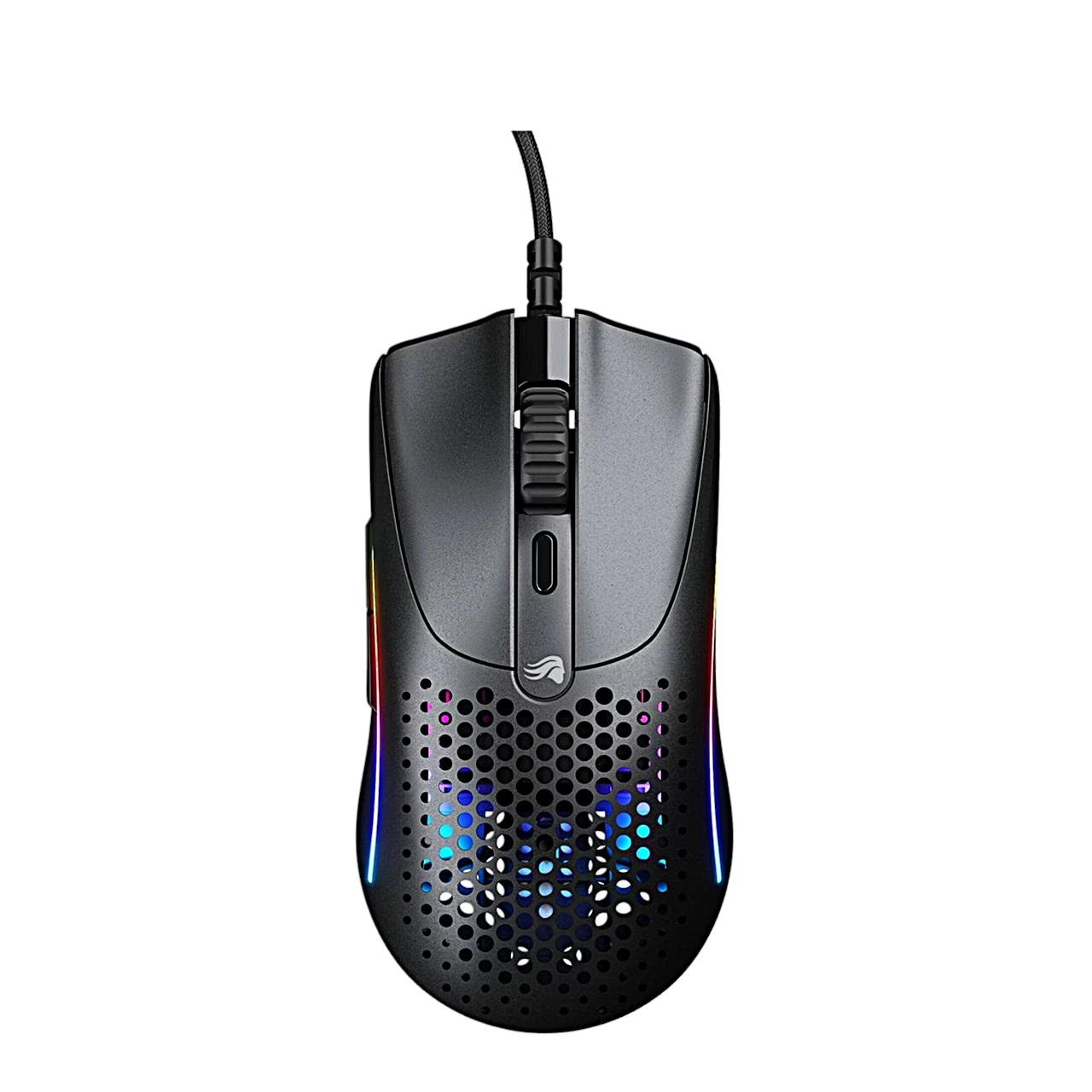
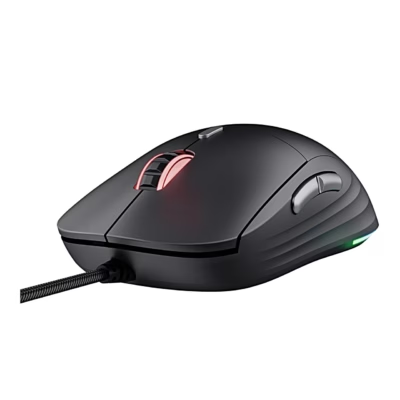
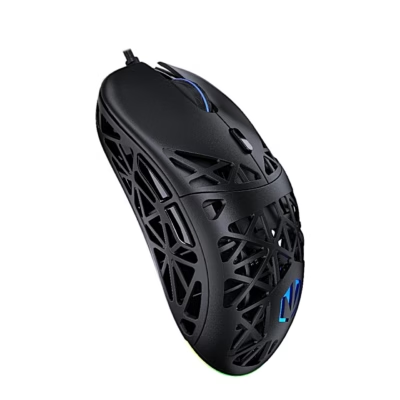
Wired mouse with six buttons and a honeycomb shell
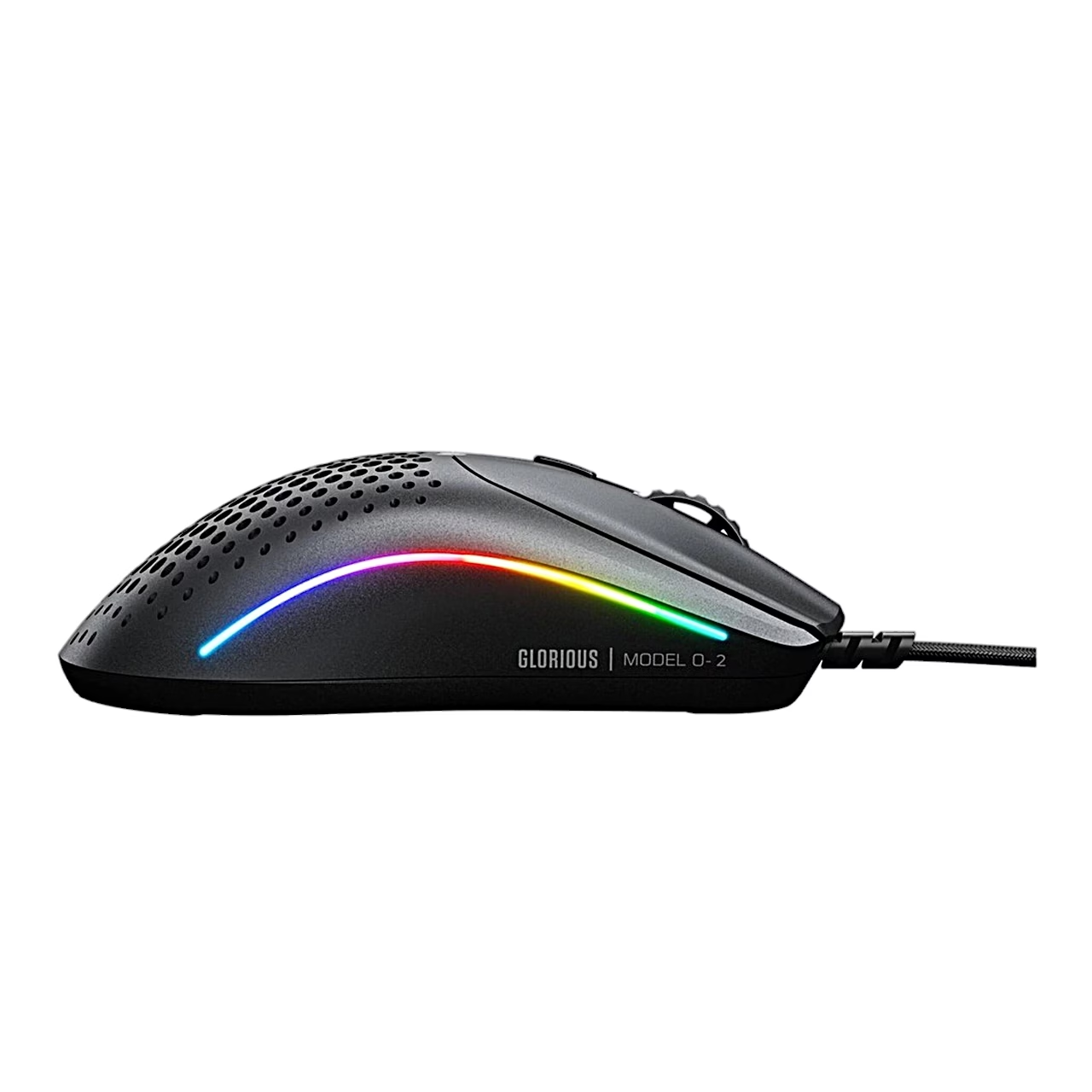
The wired mouse Glorious Model O 2 Mini has a honeycomb shell, left and right buttons, a clickable scroll wheel and two side buttons. The main switches are Glorious Switches, rated by the maker for 80 million clicks. The sensor tracks at up to 650 IPS (inches per second) and at accelerations up to 50 G.
DPI presets, lift-off distance and debounce time
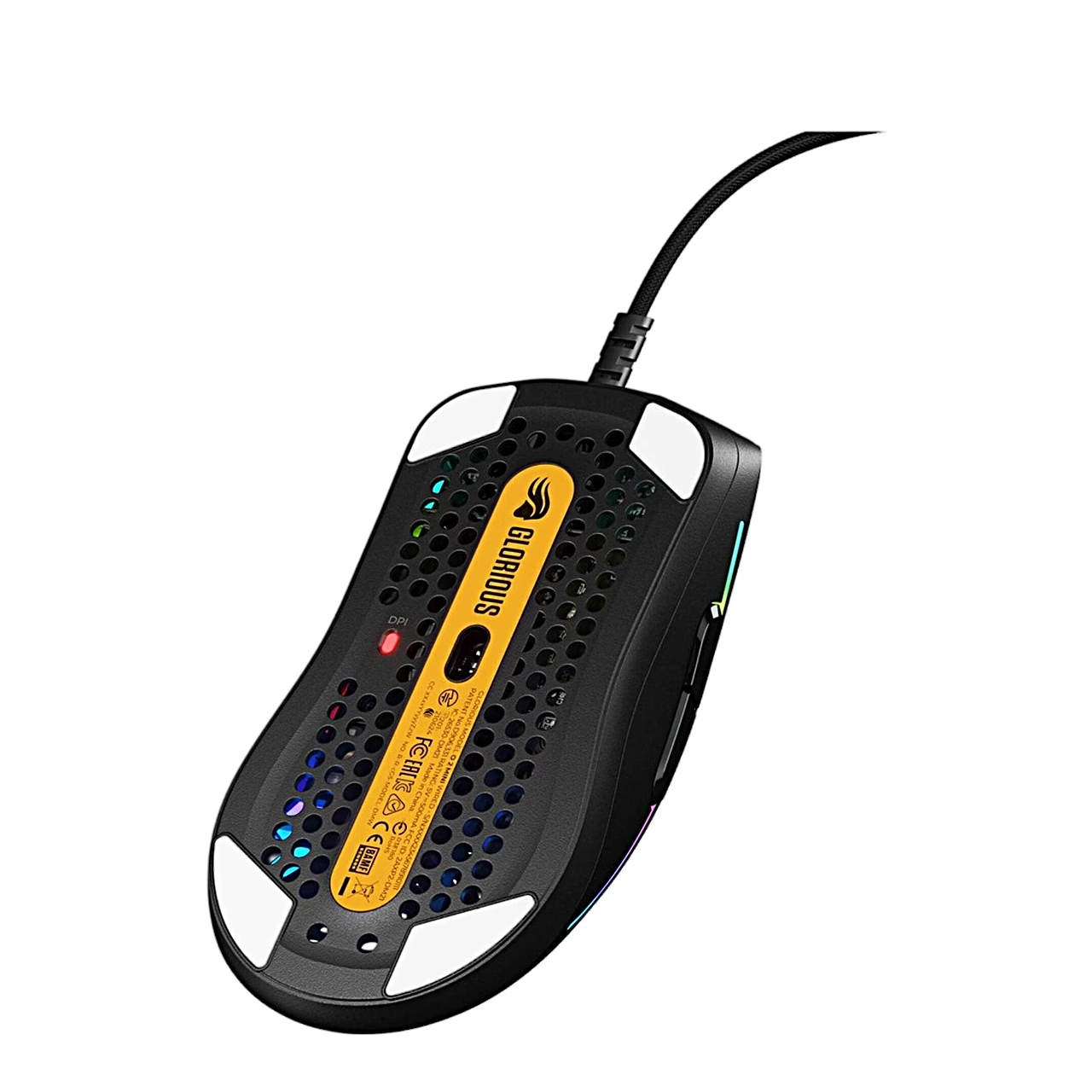
The mouse has four DPI presets, each marked by a light colour: 400 yellow, 800 blue, 1600 red and 3200 green, with 1600 selected by default. The lift-off distance, the height above which the sensor stops tracking, can be set to 1–2 mm. Button debounce time can be set from 0 to 16 ms, 2 ms by default.
Glorious CORE software and RGB lighting
With the optional Windows software Glorious CORE you can assign macros and new functions to the buttons, choose lighting colours and save DPI settings. The lighting has several effects, including Breathing, Wave and Single Color, and can be switched off.
Getting started
Before first use, remove the blue protective film from the G-Skates feet. The mouse connects to a free USB port with its 2 m Ascended USB-A cable and drivers install automatically. It works with Windows 7 and later, macOS and Linux. To restore factory settings, hold the left and right buttons together with the scroll wheel button for 5 seconds until the lights flash green; this erases all profile data on the mouse.
Cleaning and care
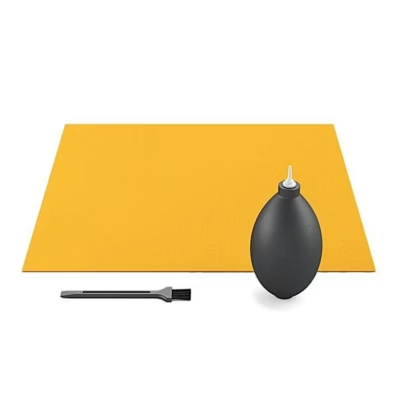
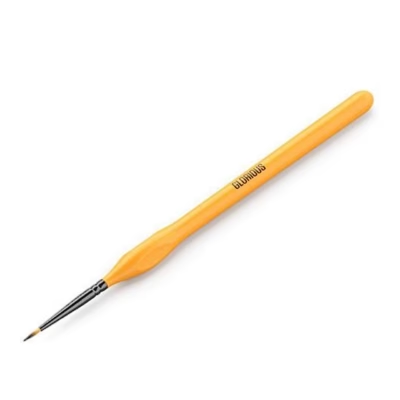
Wipe dirty surfaces with a lightly damp cloth and let them dry, without chemical cleaners. Use a soft brush or compressed air to remove dust and debris.









































Reviews
There are no reviews yet.