

Description
Gaming mouse with settings you change on the mouse buttons
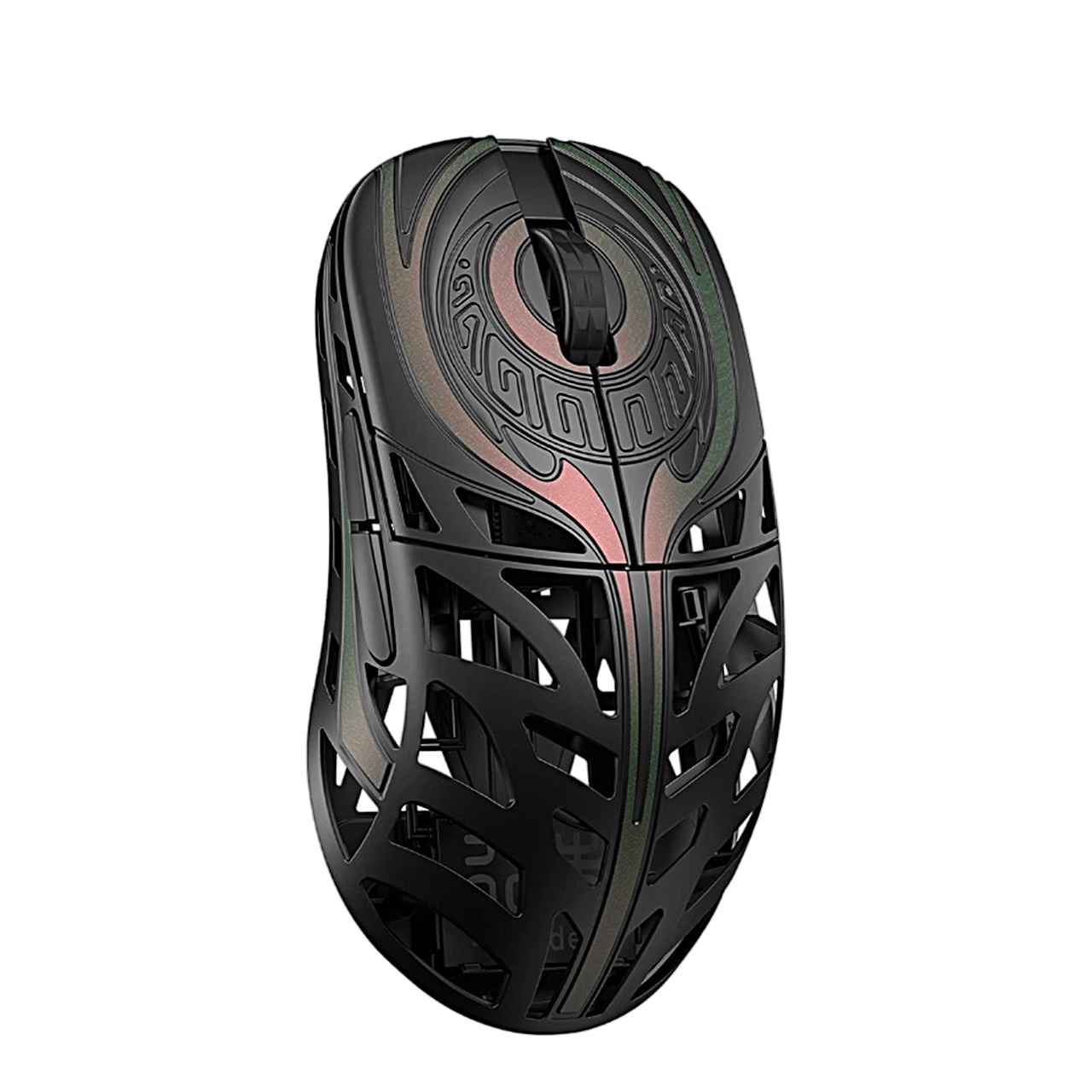
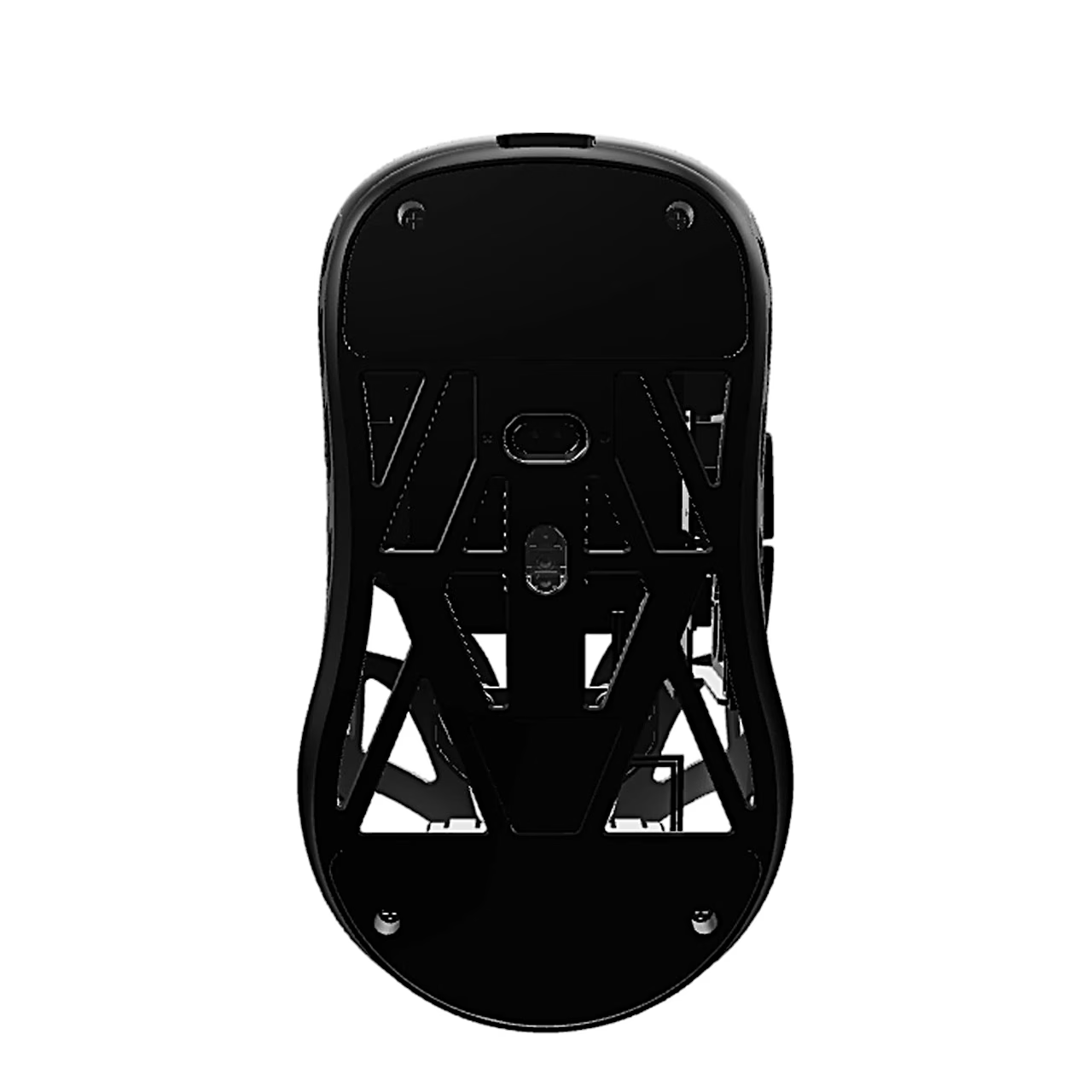
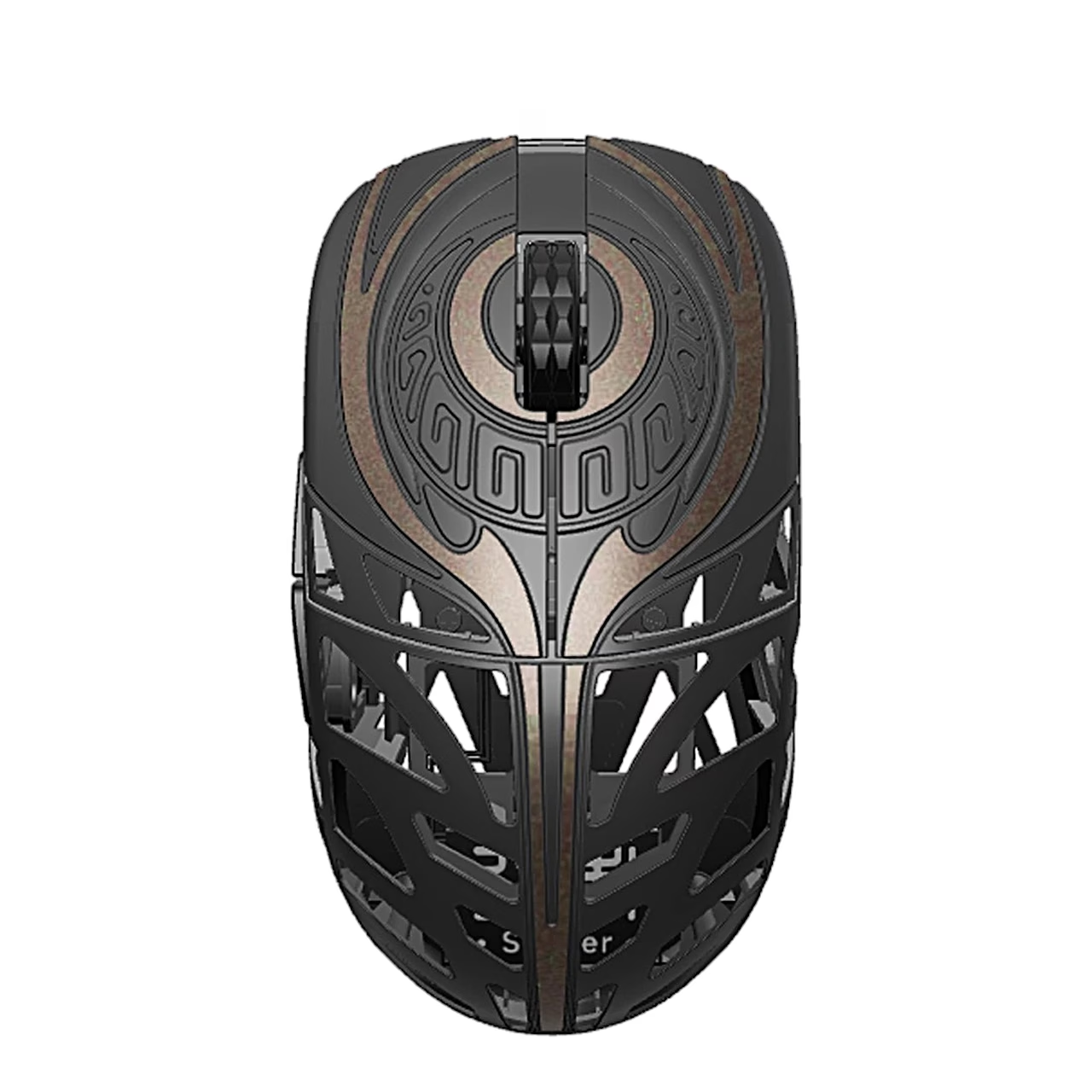
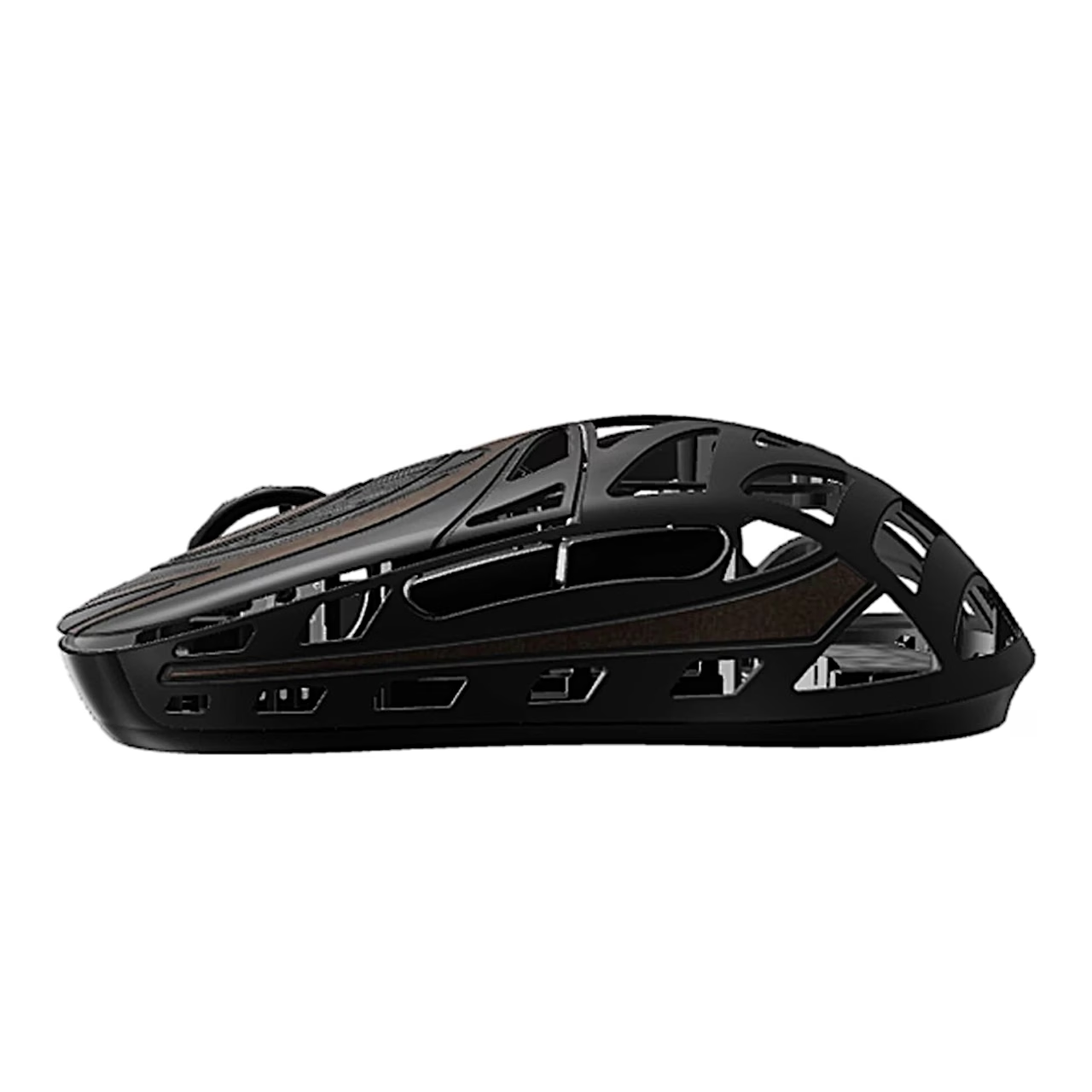
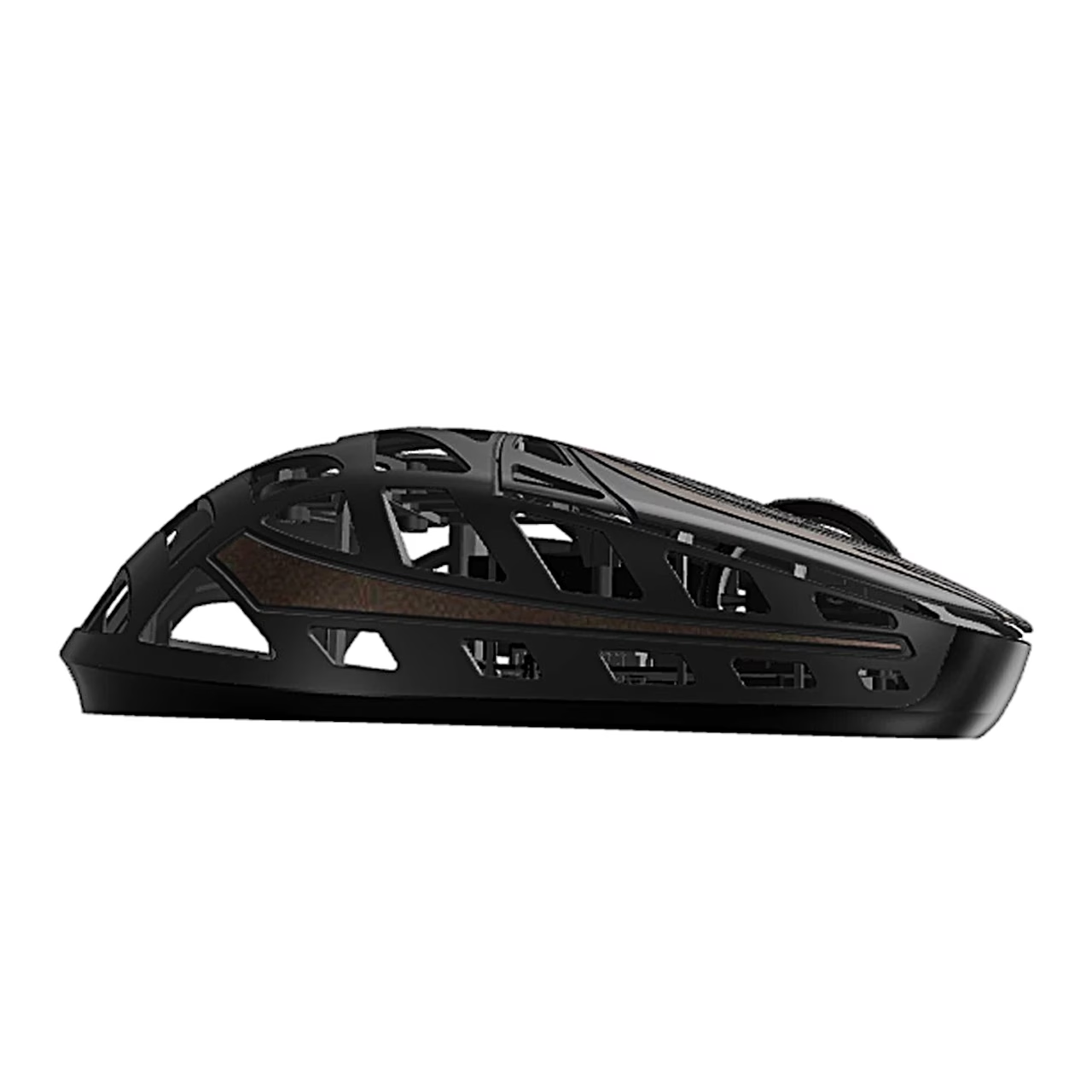
The WLMouse Strider wireless gaming mouse is a 45 g symmetrical mouse with Omron optical switches under the main buttons and Omron Blue Dot switches in the side buttons. It measures 122 × 66 × 38 mm and is powered by a 300 mAh lithium polymer battery.
Resolution and polling rate
Resolution has six steps from 400 to 30,000 DPI, the default is 1600 DPI and the steps can be changed in the driver settings. To change the step, hold the left and right buttons and the scroll wheel together for 3 seconds. The polling rate, how many times per second the mouse reports its position to the computer, is 125–8000 Hz wireless and 125–1000 Hz wired. To change it, hold the side button, the scroll wheel and the right button.
Lift-off distance
The lift-off distance, above which the sensor stops tracking, can be set in three steps: 0.7 mm, 1 mm or 2 mm. To change it, hold the front side button, the left button and the scroll wheel together for 3 seconds.
Connecting and pairing the receiver
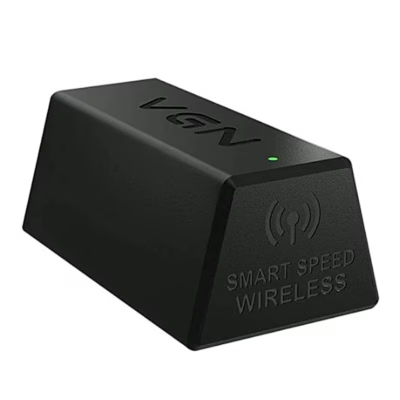
Keep the receiver within 50 cm of the mouse and plug it into a USB 3.0 or newer port. To pair the receiver again, switch the mouse to wireless mode and hold the left, right and front side buttons for 3 seconds. When the green light starts flashing faster, connect the receiver to the computer with the included cable; pairing is complete when the light goes out. To switch between the 1K Nano and the 8K receiver, hold both side buttons and the scroll wheel together.
In the box
- Gaming mouse WLMouse Strider, 1 pc
- USB cable











































Reviews
There are no reviews yet.