
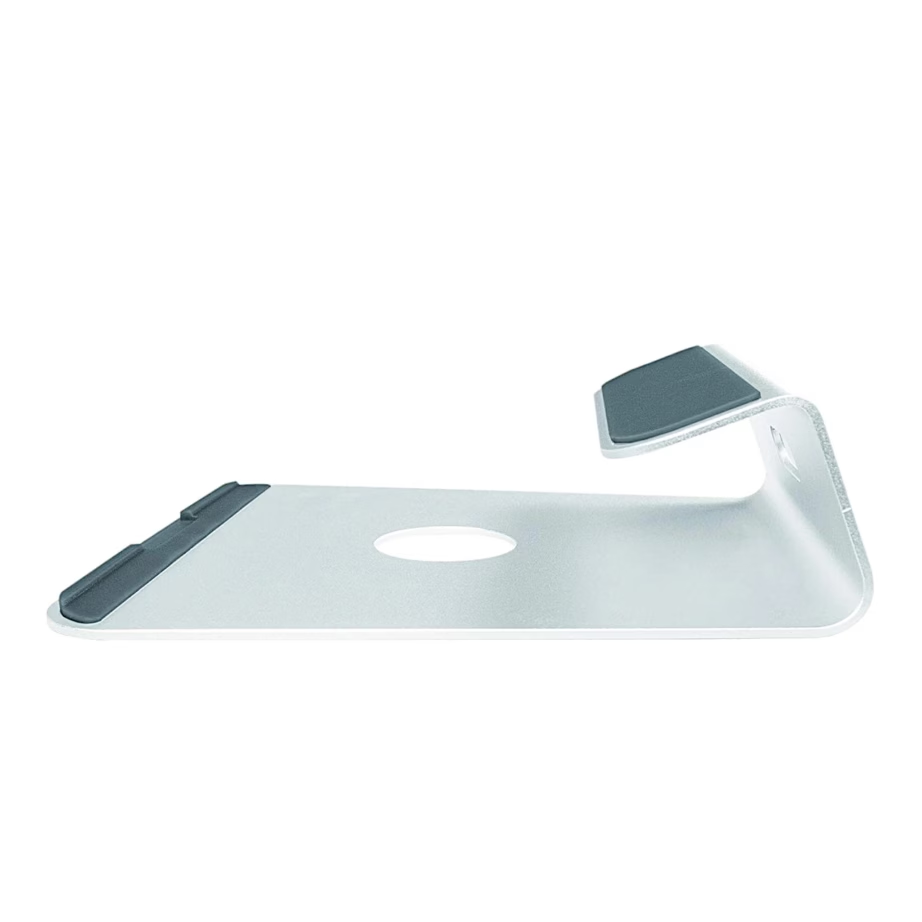
Laptop stands
Laptop stand or cooling pad: size, height and fans
A laptop stand raises the computer to a suitable height on the desk, or cools it with fans when the computer gets hot during gaming and video editing. The range includes stands from Trust, Thermaltake, Targus, Fellowes, Esperanza and Gembird. Three things decide the purchase: whether you need fans, which size your laptop is, and whether the height of the stand needs to be adjustable.
Cooling pad or stand without fans
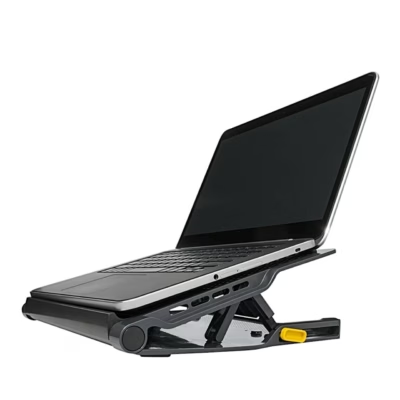
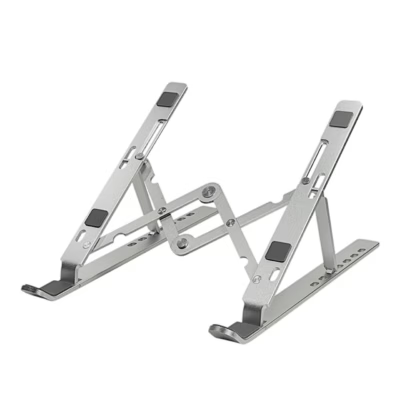
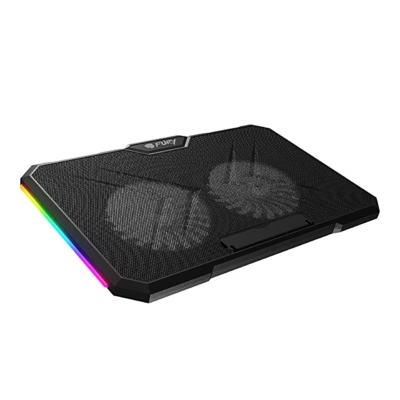
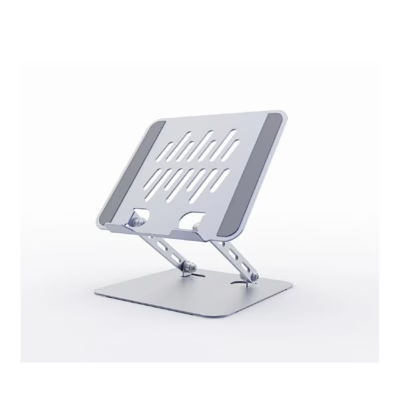
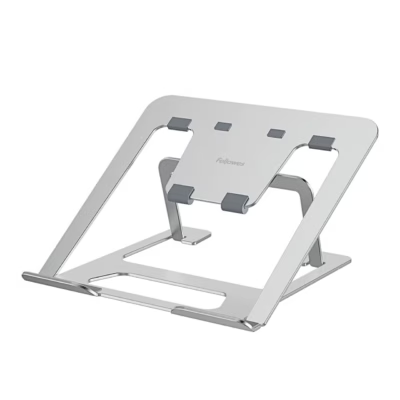
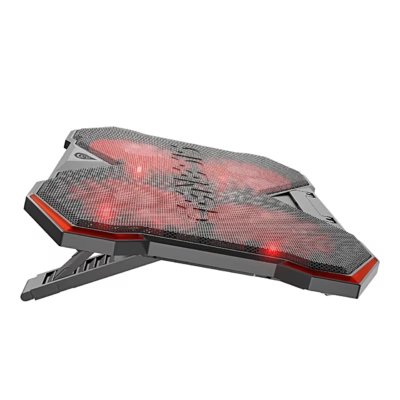
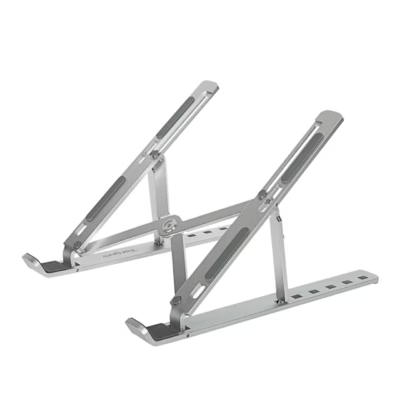
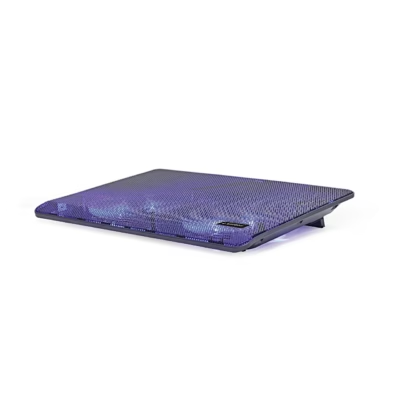
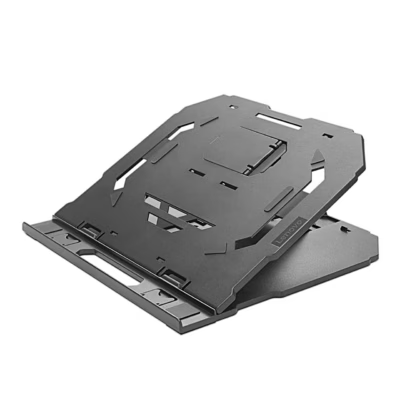
A cooling pad has one large or several smaller fans that blow air onto the underside of the laptop. It suits a computer that takes in air through its base and heats up under long loads. A stand without fans is usually a metal or plastic frame that lifts the back of the computer, lets air move under the base and is quiet.
Laptop size
The stand is chosen by the screen diagonal, and the filter Suitable for laptop offers the options 14, 15.6, 16 and 17.3 inches. The stated size is the upper limit: a 17.3 inch stand also holds a 15.6 inch computer, but a smaller stand will not hold a large computer securely. For a cooling pad, check that the fans sit under the computer’s air vents.
Adjustable height and tilt angle
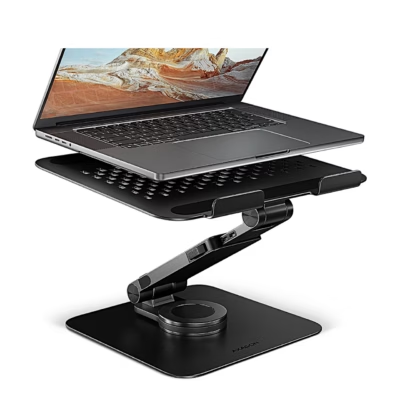
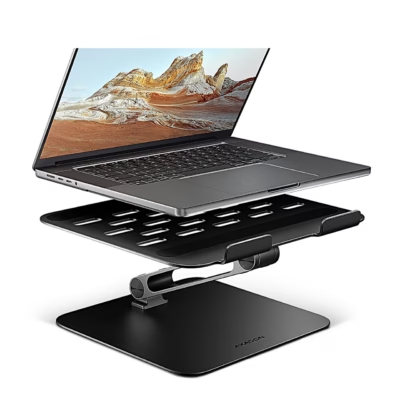
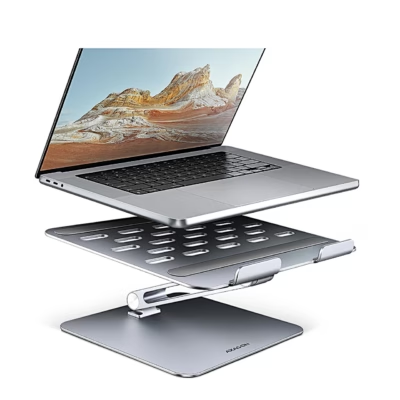
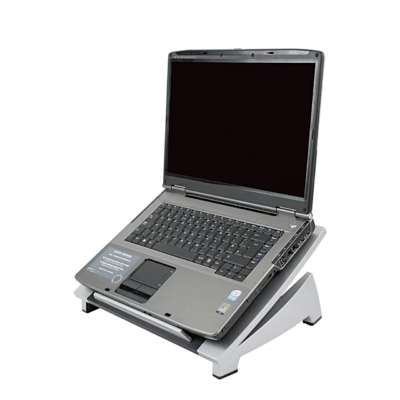
With a stand that adjusts in height and tilt, you can raise the top edge of the screen to eye level or slightly lower, so your neck stays straighter through a long working day. With the screen raised, use a separate keyboard and mouse. A low, tilted stand suits you if you type directly on the laptop keyboard.
Power, USB hub and lighting
A cooling pad takes its power from the laptop’s USB port. A stand with a USB hub has extra ports for a mouse, keyboard or memory stick, so the port you are using stays free. LED-lit models are for gamers, and the Lighting filter lists them separately. To carry the computer, you will find bags on the page Laptop bags and sleeves.
Frequently asked questions
A cooling pad usually lowers the temperature by a few degrees and helps most with a computer that takes in air through its base. A stand without fans also improves airflow, because the base of the computer does not rest directly on the desk or a blanket.
Yes, the size of the stand shows the largest computer it holds. A smaller computer is placed on the stand so that its air vents sit above the fans.
A cooling pad with a flat base stays steadier on your lap and in bed than a stand with legs, and keeps the blanket away from the computer’s air vents. A stand with adjustable height is meant for a desk.
One large fan turns more slowly and is quieter than several small fans moving the same amount of air. A cooling pad with adjustable fan speed lets you turn the fan down for office work.
The top edge of the screen should be at eye level or slightly below, and the screen about an arm’s length away. You can reach this position with an adjustable stand and a separate keyboard and mouse.
-
31,99 €
- Product type
- Laptop stand (without fan)
- Suitable for laptop
- 14 inch
-
18,99 €
- Product type
- Laptop stand (without fan)
- Suitable for laptop
- 14 inch, 15.6 inch, 16 inch, 17.3 inch
- Features
- Adjustable height
-
23,99 €
- Product type
- Laptop stand (without fan)
- Suitable for laptop
- 14 inch, 15.6 inch, 16 inch, 17.3 inch
-
61,99 €
- Product type
- Laptop stand (without fan)
- Suitable for laptop
- 14 inch, 15.6 inch, 16 inch, 17.3 inch
- Features
- Adjustable height, Rotating
-
44,99 €
- Product type
- Laptop stand (without fan)
- Suitable for laptop
- 14 inch, 15.6 inch, 16 inch, 17.3 inch
- Features
- Adjustable height
-
46,99 €
- Product type
- Laptop cooling pad
- Suitable for laptop
- 13.3 inch and smaller, 14 inch, 15.6 inch, 16 inch
- Features
- Adjustable height, USB hub
-
25,99 €
- Product type
- Laptop stand (without fan)
- Suitable for laptop
- 13.3 inch and smaller, 14 inch, 15.6 inch, 16 inch, 17.3 inch, 18 inch and larger
-
20,99 €
- Product type
- Laptop stand (without fan)
- Suitable for laptop
- 14 inch, 15.6 inch, 16 inch
- Features
- Adjustable height
-
24,99 €
- Product type
- Laptop cooling pad
- Suitable for laptop
- 15.6 inch, 16 inch, 17.3 inch
- Features
- USB hub
-
18,99 €
- Product type
- Laptop stand (without fan)
- Suitable for laptop
- 14 inch, 15.6 inch
- Features
- Adjustable height
-
24,99 €
- Product type
- Laptop stand (without fan)
- Suitable for laptop
- 14 inch
-
26,99 €
- Product type
- Laptop cooling pad
- Suitable for laptop
- 14 inch, 15.6 inch, 16 inch, 17.3 inch
- Features
- USB hub
-
43,99 €
- Product type
- Laptop stand (without fan)
- Suitable for laptop
- 14 inch, 15.6 inch, 16 inch
- Features
- Adjustable height
-
26,99 €
- Product type
- Laptop stand (without fan)
- Features
- Adjustable height
-
32,99 €
- Product type
- Laptop stand (without fan)
-
17,99 €
- Product type
- Laptop cooling pad
- Suitable for laptop
- 14 inch, 15.6 inch
- Features
- Adjustable height
-
43,99 €
- Product type
- Laptop stand (without fan)
-
25,49 €
- Product type
- Laptop stand (without fan)
- Suitable for laptop
- 17.3 inch
- Features
- Adjustable height
-
26,99 €
- Product type
- Laptop cooling pad
- Features
- Adjustable height
-
24,49 €
- Product type
- Laptop cooling pad
- Features
- Adjustable height
-
17,49 €
- Product type
- Laptop stand (without fan)
- Suitable for laptop
- 43.9 cm (17.3")
- Features
- USB hub
-
18,49 €
- Product type
- Laptop cooling pad
- Features
- Adjustable height
-
22,99 €
- Product type
- Laptop cooling pad
- Suitable for laptop
- 43.2 cm (17")
-
32,99 €
- Product type
- Laptop cooling pad
- Suitable for laptop
- 48.3 cm (19")
- Features
- Adjustable height


All products shown.







































