
Electronics cleaning products
Electronics cleaning products: compressed air, screen cleaning and cleaning wipes
Here you will find compressed air for removing dust from computers and keyboards, cleaning liquids and cleaning foam for screens, and damp and dry cleaning wipes. The range mainly includes products from Gembird, Esperanza, Activejet and Natec. Choose the product according to what you are cleaning: dust inside a device, fingerprints on a screen, or dirt on the casing and keys.
Compressed air for cleaning computers and keyboards
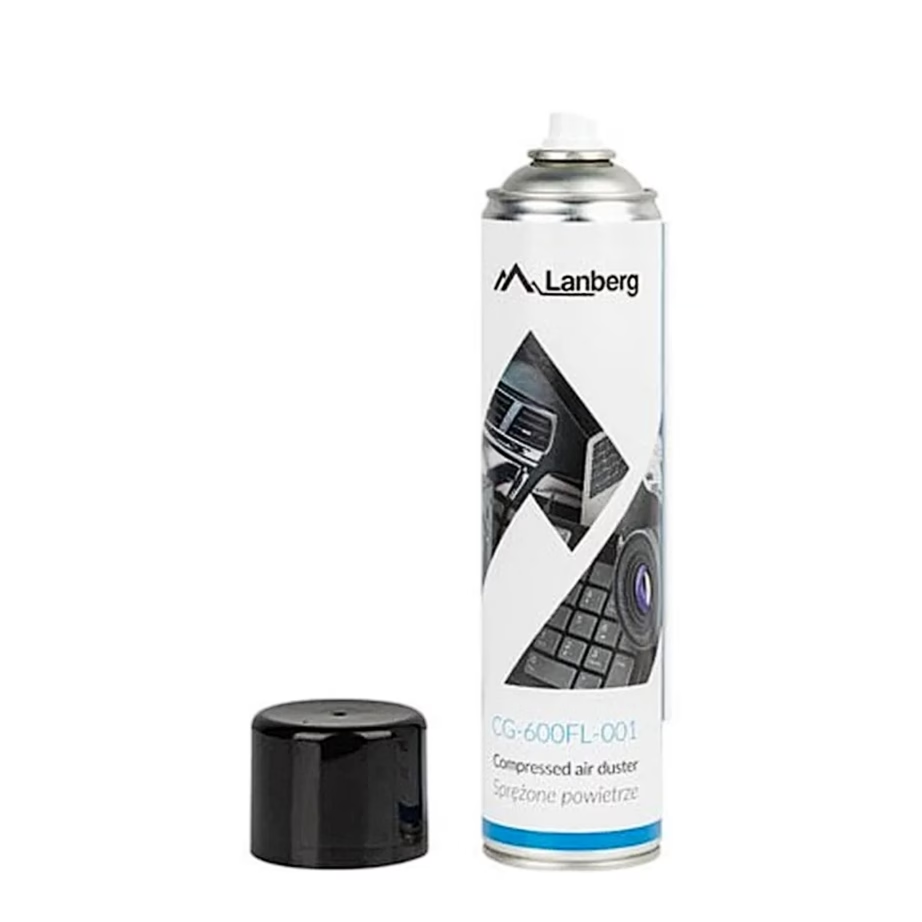
Compressed air blows dust out from between keys, from computer fans and from cooling fins that a cloth cannot reach. The can contains gas liquefied under pressure, so keep the can upright and spray in short bursts. If the can is turned upside down, cold liquid comes out. Cans are usually 400-750 ml, and with the long extension nozzle you can also reach narrow gaps.
Screen cleaning product: liquid or foam
An alcohol-free cleaning liquid with a microfibre cloth suits the screens of TVs, monitors, laptops and phones. Spray the liquid onto the cloth, not directly onto the screen, so it does not run into the frame. Cleaning foam stays put on vertical surfaces and is also suitable for plastic casings, such as the cover of a monitor or printer. For OLED and matte screens, choose a product whose packaging names these screen types.
Damp or dry cleaning wipes
Damp cleaning wipes are already soaked and come in a pack or in individual sachets, so you can clean without a bottle. Wipes with alcohol remove grease from keyboards, mice and phone casings and dry quickly. Alcohol-free wipes are suitable for screens. After cleaning with liquid, wipe the surface dry and streak-free with a dry cloth or microfibre cloth.
Cleaning kit and cleaning swabs
A cleaning kit contains cleaning liquid together with a cloth, so you can take both with you in one bag. Cleaning swabs reach between keys, into sockets and along the edges of speaker grilles. You can find printers and scanners on the page Printers and scanners.
Frequently asked questions
Yes, compressed air is a common way to clean the inside of a computer. Switch the computer off first, and hold the fan still with a finger or a stick so that blowing does not spin it too fast.
Wipe off dust with a dry microfibre cloth. Clean greasy marks with an alcohol-free screen cleaning liquid, which you spray onto the cloth. A microfibre cloth leaves the screen streak-free and without scratches.
An OLED screen needs an alcohol-free liquid, because alcohol can damage the anti-reflective coating. Suitable screen types are stated on the product packaging and product page.
The liquefied gas in the can cools as it leaves, and this cools the can. With short bursts the can cools less and the contents come out as gas. The gas is flammable, so keep the can away from fire and heat.
Disconnect the keyboard, blow dust out from between the keys with compressed air, and wipe the keys with an alcohol cleaning wipe. You can reach narrow gaps with a cleaning swab.
-
6,09 €
- Product type
- Compressed air
- Quantity per pack
- 1 pcs
- Volume
- 600 ml
-
5,09 €
- Product type
- Compressed air
- Quantity per pack
- 1 pcs
- Volume
- 600 ml
-
3,79 €
- Product type
- Cleaning foam
- Quantity per pack
- 1 pcs
- Volume
- 400 ml
-
1,54 €
- Product type
- Dry cleaning wipes
- Quantity per pack
- 24 pcs
-
3,29 €
- Product type
- Cleaning foam
- Quantity per pack
- 1 pcs
- Volume
- 400 ml
-
6,29 €
- Product type
- Compressed air
- Quantity per pack
- 1 pcs
- Volume
- 600 ml
-
3,49 €
- Product type
- Cleaning foam
- Quantity per pack
- 1 pcs
- Volume
- 400 ml
-
12,99 €
- Quantity per pack
- 20 pcs
-
7,29 €
- Product type
- Wet cleaning wipes
- Quantity per pack
- 150 pcs
-
-
-
4,99 €
- Product type
- Dry cleaning wipes
- Quantity per pack
- 1 pcs, over 30 pcs
-
-
2,01 €
- Product type
- Cleaning cloth
- Quantity per pack
- 1 pcs
-
5,29 €
- Product type
- Cleaning swabs
- Quantity per pack
- 12 pcs
-
2,99 €
- Product type
- Cleaning foam
- Quantity per pack
- 1 pcs
- Volume
- 200 ml
-
3,29 €
- Product type
- Cleaning foam
- Quantity per pack
- 1 pcs
- Volume
- 400 ml
-
4,69 €
- Product type
- Cleaning foam
- Quantity per pack
- 1 pcs
- Volume
- 400 ml
-
2,79 €
- Quantity per pack
- 1 pcs
- Volume
- 100 ml
-
6,19 €
- Product type
- Cleaning liquid
- Quantity per pack
- 1 pcs
- Volume
- 500 ml
-
4,59 €
- Product type
- Cleaning liquid
- Quantity per pack
- 1 pcs
- Volume
- 400 ml
-
1,59 €
- Product type
- Cleaning kit
- Volume
- 100 ml
-
4,49 €
- Product type
- Compressed air
- Quantity per pack
- 1 pcs
- Volume
- 400 ml
-
5,49 €
- Product type
- Compressed air
- Volume
- 600 ml


All products shown.
Best sellers
-
7,29 €
- Product type
- Wet cleaning wipes
- Quantity per pack
- 150 pcs





































