
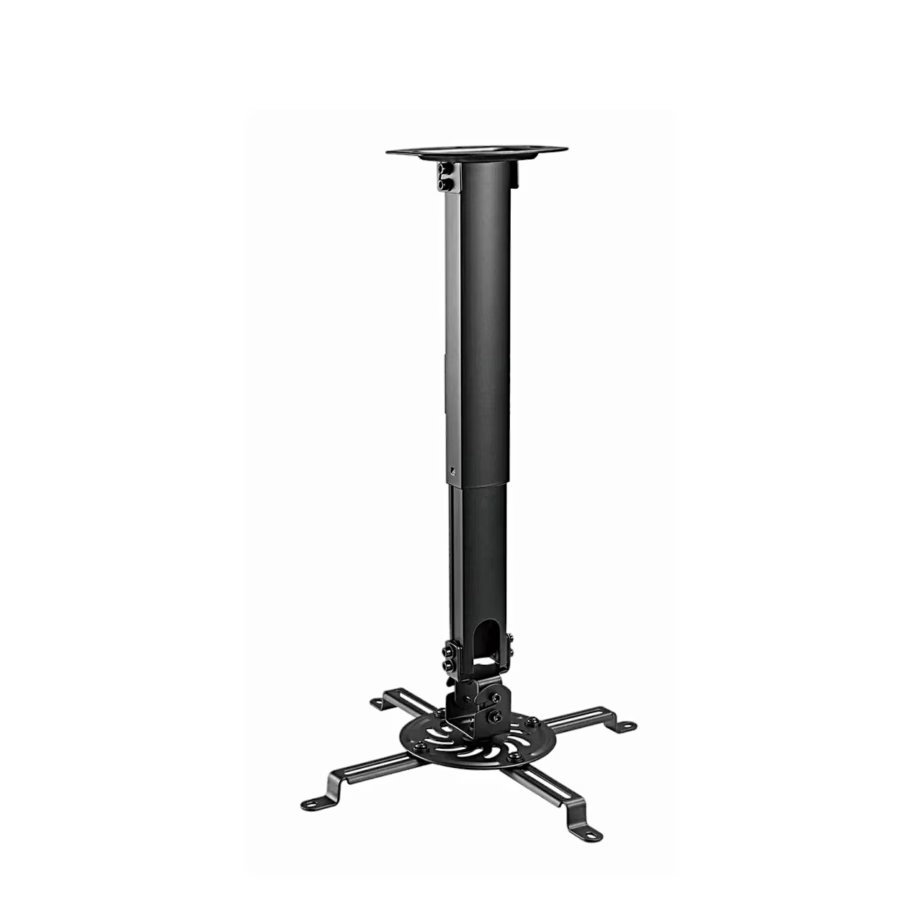
Projector accessories
Projector accessories: ceiling mount and presentation remote
This page features projector ceiling mounts and wireless presentation remotes from the Gembird, AVTEK and Logitech range. When choosing a ceiling mount, the projector’s weight and its distance from the screen decide the choice, and when choosing a presentation remote, the connection method and whether you show slides with the projector or on a TV screen decide it.
Product type: ceiling mount or presentation remote
A ceiling mount holds the projector in one place on the ceiling, so you do not have to reposition the picture each time and the table stays free. A presentation remote changes slides and points to the screen when you present at the front of the room, away from the computer. You can choose the accessory type using the Product type filter.
Ceiling mount: load capacity, height and tilt
Choose a mount whose load capacity is higher than the projector’s weight. Home and office projectors usually weigh 2-5 kg. The adjustable arms of a universal mount fit the screw holes on the underside of the projector, which are usually M3, M4 or M5. With an extension pole you can choose the distance from the ceiling, and the tilt and rotation direct the picture to the centre of the screen.
How far from the screen to place the projector
The distance is given by the projector’s throw ratio: the distance from the screen is the ratio multiplied by the picture width. With a ratio of 1.5, the projector needs a distance of about 3 m for a 2 m wide picture. Before drilling, also measure the ceiling height and the top edge of the screen, so that the picture fits the screen with a slight tilt. You will find a suitable screen on the Projection screens page.
Presentation remote: 2.4 GHz wireless or Bluetooth
A 2.4 GHz wireless remote works with a small USB receiver that plugs into the computer and needs no software. A Bluetooth remote connects directly to a laptop or tablet and leaves the USB port free. The working range of a presentation remote is usually 10-30 m; for a large hall, check this on the product page. You can choose the connection method using the Connectivity filter.
Laser or digital pointer
A remote with a red laser shows a bright dot on the projector image and on a whiteboard. For a TV, monitor or information screen, a digital pointer shows the spot more clearly, as it highlights the area on the screen itself. Presentation remote lasers are usually class 2, with a power of up to 1 mW.
Frequently asked questions
It does if the projector’s weight is within the mount’s load capacity and the underside of the projector has threaded screw holes whose spacing falls within the reach of the mount’s arms. Both measurements are on the product page of the mount and the projector.
In a concrete ceiling, fix the base with concrete plugs or anchor bolts. In a plasterboard ceiling, fix the base to the ceiling frame, or use cavity anchors whose load rating is higher than the combined weight of the projector and the mount.
Yes, the presentation remote sends the computer the same keystrokes as the keyboard arrow keys, so it works with Windows, macOS and ChromeOS, and with PowerPoint, Keynote, Google Slides and PDF readers.
The blink reflex protects the eye from a brief look into a class 2 laser. Always aim the beam at the screen and keep the remote away from children.
A modern projector connects to a computer with an HDMI cable; to a laptop with a USB-C port you need a USB-C to HDMI adapter. Older projectors also have a VGA port. You can see the projectors on the Projectors page.
-
-
-
17,49 €
- Product type
- Remote control
-
-


All products shown.






































