Brand
Activejet: Lighting accessories
- 14-day right of return
- TÜV Rheinland M+T

Why choose Activejet?
Activejet is intended for users who prefer a compatible alternative to original (OEM) consumables but want the choice to be more than a simple "random replacement". The brand's communication focuses on testing and consistency of production processes, for example the TÜV Rheinland Polska Monitoring + Testing (M+T) mark and the ISO 9001 and ISO 14001 framework, which gives the buyer a clear indication that the production and management approach is documented. In practice, this means Activejet suits both a home office and a company that prints regularly and where the cost per page matters. Compared with OEM cartridges, the purchase decision is usually a compromise between price, expected page yield and a smooth user experience, and here Activejet stands out in the choice through its references to standards and chip-based solutions.
Activejet range in our online shop
The Ruumist Ruumi online shop brings the Activejet range of printer consumables together so you can quickly find the right cartridge for your device. Our selection includes toner cartridges for HP printers, toner cartridges for Brother printers and toner cartridges for Kyocera printers, plus ink cartridges for HP printers and ink cartridges for Epson printers. Many products are marked as the Supreme series, which helps you more easily find compatible toners and inks that belong to the same range.
So that your search does not stop at "black or colour", you can compare the key selection criteria on each product page, such as print colour (black, cyan, magenta, yellow), quantity in the pack, and references to compatibility and OEM code. If your printer checks consumables through a chip, it is worth choosing products whose description states this clearly. This way you can select cartridges that match your print volume, whether your aim is everyday text printing or regular colour output.
What to consider when choosing an Activejet product?
Always start by specifying your printer and the type of consumable: do you need an ink cartridge (inkjet printer) or a toner cartridge (laser printer). Then check compatibility in two ways, either by the compatibility field or by the OEM code reference. If both are available, this gives more certainty to your purchase decision, especially when a printer model has several similar cartridge variants. Next, choose the print colour: alongside black, in colour printing it is important that cyan, magenta and yellow are correct and, if necessary, can be replaced as a set. If you print a lot, also look at the package size and the quantity in the pack, as this affects stock management at home or in the office.
The number of pages a cartridge "yields" is often based on ISO/IEC standards (for example ISO/IEC 19752 and 19798 for toners). These are good reference values, but the actual result depends on the content you print, page coverage, print quality settings, duty cycle and how often the printer is switched on and off. A common concern with compatible cartridges is recognition errors, especially after printer firmware updates. If the printer shows a message such as "cartridge missing" or "not compatible", correct installation, clean contacts and choosing a clearly chip-equipped variant often help. From a safety point of view, it is also worth following the markings and hazard pictograms and handling consumables according to the instructions.
Frequently asked
Check the compatibility field and the OEM code reference on the product and compare them with your printer's user manual or the marking of the cartridge you currently use. If they match, the likelihood of compatibility is high.
A toner cartridge is a consumable for laser printers and contains toner powder, while an ink cartridge is a consumable for inkjet printers and contains liquid ink. They are not interchangeable, even if the printer brand is the same.
ISO/IEC page yield is a reference figure measured under standard conditions. In real use, the result is affected by page coverage, print quality settings, colour use, duplex printing, duty cycle and the printer's operating mode, so the actual number of pages may be either higher or lower.
Make sure the cartridge is installed correctly and the protective films are removed, gently clean the contact surfaces if needed, and restart the printer. If you use automatic printer firmware updates, note that in some cases updates may affect the recognition of third-party cartridges; then it is worth choosing a clearly chip-equipped cartridge and checking that the variant you ordered matches your device.
Yes. Many products have the print colour (black, cyan, magenta, yellow) and the quantity in the pack marked separately, which helps you choose either a replacement for a single colour or a set of several cartridges according to your printing needs.
-
12,49 €
- Product type
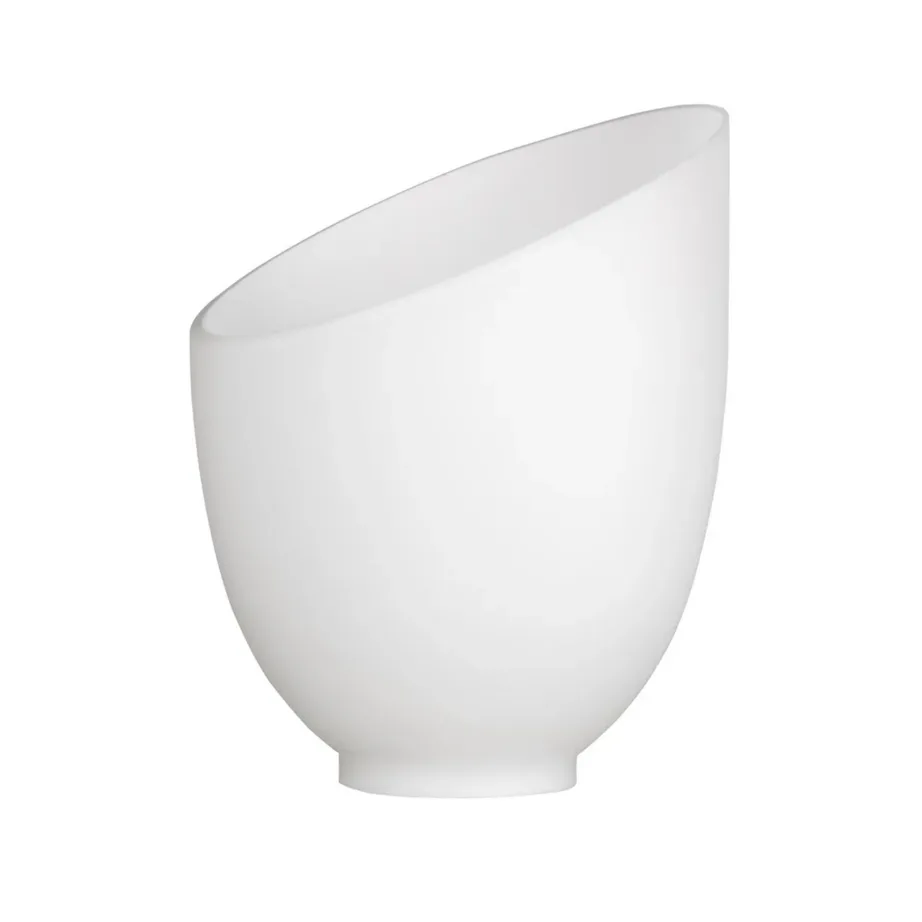
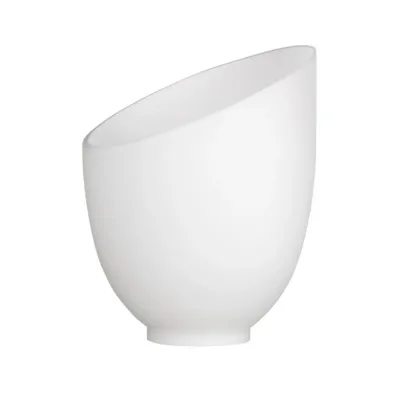
- Lampshade or dome
- Compatibility
- Lamp Nikita
-
17,49 €
- Product type
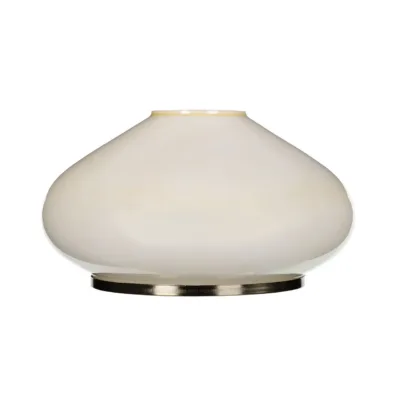
- Lampshade or dome
- Compatibility
- Lamp Rita
-
12,49 €
- Product type
- Lampshade or dome
- Compatibility
- Lamp EMILY/ALMA
-
12,49 €
- Product type
- Lampshade or dome
- Compatibility
- Lamp EMILY/ALMA


All products shown.