
Brand
IBOX: Video cables
- Chargers and accessories for sale
- 14-day right of return
- OCP/OTP/OVP/SCP protections

Why choose IBOX?
IBOX suits buyers who want to cover several everyday needs from one brand: charging at home and in the car, connecting cables for work and travel bags, and simple computer accessories for the desk. What sets the selection apart is its focus on universal compatibility, as many chargers support modern fast charging standards such as USB PD 3.0 and PPS, and there are also variants with Quick Charge™ support. If you compare IBOX with chargers from specialist brands, IBOX's advantage is its "all in one basket" approach: alongside chargers and cables you will also find, from the same brand, mice and mouse pads from the Aurora Gaming series. This makes it easier to keep your desk and accessories in one style and to choose a matching set.
The IBOX range in our web shop
The Ruumist Ruumi IBOX range covers smart device charging and everyday accessories. On the charger side there are wall chargers with USB-C and USB-A ports, including multi-port models that let you charge, for example, a phone and headphones, or a phone and a tablet, at the same time. Some IBOX wall chargers use GaN technology, which helps keep the adapter more compact, while USB PD 3.0 and PPS support makes them a good choice for newer USB-C devices. You will also find car chargers in the range if you need fast charging while on the move.
The cable selection includes USB cables with different ends, for example USB-A and USB-C combinations, as well as USB-C to USB-C cables, and multi-end solutions (for example "several in one" with different plugs). Some cables have a textile braid, and there are both shorter and longer versions, as well as different colours so that cables do not get mixed up at home or in the office. On the computer accessories side we offer IBOX wired mice and mouse pads, including products from the Aurora Gaming series, aimed at those who prefer a reliable wired connection and want a consistent gaming look on the desk. Phone holders help you position your device conveniently in the car or on the work desk, so the screen stays visible and your hands stay free.
What to consider when choosing an IBOX product?
When choosing a charger, start with the connection and standards. Check whether you need a USB-C or USB-A port (or both), whether your device uses USB PD, and whether PPS support would be useful, as it allows compatible phones to control charging more efficiently. If you plan to charge several devices at once, look at the number of ports and how the power is shared between them. For safety, check for protections such as OCP, OTP, OVP and SCP; these indicate protection against overload, overheating, overvoltage and short circuit.
With a USB cable, the most common pitfalls are the plug type and the cable's capability. Make sure you need a USB-A or USB-C connection on the charger side, and whether the device end is USB-C, microUSB or Lightning. If you buy a USB-C to USB-C cable, check the power rating the cable is designed for (for example 60 W), as this affects whether it suits a higher-power charger. If you also plan to transfer files and not just charge, check the standard (for example USB 2.0 versus faster USB 3.x). For a mouse and mouse pad, think first about comfort: the shape of the mouse (right or left-handed), the number of buttons and sensitivity range, and the size and surface of the mouse pad, which should suit your desk and your movement space. For a phone holder, check the type of mount and its fit with your phone's size, so the device stays firmly in place.
Frequently asked
First check which fast charging your device supports (for example USB PD, PPS or Quick Charge™) and which plug you need. The product page usually lists the ports (USB-C/USB-A) and maximum power, and you can choose the right variant based on these.
GaN chargers are often more compact at the same power, which is convenient when travelling or charging several devices. The actual benefit depends on the power and number of ports of the chosen model, so it is worth comparing the specifications on the product page.
These are common power protections: OCP protects against overload, OTP against overheating, OVP against overvoltage and SCP against short circuit. If you choose a charger for everyday use or travel, having these protections is a practical extra safety feature.
Check both ends (USB-A, USB-C, microUSB, Lightning), the cable length, and whether the cable is intended only for charging or also for data transfer (USB 2.0 versus USB 3.x). If you use a higher-power USB-C charger, choose a cable that states a suitable power rating (for example 60 W).
-
5,69 €
- Connectors
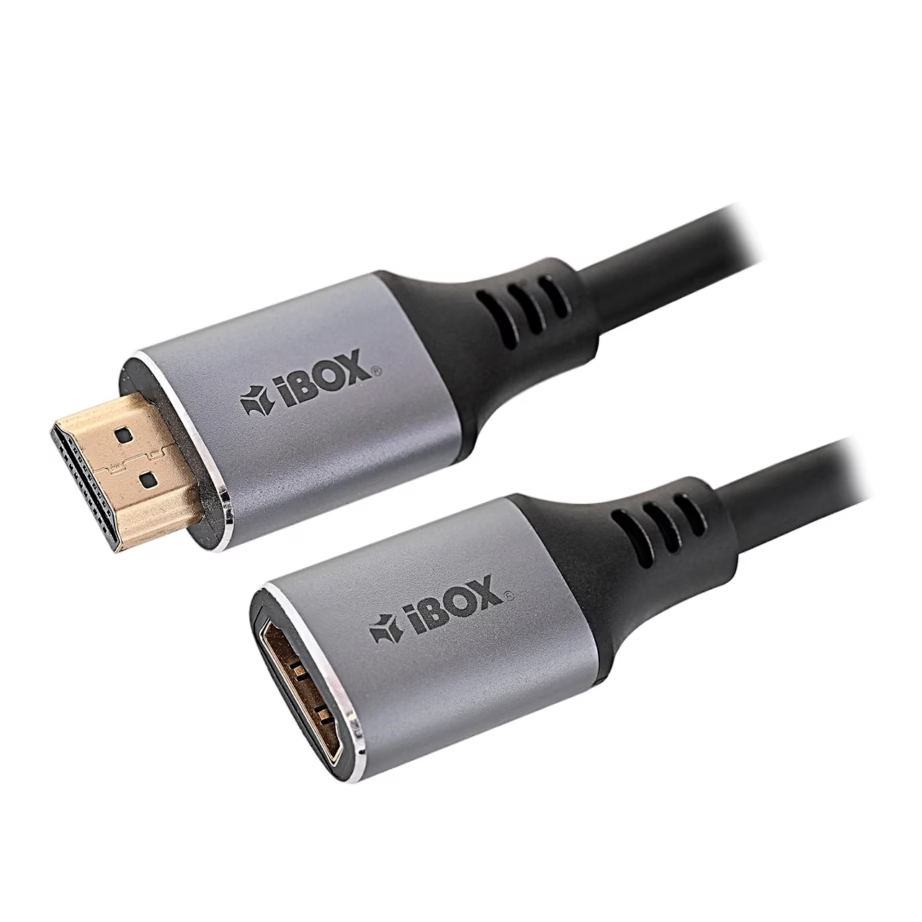
- HDMI and HDMI
- Maximum resolution
- 4K (2160p)
- Cable length
- 2 m
All products shown.


































