
Video cables
Choosing a video cable: connectors, HDMI or DisplayPort version and length
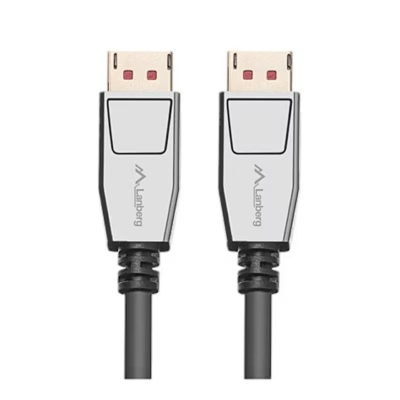
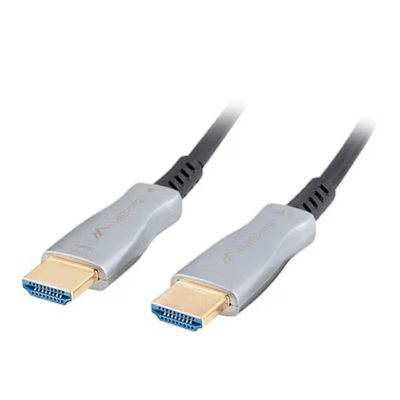
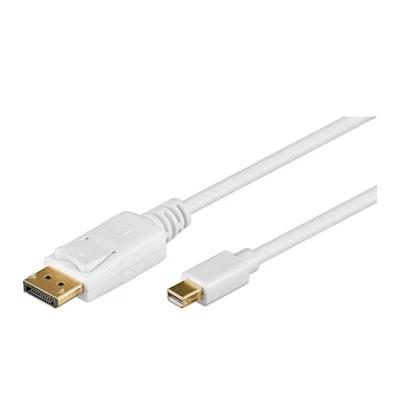
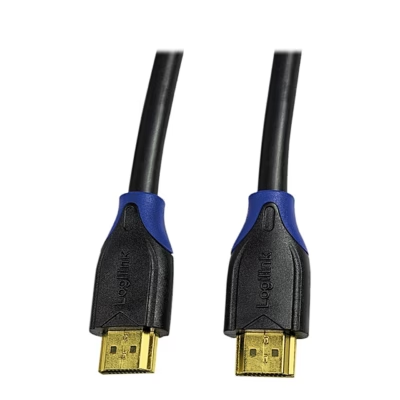
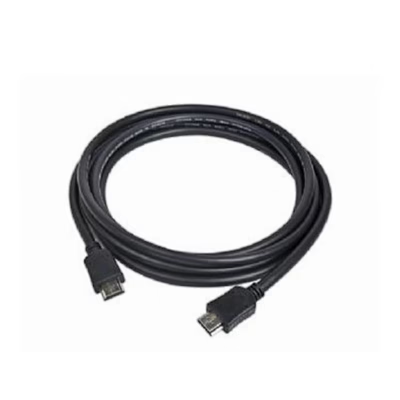
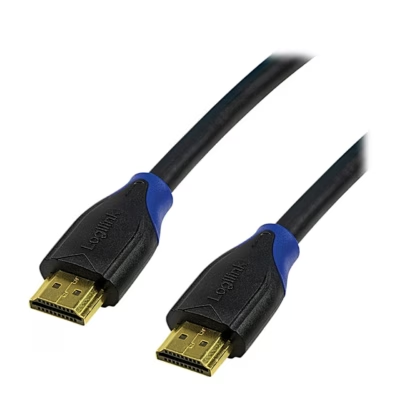
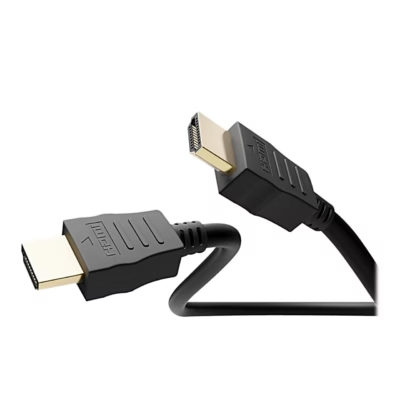
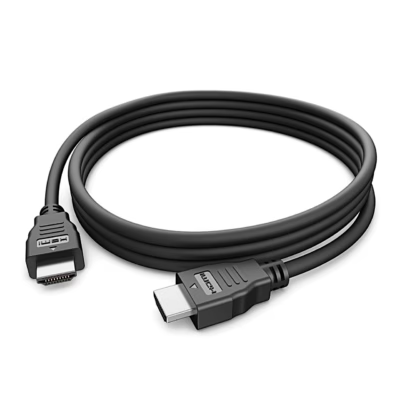
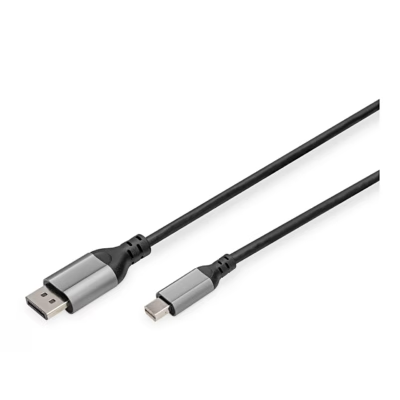
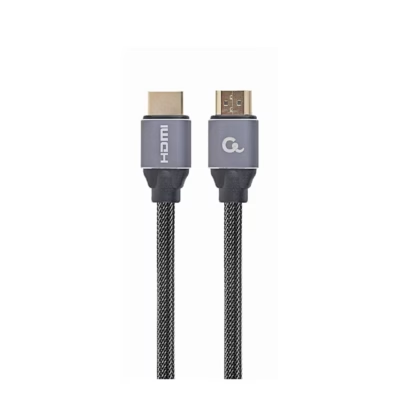
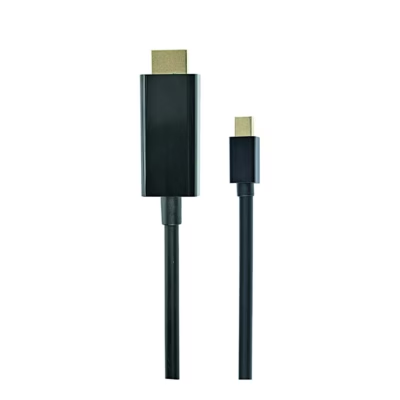
A video cable connects a computer, game console or media player to a monitor, TV or projector. The range includes mostly HDMI cables, plus DisplayPort cables and adapter cables for DVI, USB-C and Mini DisplayPort sockets from the Vention, Gembird, Lanberg and Qoltec product range. The purchase depends on the sockets on both devices, the resolution and refresh rate of the screen, and the distance.
Connectors: check the sockets on both devices
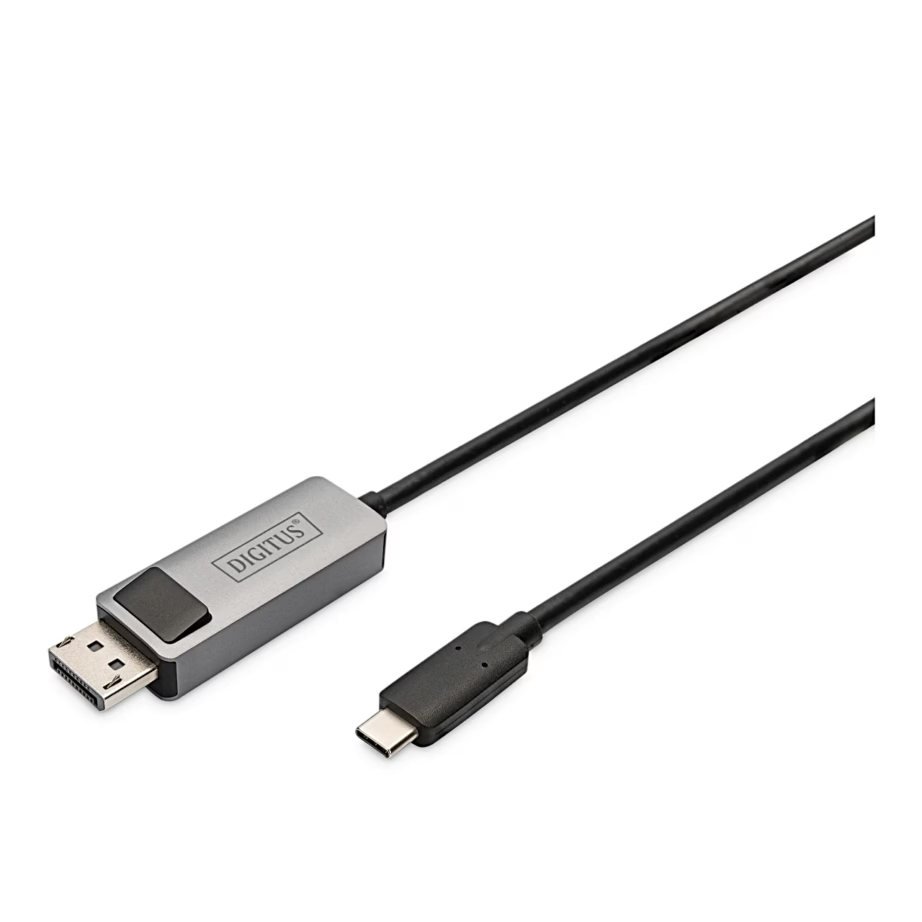
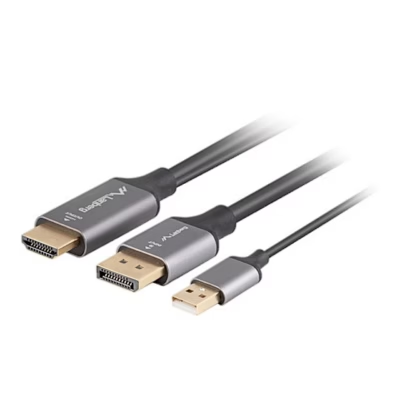
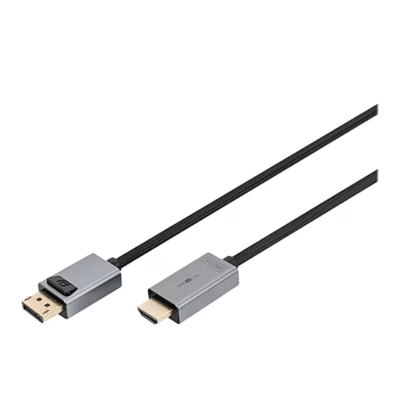
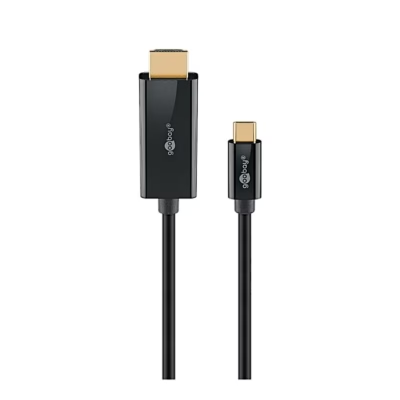
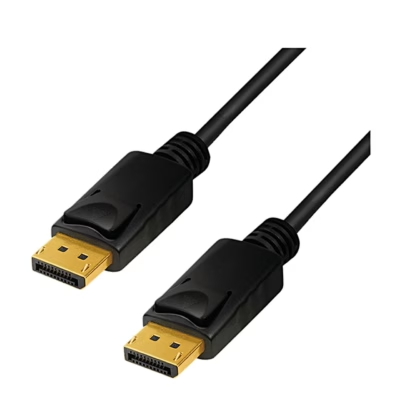
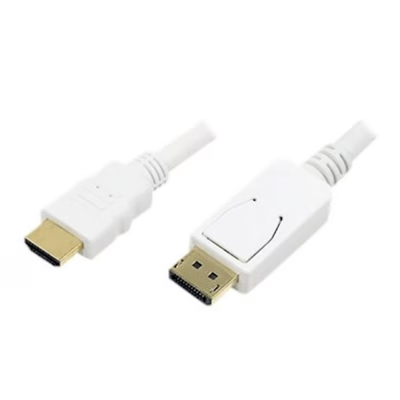
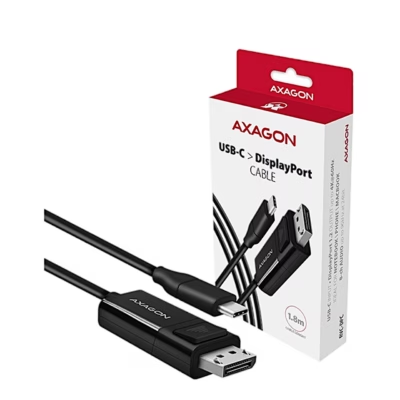
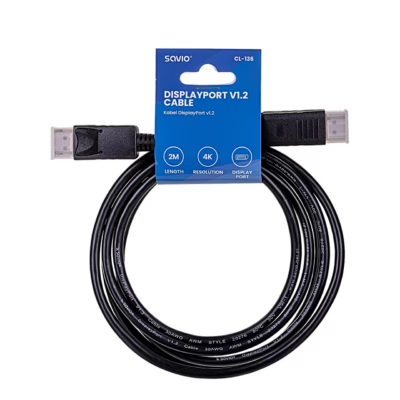
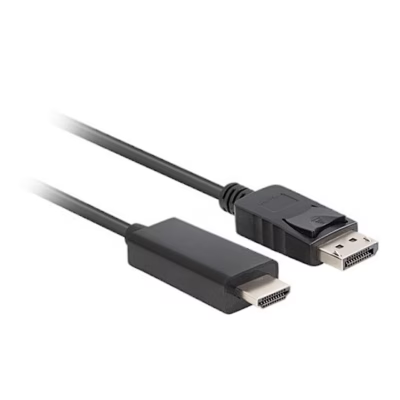
HDMI is the socket on TVs, game consoles and media players, DisplayPort is usually found on computer monitors and graphics cards. If the sockets differ, choose an adapter cable from the Connectors filter, for example a DisplayPort-HDMI cable from a computer to a TV. A USB-C-DisplayPort cable works with a laptop whose USB-C socket supports DisplayPort Alt Mode or Thunderbolt. A DVI socket carries only the picture; the sound travels through a separate cable.
Version and resolution: HDMI 2.0, HDMI 2.1 or DisplayPort
The cable version shows which picture it can carry. An HDMI 2.0 cable transmits 4K picture at 60 Hz and suits most 4K TVs. An HDMI 2.1 cable (Ultra High Speed, up to 48 Gbit/s) carries 4K picture at 120 Hz and 8K picture at 60 Hz; it is used by PlayStation 5, Xbox Series X and 120 Hz TVs. DisplayPort 1.2 gives 4K at 60 Hz, DisplayPort 1.4 up to 4K at 120 Hz, and DisplayPort 2.1 an even higher refresh rate for gaming monitors. Choose from the Video interface version or Maximum resolution filter.
Length and extension cable
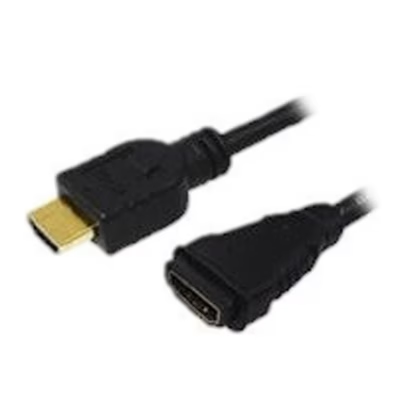
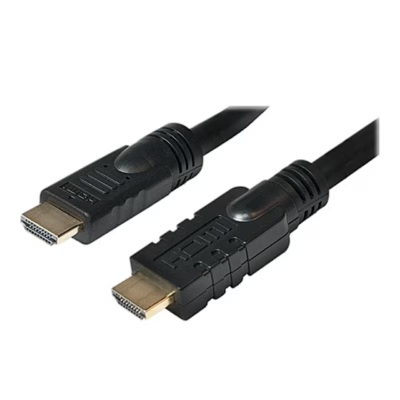
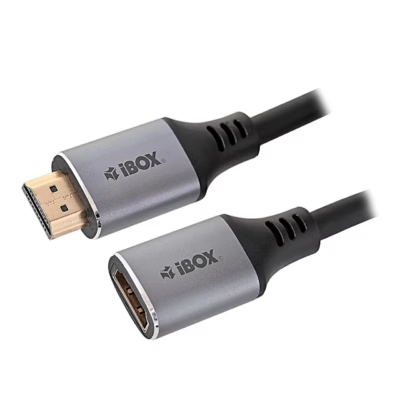
Measure the distance from the device socket to the screen socket and add 0.5-1 m of spare length for bending and fastening. Between a console and a TV, 1-2 metres is usually enough; for a ceiling-mounted projector, 5 m or more is needed. If the existing cable is too short, extend it with an HDMI extension cable that has a plug at one end and a socket at the other. A passive HDMI 2.1 cable reliably carries 4K 120 Hz picture up to about 3-5 metres; for longer distances an active or optical HDMI cable is used.
If you already have the cable and only need a different connector, see the USB, video and audio adapters page; to connect several screens to a laptop, see the USB hubs and docking stations page.
Frequently asked questions
For 4K picture at 120 Hz you need an HDMI 2.1 cable marked Ultra High Speed on the packaging. The TV’s HDMI socket must also support HDMI 2.1, which is stated in the TV’s specifications.
A DisplayPort-HDMI cable carries the picture from a DisplayPort socket on a computer or graphics card to an HDMI socket on a TV or monitor. In the opposite direction, from an HDMI source to a DisplayPort screen, only an active converter works.
ARC and eARC work with a standard HDMI cable; connect it to the socket marked ARC or eARC on the TV. eARC uses the Ethernet channel of the cable, so an HDMI 1.4 or newer cable is suitable, and an HDMI 2.1 cable is the most reliable choice.
Yes, HDMI and DisplayPort cables carry multichannel sound alongside the picture. An HDMI-DVI cable carries only the picture; the sound must be connected with a separate cable, which you can find on the Audio cables page.
SCART and VGA are analogue sockets, while HDMI is digital, so a converter with power is needed between them. Converters are on the USB, video and audio adapters page.
HDMI and DisplayPort transmit a digital signal, so the picture is the same as long as the cable version carries the required amount of data. Gold plating protects the contacts from oxidation.
-
19,99 €
- Connectors
- HDMI and DisplayPort
- Maximum resolution
- 4K (2160p)
- Cable length
- 1.8 m
-
5,99 €
- Connectors
- HDMI and HDMI
- Maximum resolution
- 4K (2160p)
- Cable length
- 2 m
-
19,99 €
- Connectors
- DisplayPort and HDMI
- Maximum resolution
- 4K (2160p)
- Cable length
- 1.8 m
-
8,99 €
- Connectors
- DisplayPort and DisplayPort
- Maximum resolution
- 8K (4320p)
- Cable length
- 1 m
-
35,99 €
- Connectors
- HDMI and HDMI
- Maximum resolution
- 4K (2160p)
- Cable length
- 20 m
-
6,99 €
- Connectors
- Mini DisplayPort and DisplayPort
- Maximum resolution
- 4K (2160p)
- Cable length
- 1 m
-
23,99 €
- Connectors
- HDMI and HDMI
- Maximum resolution
- 4K (2160p)
- Cable length
- 10 m
-
2,69 €
- Connectors
- HDMI and HDMI
- Maximum resolution
- 4K (2160p)
- Cable length
- 3 m
-
18,99 €
- Connectors
- USB-C and HDMI
- Maximum resolution
- 4K (2160p)
- Cable length
- 1 m
-
4,99 €
- Connectors
- HDMI and HDMI
- Maximum resolution
- 4K (2160p)
- Cable length
- 1 m
-
6,99 €
- Connectors
- DisplayPort and DisplayPort
- Maximum resolution
- 8K (4320p)
- Cable length
- 1 m
-
8,99 €
- Connectors
- HDMI and HDMI
- Maximum resolution
- 8K (4320p)
- Cable length
- 1.5 m
-
83,99 €
- Connectors
- HDMI and HDMI
- Maximum resolution
- 4K (2160p)
- Cable length
- 25 m
-
12,99 €
- Connectors
- DisplayPort and HDMI
- Maximum resolution
- Full HD (1080p)
- Cable length
- 2 m
-
15,99 €
- Connectors
- USB-C and DisplayPort
- Maximum resolution
- 4K (2160p)
- Cable length
- 1.8 m
-
15,99 €
- Connectors
- HDMI and HDMI
- Cable length
- 1.83 m
-
15,99 €
- Connectors
- Mini DisplayPort and DisplayPort
- Maximum resolution
- 8K (4320p)
- Cable length
- 2 m
-
5,99 €
- Connectors
- HDMI and HDMI
- Maximum resolution
- 4K (2160p)
- Cable length
- 1 m
-
10,49 €
- Connectors
- Mini DisplayPort and HDMI
- Maximum resolution
- 4K (2160p)
- Cable length
- 1.8 m
-
8,19 €
- Connectors
- DisplayPort and DisplayPort
- Maximum resolution
- 4K (2160p)
- Cable length
- 2 m
-
8,69 €
- Connectors
- HDMI and HDMI
- Maximum resolution
- 8K (4320p)
- Cable length
- 1.8 m
-
5,69 €
- Connectors
- HDMI and HDMI
- Maximum resolution
- 4K (2160p)
- Cable length
- 2 m
-
3,99 €
- Connectors
- HDMI and HDMI
- Maximum resolution
- 4K (2160p)
- Cable length
- 3 m
-
7,09 €
- Connectors
- DisplayPort and HDMI
- Maximum resolution
- Full HD (1080p)
- Cable length
- 1.8 m
All products shown.
Popular right now
-
Original price was: 11,00 €.9,35 €Current price is: 9,35 €.
- Cable length
- 2 m
-
Original price was: 7,95 €.6,75 €Current price is: 6,75 €.
- Connectors
- HDMI and HDMI
- Cable length
- 3 m
-
Original price was: 6,00 €.5,10 €Current price is: 5,10 €.
- Cable length
- 2 m


































