
Brand
Kingston: Memory cards
- Memory cards for sale
- 14-day right of return

Why choose Kingston?
Kingston is a well-known name in the world of memory solutions, largely because its technical classes and intended uses are clearly explained. When buying a camera memory card, this means you can choose both the capacity and the recording load the card is designed for: burst photography, 4K video or heavy file transfer to a computer. Unlike many "up to X MB/s" claims, what matters for memory cards in real use is sustained write speed, and the speed class markings such as U1, U3 and Video Speed Class (V30, V60, V90) give a good indication of this.
The Kingston Canvas series is aimed at different users, from everyday recording to content creators who use cameras and readers with UHS-II support. Compared with the common UHS-I U3/V30 cards on the market, the advantage of Kingston's UHS-II class cards shows mainly in devices that can use the second contact row, so card slot and reader support are decisive here.
Kingston range in our online shop
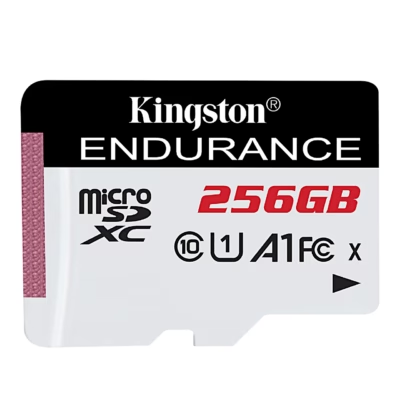
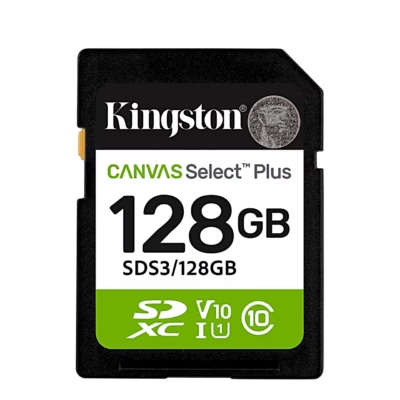
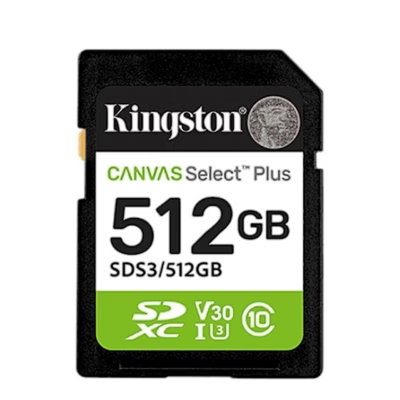
The Ruumist Ruumi online shop carries Kingston camera memory cards in both SD and microSD formats, including SDXC and microSDXC types in different capacities. The range includes Canvas series that help you quickly pin down your needs. Canvas Select Plus is a practical choice for everyday photography and recording, where reliable Class 10 and UHS-I support and common capacities matter. If you also use the card in a phone or tablet, you will often find application performance class markings (for example A1 or A2), which are relevant mainly when loading small files and apps.
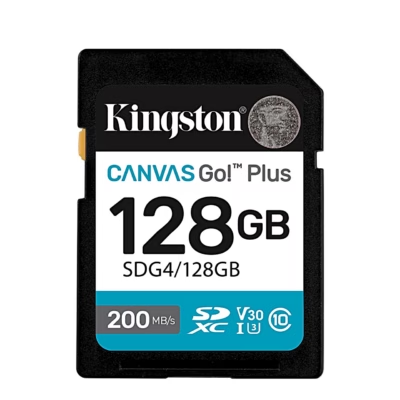
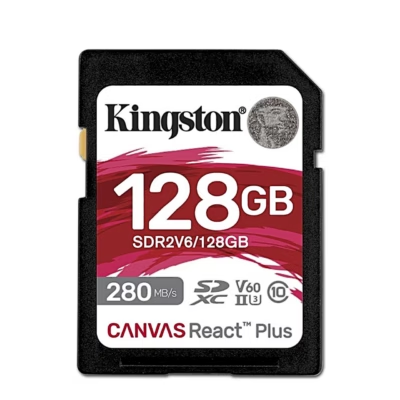
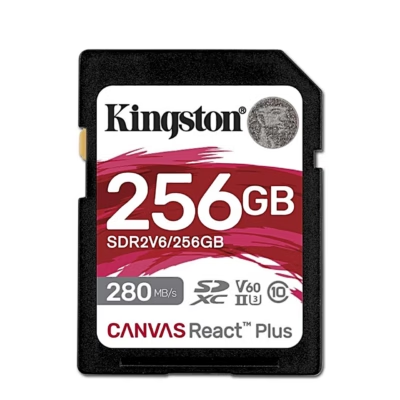
Canvas Go! Plus is aimed at mobile use cases such as drones and action cameras, where U3 and V30 classes help ensure smoother 4K recording. Canvas React Plus is intended for more demanding workflows, when you use a camera with UHS-II support and need a higher video speed class, such as V90, and fast data copying. An important nuance is that a UHS-II card also works in a UHS-I device, but then the host device limits the speed. The same logic applies to reading cards on a computer: the best results come with a suitable UHS-II reader.
What to consider when choosing a Kingston product?
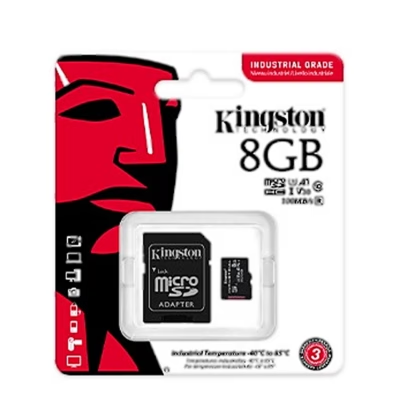
Start by considering which card type your device needs. Cameras mostly use the SD or microSD format, but a microSD card may need an SD adapter if the camera has a full-size SD slot. Next, look at the speed classes. The Class 10 and UHS speed classes U1/U3 give an idea of the minimum write performance, but for video the Video Speed Class marking is especially useful: V30 typically suits 4K recording on many devices, while V60 and V90 are intended for higher bitrates and more demanding recording. If your camera manual requires V60 or V90, this is not a place to compromise.
Third, choose UHS-I or UHS-II depending on whether your camera or card reader supports UHS-II. The UHS-II advantage lies not only in a higher maximum, but also in the fact that copying larger files and recovering the buffer after it has filled can be clearly faster. Fourth, think about capacity: a larger capacity means changing the card less often, but it is often sensible to consider several smaller cards for workflow and backup purposes. Finally, check the operating temperature and the conditions of use if you film in cold or heat, and remember that real speed always depends on the device, the slot and the reader. If you are torn between two cards, write to us or compare the product pages, focusing on the classes and types your camera manufacturer recommends.
Frequently asked
SD and microSD mainly describe the physical format (full-size SD versus the smaller microSD). SDXC and microSDXC refer to the higher capacity class and are used in many cameras and drones today. Make sure your device supports the correct format and capacity class.
Yes, if you use the microSD card with an SD adapter. The adapter does not change the card's speed class, but the final performance may be limited by the camera's card slot and the device itself.
Yes. UHS-II cards are backward compatible and work in UHS-I devices, but the speed drops to UHS-I level because the device does not use the second contact row. The UHS-II advantage shows up in cameras and card readers that support UHS-II.
These are speed classes that help you assess whether a card suits continuous recording, especially video. In general, U1/U3 gives information about the UHS speed class, while the V class (Video Speed Class) shows the minimum sustained write speed level for video recording. If your camera requires a specific V class, use that as your guide.
The choice depends on whether you shoot JPEG or RAW and how much video you record. If you make long 4K clips, a larger capacity is more convenient; if you want to spread the risk, several smaller cards may make sense. On the product page you can quickly filter for the capacity you need.
-
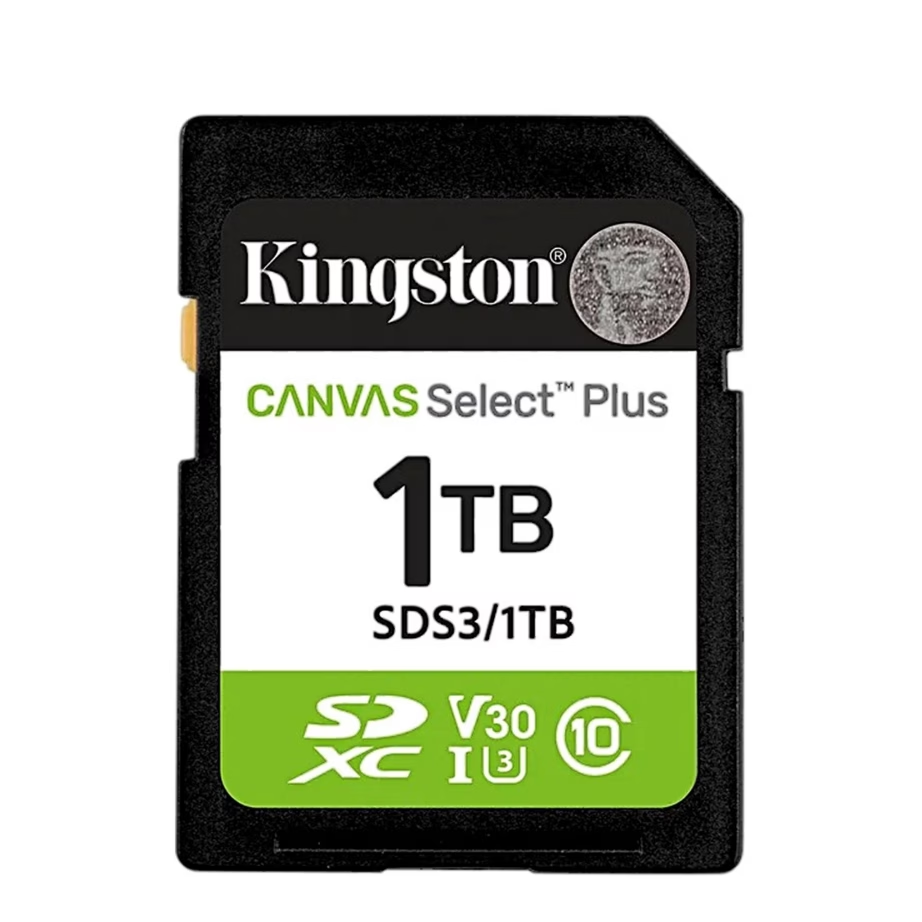
227,99 €
- Memory card type
- SD
- Capacity
- 1 TB
- Speed class
- U3 / V30
-
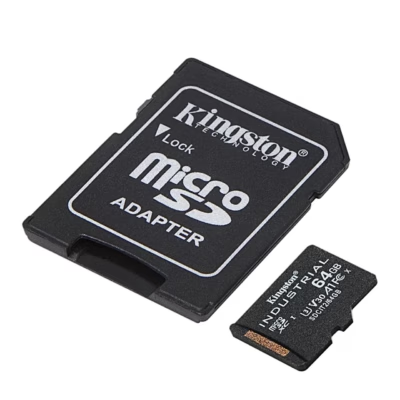
60,99 €
- Memory card type
- microSD
- Capacity
- 64 GB
- Speed class
- U1 / V10
-
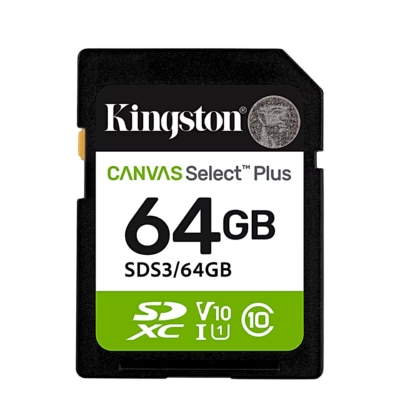
29,99 €
- Memory card type
- SD
- Capacity
- 64 GB
- Speed class
- U1 / V10
-
175,99 €
- Memory card type
- microSD
- Capacity
- 64 GB
- Speed class
- U3 / V30
-
140,99 €
- Memory card type
- microSD
- Capacity
- 256 GB
- Speed class
- U1 / V10
-
40,99 €
- Memory card type
- SD
- Capacity
- 64 GB
- Speed class
- U3 / V30
-
55,99 €
- Memory card type
- SD
- Capacity
- 128 GB
- Speed class
- U3 / V30
-
91,99 €
- Memory card type
- SD
- Capacity
- 256 GB
- Speed class
- U3 / V30
-
58,99 €
- Memory card type
- microSD
- Capacity
- 8 GB
- Speed class
- U3 / V30
-
32,99 €
- Memory card type
- microSD
- Capacity
- 128 GB
- Speed class
- U1 / V10
-
24,99 €
- Memory card type
- microSD
- Capacity
- 64 GB
- Speed class
- U1 / V10
-
92,99 €
- Memory card type
- SD
- Capacity
- 128 GB
- Speed class
- V60
-
179,99 €
- Memory card type
- SD
- Capacity
- 256 GB
- Speed class
- V60
-
38,99 €
- Memory card type
- microSD
- Capacity
- 64 GB
- Speed class
- U3 / V30
-
92,99 €
- Memory card type
- microSD
- Capacity
- 512 GB
- Speed class
- U3 / V30
-
316,99 €
- Memory card type
- SD
- Capacity
- 1 TB
- Speed class
- U3 / V30
-
45,99 €
- Memory card type
- SD
- Capacity
- 128 GB
- Speed class
- U1 / V10
-
128,99 €
- Memory card type
- SD
- Capacity
- 512 GB
- Speed class
- U3 / V30
-
75,99 €
- Memory card type
- microSD
- Capacity
- 16 GB
- Speed class
- U3 / V30
-
55,99 €
- Memory card type
- microSD
- Capacity
- 128 GB
- Speed class
- U3 / V30
-
85,99 €
- Memory card type
- microSD
- Capacity
- 256 GB
- Speed class
- U3 / V30
-
178,99 €
- Memory card type
- microSD
- Capacity
- 512 GB
- Speed class
- U3 / V30
-
50,99 €
- Memory card type
- microSD
- Capacity
- 256 GB
- Speed class
- U1 / V10
-
146,99 €
- Memory card type
- microSD
- Capacity
- 1 TB
- Speed class
- U3 / V30









All products shown.





































