
Brand
Lanberg: Network cables
- Chargers and accessories for sale
- 14-day right of return

Why choose Lanberg?
Lanberg is known in the field of IT accessories and connectivity solutions, focusing on everyday cables and infrastructure products. The strength of the brand is its broad coverage of standards: the range includes common USB connections as well as cables with video connectors and network-related accessories, suitable for a home office, a small office and a tech enthusiast's desk. Compared with typical "phone accessory" brands, Lanberg approaches the subject from a practical IT angle: the connector has to fit, the cable length has to be right and the specification has to meet the need. This makes Lanberg a good choice when you are looking for a reliable connection between a computer, charger, phone or monitor and prefer standard, easily replaceable accessories.
The Lanberg range in our online shop
In the Ruumist Ruumi online shop the Lanberg range centres on smart device accessories, most clearly under USB cables. You can choose between different connections, for example USB-A and USB-C combinations, USB-C at both ends, and also micro-USB solutions for older devices. The range includes cables of different lengths, suitable both for a short connection on a desk and for more comfortable use from the sofa or in a car. The colour choice is rather restrained and practical (e.g. black and blue). You will also find USB-C video cables, intended for sending the picture to a monitor or dock, if your device's USB-C port supports it.
The other Lanberg product group on this page is compressed air, a quick aid for removing dust from keyboards, computer case vents, fans and other hard-to-reach places. It is useful when a normal cloth cannot reach into gaps, or when you want to maintain equipment without taking it apart. The product page gives details of the specific cable or cleaning product, including connector types, length and other features, which help you check suitability quickly.
What to consider when choosing a Lanberg product?
When choosing a cable, always start with the connectors: do you need a USB-A or USB-C end, and does the other end need to be USB-C or micro-USB? Then look at how you will use it: charging only, data transfer, or video as well. The USB standard matters if you move larger files or need a faster connection, while for simple charging and basic syncing a standard solution is often enough. If your devices support Power Delivery charging, check that the cable is marked as suitable for PD and up to what power level, because not all USB-C cables are designed for high-power charging. Length also matters: a cable that is too long is cumbersome, one that is too short limits use, so choose according to where your devices are placed.
If you choose a USB-C video cable, make sure your laptop or phone supports picture output through the USB-C port, since the USB-C shape alone does not automatically guarantee a monitor connection. For compressed air, follow the safety requirements: use it in a well-ventilated room, keep the can upright and make short bursts to avoid excessive cooling and possible condensation. Because compressed air is pressurised and flammable, keep it away from heat and flame and never direct the jet at people or animals. If you are torn between two options, the safest approach is to check your device's port type and intended use and compare them with the specifications on the product page.
Frequently asked
The difference is mainly in data transfer speed and intended use. If you only need charging or simple syncing, a USB 2.0 cable is often sufficient. If you connect external devices, move large files or want a faster connection, choose a cable with USB 3.x support and check that both devices and ports support it too.
No. The USB-C shape does not automatically guarantee a high charging power. If you want fast charging with Power Delivery, check the product page to see whether the cable is suitable for PD and up to what power level. It is equally important that your charger and device also support Power Delivery.
It depends on the capabilities of your device's USB-C port. The video cable only works if the device supports picture output through USB-C (for example DisplayPort Alt Mode support). If this support is present, you can choose a cable with the right video connector to match the monitor's input.
Choose the length according to how far apart the devices are: shorter cables are often suitable for use on a desk, while a longer one may be needed for more comfortable charging (e.g. on a bedside table or in a car). In practice it is best to avoid unnecessarily long cables that get in the way and bend more.
Use compressed air in a well-ventilated room, keep the can upright and make short bursts. Do not use it near heat or flame and do not direct the jet at people or animals. If you are cleaning a computer, it is sensible to switch the device off first and let the components cool down.
-
10,99 €
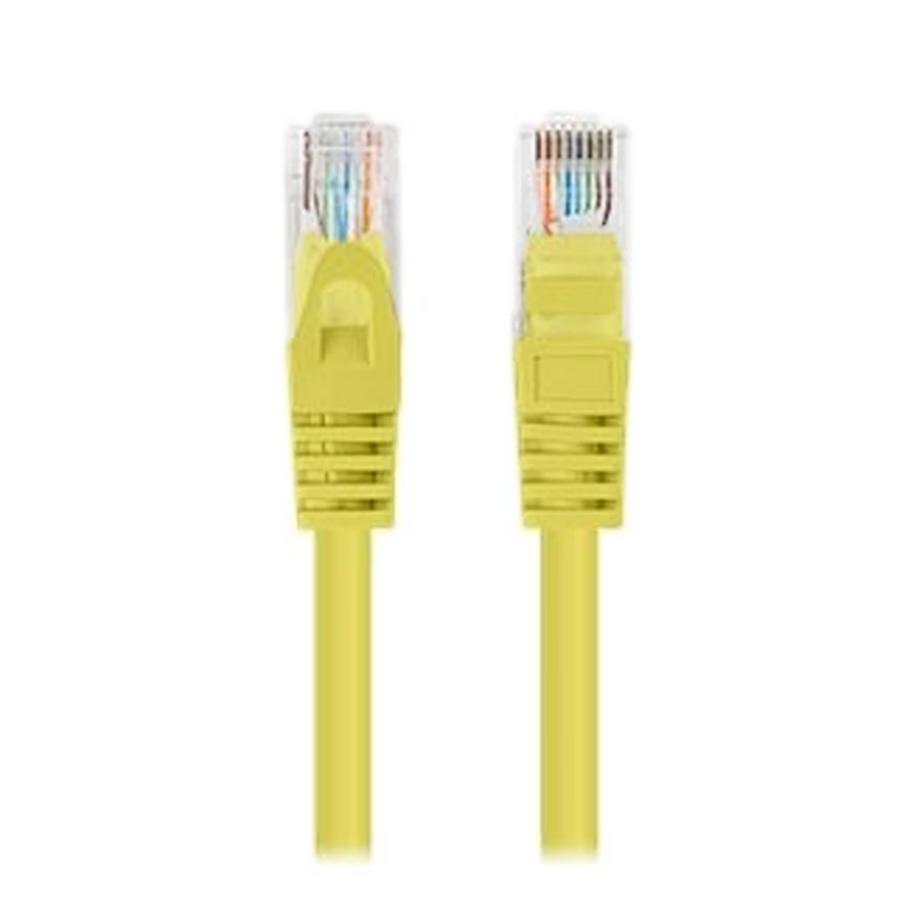
- Cable category
- Cat 6
- Cable length
- 0.25 m
- Connectors
- RJ45 and RJ45
- Colour
- Yellow
-
11,99 €
- Cable category
- Cat 5e
- Cable length
- 2 m
- Connectors
- RJ45 and RJ45
- Colour
- Green
All products shown.



































