

Network cables
Choosing a network cable: category, length and shielding
A network cable, or LAN cable, connects the router to a computer, TV, games console or network storage and gives a more stable connection than Wi-Fi. The range includes RJ45 network cables from Cablexpert and Vention in categories Cat 5e, Cat 6 and Cat 8. The purchase is decided by the cable category, which determines the speed, and the cable length.
Cable category: Cat 5e, Cat 6 or Cat 8
Cat 5e carries up to 1 Gbit/s over distances of up to 100 metres and suits home internet with a speed within 1 Gbit/s. Cat 6 also gives 1 Gbit/s and up to 10 Gbit/s over a run of up to 55 m, and is chosen for faster fibre internet and network storage. Cat 8 is intended for 25-40 Gbit/s connections up to 30 m, for example between a server and a network switch. All categories fit the same RJ45 socket, and the connection speed is set by the slowest device.
Cable length: measure the cable route
Measure the route from the router to the device along the skirting board and around door openings, not straight through the room, and add 1-2 metres as a reserve. For a desk and a TV, a 1-3 m cable is enough; a cable to another room is usually 10-20 m. Ethernet runs at full speed with a cable up to 100 m long.
Shielding: UTP or shielded cable
UTP cable is unshielded, thin and flexible, and suits home use. Shielded cable (FTP, S/FTP) resists interference from electrical wiring and devices better, and suits places where the network cable runs alongside power cables. Cat 8 cable is always shielded. The shielding type is stated in the product name.
Connecting a laptop
You connect a slim laptop or tablet with a network cable through a USB-C or USB-A network adapter. See adapters on the page USB, video and audio adapters.
Frequently asked questions
For an internet package of up to 1 Gbit/s, a Cat 5e or Cat 6 cable suits. For a faster package and a router with 2.5 or 10 Gbit/s ports, choose a Cat 6 or higher category cable.
Internet speed is determined by the internet package and the router. On a connection of up to 1 Gbit/s, Cat 8 gives the same speed as Cat 5e or Cat 6; its advantage shows at 10 Gbit/s and between faster devices.
An RJ45 coupler, or network cable extension, joins two cables with RJ45 plugs. The total length stays within 100 m at full speed, and a single complete cable makes a more secure connection than several joins.
One network cable serves one device at a time. To connect several devices, use the free LAN ports on the router or a network switch, which turns one port into several.
An outdoor cable suits outdoor use, as its polyethylene sheath resists UV radiation and moisture. A cable with a PVC sheath is intended for indoor use; outdoors, run it in a protective conduit.
A flat cable fits under a carpet and through a door gap, and suits running from room to room. A round cable is better shielded and resists interference better over a long distance.
-
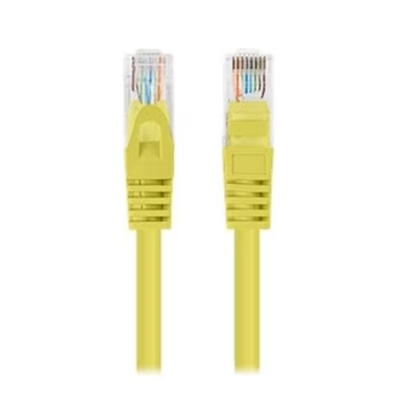
10,99 €
- Cable category
- Cat 6
- Cable length
- 0.25 m
- Connectors
- RJ45 and RJ45
- Colour
- Yellow
-
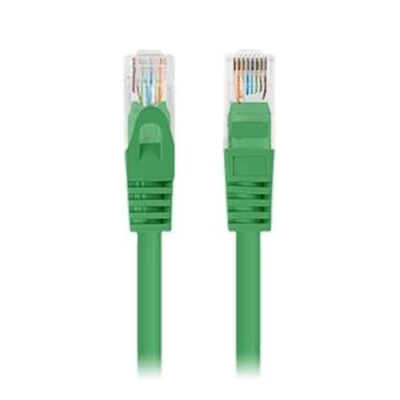
11,99 €
- Cable category
- Cat 5e
- Cable length
- 2 m
- Connectors
- RJ45 and RJ45
- Colour
- Green
-
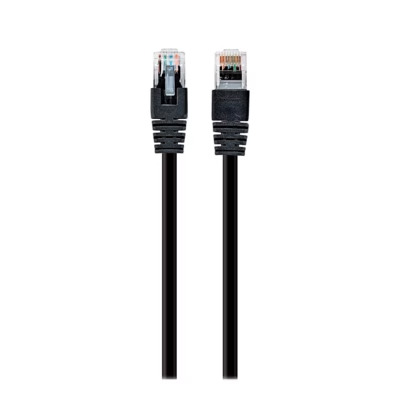
9,99 €
- Cable category
- Cat 5e
- Cable length
- 0.25 m
- Connectors
- RJ45 and RJ45
- Colour
- Black
-
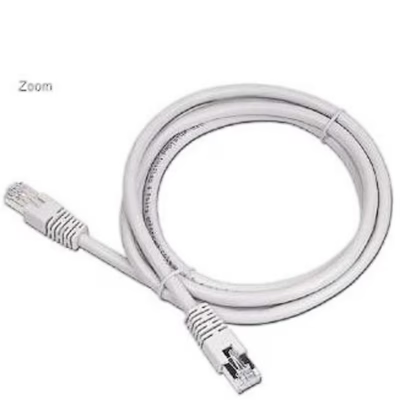
2,99 €
- Cable category
- Cat 5e
- Cable length
- 3 m
- Connectors
- RJ45 and RJ45
- Colour
- Beige
-
2,99 €
- Cable category
- Cat 5e
- Cable length
- 3 m
- Connectors
- RJ45 and RJ45
- Colour
- Black
-
3,99 €
- Cable category
- Cat 5e
- Cable length
- 7.5 m
- Connectors
- RJ45 and RJ45
- Colour
- Black
-
-
Original price was: 6,95 €.5,90 €Current price is: 5,90 €.
- Cable length
- 1.5 m
-
-
-
Original price was: 7,00 €.5,95 €Current price is: 5,95 €.
- Cable length
- 10 m
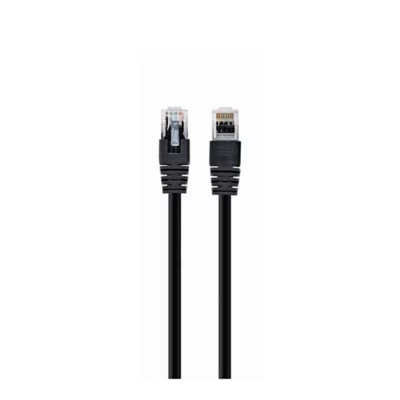
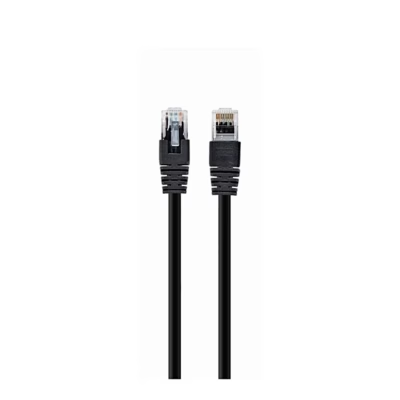


All products shown.
Popular right now
-
Original price was: 7,00 €.5,95 €Current price is: 5,95 €.
- Cable length
- 10 m
-
Original price was: 6,95 €.5,90 €Current price is: 5,90 €.
- Cable length
- 1.5 m






































