
Brand
Meross: Room thermostats
- 2% back as bonus points
- 14-day right of return

Why choose Meross?
Meross is a choice for buyers who want to adopt smart home features quickly and keep their devices as universal as possible. Many Meross products connect directly to a home 2.4 GHz Wi‑Fi network, which means you do not necessarily have to buy a separate bridge device to get started. This suits a flat, a rented property, or a situation where you want to gradually expand smart lighting, switches and heating control.
The brand's strength is its broad compatibility: Apple HomeKit and Matter (on selected models) let you use the same device in Apple Home and, if needed, on other platforms such as Google Home or SmartThings. Compared with several more expensive alternatives, Meross is often the more affordable route into the HomeKit or Matter world, but keep in mind that smart home reliability depends a lot on the stability of your home network and on the right setup choices.
The Meross range in our e-shop
The Ruumist Ruumi Meross range covers five main directions: sensors, smart switches, thermostats, LED bulbs and smart plugs. If the goal is a quick win in everyday convenience, people often start with smart plugs (including smart extension cables), which let you schedule devices, set up automatic switch-off and, on some models, monitor energy consumption. This is practical, for example, for creating routines for a home office, kitchen appliances or entertainment devices.
Smart switches and modules that fit behind a switch suit you if you want to keep the familiar wall button but add control from your phone, voice commands or automation. LED bulbs give you smart lighting without changing the electrical panel or wall switch, especially if you want dimming or colour temperature changes by scene. On the thermostat side there are solutions for both electric floor heating and water heating, so you can schedule the temperature and tie it to home occupancy or your daily rhythm.
With sensors, it is worth checking whether a particular sensor works on its own or needs a central device. Some Meross sensors are designed to work through a hub (for example the Meross Matter Hub), which gathers the signals from several sensors into one system and simplifies creating automations. The product page usually states this information, and by using the filters you can choose a suitable platform (Apple HomeKit, Google Home, SmartThings or the Meross app) and connectivity.
What to keep in mind when choosing a Meross product?
First, check compatibility with your ecosystem: do you want control through Apple HomeKit, do you need Matter support, or do you use Google Home, Amazon Alexa or SmartThings? If you plan to control devices from a platform app (for example Apple Home), the Meross app may still be needed for firmware updates or more detailed device management, depending on the product. Also check whether the product works only on the 2.4 GHz Wi‑Fi band. This is common for smart home devices and requires that your router has a 2.4 GHz network available and that your phone is on the same network during setup.
Second, think about connectivity and infrastructure. For wall-mounted switches and switch modules, check that your electrical installation is suitable, for example whether a neutral wire is required and whether there is enough room in the switch box. When choosing thermostats, specify whether the system is electric floor heating or water heating, what the control logic is, and whether the existing installation and load capacity are suitable. For smart plugs and extension cables, look at the maximum permitted load and whether you want separately controllable sockets and energy consumption measurement.
Third, consider signal strength and placement. Since many Meross devices communicate directly over Wi‑Fi, a stable coverage area is critical, especially if devices are in a technical room, a hallway or behind concrete walls. If the goal is to create automations (schedules, switching by sunrise and sunset), reliability is helped by a stable home network and devices correctly linked to the chosen platform. If you are torn between two models, choose the one whose compatibility and installation requirements are clearer for your home and ecosystem.
Frequently asked
Many Meross devices use a 2.4 GHz Wi‑Fi connection. Before buying, check the Wi‑Fi frequency on the product page and make sure your router has a 2.4 GHz network active (including when you use a combined network with the same name).
It depends on the sensor. Some sensors work on their own, while others are designed to be used with a Meross central device (for example the Meross Matter Hub). The product page states whether a hub is required or recommended.
If a product supports HomeKit and/or Matter, it can often be used in several ecosystems. In practice it depends on how the product is linked and which platforms you choose, and setup may require the Meross app or the platform's own add-device flow.
Look at the installation requirements: whether a neutral wire is needed, the maximum load, and whether there is enough room in the installation box. If you are not sure about the installation requirements, compare the product's technical data with your existing electrical installation before buying.
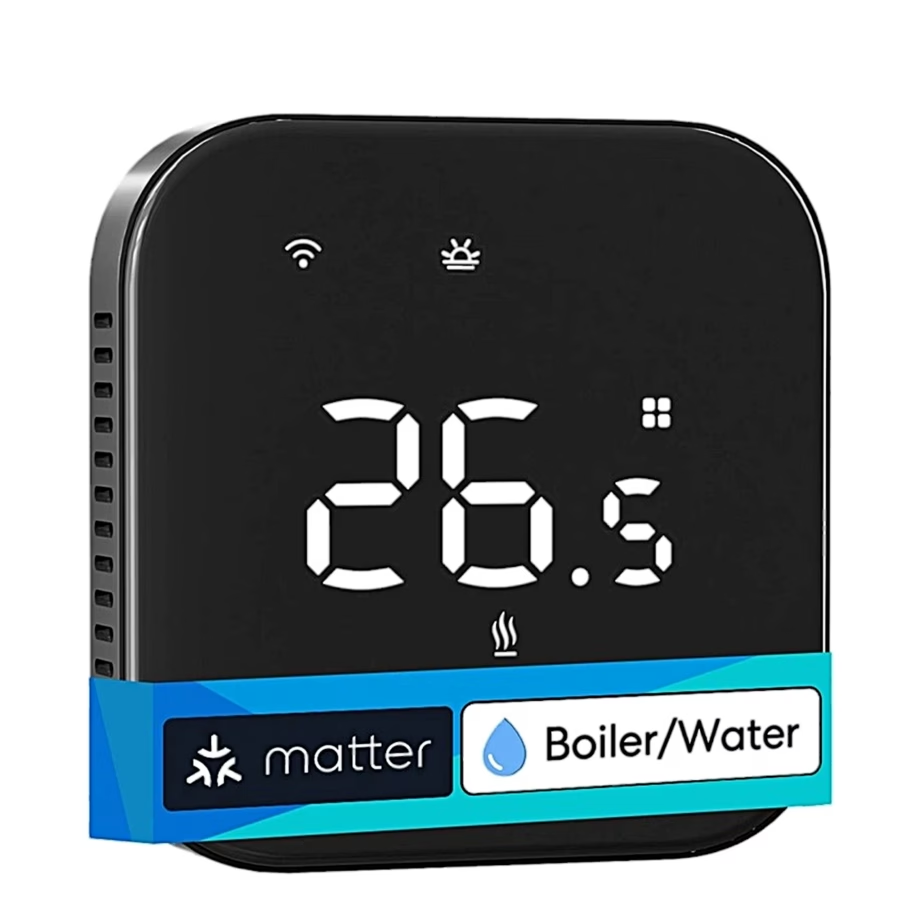
Thermostats are usually designed separately for electric floor heating and water heating solutions. Check the product page for which system the thermostat is intended for, its permitted load and the control it supports, to avoid choosing an unsuitable model.
-
62,95 €
- Heating system
- Boiler, Water heating
- Connectivity
- Bluetooth, Matter, Wi-Fi
- Smart home platform
- Amazon Alexa, Apple Home (HomeKit), Google Home, Samsung SmartThings
-
54,95 €
- Heating system
- Electric underfloor heating
- Connectivity
- Matter, Wi-Fi
- Smart home platform
- Amazon Alexa, Apple Home (HomeKit), Google Home, Samsung SmartThings
-
60,95 €
- Heating system
- Boiler, Water heating
- Connectivity
- Bluetooth, Wi-Fi
- Smart home platform
- Amazon Alexa, Apple Home (HomeKit), Google Home, Samsung SmartThings


All products shown.





































