

Description
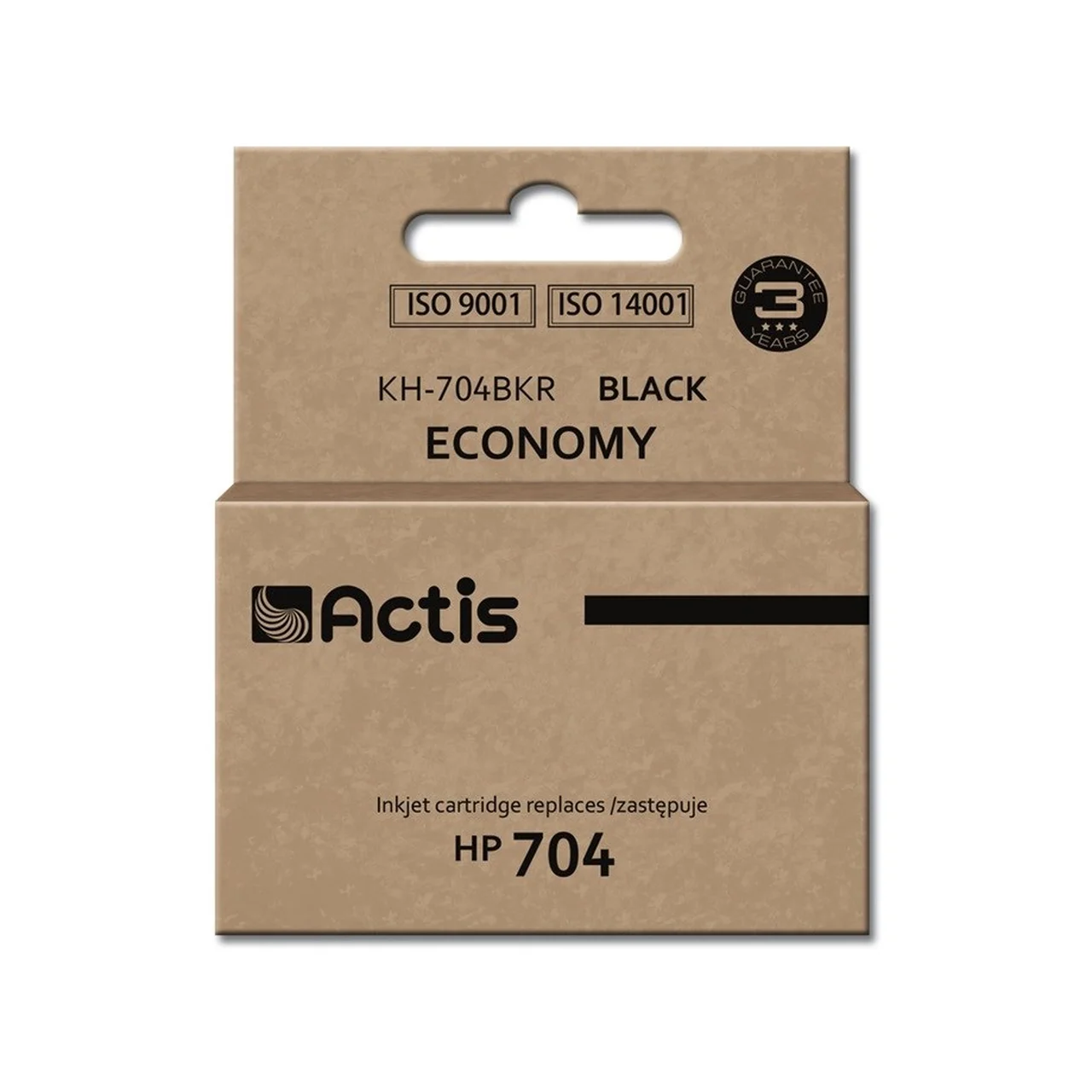
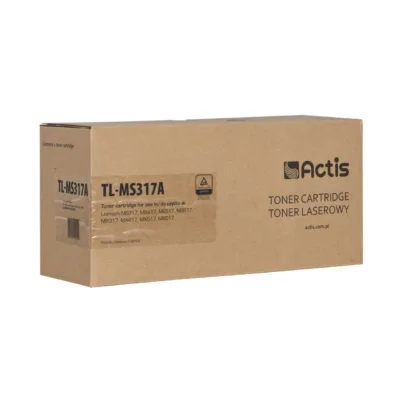
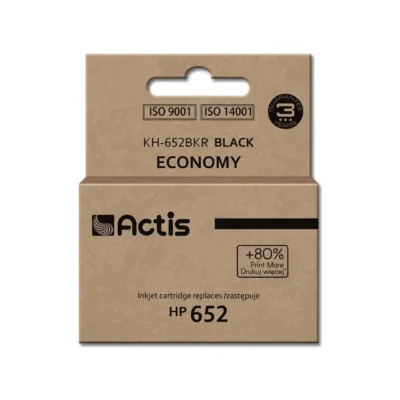
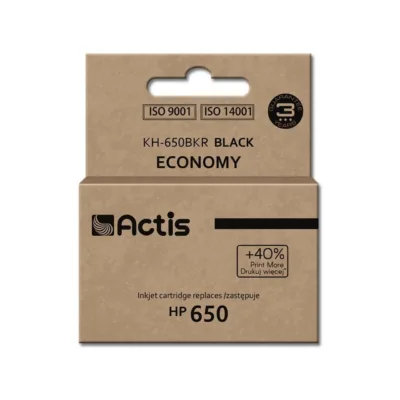
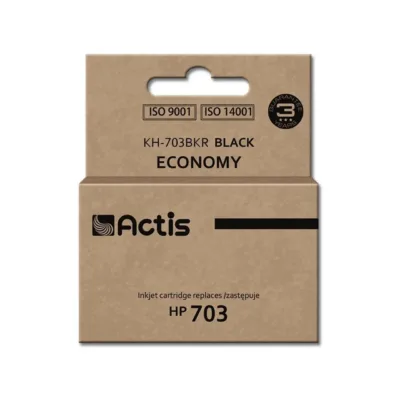
Actis KH-704BKR 15 ml black pigment ink cartridge (HP 704 CN692AE replacement) for HP Deskjet Ink Advantage 2060
Actis KH-704BKR is a reliable and environmentally friendly black ink cartridge, designed specifically for HP Deskjet Ink Advantage 2060 printers. It is an affordable and high-quality alternative to the HP 704 CN692AE original cartridge, suitable for everyday office and home use. The 15 ml pigment ink in the cartridge ensures clear, durable and waterproof prints. Remanufactured technology helps reduce the environmental footprint and saves on printing costs, without compromising print quality.
Why choose this black HP 704 ink cartridge?
This cartridge produces high-quality black-and-white prints and suits those who want to save money without giving up reliability and sharp printing. The product stands out for its ISO and TÜV certificates, remanufacturing production technology and exact compatibility with the original HP model. The standard-capacity cartridge is a suitable choice for both home and small business use.
Main features
- Replaces the original HP 704 CN692AE ink cartridge
- Compatible with the HP Deskjet Ink Advantage 2060 printer
- Standard yield – suitable for everyday black-and-white printing
- Pigment ink – ensures clear and durable prints
- Environmentally friendly remanufactured cartridge, class A
- ISO 9001, ISO 14001, ISO 27001, ISO 28000, TÜV Rheinland and CE certificates
- Produced in accordance with quality and environmental standards
- Packaging type: box
Technical data
- EAN: 5901452157319
- Manufacturer: Actis
- Manufacturer code: KH-704BKR
- OEM code replacement: HP 704 CN692AE
- Printing technology: inkjet printing
- Number of ink cartridges: 1 (black)
- Ink type: pigment ink
- Cartridge capacity: 15 ml
- Package dimensions: 95 × 40 × 110 mm
- Weight: 69 g
- Compatibility: HP Deskjet Ink Advantage 2060
- Certificates: ISO 9001, ISO 14001, ISO 27001, ISO 28000, TÜV Rheinland, CE
- Hazard pictograms: GHS09 (environmental hazard), GHS08 (health hazard), GHS07 (harmful)
- Warning: Avoid inhaling vapours.
User guide
To install the cartridge, open the printer cover, remove the old cartridge and place the Actis KH-704BKR into the new slot. Check that the cartridge is properly seated. For the best results, follow the printer’s user manual. We recommend keeping the cartridge in its original packaging before use, at room temperature and protected from direct sunlight. Using a remanufactured cartridge helps reduce electronic waste and allows you to print with good quality and economy. The package contains 1 cartridge, with no accessories included. If needed, you can use the HP software to change the cartridge or check the ink level.








































Reviews
There are no reviews yet.