

Description
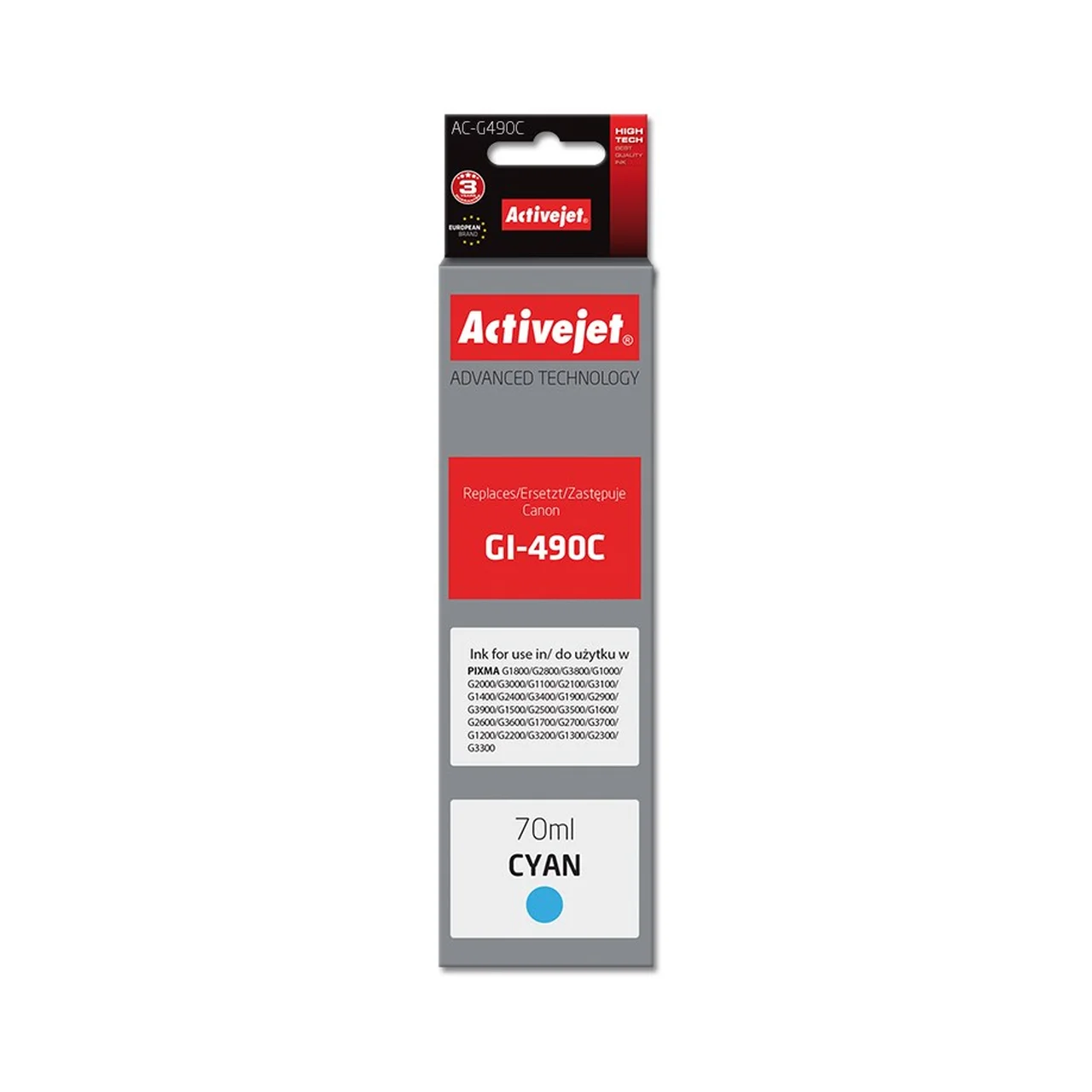
Activejet AC-G490C cyan ink for Canon PIXMA printer – 70 ml, Supreme series
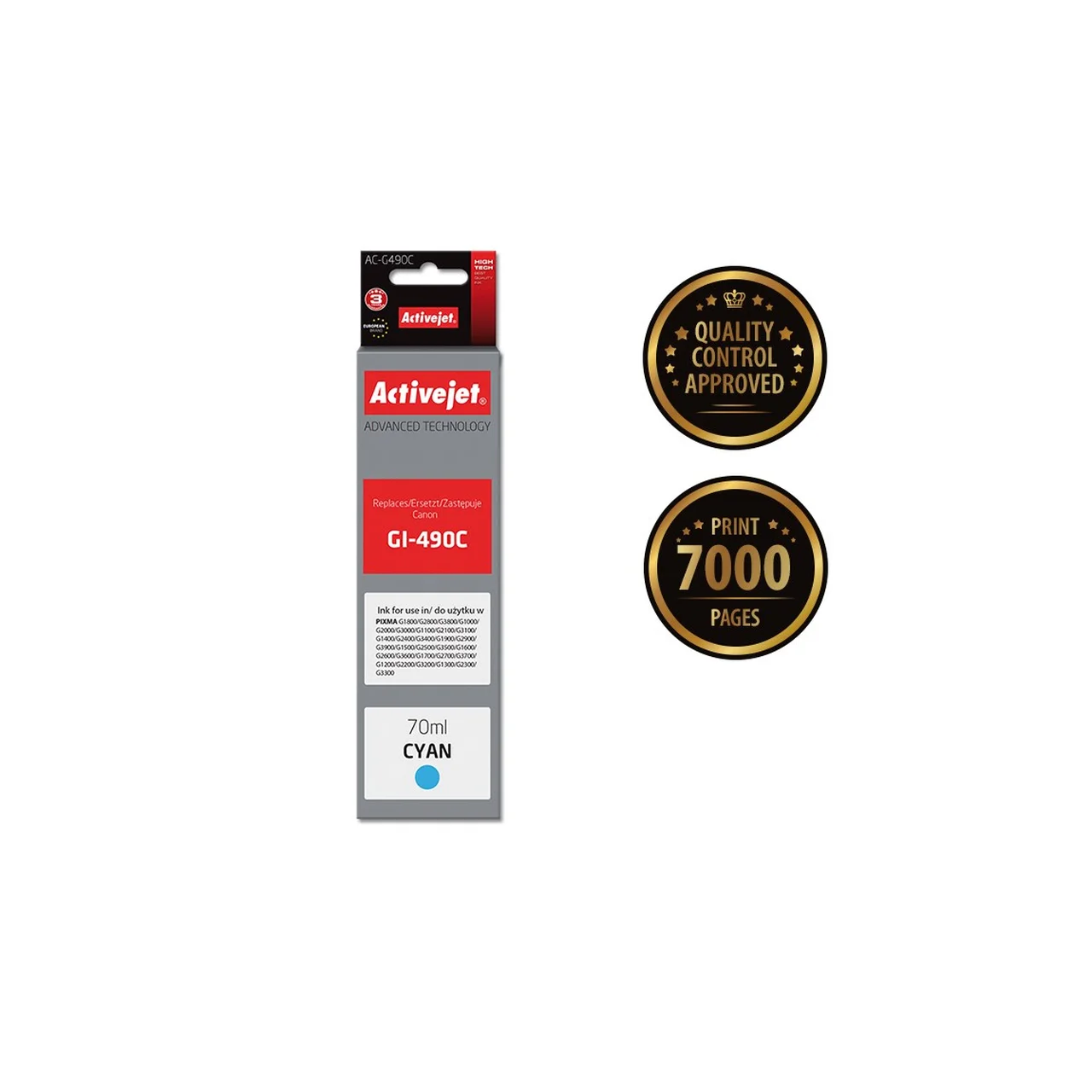
Activejet AC-G490C is a quality replacement ink designed to replace the Canon GI-490C cartridge and is perfectly suited for use in Canon PIXMA G-series printers. Thanks to the large 70 ml fill volume and high (XL) yield, this ink is suitable for those who want maximum savings and reliability without compromising on quality. This replacement bottle allows you to print up to 7000 pages in cyan tone, ensuring bright and clear results with vivid colours for both photos and documents.
Main features
- High yield: up to 7000 pages per bottle
- Large 70 ml ink bottle – less frequent refilling, longer printing range
- Wide compatibility: Canon PIXMA G-series (over 35 models)
- OEM code: Canon GI-490C
- Ink type: dye-based ink, which ensures vivid colours
- Class A+, Supreme quality standards
- Certificates: ISO 9001, ISO 14001, TUV, CE – confirmed quality and environmental friendliness
Technical data
- Manufacturer: Activejet
- Model: AC-G490C
- EAN: 5901443110705
- Quantity in package: 1 (unit pack)
- Ink type: dye-based ink
- Colour: cyan
- Volume: 70 ml
- Dimensions: 170 x 45 x 45 mm
- Weight: 100 g
- Compatibility: Canon PIXMA G1800, G2800, G3800, G1000, G2000, G3000, G1100, G2100, G3100, G1400, G2400, G2410, G3400, G1900, G2900, G3900, G1500, G2500, G3500, G1600, G2600, G3600, G1700, G2700, G3700, G1200, G2200, G3200, G1300, G2300, G3300, G4400, G4411, G4500, G4510, G4511, G4515, G1510, G2510, G3510
Uses and maintenance
Activejet AC-G490C ink suits both office and home users who value high-volume, yet affordable and quality colour printing. The 70 ml bottle extends the interval between refills and reduces the cost per page. The dye-based formula is suitable for printing photos, graphics and documents alike.
Quality and compatibility
- Compatible with a wide range of Canon PIXMA G-series printers
- Suitable as a replacement for GI-490C type cyan ink
- Stable and reliable results thanks to quality class A+ and international certificates
User guide
Before adding ink, make sure the printer is switched off. Open the printer’s ink tank cover and remove the cap of the empty tank. Shake the Activejet AC-G490C bottle, open the cap and carefully pour the ink into the corresponding tank. Close the bottle properly after filling to prevent the ink from drying out. Keep the product out of reach of children and avoid it getting into the sewage system. Follow the GHS07 and GHS09 hazard warnings.
Why choose Activejet AC-G490C?
- A cost-effective solution for replacing the cyan ink in a Canon PIXMA printer
- Reliable quality for photos and documents
- Fewer refills, fewer interruptions – longer working time
- Internationally certified



































Reviews
There are no reviews yet.