
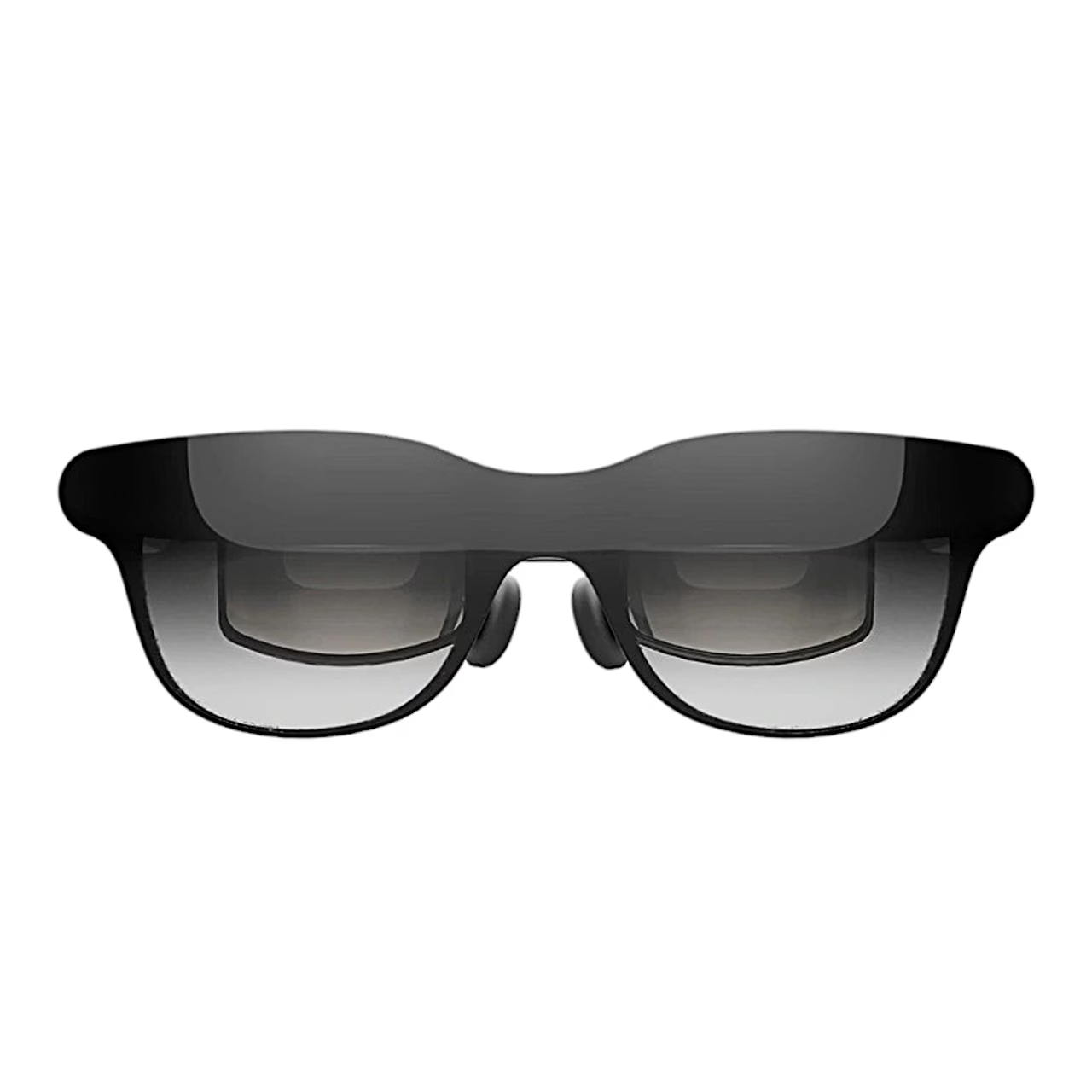

Description
AR glasses with a large virtual screen for films and games
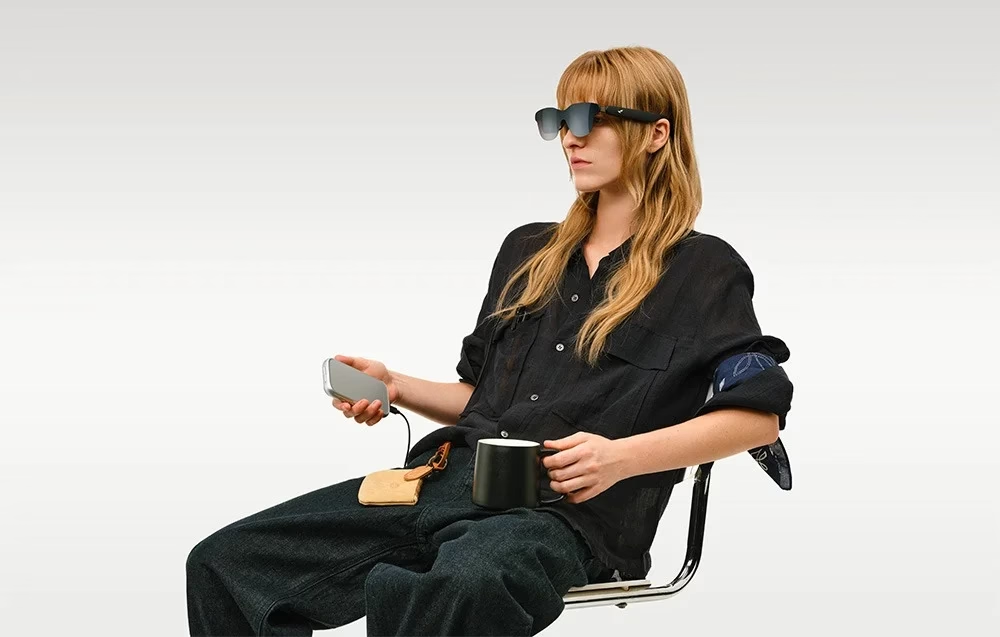
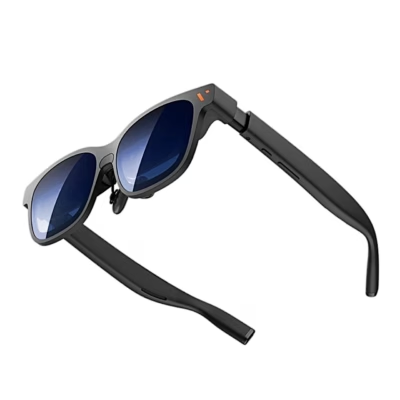
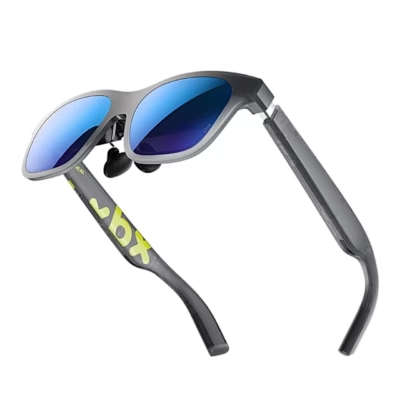
The RayNeo GT AR glasses connect to a smartphone, tablet, computer or gaming device with a DisplayPort-capable USB-C port and draw power from the connected device. You can watch in 2D and 3D modes at three screen sizes.

AR glasses keep your surroundings in view
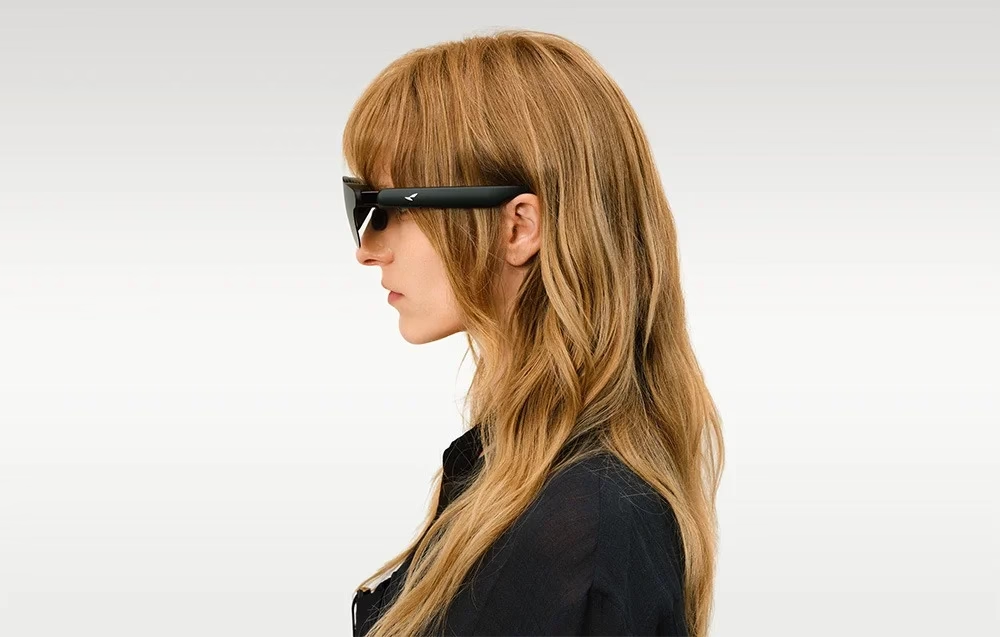
AR glasses are cable-connected display glasses that show the picture on a see-through lens, so your surroundings stay visible. The RayNeo GT takes both picture and power over one USB-C cable. VR headsets that cover the eyes give a fully virtual environment, while AR glasses suit watching content with the room still visible beside the picture.
Screen size and position in space
You can set the screen size to 85%, 100% or 115%: 115% enlarges the centre of the picture and reduces black bars, 85% shrinks the screen to avoid cropping. Stable mode keeps the picture steady while you move, Pinned anchors the screen to one spot in the room and Follow moves the picture with your head.
Picture modes and Dolby Vision
In the OSD menu you can adjust brightness and choose SDR, AI HDR or Dolby Vision picture mode. There are four scene modes: Standard, Movie, Eye Care and Read. Colour optimisation is on by default in AI HDR mode.

Sound in three modes
Volume has 12 steps plus three gain levels. The audio modes are Standard, Whisper and Spatial Surround: Whisper is meant for more private listening and Spatial Surround gives spatial sound.

Connecting a games console, iPhone or Pocket TV Pro
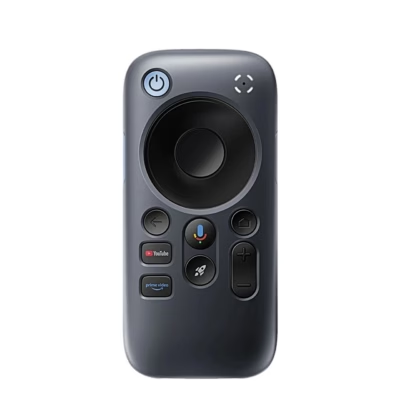
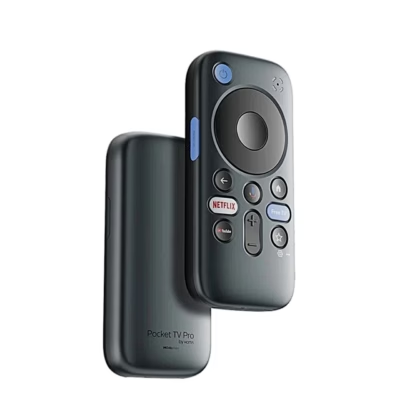
With a USB-C adapter you can send the picture to the glasses and charge the source device at once. With an HDMI adapter, PlayStation and other HDMI devices connect, and Nintendo Switch and Switch 2 connect via the Joy-Dock. iPhone 14 and earlier connect through an HDMI adapter and a Lightning-to-HDMI adapter. With Pocket TV Pro, Dolby Vision switches on automatically for compatible content.
Using the glasses
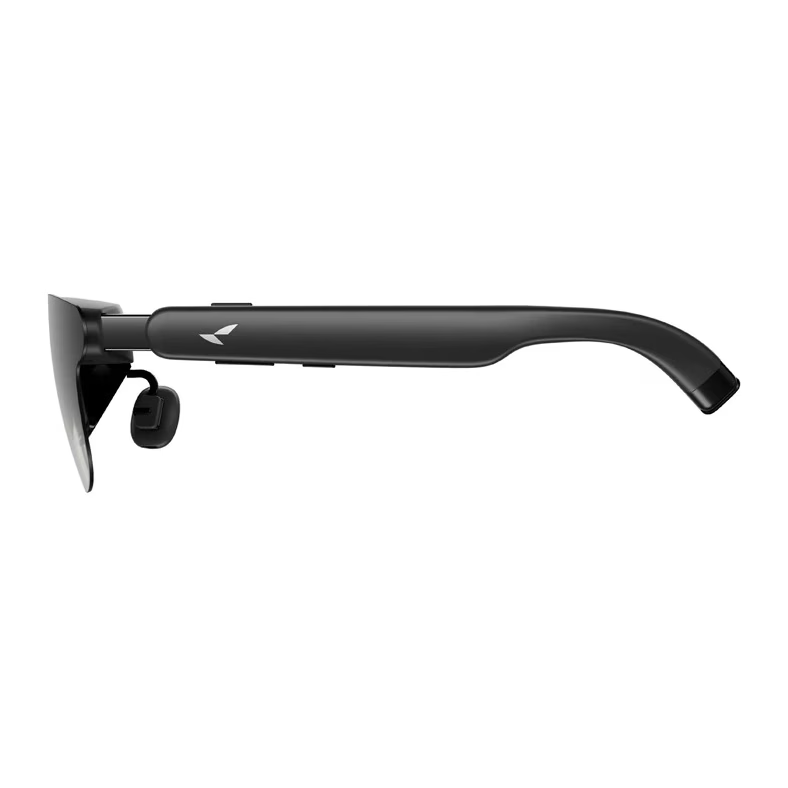
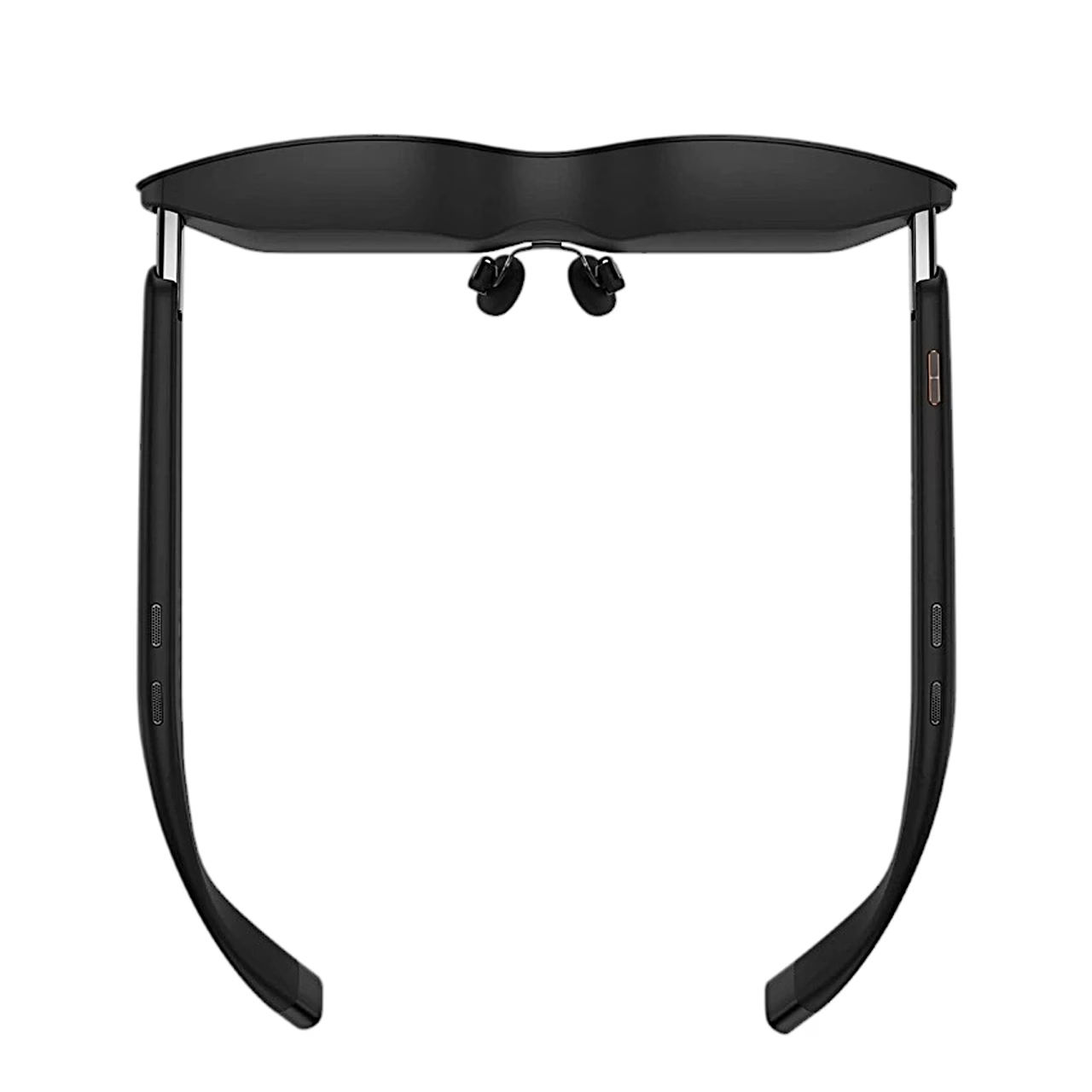
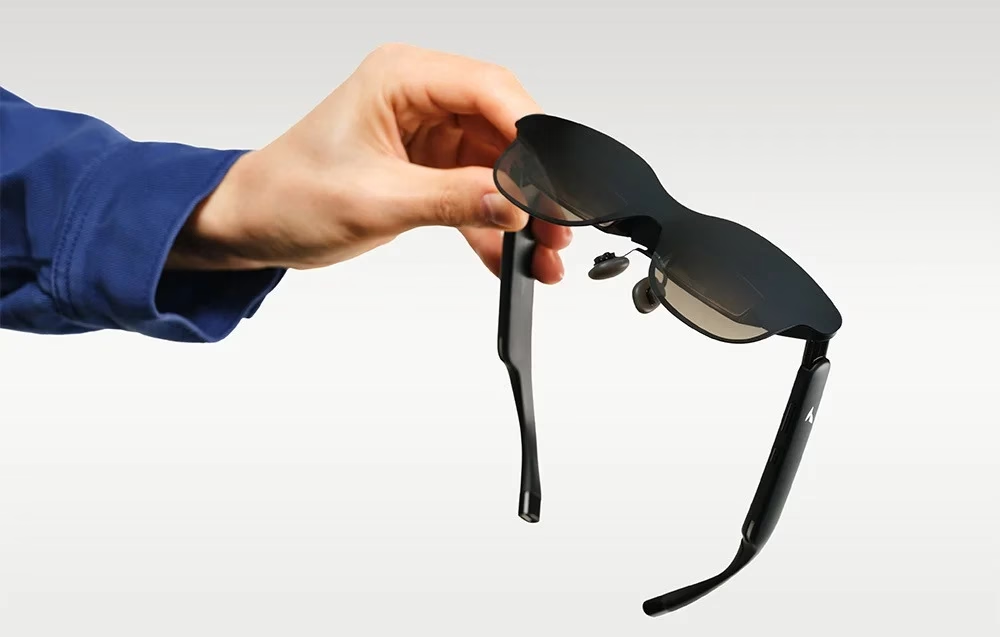
The main functions are controlled with buttons on the frame. To switch between 2D and 3D, press any volume button together with the Space Mode button. The Menu button opens the OSD settings and confirms a selection, and separate buttons change the volume, sound effects and surround mode.
In the box
- AR glasses RayNeo GT, 1 pc
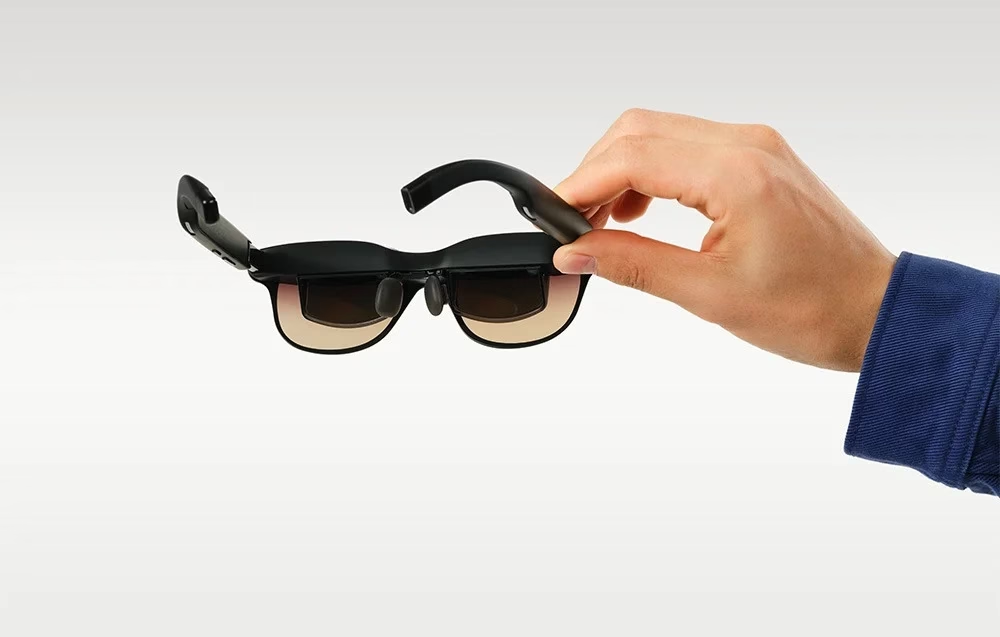
- Prescription lens adapter
- Nose pads, 2 pcs
- Carrying case
- USB-C cable
- Cleaning cloth
- Non-slip temple tips, 4 pcs
- User manual
- Safety and service guide








































Reviews
There are no reviews yet.