Gamepads
Choosing a gamepad: platform, connection and power
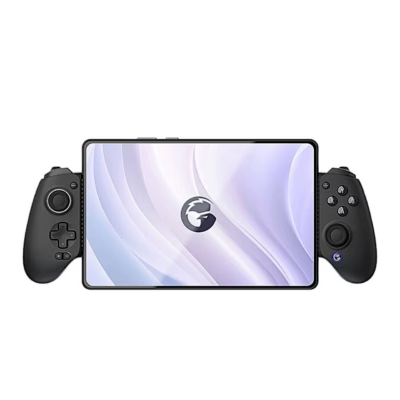
Choose a gamepad according to the device you play on: PC, PlayStation, Xbox, Nintendo Switch or phone. The range includes Microsoft and Sony controllers, as well as GameSir, Esperanza, Tracer and other brands’ controllers for PC and phone. Your purchase depends on the platform, the connection type and whether the controller runs on a battery or on AA batteries.
Platform: PC, PlayStation, Xbox or Switch
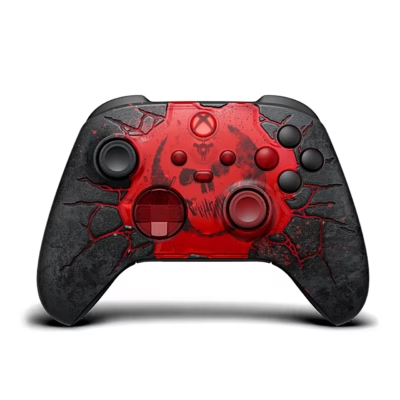
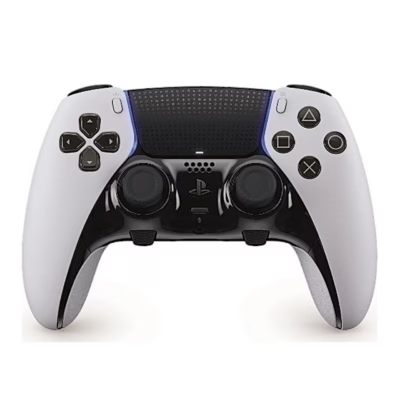
The wireless Xbox controller works with the Xbox Series X|S and Xbox One consoles, and via Bluetooth also with Windows PCs, Android and iOS. PS5 games use the DualSense controller, while the PS4 DualShock 4 works on PS5 with PS4 games. PC games mostly support XInput mode, the Xbox controller standard, and many PC controllers let you select this mode. Compatible devices can be found under the Platform filter.
Connectivity: wired, 2.4 GHz or Bluetooth
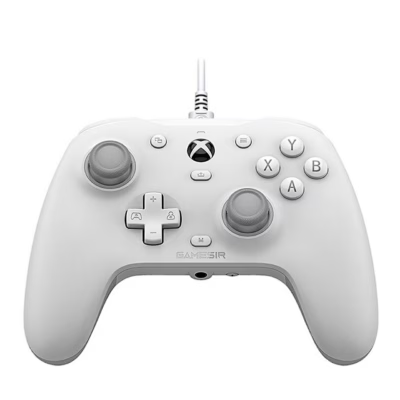
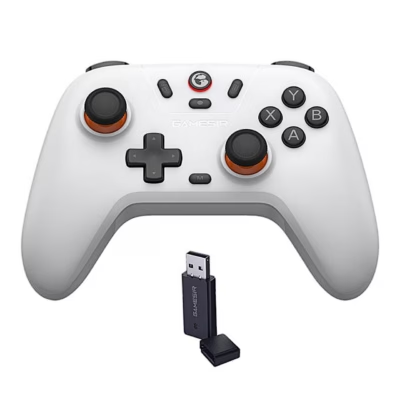
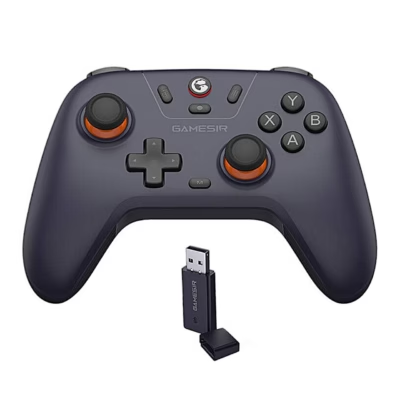
A wired controller works without charging and has the lowest latency, so it suits a desk-side PC setup. A 2.4 GHz wireless controller connects with the USB receiver included, and its latency is almost as low as that of a wired controller. A Bluetooth controller connects without a receiver to phones, tablets, PCs and the Switch.
Power: battery or AA batteries
A controller with a built-in battery charges with a USB-C cable, and in most cases you can also charge it while playing. The Xbox controller runs on two AA batteries, and rechargeable AA batteries or a separate battery pack can be used instead.
Vibration and extra buttons
A controller with vibration gives tactile feedback from impacts, driving and shooting. You will find these controllers under the Features filter. Competitive games use controllers with programmable extra buttons on the back. For racing and flight games, see the page Gaming wheels and joysticks.
Frequently asked questions
Yes, the wireless Xbox controller connects to a Windows PC by USB-C cable or Bluetooth, and Windows recognises it without extra software. Most PC games and Steam support this controller straight away.
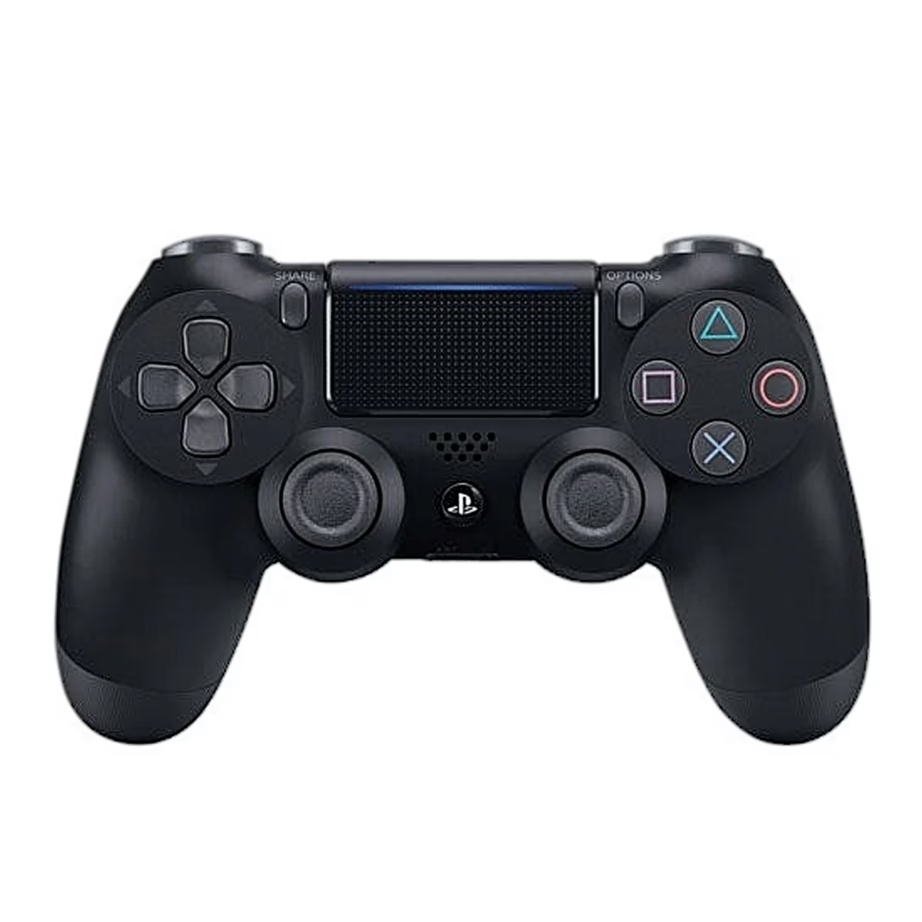
The DualShock 4 works on PS5 with PS4 games. For PS5 games you need the DualSense controller, which also supports haptic feedback and adaptive triggers on the console.
Android and iOS support Bluetooth Xbox and PlayStation controllers, as well as many controllers from other brands. Supported systems are listed under the Platform filter and on the product page.
Bluetooth latency is slightly higher than with a cable or a 2.4 GHz receiver. You won’t notice it in ordinary games, but fast competitive games often use a cable or a receiver.
A wired controller plugs into a USB port on the PC, and a 2.4 GHz controller connects with its own USB receiver. For a Bluetooth controller, switch it to pairing mode and add it in Windows settings under Bluetooth and devices.
-
95,99 €
- Platform
- PlayStation 4
- Connectivity
- Wired
- Features
- Vibration
-
108,99 €
- Platform
- Android, iOS, PC, Xbox One, Xbox Series X|S
- Connectivity
- Bluetooth
- Features
- Vibration
-
30,99 €
- Platform
- PC, Xbox One, Xbox Series S, Xbox Series X|S
- Connectivity
- Wired
-
9,49 €
- Platform
- PC, PlayStation 3
- Connectivity
- Wired
- Features
- Vibration
-
13,99 €
- Platform
- PC, PlayStation 2, PlayStation 3
- Connectivity
- Wired
- Features
- Vibration
-
11,49 €
- Platform
- PC, PlayStation 3
- Connectivity
- Wired
-
12,49 €
- Platform
- PC, PlayStation 3
- Connectivity
- Wired
-
13,49 €
- Platform
- PlayStation 3
- Connectivity
- Bluetooth
-
15,59 €
- Platform
- PC, PlayStation 3
- Connectivity
- Wired
- Features
- Vibration
-
12,49 €
- Platform
- PC, PlayStation 3
- Connectivity
- 2.4 GHz wireless
-
12,49 €
- Platform
- PC, PlayStation 3
- Connectivity
- Wired
-
21,99 €
- Platform
- Android, iOS, Nintendo Switch, PC
- Connectivity
- Bluetooth
- Features
- Bluetooth, Vibration
-
28,99 €
- Platform
- PC, PlayStation 3, PlayStation 4
- Connectivity
- Wired
- Features
- Vibration
-
30,99 €
- Platform
- PC, PlayStation 2, PlayStation 3
- Features
- Vibration
-
11,99 €
- Platform
- PC, PlayStation 2, PlayStation 3
- Connectivity
- Wired
- Features
- Vibration
-
64,99 €
- Platform
- Android, iOS, PC, Xbox One, Xbox Series X|S
- Connectivity
- Bluetooth, Wired
- Features
- Bluetooth, Vibration
-
29,99 €
- Platform
- Android, iOS, Nintendo Switch, PC, PlayStation 3, PlayStation 4, Xbox 360, Xbox One
- Connectivity
- Bluetooth, Wired
- Features
- Bluetooth, Vibration
-
28,99 €
- Platform
- Android, iOS, PC, PlayStation 3, PlayStation 4, Xbox One
- Connectivity
- Bluetooth, Wired
- Features
- Bluetooth, Vibration
-
64,99 €
- Platform
- Android, iOS, PC, Xbox One, Xbox Series X|S
- Connectivity
- Bluetooth
-
65,99 €
- Platform
- Android, iOS, PC, Xbox One, Xbox Series X|S
- Connectivity
- Bluetooth
-
206,99 €
- Platform
- PlayStation 5
-
21,95 €
- Platform
- Nintendo Switch, PC
- Connectivity
- Bluetooth
- Features
- Vibration
-
67,95 €
- Platform
- Android, iOS, Nintendo Switch, PC
- Connectivity
- Bluetooth, Wired
- Features
- Vibration
-
26,95 €
- Platform
- Android, iOS, Nintendo Switch, PC
- Connectivity
- 2.4 GHz wireless, Bluetooth, Wired
- Features
- Vibration


All products shown.
Popular right now
-
48,95 €
- Platform
- PC, Xbox One, Xbox Series X|S
- Connectivity
- Wired
- Features
- Vibration
-
23,95 €
- Platform
- Android, iOS, Nintendo Switch, PC
- Connectivity
- 2.4 GHz wireless, Bluetooth, Wired
- Features
- Vibration
-
64,99 €
- Platform
- Android, iOS, PC, Xbox One, Xbox Series X|S
- Connectivity
- Bluetooth
-
67,95 €
- Platform
- Android, iOS, Nintendo Switch, PC
- Connectivity
- Bluetooth, Wired
- Features
- Vibration