

Description
Case fan airflow, pressure and bearing
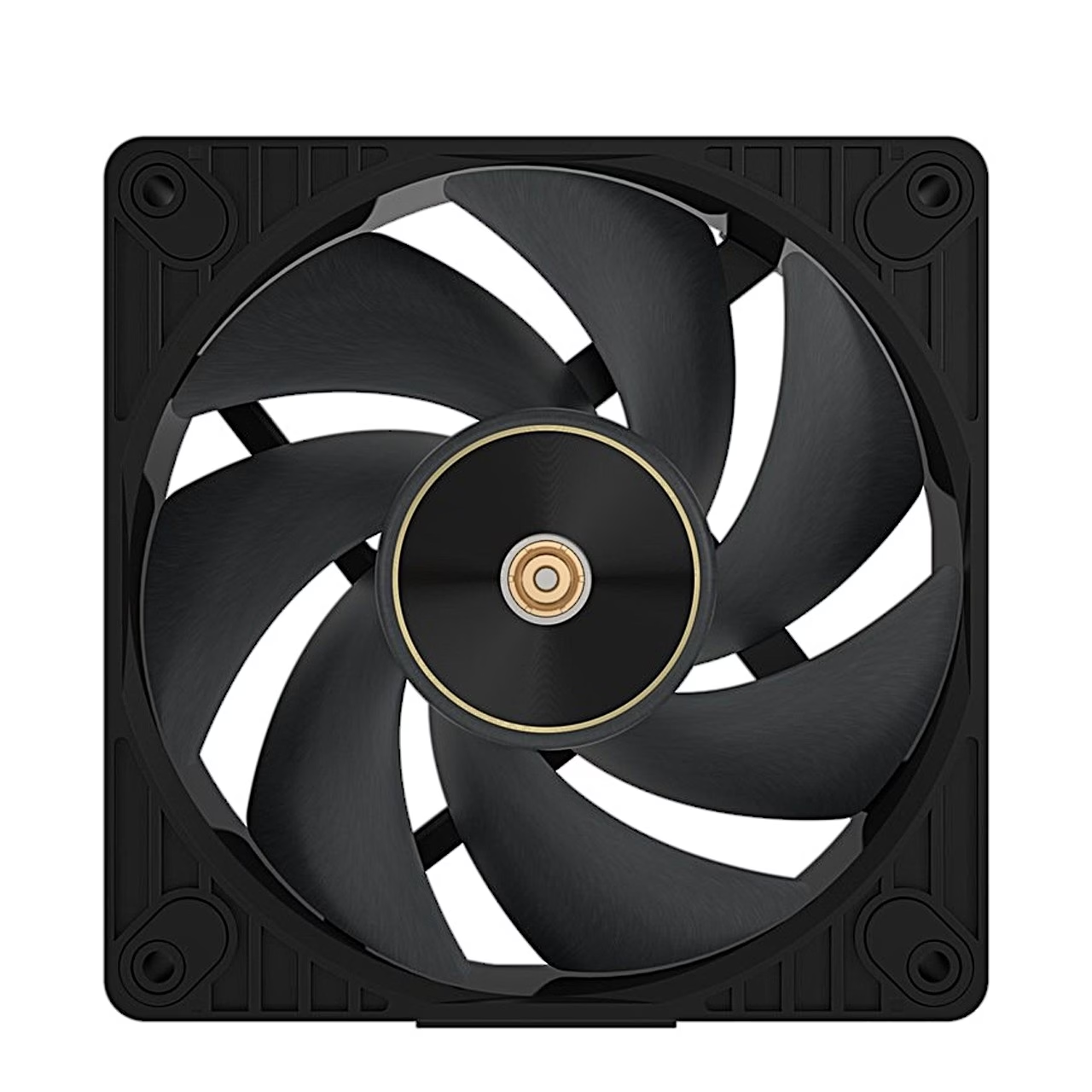
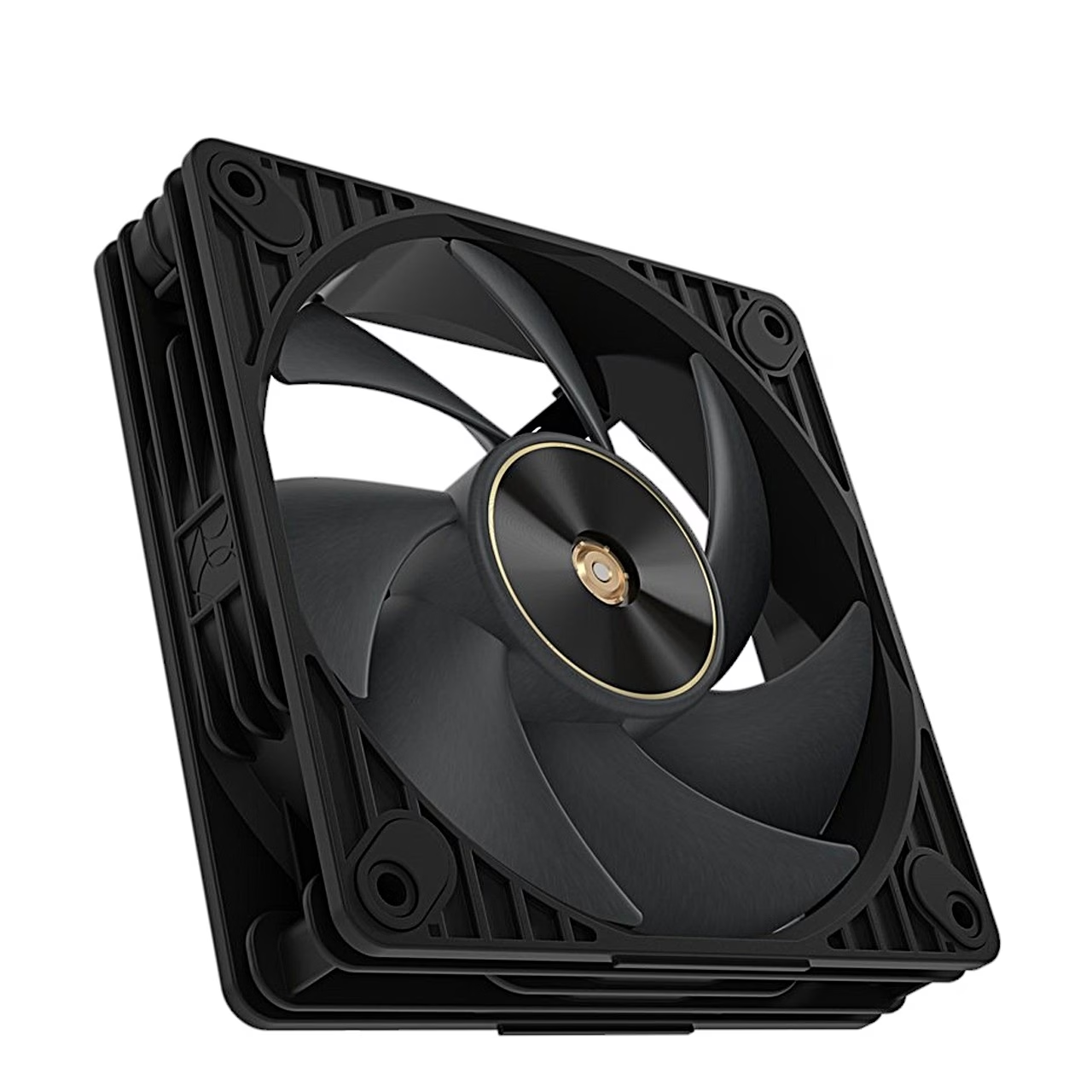
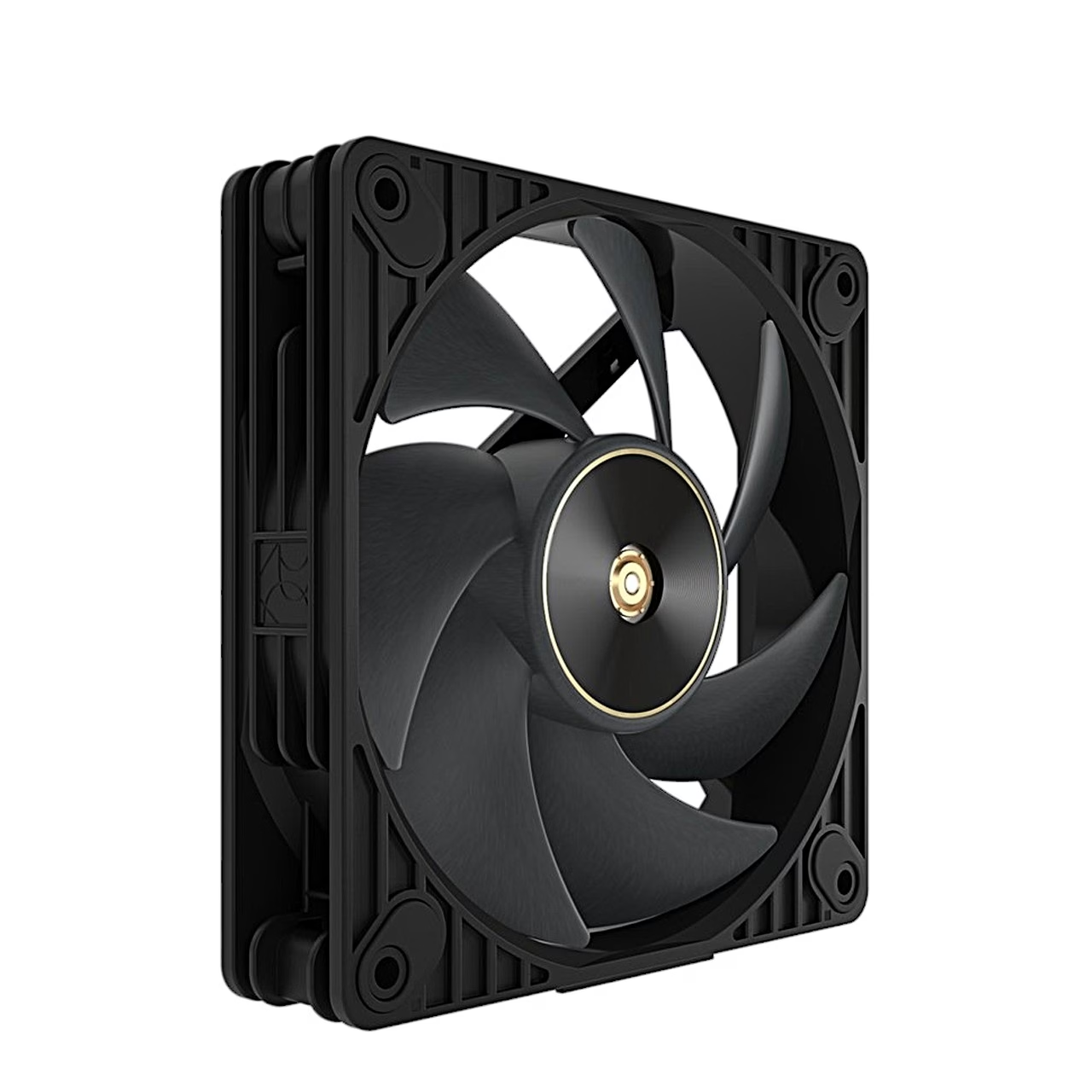
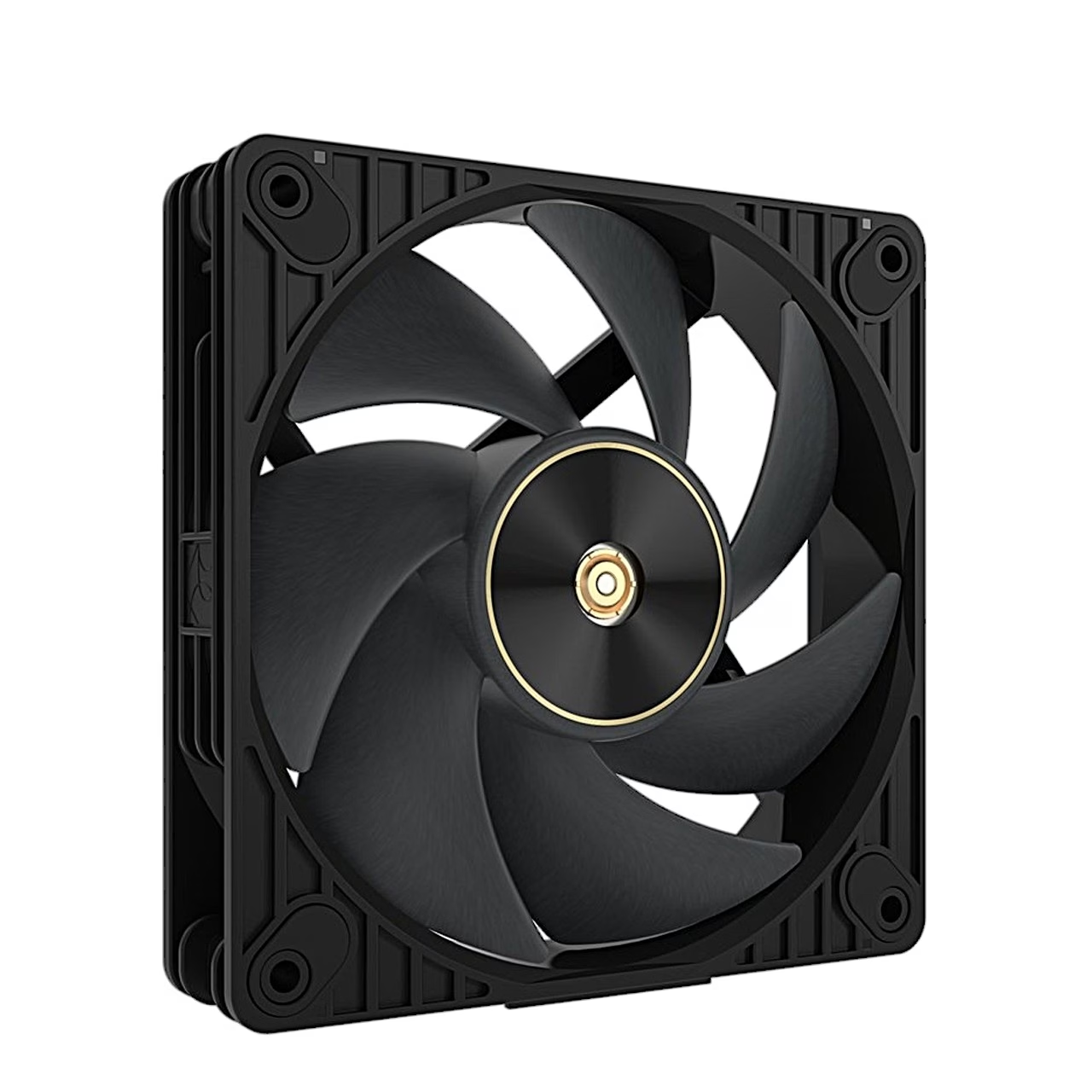
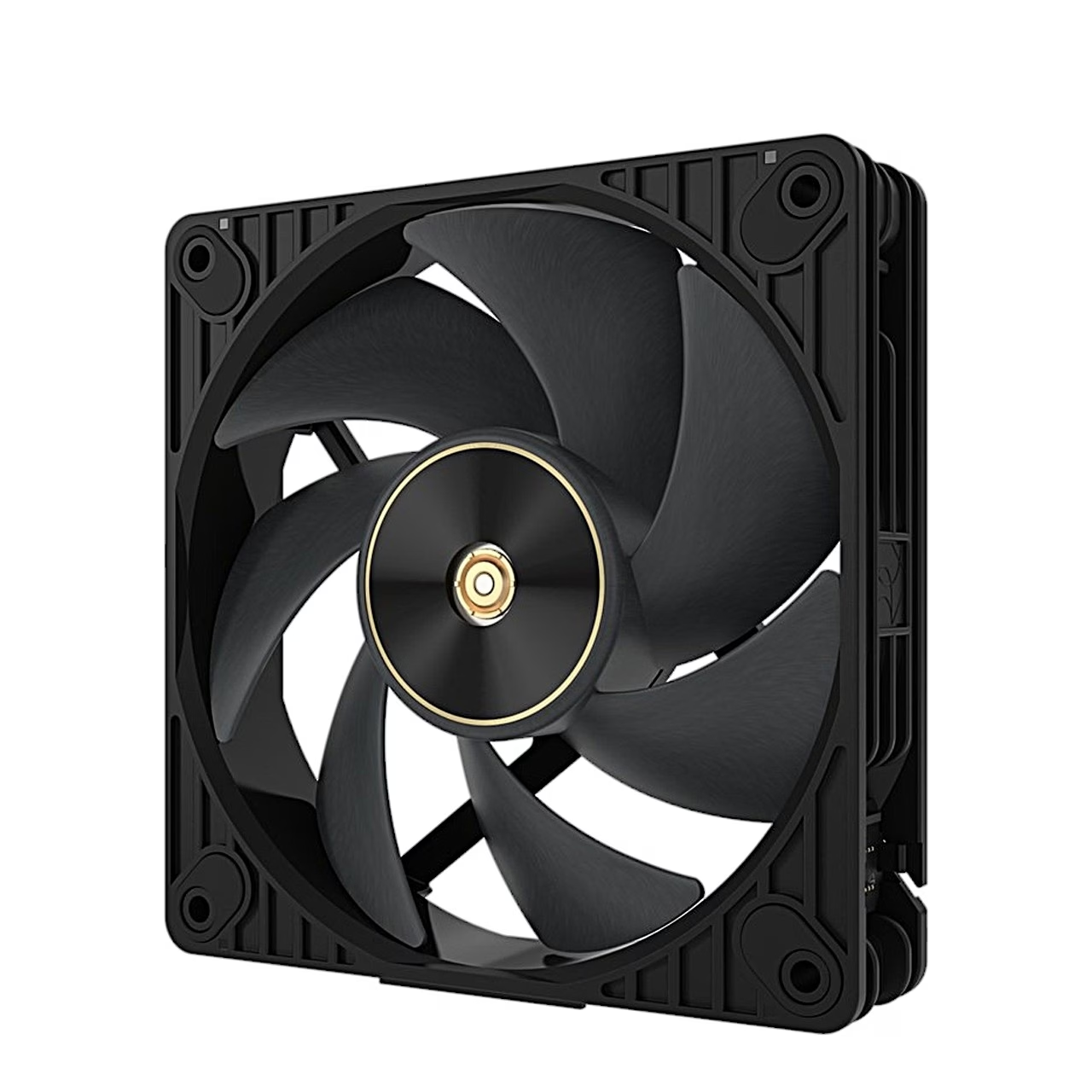
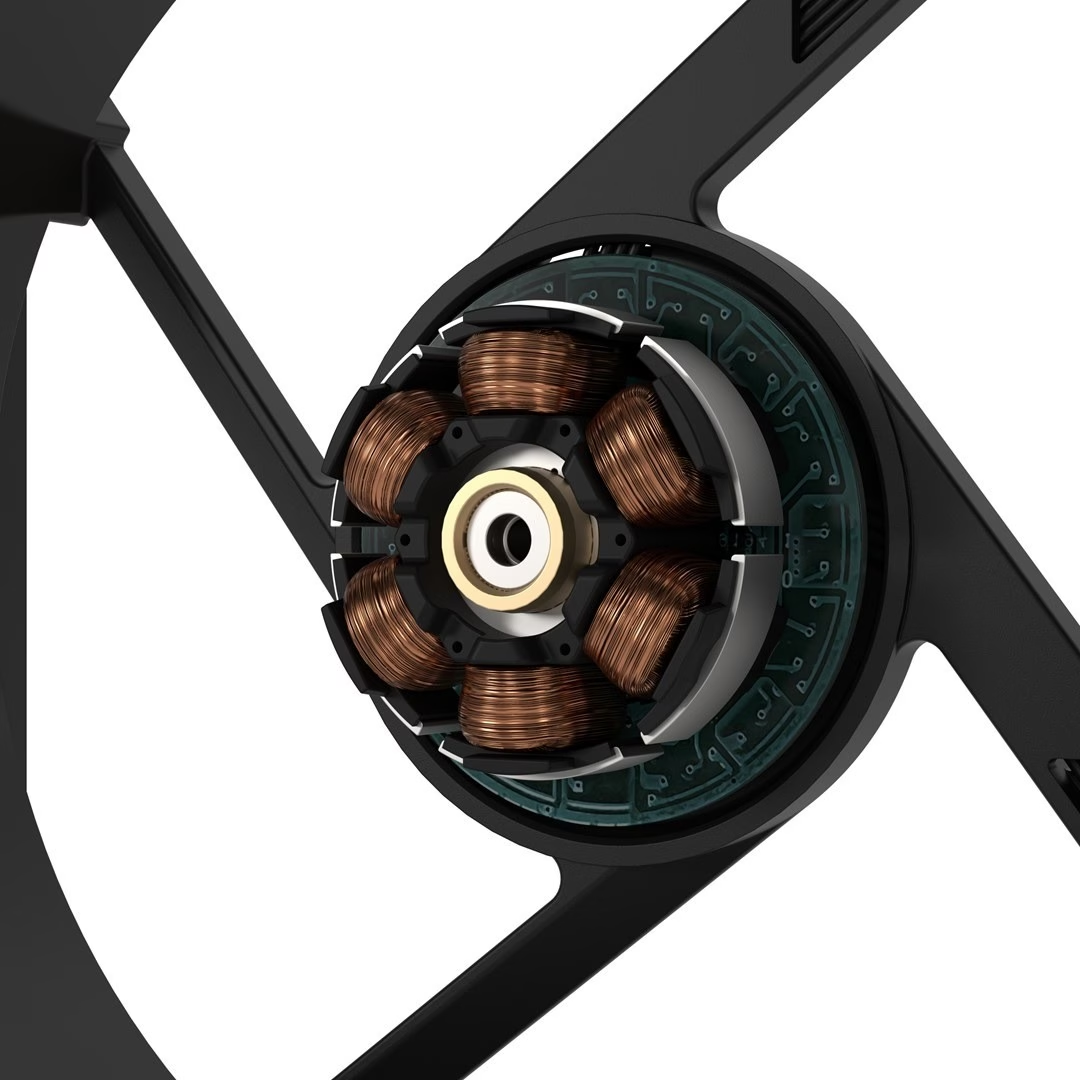
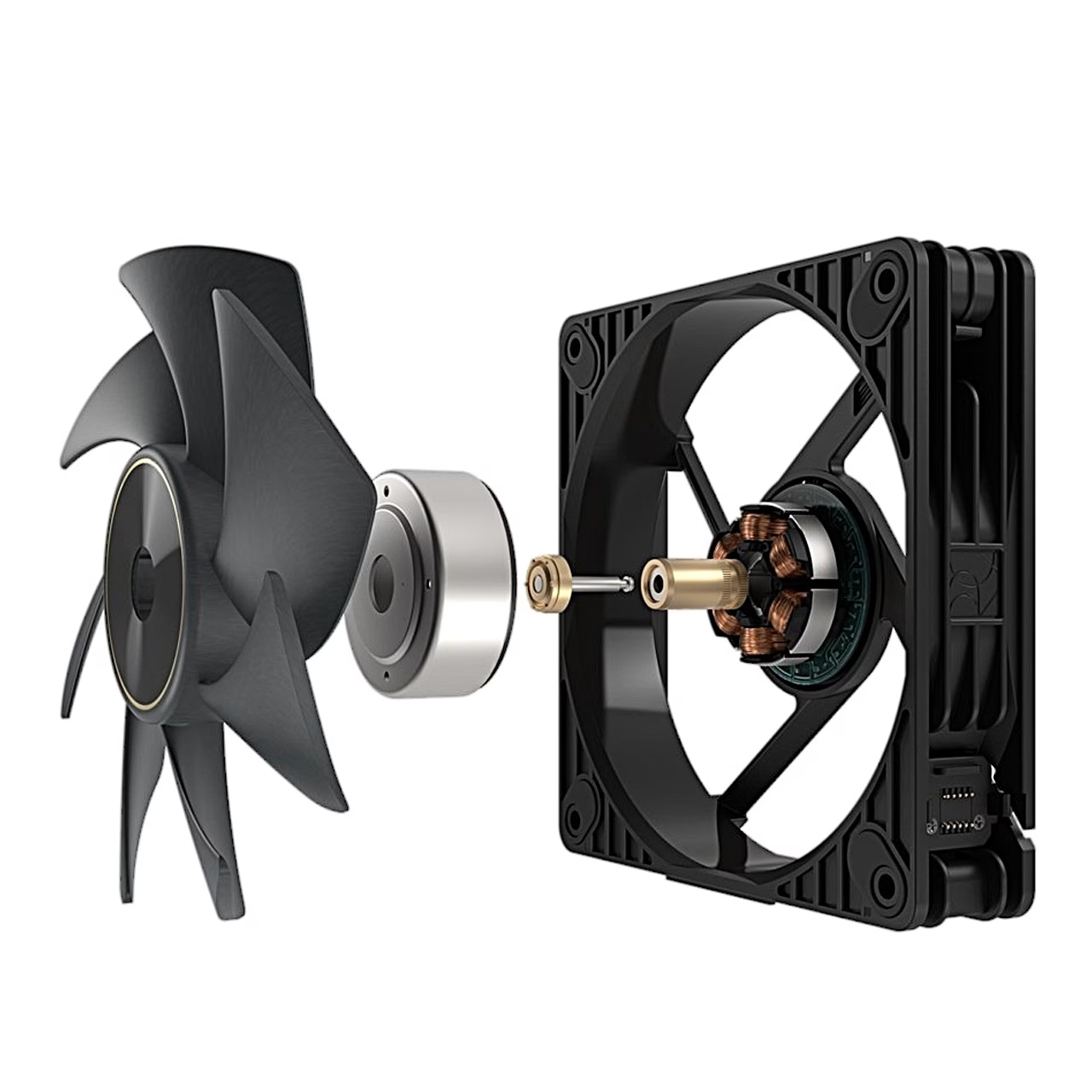
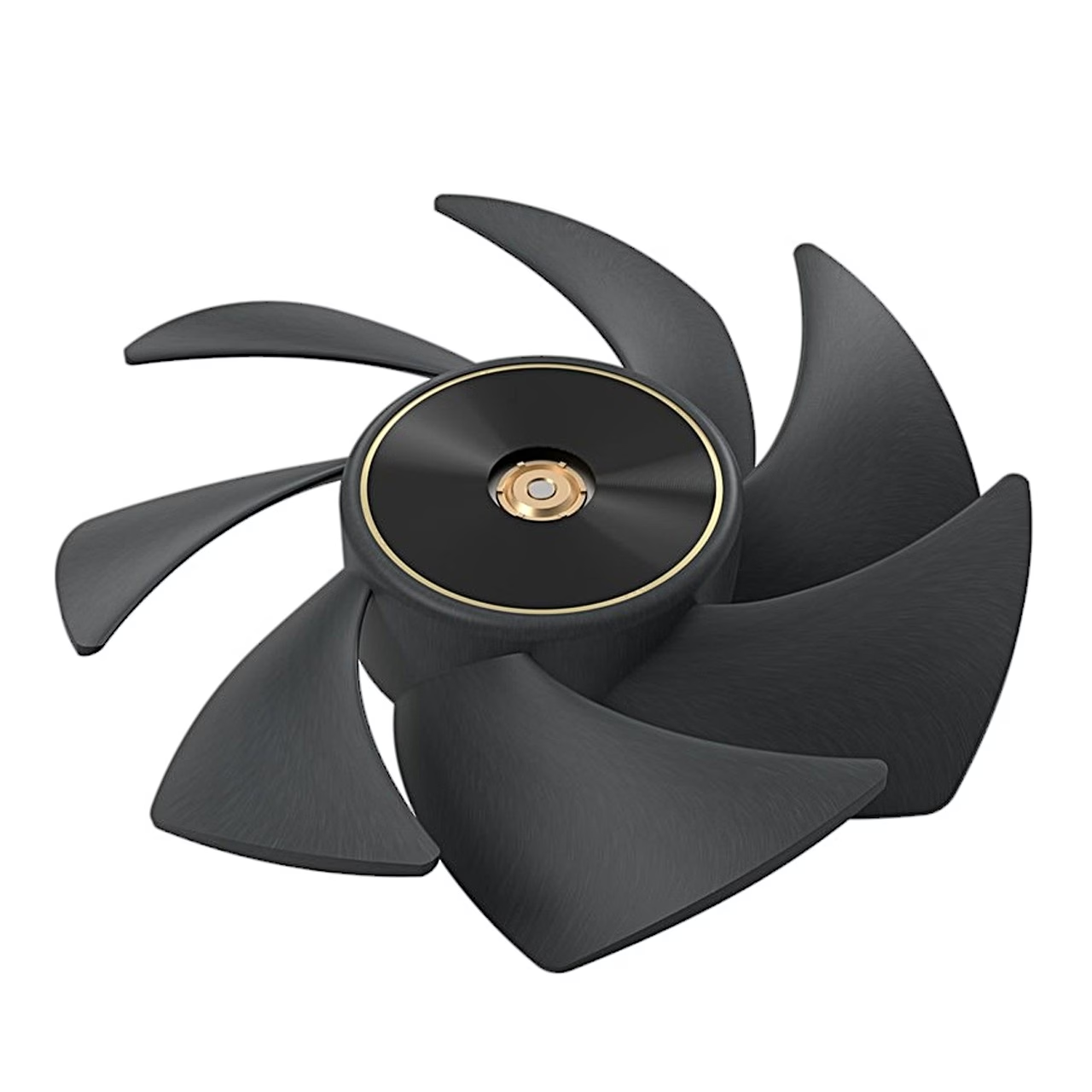
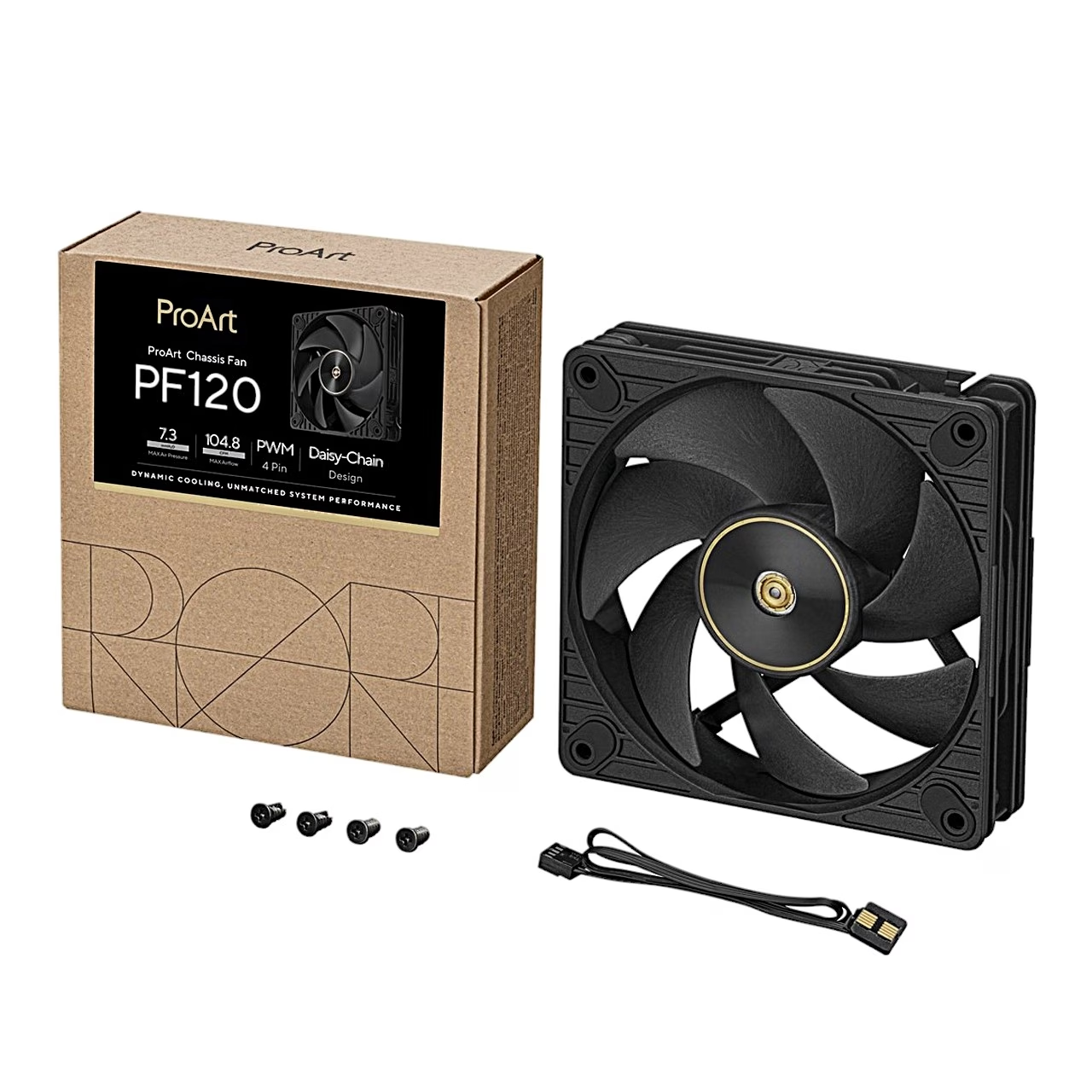
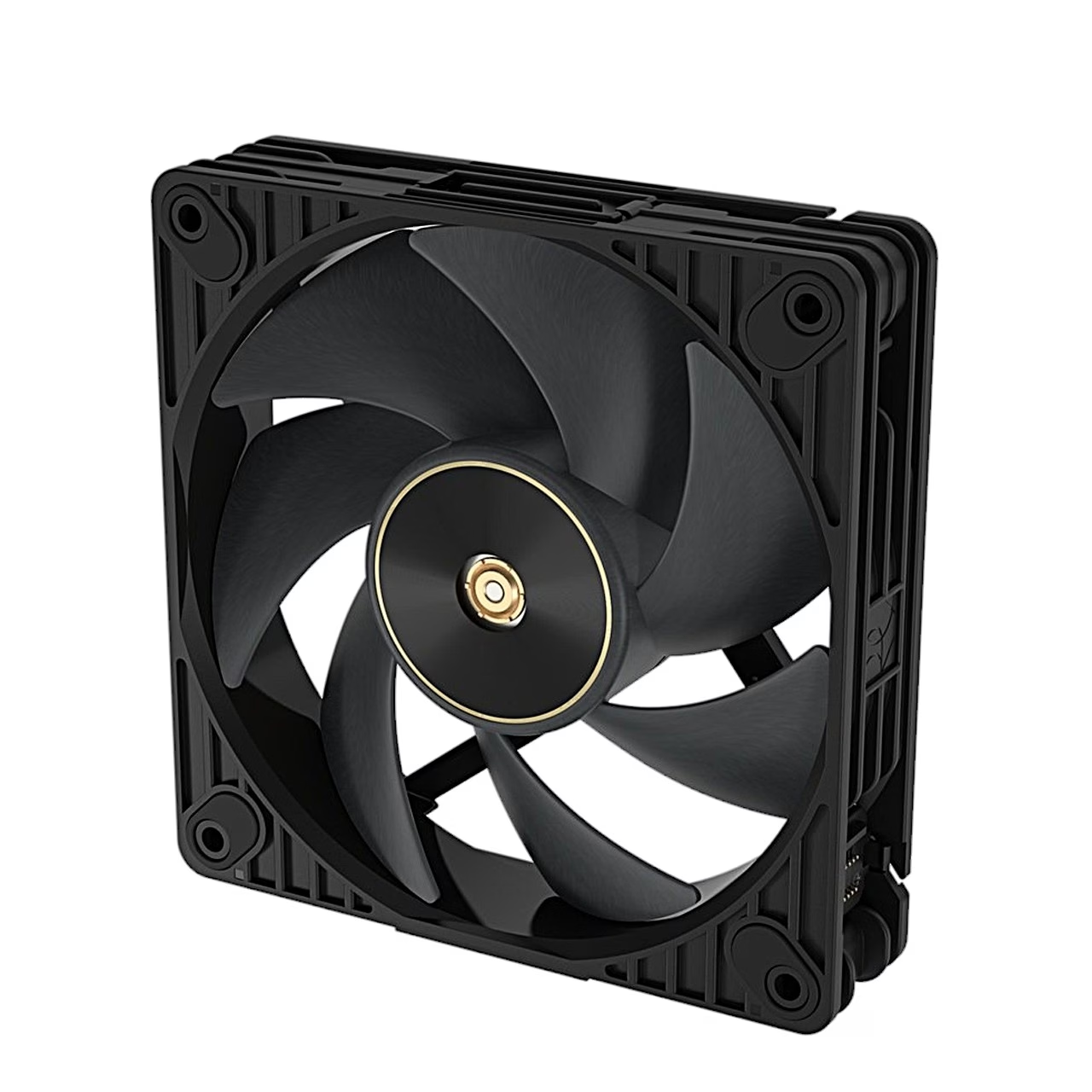
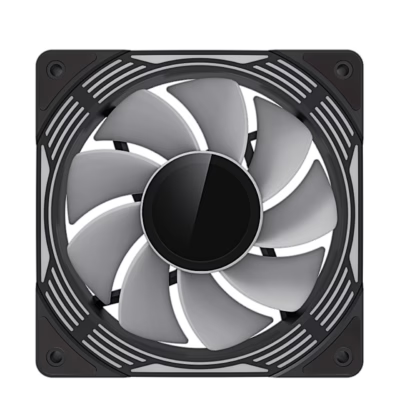
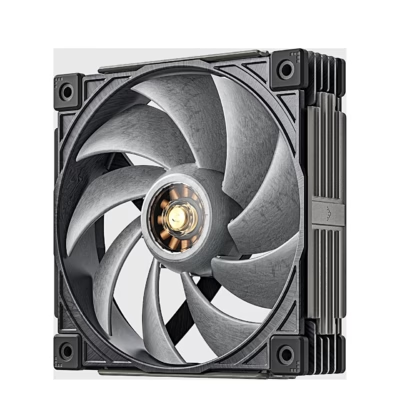
The PWM-controlled case fan ProArt PF120 measures 120 × 120 × 28 mm and has an FDB bearing (Fluid Dynamic Bearing). Depending on speed, airflow is 47.4–104.8 CFM and static pressure up to 7.3 mmH2O, 1.5 mmH2O at the lowest speed. The fan has no lighting.
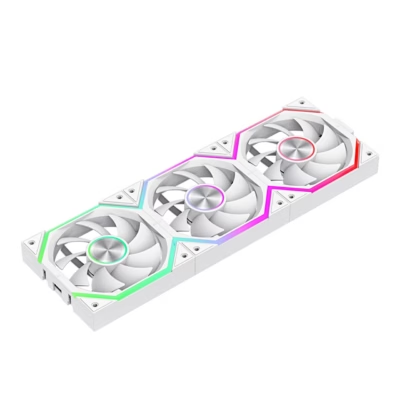
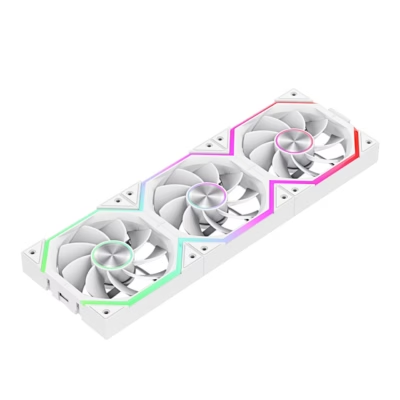
The fan cable plugs into a socket in the frame, and the frames of several PF120 fans can be joined together at their edges.
Installation
- When installing several fans side by side, join their frames at the edges.
- Plug the fan cable into the socket in the fan frame.
- Fix the fan to the case with screws so that it blows air either into or out of the case, and install all fans in the same orientation.
- Connect the other end of the cable to a motherboard fan header, through which the motherboard controls the speed by PWM signal.
The controller module comes only with the three-fan pack, so this fan connects by its cable directly to a motherboard fan header.
In the box
- 1 ASUS ProArt PF120 fan
- 4 mounting screws
- 1 fan cable









































Reviews
There are no reviews yet.