
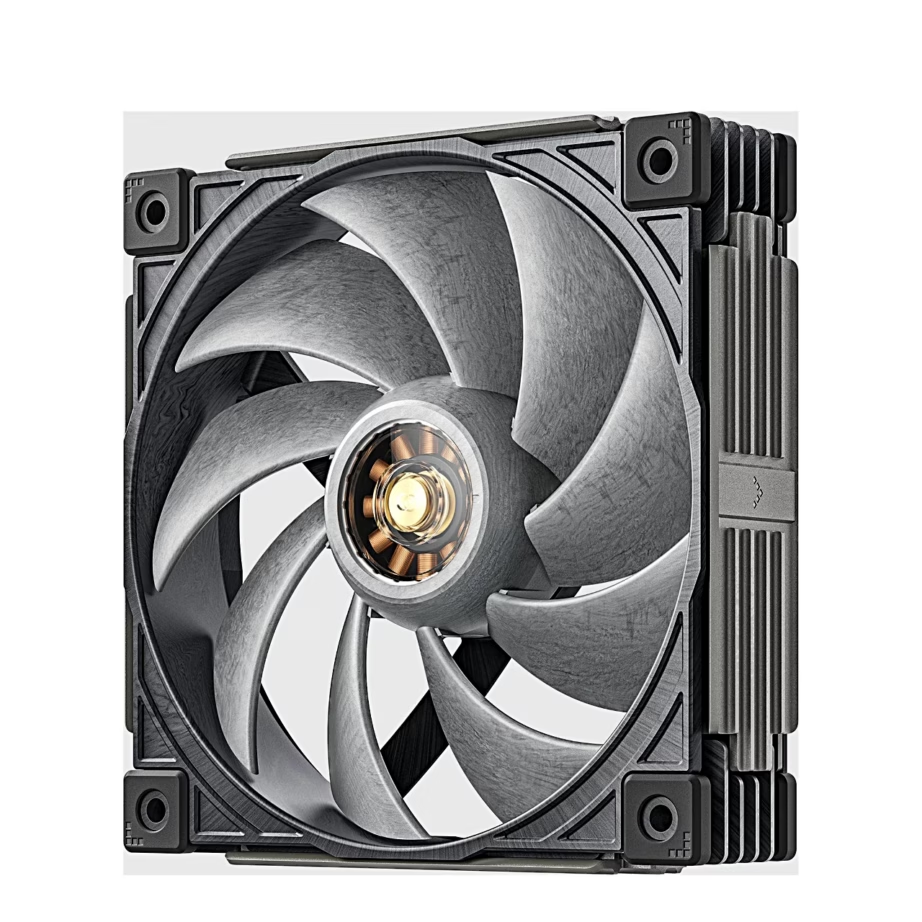
Computer fans
Choosing a computer fan: size, connection and lighting
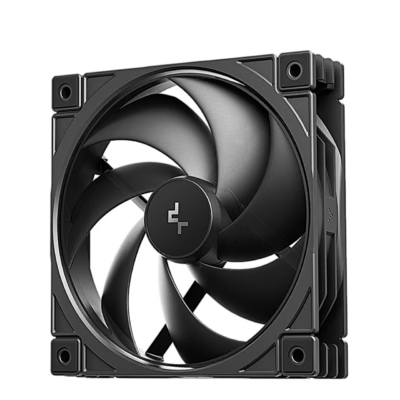
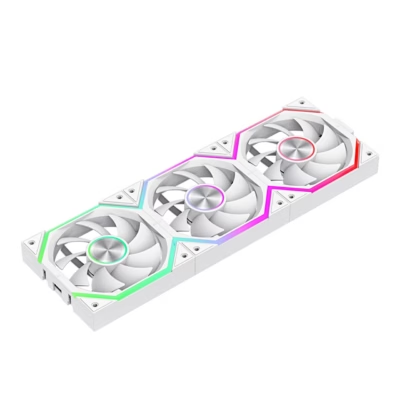
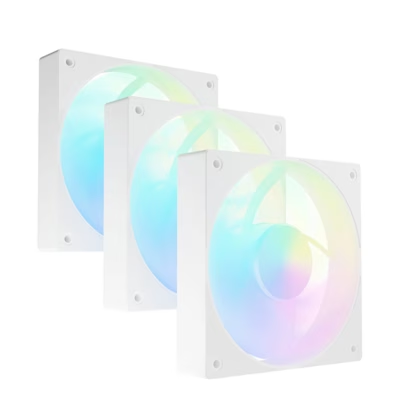
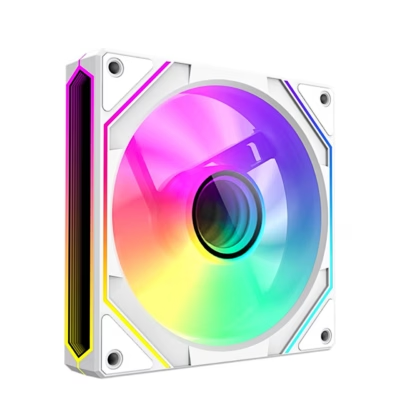
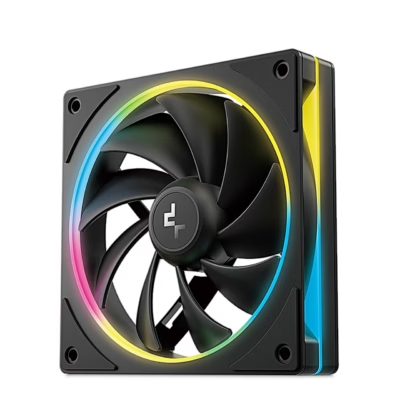
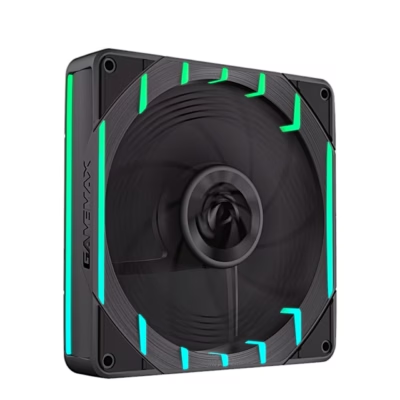
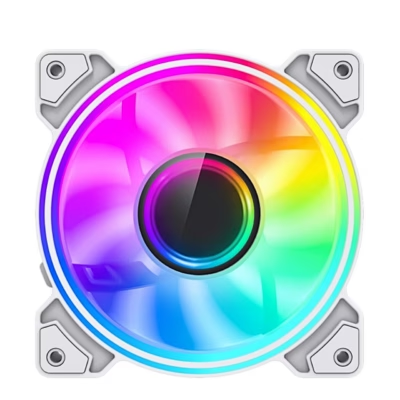
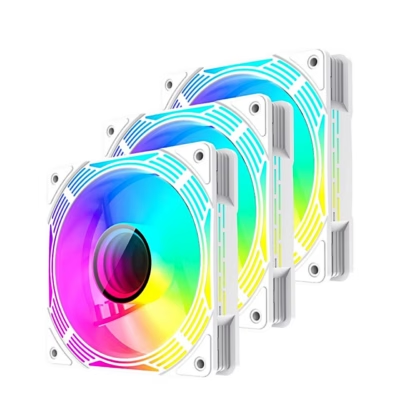
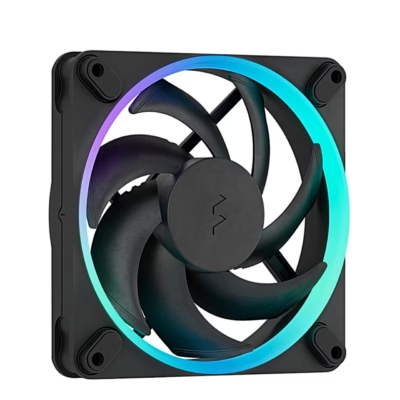
A computer fan, or case fan, brings cool air into the case and removes heat, so the processor and graphics card run cooler and quieter. The range includes fans from Darkflash, ASUS, DEEPCOOL and SAVIO, most with ARGB lighting, in black and white. The purchase is decided by the size, which must fit the case’s mounting holes, and by the connector on the motherboard.
Fan size: 120 mm or 140 mm
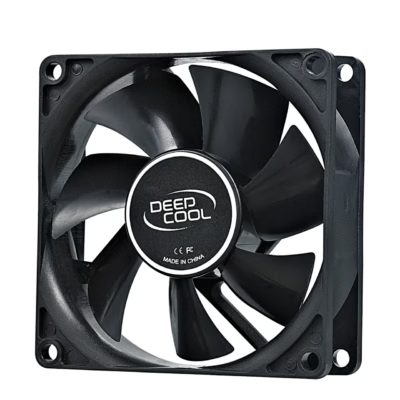
The most common sizes are 120 mm and 140 mm, and in smaller cases 80 mm and 92 mm. The size is the length of the frame side. The mounting hole spacing is 105 mm on a 120 mm fan and 124.5 mm on a 140 mm fan. The case manual shows how many fans of which size fit the front panel, the top and the rear wall. A 140 mm fan moves the same amount of air at a lower rotation speed, so it is quieter.
Connection: 3-pin or 4-pin PWM
The motherboard controls the speed of a 4-pin PWM fan according to temperature, so the computer is quiet when idle. The speed of a 3-pin fan is changed through voltage, and it also works in a 4-pin socket. To connect several fans to one motherboard socket, use a hub or a Y-cable, which you can find under Accessories for computer cooling.
Lighting: ARGB or RGB
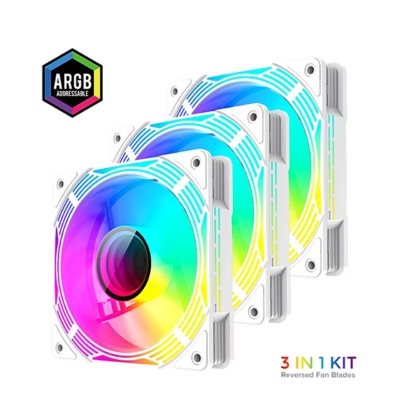
Each LED of an ARGB fan changes colour separately, and it connects to the 3-pin 5 V ARGB socket on the motherboard. An RGB fan shows one colour at a time and uses the 4-pin 12 V RGB socket. An ARGB fan must only go to a 5 V socket, because 12 V voltage damages its LEDs. If the motherboard has no lighting socket, the lighting is controlled by the included controller or remote.
Quantity in the pack and installation
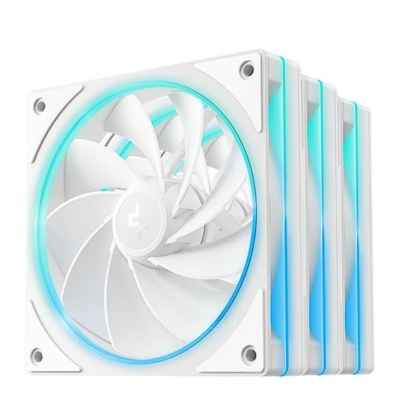
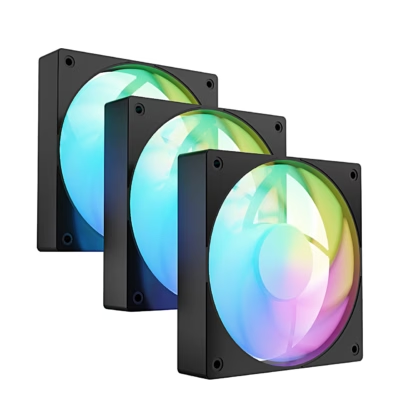
To upgrade the cooling of a case, a three-pack of matching fans is suitable, often with a shared hub. Front and bottom fans usually draw air in, and rear and top fans blow it out. The direction of the air is shown by the arrow on the side of the frame.
Frequently asked questions
There are two arrows on the side of the frame: one shows the direction the blades rotate, the other the direction the air moves. If there is no arrow, the air moves towards the side with the motor support struts.
Yes, a 3-pin connector fits a 4-pin socket and the fan works. The motherboard then controls the speed through voltage, if the socket mode is set to DC in the BIOS.
The most frequent cause is dust on the blades and the cooling fins, which raises the temperature and forces the fan to spin faster. Clean the fans with compressed air or a brush, and check the speed curve in the BIOS or the motherboard software. If the noise comes from the bearing, it is time to replace the fan.
Switch off the computer and unplug the power cable, disconnect the old fan’s plug from the motherboard and unscrew four screws. A new fan of the same size fastens to the same holes; just check the direction of the air.
Yes, if the size matches the radiator’s mounting holes. A high static pressure fan suits a radiator and cooling fins, and a high airflow fan suits an open front panel. You can find radiator coolers under Processor water cooling.
-
34,99 €
- Fan size
- 120 mm
- Quantity per pack
- 1 pcs
- Colour
- Grey
-
86,99 €
- Fan size
- 120 mm
- Quantity per pack
- 3 pcs
- Colour
- Grey
-
43,99 €
- Fan size
- 120 mm
- Quantity per pack
- 3 pcs
- Lighting colour
- ARGB
- Colour
- White
-
4,99 €
- Fan size
- 120 mm
- Quantity per pack
- 1 pcs
- Colour
- Black
-
45,99 €
- Fan size
- 120 mm
- Quantity per pack
- 3 pcs
- Lighting colour
- ARGB
- Colour
- Black
-
39,99 €
- Fan size
- 140 mm
- Quantity per pack
- 1 pcs
- Colour
- Grey
-
33,99 €
- Fan size
- 120 mm
- Quantity per pack
- 1 pcs
- Lighting colour
- ARGB
- Colour
- White
-
11,99 €
- Fan size
- 120 mm
- Quantity per pack
- 1 pcs
- Lighting colour
- ARGB
- Colour
- Black
-
11,99 €
- Fan size
- 120 mm
- Quantity per pack
- 1 pcs
- Lighting colour
- ARGB
- Colour
- White
-
9,99 €
- Fan size
- 120 mm
- Quantity per pack
- 1 pcs
- Lighting colour
- ARGB
- Colour
- White
-
11,99 €
- Fan size
- 120 mm
- Quantity per pack
- 1 pcs
- Lighting colour
- ARGB
- Colour
- White
-
12,99 €
- Fan size
- 120 mm
- Quantity per pack
- 1 pcs
- Colour
- Black
-
33,99 €
- Fan size
- 120 mm
- Quantity per pack
- 1 pcs
- Lighting colour
- ARGB
- Colour
- White
-
23,99 €
- Fan size
- 120 mm
- Quantity per pack
- 3 pcs
- Lighting colour
- ARGB
- Colour
- White
-
32,99 €
- Fan size
- 120 mm
- Quantity per pack
- 3 pcs
- Lighting colour
- ARGB
- Colour
- White
-
16,99 €
- Fan size
- 120 mm
- Quantity per pack
- 1 pcs
- Lighting colour
- ARGB
- Colour
- White
-
13,99 €
- Fan size
- 120 mm
- Quantity per pack
- 1 pcs
- Lighting colour
- ARGB
- Colour
- Black
-
11,99 €
- Fan size
- 120 mm
- Quantity per pack
- 1 pcs
- Lighting colour
- ARGB
- Colour
- Black
-
15,99 €
- Fan size
- 120 mm
- Quantity per pack
- 1 pcs
- Lighting colour
- ARGB
- Colour
- White
-
38,99 €
- Fan size
- 120 mm
- Quantity per pack
- 3 pcs
- Lighting colour
- ARGB
- Colour
- White
-
3,99 €
- Fan size
- 80 mm
- Quantity per pack
- 1 pcs
- Colour
- Black
-
77,99 €
- Fan size
- 120 mm
- Quantity per pack
- 3 pcs
- Lighting colour
- ARGB
- Colour
- Black
-
31,99 €
- Fan size
- 120 mm
- Quantity per pack
- 3 pcs
- Lighting colour
- ARGB
- Colour
- White
-
23,99 €
- Fan size
- 120 mm
- Quantity per pack
- 3 pcs
- Lighting colour
- ARGB
- Colour
- Black
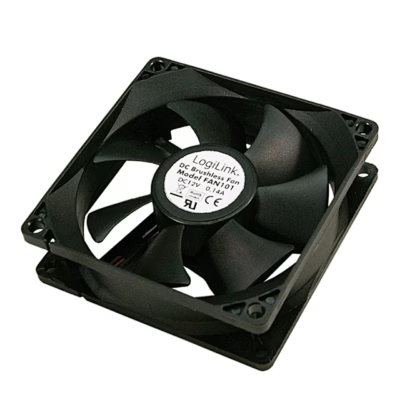
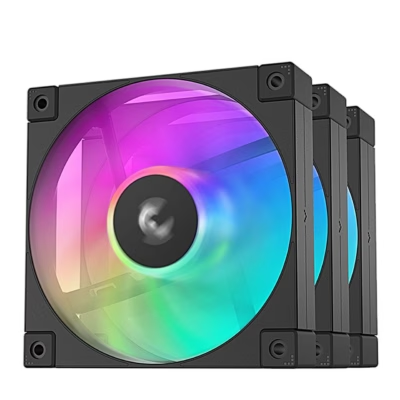
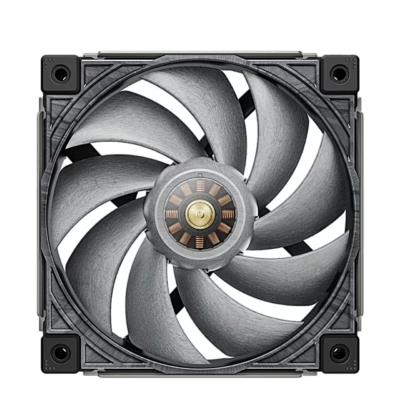
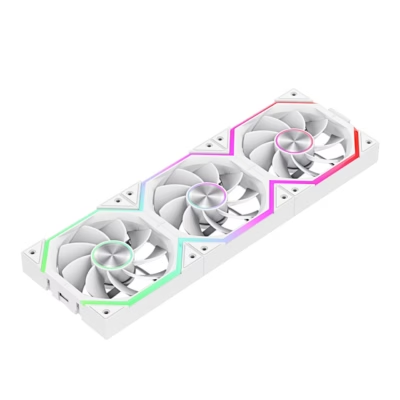
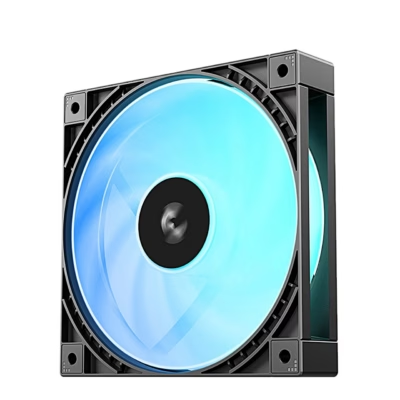
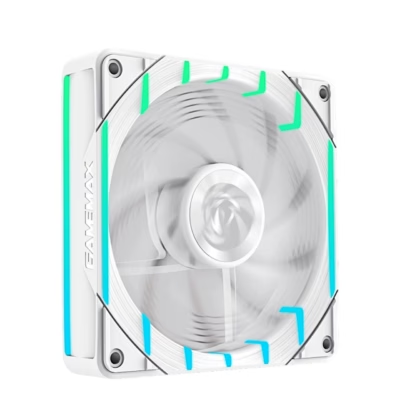
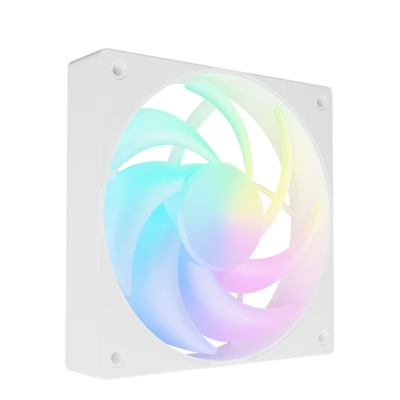
All products shown.
Popular right now
-
Original price was: 4,95 €.4,20 €Current price is: 4,20 €.
- Colour
- Black



































