

Description
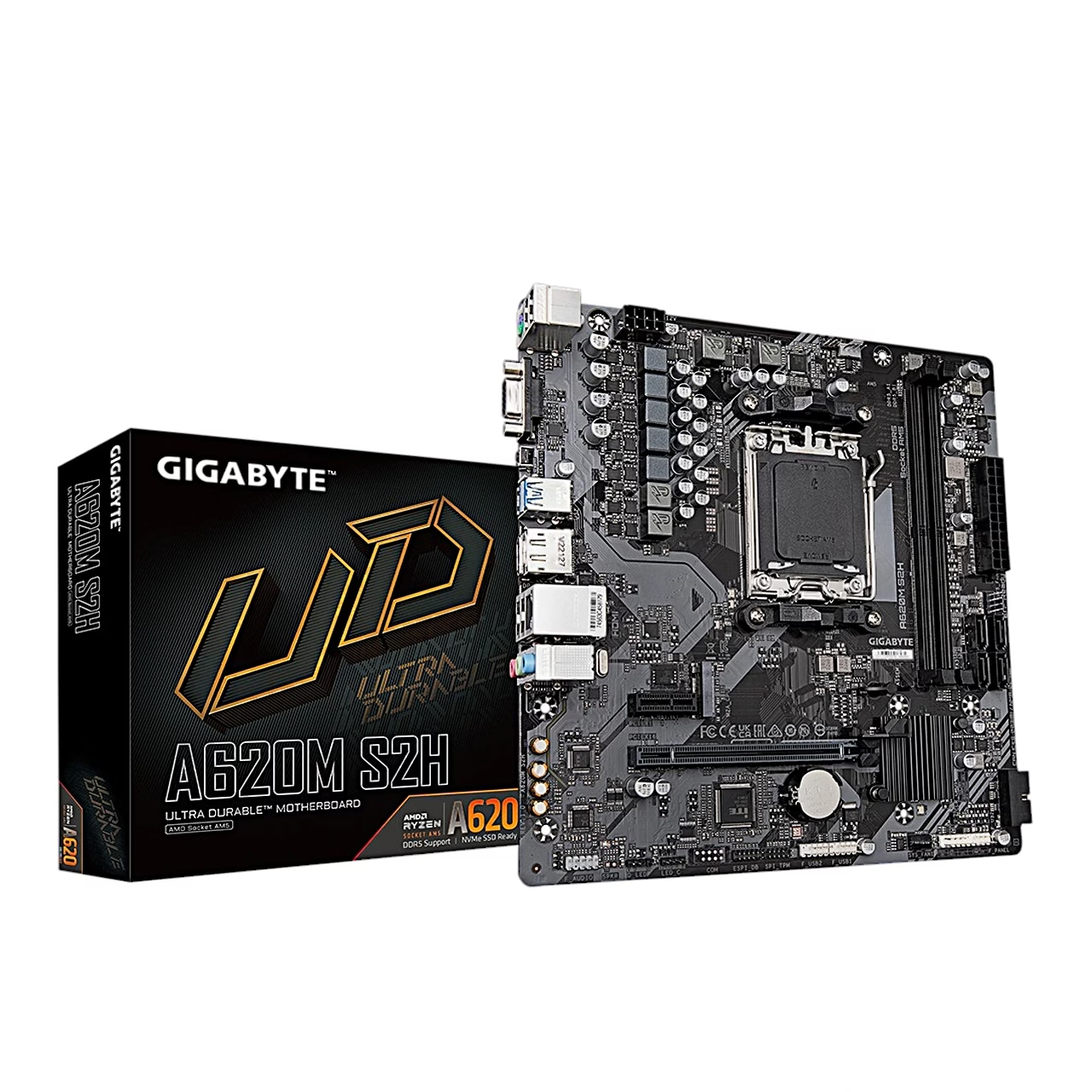
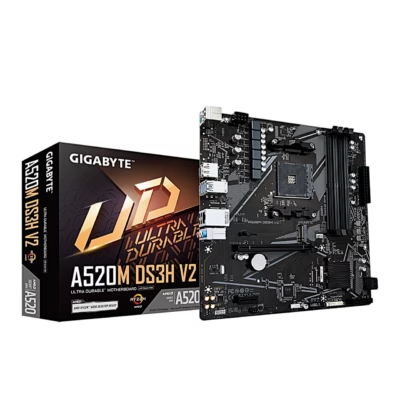
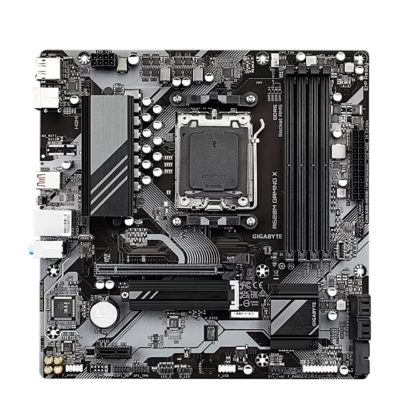
Motherboard for AM5 processors and DDR5 memory
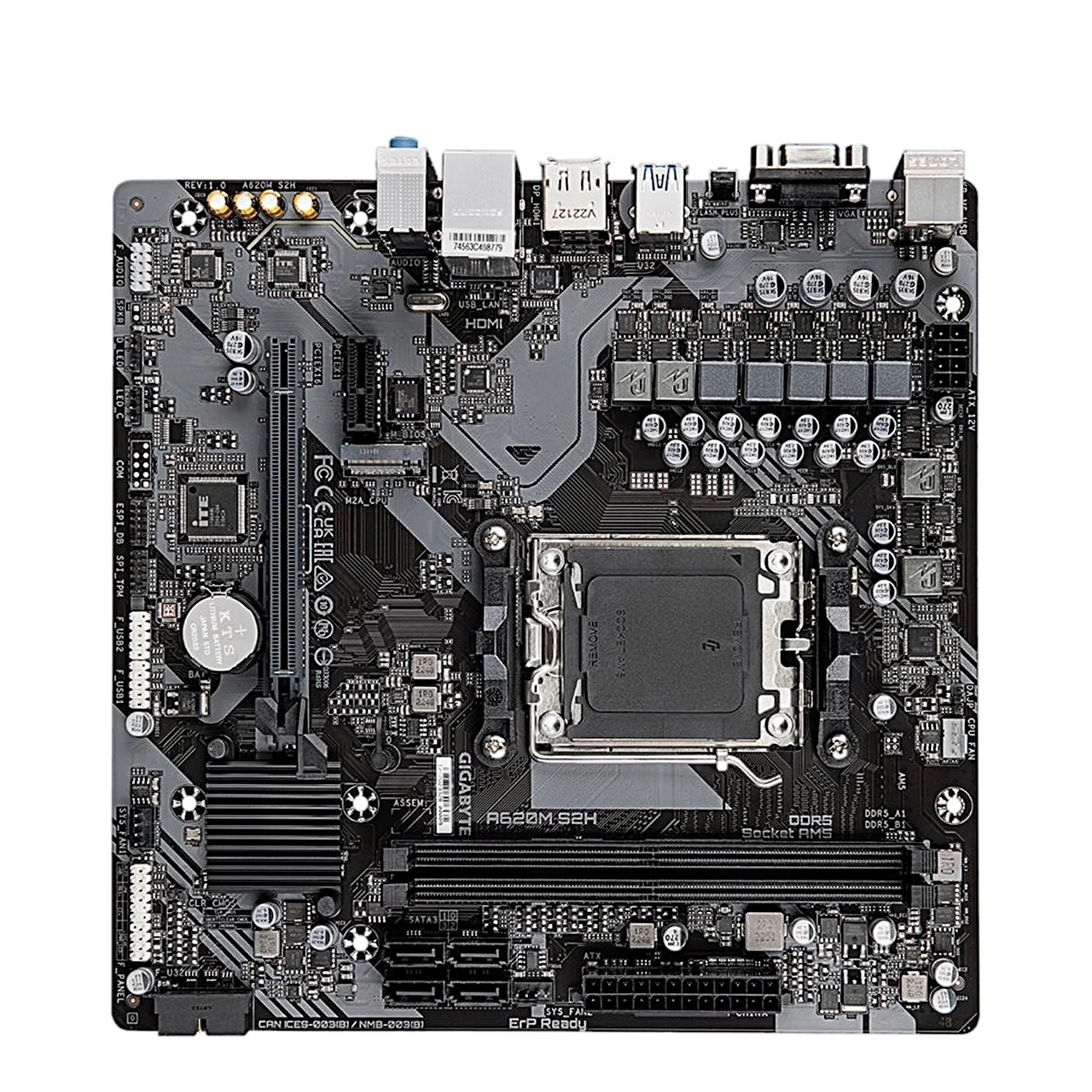
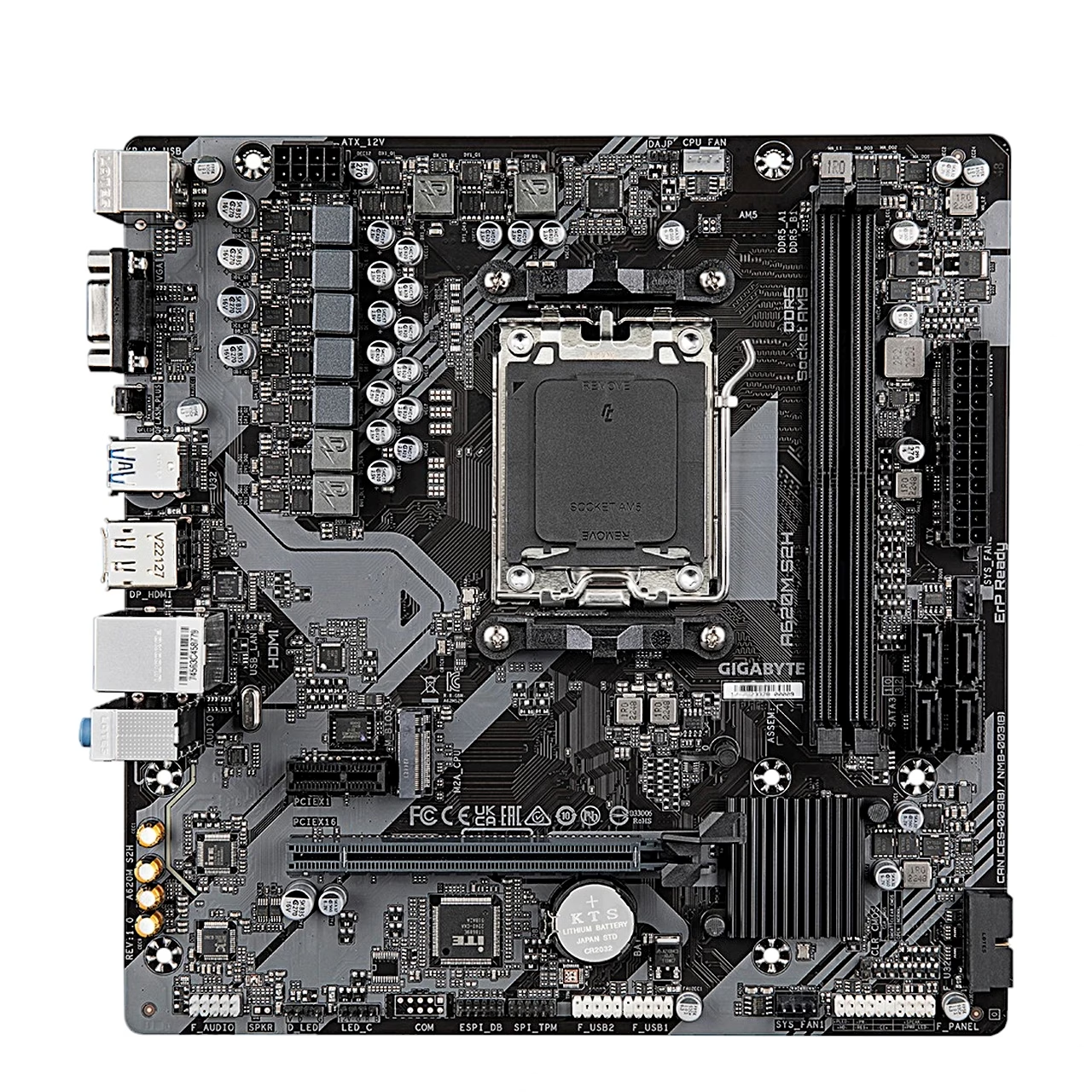
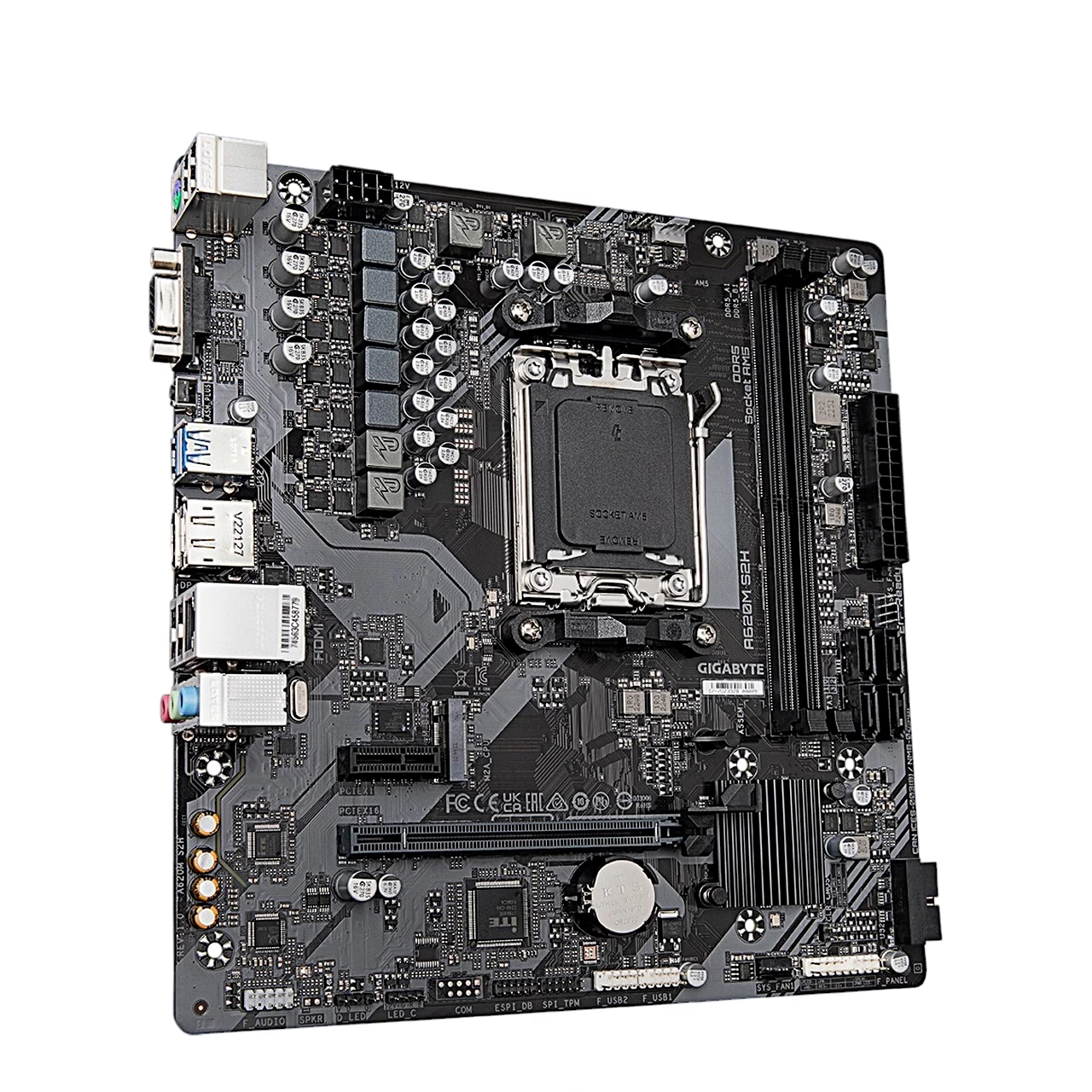
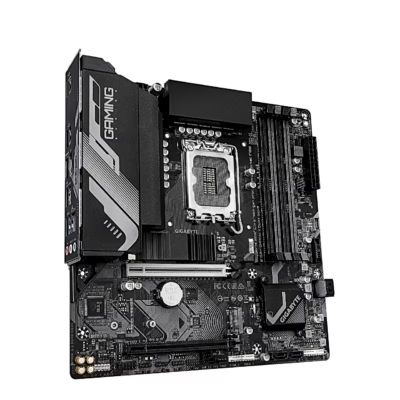
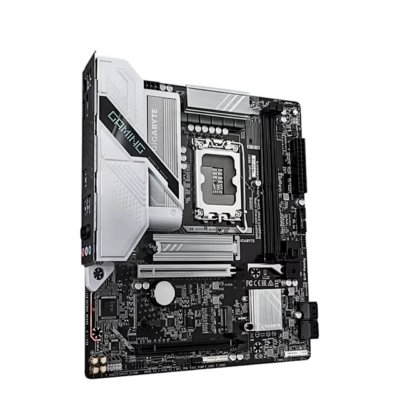
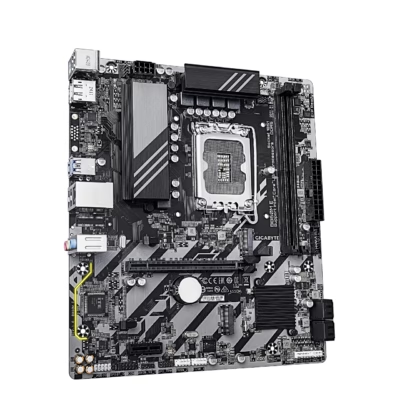
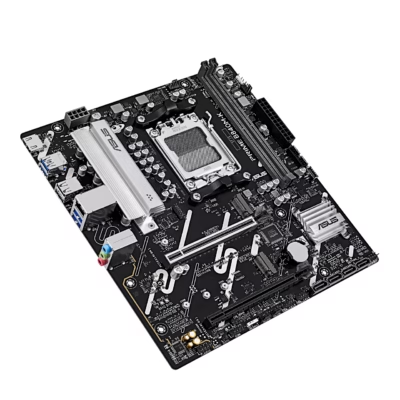
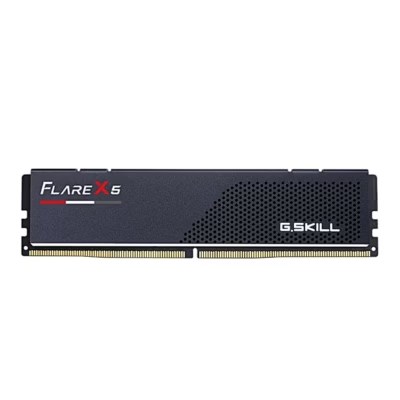
This micro ATX motherboard for socket AM5 uses the AMD A620 chipset and measures 23.0 × 22.5 cm, fitting cases that support the micro ATX form factor. Its two DDR5 slots take up to 128 GB of memory, running in dual-channel mode at up to 5200 MT/s. The board supports memory modules with AMD EXPO and XMP profiles.
Expansion slots and storage
A PCIe x16 slot for the graphics card runs in PCIe 4.0 x16 mode with Ryzen 9000 and 7000 series processors, and a PCIe 3.0 x1 slot takes an add-in card. The M.2 slot takes a 2280 or 2580 PCIe SSD, using a PCIe 4.0 x4 link with Ryzen 9000 and 7000 series processors. Drives on the SATA 6 Gb/s ports and NVMe SSDs can be set up as RAID 0, RAID 1 or RAID 10.
Display outputs, network and ports
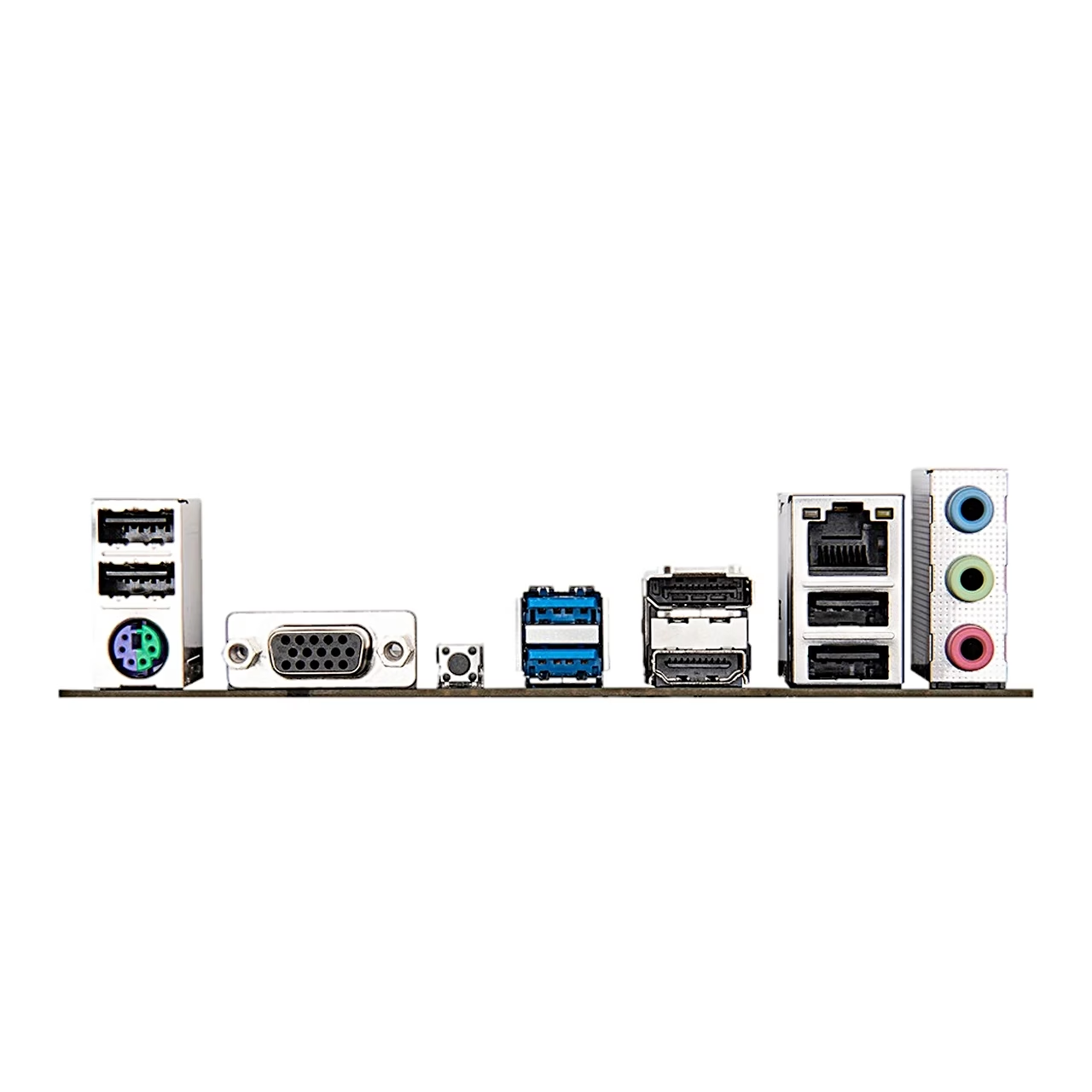
With the processor’s integrated graphics up to three displays can be used at once: DisplayPort 1.4 up to 3840 × 2160 at 144 Hz, HDMI 2.1 up to 4096 × 2160 at 60 Hz and D-Sub up to 1920 × 1200 at 60 Hz. The rear panel has four USB 2.0 and two USB 3.2 Gen 1 ports, a PS/2 port, a 1 Gbit/s RJ-45 network port and three audio jacks; the Realtek audio chip supports up to 7.1-channel sound. For the case and cooling the board has three 4-pin fan headers, two ARGB Gen2 and one RGB LED strip header, plus one USB 3.2 Gen 1 and two USB 2.0 front panel headers.
Installation
Place the processor in the socket with its triangle marking aligned to the socket’s corner marking, then close the load plate and lock the lever; the protective cover pops off by itself. With one memory module, install it in the DDR5_A slot; dual-channel mode needs two modules. Slide the M.2 SSD into the slot at an angle, press it down and secure it with the clip.
BIOS and drivers
The Delete key opens BIOS Setup at start-up and F12 opens the boot menu. The Q-Flash Plus button updates the BIOS with the computer switched off: save the BIOS file to a USB flash drive, insert it into the Q-Flash Plus port and press the button. After installing Windows 11 or Windows 10 64-bit, GIGABYTE Control Center offers the drivers and applications for download.
In the box
- Gigabyte A620M S2H motherboard
- User’s manual
- I/O shield
- 2 SATA cables







































Reviews
There are no reviews yet.